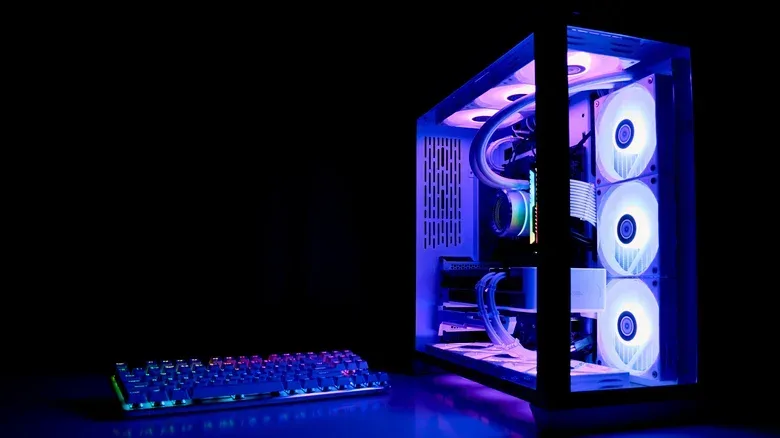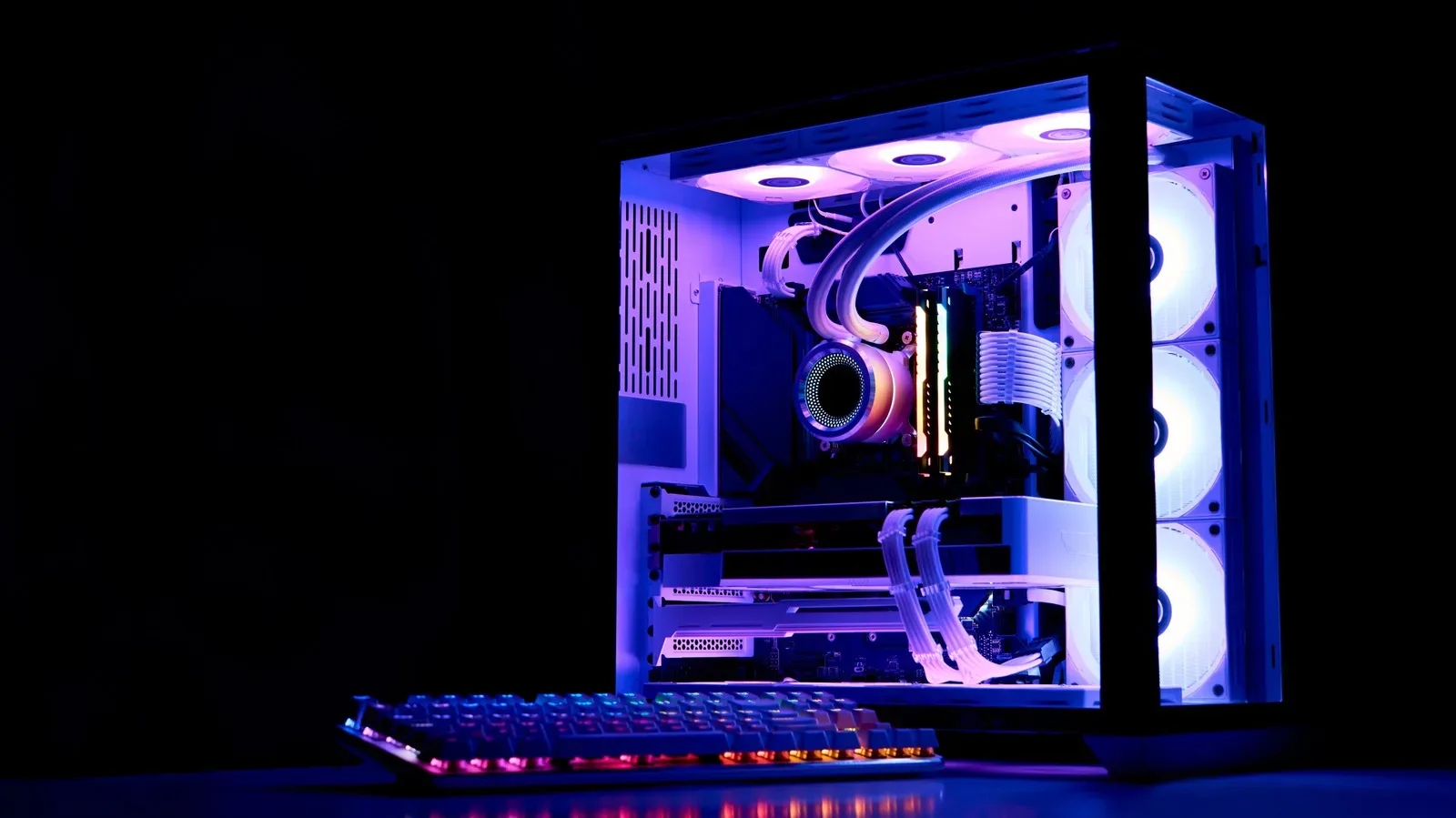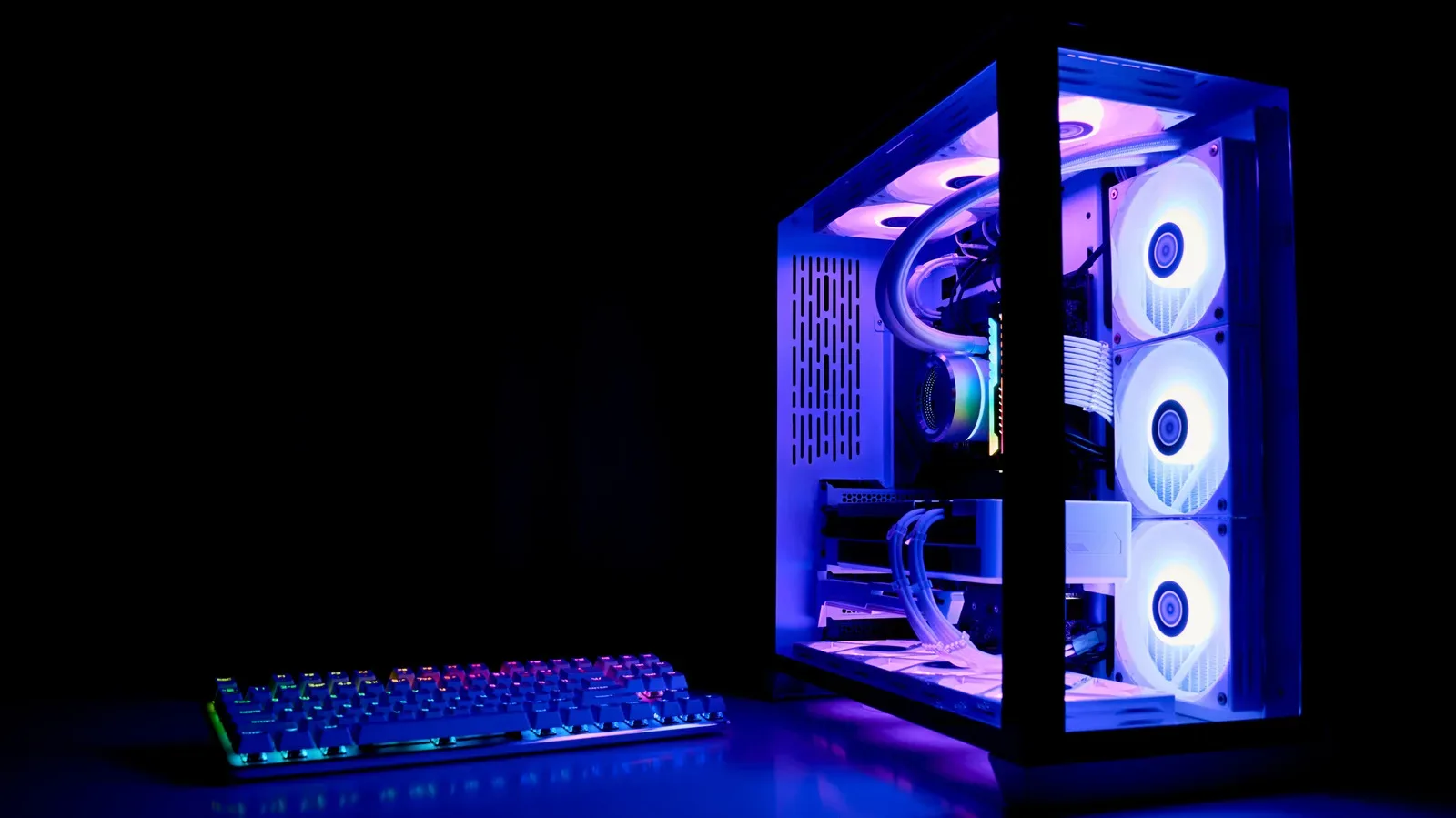
A gaming PC tower has an unfortunate talent for becoming furniture. It begins as the centrepiece of a fresh setup, all clean panels and carefully routed cables. Then desk space runs out, the case moves beneath the desk, and eventually it becomes a black box that gets attention only when a USB cable needs changing or the power button has to be found.
That placement is understandable, especially with large towers and limited room. It is not automatically disastrous, either. But placing a PC directly on the floor—particularly on carpet—creates a tougher environment for the system’s cooling. Floors gather dust, carpet fibres, pet hair, pollen and other debris. A case’s intake fans are designed to draw air through the PC; located down at floor level, they can also draw in much more of that debris.
For PC gamers, the consequences can be surprisingly visible. A system that starts a session quietly may grow louder as fans compensate for heat. A demanding game may begin to stutter when hardware reduces its operating speed to stay within safe temperatures. The giant dust bunny beneath the desk is not merely an aesthetic insult. It can become part of the cooling equation.
The good news is that a floor-bound tower does not need to be doomed. A few decisions about height, surrounding space and maintenance can make an under-desk installation much more sensible—and help protect components that are costly to replace.
Why floor level makes dust a gaming problem
Dust settles at ground level. So do carpet fibres, loose hair, skin cells and pollen. That matters because PC cases rely on a constant path of moving air: cool air enters through intake vents, travels across components, and warmer air leaves through exhaust vents. When a tower sits directly on the floor, its intake fans are positioned in the part of the room where much of that loose debris accumulates.
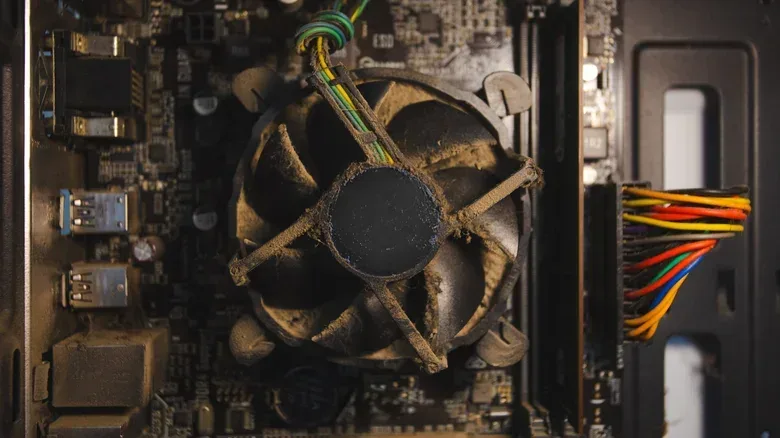
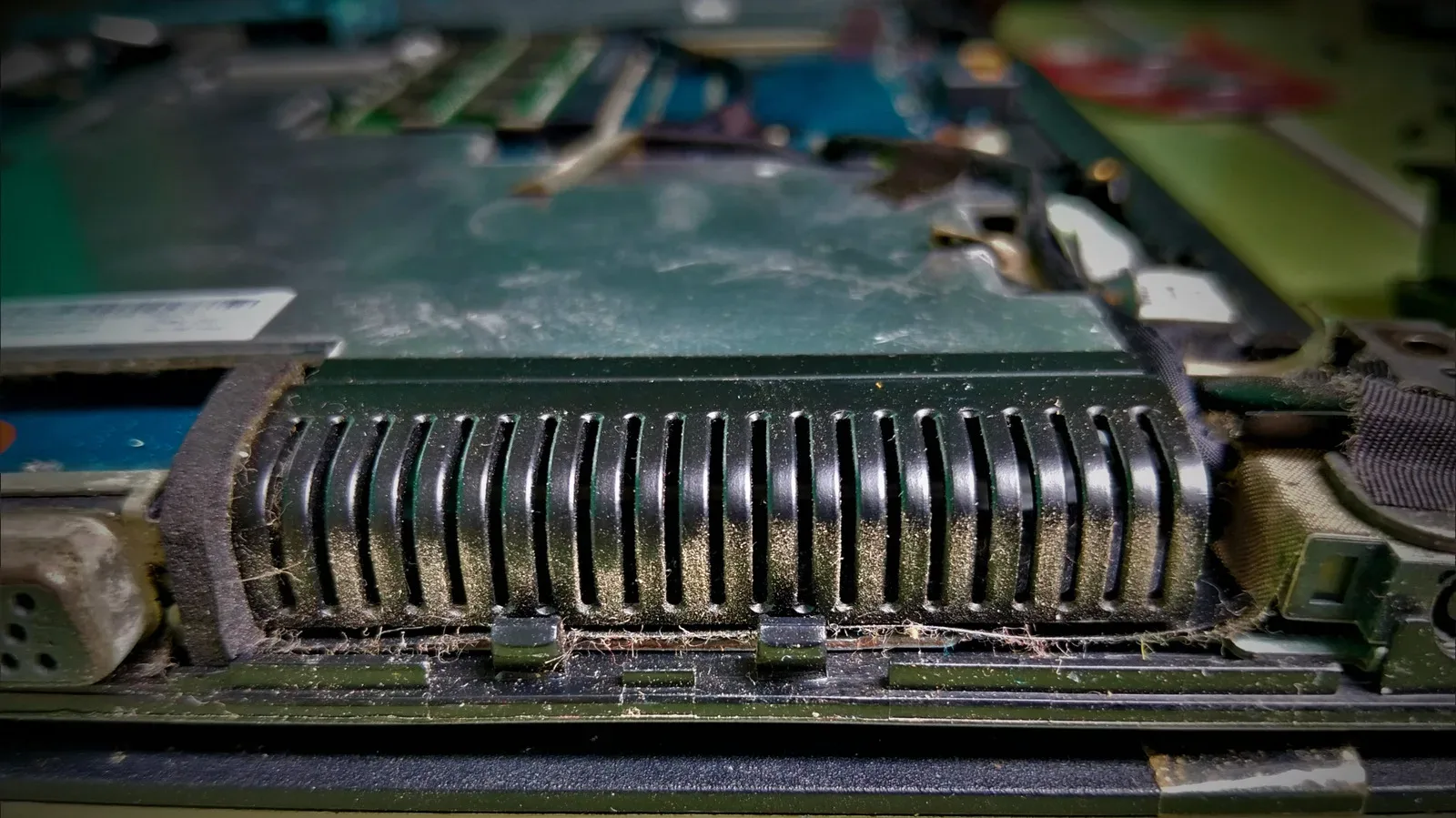
Not every case places its intakes in exactly the same location, but the broad issue remains the same: the PC is taking in room air from a dustier zone. Over time, material can collect on filters, fan blades, heatsinks and interior surfaces. A filter is meant to catch debris, but a loaded filter still needs attention. A heatsink works by exposing a large surface area to airflow so heat can be carried away. Dust coating that surface works against the process.
There is a compounding effect. As buildup reduces airflow, fans may have to work harder to sustain normal temperatures. Harder-working fans are easier to hear, so an otherwise quiet gaming session can acquire an unwanted background whirr. Restricted airflow also means warm air is less effectively moved through and out of the case.
That is where thermal throttling enters the picture. Thermal throttling is a protective response in which a system reduces clock speeds when temperatures climb too high. Clock speed, in simple terms, is the rate at which a component carries out work. Reducing it helps prevent damage from excessive heat, but it can also mean less performance at the moment a game needs it. The practical result can be slowing or stuttering during demanding play rather than a dramatic warning that the tower needs cleaning.
It is worth separating two ideas that are often blurred together. Putting a PC on the floor does not itself guarantee immediate overheating, and a single dusty day does not spell hardware failure. The concern is the long-term pattern: more debris reaching the system, airflow becoming less effective, fans compensating more often, and maintenance being postponed because the machine is tucked out of sight.
Airflow needs open paths, not just more fans
Dust is not the only placement problem. A tower can have a clean interior and still struggle if it is pressed tightly against a wall, cabinet or desk support. Intake and exhaust vents need clear routes for air. Blocking either side of that route makes it harder for the case to bring in cooler air and expel warmer air.
Rear exhaust ventilation is particularly easy to compromise in a cramped under-desk arrangement. If the back of the case is almost touching a wall or furniture, warm air has less room to disperse. Keeping several inches of clearance gives those vents a meaningful chance to function as intended.
This is a straightforward setup check:
- Identify where the case draws air in and where it sends air out.
- Make sure those vent areas are not buried against a wall, desk panel or storage box.
- Avoid treating the space around the case as a cable-storage nook.
- Check that moving the tower does not pinch or strain its connections.
The goal is not to create a laboratory-clean gaming station. It is to avoid turning the PC’s immediate surroundings into an airflow trap. An open path around the vents is part of the cooling system, just as surely as the fans inside the tower.
Why carpet and humidity deserve extra caution
Direct carpet placement is especially unfriendly to a tower. Carpet holds fibres and debris close to the case, increasing the cleaning burden. Depending on the design of the tower, the carpet can also interfere with clearance beneath the case where some systems draw air. Elevating the machine helps separate the intake area from the debris that gathers on the floor and avoids leaving the chassis planted in carpet fibres.
Humid areas are another poor fit for a PC. The practical advice is simple: avoid placing the system there. If the only realistic place is beneath a desk, a hard, non-carpeted surface is preferable, with the tower raised off the ground rather than sitting directly on it.
That distinction is important because “not on the floor” does not necessarily mean “on the desktop.” A large tower may be too heavy, too tall or simply too awkward for a desk. A shelf can work. So can a dedicated PC stand or a wheeled cart. The useful feature is elevation: it keeps the system’s intake area away from the floor’s heaviest concentration of debris while still preserving desk space.
A practical under-desk setup that respects the hardware
For players who cannot move their PC onto a desk or shelf, an improved floor-area setup is less about expensive accessories than deliberate positioning. Start with a stand or cart designed to lift the tower. It should support the machine securely and leave its vents unobstructed. Put it on a hard, non-carpeted floor where possible.
Next, establish clearance. Leave several inches between the tower and nearby walls or furniture, especially around rear exhaust vents. This also makes the system easier to inspect and clean, which matters because an inaccessible PC is often a neglected PC.
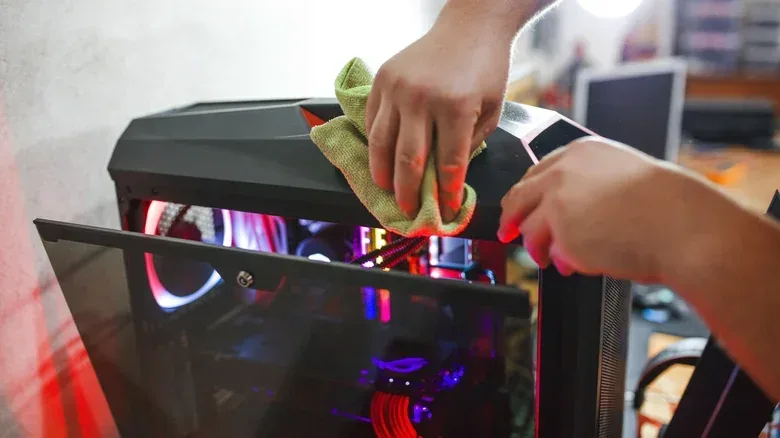
Then make cleaning a recurring task rather than a response to a crisis. Dust the outside of the case regularly. Every few months, open the case for a more thorough cleanup, paying attention to filters and accumulated dust. Compressed air is one suggested tool for shifting debris from internal areas. The work is basic, but it has a direct purpose: maintaining the airflow the case needs to cool its components.
- Raise the tower: Use a dedicated stand, shelf or wheeled cart rather than leaving it flat on the floor.
- Choose the right surface: Prefer a hard, non-carpeted floor; avoid humid locations.
- Leave breathing room: Keep several inches between the PC and walls or furniture.
- Maintain filters and the interior: Clean the case exterior often, then periodically clean filters and interior dust with compressed air.
- Listen for changes: Fans becoming unusually loud can be a useful prompt to inspect airflow and dust buildup.
Performance, longevity and the cost of neglect
The strongest reason to care about placement is not tidiness. It is the interaction between cooling and the PC’s useful life. Persistent high temperatures can accelerate wear on capacitors and contribute to thermal paste breaking down sooner. Thermal paste is the material used to help transfer heat where close contact is needed; as it degrades, heat management can become less effective.
That does not mean every warm computer will suddenly fail, or that a stand can guarantee a particular lifespan. It means preventing avoidable heat and airflow problems is a reasonable form of hardware care. A system expected to remain useful for years has a better chance when its cooling is not constantly fighting dust and blocked vents.
It is also an issue of consistency. Gaming problems tied to temperature may appear only after a system has been running for a while, which can make them easy to misread. A game may seem fine at launch but become less smooth as the hardware heats up. When thermal throttling lowers clock speeds to protect components, the player experiences the cost as diminished performance at an inconvenient time.
Before blaming a game, a graphics card or a mysterious Windows gremlin, it is worth looking at the physical environment around the tower. Placement is not always the answer, but it is among the simplest factors to assess. Basic shutdown habits matter too; for related advice, see why PC gamers should think twice before holding down the power button.
The sensible rule for small gaming spaces
The ideal location is a desk or shelf with clear ventilation, but real rooms rarely arrange themselves around a PC case. An under-desk setup can be perfectly workable when it is treated as an active part of the system rather than a hidden corner.
Keep the tower elevated, keep it away from carpet and humidity, leave clear space around its vents, and clean it on a routine schedule. Those steps address the two issues floor placement most often worsens: dust intake and restricted airflow. They will not make a PC maintenance-free, but they can prevent convenience from quietly becoming thermal trouble.
A gaming tower does not need to be displayed like a trophy. It just needs enough height, enough air and enough occasional attention that its fans are cooling components—not attempting to excavate the underside of the desk.