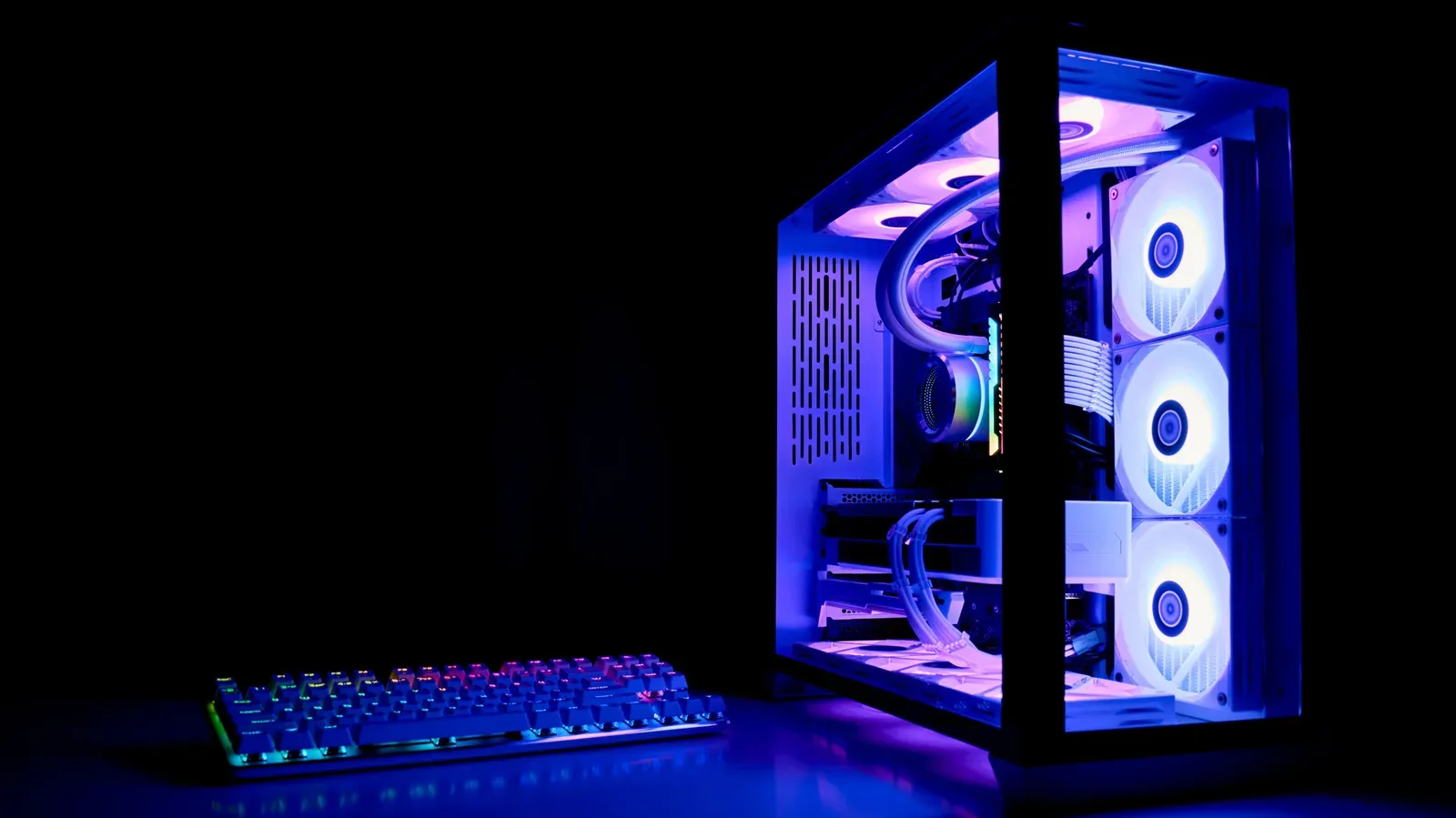
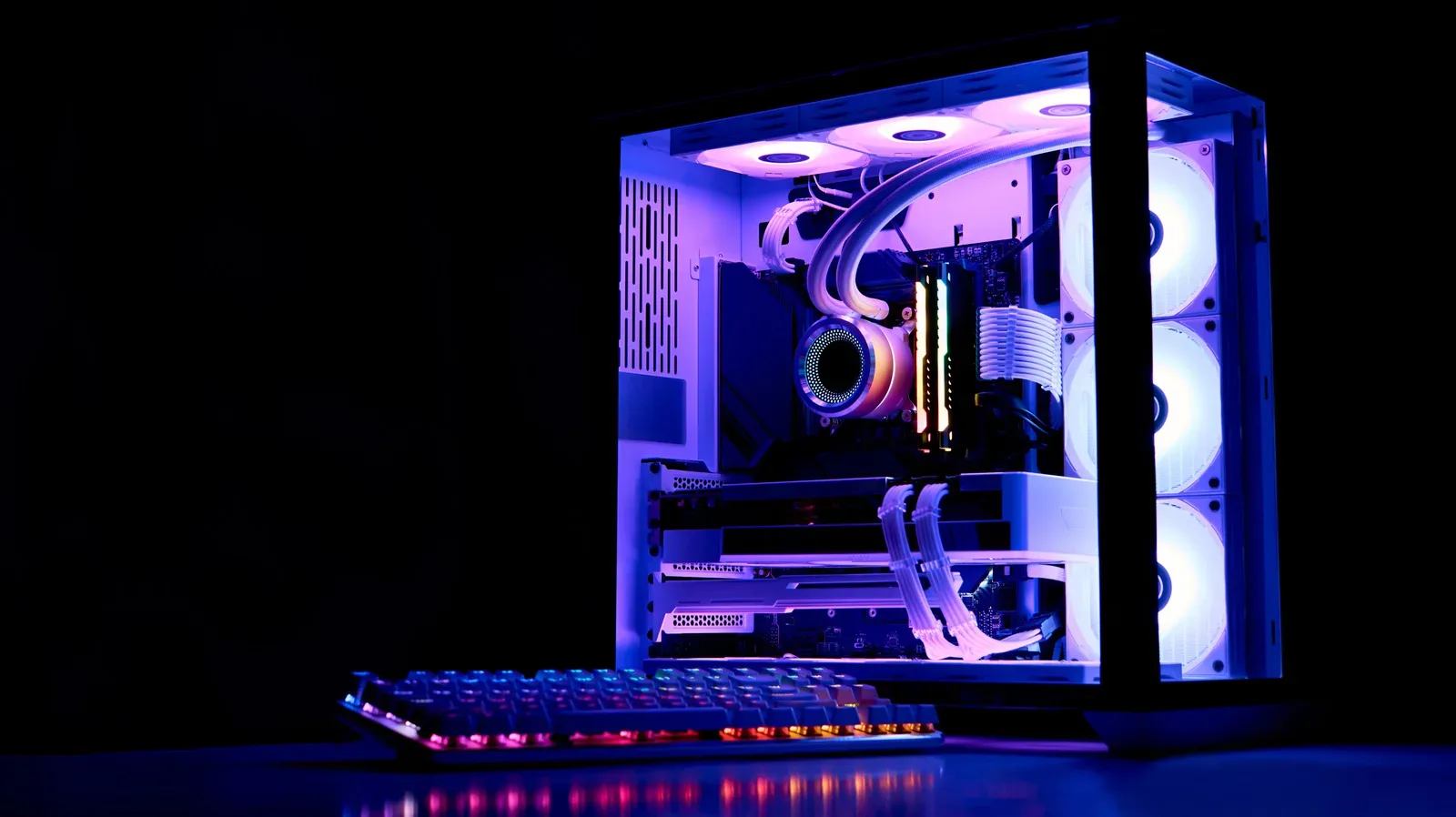
Liquid cooling can move heat away from demanding PC components effectively, but the loop needs routine attention. The liquid circulating through a custom cooling system is not a permanent fit-and-forget ingredient: its protective and lubricating properties decline with use, and contamination can eventually interfere with flow.
For PC players, that maintenance matters because a cooling loop is part of the machine’s operating foundation. A problem in the tubing, reservoir, water block or pump can turn what should be a quiet, controlled setup into a source of higher temperatures and potentially reduced performance. The practical baseline is straightforward: plan to replace standard coolant at least annually, inspect the loop regularly, and consider a six-month interval when using semi-transparent, pigment-heavy coolant.
The key distinction is that coolant aging is not simply about whether there is still enough liquid in the reservoir. A loop may still look adequately filled while the fluid’s additives have deteriorated or while particles have begun accumulating inside it.
What liquid coolant does inside a PC
In a liquid-cooling loop, fluid is pumped around components that generate heat. It absorbs that heat, carries it to a radiator, and the radiator dissipates it before the liquid continues its circuit. The system commonly includes a pump, reservoir, tubing, water block and radiator; each plays a role in moving or shedding heat.
A water block is the component through which coolant passes while positioned to draw heat away from a hot part. The pump keeps the liquid circulating. The reservoir holds coolant within the loop, while the tubing provides the path between components. If flow is restricted, or if the coolant no longer performs as intended, the loop’s ability to carry heat away can suffer.
That is why a liquid-cooled system merits checks beyond the immediately obvious concern of a leak. Owners should watch for grime, general wear and visible changes in the coolant itself. This is a maintenance task, not merely a cosmetic one—although changes in appearance can be useful early warnings.
Why PC coolant degrades
Evaporation can play a part over time, particularly with softer tubes, but it is not the central reason to schedule a coolant change. The bigger concern is the gradual breakdown of coolant operating under continuous strain.
One important additive is a corrosion inhibitor. Its job is implied by the name: it helps protect the mechanical internals of the cooling setup from corrosion. That compound is consumed over time. Once its protective capacity has been depleted, the remaining fluid can begin to corrode the system’s internal mechanical parts.
Related coverage includes Does PC Coolant Expire? Replacement Timing and Warning Signs.
Coolant also provides lubricating qualities that support the pump motor and other elements in the loop. As those qualities diminish, the system is not being maintained in the same condition as when fresh coolant was installed. In other words, the service interval is about preserving protection and function, not only restoring the fluid level.
There is a second problem to monitor: biological growth and suspended debris. Algae and other particulates can develop over time. Either can contribute to clogs and slower movement through the loop. A clog is especially unwelcome in a cooling system because circulation is fundamental to how heat is moved from the PC component to the radiator.
Colorful coolant may demand more frequent attention
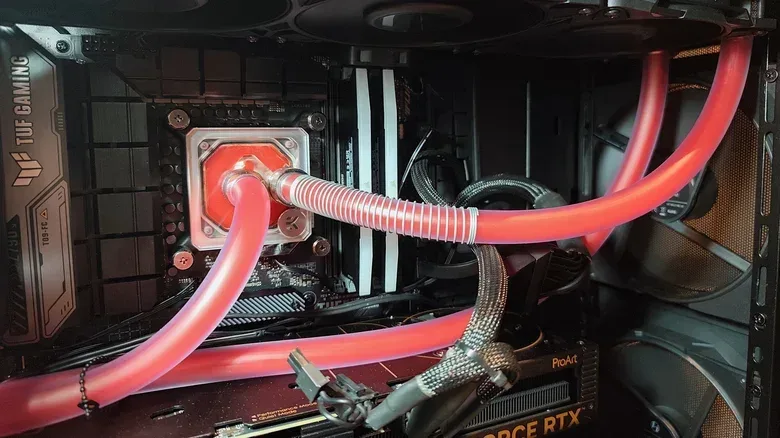
Appearance-focused coolant can make a build look distinctive, but pigment and other aesthetic additives bring an additional maintenance consideration. Semi-transparent coolant should generally be replaced every six months because the extra pigment can make it clog sooner.
This does not mean a decorative loop is automatically failing. It means the owner should use a shorter maintenance schedule rather than treat the fluid like a long-term installation. The more material introduced for color or visual effect, the more important it is to stay alert for cloudiness, residue and particles.
For a less elaborate coolant choice, an annual replacement is a reasonable target. The supplied guidance also notes that changing coolant once a year, and potentially twice, is generally accepted practice. The safest way to interpret that range is to pair a calendar reminder with visual and thermal checks. A date can establish a minimum maintenance rhythm; the system’s actual condition can indicate a need to act earlier.
Warning signs that call for a coolant change
A clean-looking loop is not a guarantee that every additive remains fully effective, which is why routine replacement still matters. But visible symptoms can make the decision more urgent. Check the tubes, reservoir and water block for these changes:
- Murky coolant: A loss of clarity can point to degraded fluid or material suspended in it.
- Haze: Cloudiness in the liquid or visible surfaces is a sign worth investigating during maintenance.
- Grime: Residue around loop components is not something to ignore.
- Algae: Any apparent growth in the fluid indicates the loop needs attention.
- Particulates: Small visible matter can contribute to restriction and clogging.
- A sustained CPU-temperature increase: A sharp, lasting rise in heat can indicate that the coolant has reached the end of its useful service period.
Temperature monitoring is especially helpful because it addresses the cooling system’s real purpose. A single brief fluctuation does not, by itself, prove a coolant issue. The more meaningful warning described here is a sharp and sustained increase in CPU temperatures. In that case, checking the loop’s condition should be part of the response.
A sensible coolant maintenance routine
Owners do not need to wait for an obvious “small biome” to appear in the pipes before acting. A regular routine reduces the chance that the first sign of trouble is a serious restriction or a deterioration in temperatures.
- Record the last coolant change. Without a date, it is easy for an annual task to become an indefinitely postponed one.
- Set the interval based on the coolant type. Use at least an annual replacement target for a standard setup. Treat semi-transparent, pigment-containing coolant as a six-month maintenance item.
- Inspect visible loop components periodically. Look through the tubing and reservoir, and inspect the water block for murkiness, haze, grime, algae or particulates.
- Keep an eye on CPU temperatures. A sustained heat spike is a practical performance-side signal that the cooling loop deserves scrutiny.
- Include leak and wear checks. Coolant condition is only one part of maintaining a water-based PC system; tubes and other components also need observation for leaks, grime and wear.
These checks are useful because they combine two kinds of evidence. Visual inspection can reveal contamination or aesthetic decline. Temperature observation can reveal when cooling effectiveness may be changing. Neither replaces the other, and both are more valuable when performed before the loop reaches its scheduled replacement date.
What this means for gaming PC owners
The practical message is not that liquid cooling is unreliable. It is that performance cooling has an upkeep cost in time and attention. A loop can be effective at transferring heat away from PC hardware, but its fluid is an active part of that process, with additives that do not remain fresh indefinitely.
For someone planning a liquid-cooled gaming PC, coolant choice should therefore be considered alongside the maintenance schedule. A visually striking semi-transparent formula may suit the build, but it comes with a shorter recommended replacement cadence. A simpler coolant setup can follow the annual target, while still requiring inspection for contamination and thermal changes.
For an existing build, the most actionable step is to determine when the fluid was last replaced. If that date is unknown, inspect the reservoir, tubing and water block now, review CPU temperatures, and establish a service record going forward. That approach is more dependable than judging the loop only by whether it appears full.
PC maintenance is also broader than one component or one genre of hardware coverage. For more desktop-focused reading, see our PC news coverage of The Undercity: Last Light.
The replacement timing at a glance
Use at least once per year as the normal coolant replacement guideline, with twice-yearly changes a possible consideration. If the loop uses semi-transparent coolant with additional pigment, move to every six months. Replace or service sooner if the fluid becomes murky or hazy, shows grime, algae or particulates, or coincides with a sharp, persistent increase in CPU temperature.
Maintaining that schedule helps address the two long-term issues identified in a working loop: depletion of corrosion protection and lubricating performance, plus the buildup of algae or particles that can cause clogging and slowdowns. For a gaming rig built around stable temperatures, that is routine care worth putting on the calendar.