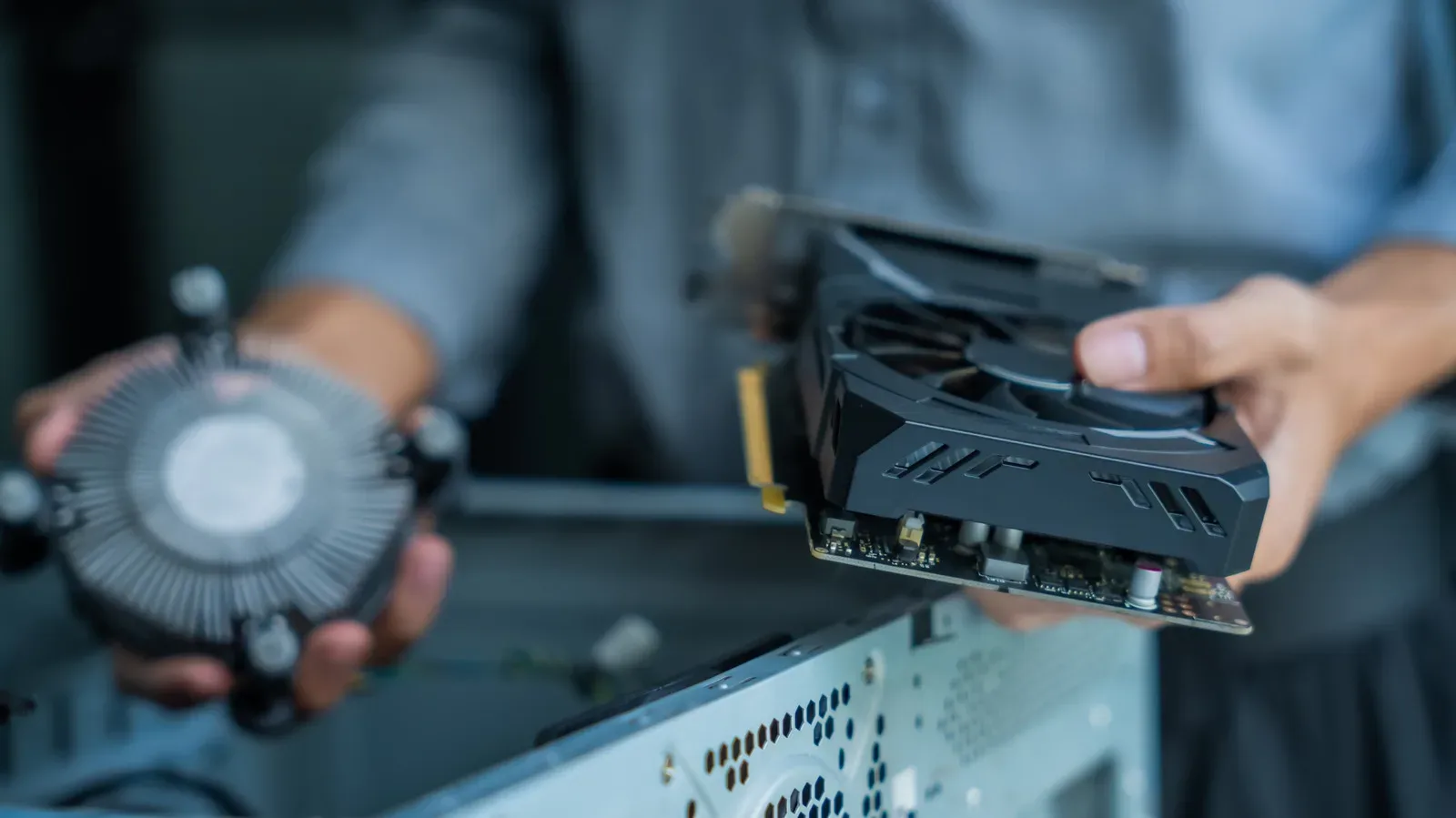
A gaming PC does not need a dramatic hardware upgrade to benefit from better cooling. The parts already inside the case produce heat while they run, and that heat has to go somewhere. When it remains trapped around the components, system performance can suffer once temperatures become too high. A well-planned fan layout gives cooler outside air a route across the hardware and pushes warmed air back out of the enclosure.
That basic goal matters more than filling every available fan mount. Airflow is a path, not a parts-count contest. The useful question is whether the case has a reasonably unobstructed route from its intake area to its exhaust area—and whether the PC has room to draw and release air where it sits.
Start with the PC’s surroundings
Before moving a fan or buying another one, look at the space around the system. The case needs access to cooler air outside the chassis. A computer tucked into a room corner, pushed far under a desk or placed tightly beside other electronics has less opportunity to exchange that warm air for fresh air.
This is the simplest part of cooling to overlook because it involves no settings and no new hardware. Yet an otherwise sensible fan configuration is still dependent on the air available at the case’s vents. Give the PC some breathing room rather than sealing its intake and exhaust areas into a cramped pocket.
Build one direction of travel through the case
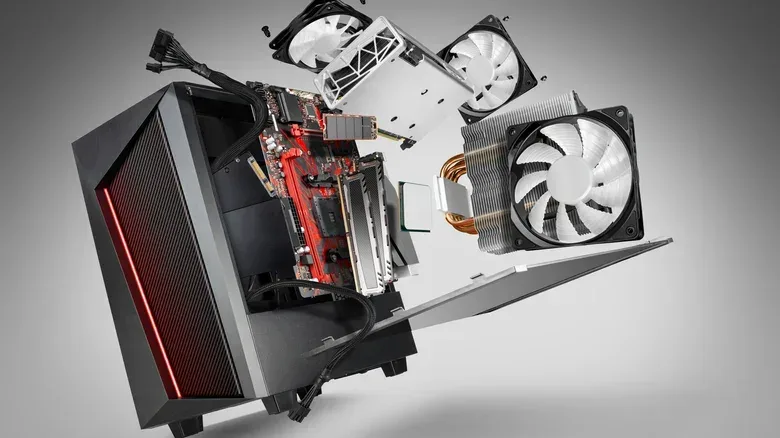
For a conventional desktop layout, the practical arrangement is to bring cool air in through the front and bottom, then send hot air out through the top and rear. This follows two useful facts: hot air rises, and the CPU and GPU—the components that commonly generate the most heat—are generally positioned toward the back of the case.
In this setup, front and bottom fans are intake fans: they pull air from outside the chassis into it. Top and rear fans are exhaust fans: they remove the warmed air generated inside. The desired result is not merely cooler air entering the box; it is a steady route that carries that air over the major components before it exits.
- Front intake: establishes the main supply of cooler external air.
- Bottom intake: can add fresh air where the case supports it.
- Rear exhaust: helps remove heat near the back of the system.
- Top exhaust: offers a route for rising hot air.
A front-and-rear arrangement can be enough for many builds. If temperatures remain difficult to manage with those positions alone, adding fans at the top and bottom is a sensible next step, provided the case supports them. The point is to reinforce the established direction of airflow, not create competing currents inside the case.
Cable placement belongs in this same conversation. Good cable management is not just a cosmetic goal. Cables left across the route between front intake and rear exhaust can hinder the free passage of air. Organize them with the overall travel path in mind: cool air should be able to move from the front of the case toward the back without unnecessary obstructions.
Case pressure: why a little positive pressure is useful
Fans also determine the air pressure inside the case relative to the room. This can sound abstract, but it has a practical relationship with dust.
Positive pressure means the case is taking in more air than it is exhausting. Air then tends to leave through small openings and gaps. Negative pressure means the system exhausts more air than it brings in through its designated intakes. In that situation, the case draws replacement air through gaps, which can bring additional dust along with it.
Neutral pressure is the theoretical balance point: incoming cool air and outgoing warm air move at the same rate. Achieving that exact balance is difficult in a real PC, so a slightly positive setup is the more practical target. In plain terms, make sure the case is drawing in a little more air than it sends out. That encourages air to escape through gaps instead of sucking unfiltered dust inward through them.
Pressure is therefore not an isolated score to chase. It is part of a combined plan involving fan direction, airflow restrictions and dust filtering. A layout that looks symmetrical by fan count may not move equal amounts of air, particularly when one group of fans has to pull through a mesh screen or filter.
Fan size, speed and restricted intakes
The standard case fan size is 120mm. Larger fans can move more air, but they do so at lower pressure. That distinction matters most on intakes. Front and bottom intake fans often sit behind mesh, and that mesh reduces the pressure of air entering the case.
For that reason, intake fans may benefit from running at a higher speed when the option is available. Increasing their speed helps compensate for the resistance created by the mesh screen. This is not a one-size-fits-all setting: cases, fan layouts and room conditions differ, and there is no precise formula that guarantees an ideal size-and-speed combination for every build.
Noise is the other trade-off. Larger fans are generally quieter than smaller fans, making them an appealing option when a quieter PC is important. Choosing fan settings is consequently a balancing act between the amount of air moved, the pressure needed to draw it through a restricted intake and the noise a builder is willing to accept.
Experimentation is appropriate here. Change one element of the arrangement at a time where possible—such as fan orientation, fan speed or a new intake position—so it is easier to understand what improved the system. The objective remains consistent: keep a coherent front-to-back path while maintaining a slight intake advantage.
Mesh panels and filters are part of the cooling system
The case itself can either support or undermine the fans installed in it. A solid front panel restricts the front intake area, while a mesh front panel gives fans a clearer route to pull air into the chassis. When choosing a new case, a mesh front in front of the intake fans is the more airflow-friendly design.
That does not mean an existing case without every modern airflow feature must be replaced. Good airflow can be achieved in almost any case through sensible fan placement, a clear internal path and regular cleaning. A different case is an option, rather than the first requirement.
Dust filters can be added over open case gaps to limit buildup. Their benefit comes with a maintenance obligation: a filter that is not cleaned becomes another obstruction in the path of incoming air. The same goes for dust inside the case. Regularly opening the enclosure and removing accumulated dust with pressurized air helps fans do the work they were installed to do.
A practical airflow checklist for gaming PCs
- Move the PC if necessary. Avoid corners, cramped desk spaces and clusters of other electronics that limit the case’s access to open air.
- Identify each fan’s role. Use front and bottom positions for intake where possible, with top and rear positions handling exhaust.
- Check the route, not just the fan count. Air should be able to travel through the case, across the CPU and GPU area, without cables blocking its path.
- Aim slightly positive. Set the system up to draw a little more air in than it pushes out, reducing the tendency to pull dust through random gaps.
- Account for mesh and filters. Intake restrictions lower pressure; higher intake speed may help where supported.
- Clean the case and filters regularly. Dust removal is ongoing maintenance, not a one-time fix.
- Favor a mesh front when buying a case. It provides a better intake route than a solid front panel.
Cooling work has a direct place alongside software housekeeping in a gaming-PC tune-up. For operating-system-side tasks that avoid the promise of magical frame-rate gains, see this Windows 11 gaming cleanup guide. The two jobs solve different problems: airflow addresses heat inside the machine, while software cleanup concerns what is running on it.
The most effective airflow setup is ultimately the one that matches the case and the hardware inside it. Start with external placement, establish a clear intake-to-exhaust route, keep it clean and use slightly greater intake than exhaust. Those fundamentals give the CPU and GPU a better supply of cooler air and give the heat they produce a dependable way out.