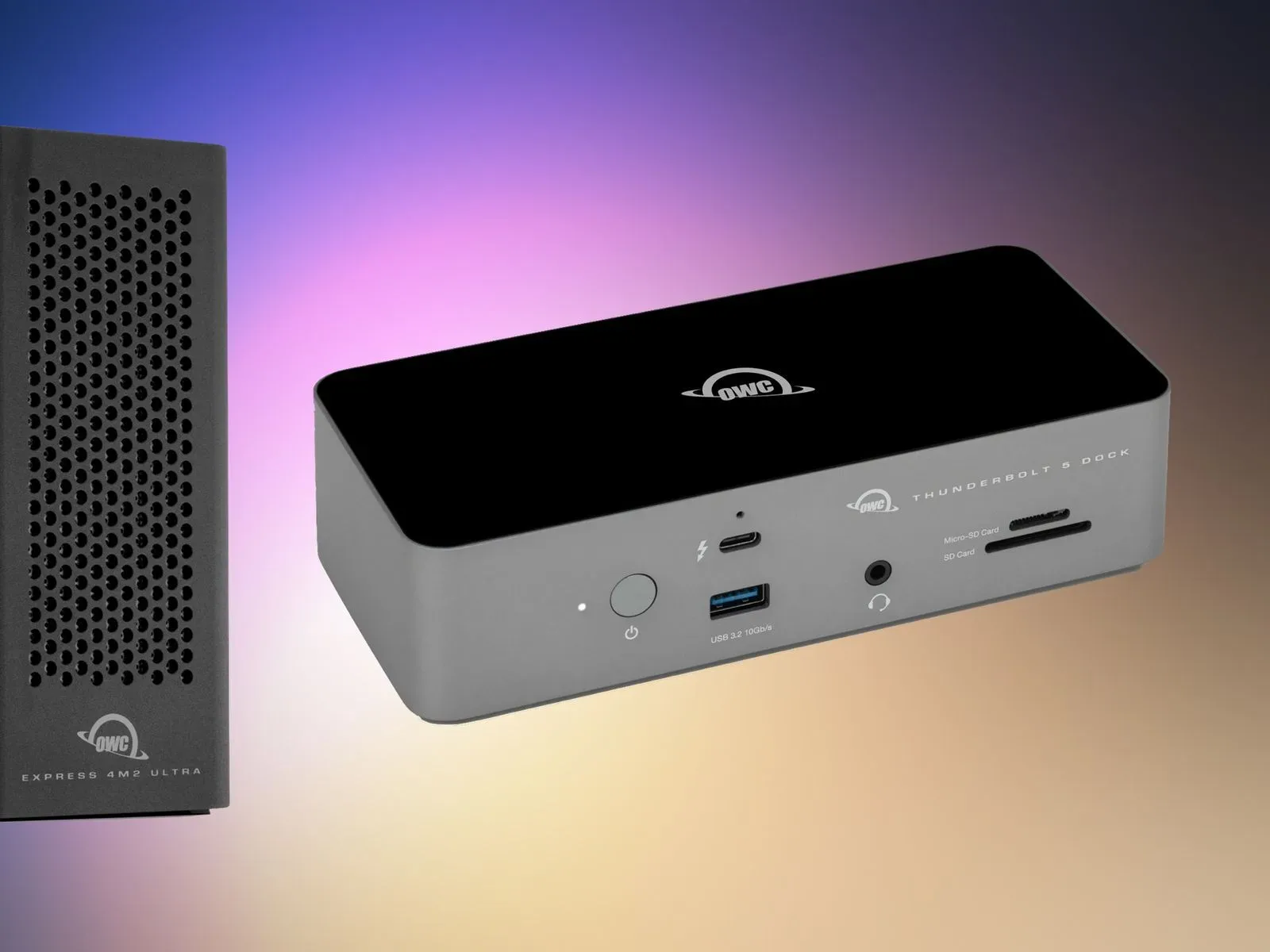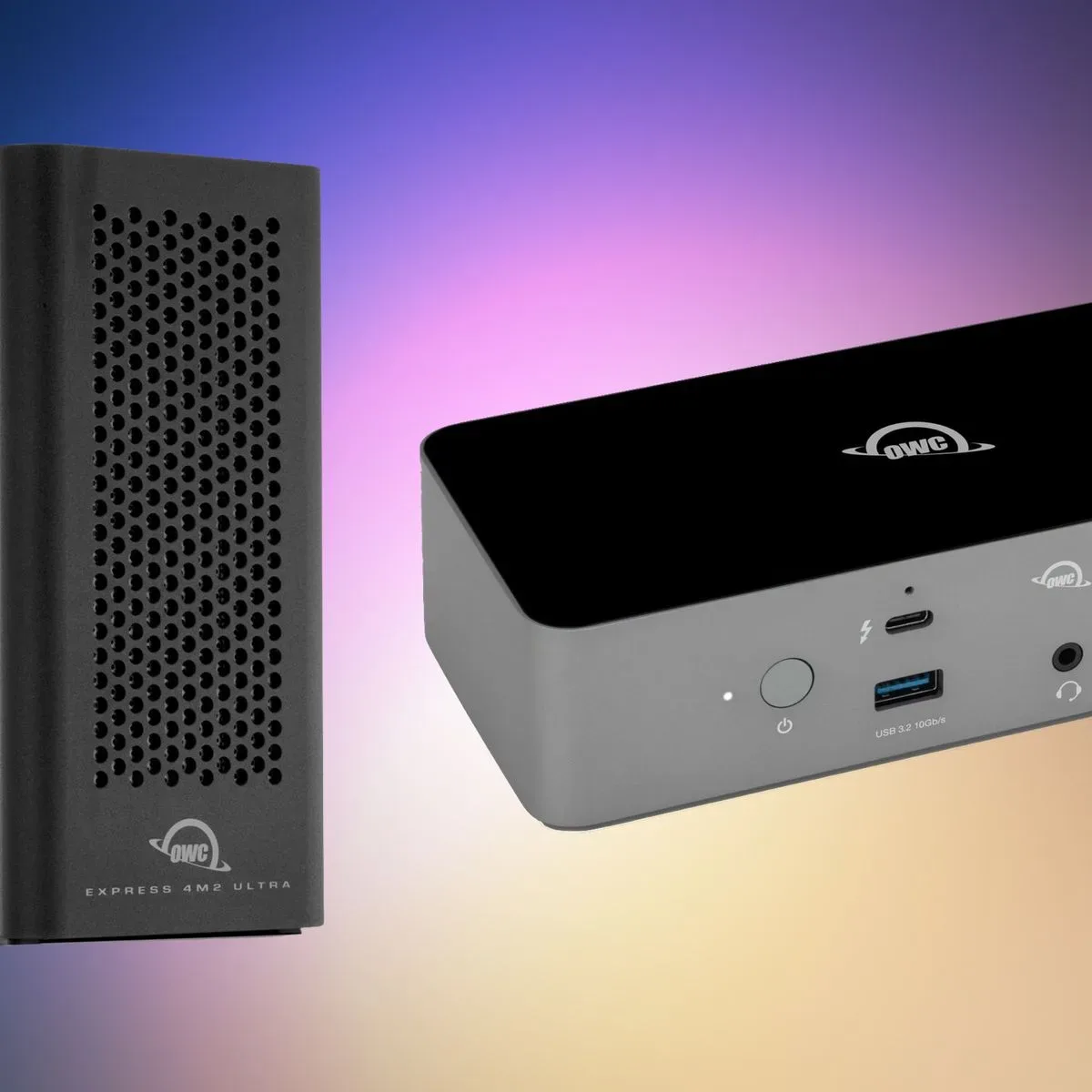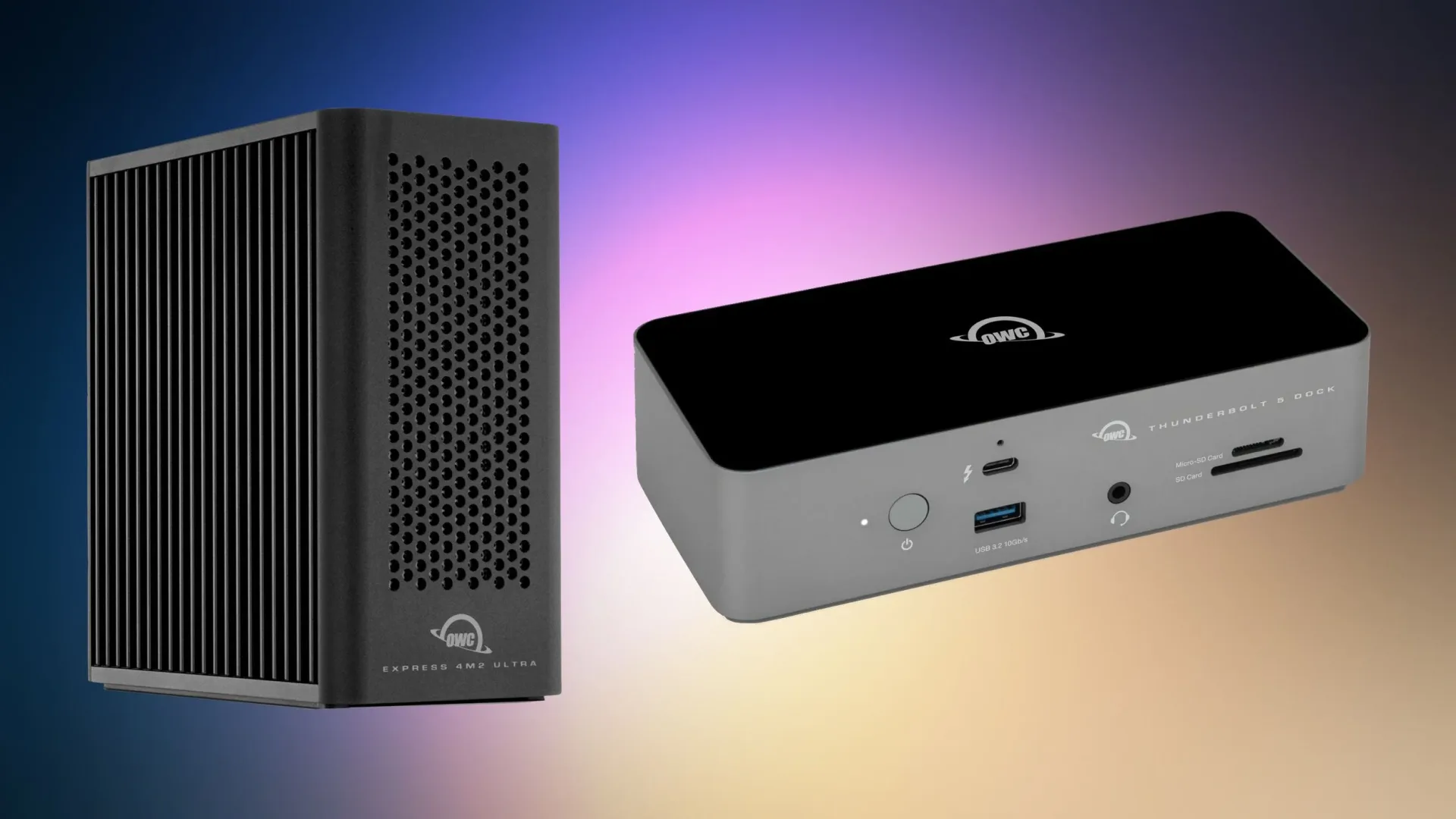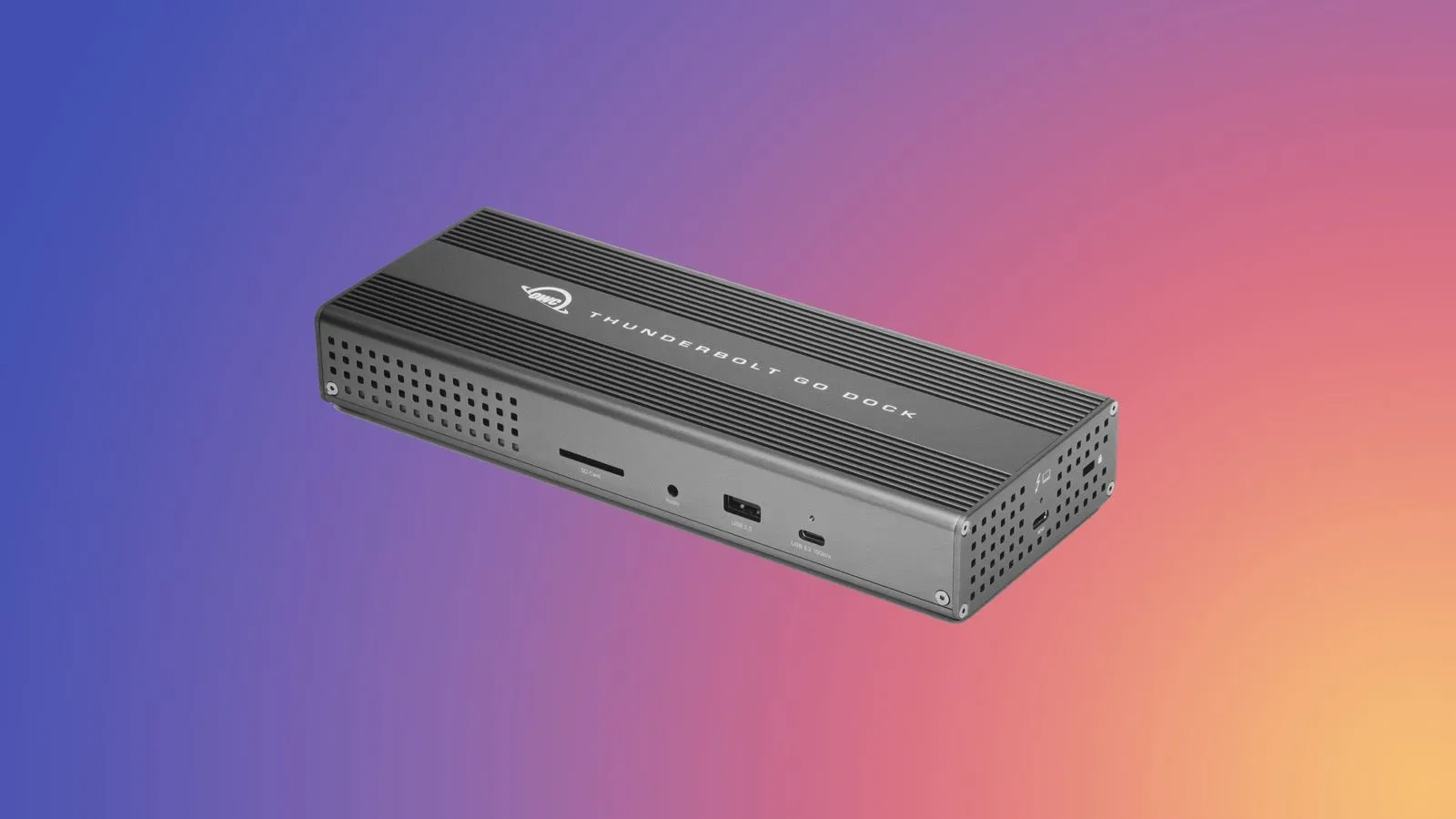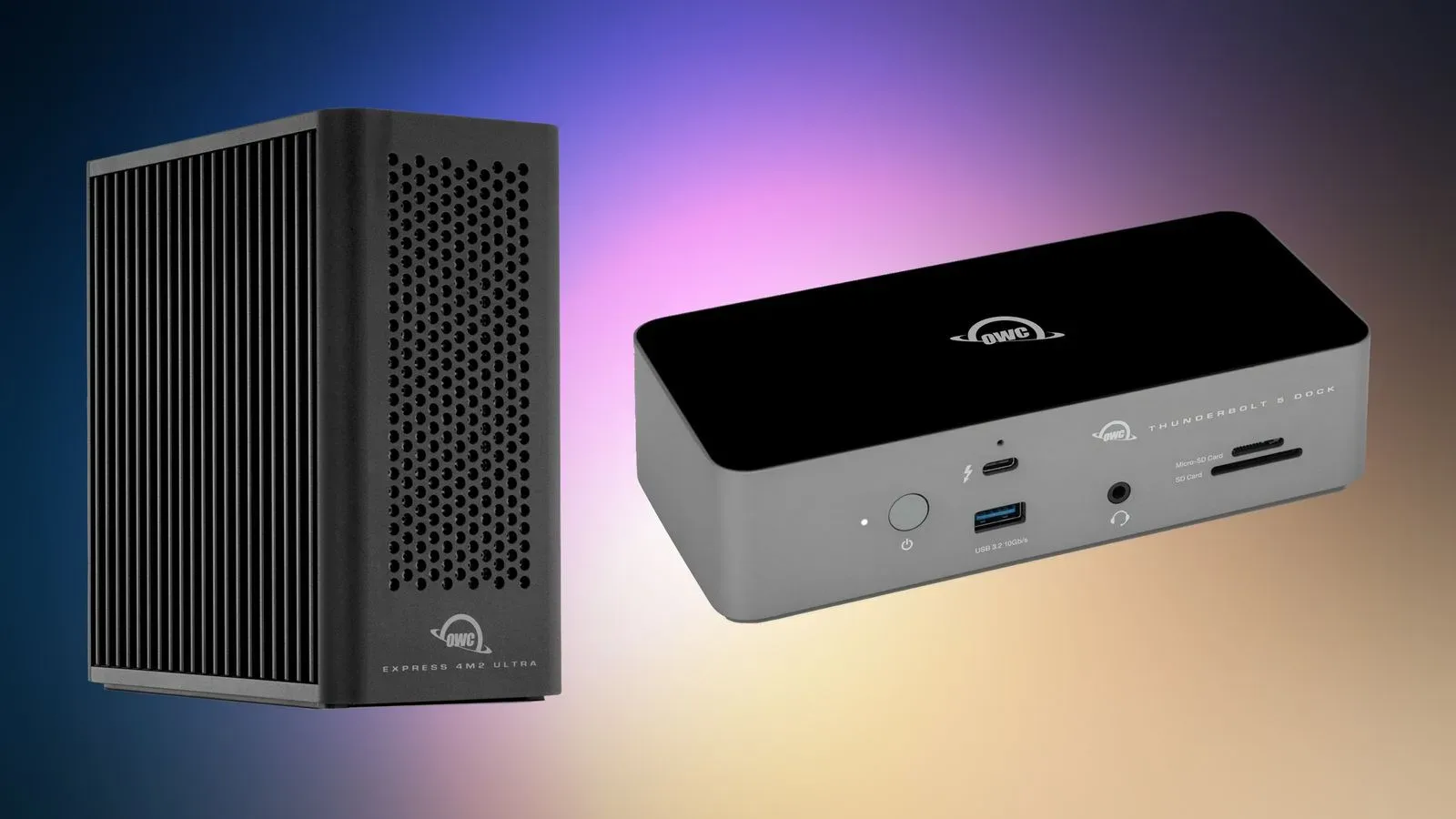
Building a capable desk setup is rarely about one dramatic upgrade. More often, it is a slow accumulation of the unglamorous pieces: the dock that stops a laptop from living on a single port, the enclosure that gives spare drives a job, and the cable that is not the weakest link in a fast connection. OWC has put seven of those pieces on sale, covering two Thunderbolt docks, three storage enclosures and two USB-C cables.
The listed promotion is scheduled to run until 12:00 a.m. CST on September 21. The discounts are described as automatic once eligible items are added to the cart, rather than requiring a coupon code. The biggest dollar reduction is on the OWC Express 4M2 Ultra Enclosure, now listed at $244.99, down $205 from $449.99.
The seven discounted OWC accessories
- OWC 11-Port Thunderbolt Dock: $179.99, reduced from $229.99 — a $50 saving.
- OWC 11-Port Thunderbolt 5 Dock: $229.99, reduced from $319.99 — a $90 saving.
- OWC Express 1M2 80G Enclosure: $114.99, reduced from $149.99 — a $35 saving.
- OWC Express 4M2 Ultra Enclosure: $244.99, reduced from $449.99 — a $205 saving.
- OWC ThunderBay 4 Enclosure: $309.99, reduced from $399.99 — a $90 saving.
- OWC Thunderbolt 5 USB-C Cable, 1.0M: $19.99, reduced from $34.99 — a $15 saving.
- OWC Thunderbolt 4 USB-C Cable, 2.0M: $39.99, reduced from $57.99 — an $18 saving.
That range matters because these are not interchangeable purchases. A dock answers a connectivity problem. An enclosure answers a storage-expansion problem. A cable only makes sense when it matches the connection a setup actually uses. The sale creates meaningful gaps between regular and discounted pricing, but a lower price does not turn the wrong category of accessory into the right buy.
Docks: the desk-setup purchase with the clearest purpose
The two 11-port docks are the most straightforward options for someone whose computer lacks enough direct connections for a permanent workspace. A dock is a hub-like desktop accessory that connects to a computer and expands the number of ports available. In practical terms, it can move the daily ritual of plugging in peripherals away from the laptop itself and into a single central connection.
OWC’s discounted choices are the 11-Port Thunderbolt Dock at $179.99 and the 11-Port Thunderbolt 5 Dock at $229.99. Both are described as adding 11 additional ports to a Mac setup. The $50 difference between their sale prices is therefore not simply a matter of counting sockets: buyers should identify which Thunderbolt generation their computer and other hardware use, then check the maker’s compatibility details before committing.
That check is particularly important because a port’s physical connector and the connection standard are not the same thing. USB-C describes the small reversible connector shape familiar from modern laptops, phones and accessories. Thunderbolt is a connection standard that can use that same connector shape. Seeing a USB-C-shaped port is not, by itself, enough to establish that a device has a particular Thunderbolt capability. It is the sort of distinction that can turn a seemingly simple accessories purchase into a compatibility puzzle.
For a Mac user who regularly connects several devices at a desk, a dock may be the most immediately useful item in this batch. For someone who only occasionally plugs in one cable or external drive, it may be unnecessary overhead. A good buying question is not “How many ports can this add?” but “What do I currently have to unplug, swap or leave disconnected?” The answer should determine whether a dock is solving a real daily annoyance.
Storage enclosures: capacity and flexibility are separate questions
The sale includes three enclosure products: the Express 1M2 80G at $114.99, the Express 4M2 Ultra at $244.99, and the ThunderBay 4 at $309.99. An external storage enclosure is a housing that lets storage drives be used outside a computer. It is not automatically the same thing as buying storage outright; shoppers should carefully establish what, if anything, is included and what drives they need to supply.
The product names indicate different enclosure families and configurations, but the available details do not provide drive support, throughput, included drives, or port specifications. Those omissions are not minor. They are the details that decide whether a particular enclosure fits a buyer’s hardware and intended workload. A buyer should not infer those specifications merely from a name, a price, or the number appearing in it.
Still, the sale’s price structure gives the products distinct appeal. The Express 4M2 Ultra receives the largest reduction of the group, falling $205 to $244.99. That is roughly 46% off its stated $449.99 regular price. The ThunderBay 4 is $90 below its listed $399.99 regular price, while the Express 1M2 80G is $35 below $149.99.
For people maintaining a local game library, recorded footage, project files or backups, an enclosure can be a way to make storage more modular. But there are two separate decisions embedded in that purchase. The first is whether external storage is needed at all. The second is whether the buyer has compatible drives, understands the enclosure’s supported setup, and is prepared to manage the data on it. The enclosure is the chassis; the broader storage plan still needs thought.
What RAID means—and what it does not promise
The sale information refers to additional desktop RAID systems. RAID is short for Redundant Array of Independent Disks, a term for configurations that use multiple drives together. Different RAID arrangements can pursue different goals, such as combining capacity, improving performance or adding resilience to the loss of a drive. The acronym should not be treated as a synonym for “backup.”
That distinction is useful for anyone considering a multi-drive enclosure. A backup is a separate copy intended to help recover data after loss or damage. RAID can be part of a storage strategy, but it does not automatically protect against every problem that can affect the original files. Buyers should review the enclosure documentation, understand the configuration they intend to use, and preserve independent copies of irreplaceable material.
This is where sale math should come second to planning. A steep discount on an enclosure may be attractive, but the final cost and practical result can depend on compatible drives and the buyer’s intended arrangement. Someone who only needs a small, simple external workspace should not assume a larger multi-drive product is automatically better value. Conversely, someone with a genuine multi-drive need may see more value in the $205 reduction on the Express 4M2 Ultra than in a smaller upfront saving elsewhere.
The cables are cheaper, but not generic
The two cable discounts are modest in total dollars but notable in percentage terms. OWC’s 1.0-meter Thunderbolt 5 USB-C Cable is $19.99 rather than $34.99, a $15 reduction. The 2.0-meter Thunderbolt 4 USB-C Cable is $39.99 rather than $57.99, an $18 reduction.
Cables are easy to treat as commodity purchases, especially when they share the same connector shape. That approach can be costly when the cable is meant to sit between a computer, dock and storage device. The labels here specify both a Thunderbolt generation and a length. Those are meaningful product identifiers, not decorative words. A shopper should match the cable to the ports and standard required by their setup, then decide whether the extra reach of a two-meter cable is useful enough to justify it.
There is also a practical desk-management angle. A cable that is too short can force awkward equipment placement; one that is excessively long can add clutter. Neither issue is glamorous, but both can make a carefully chosen dock or enclosure less pleasant to use. The deal on the one-meter Thunderbolt 5 cable is the less expensive route, while the two-meter Thunderbolt 4 option provides a different combination of stated length and connection generation. They should be compared on compatibility first, price second.
How to approach the sale without buying a box full of future intentions
The most sensible way to assess this promotion is to start with a concrete bottleneck. If a desk setup continually runs short on connections, examine the docks. If an existing drive needs an external home, investigate the appropriate enclosure. If a fast connection is already part of the plan but the cable is missing or unsuitable, focus on the cables. Starting with the problem limits the temptation to turn a large discount into a speculative purchase.
- Identify the computer’s ports and supported connection standards. Do not rely only on connector shape.
- List the peripherals or drives that need to connect. This reveals whether more ports or external storage is actually the priority.
- Check product compatibility and what is included. This is especially important for enclosures, where the available promotion details do not specify the full drive requirements.
- Separate a storage enclosure from a backup plan. If the data matters, independent copies remain an important consideration.
- Compare the sale price with the complete setup cost. Drives and other necessary components can change the real budget.
The broader laptop landscape continues to make accessories part of the purchase conversation, whether the focus is connectivity, storage or changing hardware priorities. For more on portable-computer developments, see our coverage of upcoming Android-based AI laptops.
Among this specific set of discounts, the clearest headline is the Express 4M2 Ultra Enclosure’s $205 reduction, while the two 11-port docks offer the most direct route to expanding a Mac workspace. But the practical winner will vary sharply from one buyer to the next. The promotion ends at 12:00 a.m. CST on September 21, leaving prospective buyers time to confirm the one thing a sale listing cannot determine: whether the accessory fits the machine and workflow already on their desk.