OWC has a limited-time promotion on 13 Mac-oriented accessories, spanning external storage enclosures, connectivity hardware, charging gear and cables. The stated cutoff is 12:00 a.m. CST on Wednesday, September 30. The important small print is unusually practical: listed products may already show one markdown, while an additional promotion is applied automatically only after the item is added to a cart and viewed in the cart or at checkout.
That makes this less a broad “everything is cheaper” event than a short, item-specific opportunity for people building or refreshing a Mac desk setup. The products cover familiar friction points: adding ports to a laptop, connecting displays or wired networking, and putting together external storage. There is no need to enter a code based on the promotion details provided, but buyers should still confirm the final cart total before completing an order.
The headline reductions
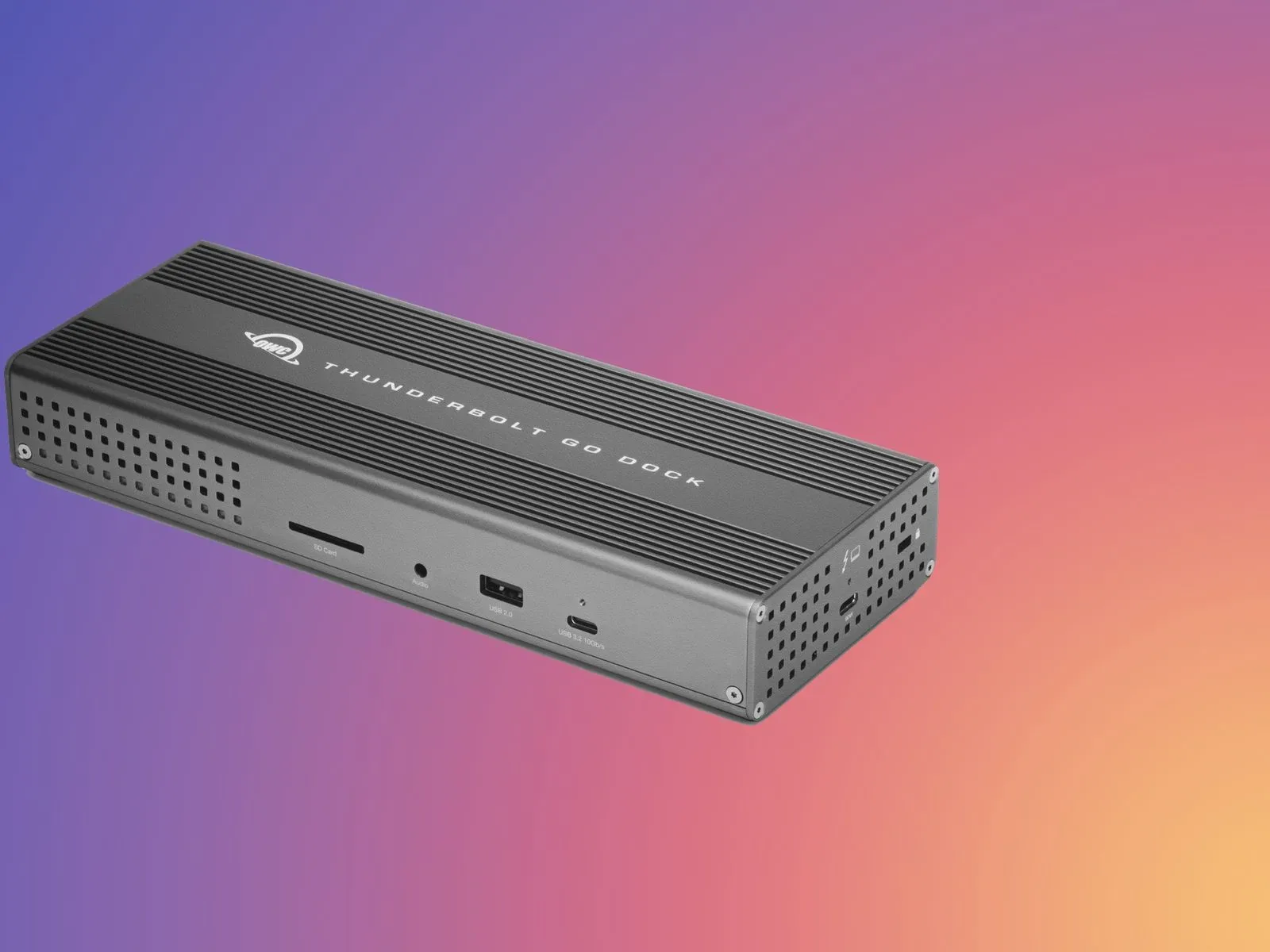
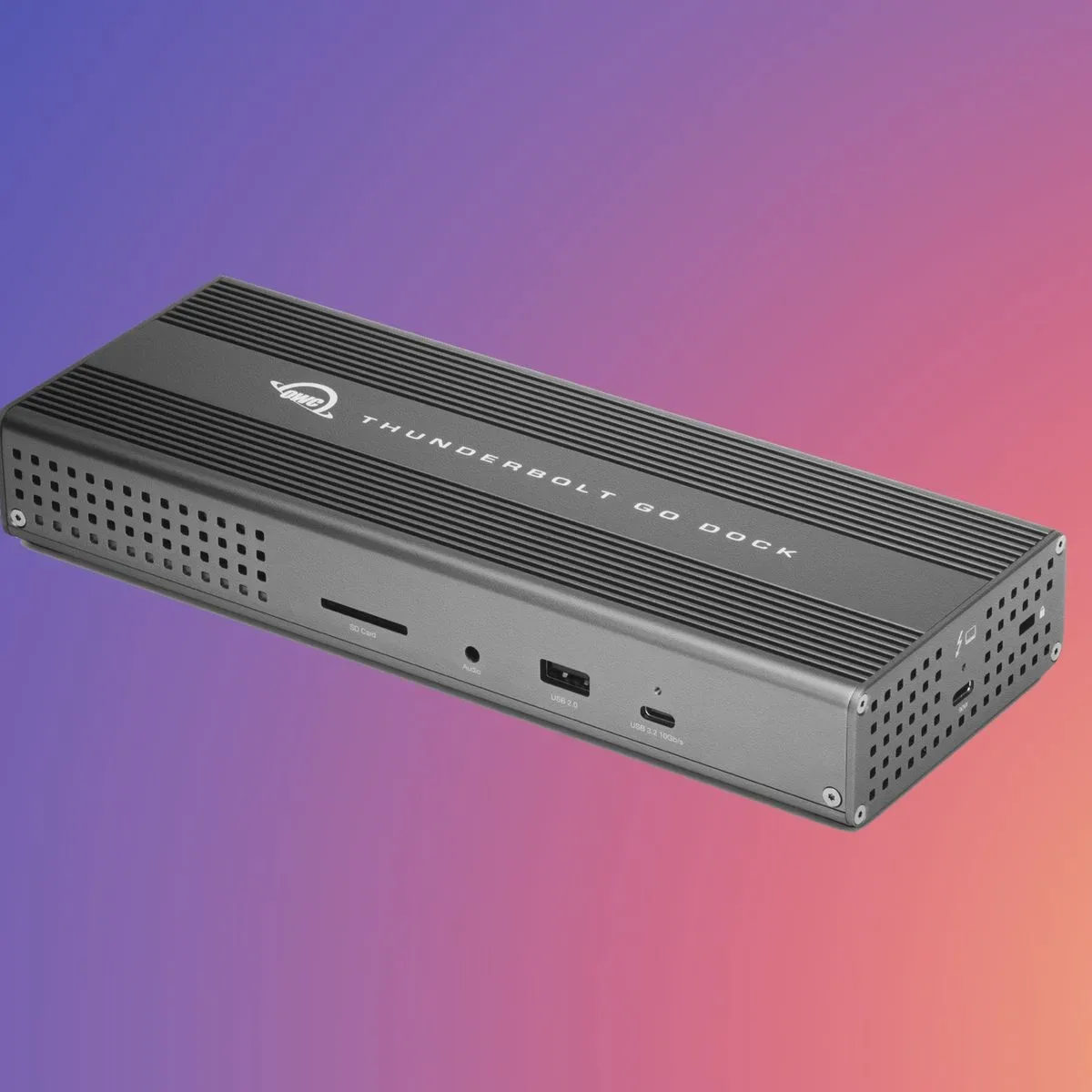
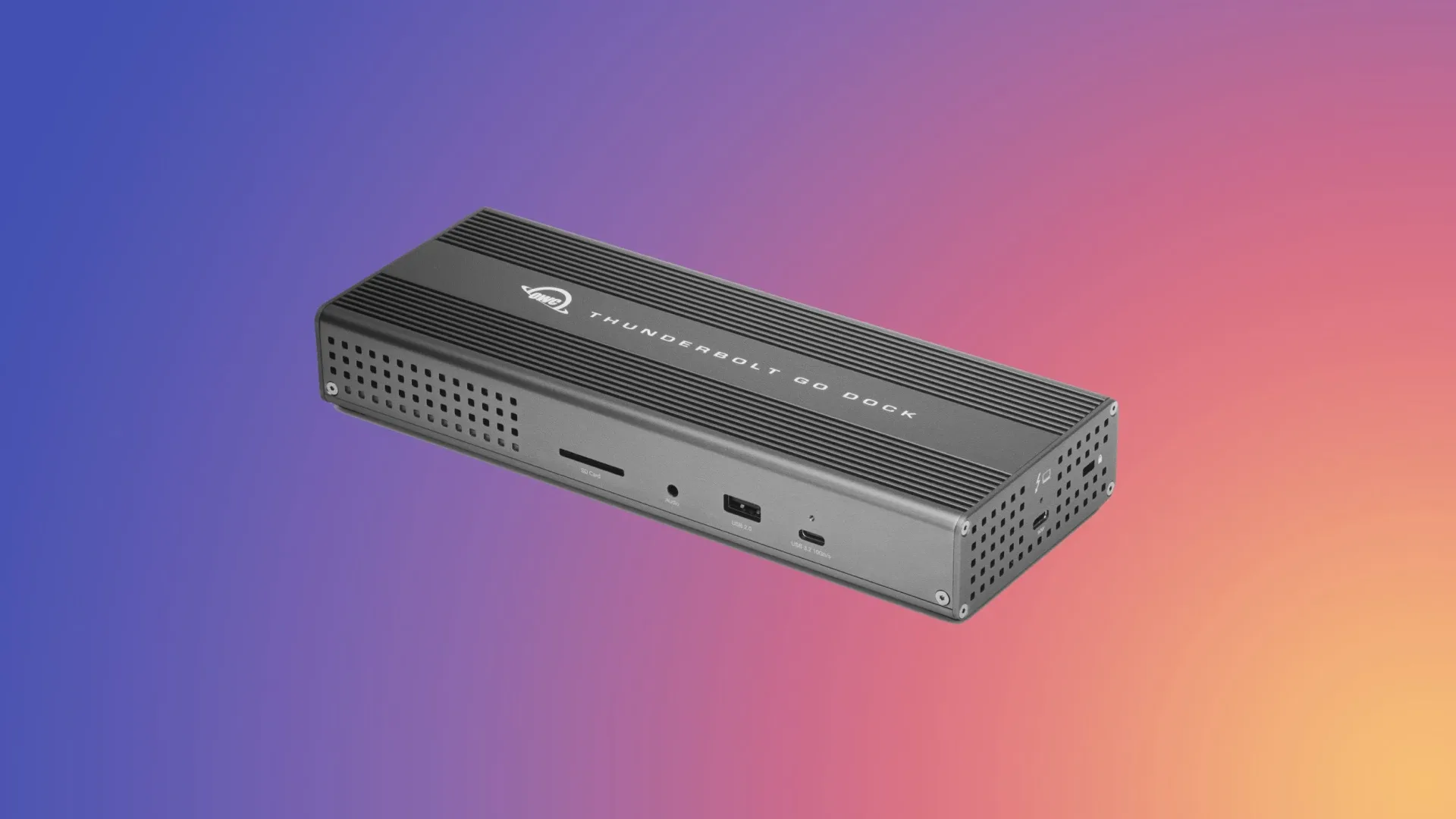
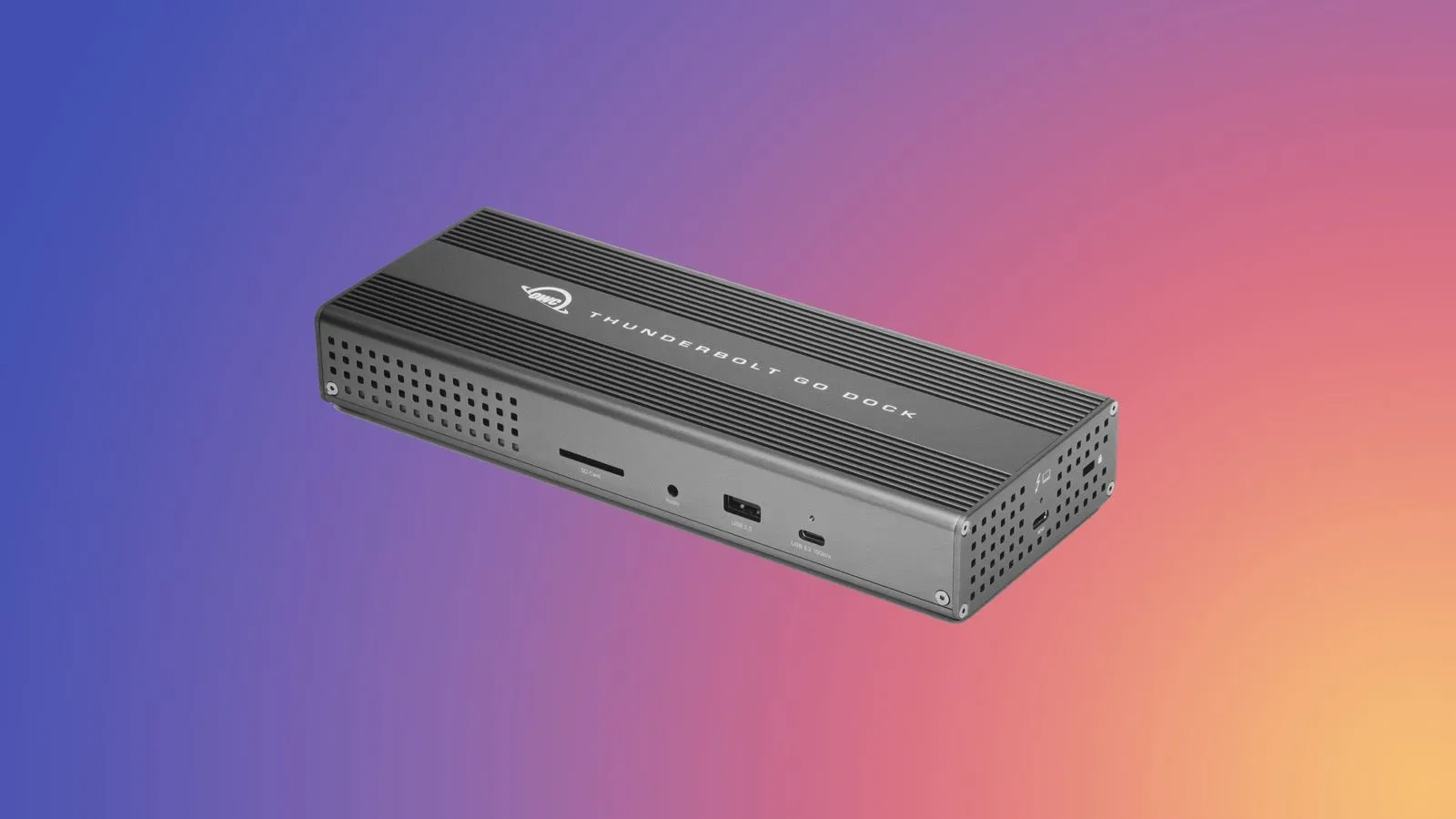
The biggest-ticket dock in the promotion is the OWC Thunderbolt Go Dock, listed at $179.00, down from $299.99. That is a $120.99 difference from its listed prior price, although the offer materials characterize it as $119 off. The OWC ThunderBay 4 External Storage Enclosure is listed at $299.00, reduced from $399.99, a $100.99 difference from that comparison price; it is described in the promotion as $99 off.
Those are the items most likely to matter for a desktop that has grown beyond a simple laptop-and-one-cable arrangement. A dock is a central connection point: rather than repeatedly connecting separate peripherals to a computer, users route compatible accessories through one piece of hardware. An external enclosure, meanwhile, is a housing for storage hardware rather than a promise of a complete backup plan on its own. The distinction matters when reading product names and weighing a purchase: an enclosure is part of a storage setup, while the specific configuration and storage needs remain considerations for the buyer.
For players and creators who keep large libraries, captures or project files locally, the enclosure group is the most substantial portion of the promotion. Six enclosure products are listed, with reductions ranging from the more compact portable option to multi-drive-oriented ThunderBay and Express 4M2 models. The sale listing says savings reach as much as $104 among the enclosures.
Every external-storage offer listed
- OWC Express 1M2 80GB Portable Enclosure: $149.00, down from $219.00.
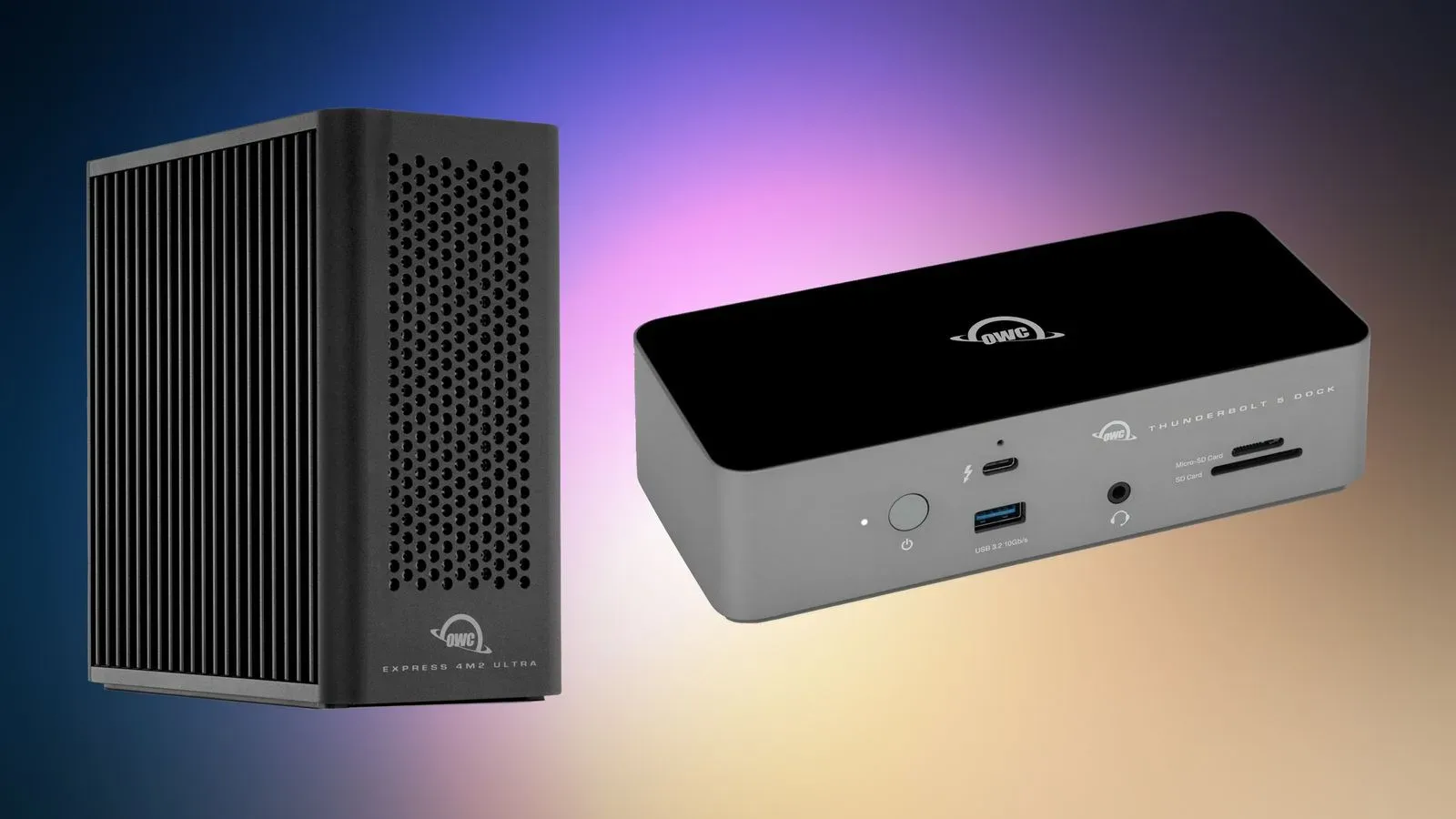
- OWC Express 4M2 USB4 External Storage Enclosure: $154.00, down from $239.99.
- OWC Express 4M2 USB4 Enclosure with SoftRAID: $274.00, down from $379.99.
- OWC ThunderBay 4 External Storage Enclosure: $299.00, down from $399.99.
- OWC Express 1M2 1TB Portable Enclosure: $398.00, down from $469.99.
- OWC ThunderBay 4 Enclosure with SoftRAID: $429.00, down from $549.99.
USB4 and Thunderbolt are interface labels that describe the connection technology used by compatible hardware. They should not be treated as automatic shorthand for identical real-world setups. A shopper choosing between these products should begin with the port and connection requirements of the computer and the peripherals they intend to attach. The product list establishes the interfaces named in each model, but it does not provide a full compatibility matrix, speed specification or drive configuration for every item.
Two versions are specifically identified as including SoftRAID: the Express 4M2 USB4 enclosure and ThunderBay 4 enclosure. RAID refers to ways multiple drives can be organized together for objectives such as capacity, performance or redundancy, depending on the chosen arrangement. The presence of RAID software should not be confused with a statement that data is invulnerable: a separate backup strategy remains a distinct practical concern. The promotion provides no configuration guidance, so buyers should avoid assuming which RAID mode is included or appropriate.
Docks, adapters and the port-expansion angle
The connectivity section is smaller but broad enough to cover several common desktop needs. The HyperDrive 6-in-2 USB-C Hub is listed at $17.99, down from $39.99. The OWC Thunderbolt Dual DisplayPort Adapter is $29.00, down from $79.99, while the OWC Thunderbolt Ethernet Adapter is $158.00, down from $199.99. The Thunderbolt Go Dock rounds out the group at $179.00, down from $299.99.
A hub, adapter and dock can all expand a computer’s connections, but the names signal different purchasing questions. An adapter is typically the more focused choice when the missing link is clear, such as a particular display connection or wired network connection. A hub is useful where several additional ports are wanted in a more compact form. A dock is the broader desk-oriented approach, intended to consolidate the setup around a single primary connection.
That is why the lowest price is not automatically the best value. Someone who only needs a DisplayPort connection has a different requirement from someone who wants a fixed workstation arrangement involving several peripherals. Conversely, a buyer replacing a tangle of individual adapters should consider whether consolidation is the actual goal before choosing a more expensive dock. The offer contains product names and pricing, not a claim that any one device is a universal solution.
For more reporting on the PC side of gaming and the hardware ecosystem around it, see our coverage of Earth Atlantis Abyss and its planned Steam release.
Cables and charging: the small purchases in the bundle
- 3.6-meter HDMI 2.0 cable: $3.50, down from $9.99.
- Philips 60W 2-Port GaN Charger: $9.99, down from $39.99.
- 0.8-meter OWC Thunderbolt 5 USB-C Cable: $19.00, down from $27.99.
These are comparatively inexpensive items, but they still reward a quick requirements check. Cable length is explicit in the list: 3.6 meters for the HDMI cable and 0.8 meters for the Thunderbolt 5 USB-C cable. That is a physical constraint rather than a cosmetic detail; the right cable for a monitor across a room may be the wrong one for a clean, short desk run.
GaN, short for gallium nitride, identifies the charger’s power technology. The supplied information calls this Philips model a 60W, two-port charger; it does not provide a device-by-device charging breakdown. Likewise, the label “Thunderbolt 5 USB-C” identifies the OWC cable in the deal list, but shoppers should match it to the connections their own gear supports rather than infer broader capabilities that are not listed.
What to check before the deadline
The promotion’s checkout behavior is the central practical detail. Since many products may show an existing sale price first, the final discount cannot be judged reliably from a product page alone. Add the relevant item to the cart, proceed far enough to see the automatic extra reduction, and compare that total with the price cited in the deal listing. The advertised prices are item-specific, and no broader shipping, tax, inventory or regional terms are provided here.
- Start with the missing capability: storage housing, display connection, Ethernet, extra USB-C connectivity, charging or a consolidated dock.
- Check the named connection standard against the ports on the computer and accessories already owned.
- For an enclosure, separate the housing purchase from the wider storage and backup decisions it may involve.
- For a cable, confirm that its stated length fits the intended route.
- Add the product to the cart and verify that the automatic promotion appears before purchase.
The selection is most compelling where it solves a specific connection or storage issue already present in a Mac setup. The $3.50 HDMI cable and $9.99 charger are the low-cost entries, while the Thunderbolt Go Dock and the ThunderBay 4 options are higher-investment choices. In every case, the cart check is not optional busywork: it is how the additional promotion is meant to become visible.