Desktop gaming, capture, editing and general Mac setups can become surprisingly cable-heavy as soon as storage, wired networking, extra displays and charging enter the picture. An OWC promotion has put a tightly focused batch of 13 accessories into the spotlight, covering external-storage enclosures, hubs, docks, adapters, a charger and cables.
The promotion was described as running through September 30, 2026, at 12:00 a.m. CST. Its important wrinkle was the pricing process: the listed reductions were said to appear automatically only after an eligible item was placed in the cart and the shopper proceeded to the cart or checkout view. In other words, the product-page price alone may not have represented the final promotional total.
Several of the listed products are aimed at the exact kind of desk setup where a Mac might also serve as a game-library machine, a streaming station or a place to manage footage and files. But the deal list itself does not establish compatibility with every Mac, display, drive or gaming device. Buyers should treat the names and connection standards as a starting point, then verify the ports and requirements of their own hardware before making a purchase.
The deal list: 13 accessories across three setup categories
The largest group is external storage, with six enclosure configurations. Enclosures are cases that house storage hardware and connect it externally to a computer; they are not automatically the same thing as a fully populated backup drive. That distinction matters because a price that looks high or low may reflect a different configuration, capacity or software bundle rather than a simple apples-to-apples storage comparison.
- OWC Express 1M2 80GB Portable Enclosure: $149.00, reduced from $219.00.
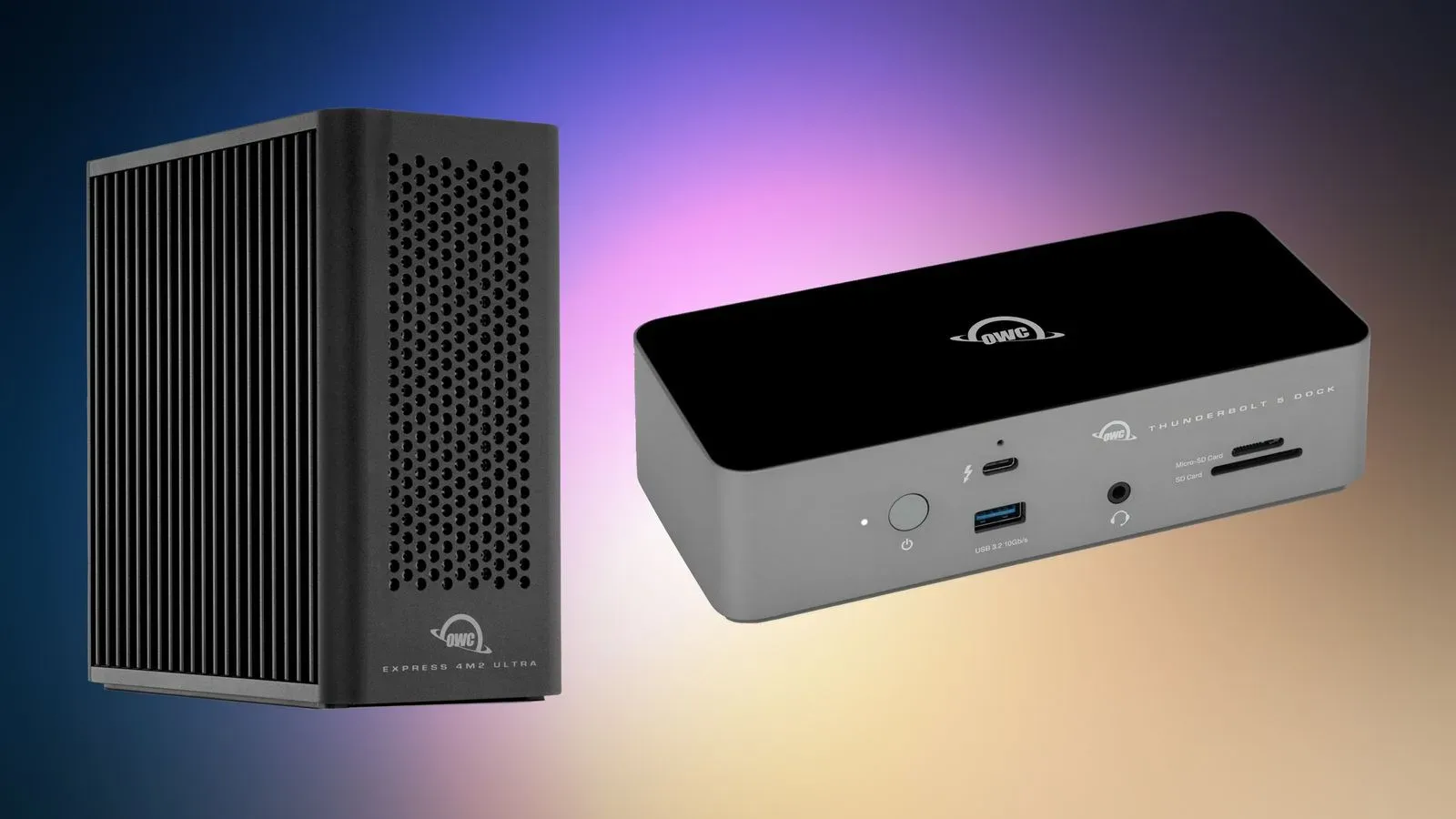
- OWC Express 4M2 USB4 External Storage Enclosure: $154.00, reduced from $239.99.
- OWC Express 4M2 USB4 Enclosure with SoftRAID: $274.00, reduced from $379.99.
- OWC ThunderBay 4 External Storage Enclosure: $299.00, reduced from $399.99.
- OWC Express 1M2 1TB Portable Enclosure: $398.00, reduced from $469.99.
- OWC ThunderBay 4 Enclosure with SoftRAID: $429.00, reduced from $549.99.
By the stated before-and-after figures, the biggest reductions in this section are $120.99 for the ThunderBay 4 configuration with SoftRAID and $105.99 for the Express 4M2 configuration with SoftRAID. The promotion’s overview also characterized enclosure savings as reaching as much as $104, so shoppers comparing the offers should rely on the specific product listing and checkout total rather than assuming a single headline saving applies to every model.
The practical question is not merely whether an enclosure costs less. It is what role it needs to play. A portable enclosure suggests a compact, travel-friendly use case, while a four-bay product name indicates a design intended to accommodate more than one drive. The listing alone does not provide the supported-drive details, performance figures, included storage specifications or system requirements, so those remain essential checks for anyone building an archive, keeping large game captures, or moving files between a desktop and a laptop.
What “SoftRAID” signals in this list
Two configurations explicitly include SoftRAID. RAID is short for “redundant array of independent disks,” a term used for approaches that combine multiple drives for goals such as capacity, speed or resilience. The exact outcome depends on the selected RAID arrangement, and RAID should not be casually treated as a replacement for a separate backup. The promotion identifies SoftRAID as part of these bundles but does not specify the RAID modes, setup process or protection characteristics. That is a reason to investigate the software’s supported workflow before choosing one of the higher-priced bundles solely for the name.
For many users, an enclosure is a workflow purchase rather than an impulse accessory: it can be where recordings, screenshots, project files or a local archive live. That makes capacity planning, drive support, connection type and backup strategy more significant than the percentage discount alone.
Docks, hubs and adapters solve different port problems
The remaining higher-ticket desktop products are grouped around connectivity. Those terms are often used interchangeably in casual conversation, but the promotional list makes their roles easier to separate.
- HyperDrive 6-in-2 USB-C Hub: $17.99, reduced from $39.99.
- OWC Thunderbolt Dual DisplayPort Adapter: $29.00, reduced from $79.99.
- OWC Thunderbolt Ethernet Adapter: $158.00, reduced from $199.99.
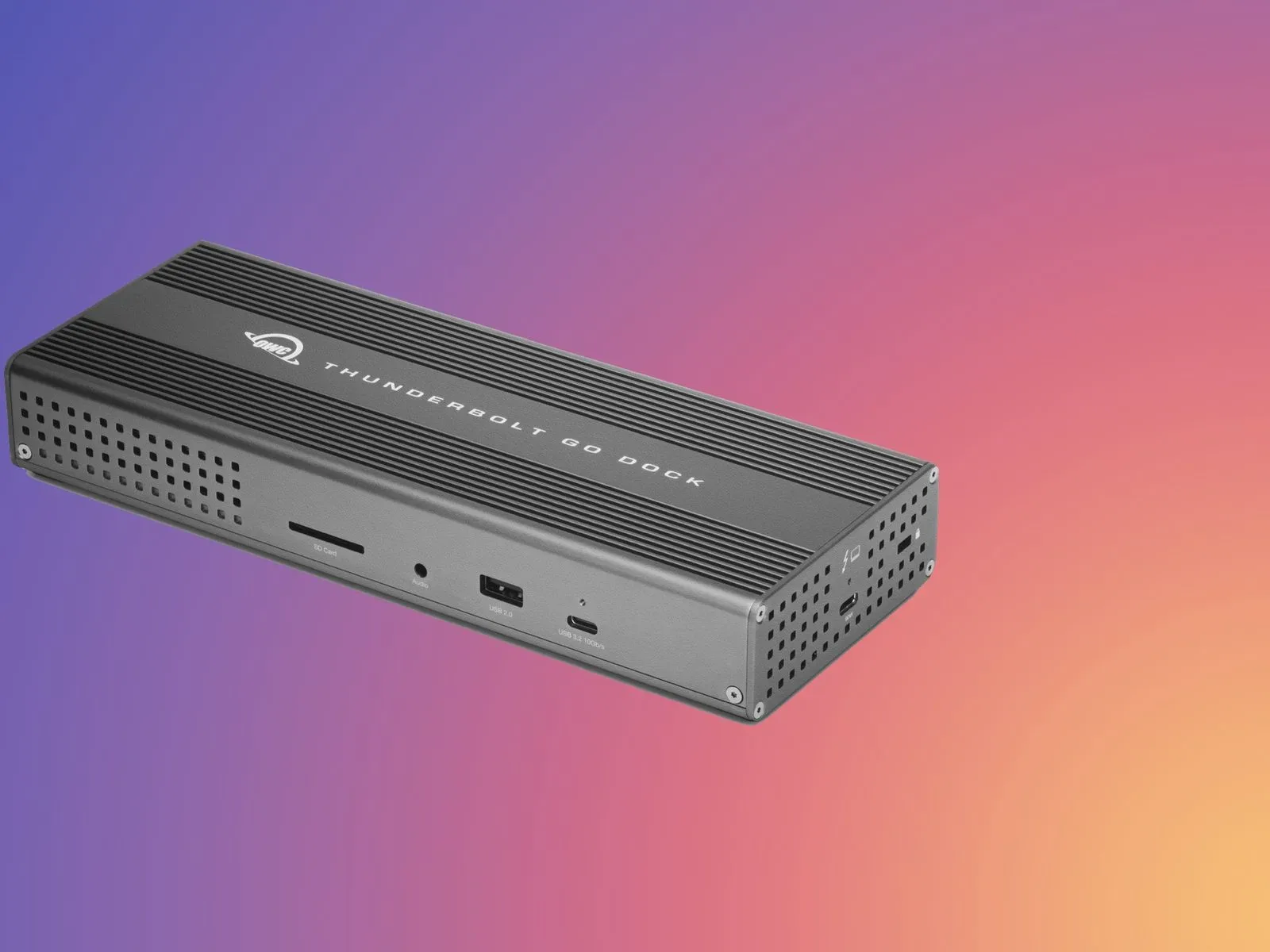
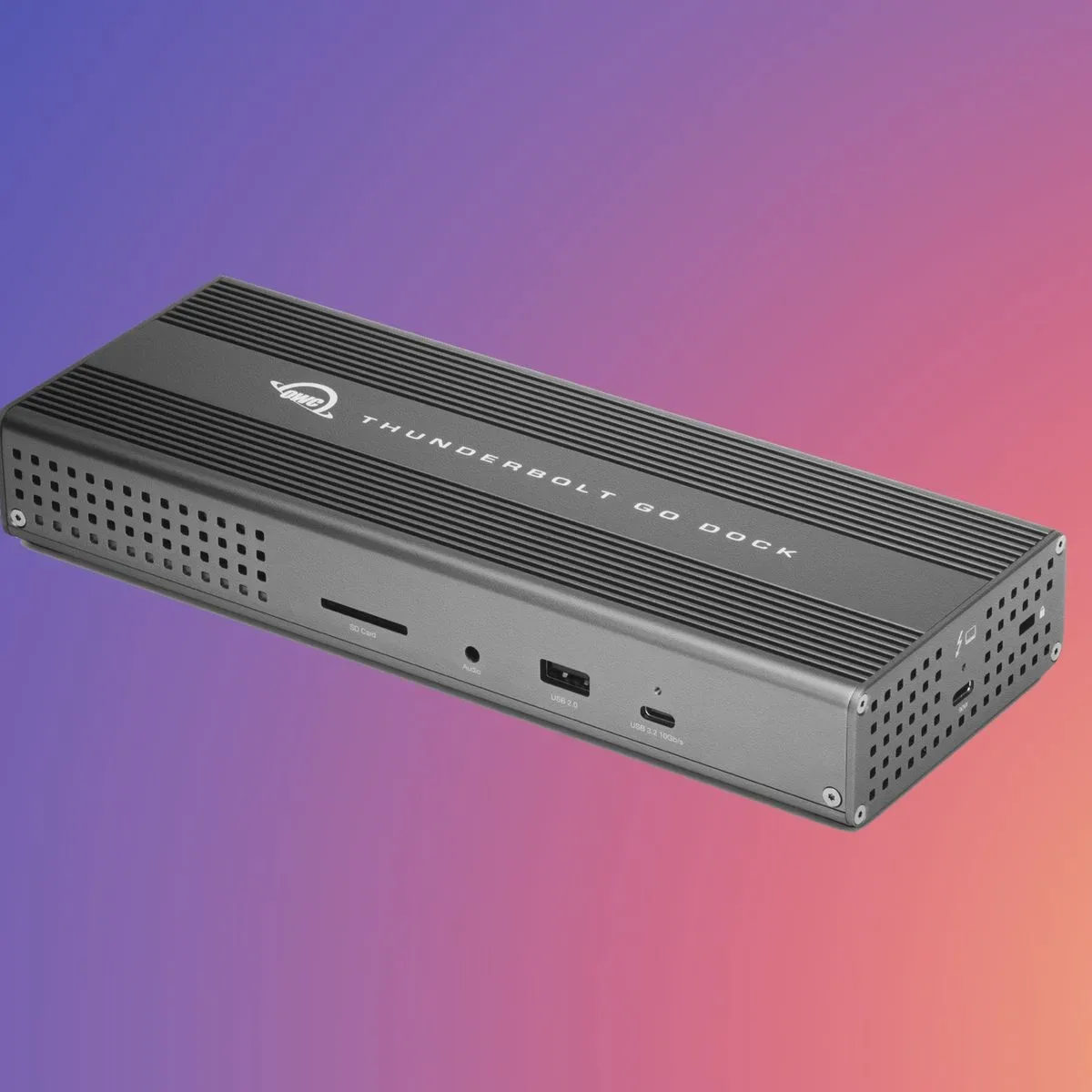
- OWC Thunderbolt Go Dock: listed at $179.00, reduced from $299.99.
A hub generally expands the connections available from a computer port. An adapter converts or presents a more specific connection, such as the DisplayPort and Ethernet items named here. A dock is the broader desk-oriented option, built to concentrate several connections into one device so a laptop setup can be attached and detached with fewer individual cable changes.
The OWC Thunderbolt Go Dock is the most prominent connectivity item in the promotion. One part of the offer described it as $179.99 and $119 off, while the itemized list gave its price as $179.00 from $299.99. That is a small but meaningful discrepancy, particularly because the checkout page was identified as the place where the added promotion becomes visible. Anyone evaluating an old deal reference should regard the cart total and any live retailer terms as controlling.
For a gamer who connects a Mac to monitors, capture gear, external storage or a wired network, a dock can reduce desk friction. It does not, however, make every attached device equally capable. The computer’s available ports, the dock’s supported connections, display requirements and the capabilities of every connected accessory still determine the finished setup. Likewise, the presence of “Dual DisplayPort” in an adapter’s name indicates the connection family, not an all-purpose guarantee for every two-monitor arrangement.
The same caution applies to Ethernet. Wired networking can be desirable in a fixed setup, but the product list does not supply speed specifications, operating-system requirements or port details for the Thunderbolt Ethernet Adapter. The value of its $41.00 stated discount therefore depends heavily on whether it answers a specific connection need that the user’s existing machine and network do not already cover.
Cables and charging: inexpensive items, specific jobs
The promotion also includes three lower-priced accessories:
- 3.6-meter HDMI 2.0 cable: $3.50, reduced from $9.99.
- Philips 60W two-port GaN charger: $9.99, reduced from $39.99.
- 0.8-meter OWC Thunderbolt 5 USB-C cable: $22.11, reduced from $27.99.
These three illustrate why connector shape is only one part of buying a cable or charger. USB-C describes the physical connector form; it does not by itself tell a shopper that every cable supports the same data, display or power capabilities. The item is specifically called a Thunderbolt 5 USB-C cable, while the storage list includes USB4 and Thunderbolt-branded products. Those labels are relevant compatibility and performance categories, not interchangeable decorations.
A buyer should start by identifying the connection called for by the computer and the accessory they intend to connect. Cable length matters too: the HDMI option is specifically listed at 3.6 meters, whereas the Thunderbolt 5 USB-C cable is listed at 0.8 meter. The longer run may be useful when equipment is farther apart; the shorter cable may suit an arrangement where the dock or external device sits beside the computer. The promotion provides no further capability figures for either cable, so it would be unsafe to infer more than their stated standard, connector description and length.
The charger is described as a 60W, two-port GaN charger. GaN, short for gallium nitride, is a material used in some power adapters. Here, the source-supported facts are its 60W rating and two ports; the list does not state how output is allocated with two devices connected or which individual devices it supports. That is a useful reminder that a charger’s headline wattage is not the whole buying decision.
For broader buying context on the gap between connector type and actual capability, see why USB adapters with similar-looking connections can differ.
How to assess a promotion like this without overbuying
- Define the bottleneck. Decide whether the current problem is insufficient ports, lack of external storage, a display connection, wired networking, charging or cable reach. A dock is not automatically the best answer to an HDMI-only need, and an enclosure does not automatically include the storage arrangement a buyer expects.
- Map every connection end to end. Check the computer’s port, the accessory’s input, the device being attached and any display or drive requirements. Names including Thunderbolt, USB4, USB-C, HDMI and DisplayPort indicate the areas that need matching.
- Separate enclosure cost from storage planning. The listed enclosure models vary substantially in price and configuration. Confirm what is included, what must be supplied separately and whether software bundles such as SoftRAID are actually needed.
- Check the cart or checkout total. The promotion’s extra discount was described as automatic but visible after adding the item to the cart. This is particularly important given the stated price mismatch around the Thunderbolt Go Dock.
- Do not confuse a discount with a requirement. The 3.6-meter HDMI cable’s low listed price may be compelling, but it is useful only if that length and HDMI 2.0 specification fit the intended display setup. The same rule applies across the list.
The promotion is most useful as a menu of specific setup components rather than a reason to buy a category wholesale. The standout numbers include the $3.50 HDMI cable, the $9.99 two-port charger, the $17.99 USB-C hub, the $29 Dual DisplayPort adapter, and the $299 ThunderBay 4 enclosure. At the other end, the $429 ThunderBay 4 with SoftRAID and $398 Express 1M2 1TB portable enclosure point to more specialized storage decisions where checking the full configuration is especially important.
Finally, the stated end date means this should be read as a record of a time-limited offer, not as a promise that the same prices remain available. Promotions, inventory and checkout-level discounts can change. For any purchase, the sensible order is simple: confirm the exact item, confirm compatibility, and confirm the final price before paying.