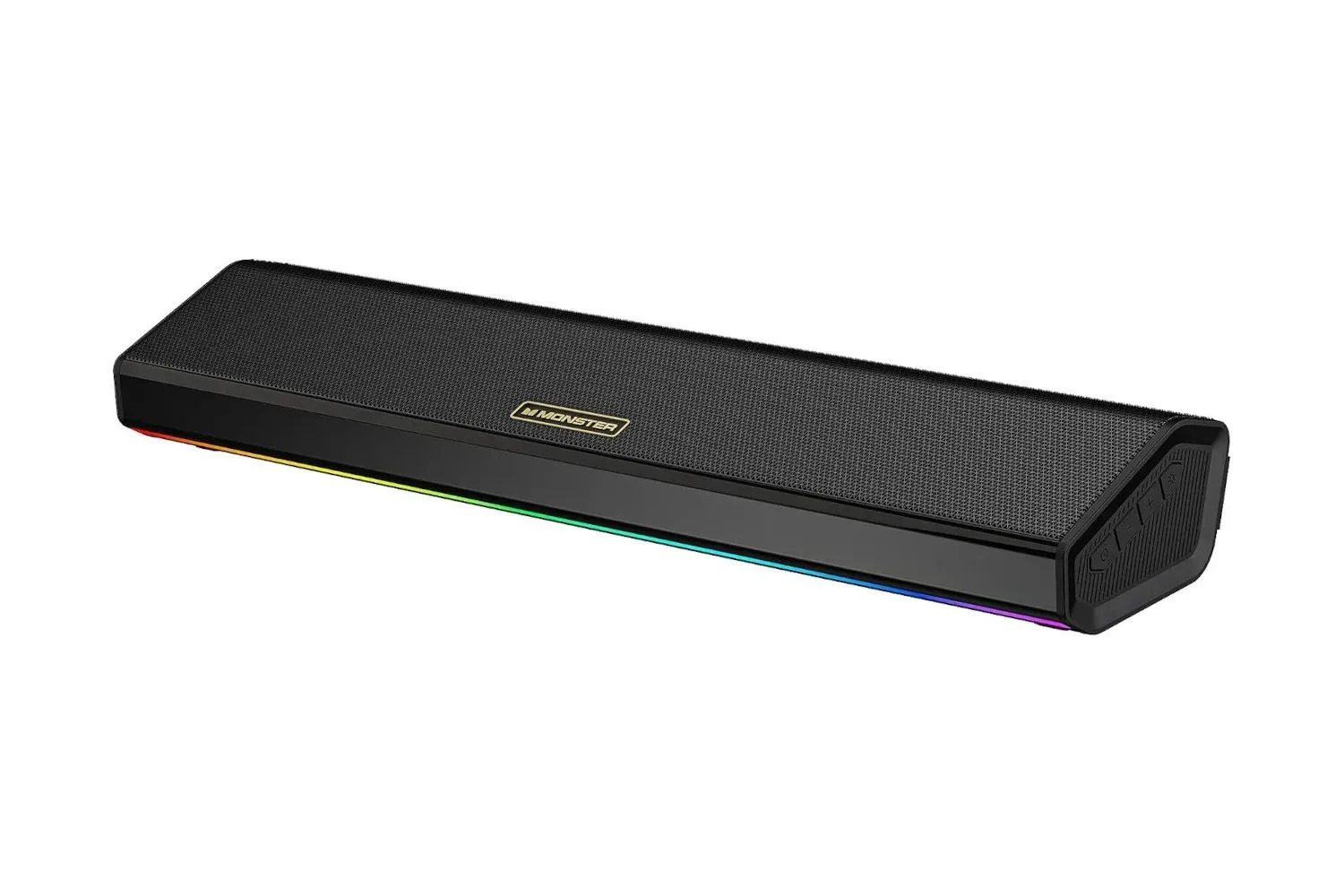
A single-speaker desktop audio option is currently listed at a notably lower price: the Monster SD100 Computer Speaker is marked at $50, down from a stated regular price of $180. That is a 72% reduction, or $130 off the reference price.
For PC players who have been using a headset’s speakers when they are not wearing it, the SD100’s appeal is fairly straightforward. It is intended to be a dedicated desktop speaker, but its connection options and quoted six-hour battery life also position it as something that can move away from the desk when needed. The feature list includes 28W total output, two 14W drivers, Bluetooth 6.0, an AUX connection, USB-drive playback, RGB lighting and a built-in microphone.
The listing is an unusually feature-heavy proposition at its current price, though prospective buyers should still approach a launch discount as a moment-in-time listing rather than a guaranteed long-term price. The useful question is not simply whether 72% sounds enormous—although it does—but whether the SD100’s particular mix of wired, wireless and standalone playback fits the desk or room it is being bought for.
What the $50 listing includes
The central specification is the SD100’s 28W output, split across two drivers rated at 14W each. A driver is the component in a speaker that turns an electrical signal into audible sound. In practical terms, two drivers give the unit two sound-producing elements rather than one. The product description presents that arrangement as offering a more spacious listening effect while keeping the physical setup to one speaker.
That should not be confused with a full multi-speaker surround setup. “Surround sound” normally describes audio delivered through multiple separately positioned channels around a listener. A two-driver unit housed in one speaker cannot place speakers around a room in that conventional sense. What it can offer is a more compact alternative to filling a desk with several separate components. For players with limited space, that distinction matters more than marketing terminology: this is one unit designed to simplify placement and cabling.
The listed connections are where the SD100 becomes more flexible than a speaker tied to one device type:
- AUX: A direct analogue cable connection. This is the straightforward route for a PC or another compatible device when a user prefers a wired setup.
- Bluetooth 6.0: A wireless option for compatible devices, useful when avoiding an extra cable is the priority.
- USB playback: The speaker can play music from a USB drive directly, without making a PC or phone the active playback device.
Those choices address different everyday situations. AUX is the no-fuss desk option; Bluetooth is convenient for a phone or other wireless source; USB playback is relevant when the speaker needs to run music from stored files on its own. None inherently makes the other obsolete. They simply give an owner more than one way to use the same hardware.
A desktop speaker first, with portable use in the mix
Its stated six-hour battery life is an important qualifier. The SD100 is described as usable as a portable speaker, so it is not restricted to being permanently plugged in beside a monitor. That said, six hours should be read as a finite session window, not as an invitation to forget charging altogether. Anyone whose main goal is uninterrupted all-day desktop audio should account for the need to recharge it when relying on battery power.
Related coverage includes Monster SD100 PC Speaker Drops to $50 in 72% Launch Discount.
For a gaming desk, the compact single-unit format could be practical in a way that a larger speaker pair is not. A keyboard, mouse mat, monitor stand, controller dock and charging cables can consume space rapidly. One speaker potentially reduces both the footprint and the number of cables compared with a setup built from separate left and right units. That is an analysis of the listed design rather than a promise of a particular sound result; desk dimensions, monitor placement and personal volume preferences will still shape the experience.
The SD100’s RGB lighting is also part of that desk-oriented pitch. RGB refers to lighting that uses red, green and blue color channels to create different colors. It does not improve the speaker’s audio capability, but it can help the hardware visually match other illuminated peripherals. Buyers who prefer an understated work area may regard it as incidental, while people building a coordinated gaming setup may see it as a welcome extra.
The built-in microphone adds another layer of convenience. It means the unit is positioned to handle voice calls or meetings without necessarily requiring another microphone. It is important to separate that convenience from a claim about call quality: the available details establish that a microphone is included, not how it performs in a noisy room, at a distance, or alongside game audio. Buyers specifically shopping for voice-chat hardware may therefore want to make sure the all-in-one approach matches their needs.
How to judge the deal rather than the percentage
A large discount is attention-grabbing, but it should not replace a basic compatibility check. Before buying, prospective users can work through the practical role the speaker will play.
- Choose the main connection. If the speaker will principally stay at a PC, AUX may be the most direct choice. If it will rotate between devices, Bluetooth may be more relevant. If it will sometimes operate without either, USB playback matters.
- Consider the available desk space. The SD100’s one-unit approach may be particularly attractive where there is only room below or beside a monitor for a compact speaker.
- Decide whether portability is a genuine requirement. The battery makes movement possible, but the stated six-hour figure means charging remains part of the routine.
- Separate essentials from extras. RGB lighting and a built-in mic may be valuable, but a buyer should first establish that the core audio connections and form factor are what they need.
- Verify the live price and product details. Retail listings and discounts can change. A $50 price is compelling only while it is actually available at that amount.
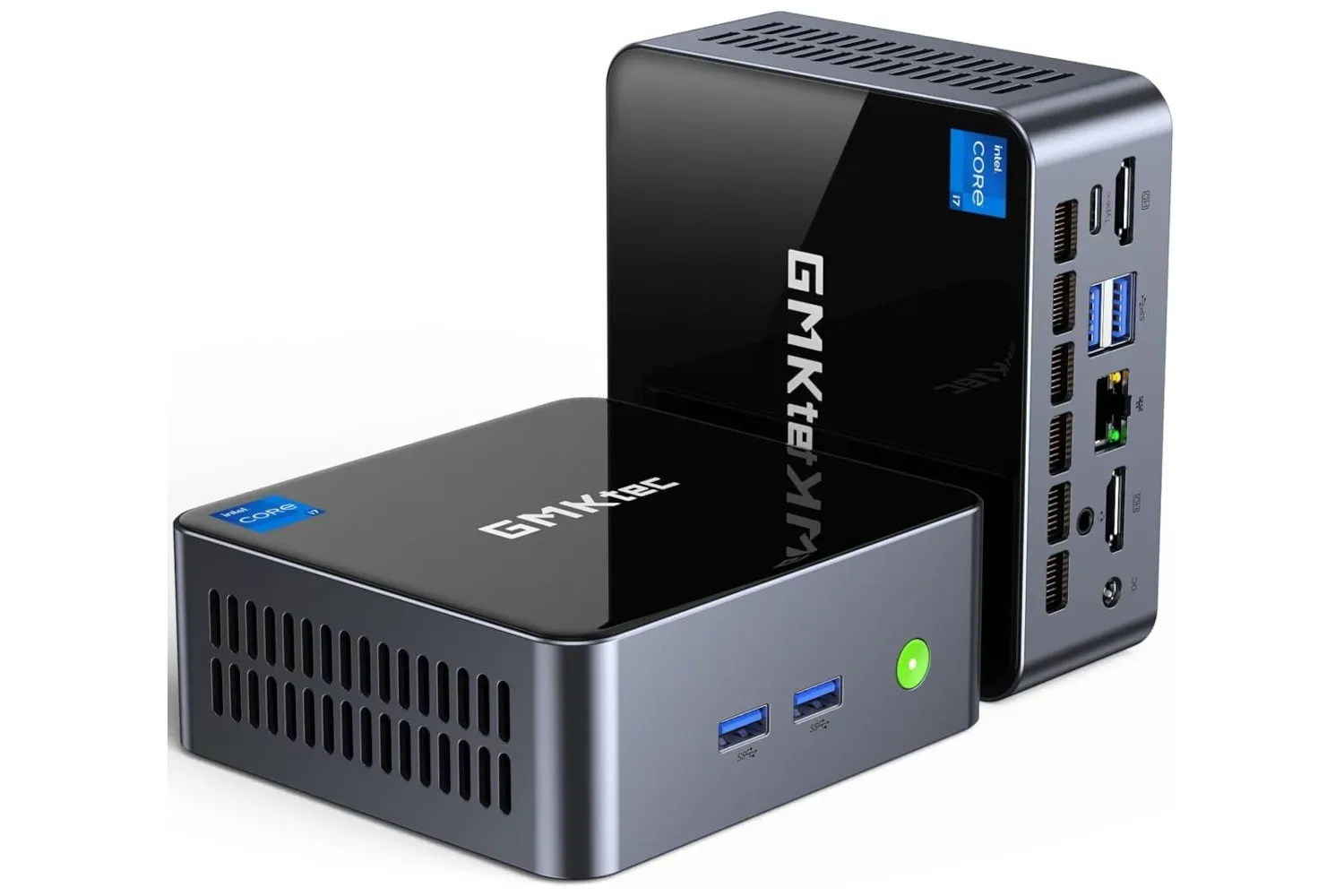
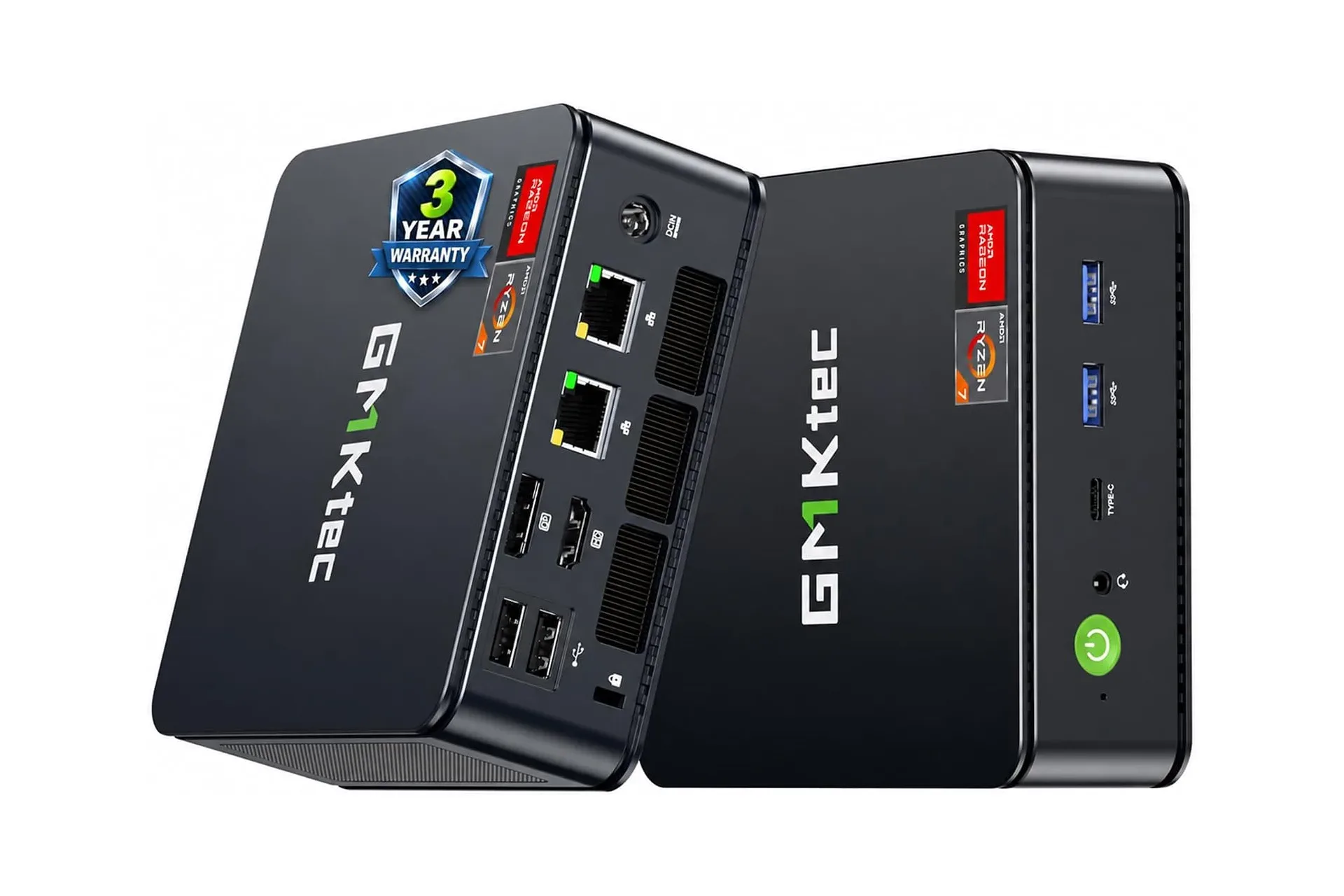
That last point is especially useful for anyone upgrading several pieces of a PC setup at once. The SD100 might be paired with a compact computer, for example, but the speaker budget should not come at the expense of the main system’s required ports or storage. Readers comparing desk hardware can also look at the GMKtec Core i7 mini PC listing for another compact-PC example, while keeping the two purchases separate: a speaker’s connectivity needs and a computer’s specifications answer different questions.
What is known—and what is not
The available product information supports a clear feature rundown: dual 14W drivers for 28W total output; AUX, Bluetooth 6.0 and USB-drive playback; RGB lighting; a built-in mic; and a quoted six-hour battery life. It also supports the stated $180 regular price and the current $50 listing.
It does not establish detailed performance measurements, precise dimensions, supported USB file formats, microphone quality, battery behavior at different volumes, or how the Bluetooth connection performs across particular PCs and phones. Those are meaningful details, especially for buyers with specialized requirements. It would be a mistake to fill those gaps with assumptions just because the discount is steep.
Even so, the value proposition is easy to understand. At $50, the Monster SD100 is listed at less than a third of its stated standard price while bringing together multiple playback methods in a single 28W speaker. For someone replacing the improvised habit of playing sound through an unused headset, it presents a dedicated alternative that does not demand a multi-piece desk setup. Its mix of AUX, Bluetooth and USB playback is the practical headline; the RGB lighting, microphone and battery capability broaden its role beyond a stationary PC accessory.
Shop the products
Check current price, model and availability at the retailer.