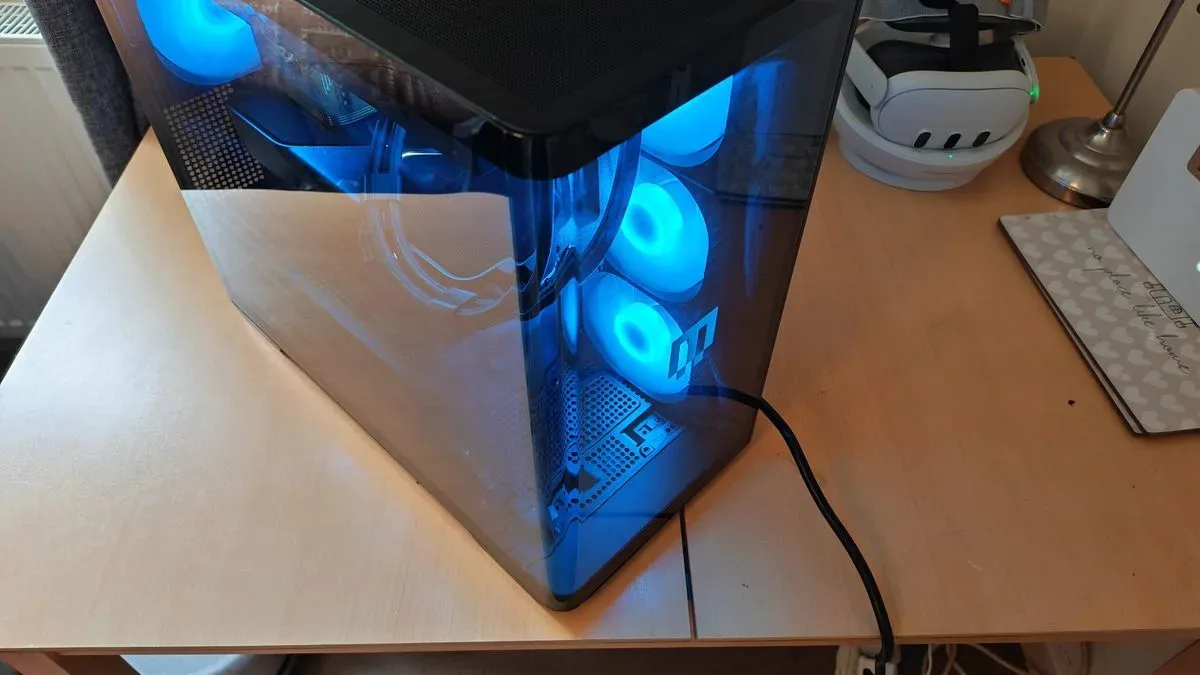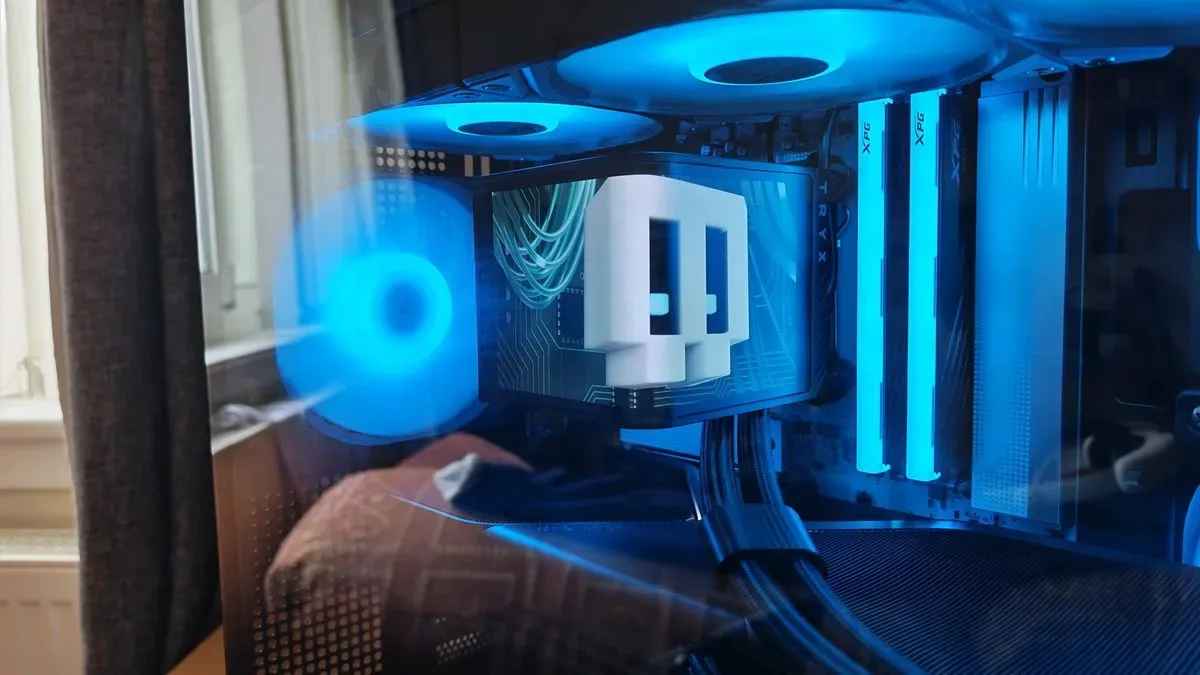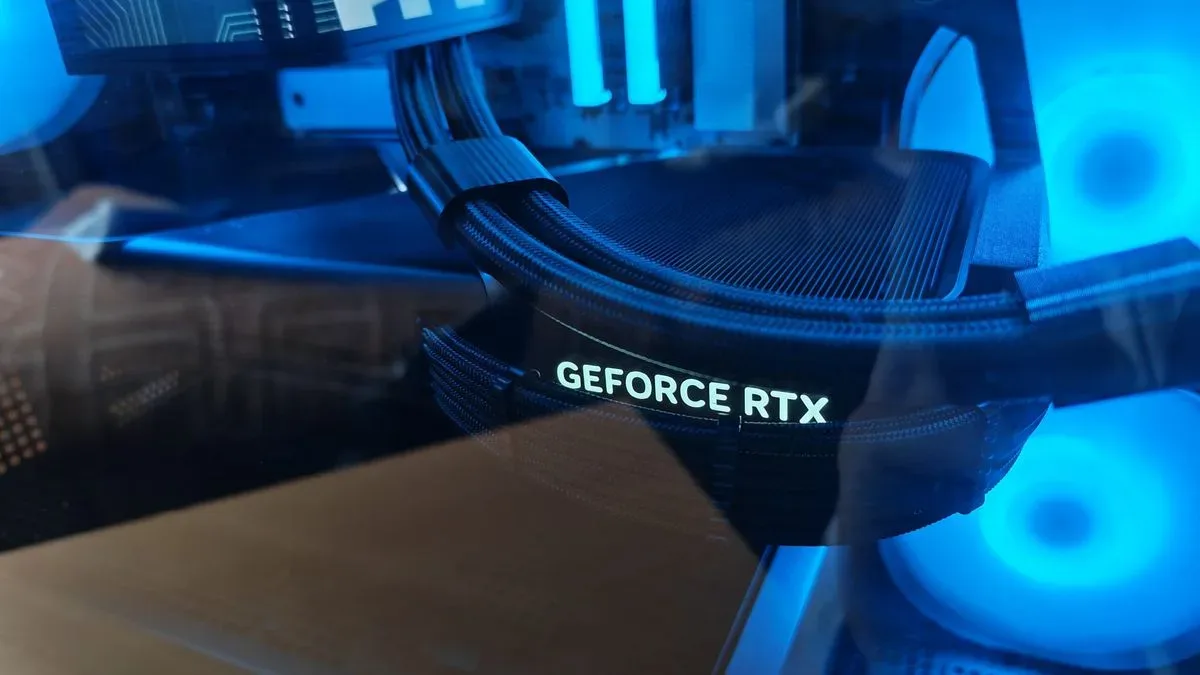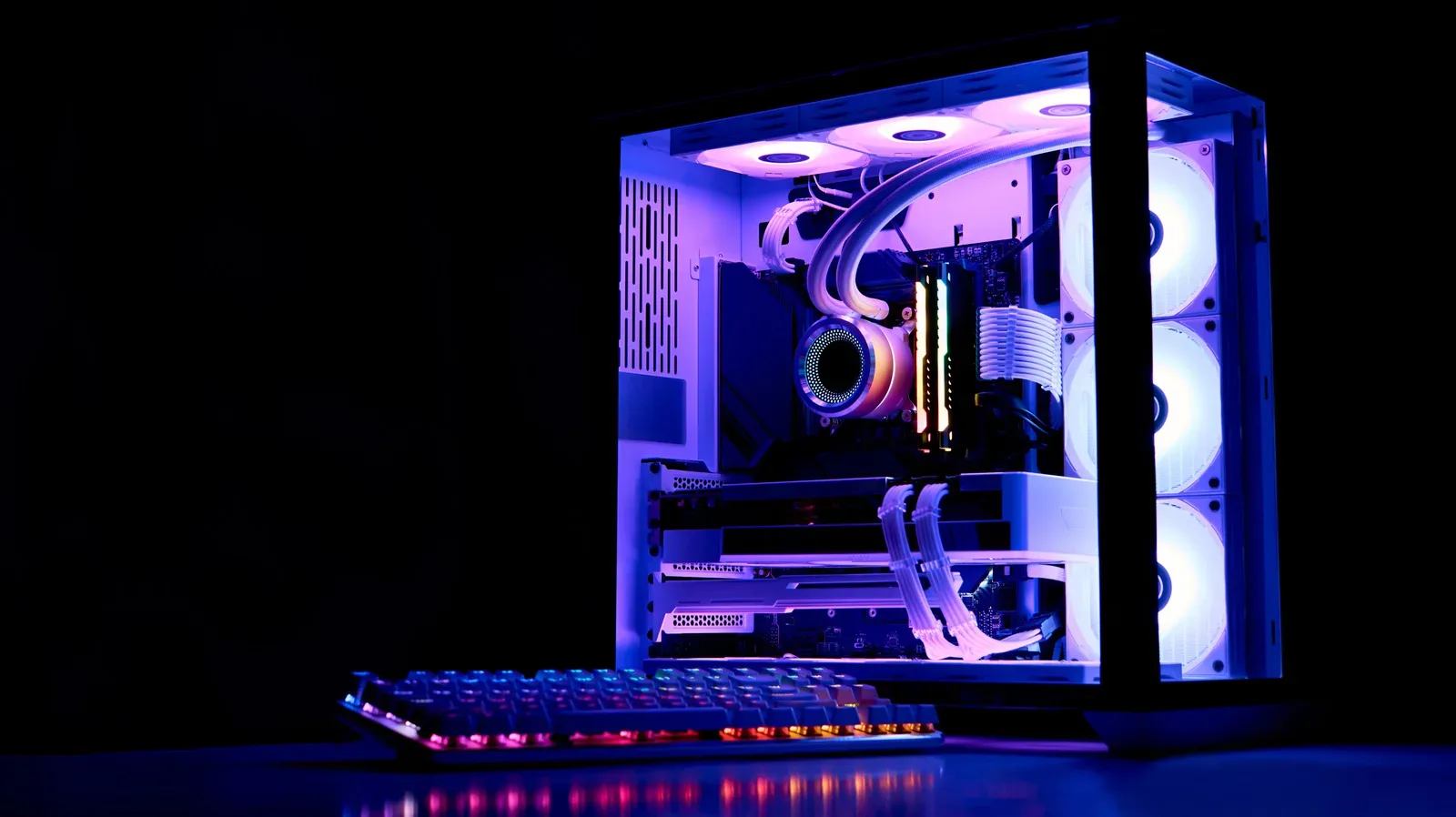
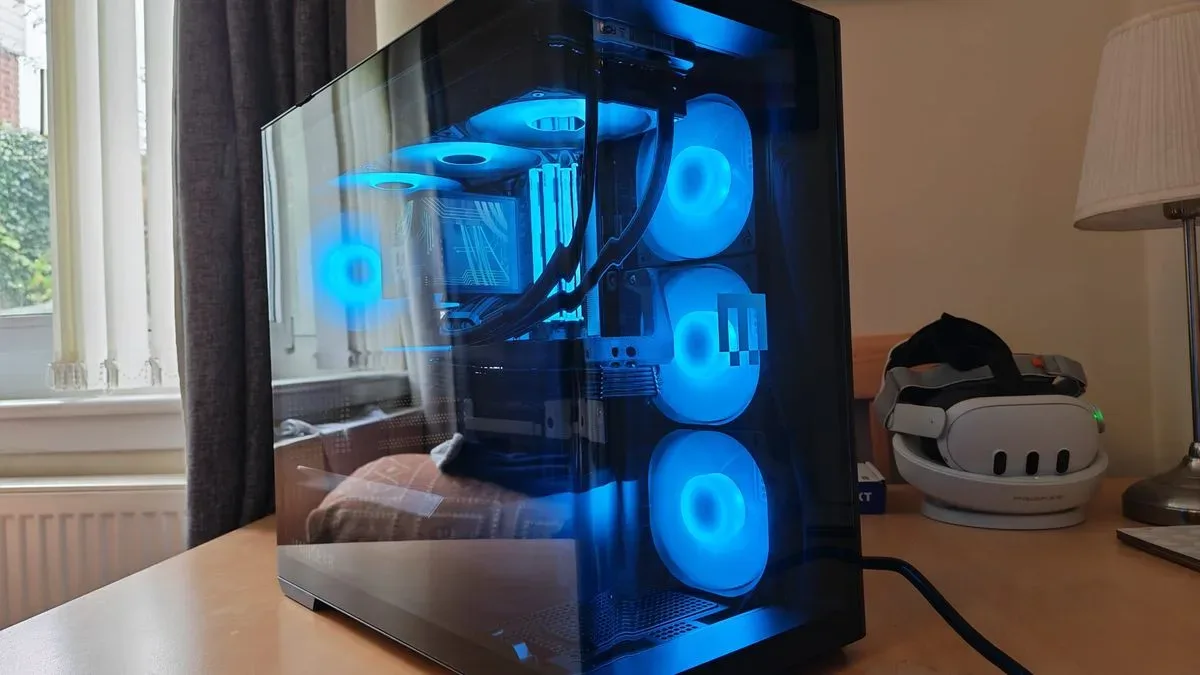
Buying a new desktop gaming PC is difficult when component costs are high, and Maingear is not trying to win that fight by pretending the Zero Mk.2 is a bargain. Its revived premium prebuilt is an unapologetically high-end machine: a compact, panoramic-glass display case built around a cable-minimizing motherboard layout, configurable from a comparatively modest RTX 5060 Ti to an RTX 5090 system priced around $7,299 in its Amethyst form.
That proposition appears to be finding an audience. The named prebuilt versions of the new Zero range are reportedly sold out at present, although a fully customizable Zero Mk.2 remains available to configure. The entry point shown in Maingear’s builder is $2,988, with an 8GB RTX 5060 Ti, AMD Ryzen 5 9600X, 32GB of memory and a 2TB SSD as the minimum component selections described.
In other words, the Zero Mk.2 is aimed less at the player looking for the lowest possible cost per frame and more at someone who wants a powerful PC to be a visible centerpiece of a setup. That makes its design decisions as important as its headline processor and graphics-card options.
A showcase PC built around the missing-cable look
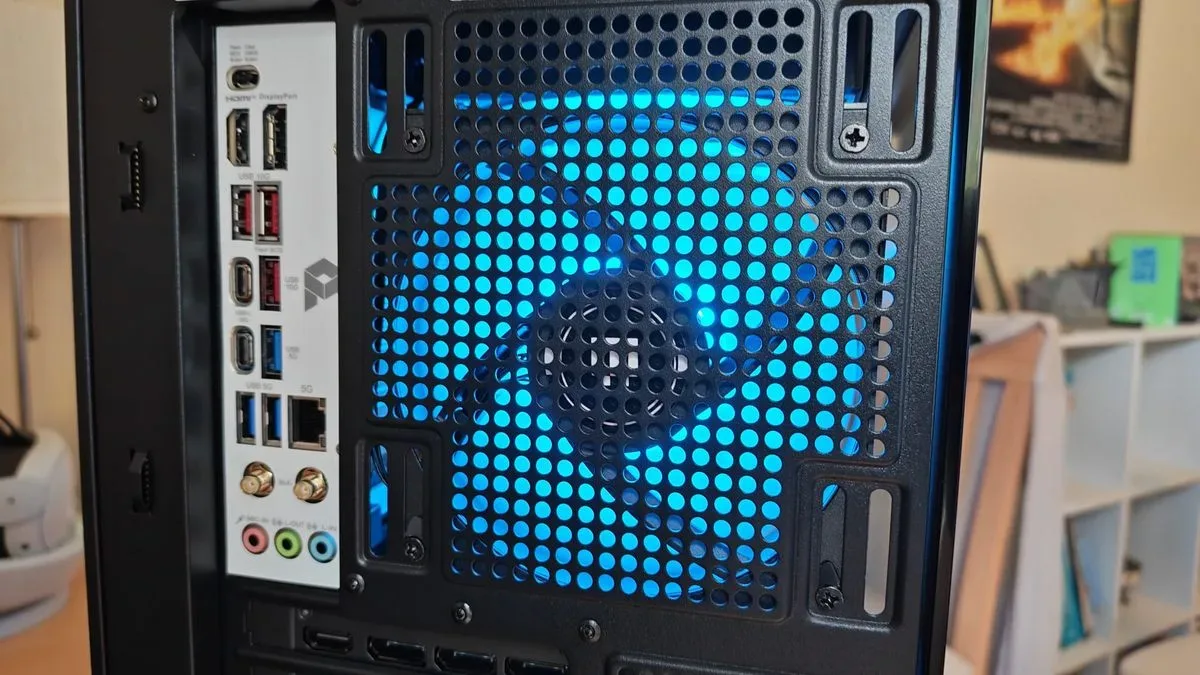
The original Zero appeared in 2024 and stood out as an early prebuilt range to use back-connect motherboards. Rather than routing most cables across the visible side of the board, a back-connect design places connectors on the reverse side. The immediate benefit is visual: power, fan and front-panel leads can be hidden behind the motherboard tray instead of crossing the chamber that users see through the glass.
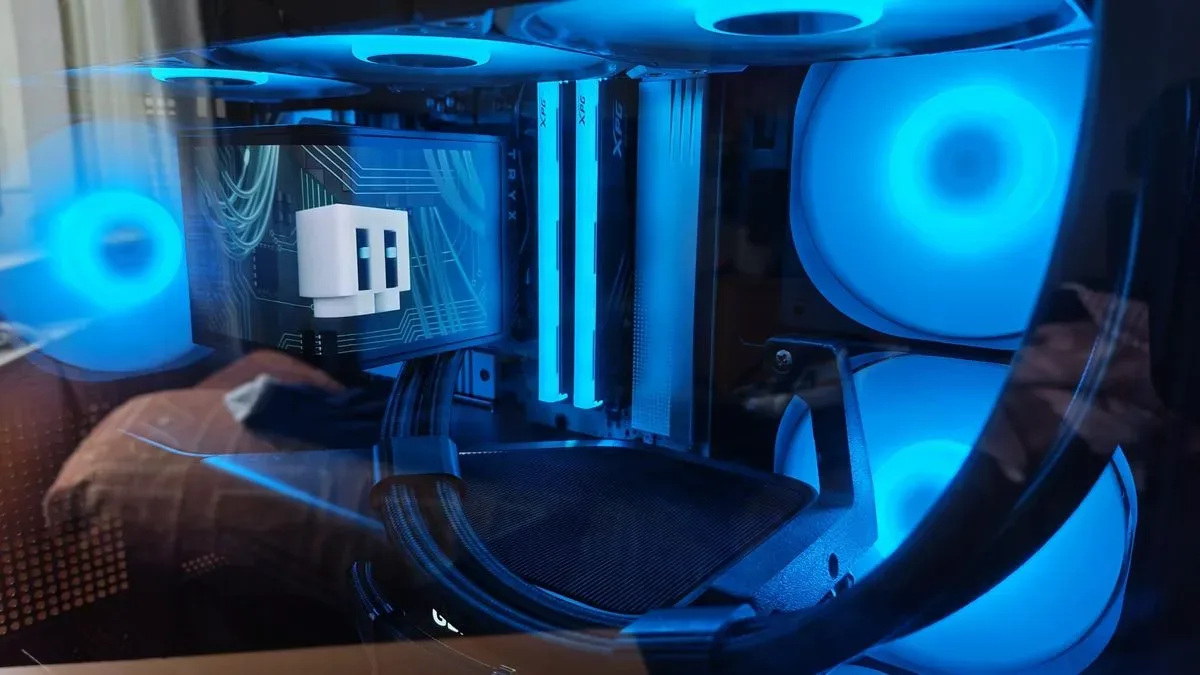
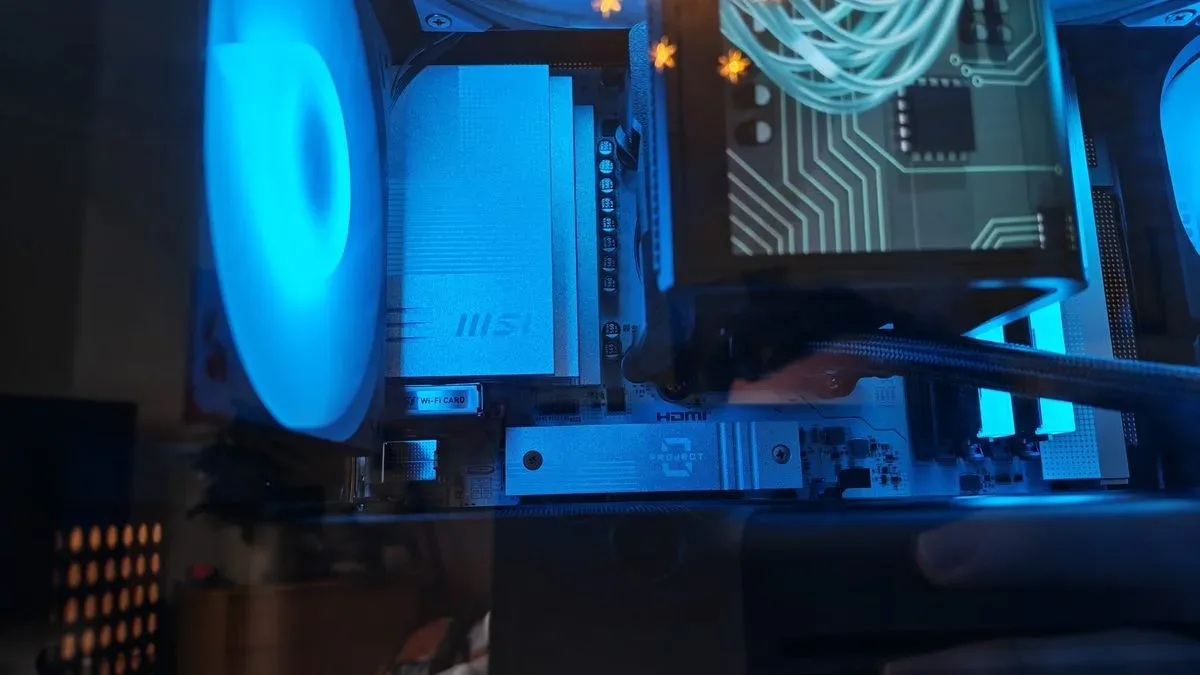
Maingear later removed the Zero range from its store during 2025 before bringing it back in 2026 alongside an updated MG-1 line. The Mk.2 iteration pushes the original premise harder. It combines panoramic curved glass, a multi-angle display on its all-in-one liquid cooler and seven preinstalled fans. The company is effectively selling component visibility without the usual tangle of wires that can undermine a glass-sided build.
That approach has a practical trade-off. Rear-mounted connectors can make a machine easier to admire, but they can also make future work less intuitive for owners accustomed to conventional motherboard layouts. Instructions and videos for standard boards may not map neatly onto the cable routing or access points inside a back-connect system. And once an owner opens the case, upgrades storage or changes hardware, preserving the carefully managed finish of a professionally assembled showcase build can be harder than simply making the PC function again.
The reported changes over the first Zero address at least one prior servicing frustration. Its GPU support bracket was described as being so integrated that adding an SSD meant removing the graphics card and faceplate. The support arrangement has been revised in the Mk.2 for more practical access, an important detail in a desktop positioned as a long-term premium purchase.
Compact dimensions, ambitious presentation
Maingear is using its own Zero Mk.2 case this time rather than the MSI MAG Pano M100 PZ used by the earlier model. The chassis is described as compact mATX while accommodating ATX boards, a potentially useful balance for buyers who want their PC on a desk rather than occupying a large portion of it. A smaller chassis does not automatically mean a cooler or quieter one, of course; fitting high-wattage parts into limited space requires thoughtful airflow and cable management.
Related coverage includes Maingear Zero Mk.2 Review: A Premium Gaming PC Built to Be Seen.
Here, the reported design includes seven fans and a 360mm Maingear Epic AIO cooler. An AIO, or all-in-one liquid cooler, is a sealed cooler that transfers heat from the CPU through liquid to a radiator, where fans expel it. A 360mm model uses a radiator built for three 120mm fans, giving it more heat-dissipation surface than smaller variants. It is particularly relevant in the top configurations, where the processor and graphics card can put sustained pressure on a case’s cooling system.
Reported testing of a Ryzen 7 9850X3D and RTX 5090 sample found the CPU reached 69 degrees Celsius during 3DMark Time Spy, while the graphics card reached 73 degrees Celsius. Those figures are workload-specific rather than a universal prediction for every Zero Mk.2, but they suggest the visual design has not simply sacrificed airflow for a clear view. The system was also described as remaining unobtrusive in fan noise under demanding tests.
For perspective, temperature readings depend on the exact processor, GPU, room conditions, fan curve and test workload. They should be considered alongside the component list, not treated as a guarantee for an RTX 5080 or RTX 5060 Ti build. The component choice changes the thermal equation significantly.
Configurations range from expensive to extravagant
The most lavish listed configuration is the Amethyst, priced at about $7,299 at the time cited. The closely comparable review system included an AMD Ryzen 7 9850X3D, Nvidia GeForce RTX 5090, 32GB of XPG DDR5 memory, a T-Force TM8ffh002t SSD, the Maingear Zero Mk.2 case, a Maingear Epic 360mm AIO, and an MSI Pro B860M-A WiFi motherboard.
Buyers should be cautious about treating every part in that sample list as an exact retail specification. The reviewed machine used XPG memory, while advertised Zero Mk.2 systems were said to list Kingston Fury memory. Maingear’s custom options can also include either AMD CPUs or Intel Core Ultra 200S Plus processors. That configurability is meaningful, but it also reinforces a basic prebuilt-buying rule: check the current component list for the exact system in the cart rather than assuming that one benchmarked sample represents every available build.
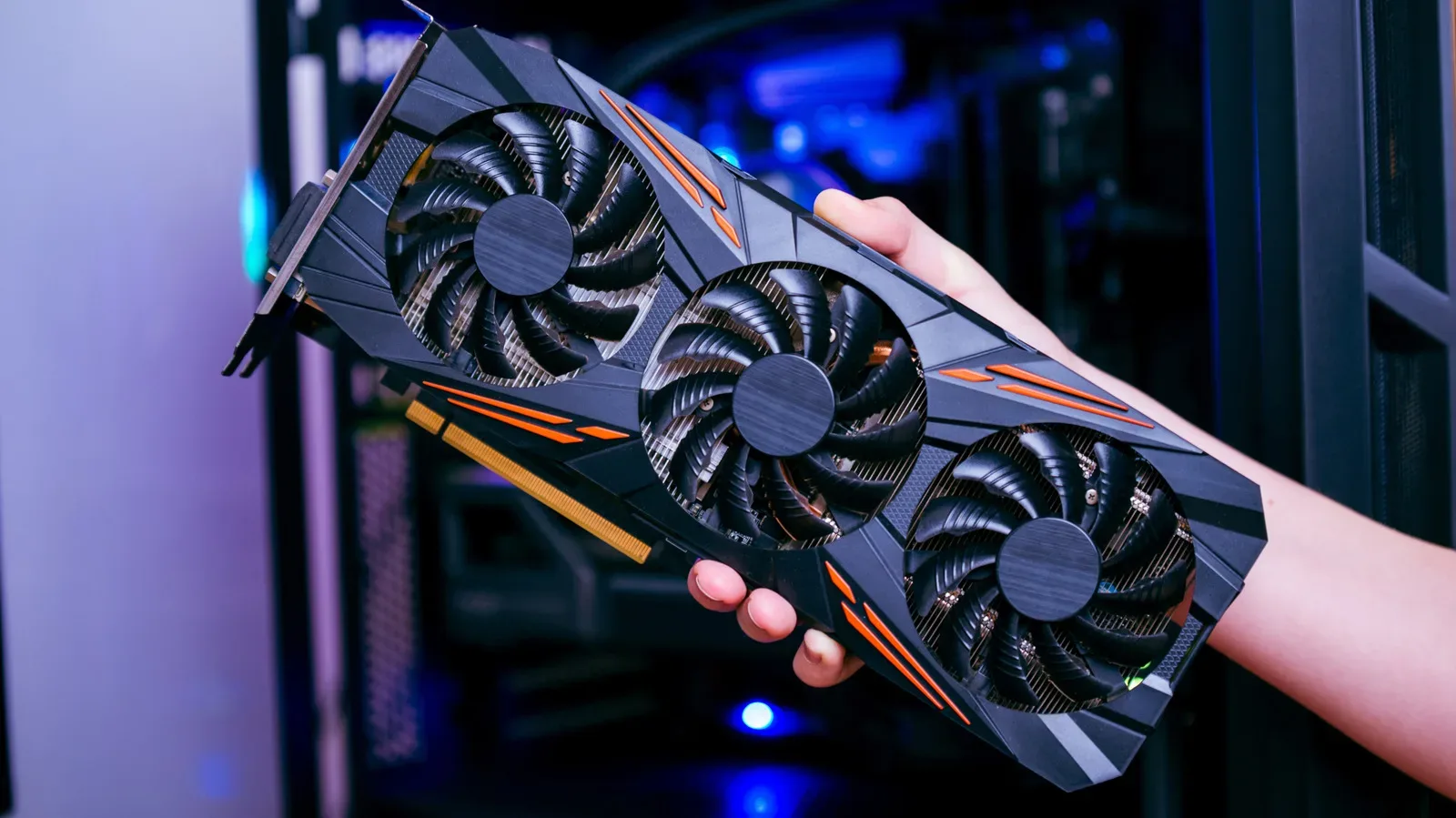
An Elite model with an RTX 5080 is also part of the range, while the $2,988 starting configuration serves an entirely different buyer. An RTX 5090 benchmark result cannot be projected onto that entry RTX 5060 Ti system. The case, assembly standards and support policies may be common threads, but graphics performance is primarily constrained by the GPU selected.
Maingear also offers a bring-your-own-RAM option. That could reduce the upfront cost for customers who already have compatible memory, particularly at a time when memory prices have been described as a major issue for PC upgrades. The standard minimum of 32GB is noteworthy because the original Zero’s higher-priced configurations could include only 16GB of DDR5 memory.
What the top-end benchmarks actually show
The reported RTX 5090 sample produced 36,896 in 3DMark Time Spy, 66,029 in Fire Strike and 140.94 frames per second in Steel Nomad. It recorded 5,605 points in Cinebench multi-threaded testing, 761 in single-core and 562 in single-threaded testing. These are synthetic benchmarks: controlled software tests designed to compare graphics and processor performance rather than direct measurements of one particular game.
Storage results were similarly strong. CrystalDiskMark recorded sequential read speeds of 7,387 MB/s and sequential write speeds of 6,769 MB/s. Sequential speeds measure sustained transfers of contiguous data, which can illustrate an SSD’s potential throughput. They do not single-handedly define how responsive a PC feels in every task, but a result above 7,000 MB/s reads is in line with the expectations set by a fast Gen 4 NVMe M.2 drive.
The system’s reported memory result was 59,228 MB/s read in AIDA64 Extreme, running at 6,000MT/s with 30-36-36-76 timings. MT/s means megatransfers per second, a measure commonly used for DDR memory data rate. As the review system’s XPG kit does not match the advertised Kingston Fury memory, this figure is best understood as a result for that tested build rather than a promise for every retail Zero Mk.2.
The broader takeaway is not that every buyer needs an RTX 5090. Far from it. The 5090 is a dramatically expensive GPU, and a system equipped with one goes beyond what most people require for ordinary PC gaming. It may make more sense for buyers who combine games with demanding creation workloads, 3D work or other tasks that benefit from extreme graphics capability. For a gamer considering the Zero Mk.2, the more useful question is whether the selected GPU matches the display resolution, games and workload they actually plan to run.
The premium is for assembly and support as well as components
Prebuilts are often judged first by CPU and GPU, but the Zero Mk.2’s appeal rests on the pieces that do not fit tidily into a specification table. The reported build quality was notably clean, with a checklist included to show that the system had been assembled and stress-tested. The machine is also said to arrive with minimal additional software beyond what Windows requires, avoiding the unnecessary bundled applications commonly called bloatware.
Packaging is another unglamorous but relevant consideration for a heavy, glass-sided desktop. The system was described as arriving with inner and outer boxes, expanding foam, setup instructions and protective materials that could be retained for a move or a return shipment.
Maingear’s stated lifetime service and repair support is perhaps the most consequential differentiator for someone spending this much. The system label and number can be used when seeking help even if the PC is later passed to another owner. That does not erase the initial cost, but it may matter more than a small specification advantage over competing machines for buyers who value assistance over the machine’s life.
The Zero Mk.2 therefore makes the most sense as a premium all-in-one purchase: carefully assembled, designed for display, offered with unusually strong support, and equipped with room for exceptionally powerful components. Its weaknesses are equally clear. The starting price is high, top configurations are stratospheric, and a nonstandard rear-connector layout may make self-directed upgrades less comfortable for beginners.
For shoppers willing to spend less, other builders may offer attractive designs, solid thermals and similar headline specs without the same premium. But for those whose brief is a compact, cable-light desktop that can be configured from capable to excessive—and then displayed rather than tucked away—the revived Zero has a distinct identity. Buyers planning ahead for demanding releases may also want to review how their game data is protected; our GTA 6 saving guide explains the limits of autosave and the value of manual saves.