Running an AI chatbot on a home PC has become remarkably straightforward: install a local-model app such as Ollama or LM Studio, download a model, and start prompting. The appeal is obvious for PC players and creators. There is no recurring cloud fee, the system can work without an internet connection, and prompts and documents need not leave the machine.
That convenience does not mean every PC suddenly has data-center-class AI hiding beneath the desk, however. Local AI is chiefly a memory problem before it becomes a processor problem. The amount of RAM and graphics memory in a system determines which models will fit at all; the speed of that memory then strongly affects whether replies arrive at a pleasant conversational pace or with the dramatic timing of a loading screen.
The practical starting point is encouraging. A PC with 16GB of RAM can run smaller local language models, generally around seven to eight billion parameters, for occasional private summaries, basic offline coding assistance, and experimentation. But anyone hoping to replace a leading cloud chatbot with a local setup will meet limits quickly. Better capacity, a GPU with ample VRAM, and—crucially—faster memory bandwidth change the experience far more than a vague claim that a machine is “AI-ready.”
The first question: will the model fit?
Large language models are commonly described by their parameter count. Parameters are the learned numerical values that shape a model’s output. An 8B model has roughly eight billion of them; a 70B model has roughly 70 billion. That number is not a complete measure of quality, but it provides a useful indication of the storage and memory requirement.
Most local users do not load models in their original, largest numerical format. They use quantized versions. Quantization stores the model’s values with fewer bits of precision, sharply reducing its memory footprint. A common four-bit form can bring storage down to about a quarter of the original size. The trade-off is that reducing precision is a compression choice, not free magic: it is intended to make local use feasible while accepting that it is not identical to the uncompressed model.
Several examples show why “B” and gigabytes both matter. In one local model library, Llama 3.1 8B occupies 4.9GB, Phi-4 takes 9.1GB, Gemma 3 27B takes 17GB, and Llama 3.3 70B requires 43GB. A widely used rough guideline is 8GB of RAM for a 7B model, 16GB for 13B, and 32GB for 33B.
Those figures should be treated as practical floor markers rather than a promise that the rest of the PC can disappear. The operating system, the local AI application, the prompt context, and everything else currently open also require memory. A model that nominally fits can leave very little room for a game launcher, browser tabs, capture software, or the game itself. That distinction is especially important on a 16GB machine: “can load” and “is pleasant to use every day” are separate achievements.
What 16GB PCs can realistically do
For a mainstream desktop or laptop with 16GB of system RAM, smaller models are the sensible target. Llama 3.1 8B and Qwen3 8B are examples in that range. A graphics card carrying 8GB of VRAM can also run this class of model at a decent pace when the model fits within that dedicated graphics memory.
There is a caveat for gaming PCs. VRAM is shared by the jobs assigned to the graphics card, even though games and local AI apps are not necessarily running together. A local model that occupies most of an 8GB card’s VRAM leaves little headroom for a demanding game. In practice, that makes an 8GB GPU better suited to using a small chatbot before or after a gaming session than to treating local AI as a background companion during one.
OpenAI’s gpt-oss-20b further illustrates why parameter labels alone do not settle the buying decision. It has 21 billion parameters but uses 3.6 billion for each generated token through a mixture-of-experts design. In simple terms, this architecture activates only a selected portion of the model for a given piece of output, which can help it run quickly. Yet the model still needs its complete stored weights to reside in available memory. Its listed local footprint is about 14GB, which technically aligns with a 16GB-memory claim but leaves an extremely tight fit on a typical 16GB PC.
That is the central lesson for a minimum-spec system: do not plan around the last unused gigabyte. A local model is more useful when the computer remains a computer, rather than becoming an appliance whose only remaining trick is reluctantly generating text.
RAM capacity and VRAM are not interchangeable in practice
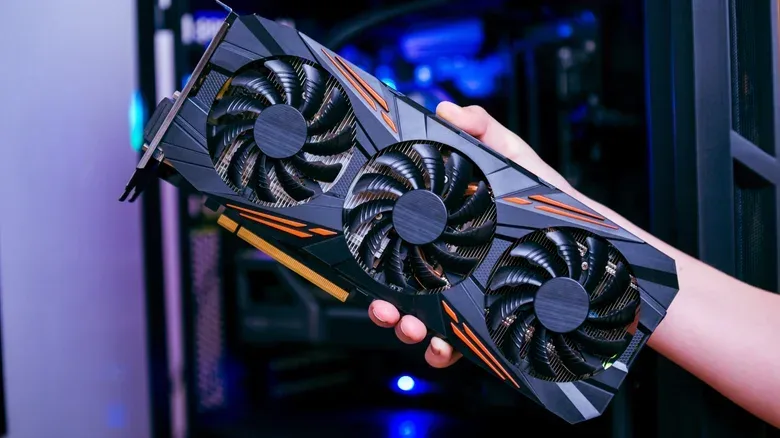
RAM is the main system memory used by the CPU and the operating system. VRAM is memory attached directly to a graphics card. Both can be relevant to loading a local model, but VRAM is normally much faster for this workload. When the entire model sits in GPU memory, generation is generally far quicker than when part of it has to be handled through slower system memory.
This is where local AI differs from many familiar PC-spec conversations. A fast processor remains useful, but language-model text generation repeatedly reads model weights from memory. That stage is often called memory-bound: performance is constrained more by how rapidly data can move from memory than by raw compute throughput. More CPU cores do not automatically rescue a setup that is waiting on memory transfers.
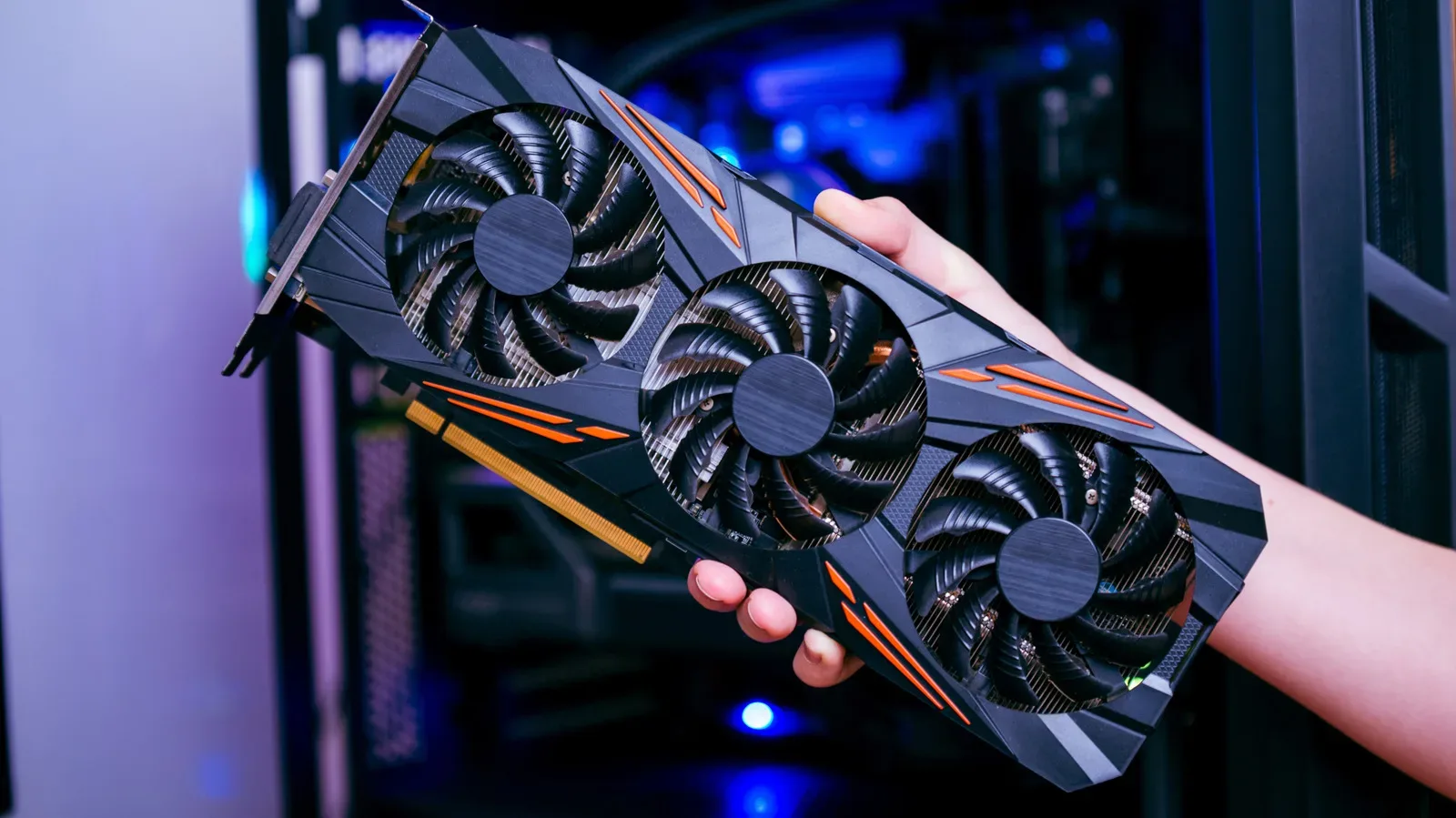
That same principle explains why a GPU is not simply an optional frame-rate part in local AI. Its high-bandwidth VRAM can turn a model that feels sluggish on system RAM into one that produces text at a useful speed. Conversely, when a model is too large for the card and spills into regular RAM, the performance hit can be substantial.
For players trying to balance general PC use with both local AI and games, this makes configuration more important than marketing labels. “AI PC” can describe a machine with an NPU, a GPU, or software features, but it does not reveal the model size that will fit, whether it will reside in VRAM, or the rate at which it will answer. Those are the details worth checking.
Tokens per second: the responsiveness stat that matters
Chatbots do not output whole sentences in one motion. They generate tokens, small units of text that are often words or pieces of words, one after another. Tokens per second is therefore a useful way to judge perceived response speed once generation begins. A range above roughly five to 10 tokens per second is enough to keep up with most people’s reading.
The performance spread is enormous. Benchmarking placed Nvidia’s RTX 5090 at 205 tokens per second on gpt-oss-20b. A base Apple M4 reached roughly 24 tokens per second on a 7B model in another benchmark. Nvidia’s DGX Spark produced 38 tokens per second on Llama 3.1 8B, but only 4.42 tokens per second on the much larger 70B version. The contrast is a valuable warning against treating a powerful machine as a universal answer: model size remains decisive even on specialized hardware.
There can also be a meaningful difference between software paths on the same laptop. A reported run of Mistral 7B via Ollama on a 2024 Asus Zenbook Duo with 32GB of RAM and an Intel AI Boost NPU used about 52% CPU and around 17GB of memory. That was manageable in isolation but likely to make the laptop cumbersome if other heavy tasks were active. Running the same model through Intel’s OpenVINO toolkit instead placed the NPU at 98% while the CPU stayed at 3%, leaving the laptop responsive as it produced 2,500 words in around three minutes.
An NPU, or neural processing unit, is specialized silicon intended for AI workloads. The example does not establish that every NPU will transform every local model, but it does show why software support matters. Hardware acceleration only helps when the app and runtime can effectively use the available accelerator.
Why 32GB is the more comfortable local-AI tier
Moving from 16GB to 32GB of system RAM, or using a GPU with 16GB or more VRAM, opens a more practical middle ground. It offers capacity for models beyond the small 7B-to-8B class and gives the system breathing room for normal desktop activity. It is not a shortcut to the best hosted AI, but it makes local use feel less like a carefully staged tech demo.
Recent model rankings underline both the progress and the gap. Qwen3.5 27B recorded 42 on an intelligence index in April 2026, level with GPT-5 at its medium setting, while Gemma 4 31B recorded 39. The leading cloud models stood at 57. Qwen3.5 27B needs approximately 17GB to 20GB of memory, placing it beyond a conventional 16GB PC even before considering normal system overhead.
For someone choosing components, the honest value calculation depends on the intended job. Offline private work, experiments, and contained coding tasks can justify local models. Cloud tools remain compelling for access to leading capability without a major hardware outlay. At one reported pricing point, a 32GB DDR5 kit cost $434—close to two years of a $20-per-month premium chatbot subscription. Neither route is automatically superior; one buys local control and offline capability, while the other buys access to much larger infrastructure.
PC users should also separate local text-model ambitions from ordinary gaming upgrades. More VRAM may help local AI, but the relevant question is whether the selected model will fit entirely inside it. That is a more actionable spec than just purchasing the most expensive GPU within reach. For another example of how underlying PC infrastructure can unexpectedly affect play, see this guide to 5 GHz Wi-Fi channel changes and gaming stability.
Frontier-scale AI remains a data-center job
The ceiling arrives quickly. Moonshot’s Kimi K2.6, a one-trillion-parameter open-weight model released in April 2026, needs around 600GB of combined RAM and VRAM even at four-bit quantization. Its successor, Kimi K3, has 2.8 trillion parameters. Its weights alone are roughly 1.4TB and would barely fit in an eight-GPU data-center server.
That perspective matters because local AI discussions can blur the line between impressive consumer experimentation and true frontier-scale operation. A good local model on a well-equipped PC can be private, fast enough for interactive work, and genuinely useful. It is not evidence that a desktop has replaced the clusters behind the biggest hosted systems.
The best buying rule is therefore modest and specific. With 16GB, focus on smaller models and occasional offline tasks. With 32GB of RAM or a 16GB GPU, local AI becomes more comfortable and flexible. For models at the cutting edge, no ordinary gaming PC is the target platform. Capacity decides what can run; bandwidth decides how good it feels while it runs.