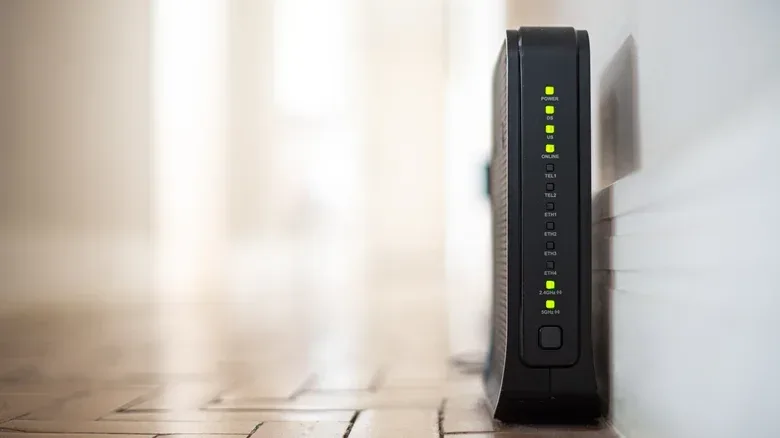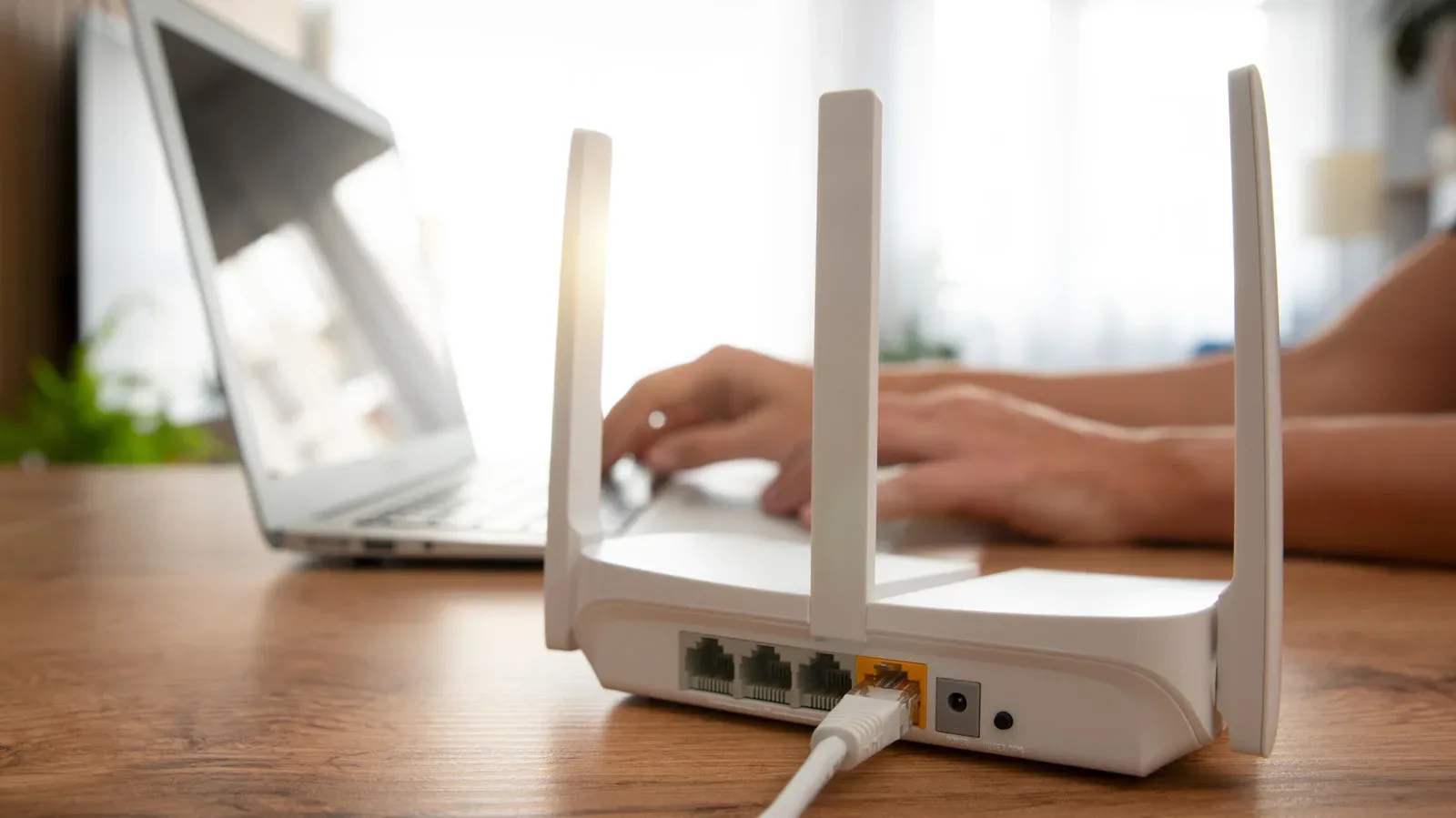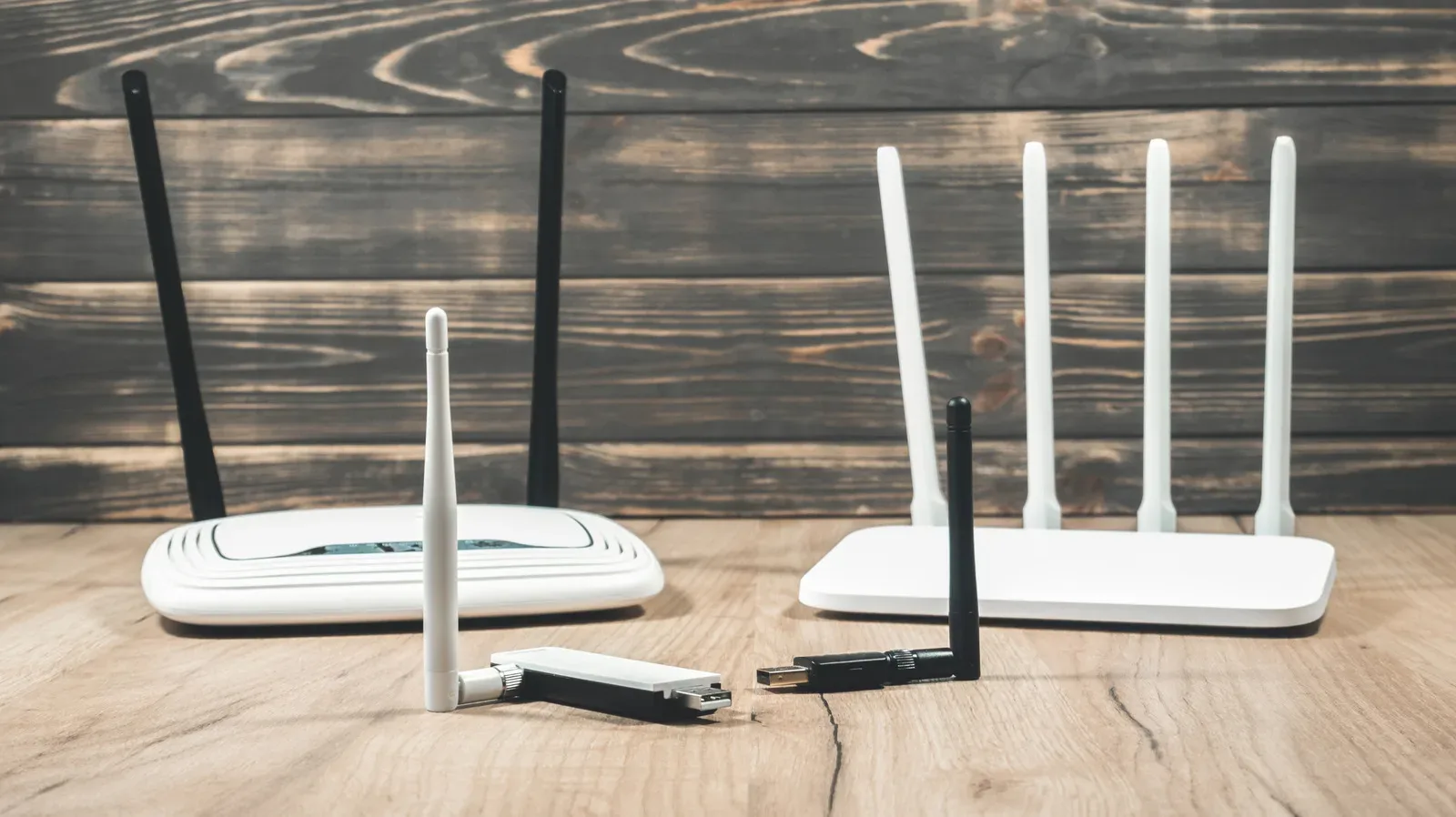
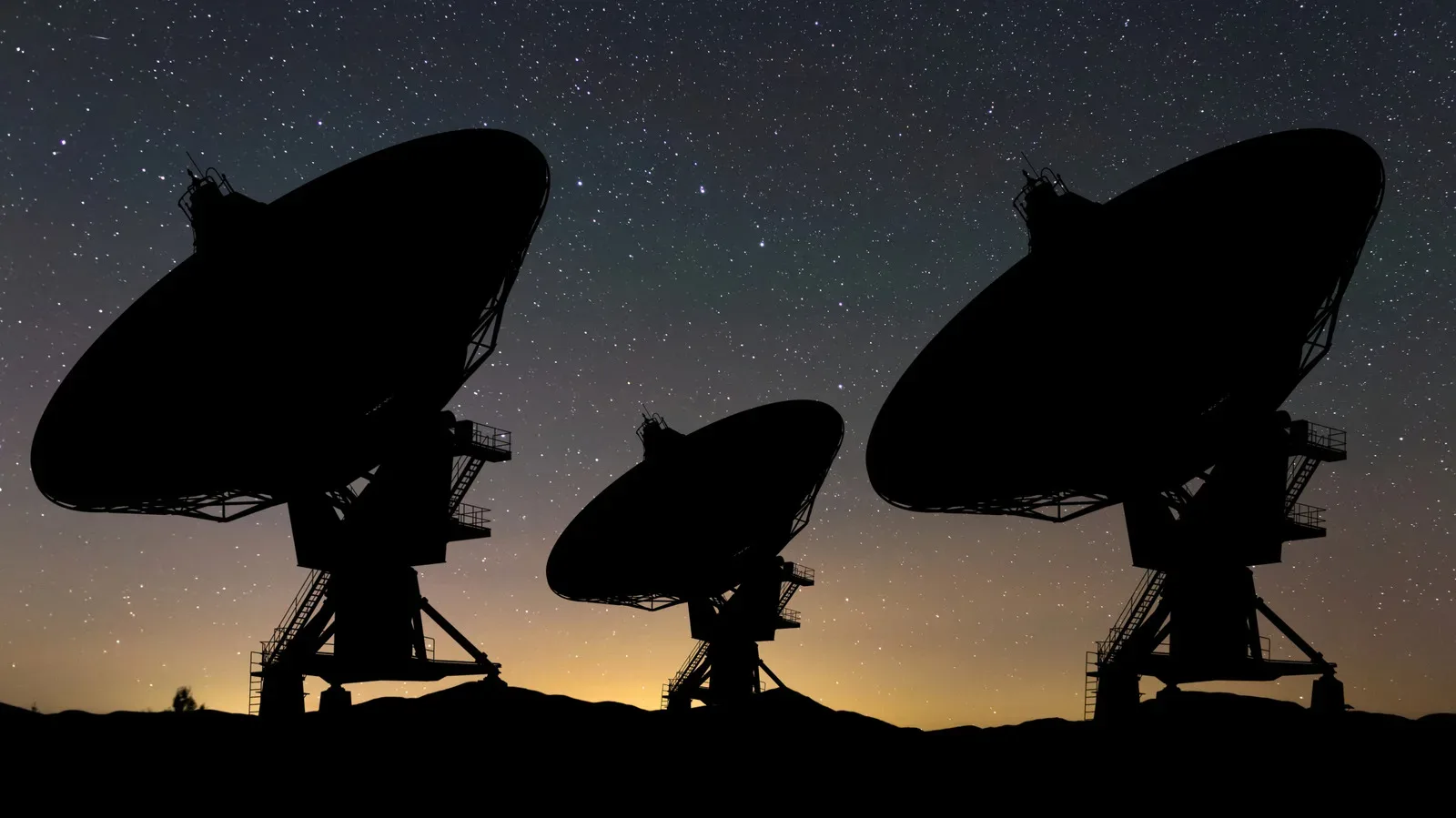
A sudden Wi-Fi hitch is an especially brutal kind of interruption: an online match freezes, party chat breaks apart, or a download stalls just as it seemed settled. On a dual-band router, the pattern can be confusing. The 5 GHz network may disappear, devices may fall back to 2.4 GHz, and then the faster network returns on a different channel. A router event log may even show the alarming word “RADAR.”
That message usually describes Dynamic Frequency Selection, better known as DFS. It is not an indication that a home router is doing anything unusual or that a user has caused a problem. DFS is the mechanism Wi-Fi equipment uses to share portions of the 5 GHz spectrum with systems that have priority, including weather radar, satellite communications and military radar.
For players, the practical point is straightforward: DFS can trade occasional stability for access to a larger portion of the 5 GHz band and, in some configurations, the widest channel bandwidth. It is a technical and regulatory constraint rather than a mysterious router defect. Understanding the distinction makes it much easier to decide whether a channel change is worthwhile.
What DFS means in plain terms
Wi-Fi does not exclusively own all of the radio frequencies used by 5 GHz networks. Some channels are shared. DFS requires compatible routers to monitor those shared channels for radar signals and avoid transmitting if radar is present.
In the United States, rules require a router using a relevant shared channel to listen for radar for 60 seconds before it begins transmitting. If it detects radar after the network is active, it must leave the channel within 10 seconds and must not use it again for at least 30 minutes. DFS is enabled by default where required; it is not simply an optional convenience feature manufacturers can remove because a connection interruption is frustrating.
That sequence explains several familiar home-network behaviors:
- A delay after rebooting: A 5 GHz network on a DFS channel may take longer to come back than a 2.4 GHz network because the router has to perform its listening check first.
- A mid-session interruption: If radar is detected, the router has a short deadline to vacate its current channel. Connected hardware may switch bands or briefly disconnect.
- A different channel afterward: The original channel is unavailable for the required 30-minute period, so the router selects another permitted option.
- An ominous event-log entry: “RADAR” is the router recording why it moved, not necessarily identifying a specific nearby system.
The router is prioritizing protected communications over a local wireless session. That can be inconvenient during an online game, but the system’s purpose is to prevent Wi-Fi equipment from interfering with radar operations.
Airport weather radar is a major reason this matters
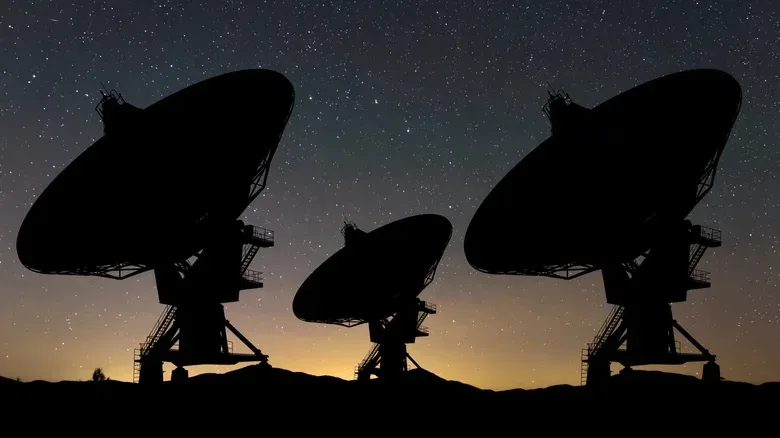
It is easy to jump from the term “radar” to military activity. In the US, though, airport weather radar is a particularly important part of the story. The Federal Aviation Administration operates 45 Terminal Doppler Weather Radar systems covering 46 busy airports, including JFK, O’Hare, Dallas and Denver.
These systems are designed to detect wind shear: a sudden change in wind speed and direction. Wind shear can present a serious danger during aircraft approach and departure. The relevant radar systems transmit between 5600 and 5650 MHz, directly within the territory associated with 5 GHz Wi-Fi.
The FAA says there has been no wind-shear accident at a Terminal Doppler Weather Radar-protected airport since the system was commissioned in 1994. That safety role puts the irritation of a changing home Wi-Fi channel in perspective. The spectrum-sharing rules are built around avoiding disruption to a system with a direct aviation-safety function.
There is also a record of real interference concerns. In early 2009, the FAA began finding interference to those radars from unlicensed 5 GHz equipment, prompting an investigation with the National Telecommunications and Information Administration. The issue later resulted in FCC action involving outdoor point-to-point wireless providers. In August 2019, the FCC proposed $25,000 fines for Boom Solutions, Integra Wireless and WinPR after equipment interfered with weather radar at San Juan International Airport in Puerto Rico. The FCC said DFS had been disabled in each case. WinPR’s penalty was confirmed in November 2019, while Boom Solutions’ followed in early 2020.
Those cases involved outdoor wireless links, not typical living-room routers. Still, they show why DFS cannot be treated as needless red tape. A home router’s forced channel move is part of a broader effort to ensure unlicensed equipment gives protected radar services priority.
Why it can feel worse in online games
Games, voice chat and video calls are sensitive to momentary network changes. A large download can recover from a short interruption because it can resume transferring data. A real-time game session has much less room to hide even a brief loss of connectivity. A device that changes from 5 GHz to 2.4 GHz may stay connected, but it can experience a different balance of speed, range and local congestion.
The exact experience depends on both the router and the device. FRITZ! says that routers can guide compatible devices over to 2.4 GHz while a DFS channel is unavailable. Devices that support the 802.11k and 802.11v roaming standards can make that transition more smoothly. Older hardware may instead undergo a brief disconnect.
Those labels are worth decoding. 802.11k and 802.11v are Wi-Fi standards that help devices receive information and guidance for roaming between wireless options. In this setting, their value is not extra raw speed; it is a better chance that a phone, laptop or other client changes its connection with less visible disruption.
DFS is therefore one plausible explanation when several wireless devices hiccup together, a 5 GHz network vanishes, and a router log records radar detection. It should not become a catch-all diagnosis for every lag spike, however. The behavior described here has a very specific signature: a channel or band change associated with DFS activity.
PC players in particular may recognize the symptoms as the sort of disruption that can spoil an always-online session. For more on the current PC landscape, see our coverage of WoW: Forever and the discussion around its dungeon experience. The networking point remains separate: a DFS move is a router-level spectrum decision, not a game-server-side change.
Channel width is part of the compromise
DFS is tied not only to individual channel numbers but also to channel width. Channel width is the amount of radio spectrum a Wi-Fi network uses at once. A wider channel can provide more potential throughput, but it also occupies more spectrum.
ASUS notes that a radar event on a 160 MHz-wide channel can force a router to reduce to 80 MHz. The simple implication is that a player may still have a working 5 GHz network, but with less potential capacity than before. That may be most noticeable in a busy household with multiple active devices, large downloads or high-bandwidth streaming occurring alongside gaming.
ASUS also warns that the widest 160 MHz arrangements cannot be created without using radar-shared spectrum. Consequently, avoiding DFS can mean giving up access to the router’s broadest 5 GHz channel option. This is the real choice behind many router-menu toggles: not “good Wi-Fi versus bad Wi-Fi,” but a balance between maximum available bandwidth and avoiding channels that might have to be vacated.
Which US channels avoid DFS?
Most of the 5 GHz band uses DFS. In the United States, the radar-free ranges identified here are channels 36 through 48 and 149 through 165. That does not mean they are universally the fastest choices, and it does not make them automatically superior for every home. It means they do not carry the same DFS radar-detection requirement.
A router set to a fixed channel has another behavior worth knowing: ASUS notes it may not automatically return to the prior channel once the radar condition is gone. That can make a manual configuration feel predictable, but it also puts more of the channel-selection decision on the user.
FRITZ! suggests considering channels 36 to 48 when radar is detected continuously or about once every hour. The advice is best read as a stability-oriented response to a repeated, identifiable DFS pattern—not a requirement for every router owner who notices a single event-log entry.
Should you turn DFS off?
Whether a router exposes a setting to avoid automatic DFS channels will vary by manufacturer and region. Where an option exists, it can improve consistency by limiting the router to spectrum that is not subject to the same radar-driven moves. It can also reduce the available options for high-throughput 5 GHz operation.
The trade-off is particularly clear for 160 MHz settings. ASUS’s instructions for avoiding automatic DFS channels also tell users to disable 160 MHz bandwidth, since that widest configuration depends on DFS-shared spectrum. Put plainly, the potential reward is fewer radar-triggered channel disruptions; the potential cost is less peak 5 GHz performance.
Before changing anything, it helps to identify the actual problem rather than react to one scary log line:
- Check the router log. Look for a radar or DFS event at the same time as the interruption.
- Watch for repetition. A recurring pattern is more useful evidence than one isolated event.
- Consider location. Frequent incidents may be more relevant for homes near airports or military facilities.
- Review the 5 GHz menu carefully. Channel selection, automatic DFS behavior and channel width are connected settings.
- Account for every device. Newer gear with 802.11k and 802.11v support may transition more gracefully than older clients.
DFS channels remain legal and are enabled by default because sharing spectrum responsibly is the point. For households that rarely see radar detections, leaving the automatic behavior intact preserves access to more of the 5 GHz band. For a household experiencing recurring, clearly logged DFS moves during play or work, selecting a non-DFS range may be a reasonable stability-first compromise—provided the router’s available settings and regional requirements are respected.