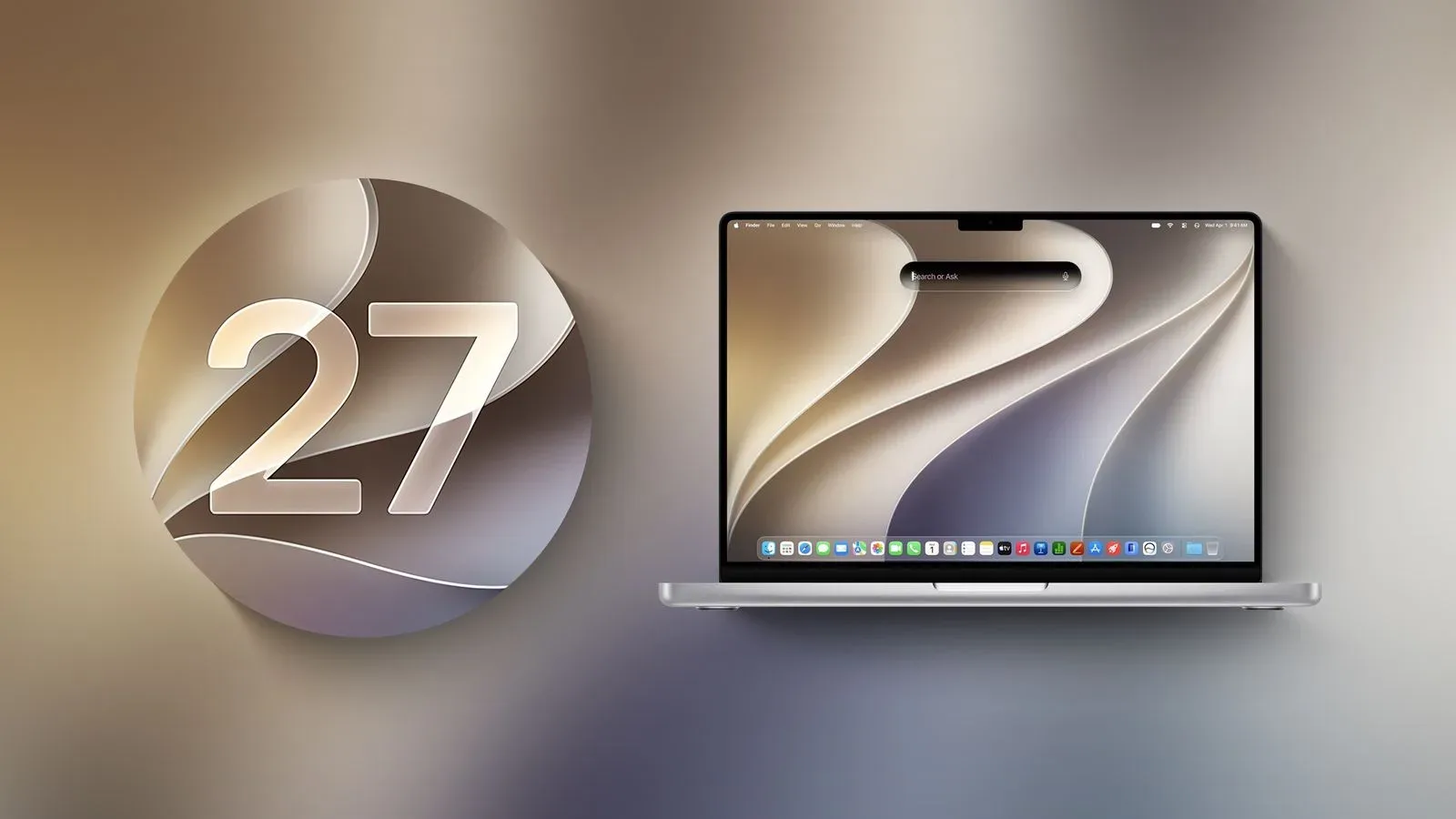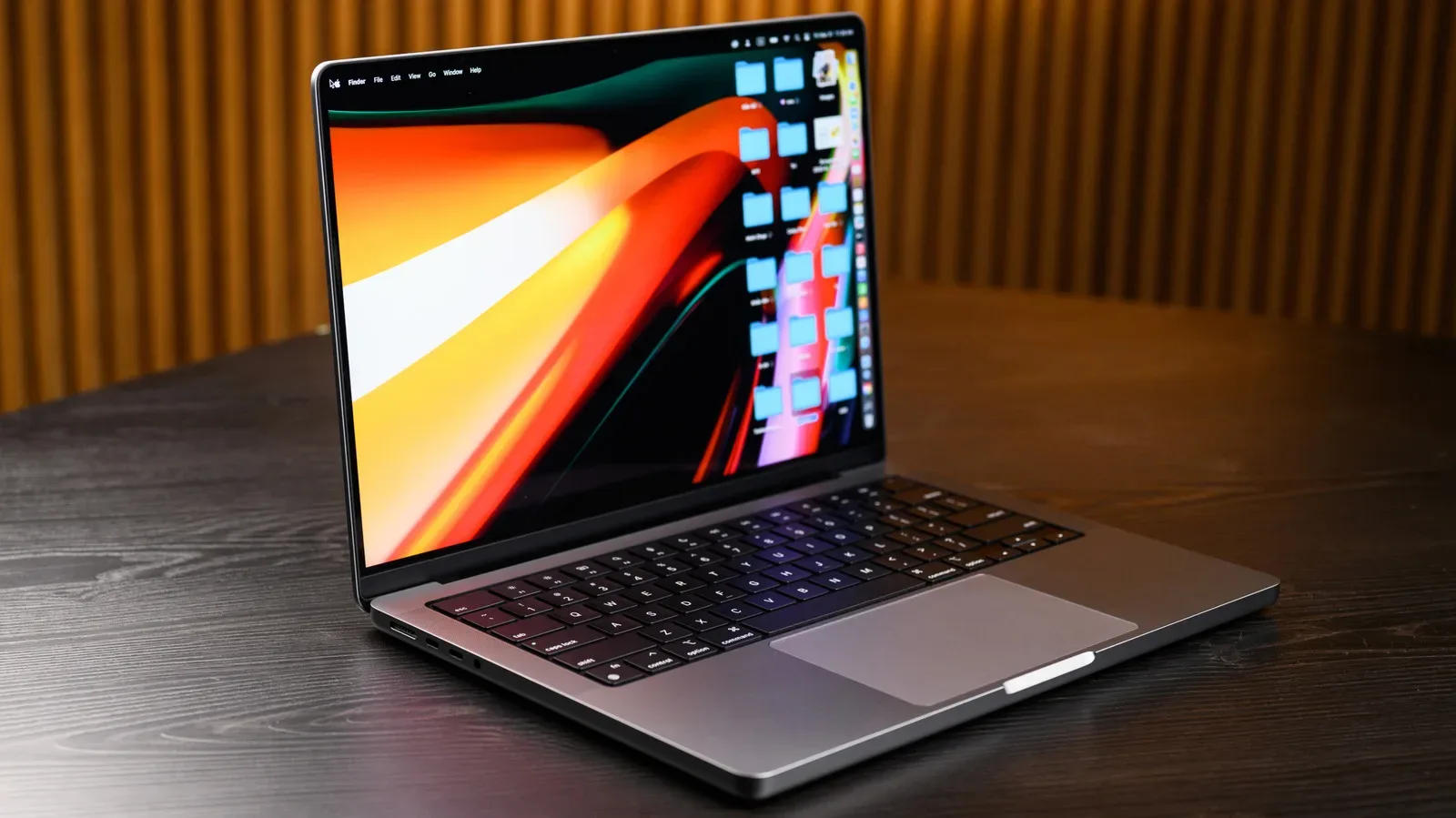
macOS 27, known as Golden Gate, marks a clean compatibility break for MacBook owners: every Intel-based Mac is excluded. The new operating system begins at Apple silicon, meaning a MacBook needs an M-series chip to install the update.
That makes Golden Gate a bigger dividing line than a usual annual OS rollout. An Intel MacBook may remain perfectly capable for everyday work, browsing, media, or older software, but it will not gain macOS 27’s new interface controls, AI-focused Siri changes, photo-editing tools, Safari tab organization, or broader performance improvements. For people who use a Mac alongside a gaming PC, console, capture setup, or general hobby workstation, the immediate question is straightforward: is the laptop running Intel hardware or an M-series chip?
The rule is simple: Intel Macs cannot install Golden Gate
Golden Gate supports Apple silicon Macs and does not support Intel Macs, regardless of the specific Intel processor inside. That means a MacBook identified as having an Intel Core i5, for example, is outside the macOS 27 compatibility list.
Apple’s chip transition started in 2020. The practical result for buyers is that calendar year alone is not a perfect compatibility test. Most MacBooks from 2021 onward should be eligible, while certain 2020 models also qualify because they shipped with Apple’s first M-series processor.
- Supported hardware family: MacBooks using Apple silicon, identified by an M-series chip such as M1 or M3.
- Unsupported hardware family: all MacBooks using Intel processors, including systems listed with labels such as Intel Core i5.
- Notable 2020 exceptions: M1 versions of the MacBook Air and MacBook Pro can run Golden Gate.
In other words, “older” does not automatically mean unsupported. The processor architecture is what decides eligibility. A 2020 M1 MacBook is on the supported side of the line, while an Intel model is not.
How to identify the chip in a MacBook
The fastest check is built into macOS. Select the Apple menu in the top-left corner of the display, then choose About This Mac.
Look for the hardware label shown there:
- If it says Chip and names an M-series processor, such as M3, the MacBook uses Apple silicon and is eligible for macOS 27.
- If it says Processor and identifies an Intel CPU, such as Intel Core i5, the MacBook is Intel-based and cannot upgrade to Golden Gate.
This distinction is more useful than relying on product age, memory of when the machine was purchased, or whether it still feels fast. It also avoids confusion around 2020 devices, a year in which both Intel and Apple silicon MacBooks existed.
Related coverage includes macOS 27 Golden Gate Ends Support for Every Intel MacBook.
For routine care advice once the hardware question is settled, see MacBook sleep versus shutdown for daily use, travel and troubleshooting.
What Golden Gate adds for compatible Macs
The compatibility cutoff coincides with a release carrying several visible changes. Golden Gate includes an AI-centered overhaul of Siri intended to make the assistant more useful in everyday tasks. It also brings AI photo-editing tools and automatic tab organization in Safari.
There is also a more customizable version of Liquid Glass. Liquid Glass is the name used for the system’s visual design treatment; in this release, users have more scope to adjust it. More generally, Golden Gate includes performance enhancements.
None of those additions change the compatibility requirement. A MacBook does not become eligible based on available storage, an intact battery, or a fast Intel processor. The M-series requirement comes first.
Plan for storage before updating
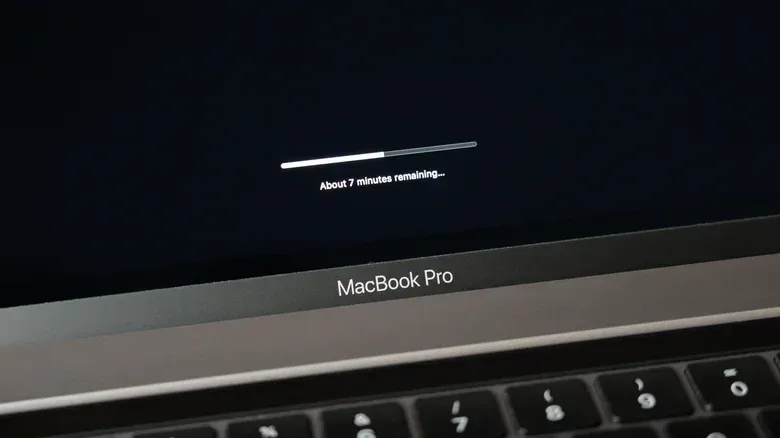
Eligible users should also account for the size of the new OS. Golden Gate requires significantly more space than macOS 26 Tahoe. Checking free capacity before starting an update is sensible, particularly on machines whose internal storage is already occupied by large media libraries, projects, local game files, or backups.
The important distinction is that storage can affect whether an eligible MacBook is ready to update, but it does not affect whether the model is supported. Freeing space can help an Apple silicon Mac prepare for Golden Gate; it cannot make an Intel Mac compatible.
Intel MacBook owners are not immediately without security coverage
Being unable to move to the latest major version is not the same thing as losing all support today. Intel MacBooks that stop at macOS 26 Tahoe can continue using that operating system. If recent support timelines continue, Tahoe is expected to receive two more years of security updates, extending coverage through September 2028.
That timing is an expectation based on the existing pattern, rather than a guarantee to treat as permanent. Still, it gives Intel owners an important practical window. There is no evidence here that an Intel machine needs to be discarded simply because it cannot install macOS 27.
Security updates are maintenance releases that address vulnerabilities and help keep an older OS protected. They are different from receiving a new major macOS version and its fresh features. For an Intel owner, that means Tahoe may remain the safer, maintained choice for a while, even as Golden Gate becomes the current platform for Apple silicon systems.
Why the end of Intel support was foreseeable
Golden Gate is the final stage of a transition that has been underway since 2020, when Apple began moving Macs away from Intel and toward its own silicon. Apple silicon refers to the company’s M-series chips, the hardware platform that now defines macOS 27 compatibility.
The shift has been associated with Apple’s push for more in-house technology. A former Intel engineer has also pointed to worsening quality assurance involving Intel’s Skylake line as a possible factor. Whatever combination of decisions shaped the original transition, the current support policy is unambiguous: Golden Gate is Apple silicon-only.
For owners, the more useful takeaway is not to treat the change as a judgment on how well an older MacBook still works. OS support is a platform decision. A laptop can remain useful while no longer qualifying for the newest release.
Practical next steps for MacBook owners
- Check About This Mac. Confirm whether the machine displays an M-series chip or an Intel processor.
- If it is Apple silicon, check available storage. Golden Gate needs more room than Tahoe, so clear capacity before attempting the upgrade if necessary.
- If it is Intel, remain on Tahoe. The device cannot install macOS 27, but Tahoe is expected to retain security-update coverage through September 2028 if the recent pattern holds.
- Separate feature needs from upgrade pressure. If the AI-oriented Siri work, photo tools, Safari tab organization, customizable Liquid Glass, and performance changes matter to a workflow, an Apple silicon Mac is required. If not, an Intel MacBook may still suit its current purpose during the Tahoe security-support window.
The central compatibility message is therefore unusually clear. Golden Gate does not leave behind a narrow set of older Intel laptops; it ends the line for the entire Intel MacBook family. Owners of M1 MacBook Air and MacBook Pro models from 2020 are included, while every Intel configuration remains on macOS 26 Tahoe.