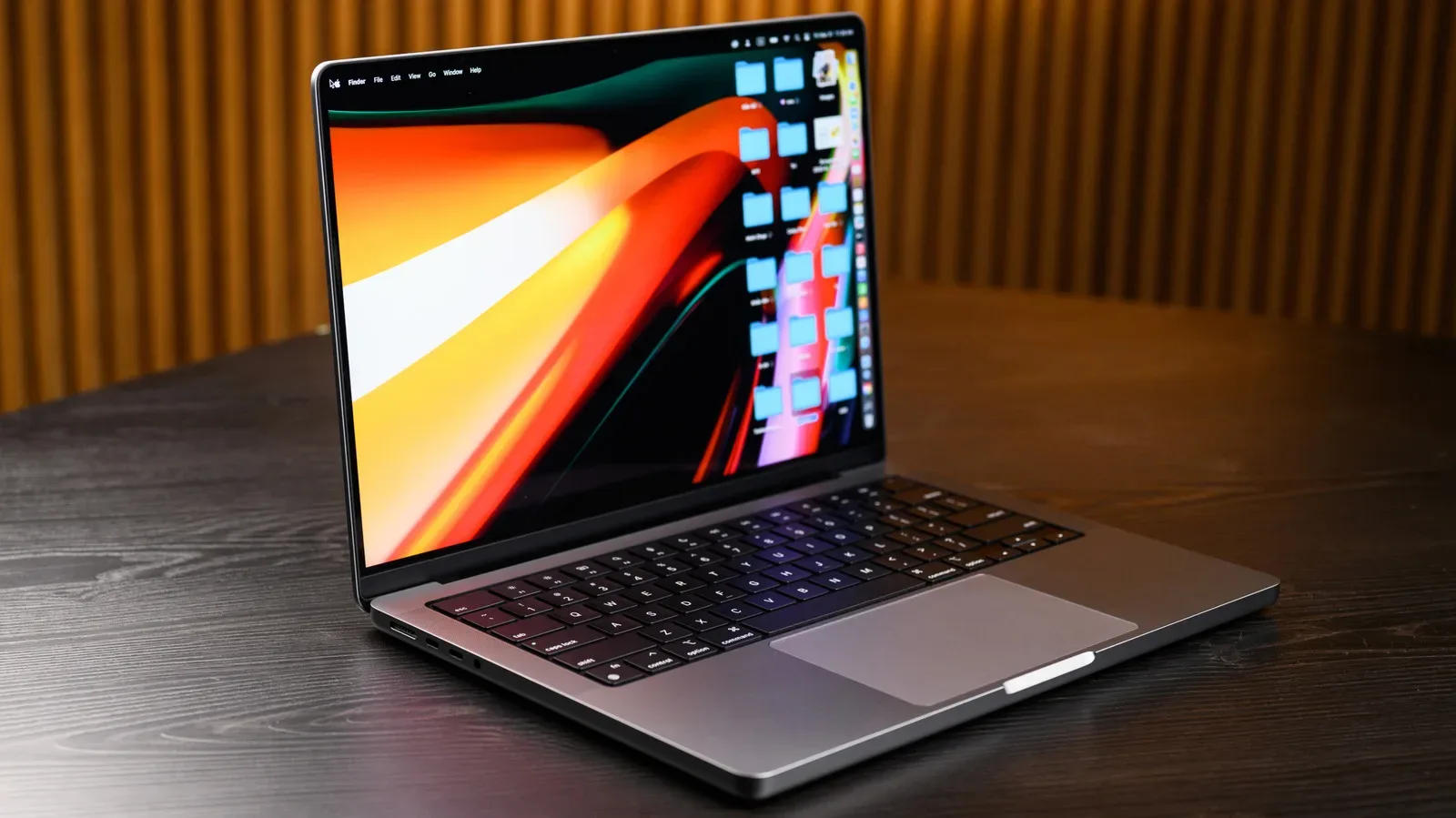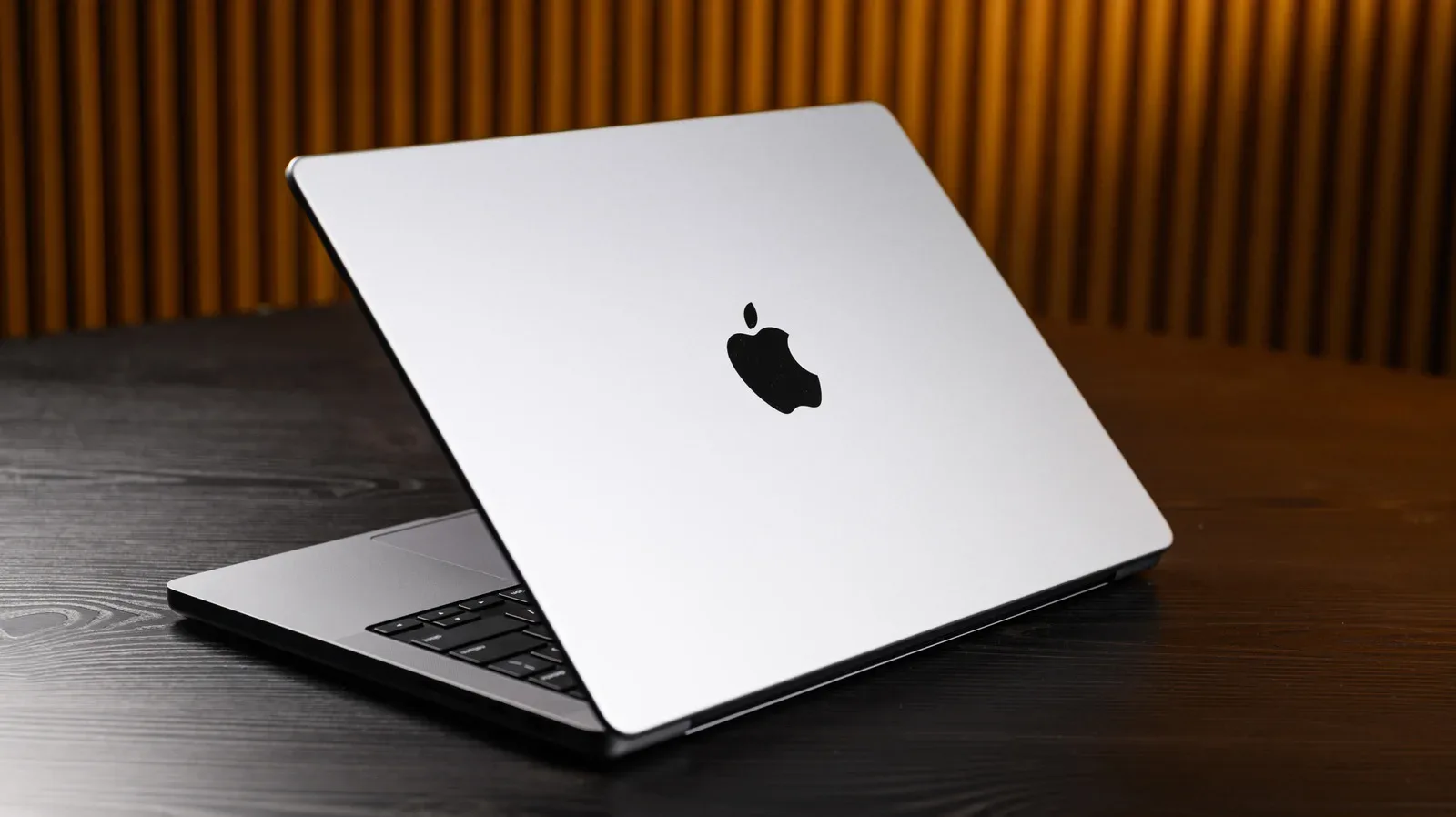
Apple’s MacBook era has now run for two decades, and its most important legacy is not simply that it created a popular family of laptops. It repeatedly changed the baseline for what buyers expected from a portable computer: a sturdy metal body rather than a flex-prone plastic shell, a thinner profile without accepting terrible battery life, a sharper display, and eventually a processor designed around power efficiency as much as raw speed.
That influence matters to gaming even when the Mac itself is not the obvious gaming platform. PC gaming laptops, creator machines and ultraportables have all had to answer the expectations Apple helped set. Some competitors adopted those lessons directly. Others gained ground by offering what a MacBook did not, including discrete graphics, more varied configurations and the practical connections that players and creators still need.
The story also has a useful complication: not every MacBook choice was a win. The same company that pushed laptop construction and battery-conscious chip design forward also made thinness a priority at times when ports and serviceable everyday convenience mattered more. For anyone shopping for a laptop to play games, emulate older systems, edit captures or work on a growing library, that push and pull remains relevant.
Before the MacBook: Apple’s long portable road
Apple had tried to make a portable Macintosh well before the MacBook name arrived. The Macintosh Portable launched in 1989, five years after the original Macintosh desktop, but its 16-pound weight and high cost made it a short-lived proposition. The more successful direction emerged with the PowerBook 100 in 1991, then the PowerBook 500 and PowerBook G3 in 1994.
By 1999, the colorful iBook G3 suggested a broader consumer ambition. Its rounded styling and built-in handle made the machine notably less severe than much of the laptop market. It was not defined by speed, but it showed that a computer could be a desirable personal object rather than a beige or black work tool.
The PowerBook G4 later brought a sleeker titanium approach, setting up the visual vocabulary that the MacBook Pro would refine. This background is important because Apple did not invent portable computing or premium notebooks. What it consistently did was package technical transitions with a highly deliberate industrial design—and make the rest of the laptop business respond.
2006: The Intel transition made the MacBook a closer PC rival
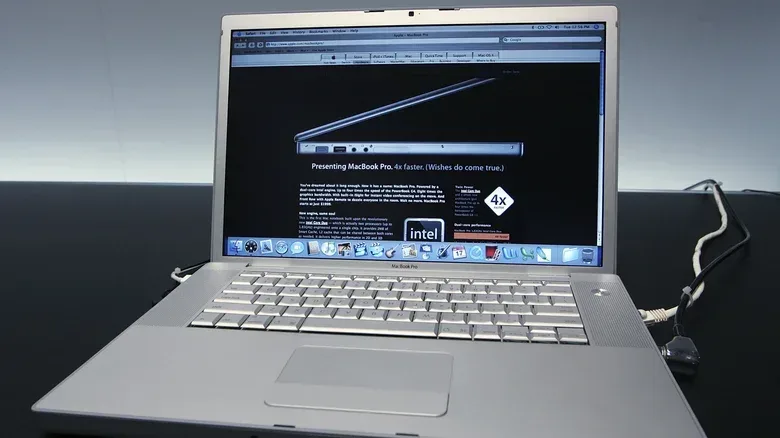
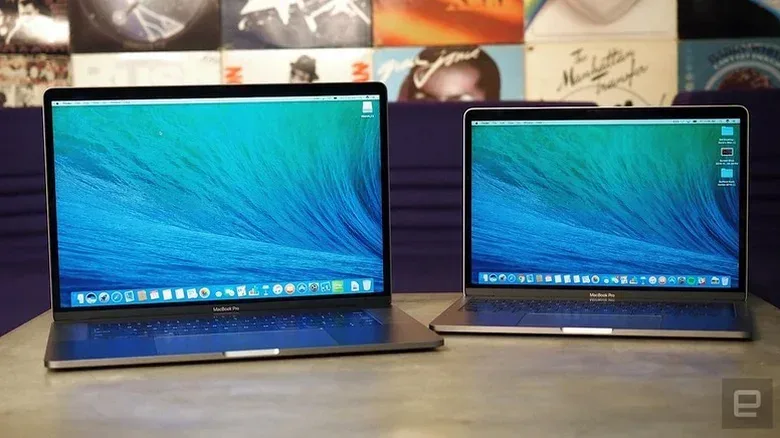
The first MacBook Pro and MacBook arrived in 2006 as Apple moved away from PowerPC processors and adopted Intel’s Core Duo chips. That transition was consequential because Apple’s computers were now using the same broad processor family as Windows PCs. The division between a Mac laptop and a conventional PC no longer began at the CPU instruction-set level; it was increasingly about operating systems, software support, design, hardware choices and ecosystem.
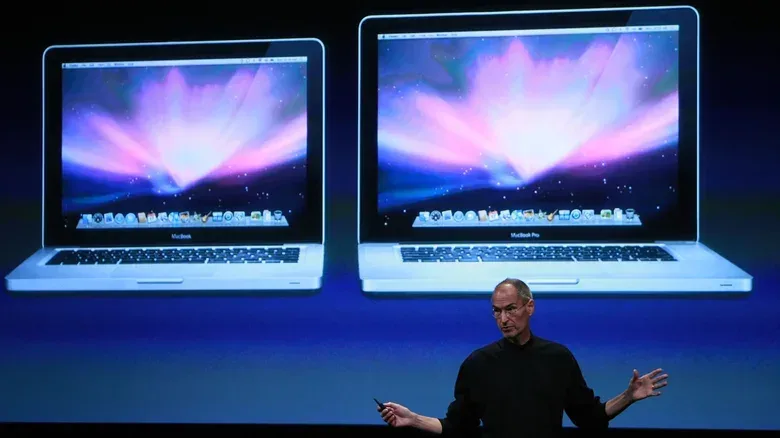
The MacBook Pro evolved the aluminum PowerBook G4 concept into a slimmer, more polished notebook. The regular MacBook carried a related visual language in plastic. At a time when many PC manufacturers prioritized functional but plain designs, these systems made finish, materials and perceived quality central parts of the competition.
There were premium Windows exceptions. Sony’s VAIO line pursued a more elevated aesthetic, though it was also associated with high prices and underwhelming performance. The larger market had not yet made premium design a standard expectation. The first Intel MacBooks helped apply that pressure.
For gaming, Intel-based Macs created a clearer technical overlap with the PC world, but overlap is not the same thing as parity. A gaming platform needs native games, graphics performance, driver support and developer attention. The MacBook’s wider design legacy would ultimately be more influential than its position as a gaming destination.
2008: Aluminum unibody construction became the look to beat
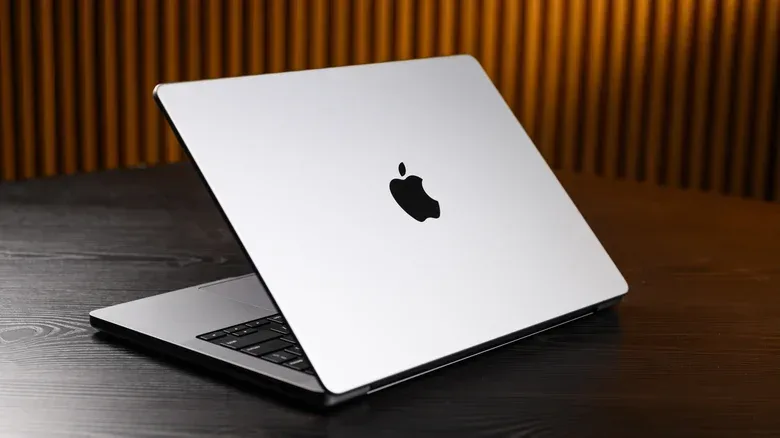
In 2008, Apple introduced MacBook Pro and MacBook Air models with unibody enclosures: chassis carved from a single block of aluminum. In practical terms, that approach reduced the number of separate external structural pieces. The result was a machine that could be stronger, lighter and visually cleaner than many mainstream laptops of the period.
It was a manufacturing and supply-chain advantage as much as a styling decision. Other companies did not immediately match the approach, in part because Apple held significant leverage in the metal chassis supply chain. Still, the direction was clear. Razer’s 2011 Blade gaming laptop moved closer to the premium metal-laptop ideal, while Intel’s early-2010s Ultrabook initiative encouraged manufacturers across the Windows market to focus on thinner, lighter portable systems.
Dell’s first XPS 13 mixed aluminum with carbon-fiber palm rests. HP used Gorilla Glass on the Envy 14. These were not identical copies of Apple’s formula, and that distinction matters. A healthy laptop market does not improve by producing clones; it improves when manufacturers recognize the higher bar and answer it with their own engineering choices.
Today’s gaming notebook buyer benefits from that competition. Metal construction, rigid decks, compact footprints and more sophisticated use of mixed materials are common at numerous price levels. But gaming hardware also reveals the limits of chasing thinness too aggressively. Powerful graphics hardware generates heat, and thermal room, fan capacity and port selection are functional design issues—not aesthetic failures. A thin laptop can be excellent, but only if the components and cooling goals match its dimensions.
The MacBook Air made thinness more purposeful
The MacBook Air was not flawless at first; its early performance was a real weakness. Its late-2010 11-inch and 13-inch redesigns, however, helped define the familiar wedge-shaped ultraportable. The shape was more than a silhouette. By being thicker at one end, the design made room for bigger batteries and faster SSD storage while retaining an exceptionally thin leading edge.
An SSD, or solid-state drive, stores data using flash memory rather than the spinning mechanical parts found in traditional hard drives. The move toward SSDs made laptops feel more responsive in everyday use and helped enable thinner designs. The redesigned Air demonstrated that portability did not have to mean merely removing volume; it could involve allocating space around the components that made a small machine pleasant to use.
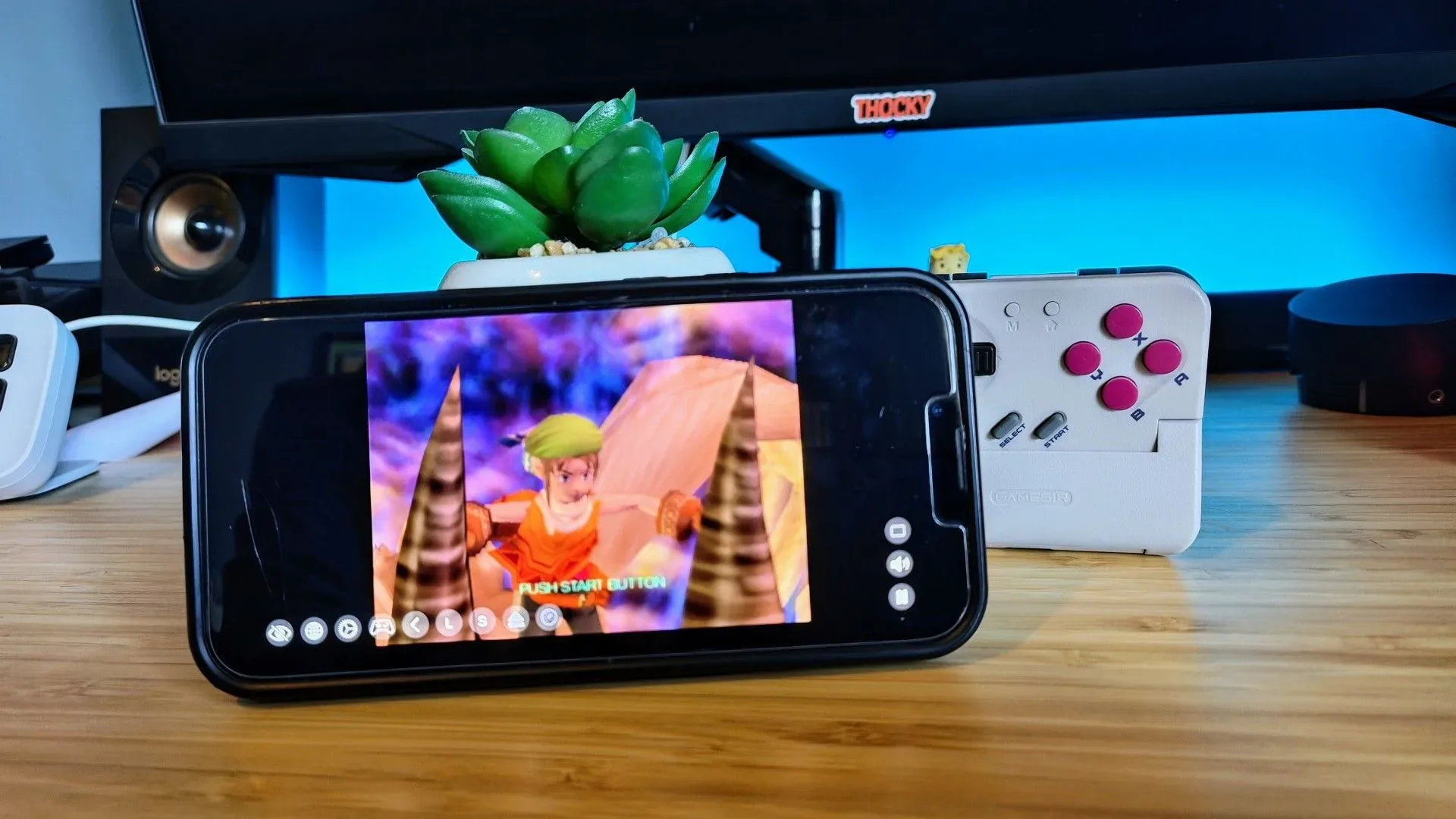
ASUS and Acer took conspicuous inspiration from the Air across their ultraportable lines during the 2010s. For players, this era also normalized the idea of a second laptop: a small, quiet machine for school or work, with gaming handled elsewhere. More recently, portable gaming devices and mobile-controller setups have added another wrinkle to that equation, as explored in this look at mobile controls and neglected PS2 backlogs. Portability is no longer one category of device; it is a collection of trade-offs among power, controls, library access and battery life.
2012: Retina displays raised the clarity bar
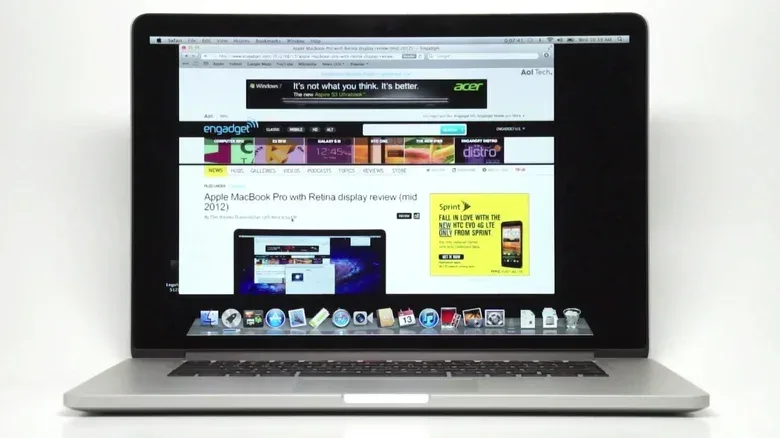
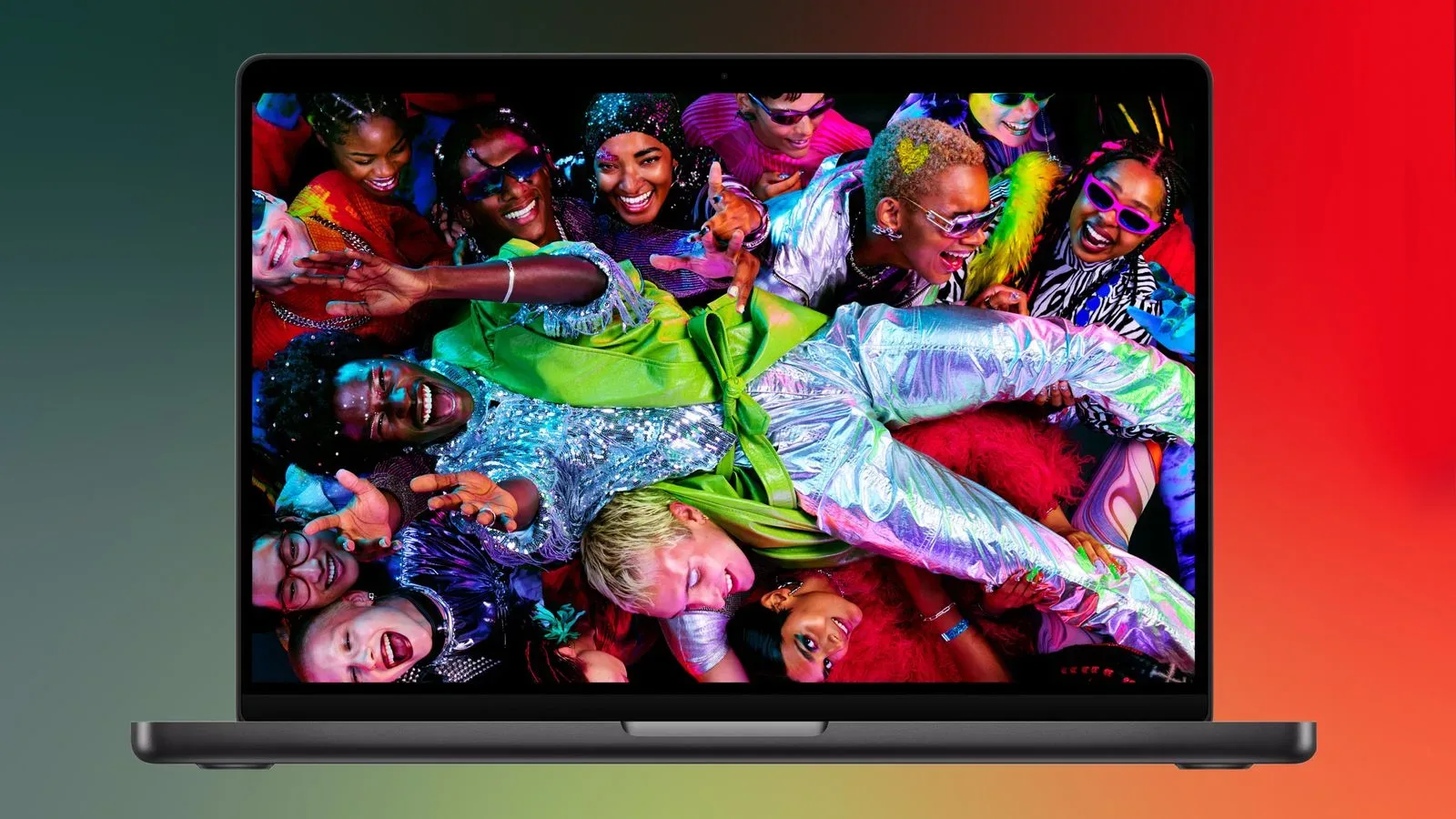
Apple brought its Retina Display branding from the iPhone 4 to the MacBook Pro in 2012. The intended idea was simple: a pixel density high enough that individual pixels are not discernible at typical viewing distance. Whether or not a buyer embraces the brand term, the industry effect was substantial. High-resolution laptop displays rapidly became a major competitive target.
Screen resolution refers to how many pixels make up an image. More pixels can make text, interface elements, art and video appear sharper, although the benefit depends on panel size, viewing distance and software scaling. Scaling is the process by which an operating system adjusts the size of text and interface elements so that a high-resolution screen remains readable rather than shrinking everything into microscopic clutter.
The gaming implications are mixed but clear. A sharp screen is valuable for browsing, writing, editing art and enjoying static imagery. Yet games must render every pixel, so higher resolution can demand more graphics performance. This is why a high-resolution display is not automatically the same thing as better game performance. It is a capability that users and developers balance against frame rate, visual settings and battery draw.
Apple pushed pixel density hard, but it was not first in every visual-design area. Dell helped pioneer razor-thin laptop screen bezels in the PC market, while Apple took nearly a decade to make a similarly serious reduction to MacBook bezels. That is a useful corrective to any simplistic idea of one company single-handedly directing the whole industry. Laptop evolution is a sequence of competitive responses, with different firms leading different parts of the hardware.
2016: A warning about ports, practicality and the Touch Bar
The 2016 MacBook Pro redesign made the costs of minimalism impossible to ignore. It introduced the Touch Bar and removed legacy connectors, leaving the higher-end configuration with four USB-C ports and a headphone connection. A version without the Touch Bar had two USB-C ports and a headphone jack. There was no built-in SD card reader, Type-A USB, HDMI or separate MagSafe charging port.
USB-C describes a reversible connector format used for charging, data and, depending on implementation, display output. It is a flexible standard, but flexibility does not eliminate the value of physical compatibility. Cameras, displays, storage drives, controllers and other accessories often require the cables or ports people already own. A laptop with only USB-C can be workable, but it may require adapters and hubs that turn a clean desk setup into a pouch of dongles.
That was especially frustrating for creative professionals moving photos from SD cards or connecting directly to an external display. It can also matter for gaming: HDMI is widely used for TVs and monitors, Type-A remains common for peripherals, and extra ports make it easier to connect a controller, storage device and display at once.
The Touch Bar itself was divisive from the start. It replaced the traditional function-key row with a thin touch-sensitive display. ASUS explored adjacent ideas through trackpad screens and continues to investigate dual-screen concepts with the ZenBook Duo, but few PC makers treated the Touch Bar as a template worth following. Physical keys offer a location users can find by touch, which is particularly meaningful for shortcuts used repeatedly in creative tools and games.
The more lasting industry effect was the port reduction. Premium XPS, Spectre and Surface models also began adopting sparse connection selections after 2016. Yet ASUS, Acer and others eventually made a point of including more legacy ports, both in response to complaints and as a competitive distinction. Sometimes the market learns as much from a prominent misstep as it does from a hit.
Apple Silicon changed the performance-per-watt conversation
In 2020, Apple began reshaping the Mac around the M1, an Arm-based system-on-a-chip, commonly shortened to SoC. An SoC consolidates major functions that might otherwise be separate components. In Apple Silicon’s case, that included CPU cores, graphics cores, RAM, AI-oriented neural processing hardware and input/output connections.
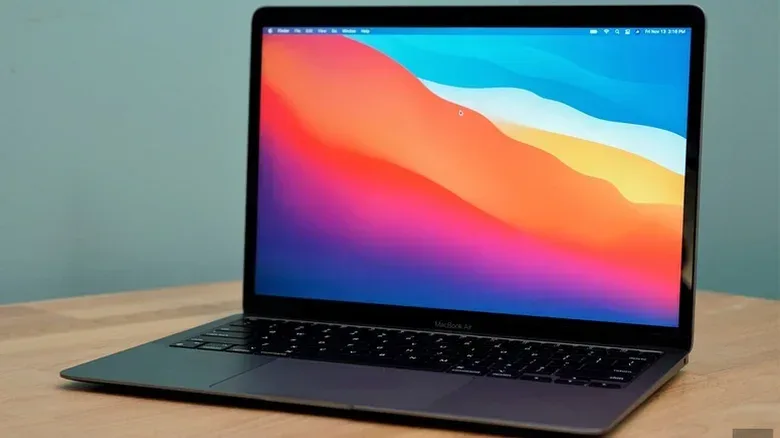
The M1 MacBook Air and MacBook Pro showed that an Arm-based laptop could combine strong performance with a major battery-life gain while also handling emulated applications effectively. Emulation here means software translating or reproducing behavior designed for a different processor architecture. Earlier Windows-on-Arm efforts had struggled with speed and legacy application support; Apple’s hardware and operating-system work presented a much more convincing integrated approach.
Apple followed with redesigned M1 Pro and M1 Max MacBook Pro models in 2021 that restored the SD card slot and HDMI, alongside the M2 MacBook Air in 2022. The port restoration was an admission of a basic truth: an advanced processor does not make physical workflow needs disappear.
The wider response is still developing. Microsoft and Qualcomm worked together on Copilot+ laptops, Arm-powered Windows systems aimed at delivering comparable efficiency and performance. The branding itself did not become a major success, but it helped encourage better Windows hardware. NVIDIA’s RTX Spark SoC is another attempt to address the high end, powering AI-focused systems including the Surface Laptop Ultra and ASUS ProArt P16. Those systems are expensive—beginning at $2,600 and rising above $7,000—but their powerful GPU and support for up to 128GB of unified RAM can be attractive to AI researchers.
Unified RAM means the CPU and GPU draw from a shared memory pool rather than maintaining completely separate pools. The potential advantage is efficient sharing of large data sets. The practical takeaway is not that every player needs it; rather, the industry is now openly competing around integrated design, efficiency and memory architecture in ways that became far more visible after Apple Silicon.
What the MacBook legacy means when choosing a laptop now
Two decades of MacBooks leave a straightforward lesson for buyers: judge the whole machine, not a single headline specification or a thin profile. Build quality, display clarity, battery life and chip efficiency are genuine improvements that deserve attention. So do ports, graphics needs, storage requirements and repair or accessory realities.
- For PC games: prioritize the games you actually intend to run, then consider graphics performance, cooling and display resolution together.
- For capture and creator work: check for SD, HDMI and enough high-speed connections before assuming adapters will be painless.
- For travel: battery life, weight and charger size can matter as much as benchmark peaks.
- For older libraries and emulation: software compatibility and input options are as important as the processor’s headline architecture.
Apple did not create every modern laptop trend, and its own design instincts sometimes pushed too far. But the company’s MacBook line helped force a more ambitious laptop market: better materials, sharper screens, more serious portability and renewed focus on performance per watt. Even competitors that succeed by offering ports, graphics options or flexibility Apple omits are responding to a standard the MacBook helped define.