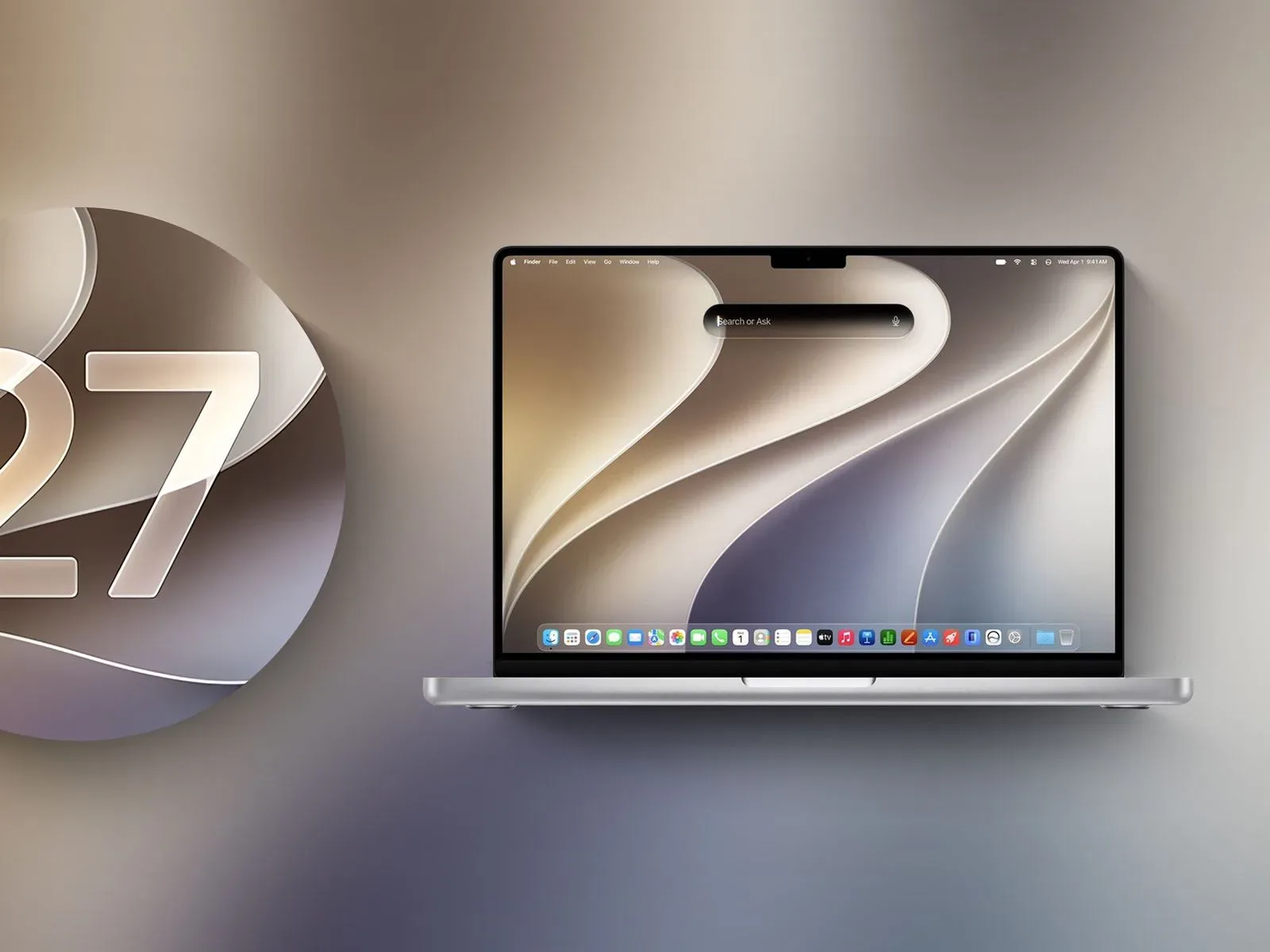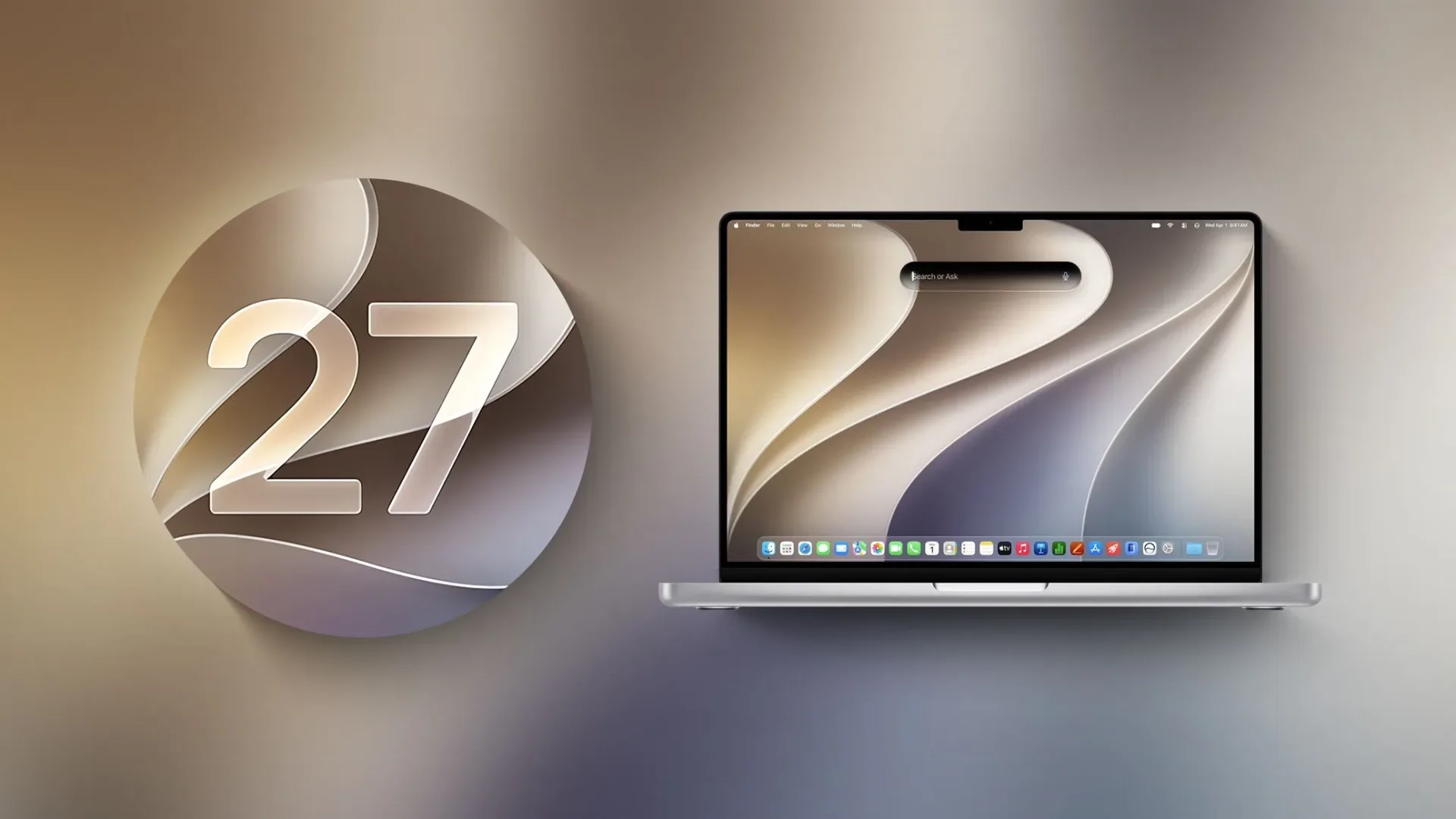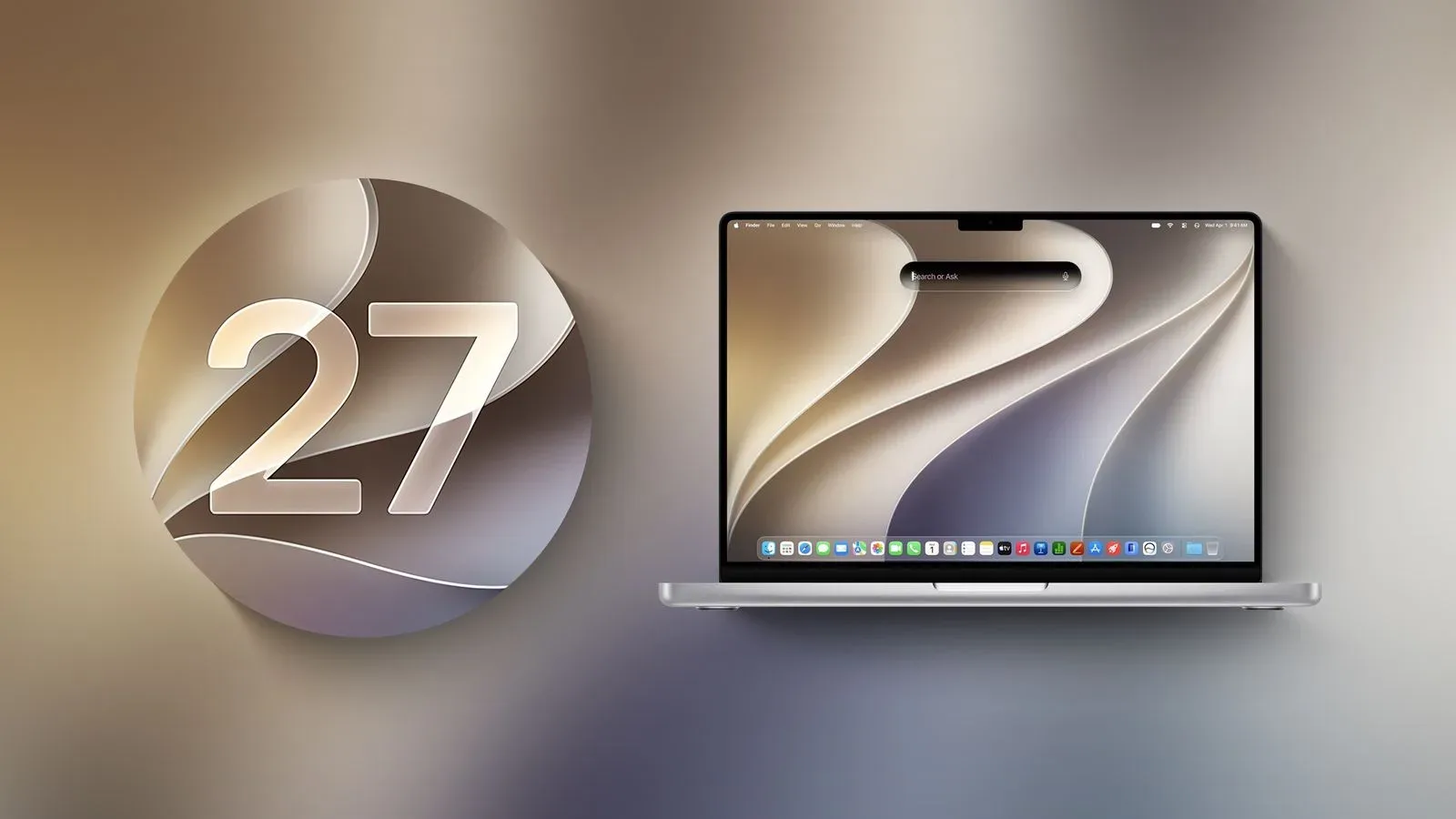
macOS Golden Gate marks a much sharper break with Apple’s Intel era than a typical annual operating-system update. The new version runs only on Macs with Apple silicon, leaving Intel Mac owners on macOS Tahoe, while also removing or sidelining a collection of older utilities and network technologies.
For game players, the immediate headline is not necessarily Boot Camp or an old AirPort base station. It is Rosetta 2, the compatibility layer that has allowed many Intel-based Mac applications to continue running on Apple silicon hardware. Golden Gate is the final macOS release with full Rosetta support. A further change is expected with macOS 28 in fall 2027: most apps that depend on Rosetta 2 will no longer open.
There is an important, narrowly described exception. Apple plans to retain Rosetta support for some unmaintained legacy games. That offers a measure of hope for parts of the Mac game archive, but it should not be read as a blanket promise that every older Intel Mac title will survive the transition. The practical message for players is clear: identify what still relies on Intel code now, and do not assume an app that works on Golden Gate will remain usable after the next major shift.
Golden Gate is Apple-silicon-only
Golden Gate is the first macOS version that cannot run on Intel Macs. Those systems are limited to macOS Tahoe, although security updates are planned through fall 2028. That distinction matters because it separates two problems that are easy to blend together.
An Intel Mac can continue using software compatible with the version of macOS it can run, subject to the normal constraints of that operating system. An Apple-silicon Mac on Golden Gate, meanwhile, can still encounter older Intel applications, but it has relied on Rosetta 2 to translate them. The first group is outside Golden Gate entirely; the second is being given a compatibility warning and a limited remaining window.
Apple silicon refers to Apple-designed processors used in newer Macs. Intel-based apps were compiled for a different processor architecture. Software compiled for one architecture does not automatically run natively on another, which is why translation technology has been so important during the transition.
What Rosetta 2 does—and what it does not do
Rosetta 2 is a translation system. In ordinary terms, it lets an Apple-silicon Mac run many applications built for Intel processors even when those applications have not been updated with native Apple-silicon support. It is not the same thing as an update from the game’s developer, and it does not turn an old application into a newly maintained one.
Golden Gate initially removes Rosetta when users upgrade. However, it can be reinstalled if the Mac already has an application that requires it. That is a useful stopgap for people with a remaining Intel-only game, tool, launcher or utility. It is also a sign that compatibility is no longer meant to be invisible: Golden Gate displays a warning when an app uses Rosetta, specifically alerting the user that the software will not continue working in the future unless the developer updates it.
That warning has particular value for game libraries, where a title can look healthy until a macOS update changes the conditions beneath it. A player may have an older game installed and playable today without knowing whether it is native, Intel-only, actively maintained or effectively abandoned. Golden Gate gives users a direct way to check rather than treating that uncertainty as an unpleasant surprise in 2027.
How to check a Mac game before macOS 28
Golden Gate includes an Intel-app inventory in Settings > General > About > Intel-Based Apps, followed by Details. This is the most practical first check for anyone preserving a personal Mac game library.
- Open the Intel-Based Apps section and review the listed software.
- Look beyond the game itself. A launcher, installer or companion application that is still Intel-based can be relevant too.
- Pay attention to the Rosetta warning when opening an app. It indicates that the application’s future depends on a developer update or on whatever limited compatibility exception applies.
- Check whether the developer has issued an Apple-silicon version. If it has, installing the updated release is the durable route.
- For games with no active developer support, avoid assuming the announced legacy-game exception includes a specific title until its status is clear.
This is not a guide to bypassing platform requirements or a promise that there is a workaround for every game. It is simply a way to distinguish software that has a known architecture dependency from software that is already prepared for Apple silicon.
It is also sensible to keep expectations proportional. “Some legacy games” is not the same as all old games, all Intel apps, all launchers, or every game that a player considers historically important. Apple’s planned exception is meaningful precisely because it acknowledges a special problem around unmaintained games, but its limited wording leaves room for titles that do not qualify.
Why unmaintained games are the difficult case
Maintained software has a path forward: its developer can produce an Apple-silicon update. Unmaintained software does not necessarily have that option. A studio may no longer support the title, the original rights holders may be absent, or the game may simply be too old to justify a new build. None of those circumstances says anything about whether players still value the game.
That makes legacy-game compatibility a preservation concern as much as a performance concern. A modern operating system can keep an old game accessible for years, then a change to processor support, operating-system APIs or security requirements can make that access conditional. In this case, the immediate dividing line is Intel code and Rosetta 2.
The broader industry lesson is that library continuity relies on more than a hit game’s popularity. It also rests on maintenance, platform transitions and long-term technical support—pressures that matter when considering why games need more than the next major release cycle. Sustained support and durable planning have practical consequences when a platform changes its compatibility rules.
For players, this does not require panic or an immediate operating-system decision based solely on a single older title. It does mean that an upgrade plan should account for the games people actually return to. The important questions are straightforward: Is the game native to Apple silicon? Is it Intel-based? Is it being updated? If it is not being updated, does it fall within the future legacy-game exception? Golden Gate provides the first clear warning system for answering at least part of that list.
Boot Camp’s disappearance changes the Windows option
Golden Gate also has no Boot Camp Assistant because the operating system does not run on Intel Macs. Boot Camp was tied to Intel-era Mac hardware and provided a way to run Windows directly on compatible Intel Macs. On Apple-silicon Macs, the stated route for Windows is virtualization software such as Parallels or VMware Fusion.
Virtualization means running another operating system through software rather than starting the computer directly into that operating system. The distinction matters for players because a Windows game library and an older native Mac game library are separate compatibility questions. Moving from Boot Camp to virtualization does not update an Intel-only Mac application, and Rosetta 2 does not serve as a substitute for a Windows installation.
The source material does not establish which individual Windows games work under a particular virtualized configuration, so players should not treat the availability of Parallels or VMware Fusion as a universal game-compatibility guarantee. It does, however, confirm the strategic direction: the Intel-era dual-boot route is gone from the Golden Gate world, while virtualization is the named alternative for running Windows on Apple silicon.
Older networking hardware is losing its place too
Several removals are less directly about games but can still affect the way a long-lived Mac setup is maintained. Apple Filing Protocol, or AFP, had already been deprecated in macOS Sequoia 15.5. Golden Gate contains no AFP client at all.
AFP’s removal also ends Time Capsule use with Macs running Golden Gate. Time Capsule depends on AFP or SMBv1, while current Time Machine backups use SMBv2 or SMBv3. SMB, short for Server Message Block, is a network file-sharing protocol; the version change is consequential here because the older Time Capsule arrangement cannot meet Golden Gate’s supported backup path.
For someone using an aging Mac gaming machine or a collection of old software, backups are not glamorous but they are essential. The practical implication is not that Time Machine has disappeared. Rather, the old Time Capsule method no longer works on Golden Gate, and backup plans should use the currently supported SMBv2 or SMBv3 approach instead.
AirPort Utility is also no longer included with a Golden Gate installation. The app can manage AirPort base stations, including AirPort Extreme and AirPort Express devices. People who already had it before updating may still use it, but Apple does not guarantee that it will work. That leaves older network hardware in a more uncertain position even if the utility remains present on a particular Mac.
What the transition means from now through 2027
Golden Gate is best understood as a checkpoint, not merely a clean removal of obsolete features. Intel Macs have reached their macOS endpoint at Tahoe. Apple-silicon Macs get a visible notice about Intel-based applications. AFP-dependent Time Capsule backups stop working, AirPort Utility is no longer bundled, and the Boot Camp path is no longer part of the platform.
Then comes the more consequential deadline for game libraries: macOS 28 is expected in fall 2027 and will largely remove Rosetta 2. Most Rosetta-dependent applications will not launch under that version. Some unmaintained legacy games are expected to receive an exception, but that exception should be approached as limited compatibility preservation rather than a broad assurance.
The most useful action is therefore inventory, not speculation. Use Golden Gate’s Intel-Based Apps view, note the games and related software that need Rosetta, seek native updates where they exist, and preserve a supported backup plan that does not depend on Time Capsule. The changes do not erase every older Mac game at once. They do make the next compatibility boundary visible—and much closer than it may have seemed.