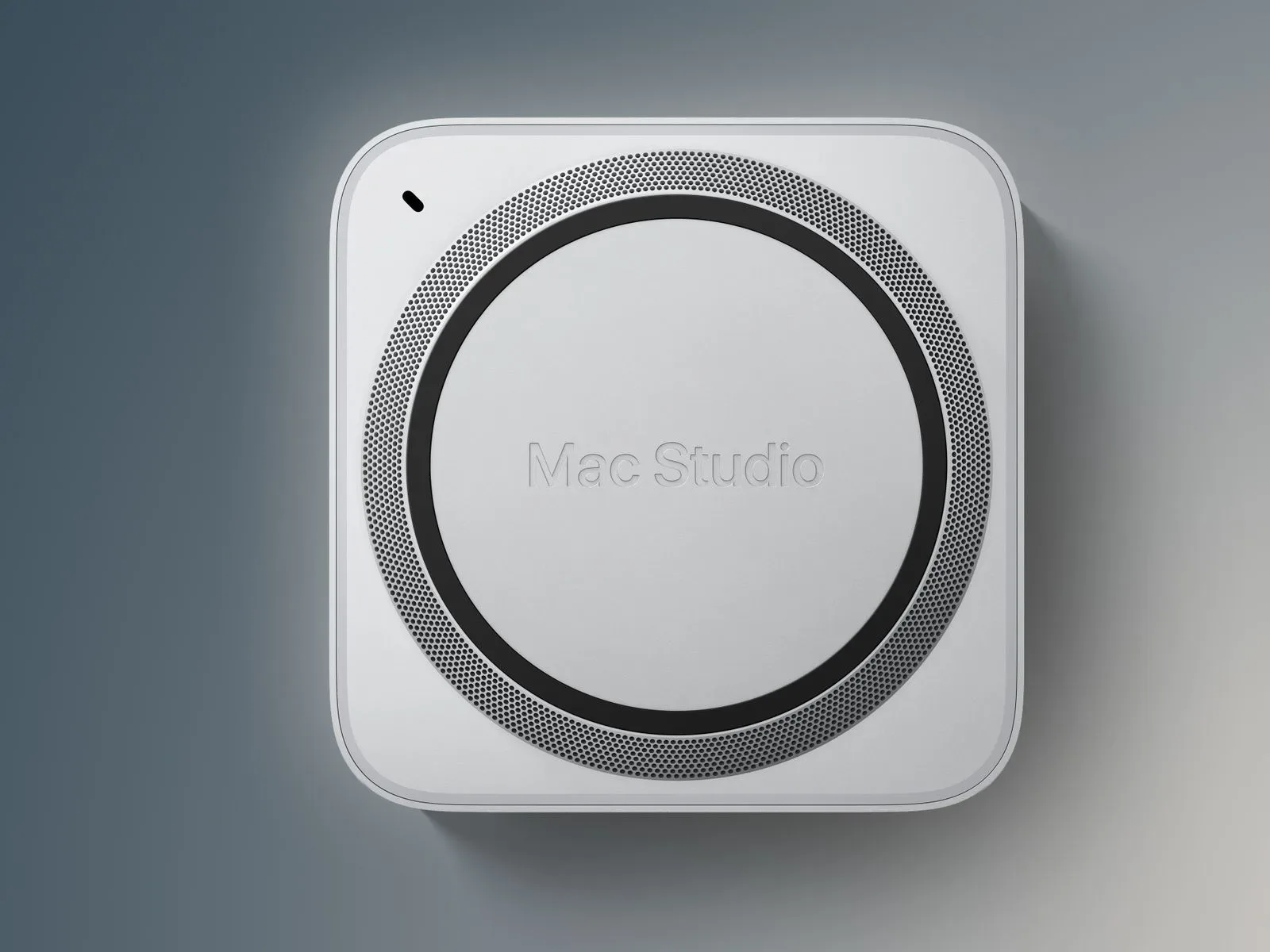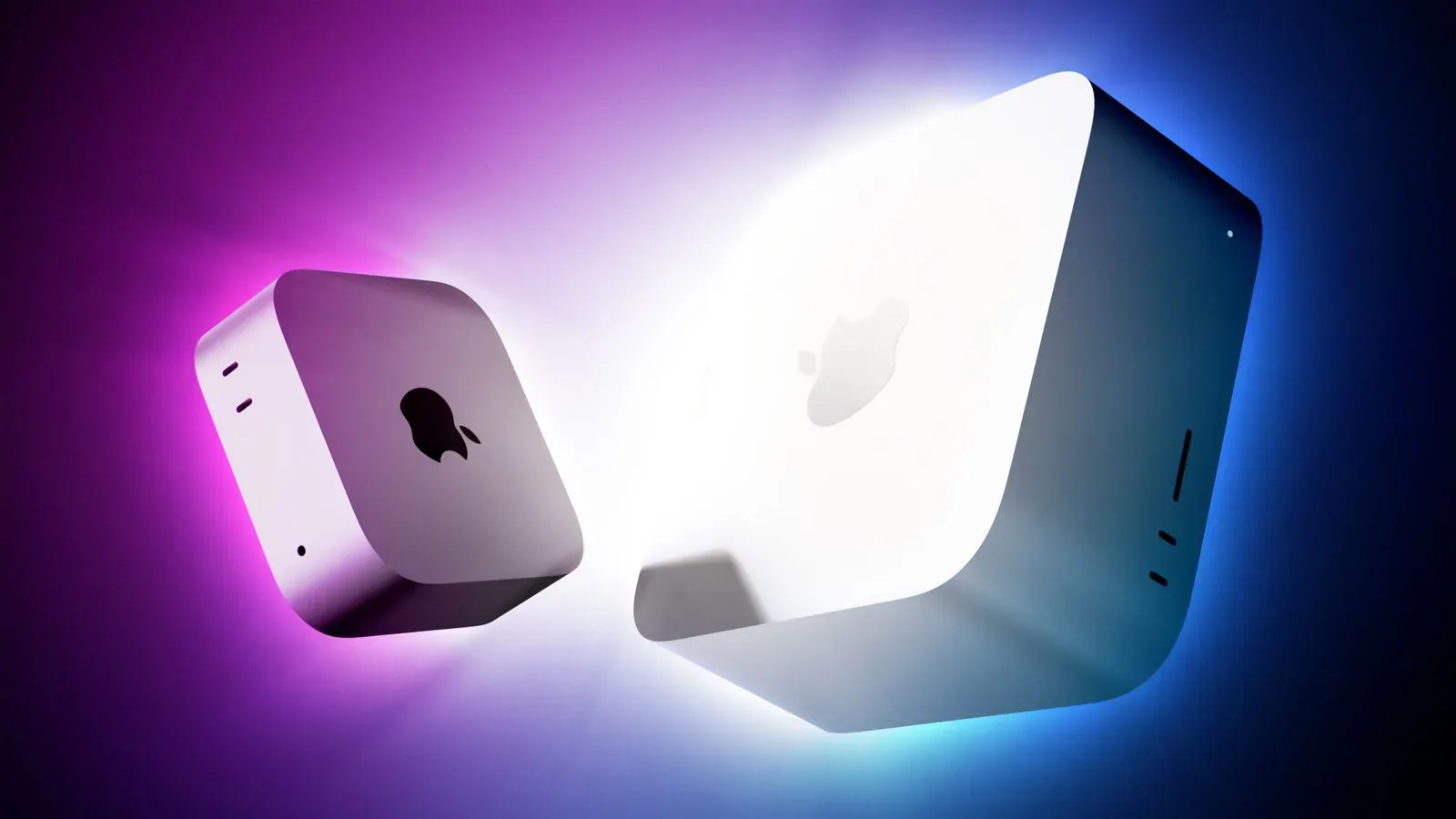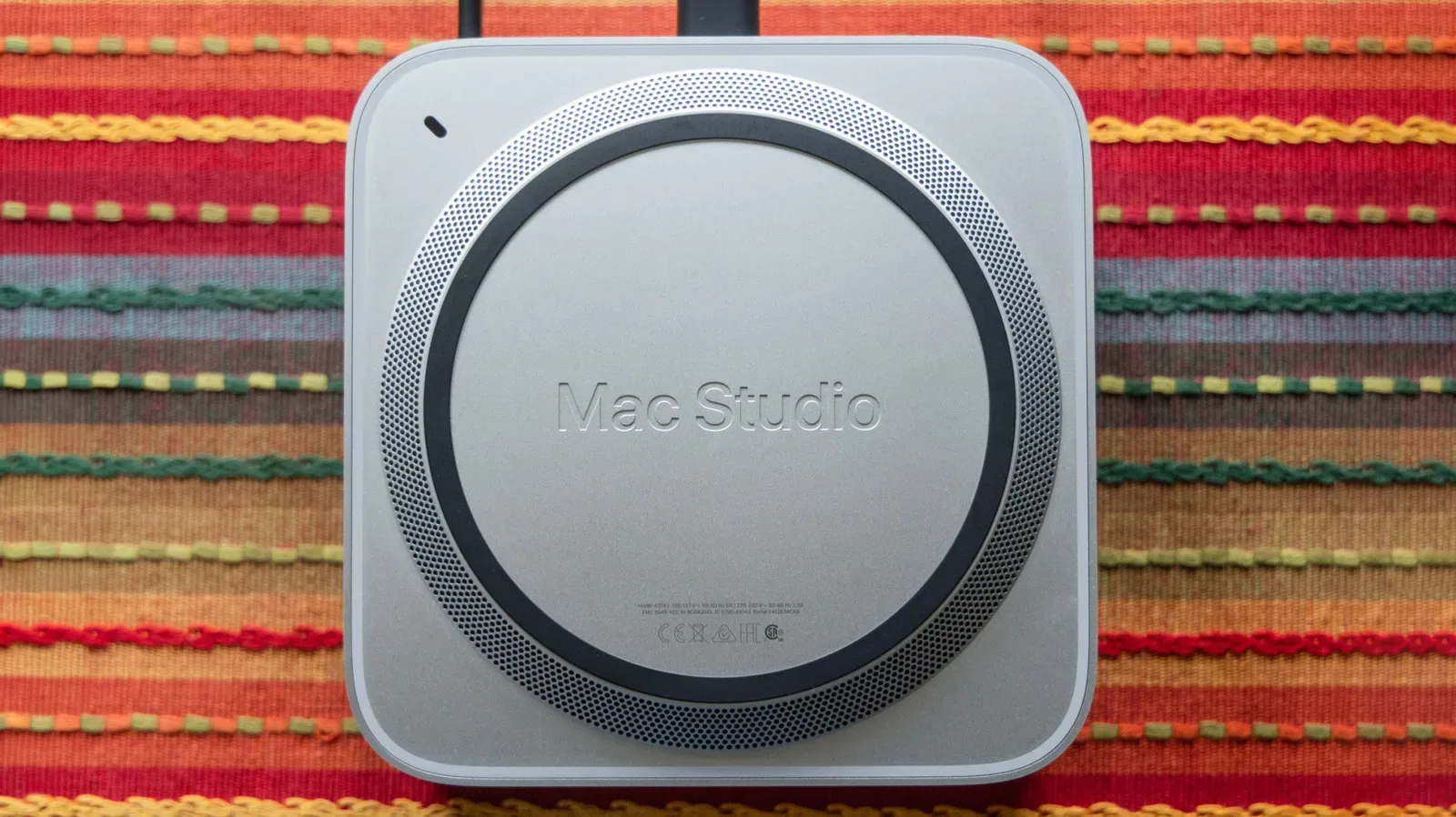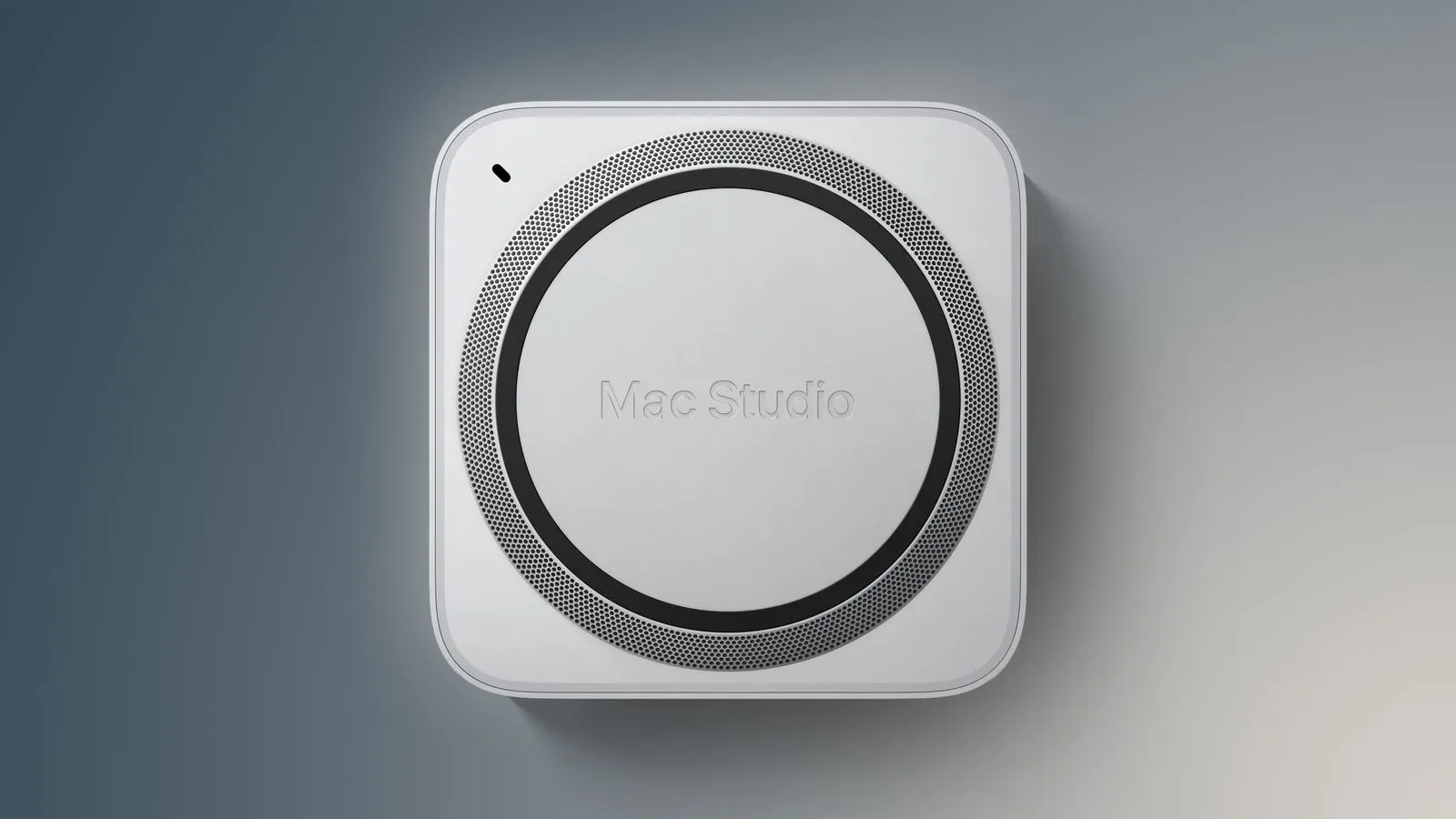
The new Mac Studio arrives Tuesday, September 22, with M5 Max and M5 Ultra options, and the early performance discussion is taking an unexpected turn: storage may be the machine’s most immediately meaningful upgrade.
That does not mean the M5 Ultra is slow—quite the opposite. Early Geekbench 7 figures place Apple’s top Mac Studio chip at up to roughly 30% faster in single-core CPU work and up to roughly 35% faster in multi-core CPU work than the M3 Ultra. But one early storage test of an M5 Max configuration found an even more eye-catching generational leap in SSD throughput.
The result is a useful reminder for anyone buying a high-end desktop for games, media creation, development, or local AI work: processor performance is only part of the system. A powerful CPU can finish its calculations quickly, but projects, game assets, large models, and application data still have to move to and from storage.
The tested Mac Studio storage result
The tested system used an 18-core M5 Max, 128GB of unified memory, and a 4TB SSD. In Blackmagic Disk Speed Test, it recorded read speeds around 2.6 times faster and write speeds around 2.1 times faster than a previous-generation Mac Studio equipped with M4 Max.
Those are substantial gains, but they need to be interpreted carefully. This is a comparison of specific configurations, not evidence that every capacity or every chip option will produce exactly the same multiplier. SSD performance can vary with drive capacity and hardware configuration, and the available evidence identifies one 4TB M5 Max system against an M4 Max predecessor. It is nevertheless a strong indication that Apple has made storage performance a major part of this generation’s story.
Read speed and write speed, explained
Read speed describes how quickly the computer can pull data from the SSD. That matters when opening a large video project, loading a large collection of files, launching an application that relies heavily on stored data, or bringing assets into memory.
Write speed describes how quickly it can save data to the drive. Exports, recording, project saves, cache creation, and large file copies can all lean on write performance. The faster number is not automatically more important; the relevant one depends on the workload. A person regularly loading giant project files may value read speed most, while someone creating or exporting large files may feel write-speed gains more often.
Blackmagic Disk Speed Test is a storage benchmark designed to measure this kind of sustained disk performance. It does not turn a storage result into a universal performance score. It also does not tell buyers precisely how quickly every app, game, or creative workflow will run. What it does show is the rate at which the system can read and write benchmark data under its test conditions—an important piece of the broader performance picture.
Why the SSD can matter as much as a faster chip
High-end desktops frequently work with data sets that are too large to treat storage as an afterthought. Even with 128GB of memory in the tested system, files have to be opened, saved, duplicated, cached, and transferred. Faster storage does not replace RAM, and it does not substitute for CPU or GPU power. Instead, it reduces one of the places where a workflow can wait.
For a game-adjacent example, a gaming PC’s storage performance can affect asset loading and installation tasks, though overall experience also depends on the game, operating system, memory, graphics hardware, and how developers built the software. On a Mac Studio, the same broad principle applies to professional and enthusiast workloads: a system is only as responsive as the slowest substantial stage in a given task.
This is why a benchmark result that looks less glamorous than a new flagship processor can be so consequential. CPU comparisons tend to command attention because they produce clean percentage gains. But if a workload repeatedly moves large amounts of data, an SSD improvement can make its presence felt across many routine steps rather than only during a narrowly CPU-bound task.
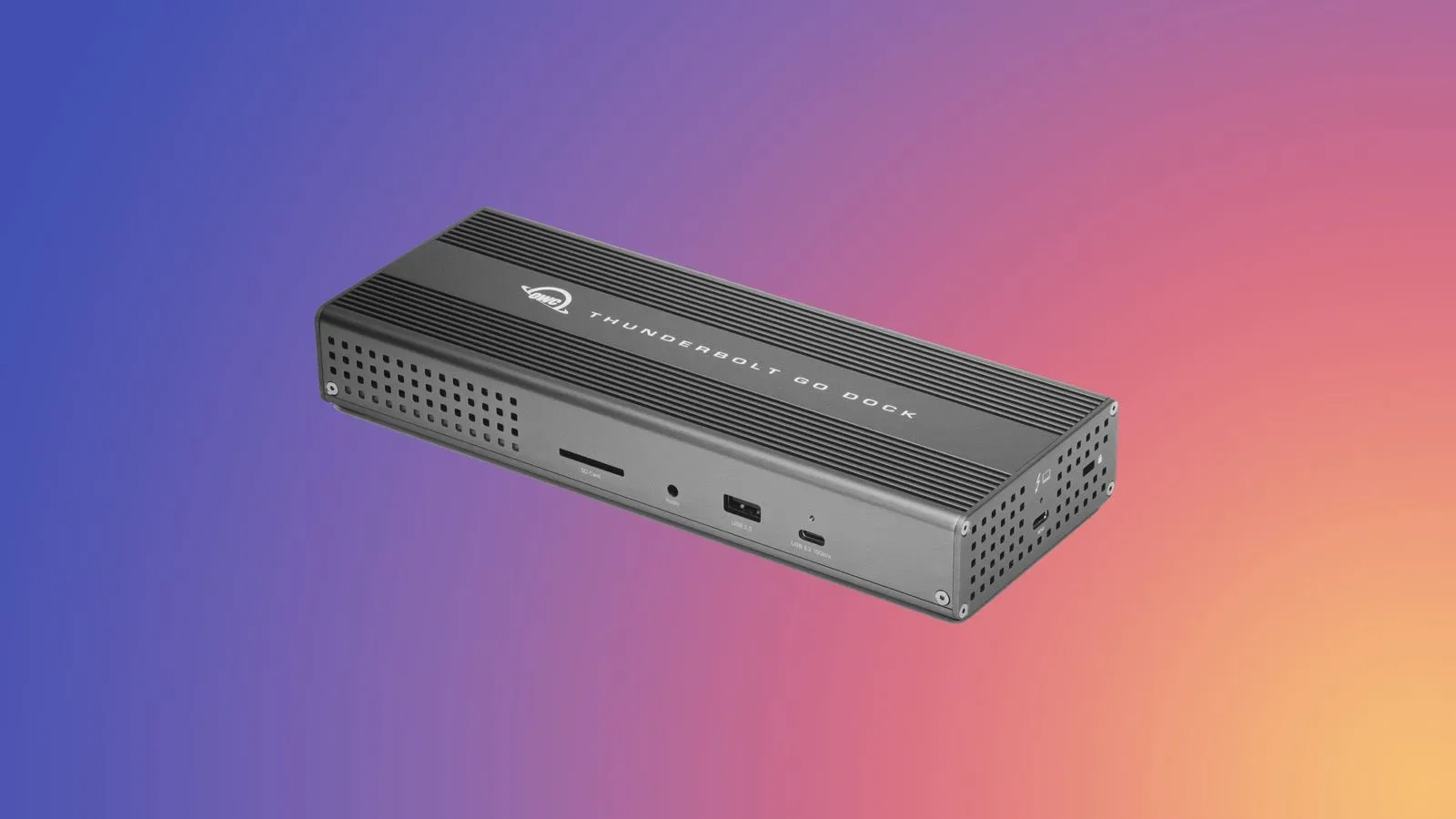
Buyers considering external drives, docks, and related Mac connectivity hardware should also remember that internal SSD performance and external storage performance are not the same thing. The enclosure, cable, interface, and drive each influence an external setup’s results. Our look at an OWC Mac accessory promotion covering storage enclosures, docks and cables is relevant context for people weighing those surrounding components, though it should not be read as a substitute for testing a particular setup.
M5 Ultra CPU gains still set the performance ceiling
The storage headline should not obscure the M5 Ultra’s position. Apple calls it its fastest chip to date, and currently available Geekbench 7 results broadly support the company’s performance claims against the M3 Ultra.
Apple says M5 Ultra can deliver up to 1.25 times the single-threaded CPU performance and up to 1.3 times the multi-threaded CPU performance of M3 Ultra. The early results, at up to about 30% single-core and 35% multi-core ahead, roughly meet or surpass those advertised comparisons.
Single-core performance refers to work that is limited largely by one CPU core. It can influence responsiveness in tasks that cannot be efficiently split apart. Multi-core performance measures work that can be distributed over many cores, which is especially relevant to demanding professional workloads that parallelize well. A higher multi-core score is meaningful, but it does not guarantee the same percentage improvement in every application; software has to be able to use the added parallel capacity.
The available early commentary also characterizes the M5 Ultra Mac Studio as exceptionally powerful for local AI inference. In plain terms, local AI inference means running an already-trained AI model on the computer to generate an answer, classification, or other output, rather than sending the request to a remote service for processing. That is distinct from training a model, which is a different and typically more demanding process.
For buyers whose work is chiefly CPU-bound or who need the highest local AI capability described here, the M5 Ultra remains the key option. But the tested M5 Max model demonstrates that the product family’s appeal is not restricted to the most expensive processor configuration.
A premium machine requires workload-specific buying logic
The 36-core M5 Ultra Mac Studio starts at $6,799 in the United States. That price makes it hard to treat the top chip as a default recommendation. It is aimed at users who can identify a concrete need for extreme compute performance, rather than people simply seeking a faster general-purpose Mac.
The M5 Max storage numbers suggest a more nuanced shopping question: is the task held back by compute, by capacity, by storage transfers, or by a mix of all three? A buyer handling large files may have a reason to pay close attention to SSD specifications and capacity. A buyer focused on CPU-heavy parallel work may prioritize the Ultra. Someone whose work is less demanding may find that neither flagship-level specification is necessary.
It is also worth avoiding a common benchmark mistake: treating one strong number as a complete verdict. Geekbench is useful for comparative CPU testing; Blackmagic Disk Speed Test is useful for storage throughput. Neither alone measures every aspect of daily use. The most relevant result is the one closest to the buyer’s actual workload.
The new Mac Studio has been available to pre-order since August 25 and launches September 22. A new Mac mini with M6 and M5 Pro chip options is launching on the same date. For the Mac Studio specifically, the early evidence paints a clear picture: M5 Ultra delivers formidable headline CPU performance, while the tested M5 Max system’s SSD gains may be the upgrade users notice most across data-heavy day-to-day work.