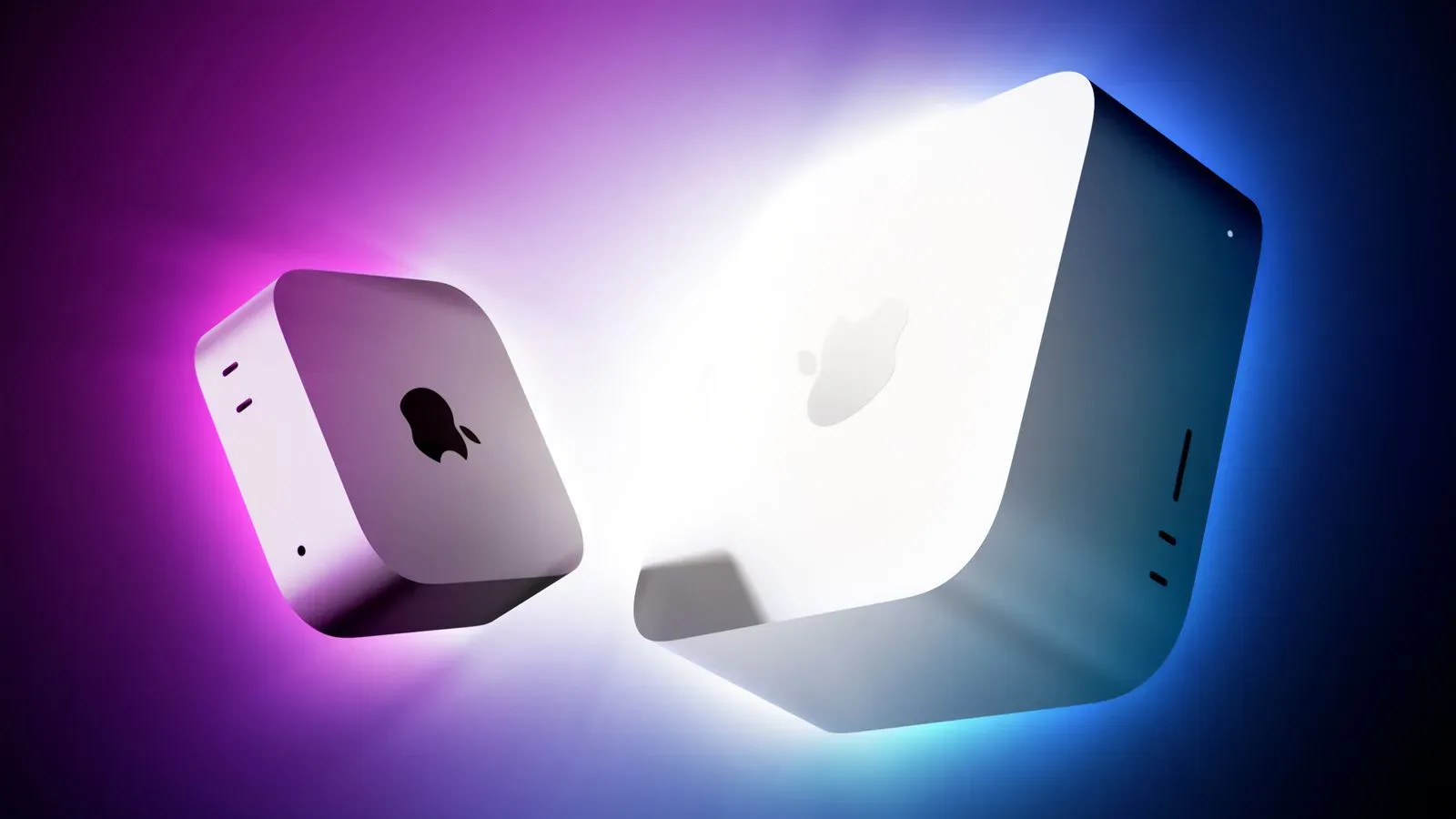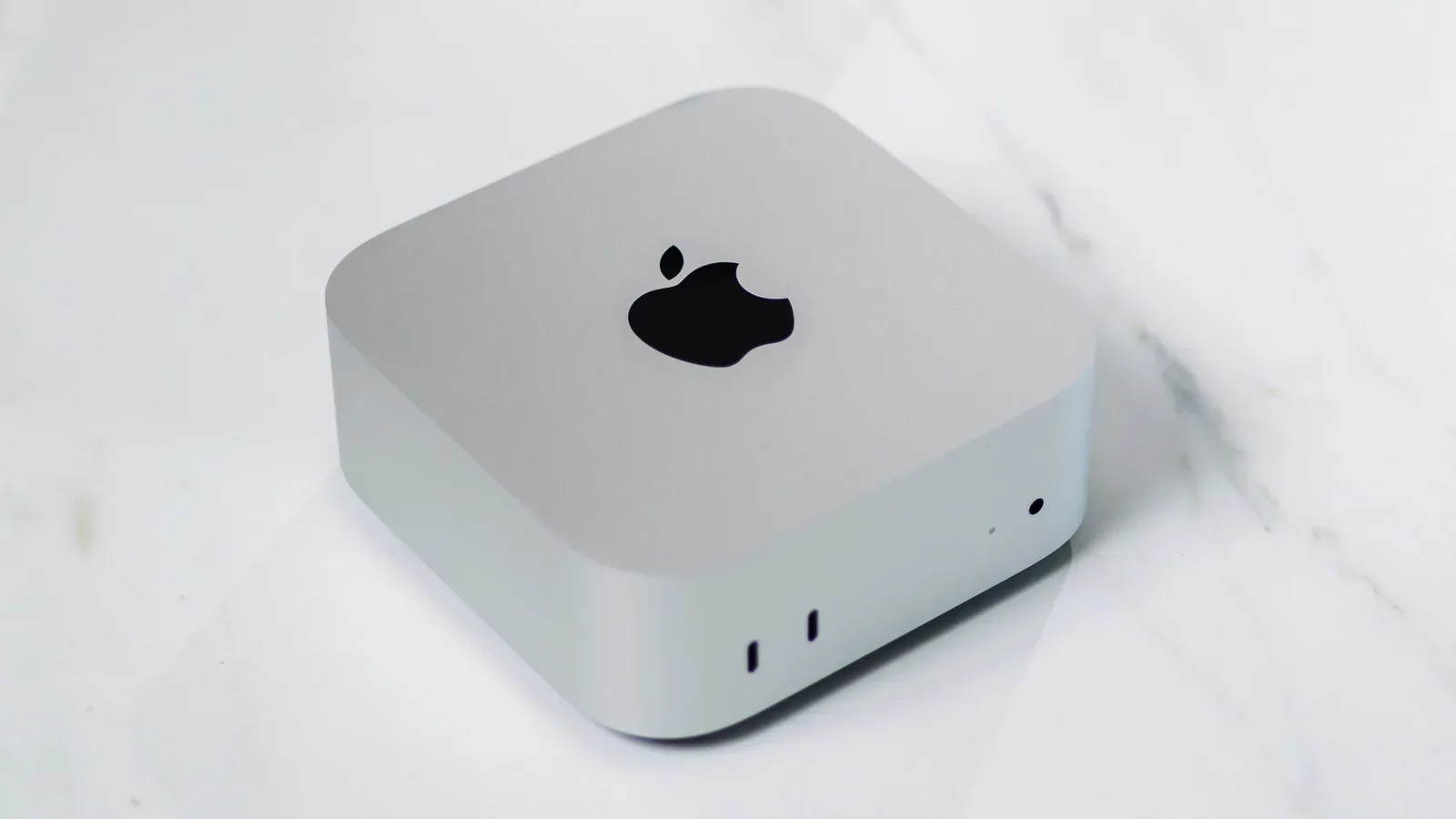
Apple’s M6 Mac mini is listed at $779 for Black Friday, a $120 reduction from its stated $899 price for the configuration with 16GB of unified memory and a 256GB SSD. The listing is open without a Prime membership requirement, although deal availability and stock can change quickly during a major sales period.
The important qualifier is simple: this is the computer, not a ready-made desk setup. The Mac mini does not include a monitor, keyboard, or mouse. That makes the discount most compelling for someone who already has compatible peripherals and a display—or who is deliberately building a multi-monitor setup around the small desktop.
At five inches wide, the Mac mini’s physical footprint is its most immediately useful feature. A conventional tower can claim floor or desk space; this machine is intended to sit below a monitor, beside a display, or otherwise disappear into a workspace. For a desk already crowded by speakers, consoles, storage drives, and a monitor stand, reducing the computer itself to a compact box is a practical upgrade even before performance enters the equation.
What the $779 M6 Mac mini configuration includes
The promoted configuration pairs Apple’s M6 chip with 16GB of unified memory and 256GB of storage. The M6 has a 12-core CPU and 12-core GPU.
Unified memory is memory shared by the CPU and GPU rather than divided into separate system RAM and graphics memory pools. In practical terms, that arrangement is designed to let the machine allocate memory where a workload needs it. The supplied 16GB capacity should provide a workable cushion for a browser with many tabs, image editing, and several everyday applications running at once. It is not a promise that every demanding workload will behave identically, but it is a more useful baseline than a minimal-memory desktop for people who regularly multitask.
The processor arrangement also matters beyond a spec-sheet core count. The CPU handles general computing tasks, while the GPU is built for graphics-oriented and parallel workloads. Apple says its next-generation CPU improves responsiveness. That can translate to a snappier-feeling desktop in routine use, although “responsive” is subjective and depends greatly on the software, connected drives, displays, and workload.
AI hardware is a focus, but the workflow matters more
Apple is placing considerable emphasis on AI capabilities in this generation. Each GPU core includes a Neural Accelerator, and Apple claims up to 4.8 times faster AI performance. That is a manufacturer performance claim, not a universal result for every app or model, so it should be read as an indication of the company’s intended direction rather than a guarantee of a particular speed increase in an individual workflow.
The useful distinction is between local AI and cloud-based AI. A local model runs on the computer itself rather than sending the task to a remote service for processing. For someone working with a compatible local model, that may be appealing when they want to keep a task on their own machine or leave longer processing jobs running without needing the job to be continuously handled elsewhere.
That does not mean the Mac mini automatically makes every AI tool local, nor does it mean AI work has no hardware limits. Model requirements, the application being used, available storage, and memory needs all still matter. But the listed hardware is clearly positioned for people who want a compact Mac that can participate in this kind of work rather than treating AI solely as a browser-based service.
The small enclosure also changes the appeal of an overnight task. The listing characterizes the system as barely audible, an attractive quality for a desk machine that may remain powered on while a longer job runs. Buyers should distinguish that intended use case from a claim about every workload in every environment: sustained tasks, surrounding equipment, and placement can all affect the experience.
Ports make the mini more workstation-friendly than its size suggests
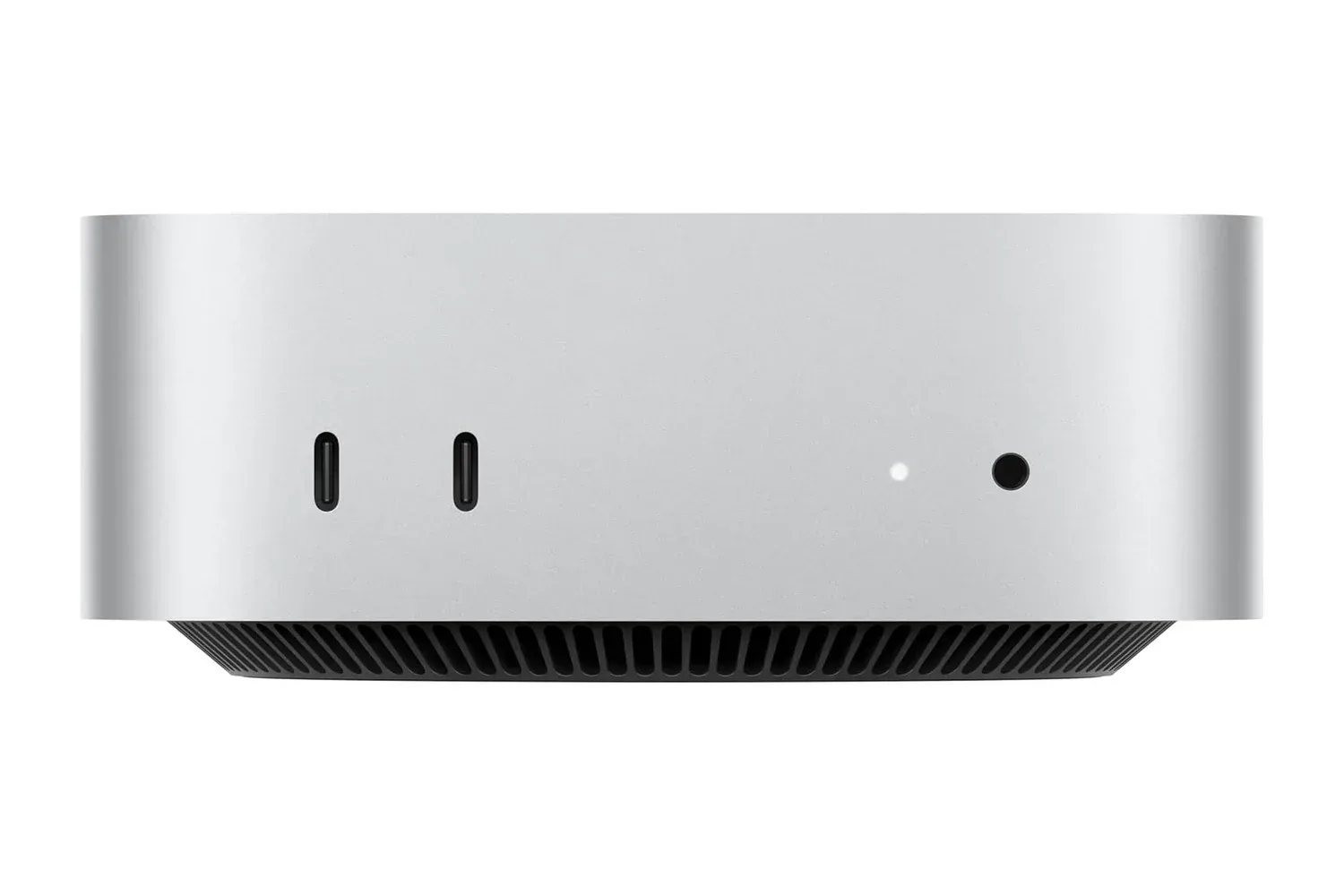
Despite its compact dimensions, the M6 Mac mini includes a practical selection of connectivity:
- Three Thunderbolt 4 ports on the back
- HDMI
- 2.5Gb Ethernet
- Two front-facing USB-C ports
- A front headphone jack
Thunderbolt 4 is especially relevant for a small desktop because one compact system may need to connect to fast external storage, displays, or docks. The front USB-C ports and headphone jack are less glamorous, but their accessibility matters in daily use when connecting an accessory rather than reaching behind a monitor.
The Mac mini can drive up to three external displays. That headline capability does not mean everyone needs a three-screen desk, but it gives the machine room to serve a more elaborate setup. A creator might use separate displays for editing tools and reference material; an office worker might split communications, documents, and a browser across panels. The key practical consideration is that displays are separate purchases unless the buyer already owns them.
The system also has 2.5Gb Ethernet. Ethernet is a wired network connection, and this faster-rated option is useful for desks that can connect directly to a suitable network. Wireless support comes through Apple’s N1 chip, which handles Wi-Fi 7 and Bluetooth 6. Wi-Fi 7 and Bluetooth 6 describe newer wireless standards, but a buyer’s benefits will depend on their router and accessories supporting the relevant technologies.
Storage is the most obvious compromise in this configuration
The 256GB internal drive is likely sufficient for ordinary desktop use, documents, a modest application library, and web-focused work. It can become restrictive much faster for large photo libraries, video projects, or other sizable media collections. Apple says storage is up to twice as fast as the prior generation, which speaks to drive performance rather than capacity. Faster storage can help with moving and opening files, but it does not create additional space.
For that reason, a Thunderbolt external drive is the sensible planning item for buyers who keep substantial photo or video archives. External storage can preserve the Mac mini’s clean, compact role at a desk while avoiding an immediate struggle to fit big media libraries onto a 256GB internal drive. It is an additional cost and another component to manage, but it is more realistic than assuming the entry storage capacity will suit every creative workflow indefinitely.
Where it fits in an existing Apple desk setup
macOS features mentioned for the current software include window tiling, which helps arrange applications into organized areas of the display instead of manually resizing every window. Sidecar can use an iPad as a second display. For households already using an iPad, that creates a possible extra-screen option without assuming that a dedicated monitor must be purchased immediately.
Apple-device owners may also value AirDrop and cross-device copy-and-paste. Those conveniences are not a replacement for evaluating the hardware, but they can reduce setup friction for someone moving files or text between an iPhone and their desktop. A buyer coming from another platform should treat those ecosystem features as a consideration, not an obligation; the hardware’s port selection, storage needs, and display requirements remain the more concrete purchasing questions.
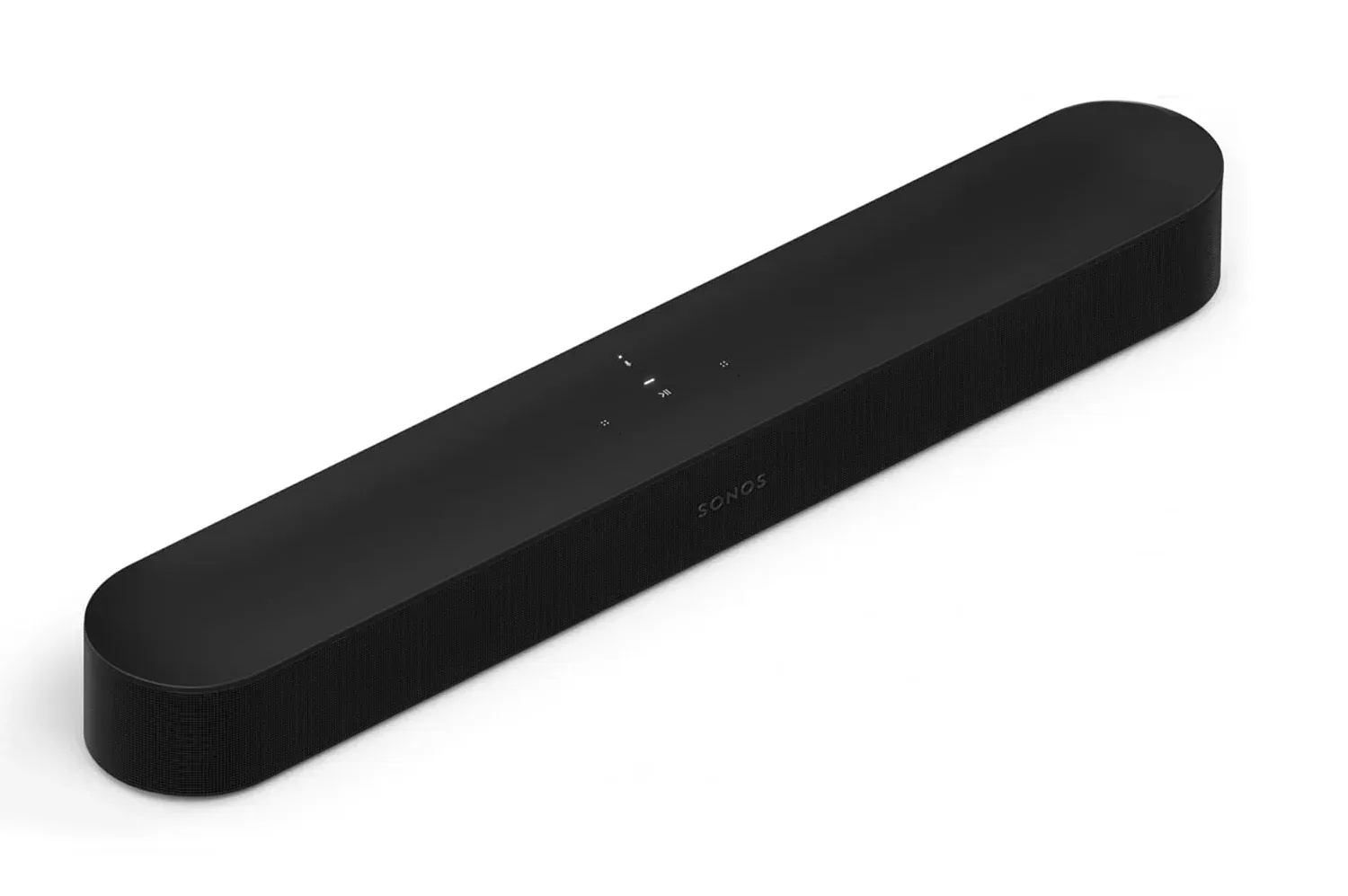
The same desk may also be used for games, streaming, or TV viewing, and peripheral planning can span more than the computer alone. For example, a compact audio upgrade is also a Black Friday consideration in the Sonos Beam Gen 2 deal. The two products serve different roles, but both reflect the appeal of reclaiming space without building a room around oversized hardware.
Who should consider the deal—and who should pause
The $779 Mac mini listing is best suited to a person who already has a keyboard, mouse, and monitor, wants a powerful small-form desktop, and can live within 256GB internally or budget for external storage. It also has a clear case for someone who wants to consolidate a desk with a compact machine while retaining flexibility for multiple displays and modern wired or wireless connectivity.
Potential buyers should pause if they need a complete computer setup in one box. Once a display and peripherals are required, the effective cost goes beyond the listed price. The same applies to people whose work routinely consumes large media libraries: the 256GB configuration can be a workable starting point, but it should not be mistaken for spacious internal storage.
For the right existing desk, though, the sale puts the M6 Mac mini’s main proposition into sharp focus. It is a very small desktop with a 12-core CPU, 12-core GPU, 16GB of unified memory, broad port coverage, support for up to three displays, and a stated emphasis on local AI work. The discount is meaningful, but the stronger value question is whether the buyer already owns the pieces that let this compact box become the center of a useful workspace.
Shop the products
Check current price, model and availability at the retailer.