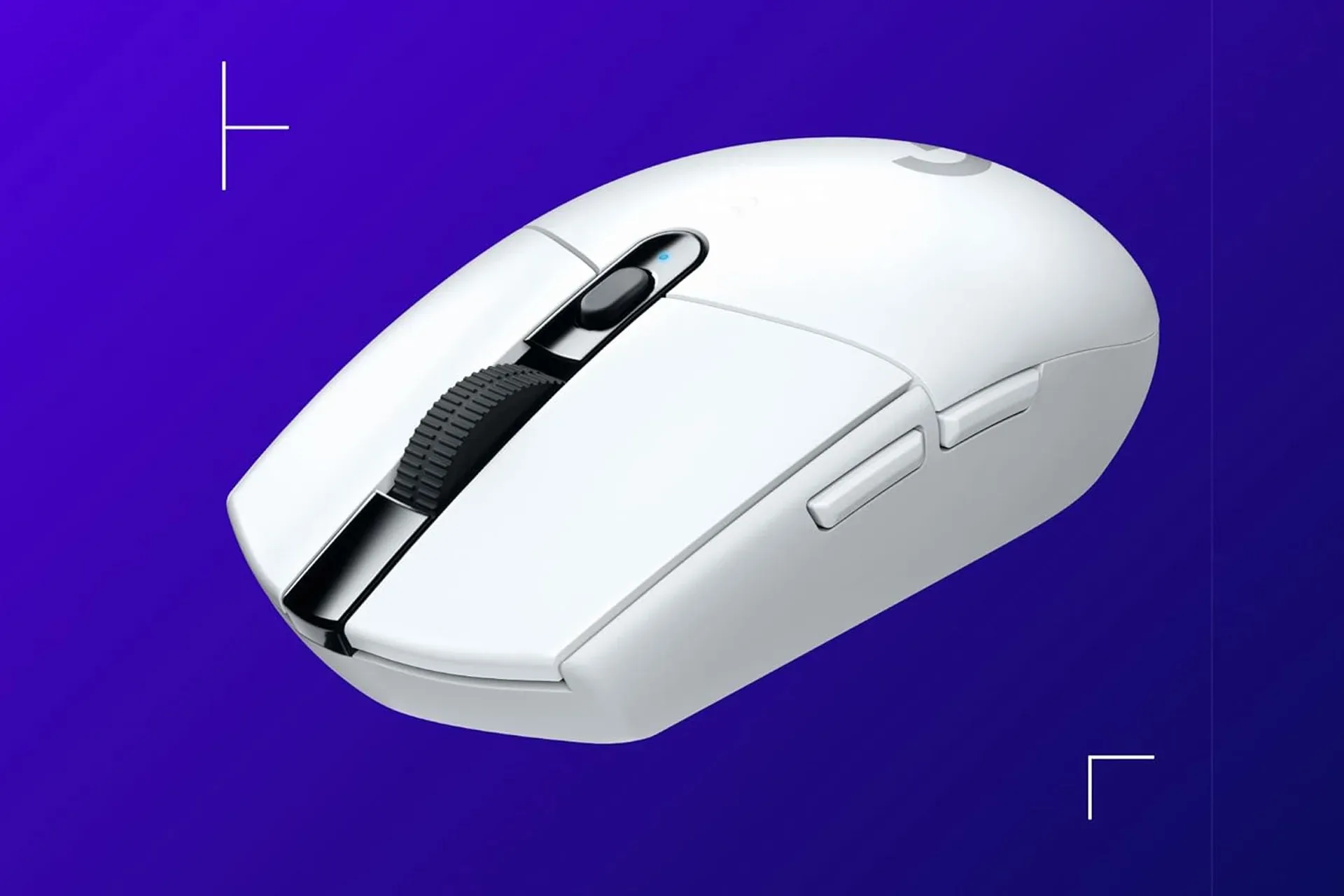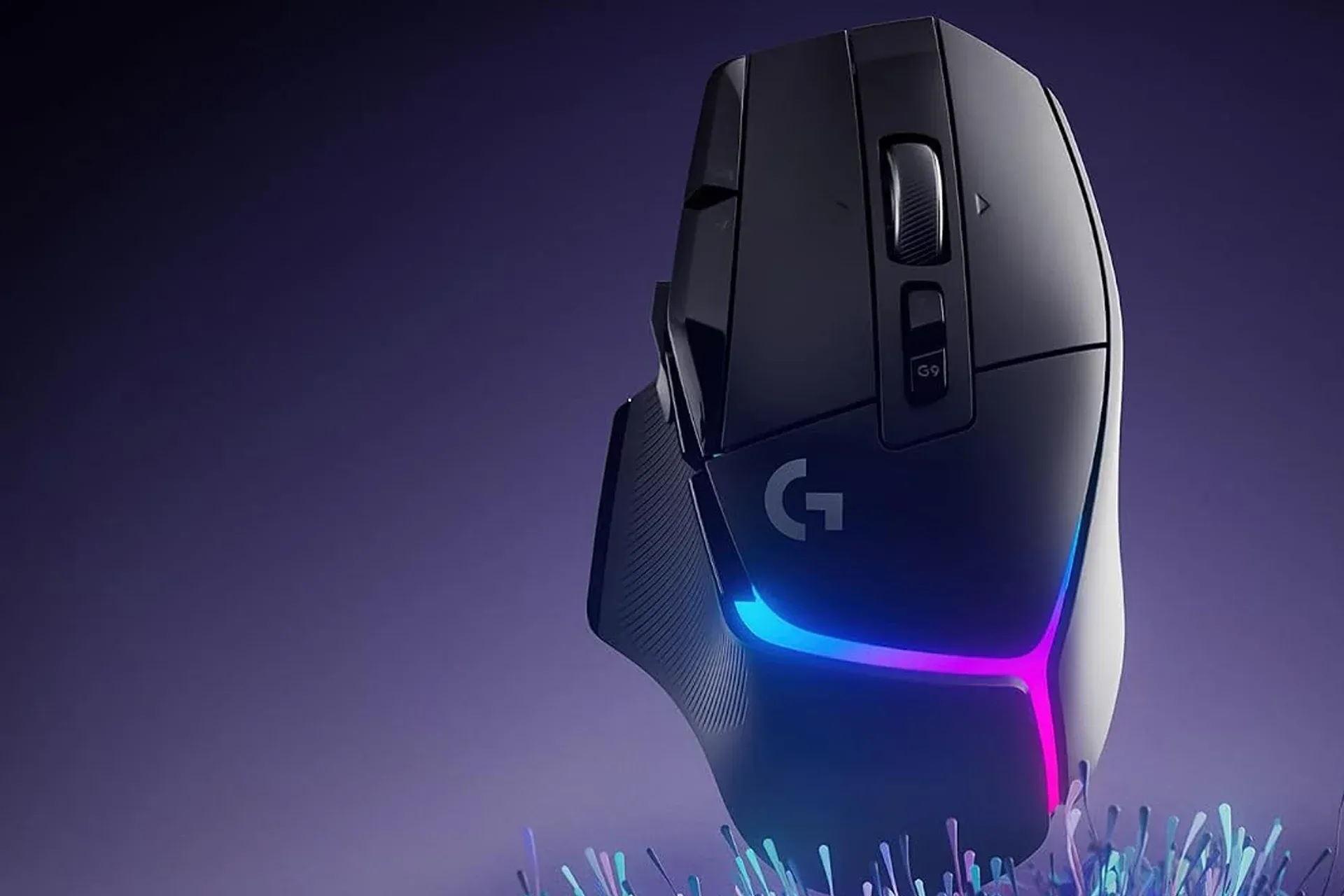
The Logitech G502 X Plus wireless gaming mouse is currently listed at $128, down from $160. That is a $32 reduction, or 20%, for either the black or white version. Deals move around faster than a cursor during a panic reload, so the sensible reading is that this is a limited-time listed price rather than a permanent new baseline.
For PC players considering a mouse upgrade, the sale matters because the G502 X Plus is built around a familiar set of enthusiast-facing priorities: wireless operation, a high-precision sensor, optical-mechanical switches, low-friction feet, software-adjustable sensitivity and RGB lighting. The spec sheet has plenty of capital letters, naturally. The useful question is which of those details will actually affect the way someone uses a mouse every day.
At $128, the discount does not turn this into a casual throw-it-in-the-basket peripheral. It remains a premium-priced mouse, just less premium by the exact cost of several lunches or one extremely unnecessary virtual hat. Still, a mouse is one of the PC components a player physically operates for every menu click, map pan, inventory shuffle and aim adjustment. That makes fit, controls and charging habits at least as important as headline sensor terminology.
The deal at a glance
- Product: Logitech G502 X Plus wireless gaming mouse
- Listed sale price: $128
- Stated regular price: $160
- Discount: $32, or 20%
- Colour options included in the discount: black and white
- Battery claim: up to 120 hours without RGB lighting; up to 37 hours with RGB lighting enabled
The most direct value calculation is simple: someone already interested in this specific model is paying 20% less than its stated regular price. The more difficult calculation is personal. A discounted mouse is not automatically the right mouse if the buyer does not want lighting, does not need wireless connectivity, or finds a particular shape unsuitable. A lower number on the listing does not magically negotiate with a hand.
Lightforce switches: what optical-mechanical means here
The G502 X Plus uses Logitech’s Lightforce switches, described as optical-mechanical switches intended to deliver speed and reliability with a crisp mechanical actuation feel. That phrase joins two ideas that are worth separating.
Mechanical actuation concerns the physical click sensation: the resistance, movement and tactile response under a finger. It is the portion that makes a mouse click feel deliberate rather than like tapping a tiny sponge that has seen things.
Optical switching refers to using a light-based method to register the press rather than relying solely on conventional electrical contact behavior. In practical shopper language, the stated goal is a fast, dependable input while preserving a mechanical-style click feel. It should not be treated as a guarantee that every player will prefer the click weight or sound; those are subjective comfort details not answered by a switch name alone.
For competitive or action-heavy PC games, reliable clicking can be relevant because it is a repeated input. For strategy games, RPGs, work tasks and general browsing, click feel may matter more than any theoretical speed advantage. The same hardware can spend one evening issuing precision commands and the next closing twelve browser tabs after a recipe page starts auto-playing a video. The mouse has no idea which assignment is more noble.
Related coverage includes Logitech G502 X Plus Wireless Gaming Mouse Drops to $128 in Limited-Time Deal.
Hero 25K sensor and the sensitivity settings, translated
Logitech positions the Hero 25K sensor around high precision, describing 1:1 tracking at a sub-micron level without smoothing, filtering or acceleration. Those terms can sound like a graduate seminar held inside a mousepad, but the intended practical result is direct movement: moving the mouse should correspond closely to movement on screen.
Smoothing and filtering are forms of processing that can alter or average input. The listed claim is that the sensor avoids those effects. Acceleration, in this context, means cursor movement can be affected by how quickly the mouse is moved rather than only how far it is moved. The stated absence of acceleration is aimed at consistent tracking.
Consistency is the useful concept. Players who prefer repeatable mouse movement often want a given physical motion to behave predictably, whether they are aiming carefully, selecting a small interface element or swinging the camera around to discover that the danger was, as usual, behind them.
The G Hub software allows five different sensitivity levels. Sensitivity is commonly described through DPI, shorthand for dots per inch, though the central practical point is cursor responsiveness: a higher setting makes the pointer travel farther on screen for the same physical movement. Multiple levels give users a way to adjust sensitivity for different situations or settle on a preferred setting without treating a single default as sacred scripture.
There is an important limit to what a specification can prove. A very high maximum sensitivity figure does not mean every buyer should use an extremely high sensitivity setting. The appropriate level depends on desk space, display setup, game settings and personal control. This model’s five available sensitivity levels are useful because choice and consistency generally matter more than chasing the largest number printed on a product page.
PTFE feet are about glide, not wizardry
On the underside, the mouse uses PTFE feet. PTFE is a low-friction material used here to help the mouse glide across a surface. Logitech says the feet use an optimal surface area to balance a low-friction feel with control.
That balance is the relevant part. A mouse that resists movement can feel tiring or imprecise, especially over long sessions. But a sensation of reduced friction is not inherently superior for every person or every surface. Mousepad material, desk surface and individual preference all affect how glide feels. PTFE feet are a meaningful construction detail, but they cannot tell a shopper whether their own preferred surface will create the desired resistance.
For buyers replacing a basic office mouse, this is one of the more tangible gaming-oriented changes in the listed feature set. The sensor tracks the motion, while the feet influence how that motion begins and continues across the desk. It is a small piece of hardware doing a disproportionately large amount of sliding around, which is a fairly strong career trajectory for a tiny patch on the underside of a mouse.
RGB is the major battery-life decision
The G502 X Plus is equipped with RGB lighting, and the battery figures make the cost of illumination unusually clear. Logitech lists up to 120 hours of use when RGB lighting is off, falling to up to 37 hours when the lights are on.
That difference is a practical buying and setup consideration, not merely a decorative footnote. A player who values longer stretches between charges can turn off the lighting and prioritize the stated 120-hour maximum. A player building around a coordinated lighting setup may decide the stated 37-hour maximum is an acceptable exchange. Neither approach is objectively correct; the important thing is recognizing that the visual feature has a real power consequence.
The word up to matters in both cases. It indicates a maximum claim, not a promise that every pattern of use will reach the number. Buyers should use the figures as comparative expectations provided for the model’s lighting states, rather than as a calendar appointment at which the battery is contractually required to surrender.
Lighting also has no stated effect on sensor precision or switch function. It is a personal-preference feature. That makes it easy to prioritize honestly: those who love RGB can account for more frequent charging; those who do not can preserve battery life and enjoy the rare gaming-device aesthetic of “black object that works.”
Who this discounted G502 X Plus is likely to suit
The feature mix makes the most sense for a PC player seeking a wireless mouse with configurable sensitivity, direct-tracking claims, low-friction feet and the option of RGB. It also suits someone who places value on the G502 design lineage and wants the newer model’s Lightforce switch approach.
It may be less compelling for shoppers who are only looking for the least expensive functional mouse. Even at $128, it is firmly a premium peripheral purchase. Likewise, anyone indifferent to wireless use and lighting should avoid assuming that every included feature has equal personal value. The strongest purchase case is not “this contains every available gaming adjective.” It is “these particular traits solve the way I use my PC.”
Before buying, it is also worth separating necessary features from merely pleasant ones. Wireless use may be essential for a cleaner setup. Multiple sensitivity levels may be important for someone who regularly adjusts cursor responsiveness. A crisp switch feel may be a high priority for a person who clicks constantly. RGB may be non-negotiable, or it may be the first thing disabled. That quick mental audit is more useful than treating a sale percentage as a personality test.
A sensible checklist before the price changes
- Confirm the current listing price and colour. Both black and white versions are included in the reported 20% discount, but retailers can alter pricing or stock.
- Decide whether RGB will stay enabled. The stated battery maximum changes from 120 hours without it to 37 hours with it.
- Consider sensitivity workflow. Five levels in G Hub provide flexibility, but a buyer should still expect to spend time finding a setting that feels controlled.
- Think about the desk surface. PTFE feet are designed for glide, yet surface choice remains part of the experience.
- Evaluate the discount against the actual need. Saving $32 is useful only if the model’s wireless design, switches, sensor and lighting options fit the setup.
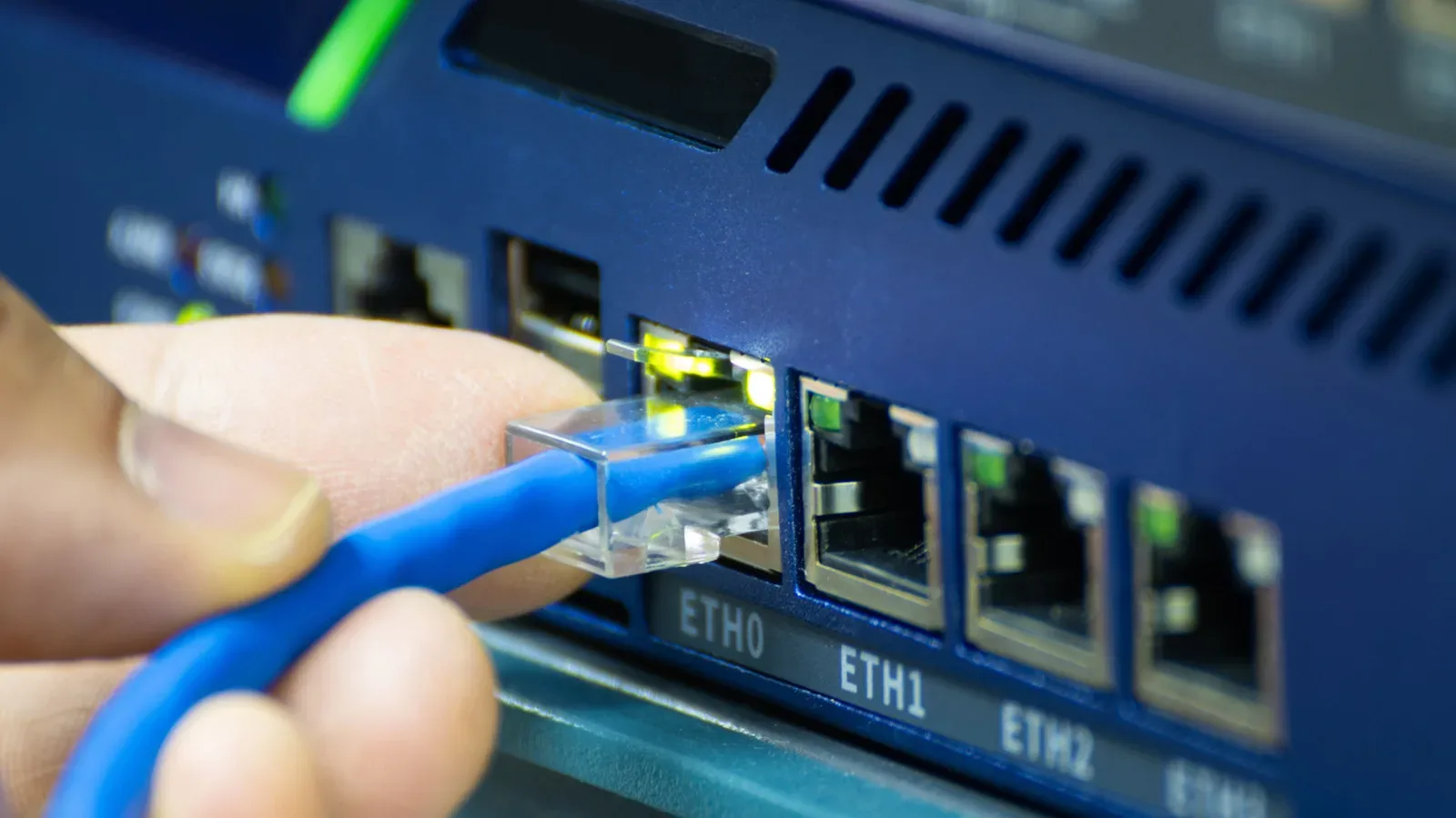
A mouse upgrade is only one part of a responsive PC setup. For players also trying to remove friction from the connection side of multiplayer gaming, our guide to choosing an Ethernet switch for a better home gaming network explains the separate networking questions worth considering.
The current G502 X Plus price gives interested buyers a straightforward $32 reason to look now. Its appeal rests less on any one buzzword than on the combination of wireless operation, Lightforce click design, Hero 25K tracking claims, PTFE glide, software-controlled sensitivity and an RGB option with a plainly stated battery compromise. For the right PC player, that is a substantial feature set at a meaningfully reduced price. For everyone else, it is still a very capable mouse waiting patiently to be judged by the only review that ultimately matters: whether it feels right under the hand.
Shop the products
Check current price, model and availability at the retailer.