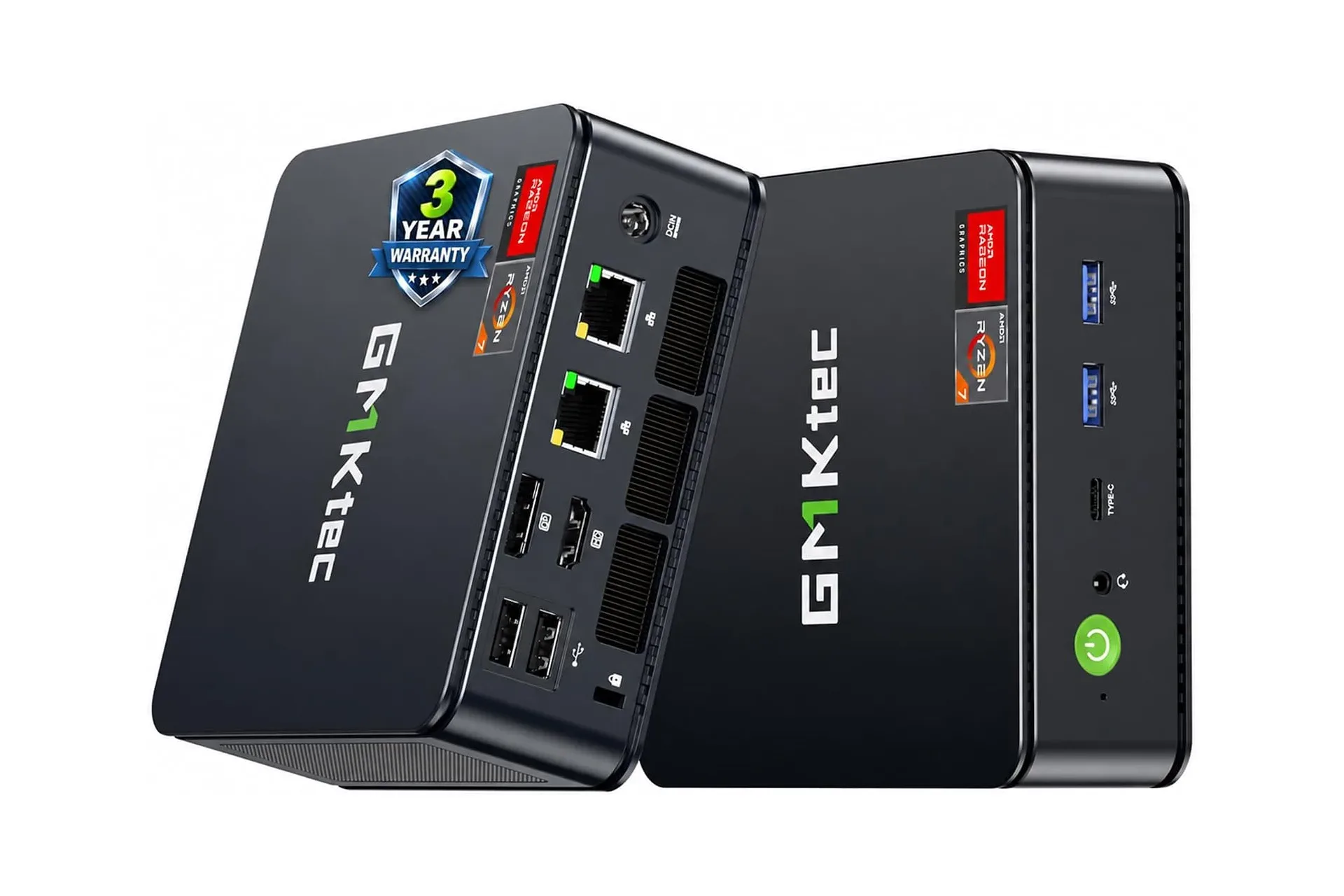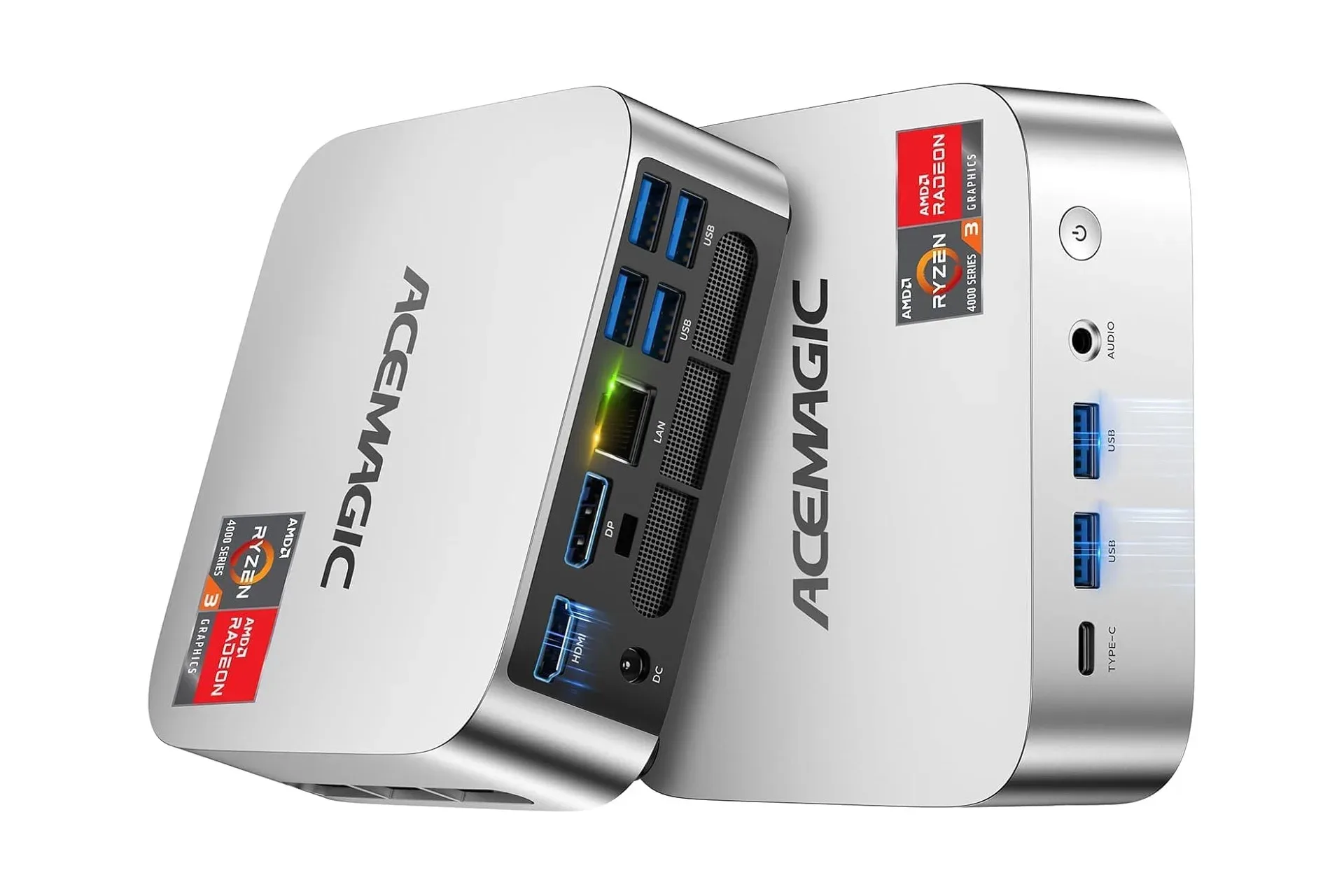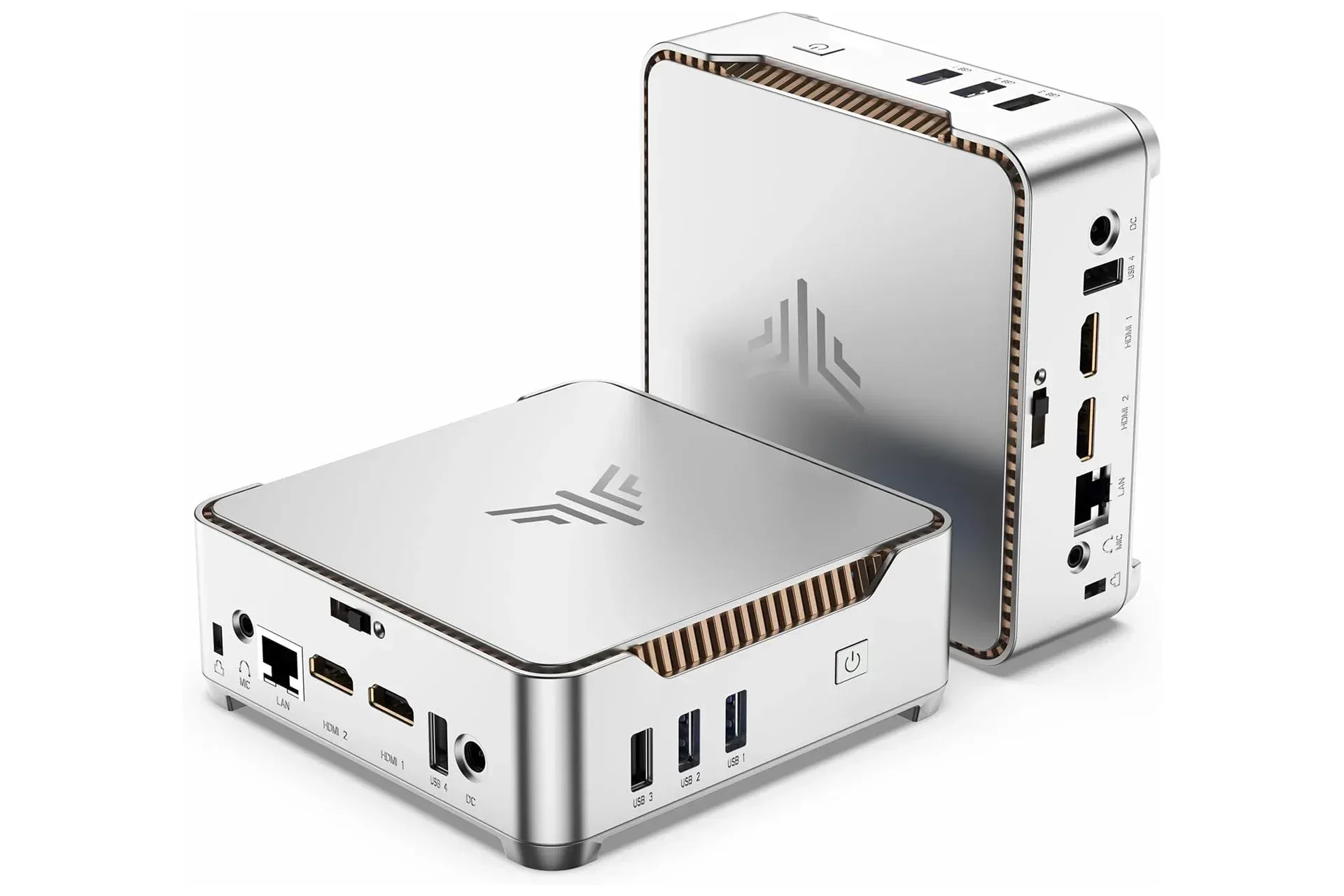
A compact computer can be a smart way to reclaim desk space and use monitors, keyboards, mice, storage and audio gear that are already sitting around. The Kamrui GK3PLUS Mini PC is currently listed at $319, a $80 reduction from its stated $399 regular price. That is a 20% discount, and it makes the appeal straightforward for someone who needs an inexpensive, small desktop rather than a full laptop or a high-end gaming tower.
The important qualifier is in the name of the processor. This is not a miniature replacement for a current performance-focused gaming PC. The GK3PLUS configuration uses an Intel Pentium Silver N5030, a four-core, four-thread chip rated to reach up to 3.1GHz, alongside 16GB of RAM and a 512GB M.2 2280 SSD. Those parts establish it as a machine for everyday computing and practical multi-monitor use, not a system one should buy with the expectation of running demanding new games at high settings or at 4K.
That distinction is not a dismissal. It is the difference between shopping for a useful small computer and accidentally buying a tiny plastic box of disappointment. At $319, the question is less “Can it conquer every modern release?” and more “Does its hardware suit the work, media and lighter gaming jobs I actually do?”
What the $319 Kamrui GK3PLUS configuration includes
Kamrui’s listed GK3PLUS specification combines the Intel Pentium Silver N5030 with 16GB of memory and a 512GB M.2 2280 solid-state drive. A solid-state drive, or SSD, stores files without the moving parts used by a conventional hard disk drive. In everyday use, that generally means the system’s storage is positioned for quick loading compared with older mechanical-drive setups. The supplied information describes this M.2 drive as fast-loading, but it does not provide benchmark results, so buyers should avoid assuming a particular game-loading or file-transfer figure.
The 512GB capacity is a meaningful starting point for documents, applications and a modest library of media or games. Yet capacity can disappear quickly if the PC becomes the home for a large modern game library. Kamrui says the unit can be expanded to as much as 8TB through two 2.5-inch SATA SSD/HDD slots. SATA is a common connection standard for storage drives; the key practical point is that there are two internal bays for adding 2.5-inch SSDs or hard drives rather than forcing the buyer to replace the included drive immediately.
That expandability gives the GK3PLUS a sensible division of labor. The installed M.2 SSD can hold the operating system and frequently used software, while added storage could accommodate larger files or an archive. A buyer considering an upgrade should still check the drive type, dimensions and installation requirements before purchasing parts, since the available information establishes the presence of the bays and the overall ceiling, not the exact compatible models.
Three displays are the standout practical feature
The most distinctive listed convenience is monitor support. The mini PC has two HDMI outputs and one VGA port, allowing three monitors to be connected at once. Each HDMI output can reach up to 4K UHD resolution, while the VGA connection can reach up to 1080p HD.
Resolution describes how many pixels a display can show, not how quickly or smoothly a game will run. This is a particularly important distinction in a gaming-adjacent product listing. Being able to output 4K through HDMI means the PC can connect to a 4K-capable display at that resolution. It does not, by itself, establish that the N5030 system can render graphically intensive games at 4K at enjoyable frame rates. Output capability and game-rendering performance are related but very different claims.
For productivity, two HDMI ports plus VGA can be considerably more valuable than it sounds on a spec sheet. A main display can hold a document or browser, a second can carry communications or reference material, and a third can handle a video, monitoring tool or music controls. That setup is especially relevant to remote work, school tasks, household administration and anyone moving between multiple windows all day. It also gives existing older displays a potential role via VGA, while HDMI provides the modern connection for newer screens.
Before treating three-monitor support as an automatic three-monitor workstation, it is worth checking the inputs on the displays already owned and the cables or adapters needed. The PC’s ports only solve one half of the connection equation.
Ports and peripherals: what can stay on the desk
The GK3PLUS has four USB ports and a 3.5mm AUX jack for a headset or external speakers. Four USB connections offer room for the core desktop essentials: keyboard, mouse, controller, external storage, webcam or a wireless receiver. Which mixture makes sense will depend on the desk, but the count is helpful in a mini PC, where port flexibility can be the difference between a tidy setup and a hub dangling like an accidental hardware quest item.
The AUX connection is a simple but useful inclusion for wired sound. It means a user can plug in compatible headphones, a gaming headset or speakers without depending on a monitor’s audio solution. The supplied details do not state wireless connectivity specifications, operating system details, bundled accessories, Ethernet availability or the version of the USB ports, so those are questions to verify on the store listing before buying if they matter to a particular setup.
What “mini PC” means here—and what it does not
A mini PC is essentially a compact desktop designed to work with separate peripherals. Unlike a laptop, it does not need to include a display, keyboard, trackpad, webcam or battery in the chassis. That can make it a practical option for somebody who already owns those pieces, particularly if a laptop form factor would duplicate equipment they do not need.
Small desktops also commonly rely on components suited to compact, lower-power designs rather than the large dedicated parts found in enthusiast towers. The GK3PLUS’s published configuration should therefore be read as an efficiency-oriented setup: it places usable memory, solid-state storage and versatile display outputs into a much smaller system, but it does not advertise a dedicated graphics card.
Graphics hardware matters greatly in games. A dedicated graphics card is a separate component built to handle visual workloads. No such component is listed for this Kamrui model. The available specification instead highlights the Intel processor, memory, storage and ports. Buyers should not fill in absent specifications with assumptions, particularly when a product is being framed around gaming aspirations.
A realistic gaming read on the N5030
The N5030’s four cores, four threads and up-to-3.1GHz operating figure are concrete specification points, but clock speed alone does not measure a PC’s gaming ability. It does not reveal graphics performance, software optimization, cooling behavior, memory configuration or how a specific game performs. Likewise, 16GB of RAM is a welcome amount for general multitasking, but RAM cannot substitute for graphics horsepower when a game’s visual demands are the limiting factor.
For prospective players, this means the GK3PLUS makes the most sense when gaming is secondary to its desktop role. Less demanding games, older software and games built around lower hardware requirements are the kinds of use cases one might investigate, but compatibility should be checked game by game against each title’s published requirements. The evidence available here does not support promises around named games, resolution targets, frame-rate targets or streaming performance.
Those who need a primary gaming machine for current, visually demanding releases should look beyond this configuration. They should also resist a familiar retail trap: “4K HDMI output” sounds close to “4K gaming,” but it is not the same thing. The first describes the signal the port can send to a display. The second depends on whether the entire machine can render a game at that resolution well enough to play. That gap is where many bargain purchases lose their extra lives.
There is a broader computing spectrum at work here. Compact low-cost PCs, powerful gaming desktops and specialized server hardware solve sharply different problems; even reports around potential future systems such as Apple’s reported M8 AI server considerations illustrate how purpose-built the upper end of computing can become. The Kamrui’s appeal is not that it belongs in that performance class. Its appeal is that it aims to cover ordinary desktop needs in little space and with hardware that can be expanded.
Who should consider the discounted mini PC?
The $319 listing is most compelling for someone who already has a monitor, input devices and internet setup, and wants a small desktop for browsing, office work, video playback and general multitasking. The 16GB RAM, 512GB SSD, four USB ports, audio jack and three-display connections form a balanced package for that kind of use.
- A good fit: a compact home-office machine, a desk that needs several displays, a basic family computer, or a low-footprint media and productivity system.
- Potentially useful: a secondary PC where storage expansion is desirable and demanding games are not the purchase’s central purpose.
- Probably not the right fit: a buyer seeking assured high-settings performance in new releases, 4K game rendering, or a dedicated gaming-PC replacement.
The stated reduction is described as limited-time, so the final price and availability should be checked at the point of purchase. More importantly, shoppers should audit what they already own: display inputs, cables, keyboard, mouse, audio equipment and the amount of storage they expect to need. A mini PC can save money precisely because it leaves those items out. That is a benefit only when the missing parts are already covered.
Kamrui’s GK3PLUS is therefore best judged as a modest, expandable desktop in a very small package. Its $319 price, three-monitor capability and 16GB/512GB configuration make a practical case for everyday computing. Its Intel N5030 processor and lack of a listed dedicated GPU make equally clear why the word “gaming” should be handled carefully. For the right desk, that honesty is more useful than pretending every small PC is a pocket-sized monster rig.
Shop the products
Check current price, model and availability at the retailer.