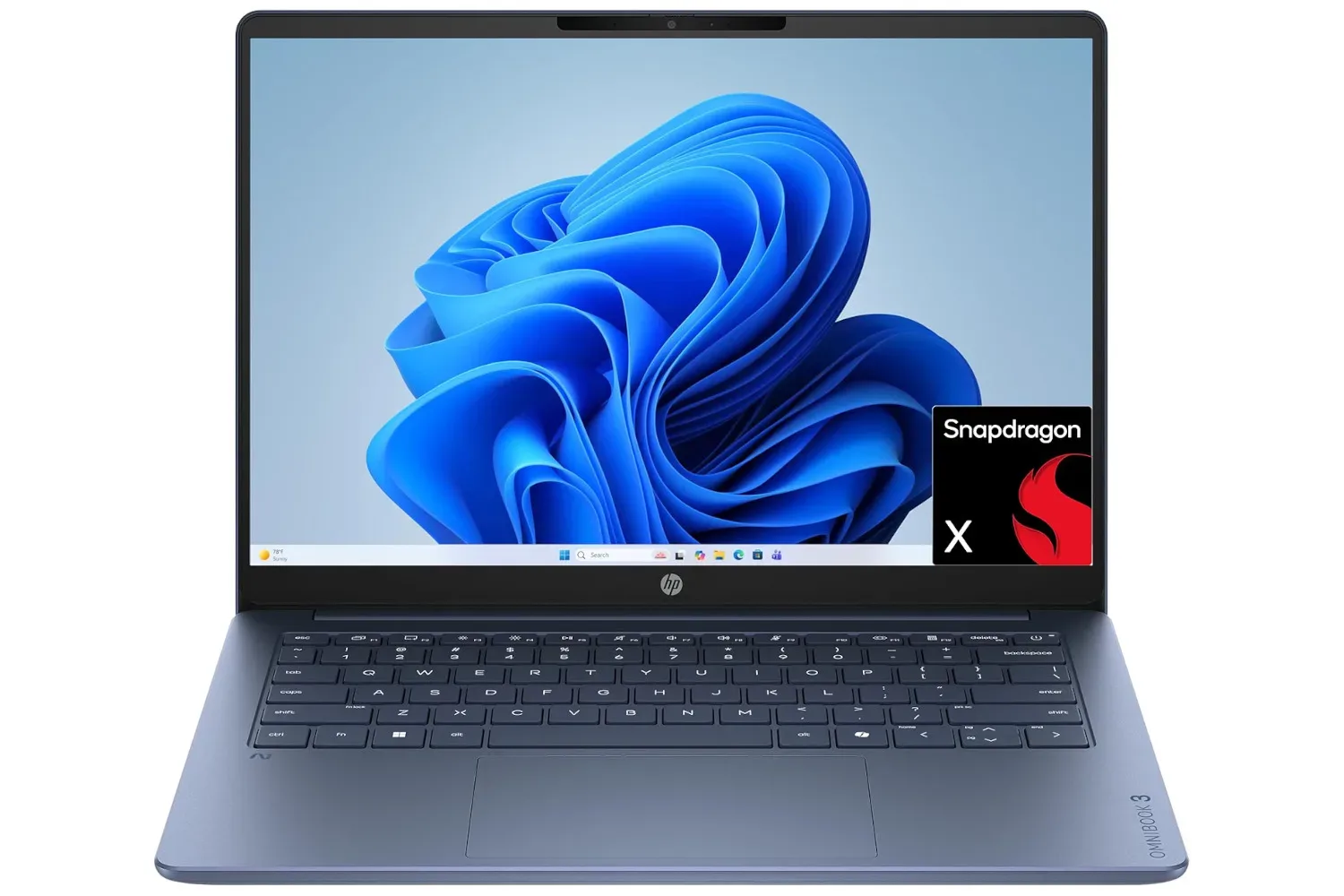
HP’s 14-inch OmniBook 3 laptop is listed at $399, reduced from $600. That is a $201 drop, or roughly 33%, and it puts a compact everyday machine into a notably more approachable price bracket for someone who needs a portable computer for documents, web-based work, study, video calls, and other routine tasks.
There is an important qualifier for the Joking Joystick audience: this is not positioned as a gaming laptop. The supplied specifications are a Qualcomm Snapdragon X X1-26-100 processor, 8GB of RAM, and a 256GB SSD, while the listing’s own framing says the hardware is not intended to play games. Buyers looking for a dedicated PC gaming machine should not treat the price alone as a reason to jump in.
That does not make the OmniBook 3 an uninteresting deal. It instead looks like a portable companion PC whose appeal rests on its 14-inch format, 2K-capable display, Full HD webcam, Wi-Fi 6E support, and discounted price. For people splitting time between home, school, offices, or client sites, that combination may matter far more than the ability to run demanding games.
The key deal details
- Listed price: $399
- Previous price: $600
- Stated discount: 33%
- Display size: 14 inches
- Processor: Snapdragon X X1-26-100
- Memory: 8GB RAM
- Storage: 256GB SSD
- Other listed features: 2K-capable display, Full HD webcam, Wi-Fi 6E compatibility
The difference between the old and current prices is substantial in dollar terms. But a sale price should not erase the basic question of fit: what will the laptop actually be asked to do? The answer here appears to be general productivity and communications, not game performance.
A 14-inch screen makes portability the headline
A 14-inch laptop generally occupies a useful middle ground. It is smaller than many larger notebooks, making it easier to carry in a backpack or work bag, while still offering a screen large enough for ordinary writing, browser work, spreadsheets, lectures, and calls. The listing emphasizes that compact footprint as one of the OmniBook 3’s strongest qualities.
Portability has a practical gaming-adjacent value even when a system is not built to run modern games. A player who already has a desktop, console, or more powerful primary PC may want a separate lightweight machine for managing messages, handling school or work, organizing files, writing guides, keeping up with communities, or joining a voice or video meeting away from their usual setup. Those jobs do not necessarily demand dedicated graphics hardware.
The display is described as being able to handle 2K images and as having strong brightness. “2K” is a broad consumer term referring to a higher-resolution display class; it should not be read as a complete statement of panel quality, refresh rate, color coverage, or gaming responsiveness. Likewise, brightness can be valuable for working near windows or outdoors, but the supplied information does not provide a numerical brightness figure. It is sensible to treat both points as potential benefits, while avoiding assumptions beyond the listed details.
What the Snapdragon X, RAM and SSD specifications mean
The OmniBook 3 uses a Snapdragon X X1-26-100 processor. A processor, or CPU, handles the laptop’s general computing tasks: running the operating system, opening applications, managing browser tabs, processing documents, and much more. The supplied description characterizes this configuration as suitable for a variety of programs associated with work or study.
Its 8GB of RAM is the working memory available for active applications and files. In simple terms, RAM affects how much a computer can comfortably keep open at once. For lighter day-to-day workloads, 8GB can serve a practical role. People who routinely run many heavy apps concurrently, keep a huge collection of tabs open, edit demanding projects, or expect a system to shoulder specialist workloads should recognize that the supplied configuration is modest rather than expansive.
The 256GB SSD is the laptop’s internal storage. An SSD, short for solid-state drive, holds the operating system, programs, documents, media, and downloads. Compared with a traditional hard drive, the core distinction is that solid-state storage has no spinning mechanical disks. Capacity is the relevant consideration here: 256GB may be enough for essential applications and a carefully managed file library, but it can become restrictive if a buyer wants to retain large video libraries, big creative projects, or a significant game collection locally.
That storage point reinforces why the OmniBook 3 should be viewed primarily through a productivity lens. Modern PC games can consume substantial space, and the listing already cautions that gaming is not the machine’s purpose. A buyer whose priority is a broad PC game library will likely want hardware specifically selected for that job, including a clearer picture of graphics performance and more room for installations.
Why it should not be mistaken for a budget gaming bargain
“Affordable laptop” and “affordable gaming laptop” are not interchangeable labels. A general-purpose laptop can be excellent at writing, research, meetings, and ordinary programs without offering the graphics capability, cooling headroom, memory capacity, or storage space that gamers may expect.
In this case, the available information explicitly draws that line. The Snapdragon processor, 8GB of RAM, and 256GB SSD are presented as useful for programs required by work or study, not as a foundation for gaming. It would be misleading to infer performance in particular titles, compatibility with particular game libraries, frame rates, resolution settings, or support for specialized gaming features. None of that is established by the listed specifications.
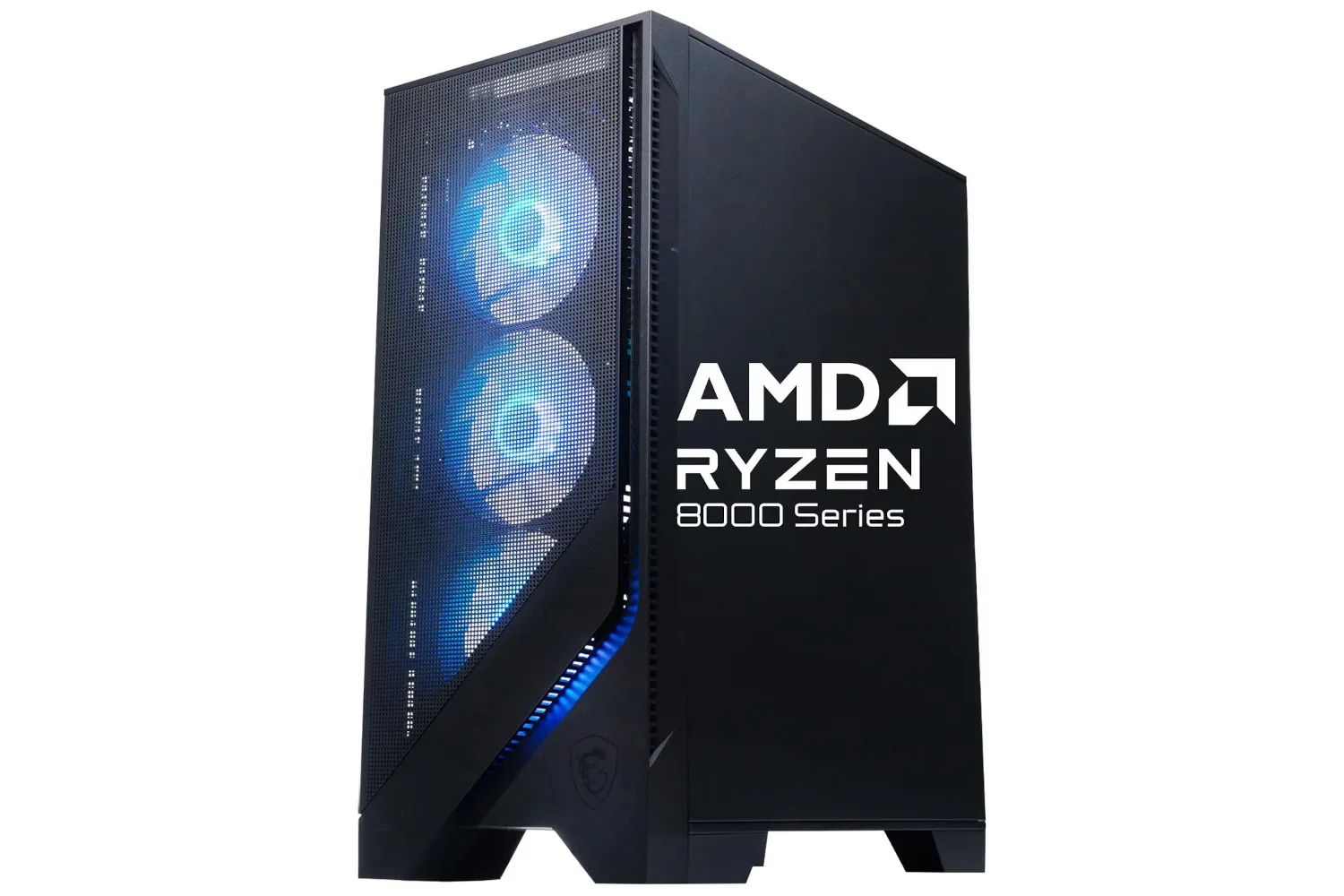
Anyone shopping for a PC that will primarily run games should compare machines that clearly state their graphics hardware and gaming-focused components. For an example of the kind of listing where desktop hardware is named directly, see this MSI Codex Z2 gaming desktop listing. That does not make it a direct alternative—the price, form factor, and intended use are plainly different—but it illustrates why component context matters.
Connectivity and calls are part of the package
The OmniBook 3 also includes a Full HD webcam and Wi-Fi 6E compatibility. A Full HD webcam denotes 1080p video capture, a useful baseline for video meetings, remote lessons, and keeping in touch with friends or teammates. Webcam quality in actual use can still depend on lighting, software, and network conditions, none of which are detailed here, so the specification should be understood as a resolution statement rather than a promise about every call.
Wi-Fi 6E compatibility refers to a wireless standard that can use the 6 GHz band in addition to older Wi-Fi bands when paired with compatible networking equipment. In practical terms, that can provide another connection option on a suitable network. It does not guarantee a certain internet speed, since broadband service, router capability, distance, congestion, and the local network all affect real-world results.
For a compact work-and-study laptop, both features are more consequential than they might initially sound. They support the central use case: taking the machine elsewhere while maintaining the ability to join calls and connect online. That aligns cleanly with the 14-inch design and the deal’s emphasis on a device that can travel.
Who the $399 OmniBook 3 best suits
The strongest case for the discounted OmniBook 3 is a buyer who wants a small, lower-cost laptop for common computing rather than a one-machine answer to every possible task. At $399, the package combines a 14-inch screen, a Snapdragon X processor, 8GB of RAM, 256GB of SSD storage, a Full HD webcam, and Wi-Fi 6E compatibility.
- Students who need a portable computer for routine coursework and communication may find the compact size and webcam appealing.
- Remote or hybrid workers who prioritize browser work, documents, and video meetings may value the travel-friendly format.
- Freelancers moving among client locations may appreciate having a smaller machine for files, presentations, and ordinary applications.
- Gamers who already own a primary gaming PC or console may find it useful as a secondary device for non-gaming tasks, provided they do not expect it to run their games.
Conversely, the deal is less persuasive for shoppers whose immediate need is modern PC gaming or large local storage. The available details do not support treating the OmniBook 3 as a substitute for a gaming rig, and the 256GB SSD requires realistic expectations about how much can be stored internally.
What to check before buying
The $399 price is the concrete attraction, but discounts can change. Before purchasing, confirm that the price remains active and review the exact retailer listing for the configuration on offer. That is especially worthwhile when a laptop is being selected for a particular application or workflow.
- Confirm the current price and that it applies to the stated 14-inch OmniBook 3 configuration.
- Check whether 256GB of storage is enough for the files and programs you intend to keep on the laptop.
- Consider whether 8GB of RAM matches the number and type of applications you use simultaneously.
- For gaming, do not assume suitability from the discounted price; the available description says it is not meant for that role.
- Make sure your home, school, or workplace network can take advantage of Wi-Fi 6E if that feature is important to you.
The bottom line is straightforward: the discounted HP OmniBook 3 appears to be a value-focused portable laptop for work, school, calls, and everyday programs. The 33% reduction from $600 to $399 makes that proposition more compelling, but it does not alter the product’s stated limits. Buyers who need a compact productivity system have a clear reason to consider it; buyers seeking a gaming laptop should keep looking for hardware designed and specified for that purpose.
Shop the products
Check current price, model and availability at the retailer.