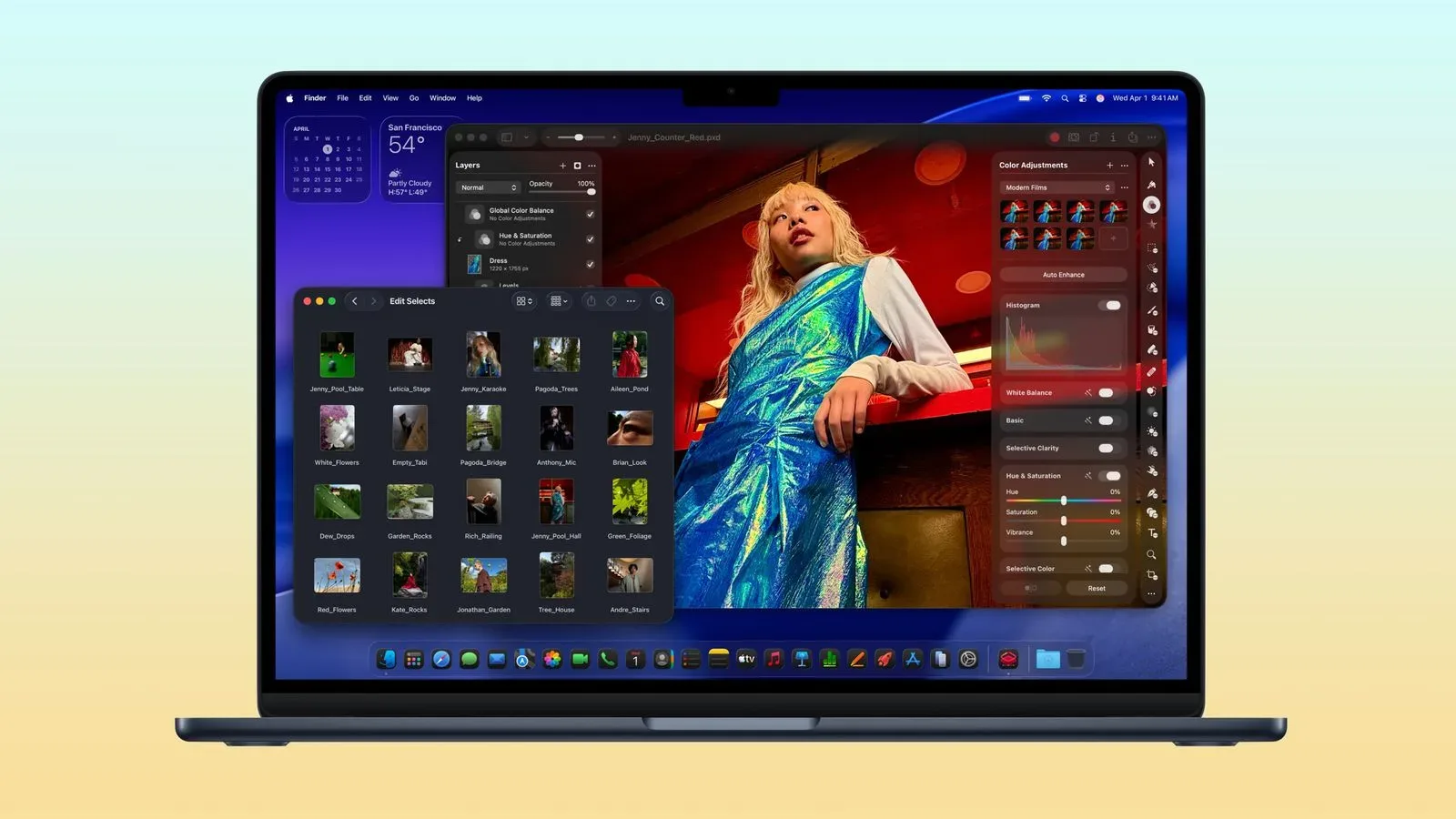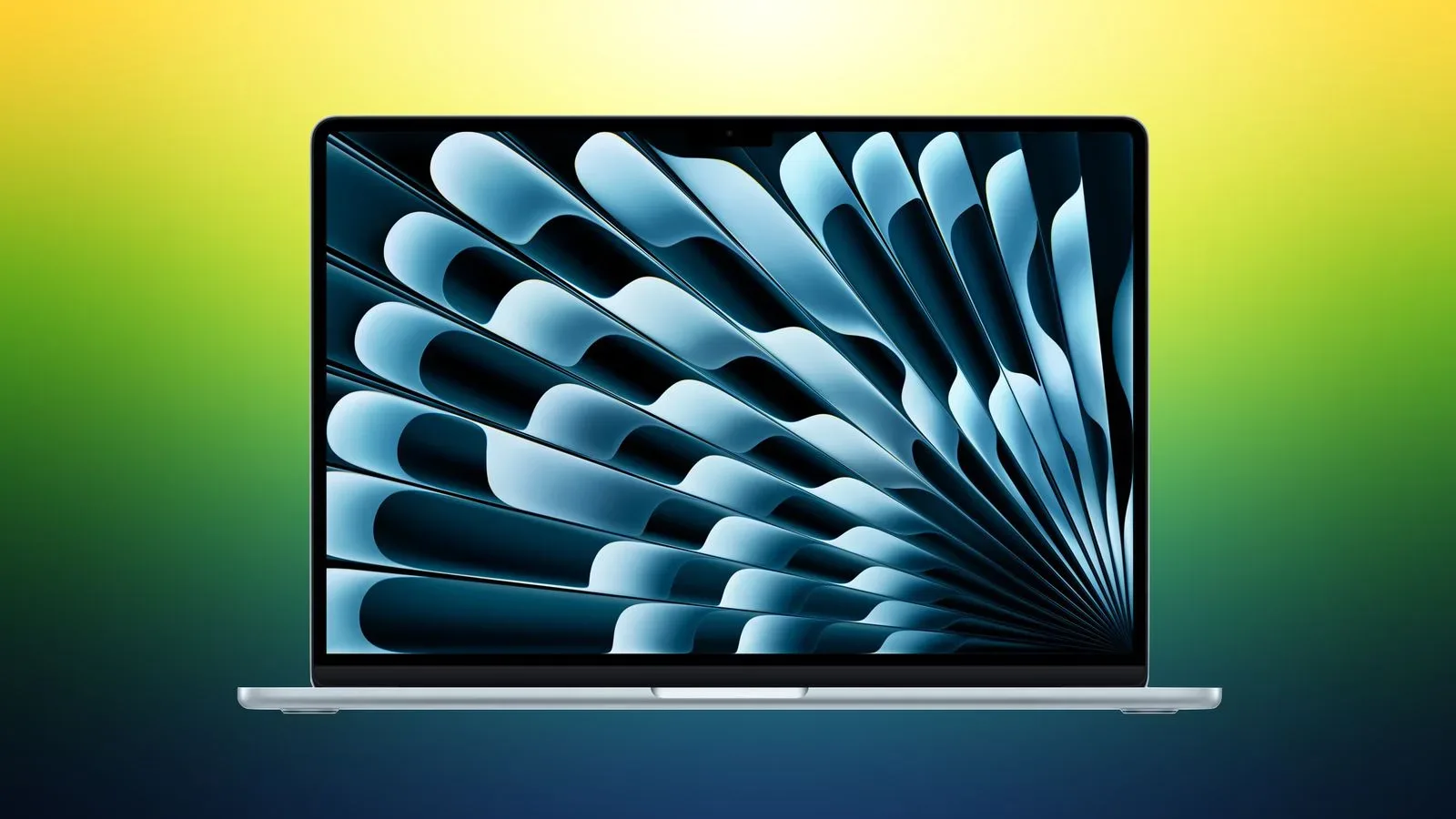
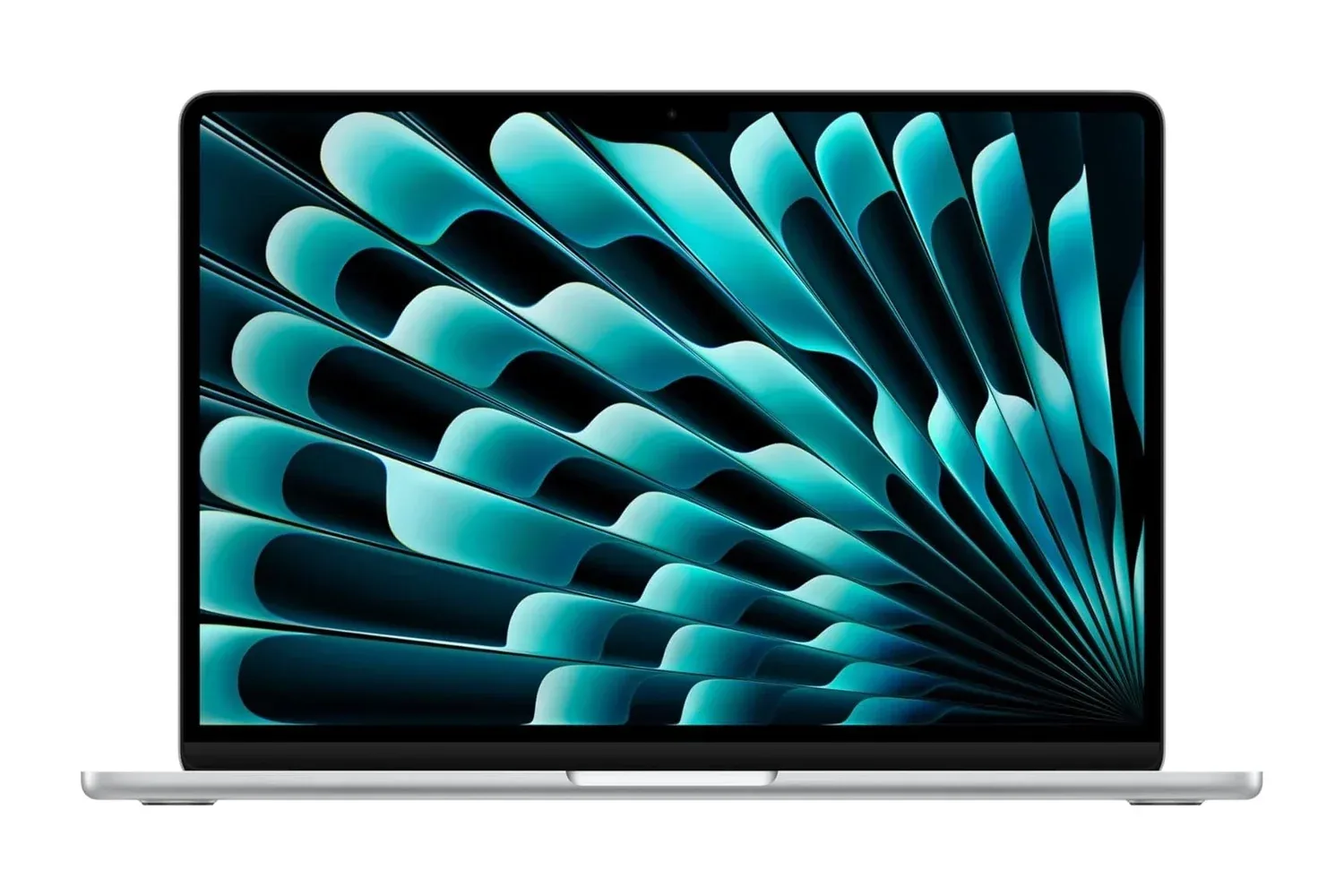
The 13-inch 2026 MacBook Air configuration with Apple’s M5 chip is listed for $1,099, down from $1,300. That is a $201 reduction, or roughly 15% off the stated price, for a machine configured with 16GB of unified memory and a 512GB SSD.
That specific configuration matters more than the word “Air” doing its usual stunt of suggesting the laptop might float away if somebody opens too many browser tabs. This is not simply an entry-level portable for email and documents. Its listed hardware includes a 10-core CPU, 8-core GPU, 16-core Neural Engine, 13.6-inch Liquid Retina display, Wi-Fi 7, a 12MP Center Stage camera, MagSafe charging and two Thunderbolt ports.
For people looking for a compact work-and-play machine before Black Friday, the appeal is straightforward: it combines a higher-capacity 512GB drive and 16GB memory with the light, fanless MacBook Air design. The usual caveat applies to any retail offer: prices and stock can change, so buyers should confirm the live listing before treating the $1,099 figure as a permanent new normal.
The offer also lands amid a wider early-season tech-discount push, where laptops, displays and related gear are beginning to jostle for attention before the calendar has even properly reached the shopping-event finish line. Other early Black Friday tech deals are also putting screens and Apple hardware in the spotlight, so the right purchase depends on whether portability or a larger desktop-style display is the priority.
What the listed M5 hardware means in everyday use
Apple’s M5 is the chip at the center of this MacBook Air. It combines the CPU, which handles general computing work, the GPU, which handles graphics-related tasks, and the Neural Engine in one system. The listed 10-core CPU and 8-core GPU are intended to cover common productivity work, web use, photo editing, video-project development and simple gaming.
“Simple gaming” is the useful phrase to keep in view. The configuration has an 8-core GPU, but the supplied specifications do not establish performance in a particular game, at a particular resolution, or at a particular frame rate. A buyer should not convert a chip-core count into an invented promise that every game will run brilliantly. What can safely be said is that Apple positions this Air for everyday graphics workloads and lighter gaming alongside its broader work duties.
The machine’s 16GB of unified memory is a notable part of that proposition. Unified memory means the CPU and GPU share the same memory pool rather than using separately allocated system and graphics memory. In practical terms, the listed configuration is designed for multitasking with many open applications and browser tabs, as well as the photo and video work described for the machine.
Memory is not storage, naturally, because computing terminology enjoys making buyers learn two almost-identical-looking labels before breakfast. The 16GB figure refers to working memory used while software is active. The 512GB SSD is the internal solid-state storage for files, applications and projects. For someone whose library includes sizeable creative files or several installed games, that larger storage allocation can be a more meaningful starting point than a lower-capacity model, though the amount required will always depend on the files and software they keep locally.
A quiet laptop, with the trade-offs clearly stated
The MacBook Air uses a fanless design. With no internal fan, it avoids fan noise during use, an obvious advantage for lectures, meetings, shared spaces and anyone who does not want their laptop to sound as if it has begun preparing for takeoff. The body is aluminum, and the model is offered in Midnight, Silver, Sky Blue and Starlight.
Fanless does not mean every task is equally effortless forever; it specifically describes the cooling design. The supplied details identify the notebook as ultra-thin, light and quiet, while positioning it for general multitasking, editing and basic game use. That makes it most sensible to judge as a portable, all-purpose computer rather than assume it is intended to replace every specialized desktop or high-end gaming notebook.
Apple rates the 13-inch Air for up to 18 hours of battery life on a charge. “Up to” is important: it is a manufacturer estimate, not a guarantee that every combination of apps, brightness, external accessories and wireless activity will hit that maximum. Still, the claim gives the machine a clear travel-and-classroom pitch, especially beside its small physical footprint and MagSafe charging.
MagSafe is Apple’s magnetic charging connection. It is joined here by two Thunderbolt ports and a 3.5mm headphone jack. Thunderbolt ports can serve charging, data and display duties depending on the connected gear. The model can connect to up to two external monitors through those ports, providing an option to turn the small notebook into a more expansive desk setup when it is not being carried from room to room.
Display, calls and connectivity
The built-in 13.6-inch Liquid Retina display has a 2560 x 1664 resolution and a listed brightness of up to 500 nits. Resolution describes the number of pixels used to make up the image; more pixels in a screen of this size help text and visual detail appear sharper. A nit is a measurement of brightness. The stated 500-nit figure is relevant to visibility in brighter environments, although perceived results vary with ambient light and the material on screen.
That display size is one of the most basic buying decisions here. A 13-inch-class notebook is built around portability, not around creating the biggest possible uninterrupted canvas for timelines, spreadsheets or sprawling strategy-game maps. The ability to add up to two external monitors partly addresses that at a desk, but it does not change what the laptop feels like on its own. Buyers who mostly work away from a fixed setup may appreciate the compact format; those who live in complex multiwindow workloads should think seriously about their monitor plan.
For calls, the laptop includes a 12MP Center Stage camera and a three-microphone array. Center Stage is Apple’s framing feature that keeps the user centered in the camera view as they move. The machine also includes Touch ID in the backlit Magic Keyboard, allowing fingerprint authentication for unlocking the notebook, signing into apps and authorizing Apple Pay purchases. The large Force Touch trackpad supports gesture-based control.
Wi-Fi 7 is included as well. It is the notebook’s listed wireless networking standard, but its real-world benefit naturally depends on the network it connects to. Its presence is useful for buyers who want newer wireless capability, while it should not be treated as a magical guarantee that every internet connection suddenly becomes heroic.
Apple Intelligence capability is part of the configuration
The 16-core Neural Engine supports Apple Intelligence features described for this model, including Writing Tools for proofreading and rewriting text, photo cleanup and Siri use across apps. A Neural Engine is dedicated hardware designed for machine-learning tasks. In this case, its relevance is that Apple lists it as part of the hardware supporting those AI-focused features.
That is a capability worth separating from a reason to buy on its own. Writers, students and creative users may find tools for drafting, reworking text and cleaning up images useful in their workflow. Others may care much more about quiet operation, storage capacity, battery-life expectations or the external-display support. The sensible purchase case is built from the whole configuration rather than one AI label pasted on the box with the subtlety of a neon billboard.
Who this $1,099 configuration suits
- Students and mobile workers: The fanless build, stated battery life, compact 13.6-inch display and video-call hardware suit people frequently moving between class, meetings and travel.
- Everyday creative users: The M5 configuration is described for photo editing and video-project development, while the 16GB memory and 512GB SSD provide a stronger base for multitasking and local files.
- Desk-and-go users: Two Thunderbolt ports and support for up to two external monitors make the laptop more flexible when paired with a fixed workspace.
- Light gaming users already considering a Mac: The M5’s 8-core GPU is positioned for simple gaming, but shoppers should verify the requirements and macOS availability of the specific games they want to play.
The listing’s $1,099 price is therefore most compelling not merely because it is lower than $1,300, but because it applies to a configuration with 16GB of unified memory and a 512GB SSD. Buyers who value a quiet, portable Apple notebook with modern connectivity, external-display options and room for ordinary multitasking have a concrete configuration to compare against alternatives. Buyers whose needs revolve around demanding game performance, a permanently huge built-in screen or specialized expansion should examine those requirements just as carefully before letting a percentage discount make the decision for them.
Shop the products
Check current price, model and availability at the retailer.