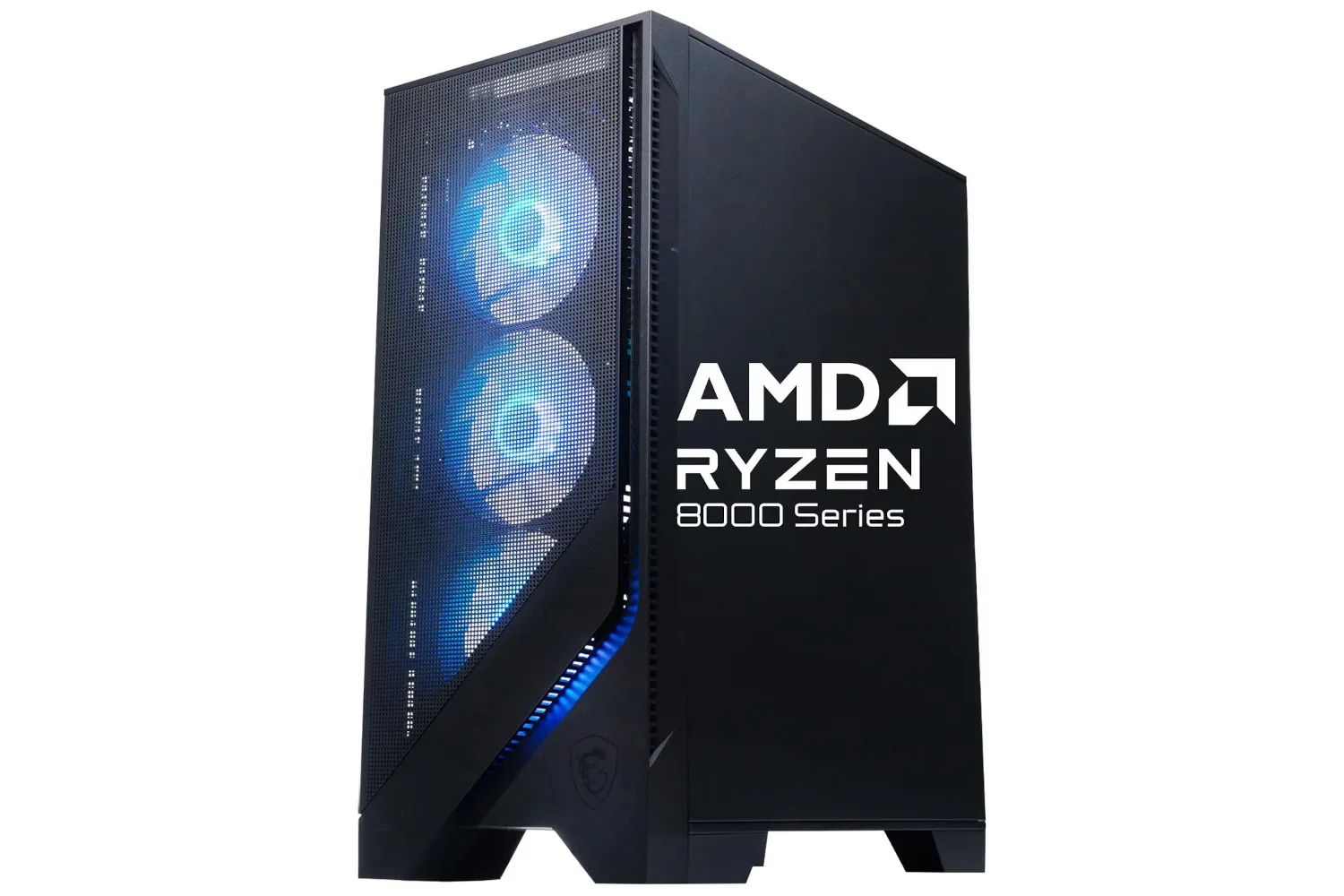
The MSI Codex Z2 gaming desktop is listed at $1,299 in a limited-time Black Friday promotion, versus a stated usual price of $1,700. That is a $401 reduction, or roughly 24% off, for a prebuilt system configured with an AMD Ryzen 7 8700F processor, Nvidia GeForce RTX 5060 Ti graphics card, 16GB of DDR5 memory, and a 1TB solid-state drive.
For someone considering a first desktop PC for games, the important part of that specification is balance. This is not presented as a flagship, no-compromise machine. Rather, it pairs a dedicated graphics processor with contemporary memory and SSD storage in a ready-to-use Windows 11 system. The promotion’s duration has not been confirmed, so prospective buyers should treat the $1,299 listing as time-sensitive and verify the price, exact configuration, seller, and delivery details before ordering.
What the listed hardware means
A gaming desktop’s performance does not come from one component alone. Different parts take on different jobs, and a system is most useful when those parts are suitably matched for the work being asked of it.
- AMD Ryzen 7 8700F: The CPU, or central processing unit, handles broad system tasks. In games, that can include simulation, input processing, game logic, background tasks, and work that needs to be prepared before the graphics card renders a frame.
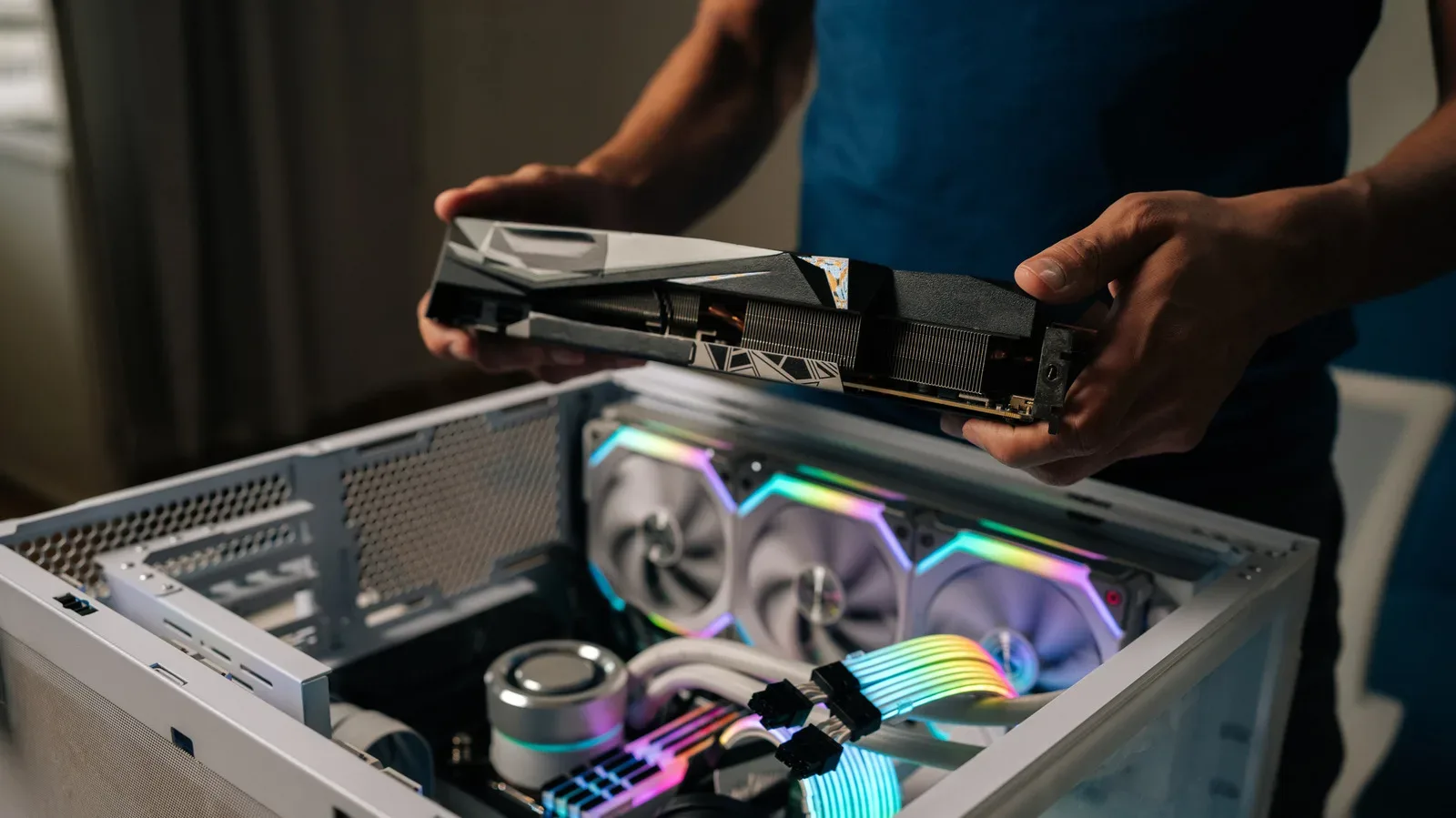
- Nvidia GeForce RTX 5060 Ti: The GPU, or graphics processing unit, is the component chiefly responsible for rendering game visuals. It has an especially large influence on the detail settings and resolution a player may target.
- 16GB DDR5 RAM: RAM is fast working memory used while programs are running. DDR5 identifies the memory generation; it should not be confused with storage capacity.
- 1TB SSD: A solid-state drive is permanent storage for Windows, games, applications, and personal files. It differs from RAM because its data remains after the computer is shut down.
Those distinctions matter when assessing a prebuilt deal. A 1TB SSD does not add memory for multitasking, and 16GB of system memory does not expand the space available for a game library. Likewise, a capable graphics card cannot eliminate every limitation imposed by a particular game, its settings, the CPU workload, or software running in the background.
A practical reading of the configuration
The supplied configuration is positioned as a mainstream-to-upper-mainstream gaming setup rather than an all-out enthusiast build. The listed RTX 5060 Ti is the most directly gaming-focused piece of the package, while the Ryzen 7 8700F, 16GB of DDR5 RAM, and 1TB SSD form the supporting platform around it.
That should make the machine relevant to buyers who want a desktop that can serve as both a games system and a general-purpose computer. The CPU and memory are used beyond games for routine productivity workloads, browsers, and other applications, while the SSD is intended to keep the operating system and installed software accessible without relying on a mechanical hard drive. Exact results will still vary by game, display resolution, graphical settings, driver state, and what else is running on the PC.
It is reasonable to distinguish this kind of buying decision from a promise that every title will behave identically. “Medium” and “high” settings are not standardized measurements across games: one game’s high preset can demand dramatically different resources from another’s. Performance targets also change depending on whether someone prioritizes image quality, a higher resolution, or a higher frame rate. The specification offers a useful starting point, but it is not a substitute for checking requirements and performance information for the particular games a buyer expects to play.
Why the 16GB figure needs context
The system includes 16GB of DDR5 RAM. That is a concrete capacity figure, while DDR5 describes the technology generation. Both may be relevant, but they answer separate questions. Capacity concerns how much active data can be held in working memory. Generation concerns the platform’s memory standard and associated characteristics.
Related coverage includes MSI Codex Z2 Gaming Desktop Drops to $1,299 in Black Friday Deal.
For a prospective owner, the practical question is not whether “DDR5” makes 16GB equivalent to a larger amount of RAM. It does not. A purchaser should consider the games and programs they use, how many browser tabs or background applications they tend to keep open, and whether they may want to change the memory configuration later. The supplied details establish that the desktop has 16GB of DDR5; they do not establish its memory slot layout, upgrade options, or the precise memory speed. Those are worth confirming on the product page if expandability is part of the plan.
The same caution applies to the 1TB SSD. One terabyte is meaningful storage capacity, but the usable space visible in Windows will be lower after the operating system and preinstalled software take their share. Game installation sizes vary, so it is sensible to allow room for updates, saved files, and applications rather than treating the full headline figure as immediately available game space.
Cooling, lighting, and the out-of-box setup
The Codex Z2 is stated to use a four-fan cooling system. Cooling is important because a desktop’s processor and graphics card generate heat while working. Fans move air through the chassis, helping the system shed that heat. A four-fan description identifies the cooling arrangement at a high level, but it does not by itself establish acoustic performance, operating temperatures, fan curves, or behavior during long gaming sessions. Buyers looking for those specifics should seek detailed manufacturer documentation for this exact configuration.
Windows 11 is listed as pre-installed. This has a straightforward practical benefit: the buyer is getting an operating system included with the computer rather than needing to plan for a separate OS installation. It does not mean every personal preference, game storefront, peripheral, or application will be configured in advance. A new owner will still typically need to sign in, apply updates, install games and software, and configure settings for their own display and accessories.
The desktop also includes customizable RGB lighting. RGB refers to red, green, and blue lighting elements whose color combinations can be adjusted. It is an aesthetic feature rather than a stated performance upgrade, but it may matter to buyers choosing a desktop intended to sit visibly on a desk or alongside other illuminated peripherals.
How to assess the $1,299 listing before buying
A reduction from $1,700 to $1,299 is substantial on the stated pricing, but a sensible comparison starts with the exact machine being offered—not simply its family name. Prebuilt desktops can have variants, and small changes to graphics cards, memory capacity, storage, or included software can affect value and suitability.
- Confirm the core parts. Check that the listing specifies the Ryzen 7 8700F, RTX 5060 Ti, 16GB DDR5 RAM, and 1TB SSD configuration described here.
- Check the active price at checkout. Limited-time promotions may change, and a headline price should be verified before payment.
- Review seller and return information. This is especially important for a high-value desktop purchase.
- Look beyond the tower. The supplied configuration describes the PC, not necessarily a monitor, keyboard, mouse, headset, or other accessories. Make sure the rest of the setup is accounted for.
- Consider the intended workload. Buyers focused on a particular game, creative application, or multi-use home setup should check their own requirements instead of relying only on broad labels such as “gaming PC.”
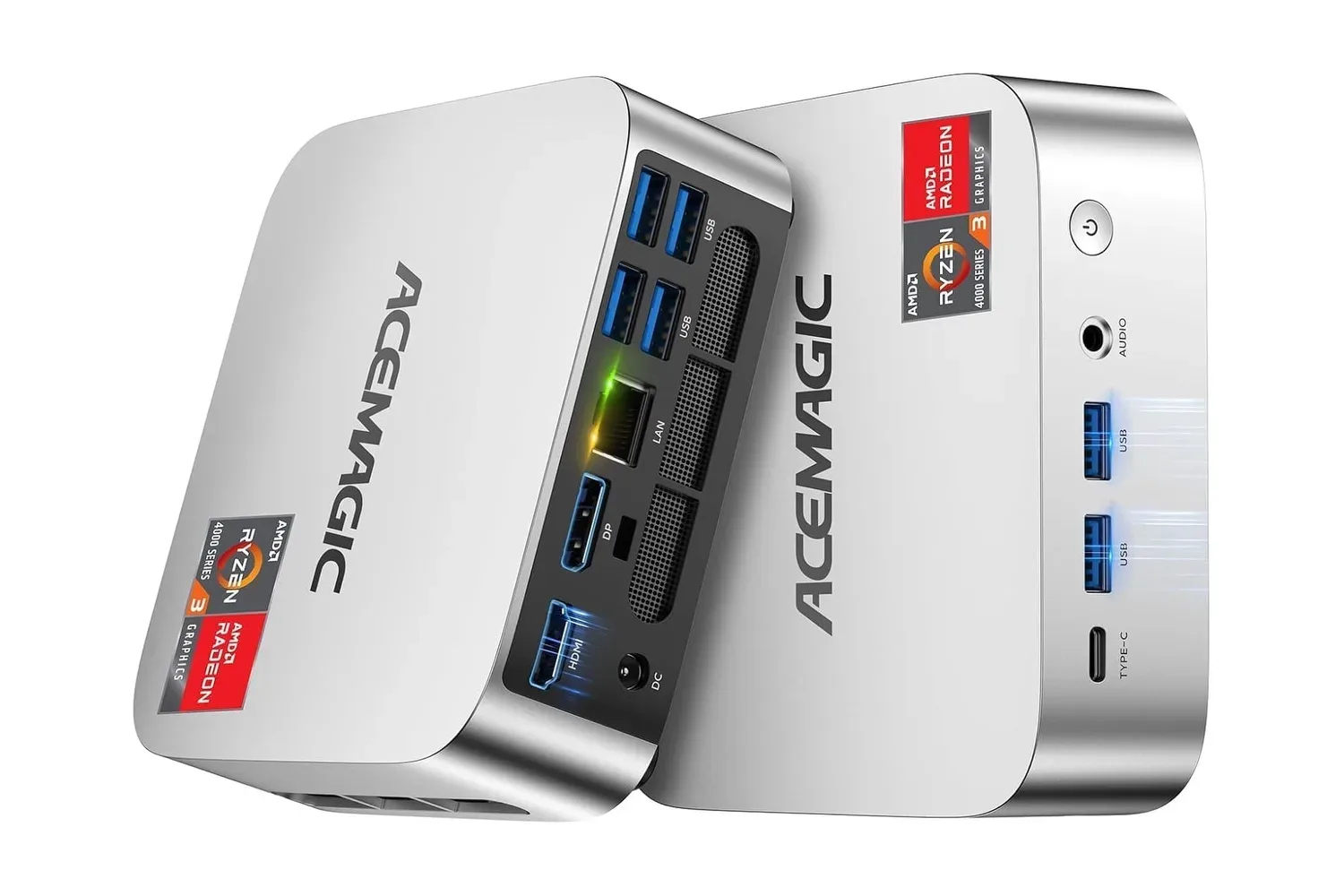
Anyone weighing smaller Windows hardware against a full-size desktop can also compare the different priorities involved. For example, the ACEMAGIC K1 mini PC listing highlights how form factor and component class can lead to a very different proposition, even where a specification shares a familiar number such as 16GB of RAM.
Who this desktop appears to suit
At the advertised $1,299 price, the MSI Codex Z2 is most straightforwardly aimed at buyers who prefer a single, assembled Windows desktop with a dedicated GeForce graphics card rather than collecting and installing components themselves. The listed package covers the essentials: a CPU, discrete GPU, modern-generation RAM, SSD storage, cooling, and a preinstalled operating system.
It may be particularly appealing to someone moving into PC gaming who wants to avoid making separate compatibility decisions about a processor, graphics card, memory, storage, case cooling, and Windows installation. That convenience has value, though it does not remove the need to examine a product listing closely. Buyers should still confirm port needs, monitor compatibility, physical size, support terms, and any details that matter to their intended use.
The strongest case for the offer is therefore not that it is universally perfect hardware, but that the stated combination places several central PC-gaming components into one discounted prebuilt package. With a claimed $401 gap from the usual $1,700 price, the listing warrants a close look from shoppers who were already considering a dedicated desktop and whose needs fit the stated configuration.
Shop the products
Check current price, model and availability at the retailer.