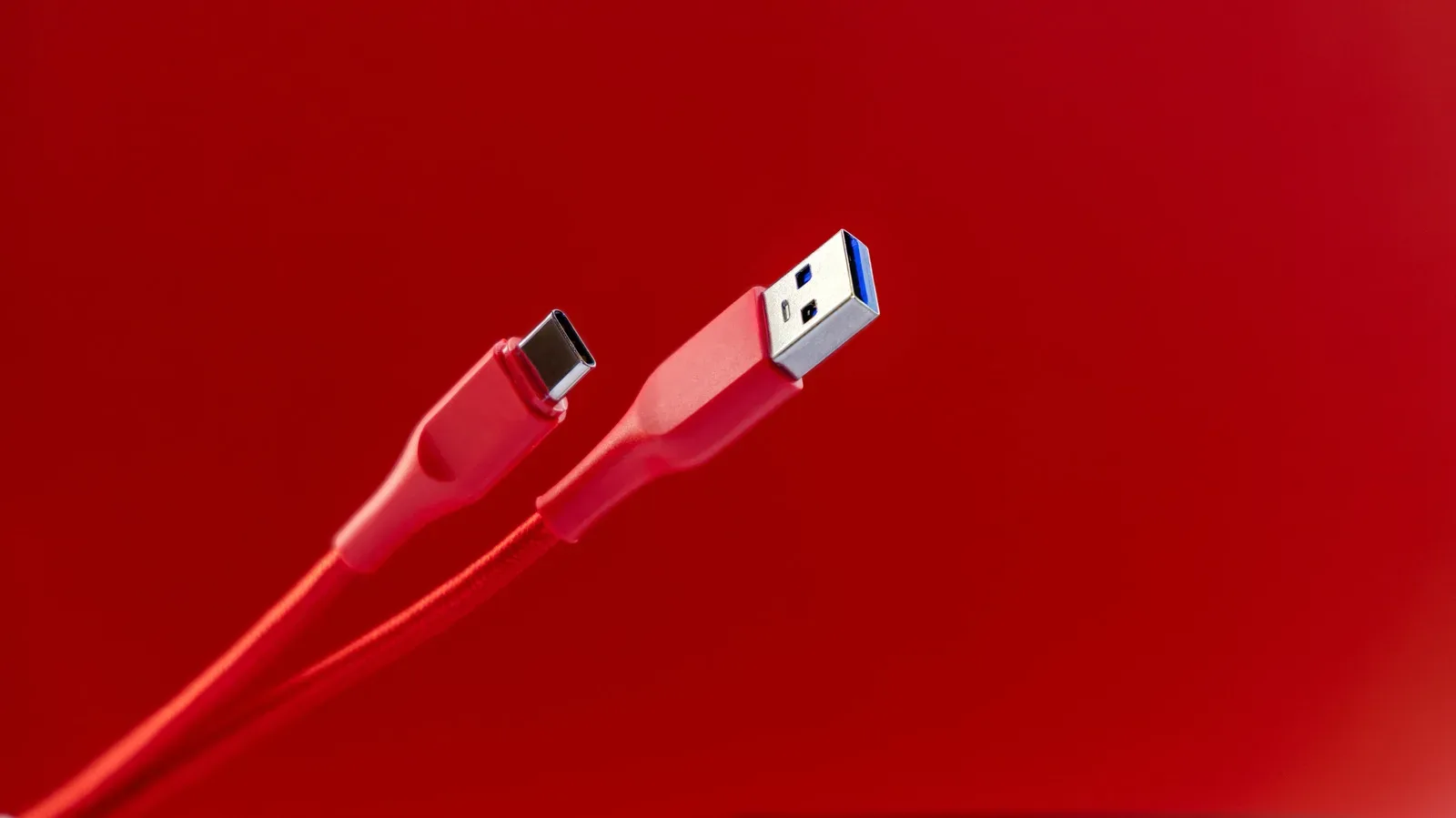
USB is supposed to be the easy part of a desk, console corner or charging station: connect the cable, plug in the device, get on with it. But cable length is one of the less visible limits behind that simplicity. A cable can have the right connector, fit both devices and still become the weak link when it is much longer than the USB specification recommends.
That matters most when a setup depends on the faster transfers or higher power delivery associated with newer USB generations. A long run may not fail in an obvious, dramatic way. Instead, it can make transfers slower than expected or leave a connected device receiving less power than it needs. In other words, a cable’s length is not merely a tidiness issue; it is part of whether the connection can perform as intended.
The useful rule is straightforward: choose the shortest cable that comfortably reaches. If a longer connection is genuinely necessary, use equipment designed to extend USB’s range rather than assuming any extra-long cable will deliver the same result.
Recommended USB cable lengths by generation
The USB Implementers Forum, the industry group that defines USB standards, sets recommended maximum lengths for USB cables. These are best-practice limits rather than a regulatory ban. A manufacturer can sell a longer cable, but being able to buy it does not mean it will preserve the performance expected of that USB generation.
- USB 1.0 and USB 2.0: up to 16.4 feet.
- USB 3.0 through USB 3.2: up to 9.8 feet.
- USB4: up to 2.6 feet.
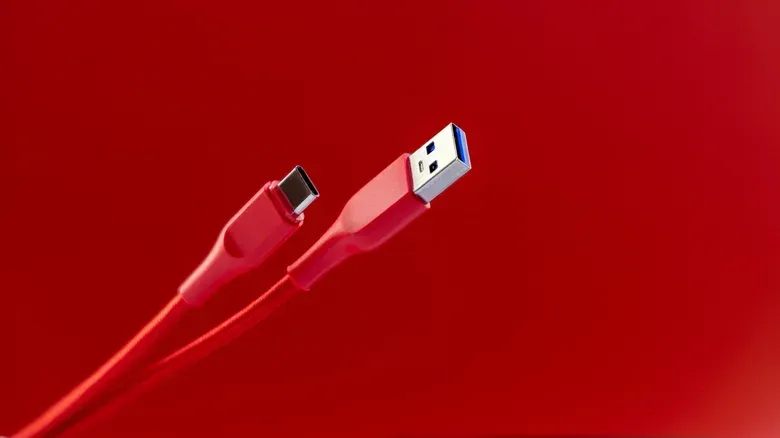
One potentially confusing detail is that the connector shape does not alter those length recommendations. USB-A and USB-C are connector types; they are not, by themselves, a promise about the underlying USB generation or its practical cable reach. For a given generation, the recommended maximum remains the same whether the cable uses USB-A or USB-C.
That distinction is worth keeping in mind when shopping. A USB-C port and plug tell you what physically connects. They do not alone settle how fast the connection can transfer data, how much power it can provide, or how much length can be added before performance becomes a concern.
Why newer, faster USB has a shorter recommended reach
It can seem backwards that newer USB generations, built for faster transfers, have more restrictive cable-length guidance. The reason is not that earlier USB was inherently better at distance. It is that moving data at higher potential rates leaves less tolerance for signal loss along the route.
As an electrical signal travels through a cable, it encounters resistance. Over a greater distance, the signal must travel through more of that cable and loses more strength along the way. Longer cables can also be more vulnerable to damage, another factor that can slow transfers. These physical constraints are why improved headline speed does not automatically mean a passive cable can stretch farther across a room.
Passive cable is the practical term for a conventional cable without built-in electronics intended to regenerate or extend the signal. For a normal nearby connection—such as a controller, storage device, keyboard, phone or accessory—a passive cable within the appropriate recommended length is the uncomplicated option. Once the route becomes unusually long, the connection needs a more deliberate plan.
This does not mean a cable that exceeds the guidance instantly stops working at a precise distance. It may still establish a connection. The issue is that the connection may no longer operate as well as a shorter, in-spec cable. Symptoms can include lower transfer performance and reduced power reaching the connected hardware. The more a setup relies on high transfer rates or power delivery, the more likely those compromises are to be noticeable.
What “too long” looks like in a real setup
“Too long” is not simply a number printed on a package. It means too long for the USB generation, the cable’s condition and the job the cable is being asked to do. A cable used only for a basic peripheral may appear fine at a length that proves problematic when the same connection is expected to move data quickly or provide meaningful power.
That makes troubleshooting more methodical. If a device behaves poorly over a long USB lead, do not focus only on whether the plug fits. Consider the generation being used, the cable’s total length and whether the device needs significant data throughput, power, or both. Replacing a long cable with a shorter one is a useful way to isolate length as the likely problem without assuming the device itself has failed.
Physical condition belongs in that check too. Since longer cables are more susceptible to damage and damage can further slow transfer speeds, a long cable that has been tightly routed, repeatedly bent or otherwise stressed has another potential disadvantage. The best layout is usually the one that minimizes both the distance and the opportunity for cable wear.
For devices that also connect to phones, it can help to rule out the handset before blaming a cable. Joking Joystick’s guide on troubleshooting an unresponsive phone touchscreen covers a separate, device-side issue that can look like an accessory or connection problem at first glance.
Two practical ways to go beyond a normal cable run
Repositioning devices is the first and most reliable answer whenever it is possible. Moving a computer, dock, console-adjacent accessory or charging location closer can allow the use of a standard cable that remains within the applicable recommendation. It is also usually simpler than adding more hardware to the connection.
When relocation is not realistic, there are two approaches to consider.
1. Use an active USB cable or active extender
An active USB cable or active USB extender includes built-in components that extend the signal’s range. That is the key distinction from simply purchasing a longer ordinary cable: the active product is designed to address the distance problem rather than merely adding more wire.
There are trade-offs. Active cables are significantly more expensive than standard cables, and they draw additional power from the USB port. That extra demand can create compatibility concerns with older ports. Before treating an active cable as a universal fix, it is sensible to account for what the host port can provide and what the connected device requires.
2. Put a powered USB hub closer to the devices
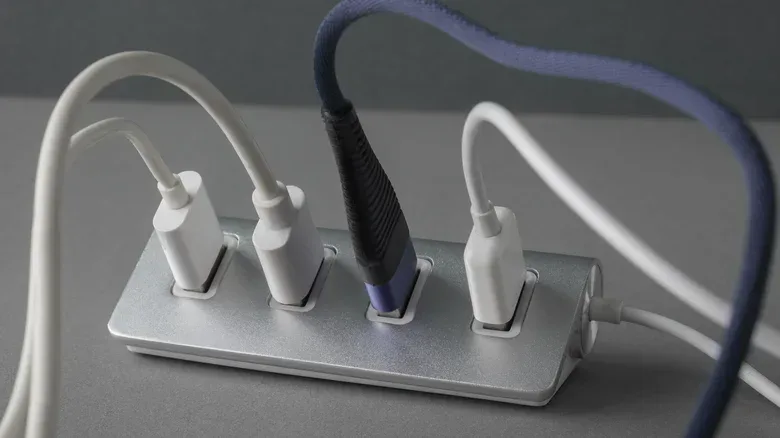
A USB hub expands one USB port into multiple ports. A powered hub has its own power source, while an unpowered hub relies on power drawn from the computer’s USB port. For an extended layout, a powered hub is the preferable option because relying entirely on the upstream USB port can be unreliable.
The approach is to use the longest supported cable between the computer and the hub, then connect the nearby accessories to the hub. This can be more practical than trying to run separate long USB cables all the way back to the computer.
There is still a shared-resource limit to respect. Attaching many devices to the same hub can slow them down. However, if the connected devices do not exceed the USB port’s available bandwidth, there should not be a noticeable performance difference. Bandwidth here means the connection’s available capacity to carry data. A hub does not create extra bandwidth from nothing; it distributes the capacity of the port feeding it.
A quick USB-length checklist
- Identify the USB generation you need. The relevant limits differ sharply: 16.4 feet for USB 1.0/2.0, 9.8 feet for USB 3.0 through 3.2, and 2.6 feet for USB4.
- Do not judge capability by connector alone. USB-A versus USB-C does not change the recommended maximum for the generation in use.
- Use the shortest sensible passive cable. This reduces the distance over which the signal can degrade.
- Watch for soft failures. Slow data movement or inadequate power can indicate that a long connection is not performing as intended, even if it technically still works.
- Rearrange the setup if feasible. It is the simplest way to avoid a marginal cable run.
- For necessary longer runs, choose an active solution or powered hub. Factor in their extra power needs and the host port’s available bandwidth.
The main takeaway is not that every cable near the maximum will be unusable. It is that USB speed, power and distance have to be considered together. The cable that works perfectly for a short local connection may be a poor fit for a longer route, particularly as the USB generation becomes faster. Treat the stated length guidance as part of the specification, not an afterthought, and a USB setup is far more likely to stay dependable.