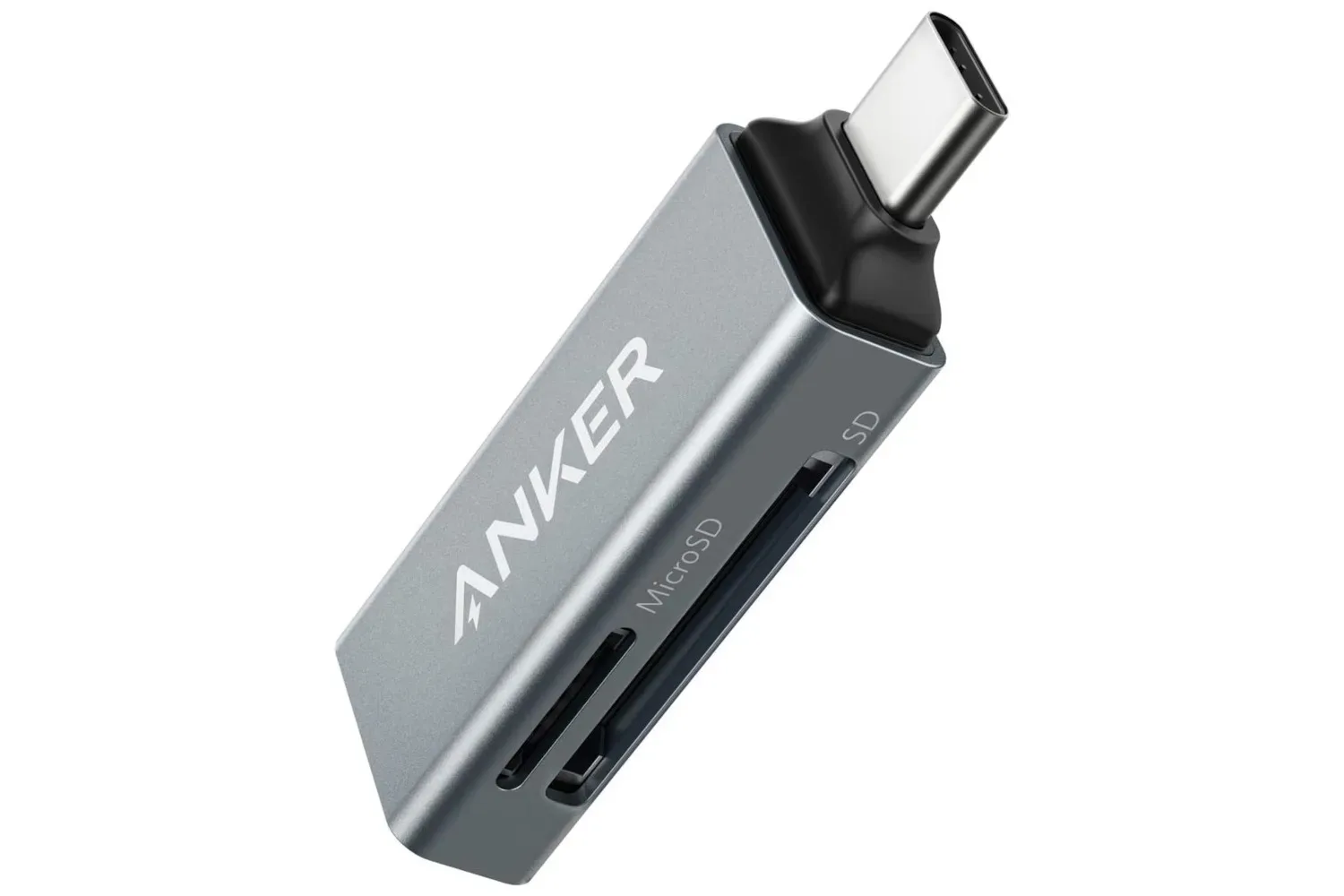
Anker’s USB-C SD Card Reader is listed at $9.99, representing a stated 44% reduction from its usual price. For anyone with a laptop, phone, or another device fitted with USB-C who already has compatible memory cards, the small adapter could be a notably inexpensive way to read files held on that removable media.
The key point is worth stating plainly: an SD card reader is not storage on its own. It is an adapter that lets a device access a card inserted into it. The value of this particular deal, then, depends heavily on whether a buyer already owns cards, expects to use them regularly, or wants the flexibility to choose separate removable storage later.
Anker’s reader has two slots and is described as supporting standard SD cards alongside microSD, microSDHC, microSDXC, SDHC, RS-MMC, MMC Micro, and MMC media. That breadth makes the model potentially useful around a mixed collection of older and newer cards, rather than limiting it to one physical card size.
What the $9.99 reader actually does
The device plugs into a USB-C port, with an SD or microSD-family card inserted into its corresponding slot. It can therefore serve as a direct bridge between card-based storage and a USB-C-equipped device. Its portability is part of the appeal: rather than carrying a larger external drive, users can carry the reader and the cards they need.
The two slots are a meaningful practical feature. With two cards installed, the reader offers a straightforward route for moving files from one removable card to another through the connected device. It can also make it easier to access two sets of files without repeatedly swapping cards in and out of a single slot.
That does not mean the reader magically increases the built-in capacity of every device. The available space remains the capacity of the inserted card or cards, and the reader is the access point. For shoppers comparing options, that distinction matters: the $9.99 purchase covers the reader, while any needed SD or microSD card is a separate consideration.
The card-format list, explained
Memory-card naming can look needlessly complicated, particularly when a single accessory lists a run of similar abbreviations. The practical takeaway here is simpler than the labels suggest: this reader is intended to cover both the larger standard SD form factor and the smaller microSD form factor, plus several MMC-related varieties.
- SD refers to the familiar larger removable card format used in many devices.
- microSD refers to the smaller card format often used where space is tighter.
- SDHC and microSDHC are named compatibility categories within those respective physical families.
- SDXC and microSDXC are further named categories in the SD and microSD lineup.
- MMC, MMC Micro, and RS-MMC are additional card types included in the stated support list.
For a prospective buyer, the most useful action is to check the text printed on cards they already own. If the card is one of the listed types, it falls within the reader’s described format support. If it is not, the supplied information does not establish compatibility, so it would be better not to assume it will work.
Related coverage includes Anker's USB-C SD Card Reader Is Listed at $9.99 for a Low-Cost Storage Upgrade.
Why dual slots may matter more than the discount
The headline price is eye-catching, but the reader’s two-slot design may be its more enduring convenience. A single-slot reader is enough when a person only needs to open one card at a time. Two slots offer additional options for anyone managing files spread across multiple cards.
For example, it can be used as an offline path for transferring files between a phone and a laptop when the relevant cards are involved. That is distinct from cloud-based sharing: the movement is based on putting the media into the reader and connecting it to the USB-C device, rather than relying on an internet connection.
It can also function as temporary, card-based storage access during days when lots of photos are being handled. Again, the reader itself is not replacing an external solid-state drive with its own built-in capacity. It offers a cheaper entry point for people whose workflow is already based on SD or microSD cards, and who prefer the option to use different cards as needs change.
Where this fits in a gaming and PC setup
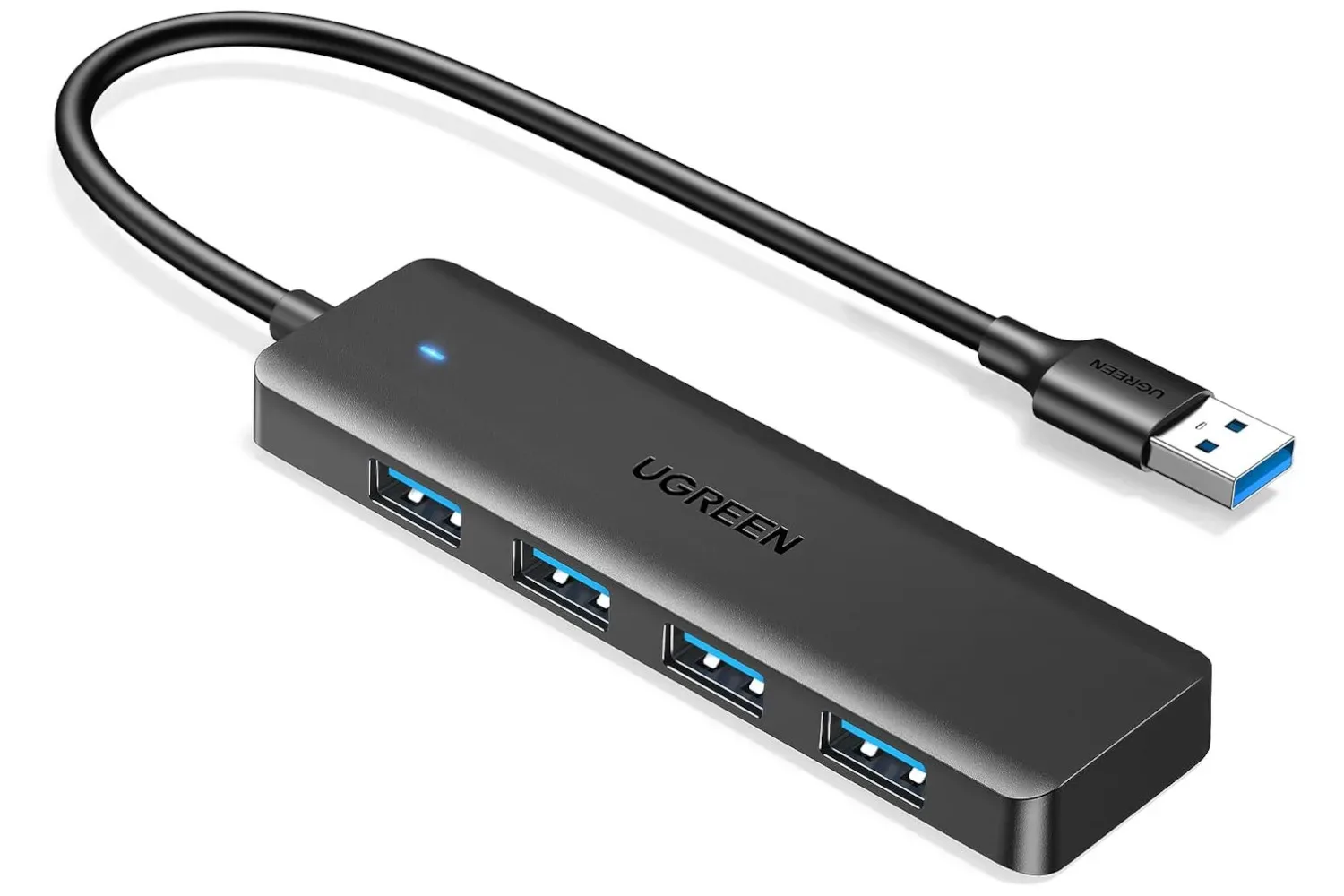
For PC users, a compact card reader is a modest desk accessory rather than a major hardware upgrade. Its role is narrow but useful: access files stored on compatible removable cards through USB-C. That can make it a sensible companion to other small connectivity tools, such as a four-port USB hub for a gaming desk, though the two products solve different problems. A hub expands the number of USB connections, while this Anker accessory is focused on card media.
For gamers, the reader may be most relevant to the broader habit of keeping media, files, and captures on removable storage. However, buyers should avoid treating the format list as a blanket promise for every device or every task. The available details identify supported card types and the USB-C connection, but do not provide performance figures, platform-specific support information, or any claim that the reader is intended for a particular console.
That absence is not a flaw in itself; it simply means shoppers should judge the purchase by its clearly stated use case. It is a card reader with a USB-C connection and two slots, not a universal storage upgrade for every piece of gaming hardware.
What to check before buying
At $9.99, the cost is low enough that it may be tempting to buy first and work out the details later. A few quick checks can make the decision more grounded:
- Check your cards. Look at the physical media you plan to use and compare its label with the supported formats: microSDXC, microSDHC, microSD, SDHC, RS-MMC, MMC Micro, MMC, or standard SD.
- Check the connection you need. This is a USB-C reader, so its intended connection is a USB-C port.
- Decide whether you need one or two cards accessible. The dual-slot layout is especially relevant if you expect to work between cards rather than merely read one occasionally.
- Separate the adapter cost from storage needs. The deal is for the reader. If you do not already own a suitable card, factor that additional purchase into the total.
- Avoid assuming unlisted details. No transfer-speed figures or device-by-device compatibility claims are supplied here, so a buyer with unusually specific requirements should not infer them from the price or the brand name alone.
A small accessory with a clear job
The Anker USB-C SD Card Reader’s appeal is straightforward: it is listed for under $10, supports a wide stated range of card formats, and provides two slots in a small portable accessory. For people already using SD, microSD, or the listed MMC varieties, that can be more useful than paying for a storage product whose capacity they may not need.
Its strongest case is flexibility, not a claim that it is the fastest or most fully featured solution. Buyers can use compatible cards they already have, choose different cards separately when needed, and move files through a USB-C connection without depending on an online transfer. At the listed $9.99 price, it is a practical, narrowly focused option—provided the cards and USB-C device in question match the reader’s stated capabilities.
Shop the products
Check current price, model and availability at the retailer.