A laptop setup can get crowded remarkably quickly: a monitor cable here, a drive there, a keyboard receiver attempting to occupy the only convenient USB port. Anker’s Nano 13-in-1 Docking Station is designed to turn that cable-management side quest into a more permanent desk solution, while retaining a smaller piece of the setup for travel.
The dock is currently listed for $120, or $30 below its stated $150 regular price. That is a 20% reduction, although it remains above the $105 low price previously seen for this model. The important distinction is that this is not simply a USB-C dock with a generous port count. Anker’s design includes a detachable 6-in-1 portable hub, intended to be removed from the desktop station and carried separately.
For players, creators, and work-from-home laptop owners who use a fixed desk during the week but travel with the same machine, that two-part approach is the central appeal. A full dock can stay connected to a display, wired network, card readers, external storage, and peripherals. The smaller hub can then provide a selection of expansion ports without requiring the whole desktop unit and power brick to come along.
A desktop dock that does not have to stay on the desk
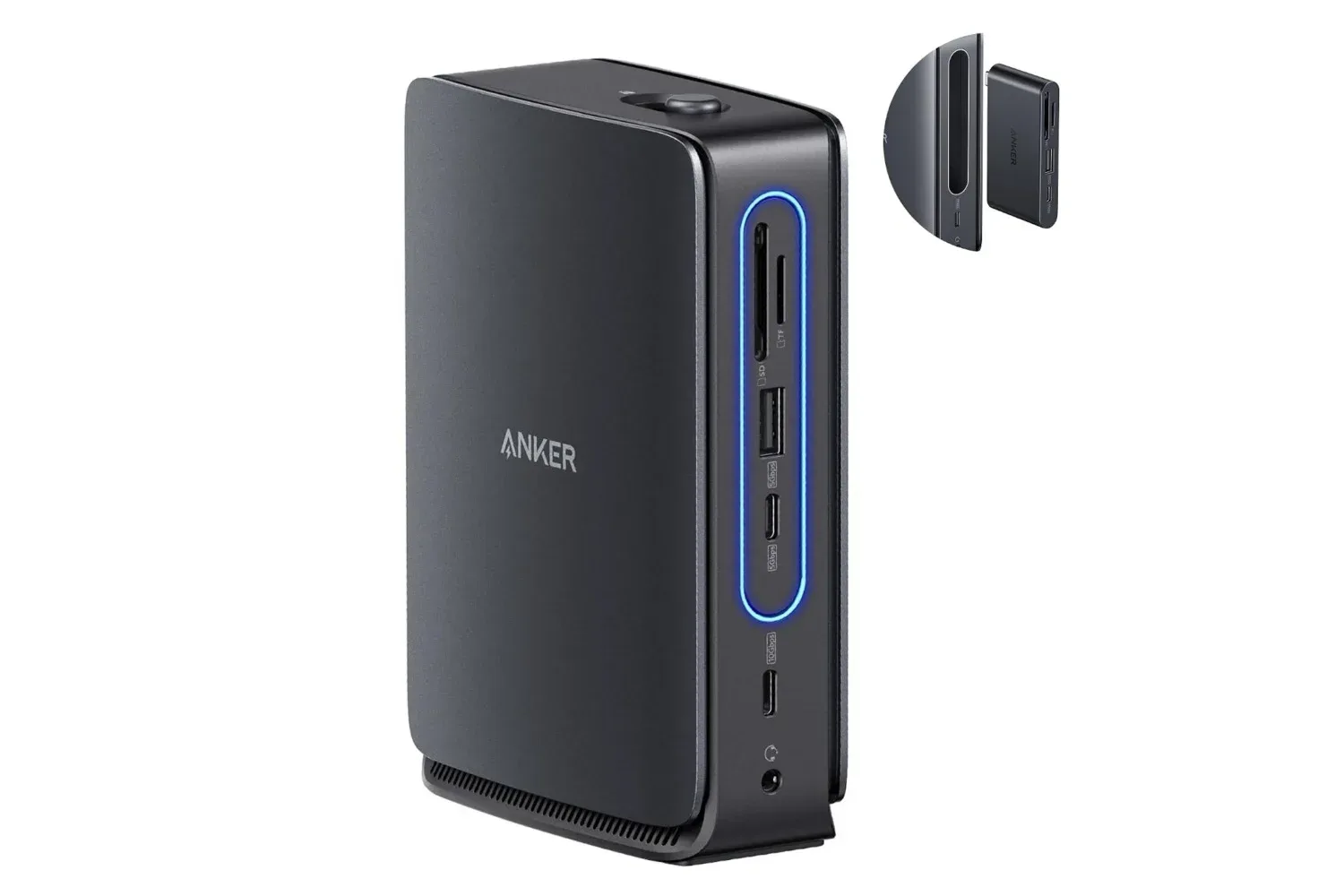
The Nano’s headline “13-in-1” specification encompasses a broad selection of connections. It has a USB-C upstream connection to the laptop, two USB-C data ports, three USB-A ports, two HDMI outputs, one DisplayPort output, Gigabit Ethernet, a 3.5mm audio jack, SD and TF card slots, and DC power input.
That layout is aimed at the familiar one-cable desk concept. In practical terms, it can give a USB-C laptop a place to connect input devices, wired networking and removable media alongside displays and external drives. Rather than repeatedly connecting each device to the laptop itself, users can leave their usual desktop accessories connected to the dock and connect the laptop through its upstream port.
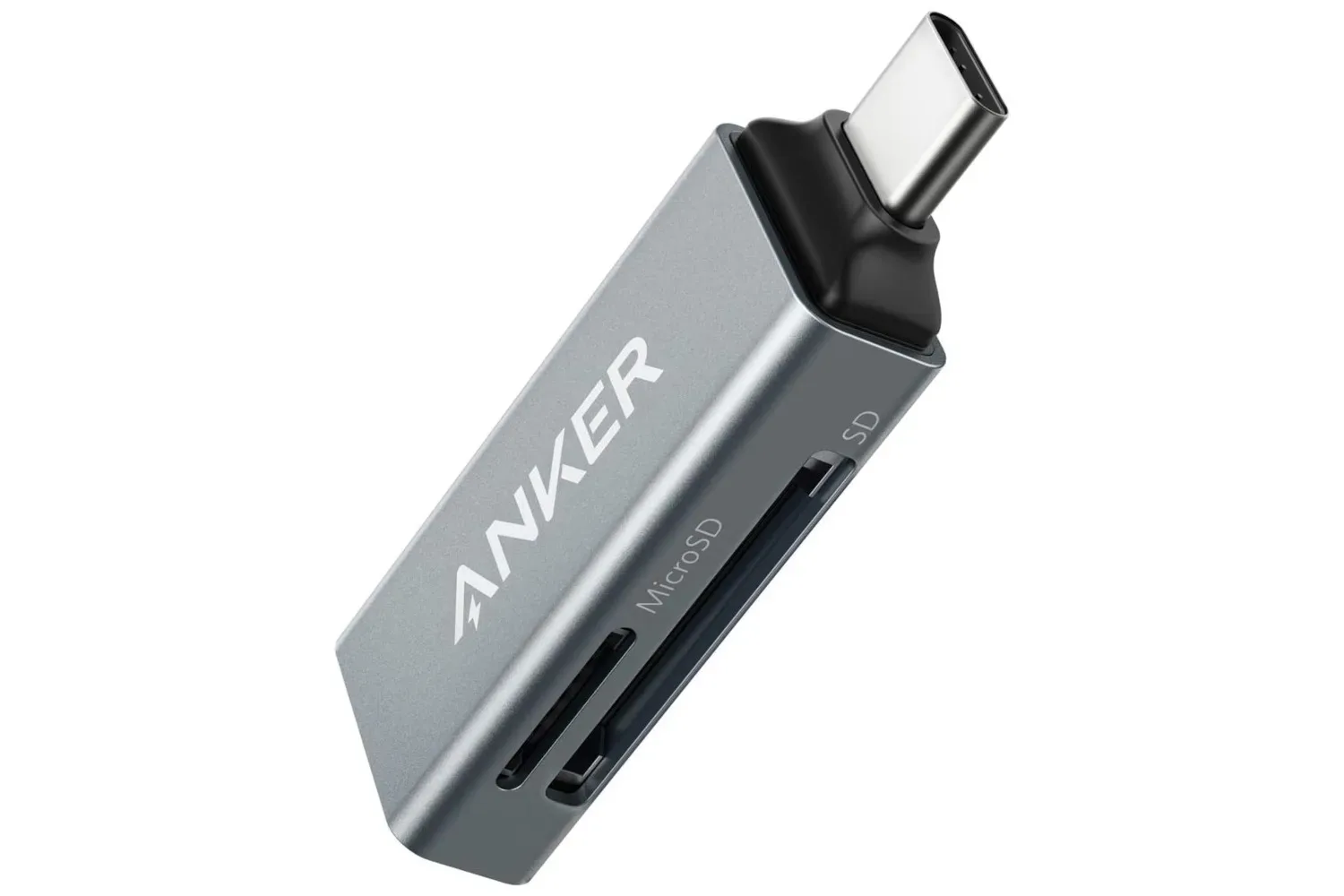
The detachable unit changes the proposition somewhat. Rather than buying a stationary dock and a separate compact hub, the product combines the roles. The desk hardware remains useful when the portable section is away, while the removed hub is intended for lighter on-the-go expansion. It is a sensible arrangement for someone whose needs genuinely vary between a permanent screen-and-storage workspace and a meeting room, hotel, campus, or shared office.
It is less compelling for a buyer who never travels or has no need for added ports away from home. In that case, the value of the removable design depends on whether it is preferable to a conventional dock at a similar price. The convenience is real, but it is still worth buying for the ports and workflow that will actually be used—not merely because a 13-port specification sounds like a winning loadout.
Display ports are the biggest attraction, with an important compatibility check
Anker says the dock can connect up to three monitors through its two HDMI outputs and DisplayPort. Multi-monitor capability may be the feature with the greatest day-to-day impact for a laptop-based desk, whether that means game capture and chat windows on separate screens, a stream dashboard beside a main display, or simply room for documents and communications.
However, a dock’s physical connectors and a laptop’s actual video capabilities are not interchangeable. “Up to three monitors” should be read as a maximum configuration claim, not a promise that every USB-C computer will run three displays in every desired resolution or refresh-rate combination. The supplied product information identifies support across many Windows laptops with USB-C connections, including Dell XPS, Lenovo ThinkPad, and HP Spectre models, but buyers should still confirm their specific laptop’s display-output support before treating triple-monitor use as guaranteed.
This is especially relevant for gaming desks. A display configuration can be excellent for productivity while still being a poor fit for a high-refresh main monitor, depending on the laptop and its USB-C video implementation. The available specifications establish the number and type of video ports, but they do not establish every supported resolution, refresh rate, or operating-system-specific limitation. Checking those details against the laptop is the safer move before rebuilding a desk around the dock.
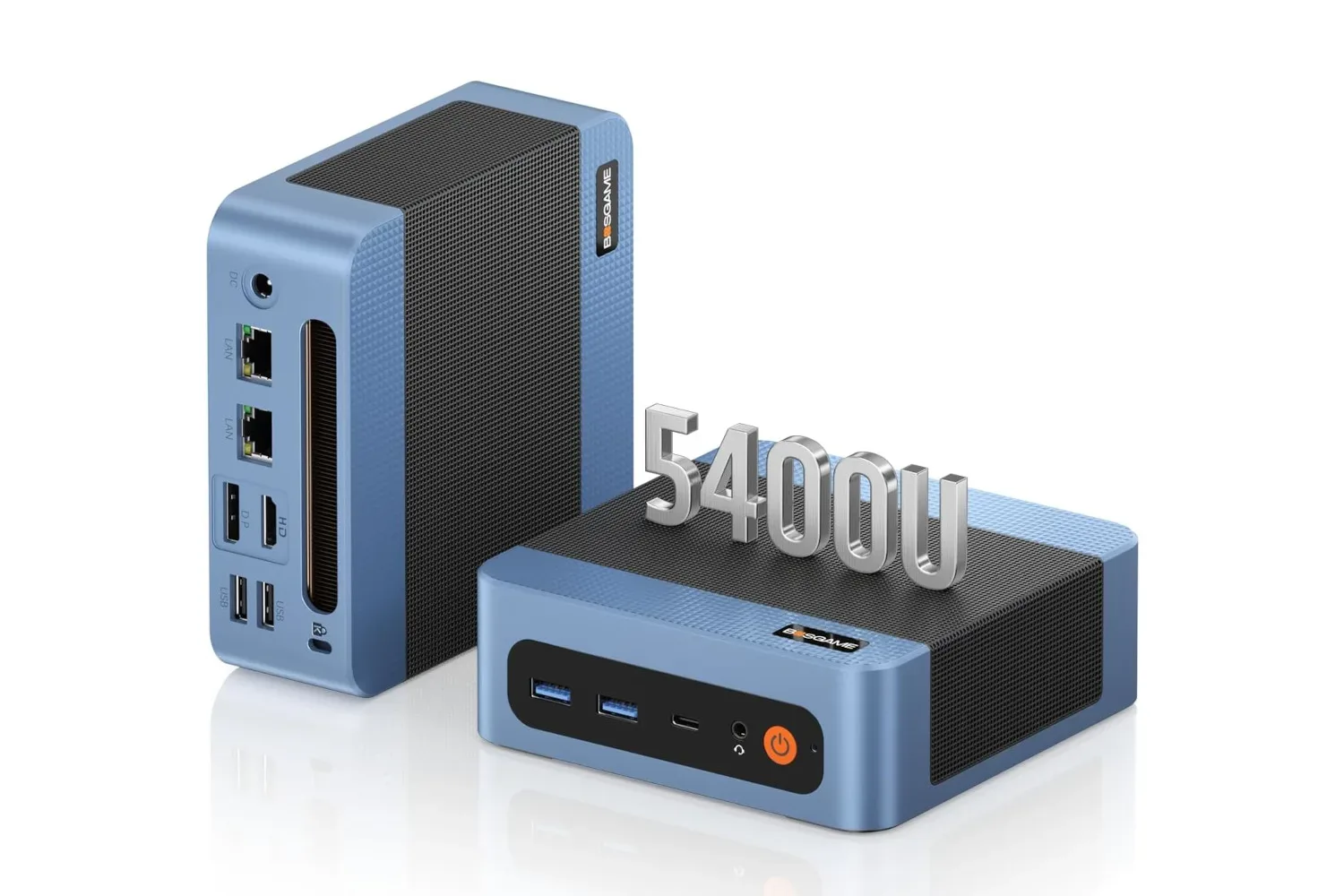
Anyone planning a compact PC-centered display setup can also compare the requirements with hardware that advertises multiple video connections, such as the BosGame E5 Plus mini PC and its listed triple-display support. In either case, the display count is only one part of the equation; the source device determines what can be driven through the ports in practice.
What 10Gbps means for drives and card transfers
Of the two USB-C data connections, one is rated at 5Gbps and the other at 10Gbps. Gbps means gigabits per second, a measurement of connection bandwidth. It should not be confused directly with gigabytes, the unit commonly used for file sizes: eight bits make one byte. As a result, a 10Gbps port has a theoretical bandwidth figure that is much higher than a simple reading of “10 gigabytes per second” would suggest.
The specification is most meaningful for users connecting compatible fast external SSDs or regularly moving material through a dock. It provides a higher-rated data path than a basic low-speed accessory connection. But it does not establish a guaranteed copy speed for every drive, file type, cable, or computer. Actual transfers can be affected by the external drive itself, the laptop, the file system, overhead, other devices sharing the dock, and the quality of the cable.
The product information says that its 10Gbps USB-C port can move a 1GB file in under two minutes. That should be treated as a broad usage claim rather than a benchmark result. A purchase decision based on frequent large transfers should focus on the 10Gbps port rating and then verify the rest of the storage chain supports comparable speeds. A slow drive connected to a fast-rated port does not magically gain speed points.
The SD and TF slots add another useful option for people who work with removable storage. TF is another name commonly used for microSD-format cards. Having both a full-size SD reader and a microSD-capable slot can reduce the need to pack a separate card reader, though transfer performance will still depend on the card and the dock’s implementation. For an occasional card import, the convenience may matter more than chasing maximum throughput.
Ports for the practical parts of a setup
The three USB-A ports remain useful because many established accessories still use the familiar rectangular connector: keyboards, mice, controllers, wireless dongles, webcams and older storage devices. The two USB-C data ports offer a more current alternative for compatible drives and accessories. Combined, the dock’s data connections can make a laptop feel substantially less constrained without forcing every older peripheral into an adapter chain.
Gigabit Ethernet is also a straightforward but important inclusion. It provides a wired-network option for laptops that may rely primarily on Wi-Fi. The product information identifies the connection as Gigabit Ethernet; actual network performance remains dependent on the router, internet service, cabling and the network at the other end. Still, the port gives users the option of a wired link at a desk without occupying a separate laptop adapter.
The 3.5mm audio jack supports a familiar analog connection for headphones, speakers, or headsets using that plug. Its inclusion is a small quality-of-life detail, particularly for laptops with limited physical audio connectivity or desktops where reaching the computer’s own jack is inconvenient.
Compatibility, power and what arrives in the box
Anker lists the Nano as compatible with a wide range of USB-C Windows laptops, specifically mentioning Dell XPS, Lenovo ThinkPad and HP Spectre families. It also says setup does not require additional drivers. That matters for a dock because the best version of the experience is uneventful: connect the laptop, connect the required peripherals, and have the workspace ready without another software installation step.
Compatibility language should nevertheless be considered a starting point. USB-C describes a connector shape, while devices using that connector can have different capabilities. Before purchase, the sensible checklist is short: confirm the laptop has USB-C, confirm what it supports for external displays, and make sure the intended combination of monitors and accessories matches the computer’s own limitations. Those checks are particularly valuable for anyone buying primarily for triple-screen use.
The package is listed as including the Nano docking station, a 3-foot USB-C cable, a 140W power adapter with a 5-foot power cord, a welcome guide, and an 18-month warranty. The included power adapter is notable because docks with display outputs and many connected peripherals need external power rather than relying solely on the laptop connection. The supplied details identify the adapter’s 140W rating, but do not specify how power is apportioned to a connected laptop or peripherals, so buyers with particular charging requirements should verify those details before purchasing.
Who the $120 price makes sense for
At $120, this Nano dock makes the most sense for someone who can use both halves of its concept: a desktop expansion station and a detachable travel hub. The combination of three display outputs, wired Ethernet, card slots, audio, USB-A, USB-C data, and a portable module addresses a wide range of common laptop compromises in one package.
It is also a reasonable candidate for a laptop-centered gaming or creator desk where the machine needs to regularly shift between portable and stationary roles. The value is not only in the number of ports, but in avoiding the repeated setup and teardown of a monitor, external drive, networking cable, and accessory collection.
But the purchase deserves a compatibility pause. Buyers should make sure their particular Windows laptop supports the display arrangement they want, and should avoid assuming a 10Gbps-rated port means every connected storage device will operate at that ceiling. With those caveats handled, the current $120 listing is a meaningful discount from the stated $150 regular price for a dock that attempts to cover desk duty and travel duty in a single design.
Shop the products
Check current price, model and availability at the retailer.