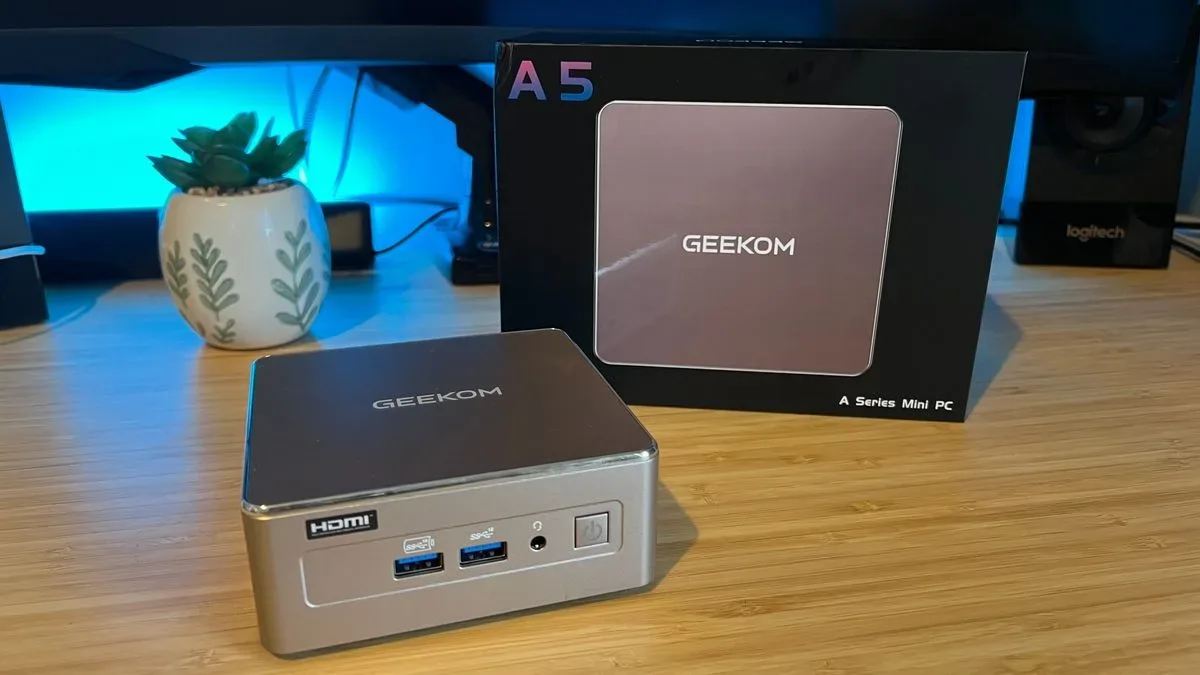
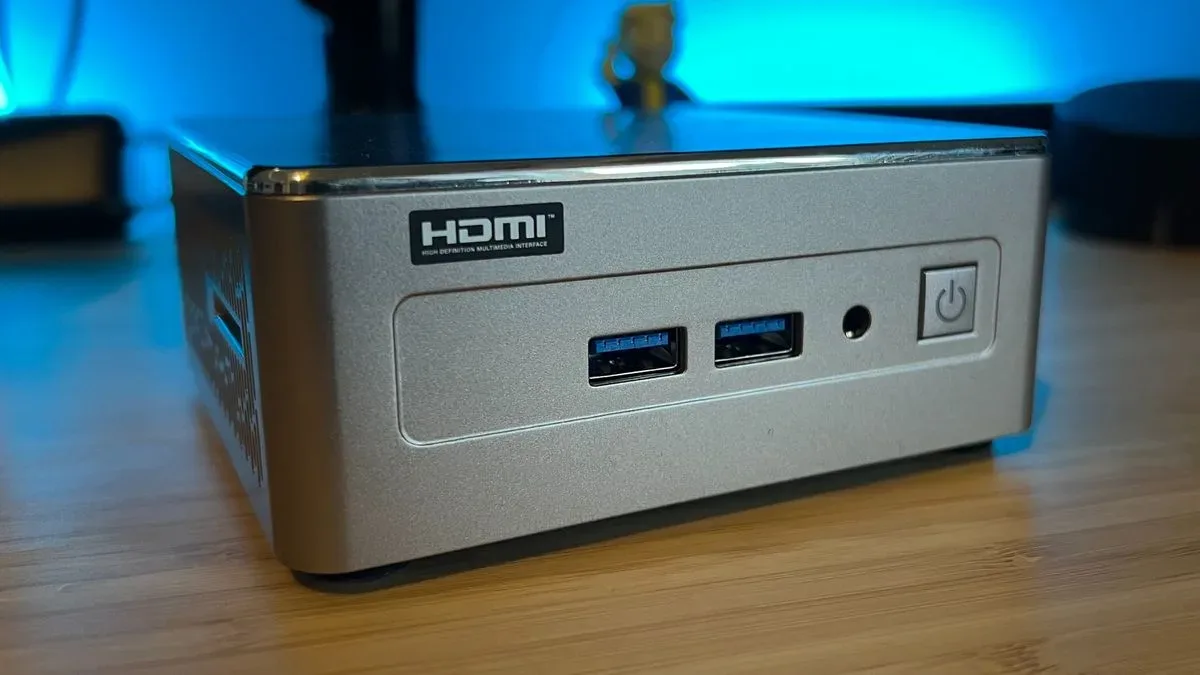
The Geekom A5 2027 Edition makes a refreshingly honest proposition: it is a compact Windows PC for everyday computing first, with enough graphical headroom for a pleasant indie and retro-gaming side hustle. At a tested price of $549 / £469 for a Ryzen 7 7730U, 16GB RAM and 512GB SSD configuration, it is not trying to impersonate a high-powered desktop in a small silver box. That restraint is the point.
For someone who needs a quiet, compact machine for browser-heavy work, media, light image editing and general desktop tasks—but would also like to play Stardew Valley, Islanders, older PC games or an emulation library after hours—the A5 has a coherent role. It also offers unusual practical flexibility for something this small: memory and storage can be upgraded, port selection is broad, and the supplied power adapter is small enough to preserve the portability promise of a mini PC.
The important caveat is equally clear. This is not an inexpensive substitute for a purpose-built gaming PC, nor is it the ideal answer for people hoping to make current big-budget games look good on a living-room display. It can run more demanding games only after substantial compromises to resolution and visual settings. Buy it for its all-round desktop usefulness and its ability to handle lighter games, and its limitations become easier to live with.
A small chassis with a practical desktop mission
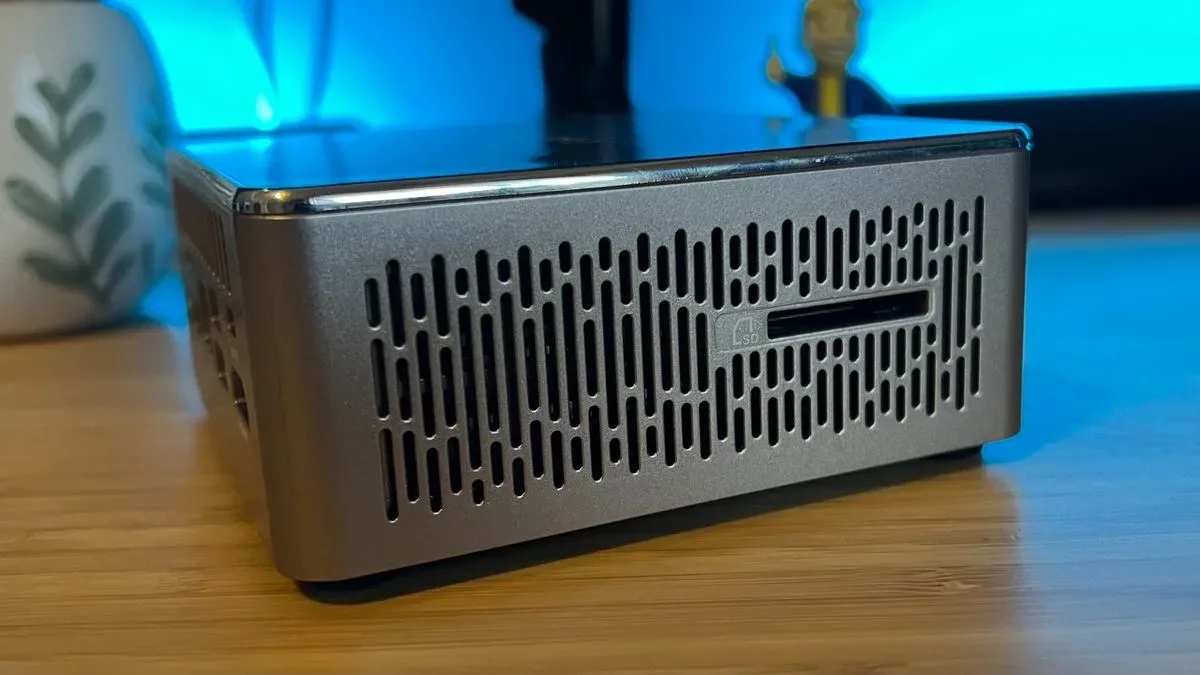
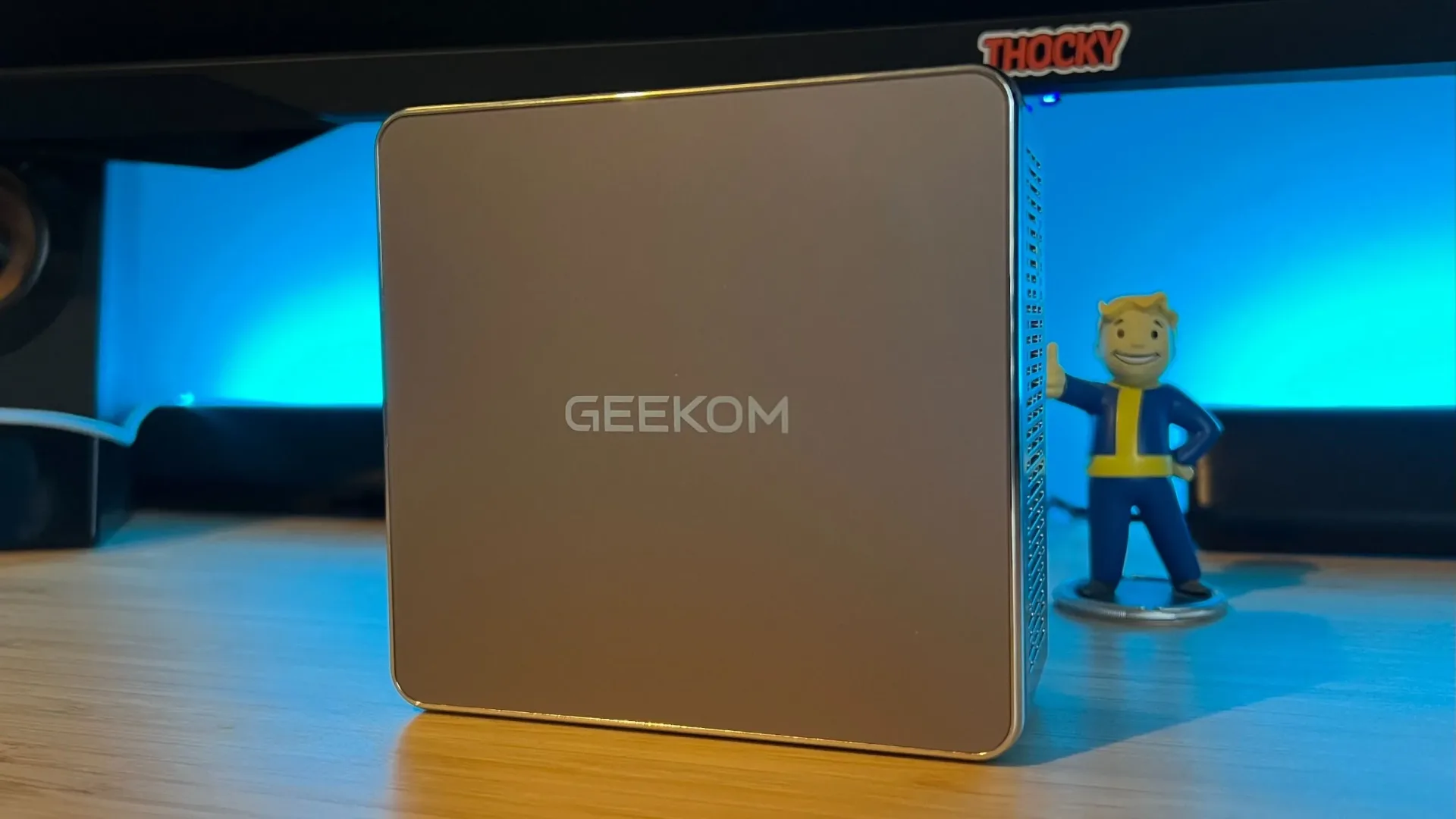
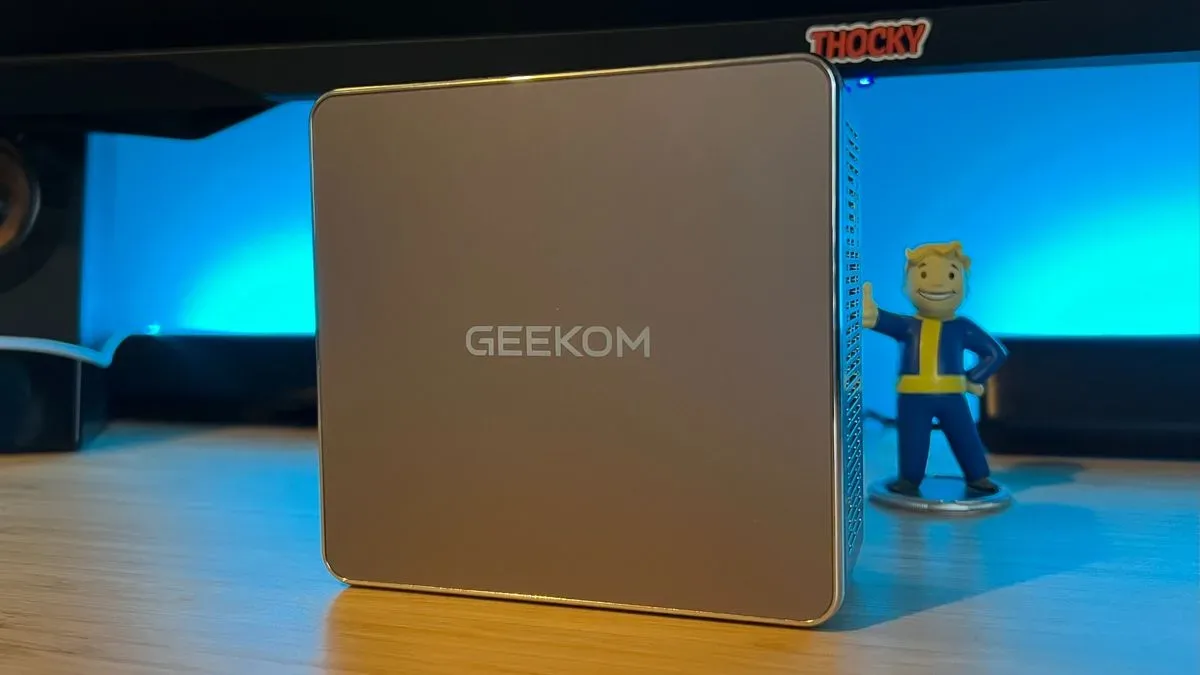
At 117 x 112 x 49.2mm, the A5 2027 Edition has the familiar mini-PC shape: a compact, metallic silver block designed to occupy very little desk space. Its case uses shiny perimeter accents around a mottled silver body, while rear exhaust vents and side intake grilles handle airflow. Rubber feet keep the unit planted on a desk.
Its compactness is more than an aesthetic perk. A small machine is easier to fit beside a monitor, move between rooms, or place in a backpack for travel. Geekom includes a notably small power brick, avoiding one of the familiar indignities of portable hardware: a power supply that feels like it deserves its own luggage.
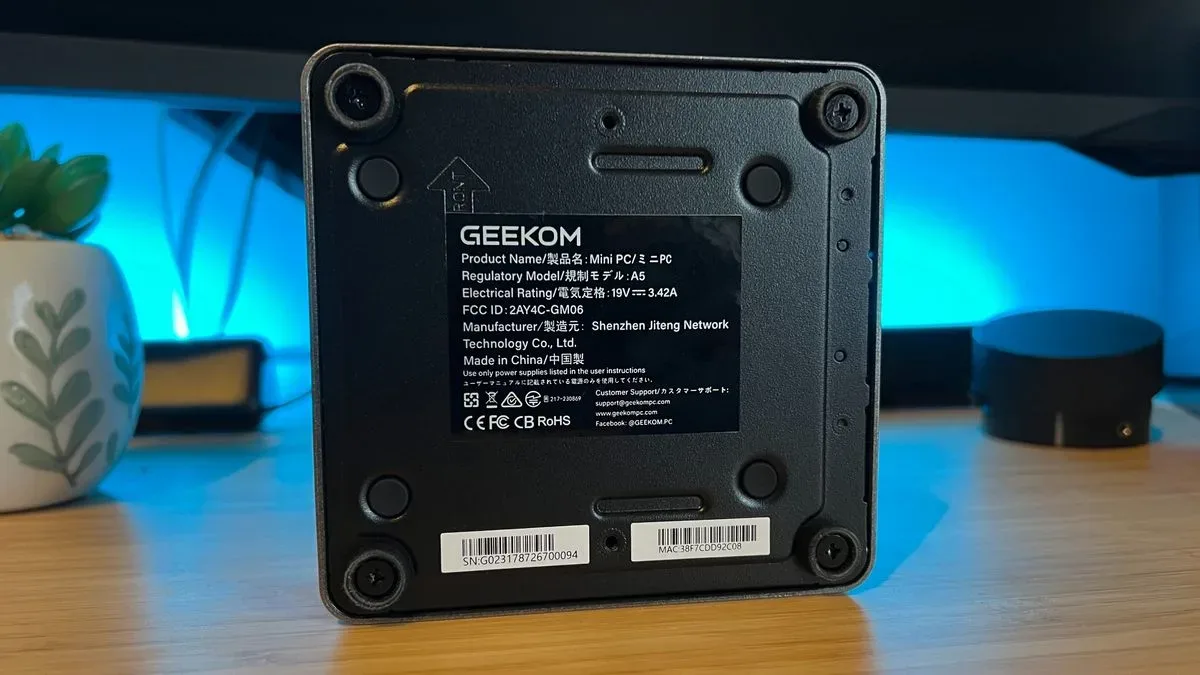
The bottom panel is particularly relevant to long-term ownership. Four removable screws provide access to the memory and storage bays, and the internal layout includes orientation information. That matters because mini PCs can otherwise be disposable-feeling appliances. Here, the user can potentially increase memory or swap storage rather than treating the original specification as permanent.
There is room for up to 64GB of DDR4 memory, two replaceable NVMe SSDs, and a miniature SATA connection. NVMe is a fast storage interface commonly used by modern solid-state drives; having two NVMe slots gives owners options for expanding game libraries, work files, or operating-system storage later. The unit’s use of DDR4 rather than newer DDR5 memory is a cost-conscious decision and is more likely to matter in demanding workloads than in ordinary office-style use.
What is inside—and what that means for games
The reviewed configuration combines an AMD Ryzen 7 7730U processor, 16GB of DDR4 RAM and a 512GB SSD. A lower-priced Ryzen 5 7430U option is also offered, while some configurations have 256GB or 1TB SSDs.
Related coverage includes Geekom A5 2027 Edition Review: A Compact PC for Work, Indies and Retro Play.
The Ryzen 7 7730U is an eight-core, 16-thread processor with a 15W thermal design power, or TDP. TDP is a useful shorthand for the class of power and heat a processor is designed to manage. In practical terms, this is an efficiency-oriented laptop-class chip adapted to a desktop mini-PC enclosure, rather than a power-hungry processor meant to lead a serious gaming tower.
It includes integrated graphics, meaning its graphical capability is built into the processor rather than supplied by a separate, dedicated graphics card. That distinction explains nearly all of the A5’s gaming profile. Integrated graphics can work very well for 2D games, modestly demanding 3D titles, retro games and desktop visuals. They have far less room to spare once a game demands high-resolution rendering, elaborate lighting, advanced effects, or consistently high frame rates.
Geekom has not positioned this chip alongside the Radeon 780M integrated graphics found in more gaming-oriented mini PCs. So prospective buyers should not read “Ryzen 7” as a guarantee of modern AAA performance. The processor name describes CPU capability, but a gaming PC’s results depend heavily on graphics hardware.
For the right game library, that is no disaster. The A5 ran Stardew Valley and Islanders smoothly, including quick camera movement in Islanders, with no apparent stuttering or obvious frame drops. That is the most useful real-world result here: the machine can support low-overhead games without turning a relaxed evening into a settings-menu management simulation.
That makes it potentially appealing to players who follow independent games on PC. Steam remains an important home for those releases, as explored in this look at the changing business stakes for indie games. The A5 is not a universal Steam machine, but it is capable of serving a carefully chosen, lighter Steam library alongside a full Windows desktop.
The performance line is visible, and buyers should respect it
The further the A5 moves from lightweight games, the more settings discipline it requires. Shadow of the Tomb Raider could remain above 30 frames per second only at 720p and the lowest available settings. 720p refers to a display resolution of 1280 x 720 pixels, substantially lower than 1080p and 4K. Reducing resolution lowers the number of pixels the graphics hardware must render, which can make a struggling game playable, but it also sacrifices image clarity.
Thirty frames per second, or 30fps, is often treated as a basic playability threshold for slower-paced single-player games. It is not the same as a high-refresh, high-frame-rate experience. The A5’s Tomb Raider result should therefore be seen as evidence of capability at the low end of the settings scale, not proof that it is comfortable with every game from that era.
Cyberpunk 2077 pushes the point further. Keeping the game comfortably above 30fps required Low settings, 720p resolution and frame generation enabled. Frame generation is a technique that inserts generated frames between traditionally rendered ones to raise apparent motion smoothness. It can help hardware reach a usable result, but it does not erase the underlying limits of an integrated GPU or turn low settings into a premium visual presentation.
There is value in knowing these results rather than simply seeing that a game launches. “It runs” and “it is the machine you would choose to play it on” are entirely different standards. The A5 can stretch into these games, but its strongest case remains smaller-scale indies, older titles, retro setups, and emulation rather than demanding releases.
Work is where the A5 earns its keep
Everyday productivity is the A5’s main strength. It handled a multitasking workload involving numerous Chrome tabs, split-screen windows, image-editing software and Spotify without difficulty. That is a more relevant test for its intended buyer than asking it to compete with a gaming desktop several times its price.
The processor’s eight cores and 16 threads are useful here. A thread is a stream of work a processor can manage; more available threads can help a system juggle multiple tasks. That does not mean every app becomes faster in direct proportion to thread count, but it does help explain why an efficiency-focused processor can still feel responsive when a user has many everyday applications open at once.
Quiet operation and cooling also contribute to the appliance-like appeal. A mini PC used for routine work is often close to the user, whether under a monitor or beside a television. Consistent operation in less demanding tasks matters more for this role than spectacular peak benchmark numbers.
The available comparison to the Geekom A9 Max underlines the product hierarchy. The more expensive system’s AMD AI 9 HX 470 recorded 16,993 in multi-core testing and 2,740 in single-core testing, but it costs three times as much as the A5. The gap is expected; the useful takeaway is that the A5 has been priced and specified for a different job, not merely fallen short of a more premium machine.
Connectivity is generous, with one awkward physical detail
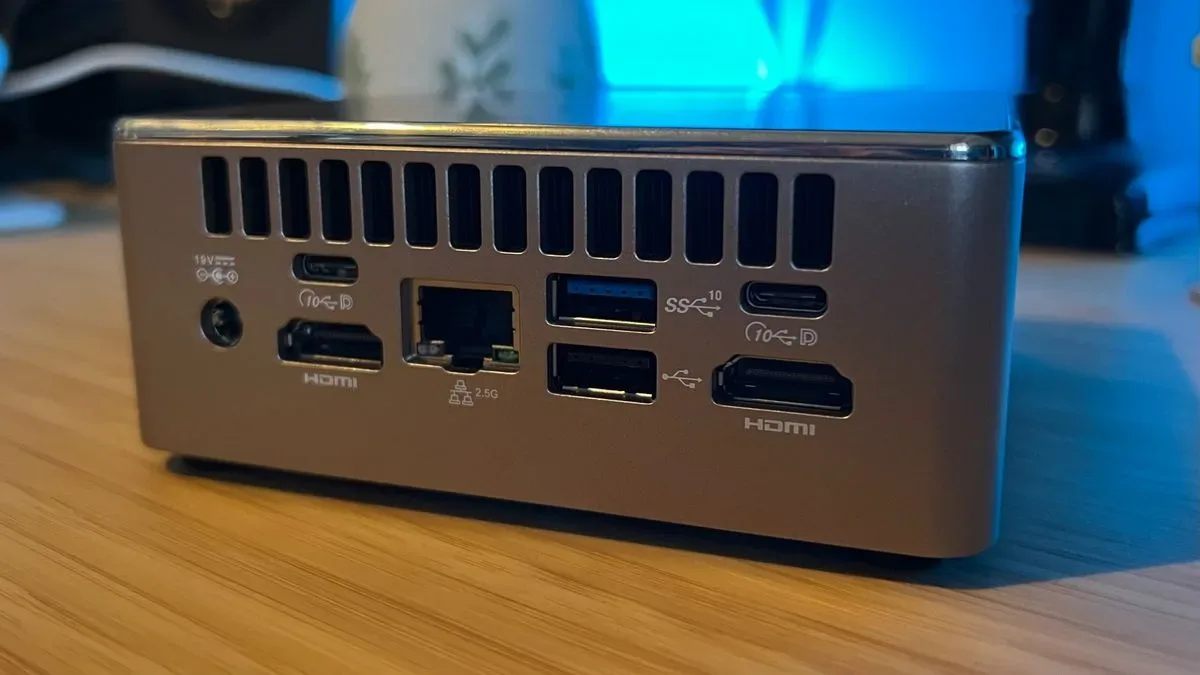
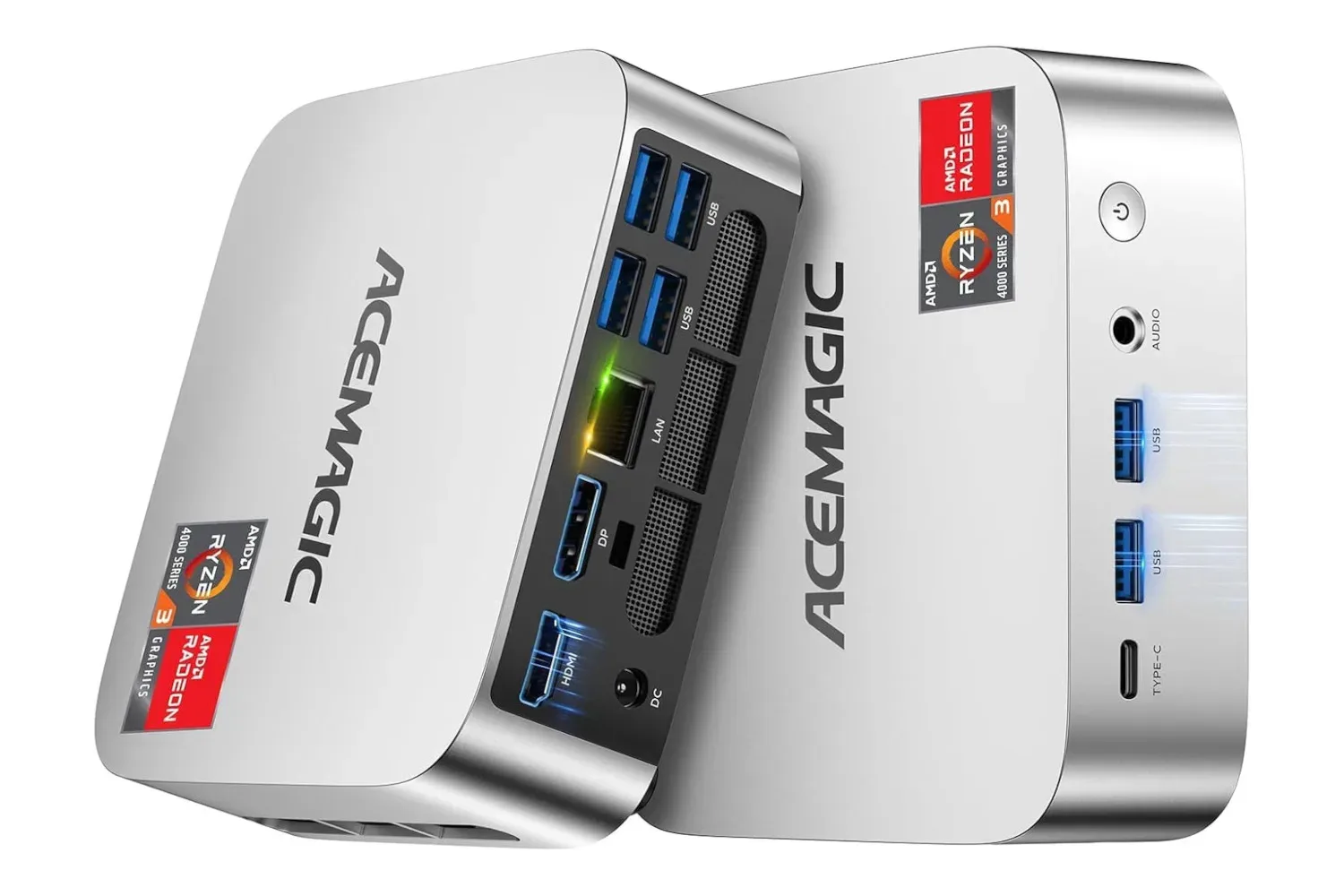
The listed connectivity is excellent for a small desktop: three USB 3.2 Gen 2 Type-A ports, two USB 3.2 Gen 2 Type-C ports, one USB 2.0 Type-A port, two HDMI 2.0 outputs, a 3.5mm audio jack, 2.5G RJ45 Ethernet, an SD card reader, Bluetooth 5.2 and Wi-Fi 6.
This is a setup made for actual desk life. Two HDMI outputs support multi-monitor use, while the SD card reader may be useful for basic media workflows. The wired 2.5G Ethernet port offers a faster class of local-network connection than standard gigabit Ethernet when the rest of a network supports it. Bluetooth and Wi-Fi 6 cover the wireless basics for peripherals and networking.
There is no USB4 support on the USB-C ports, which is another indicator that the A5 is an affordable, general-purpose system rather than a premium expandable workstation. Potential buyers with a specific USB4 accessory or high-bandwidth expansion plan should treat that omission as meaningful.
There is also a smaller ergonomic issue: the two rear USB-A ports sit close enough together that bulky connectors can obstruct one another. It is hardly a deal-breaker, but it is the sort of detail worth considering if you use large wireless dongles, thick USB cables or unusually wide accessories.
Who should put this little box on their shortlist?
The A5 2027 Edition is a sensible option for a buyer who wants one compact Windows system to cover work and modest gaming. Its most persuasive audience is likely to be people with an indie-first library, a preference for older games, interest in retro emulation, or a simple need for a tidy and upgradeable everyday PC.
- A good fit: general productivity users who play lightweight indies and older games.
- A good fit: users who value a small footprint, compact power adapter, plentiful ports and accessible upgrades.
- A qualified fit: players willing to accept 720p, low settings and around-30fps targets in more demanding games.
- Not the best fit: buyers seeking high-detail, high-resolution performance in current graphically intensive games.
- Not automatically the best fit: someone who only wants a simple device for indie games and does not need a full Windows computer.
That last distinction is crucial. Full Windows compatibility, accessible storage expansion and desktop multitasking are what justify the A5’s role. If all a buyer wants is an indie-game machine, a console may be a more direct alternative. But for those who want the working computer first and a capable light-gaming companion second, Geekom’s tiny 2027 Edition makes an unusually balanced argument.