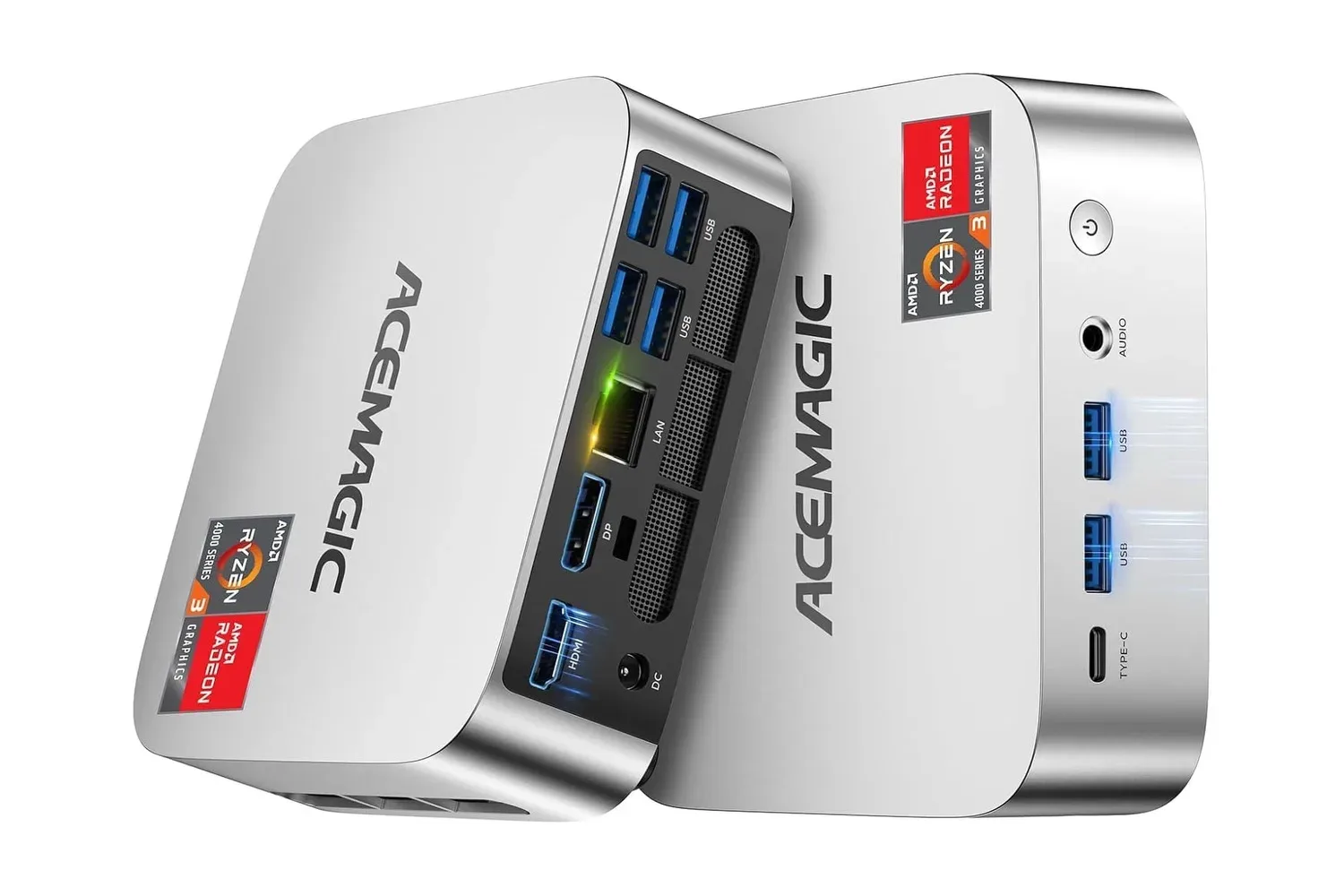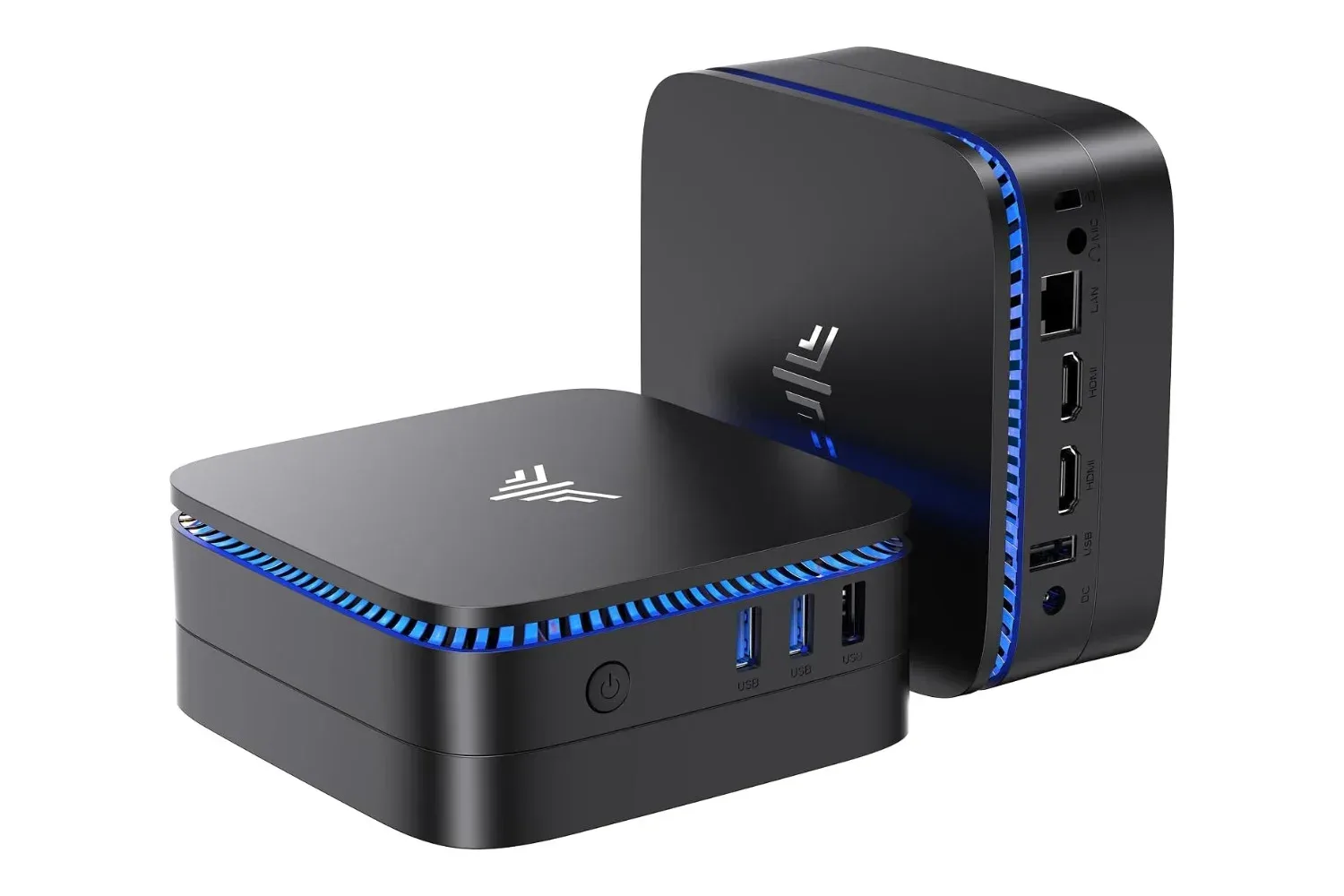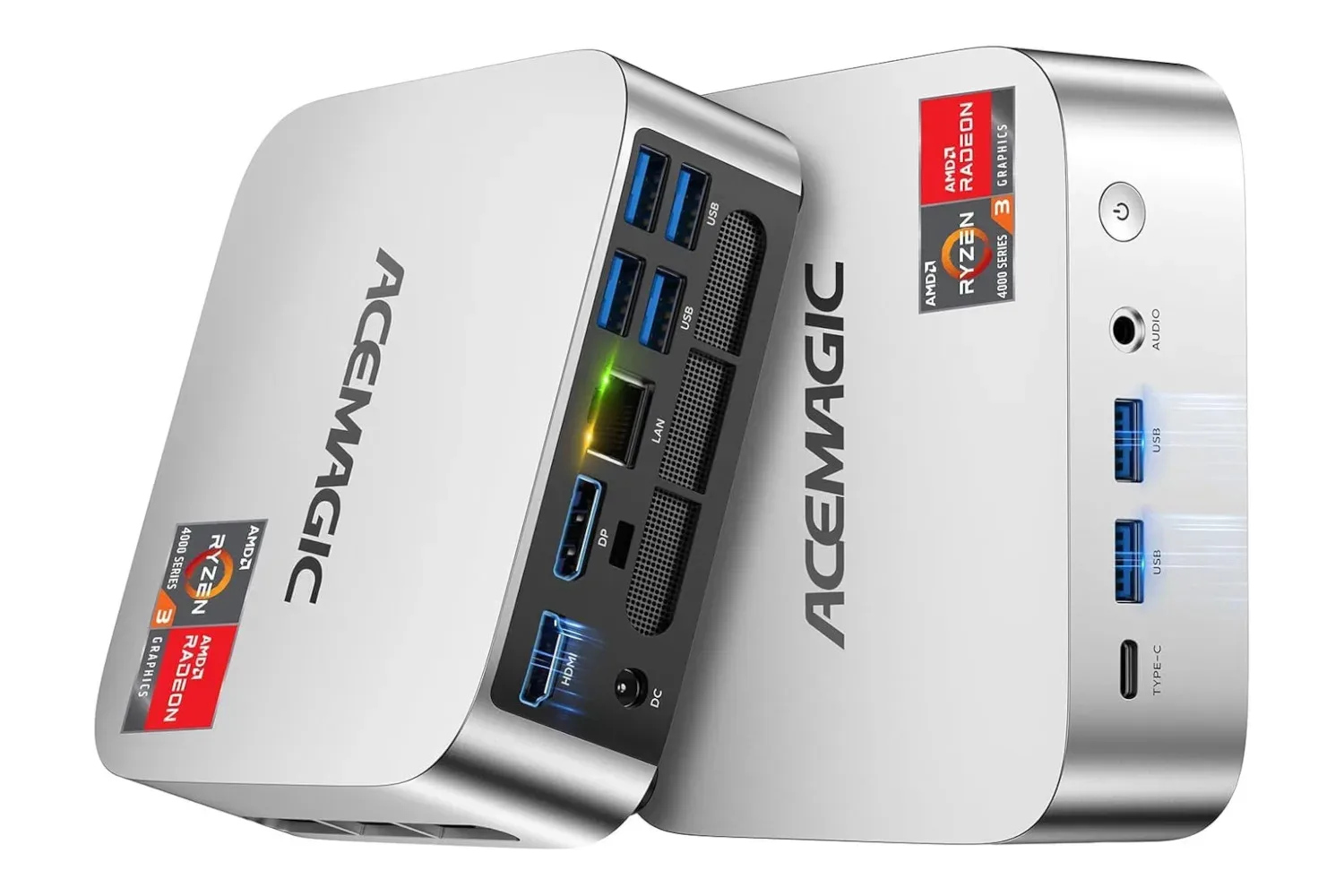
The Acemagic K1 mini PC is currently listed at $350 for Amazon Prime members, reduced from $460. That is a $110 reduction, or roughly 24%, for a compact Windows 11 Pro system built around AMD’s Ryzen 77330U processor, 16GB of DDR4 memory and a 256GB SSD.
The important qualification is performance expectation. This is not a small-form-factor replacement for a dedicated gaming desktop with a separate graphics card. The K1 uses the processor’s integrated GPU: graphics hardware contained within the Ryzen chip rather than a standalone graphics card. That makes it better suited to less demanding PC games, older titles, indie releases and retro-focused setups than cutting-edge blockbuster games.
For someone who needs a very small Windows machine for general use and wants gaming as part of the package, the listed configuration has a fairly clear role. It can provide a compact place for a digital indie library, older PC games, controller-based living-room play, and software used to organize or run retro game collections. It should not be bought on the assumption that it will deliver high-end performance in demanding modern games.
The offer is specifically limited to Prime members, so non-members should factor that requirement into the effective cost rather than looking only at the displayed $350 price. As with any retailer promotion, the price and eligibility can change.
What the Acemagic K1’s core parts mean
The Ryzen 77330U is the central processing unit, or CPU, responsible for general computing work: running Windows, launching programs, processing game logic and handling background tasks. The “U” designation is commonly associated with a power-conscious processor class, a fitting choice for a mini PC where physical space and thermal limits are much tighter than in a conventional tower.
Its integrated graphics share the system’s overall hardware resources rather than relying on a dedicated graphics card with its own memory. In practical gaming terms, that generally calls for realistic settings choices. Resolution, visual quality options and frame-rate targets matter. A player willing to prioritize smooth play over maximum graphical detail is more likely to get useful results from this kind of machine than one expecting every new release to run at premium settings.
The 16GB DDR4 memory allocation is one of the more meaningful parts of this configuration. RAM, or random-access memory, is short-term working space used by Windows and active applications. More available RAM can make everyday multitasking more comfortable and gives games more breathing room than extremely entry-level configurations. It does not turn integrated graphics into a discrete gaming GPU, but it helps establish the K1 as a more capable general-purpose system than a bare-minimum desktop.
Storage comes from a 256GB SSD, or solid-state drive. An SSD is the component that holds Windows, applications and installed games while the PC is switched off. It is useful for responsive everyday use, but 256GB is still a capacity worth planning around. Windows, updates and software take up part of that total before a game library is considered. For retro titles, smaller indie games or a selective older-PC library, it can be workable. For a large modern install list, it will demand more active storage management.
Related coverage includes Acemagic K1 Mini PC Drops to $350 for Prime Members.
A better fit for lighter libraries than for new AAA releases
The K1’s potential as a gaming machine comes down to matching the hardware with the right software. Indie games often have a wide range of technical demands, so no single rule covers every title. Still, games designed around modest hardware requirements, 2D visuals, stylized presentation or older engines are the most natural candidates. Older PC games can also make particular sense, especially for players who want to consolidate a small library on one unobtrusive system.
Retro gaming is another obvious use case. A Windows mini PC can serve as a dedicated machine for compatible retro software and libraries while remaining useful for web browsing, media playback and standard desktop tasks. The 256GB SSD may go further in this setting than it would with a collection of current big-budget PC games, which can occupy much more space individually.
That versatility matters because a dedicated retro setup does not necessarily need a large box, a desk full of cables or a full-size tower. A small PC can be easier to position near a television or monitor, and the included wireless connectivity gives users options for peripherals. The system is specified with Wi-Fi 5 and Bluetooth 4.2, both relevant for connecting to a network and pairing supported wireless accessories.
Bluetooth support can be useful for controllers, keyboards, mice and headphones, though buyers should still verify that their own accessories and preferred software work as expected. “Compatible” is not a complete guarantee of a friction-free setup across every controller, operating-system setting and game.
Anyone building a machine around an older game library should also think beyond raw hardware. Some legacy PC releases can need configuration work on current versions of Windows, while some games may behave differently with modern displays and controllers. The K1’s Windows 11 Pro installation gives users a contemporary operating-system base, but it does not automatically solve every compatibility issue associated with old software.
Players interested in keeping older game experiences accessible may also be watching projects such as this fan-made Kingdom Hearts Union χ browser port, a reminder that revisiting game history can involve modern hardware, community preservation efforts and practical compatibility considerations at the same time.
Cooling is essential in a compact chassis
Mini PCs trade physical volume for convenience, which places extra importance on cooling. The K1 is described as having substantial cooling for its size. That is relevant because CPUs and integrated graphics create heat under load, especially during games and other sustained tasks. A cooling system’s job is to move that heat away from components so the machine can operate safely.
Cooling also affects sustained performance. When a compact system becomes too warm, it may reduce operating speeds to control temperatures; this is often called thermal throttling. A well-designed cooling arrangement can help reduce the chance of performance falling away during extended use. However, shoppers should distinguish between the presence of cooling and a promise of desktop-class gaming output. Good cooling helps a component operate within its intended limits; it does not change the underlying performance tier of an integrated-GPU system.
Placement matters, too. A tiny PC is easy to tuck behind a display or place in an entertainment unit, but airflow should not be blocked. Keeping vents clear is a simple practical step for anyone using a compact machine for long gaming sessions or continuous media use.
Who should consider the $350 listing?
At the listed Prime-member price, the Acemagic K1 makes the most sense for a buyer with a specific compact-PC plan. It is potentially appealing for someone who wants:
- a small Windows 11 Pro computer rather than a full tower;
- a system for everyday tasks alongside lighter PC gaming;
- a dedicated retro or older-game setup with room for a curated library;
- 16GB of DDR4 RAM in a compact form factor;
- wireless connectivity for supported peripherals; and
- three years of technical support, as listed.
It is a less convincing choice for a shopper whose priority is maximum performance in graphically intense new releases. Integrated graphics can be perfectly useful, but the right question is not whether the K1 can “do gaming” in the abstract. The useful question is what kinds of games, settings and expectations a buyer has in mind.
That distinction is particularly important when a sale headline emphasizes a price drop. A discount can make a suitable product more attractive, but it cannot make the product suitable for every use. The $350 figure is compelling chiefly for people who value space-saving design, Windows flexibility and lighter gaming workloads—not for those seeking a compact answer to the most demanding games.
Before buying, check the whole setup cost
The price reduction is straightforward—$460 down to $350—but the purchase decision may not be. The offer requires Prime membership, and a mini PC setup may also require accessories a buyer does not already own. A display, keyboard, mouse, controller, speakers or headphones may be necessary depending on where and how the machine will be used.
Storage planning is also sensible before committing. A 256GB SSD can be adequate for a targeted purpose, but it is not unlimited. Buyers who expect to keep many large PC games installed simultaneously should consider whether that capacity aligns with their habits. By contrast, a user focused on a smaller selection of indie, classic or retro-oriented titles may find the available space much more comfortable.
Finally, the Prime restriction should be treated as part of the deal rather than a footnote. Current members can assess the listed $350 price directly. Everyone else should compare the benefit of the reduction with the additional membership requirement and should confirm the retailer’s live listing before purchase.
The Acemagic K1 is therefore best viewed as a compact, flexible Windows machine with credible lighter-gaming potential. Its specifications support an approachable use case: indie games, older PC releases, retro software and ordinary desktop work in a small footprint. Its limits are just as clear, and buyers expecting demanding contemporary games to perform like they would on a dedicated gaming PC should look elsewhere.
Shop the products
Check current price, model and availability at the retailer.