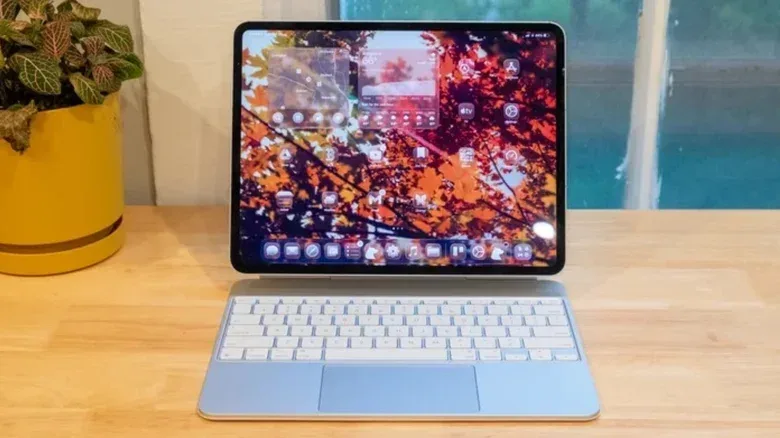
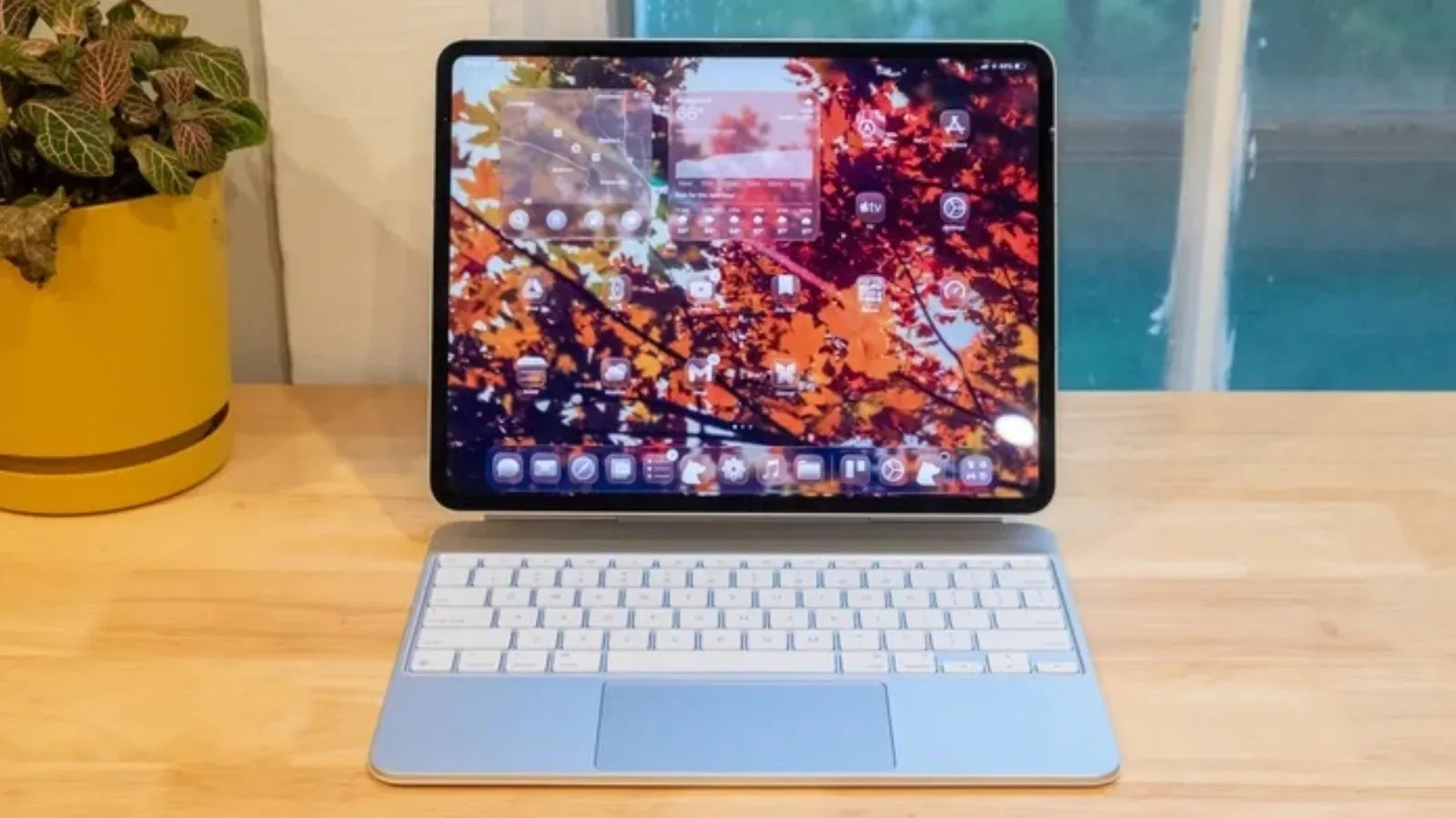
Apple’s iPad Pro sits in a rarefied part of the tablet market. Its M5 processor brings desktop-class headroom to a thin mobile device, while its tandem OLED panel remains a display technology not matched by another tablet available in North America. For buyers who want the fastest mainstream mobile tablet and already live comfortably inside Apple’s ecosystem, the attraction is obvious.
But “best” is not a universal setting. An iPad Pro can be a poor fit for someone who needs closer interaction with a Windows PC, wants a smaller device designed around sustained gaming performance, prefers a much lower entry price, or simply does not want to work within iPadOS and an Apple account. The alternatives below do not all attempt to beat Apple at its own benchmark game. Their value lies in choosing different priorities.
That distinction matters especially for games. Peak chip performance is only one piece of the experience. Screen size, refresh rate, heat management, storage capacity, portability and the operating system’s software ecosystem can matter just as much as a synthetic performance score. For anyone repurposing an existing PC for games or other home projects, our look at useful second careers for an old mini PC also shows why a tablet does not have to do every job alone.
Why an iPad Pro alternative might make more sense
The core trade-off is software freedom and device fit. iPadOS is touch-friendly and polished, but it operates as a tightly controlled platform: app installation requires an Apple account, and users are limited to apps approved for the platform. That can be less convenient for people without other Apple hardware, particularly when file syncing and notifications need to move between a tablet and a non-Apple computer.
Android and Windows models approach that problem differently. Android tablets can offer integration features for Windows PCs, gaming-oriented cooling, or lower prices. A Windows tablet can run the full Windows 11 environment, which may be more useful than a mobile operating system where a required professional program only exists in desktop form. Neither route is automatically superior. It depends on whether the buyer’s central task is watching media, playing mobile games, working with a PC, or running a particular application.
There is also no need to pretend the alternatives have identical power. The supplied specifications place Apple’s M5 ahead of the Android chips discussed here in raw performance. For many people, though, a chip that is not at the top of the chart can still be ample for editing video, running games and handling ordinary productivity work. The more useful question is whether the device removes a real limitation in a buyer’s routine.
Samsung Galaxy Tab S12 Ultra: the expansive Android flagship
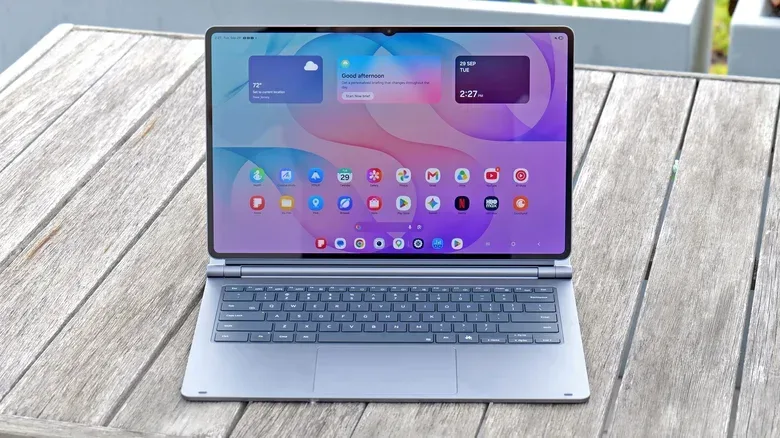
The Samsung Galaxy Tab S12 Ultra is the most direct high-end Android counterpoint because it aims at a similar premium, large-screen audience. Its defining specification is a 14.6-inch Dynamic AMOLED 2X display, larger than the 13-inch iPad Pro. For buyers who primarily want a tablet as a personal screen for films, streams and games, that extra physical space is not a minor detail. Samsung also includes an anti-reflective coating, a practical advantage in brightly lit rooms and a feature the iPad Pro lacks.
AMOLED is a display technology in which pixels can produce their own light. Its appeal in this context is the ability to present deep blacks and strong contrast. The “2X” label is part of Samsung’s naming, but the important buyer-facing point is the large AMOLED panel and its anti-reflective treatment rather than a promise that it outperforms every other screen in every condition.
Related coverage includes 4 iPad Pro Alternatives for Android, Gaming and Windows Users.
Its MediaTek Dimensity 9500 processor does not match the M5’s desktop-class muscle, but it is presented as capable of demanding games, video editing and other intensive tasks. Memory starts at 12GB, rising to 16GB with the 1TB version. RAM, or random-access memory, is short-term working space used by active apps and tasks. More RAM can help keep several applications available at once, though it does not turn a slower chip into a faster one.
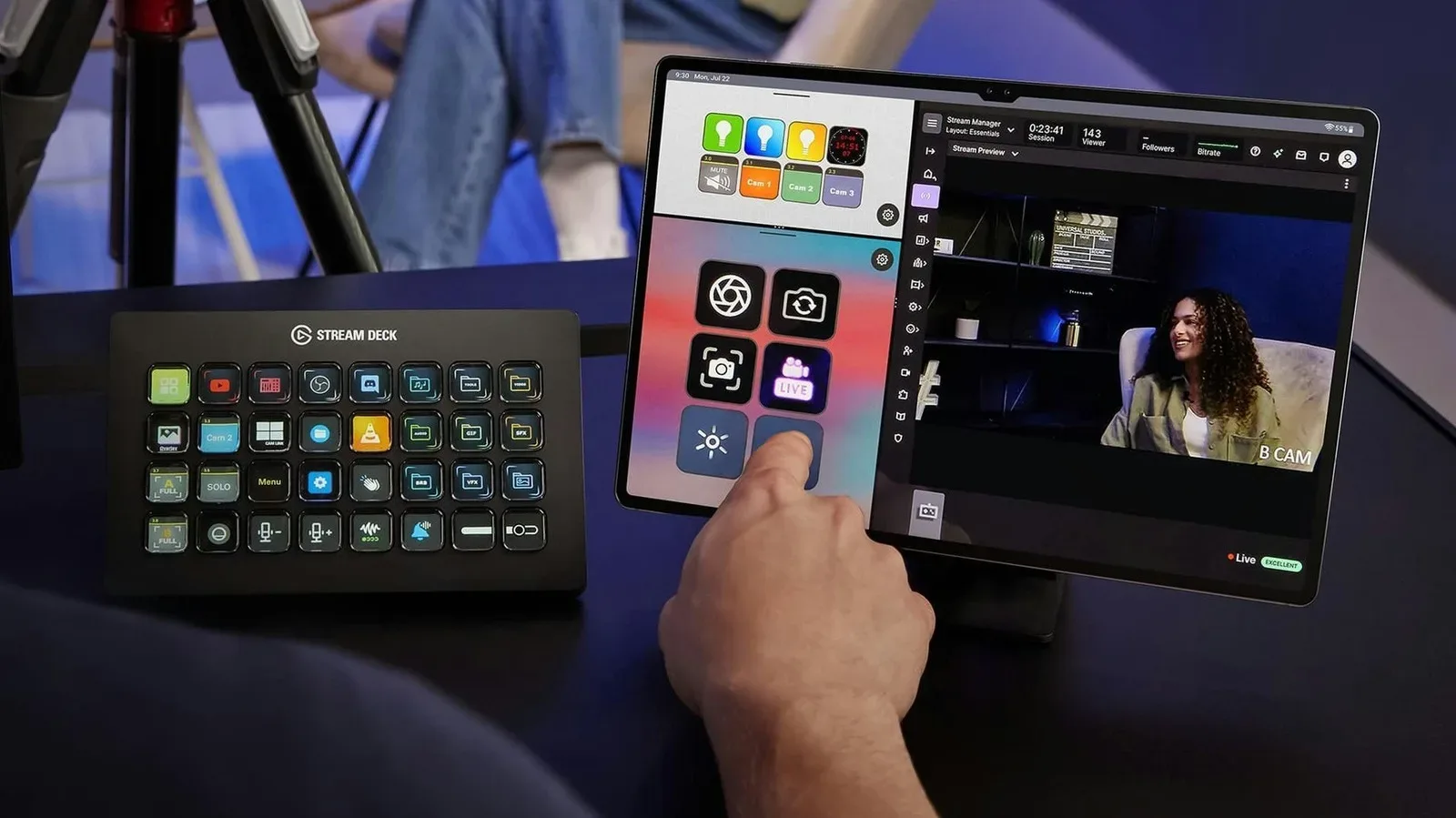
Samsung’s One UI software is another major reason to consider it. With a Windows PC, the tablet can serve as a second display and can share a mouse and keyboard with the computer. That turns the tablet from a separate entertainment device into a more natural partner for a desk setup. For a player who wants a large Android screen away from the desk but also wants it to fit into a Windows workflow, that flexibility is meaningful.
The price makes clear that this is not a budget escape hatch. The 256GB/12GB model starts at $1,400, and the 1TB/16GB version reaches $2,000. It is best understood as a choice for people who specifically value the enormous screen and Samsung-PC integration, not as a cheap substitute for an iPad Pro.
Amazon Alexa Tablet 12 Pro: a lower-cost screen-first option
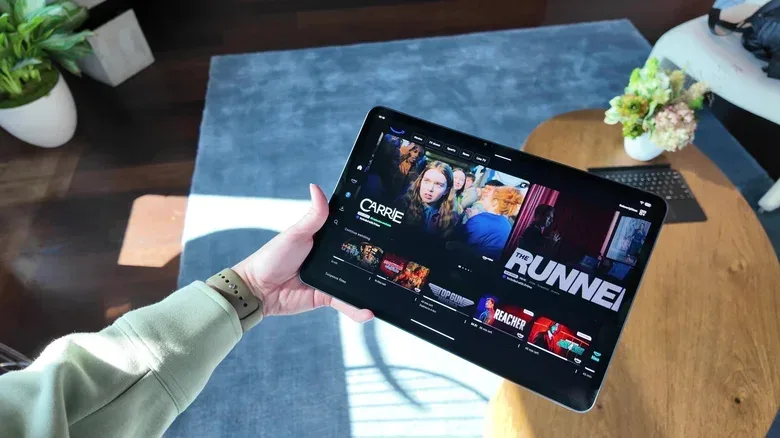
The Alexa Tablet 12 Pro takes a different route. Rather than chasing the highest performance tier, it pairs a more accessible starting price with a screen given unusually high priority. Amazon has moved away from its earlier Fire OS approach here in favor of a more conventional Android experience with access to the Google Play Store. That change is consequential: app availability is foundational to a tablet’s usefulness, particularly for people choosing a device for Android games and services.
The display has slightly higher pixel density than the iPad Pro, with an optional matte finish. Pixel density, expressed in pixels per inch (ppi), describes how tightly pixels are packed. Higher ppi can make fine text and interface details appear sharper, although resolution is not the only determinant of screen quality. A matte coating is instead about reflections and surface glare; it can be attractive for bright environments, even if each buyer should decide whether that trade-off suits their preferences.
The MediaTek Dimensity 8400 was described as handling productivity and entertainment without obstruction, while showing some stuttering during multitasking. That makes its position relatively clear: suitable for day-to-day use and media, but not a credible performance duplicate for the iPad Pro or a promise of flawless heavy multitasking. The 128GB configuration carries 8GB of RAM, while the 256GB version has 16GB.
At $500 for 128GB, it is the least expensive entry on this list. The limitations are equally worth putting in the shopping calculation. There is no microSD expansion slot, so storage cannot be enlarged with a card; buyers who expect to retain many large games, downloaded shows or files should not dismiss the 128GB figure as an afterthought. The Nanomatte display is an additional $50 on the base version. The 256GB model costs $680 and includes that display treatment.
This is the alternative for someone who wants a strong screen, mainstream Android app access and a price much farther from flagship territory. It is not the pick for a buyer whose first requirement is unrestrained multitasking or maximum gaming throughput.
RedMagic Astra 2: designed around the realities of mobile gaming
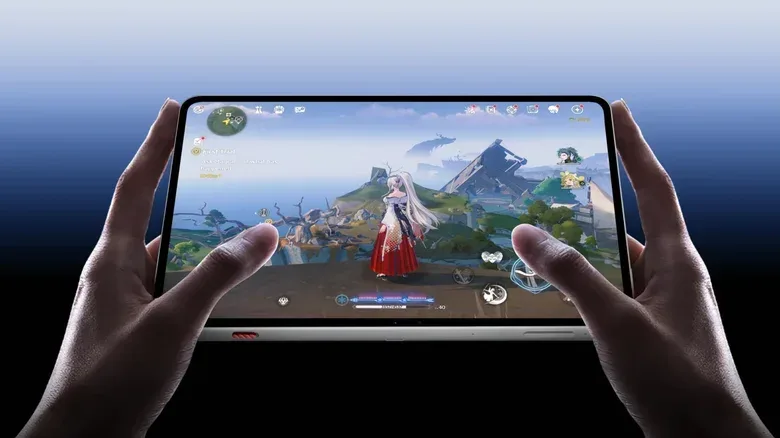
RedMagic’s Astra 2 is the most explicitly gaming-focused choice. It uses a compact 9-inch display, two inches smaller than the smallest iPad Pro. That may sound like a concession, but it is an intentional one for handheld play: an oversized tablet can become tiring to support for long periods. Conversely, someone seeking a broad canvas for split-screen productivity or video viewing may find 9 inches restrictive.
The tablet runs Qualcomm’s Snapdragon 8 Elite Gen 5, making it arguably the strongest Android performer among these four alternatives, even while remaining behind Apple’s M5 in raw power. Its distinctive hardware is cooling. Mobile processors generate heat under demanding workloads, and devices commonly reduce performance to control temperatures. This behavior is known as thermal throttling. It protects the hardware, but can make a game run less consistently over an extended session.
RedMagic counters that problem with a large vapor chamber and active liquid cooling. A vapor chamber spreads heat across a larger surface; the stated cooling setup is intended to help the Snapdragon chip maintain performance. Benchmark results cited for the device give it a slight edge over the OnePlus Pad 4, which uses the same processor. That comparison is important because it illustrates why the chip name alone does not define a gaming tablet’s sustained results.
The display specification further states its priorities: 313 ppi, a 185Hz refresh rate, and slightly higher brightness than the iPad Pro. Refresh rate is the number of times per second a display can update its image. Higher rates can make supported motion look smoother and can improve the feel of responsive games, but the game itself must be able to render at an appropriate frame rate for that potential to be fully used. The Astra 2’s 185Hz ceiling exceeds the iPad Pro’s 120Hz figure, while the updated iPad mini remains at 60Hz.
For price-to-spec buyers, the numbers are appealing: $750 for 256GB with 12GB of RAM, or $850 for 512GB with 16GB. The qualification is aesthetic and practical rather than technical. Its gaming-oriented design and smaller format are features for its intended audience, not universal virtues. Players who want sustained mobile performance and a screen built for fast motion may see the appeal immediately; buyers after a laptop-sized entertainment screen should look elsewhere.
Microsoft Surface Pro: the full Windows option
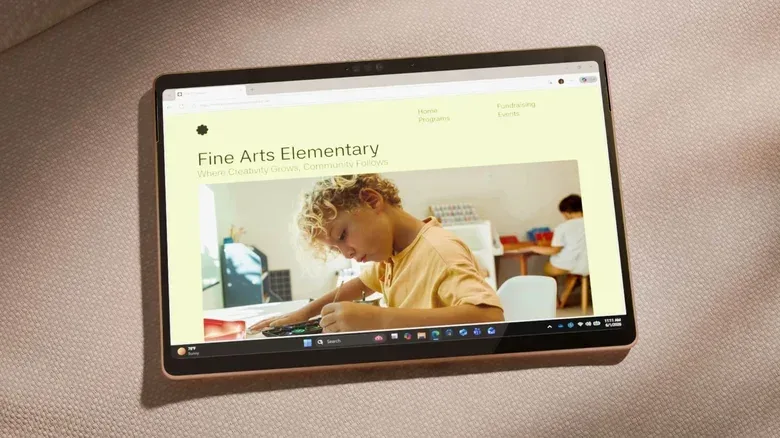
The Surface Pro is the alternative for people who do not actually need another mobile-OS tablet. It runs Windows 11 and is available with Qualcomm Snapdragon X2 Plus or X2 Elite processors. That means it can offer a full desktop operating environment rather than Android or iPadOS, potentially allowing professionals to use software that would not be available on a mobile platform.
These Snapdragon configurations use ARM architecture, the same broad processor family approach used by the iPad. ARM-based Windows machines can provide better battery life than traditional x86 Windows laptops, but there is a compatibility caveat: not every application has been optimized for ARM. Buyers should therefore verify that the specific programs they need are fully supported before treating a Surface Pro as a guaranteed replacement for an existing PC.
Windows 11 also changes the interaction model. It is less touch-optimized than iPadOS or Android, but familiar to anyone used to a Windows PC. This can be an advantage when the goal is professional, desktop-grade software, and a disadvantage when the goal is an uncomplicated couch tablet. Its extra flexibility brings extra responsibility: the owner must make sure the needed apps, workflows and peripherals make sense in Windows on ARM.
The 12-inch Snapdragon X2 Plus model starts at $1,140 for 256GB of storage, 12GB of RAM and an LCD. The same memory and storage baseline costs $1,200 in the 13-inch model. Moving to OLED and 120Hz refresh rate requires the higher-end Snapdragon X2 Elite; that configuration begins at $1,500. A 1TB/64GB top version reaches $2,849.
Choosing by priority, not brand replacement
- Choose the Galaxy Tab S12 Ultra for its 14.6-inch AMOLED display, anti-reflective coating and Windows-PC companion features.
- Choose the Alexa Tablet 12 Pro when cost, a high-density screen and Google Play access matter more than top-end multitasking.
- Choose the RedMagic Astra 2 for gaming-focused cooling, a 185Hz display and relatively strong storage-and-memory value in a 9-inch form factor.
- Choose the Surface Pro when full Windows 11 and required desktop applications outweigh the simplicity of a touch-first tablet operating system.
None of these devices erases the iPad Pro’s advantages in M5 performance or its tandem OLED display. That is not the standard they need to meet. The tablet market is more useful when it offers distinct answers to distinct needs: a massive media screen, a more affordable Android slate, a machine engineered around sustained gaming, or a detachable Windows computer that can run the software a mobile tablet cannot.
Shop the products
Check current price, model and availability at the retailer.