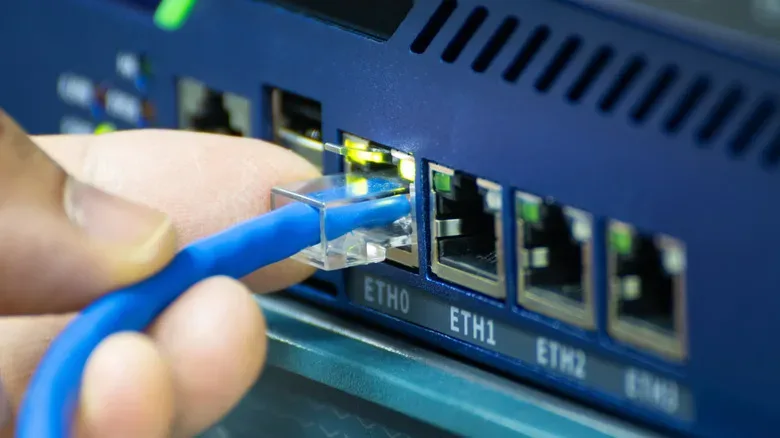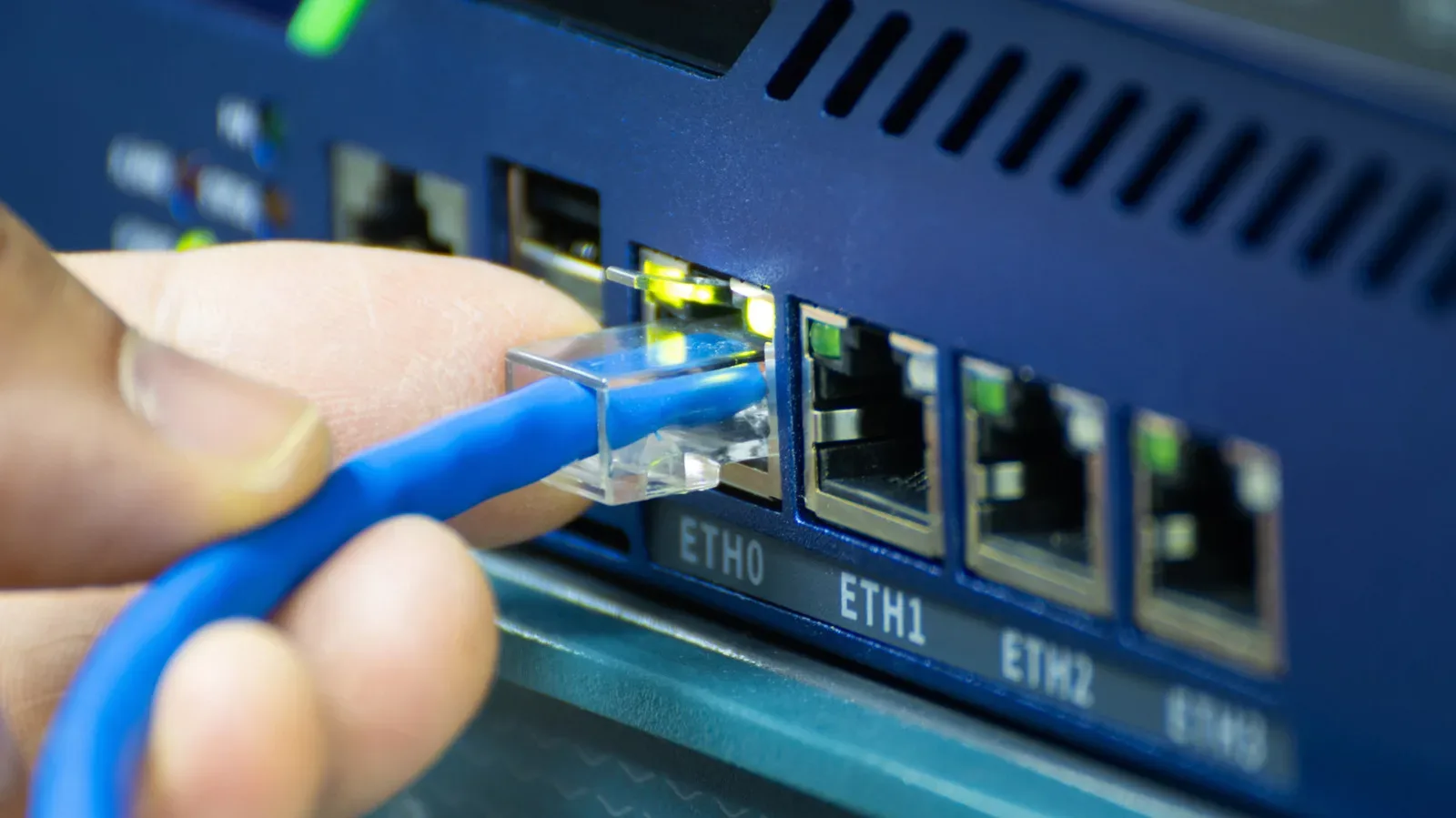
A single Ethernet cable reaches the television stand, desk, retro-gaming corner, or another room where the router is nowhere nearby. Then the familiar problem appears: there is one wired connection, but several things that would benefit from it. A PC, console, smart TV, network-attached storage box, or streaming device may all be competing for that lone RJ45 port.
Searching for an “Ethernet splitter” produces a confusing mix of tiny unpowered adapters and powered boxes that look remarkably like ordinary switches. They do not do the same job. In most current home setups, a network switch is the sensible answer; a powered splitter can be acceptable when only a couple of extra ports are required; and a passive splitter is largely a relic of older, slower Ethernet arrangements.
The short version is simple: do not assume a cheap Y-shaped Ethernet accessory can turn one live router port into two independent, full-speed connections. It cannot, at least not on its own. Knowing why helps avoid an annoying situation where only one device connects—or where a supposedly wired gaming setup is unexpectedly capped at old 100Mbps-era speeds.
First, understand what the cable is carrying
Cat5e and better Ethernet cabling has four twisted copper-wire pairs inside it, for eight individual conductors in all. Gigabit Ethernet uses all four pairs. That matters because Gigabit performance is now a normal baseline for a wired home network, whether the connected item is a gaming PC downloading a huge update, a console pulling a digital library from storage, or a NAS moving backup files around the house.
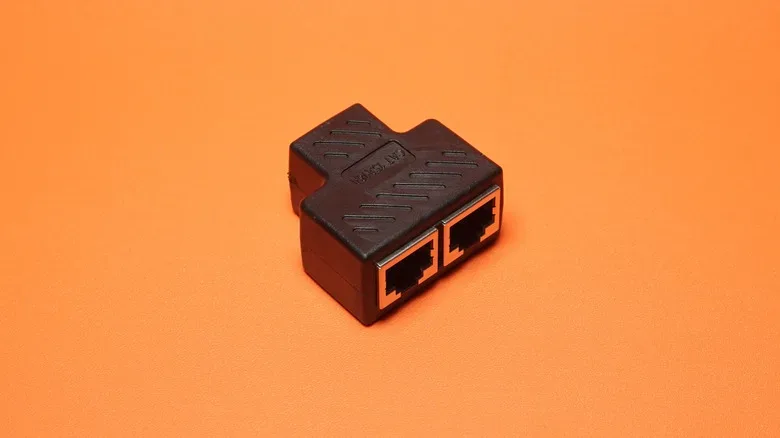
Older 10Mbps and 100Mbps Ethernet standards need only two twisted pairs. A passive Ethernet splitter exploits that older arrangement. Instead of intelligently directing network traffic, it takes the four pairs in one cable and assigns two pairs to one RJ45 connection and the other two pairs to a second connection.
It is wiring rearrangement, not networking. The distinction is the entire game.
Why a passive Ethernet splitter is rarely the right purchase
A passive splitter contains no switching processor, no logic for identifying connected devices, and no power supply. It cannot receive traffic intended for multiple devices and decide where that traffic should go. Its role is limited to dividing the cable’s wire pairs into two two-pair pathways.
That creates two major limitations.
- It is limited to 10Mbps or 100Mbps Ethernet. Since Gigabit Ethernet requires all four pairs, splitting those pairs prevents a passive arrangement from delivering Gigabit connectivity. That may be a substantial downgrade for many modern broadband plans and for local transfers.
- It requires a matching splitter at the opposite end of the cable run. One passive splitter near the TV or desk does not magically make two router connections appear from a single LAN port. The other end needs another splitter, with two separate router or switch ports feeding it.
This second point is the trap. Imagine one cable runs from the router room to a console area. A passive splitter is attached by the console, then two devices are plugged into its outputs. Unless the cable’s far end has been separated by another matching splitter and connected to two distinct LAN ports, the router still sees one physical Ethernet path. It has no mechanism to communicate with two separate endpoints through that one port in the manner people expect.
Using only the splitter at the far end will generally leave one of the devices without a working connection. Even when the full two-splitter arrangement is installed correctly, the resulting two runs remain confined to Fast Ethernet speeds.
There are niche situations where passive splitters can make use of existing cabling when 100Mbps is genuinely enough and pulling a new cable is impossible. Those cases have become uncommon. For a current gaming PC or a setup expected to stay useful for years, the limitations make them difficult to recommend.
Powered Ethernet splitters are effectively small switches
The product name “active splitter” or “powered Ethernet splitter” can be more helpful than the passive kind, but it also obscures what is happening inside. If the device has a power input and accepts one incoming Ethernet line while offering multiple usable RJ45 ports, it has networking hardware that manages traffic. Functionally, it is a compact switch.
That hardware means one upstream cable can feed multiple wired devices at the destination. Plug the incoming cable into the unit, power it, and use its other ports for the PC, console, TV, or another device. The setup does not need an identical companion box at the router end, unlike the old passive approach.
Active splitters also can support the full speed of their Ethernet connection, including Gigabit Ethernet and potentially higher speeds where the model and the rest of the network support them. The important caveat is bandwidth sharing. Two devices connected to the active unit share the capacity of the single cable back to the router.
That is not a flaw unique to powered splitters. It is a basic consequence of having one uplink. If a Gigabit uplink serves two devices, they can each use the network normally, but simultaneous heavy activity has to share that Gigabit path. A console game download and a PC transferring files to a NAS may compete for that upstream connection. For typical home use, that is often perfectly workable; it simply is not the same as granting every connected device its own dedicated Gigabit cable to the router.
Why an unmanaged network switch is usually the better answer
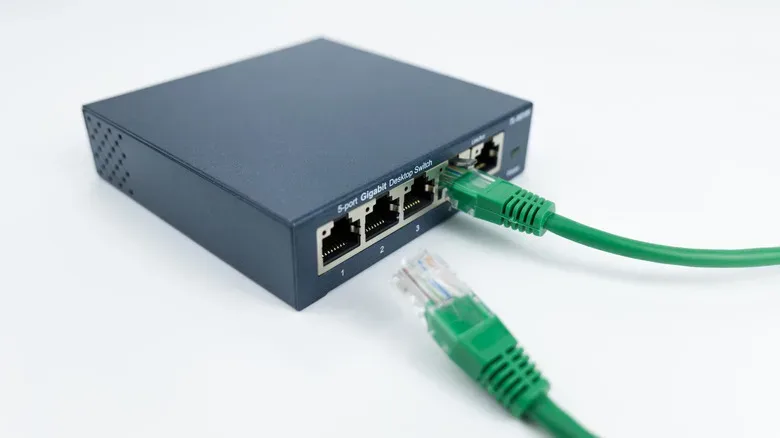
A conventional Ethernet switch handles the same core job as a powered splitter while offering more ports and more room to grow. Entry-level models commonly provide a handful of RJ45 connections, while larger units can offer dozens. The practical home version is often an unmanaged switch: it needs power, but it does not demand a complicated configuration screen or network administration knowledge.
Connect one switch port to the router, or to the existing cable that leads back to the router. Then connect the local devices to the remaining ports. For a gaming setup, that could mean a desktop PC, a current console, a television, and a NAS or media device all sharing the one cable run into the room.
For someone who starts with only two devices, an active splitter can meet the immediate need. But a small switch is frequently the more flexible choice because a setup tends to acquire hardware. One more console, a laptop dock, a streaming box, or a new device such as a dedicated dual-screen handheld can make spare network capacity useful sooner than expected.
Choose the speed before counting the ports
Port count is only half of the selection process. The switch’s speed needs to match the network and devices it will serve.
- Gigabit Ethernet: A common, practical minimum for a modern wired home network. Inexpensive switches widely support it and it is suitable for ordinary internet traffic, game downloads, streaming, and general device connectivity.
- 2.5Gbps Ethernet: A useful middle ground for people who want more headroom. It can matter for local networking, especially when both ends of a file transfer support 2.5Gbps.
- 10Gbps Ethernet: Available in more business-oriented equipment, but generally beyond the requirements of many homes.
Internet-plan speed is not the only consideration. Local traffic can benefit from a faster switch even if the broadband connection itself is slower. A NAS used for backups or a Plex media library, for example, can exchange data with a PC at higher local-network speeds when the NAS, PC, and switch all support the relevant standard. A 2.5Gbps switch does not make a Gigabit-only PC or NAS become 2.5Gbps, so every portion of the path matters.
A practical decision guide
For nearly every modern scenario, eliminate the passive splitter first. Its two-splitter requirement and 10/100Mbps ceiling make it an awkward answer to a problem that inexpensive powered networking gear solves more cleanly.
- If only one device needs the cable: Connect it directly. No splitter or switch is necessary.
- If two devices need a connection and space is tight: A powered Ethernet splitter may be enough, provided it supports the speed required. Confirm that it has a power input and is truly an active networking device.
- If several devices need a connection, or expansion seems likely: Buy an unmanaged switch with enough ports for the present devices plus a few open ones.
- If NAS transfers are important: Consider 2.5Gbps, but verify compatibility across the switch, NAS, computer, router-side connection, and cabling.
Brands such as Netgear and TP-Link offer uncomplicated unmanaged switches for home use, but the key specification is not the name on the enclosure. Check the number of ports, the supported Ethernet speed, whether the unit is powered, and whether it is an actual switch rather than a passive pair-splitting adapter.
For a wired game room or PC corner, the cleanest plan is normally one good cable run from the router area to a small unmanaged Gigabit or 2.5Gbps switch. It keeps the wiring understandable, supports multiple devices, and avoids building a modern setup around the compromises of 100Mbps networking.