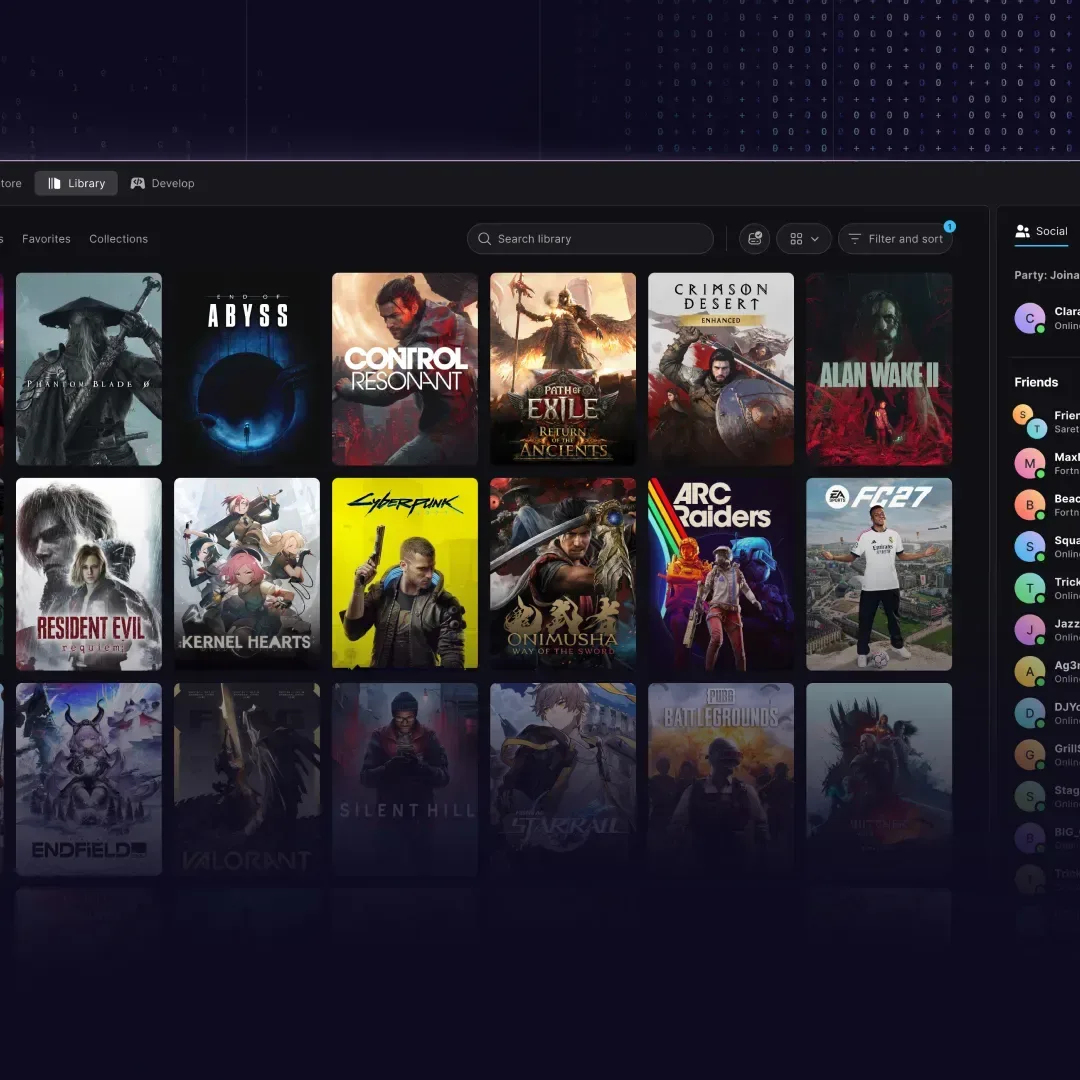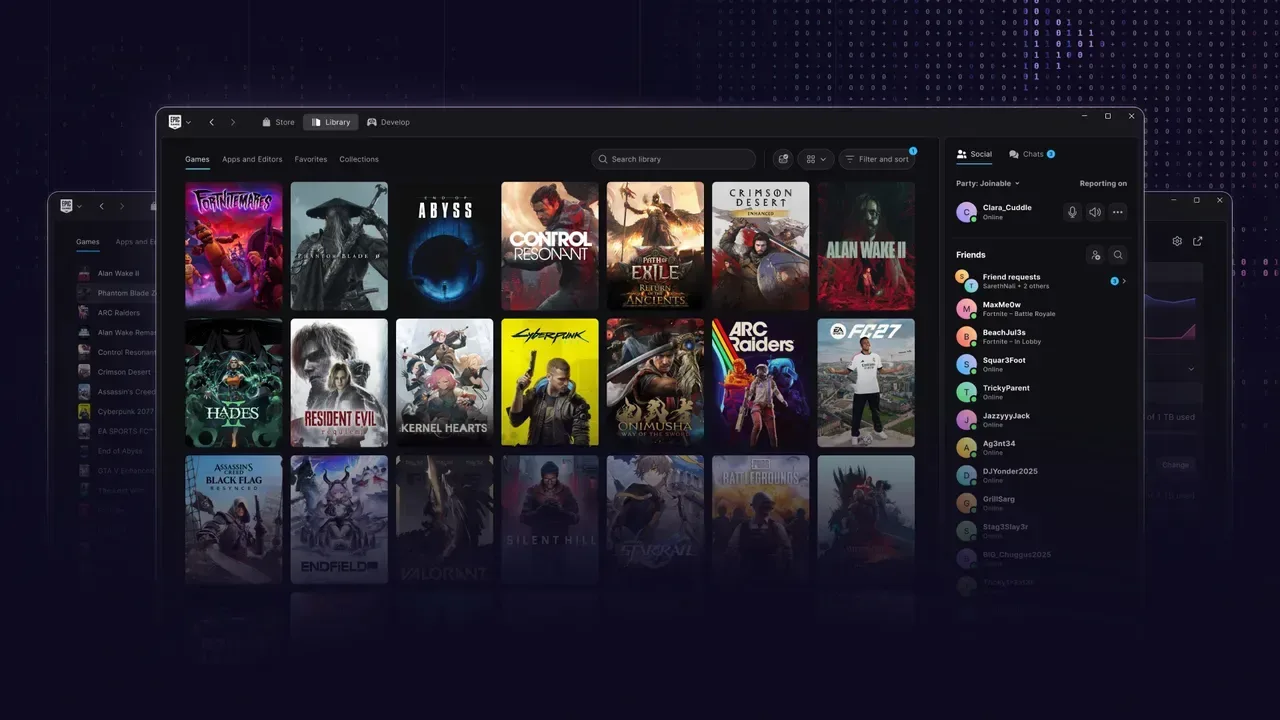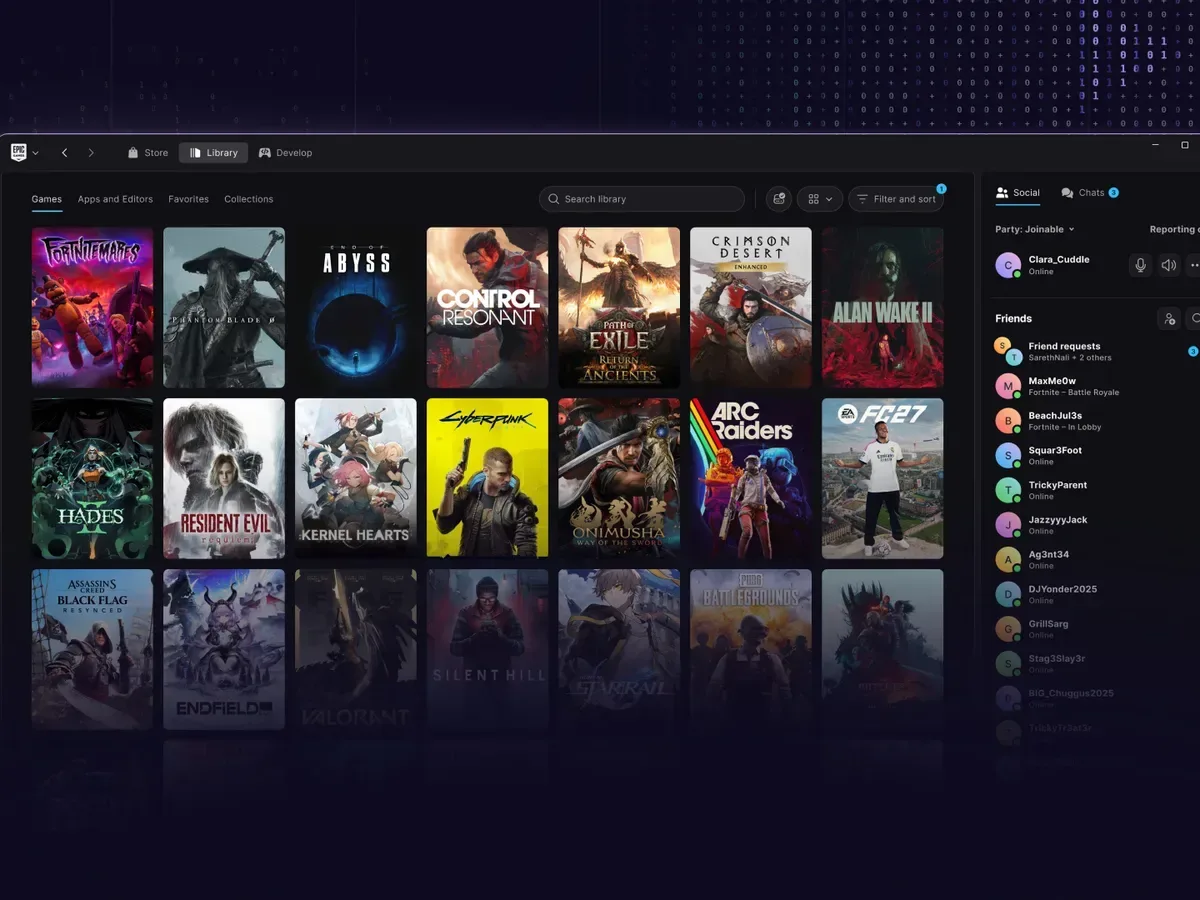
Epic has released a preview of a rebuilt Epic Games Launcher, putting performance—not an enormous checklist of new store features—at the center of its first public phase. The early version includes the fundamentals: the store, a game library, social panels and an Unreal-focused developer page. But Epic is also clear that the preview is still light on features, which makes this less a finished replacement story than a look at the technical foundation it wants to build on.
The headline claim is striking: Epic says the library loads 30 times faster than it did in the prior launcher. It also says a cold launch takes 5.47 seconds, a result it characterizes as 46% faster than Steam, while reopening from the system tray takes 0.36 seconds, which it describes as 14% faster. Those comparisons should be read as vendor-provided results rather than a universal verdict on every PC. Hardware, operating-system state, installed software and the size of a player’s library can all affect what a person sees in practice. Still, a major reduction in library wait time is an immediately understandable goal for a launcher that players open repeatedly.
A rewrite rather than a cosmetic refresh
The new launcher is described as a complete rebuild, including the application shell, download manager, library, store architecture, discovery tools and product-detail pages. In software terms, the shell is the surrounding application framework a user interacts with—the navigation, windows and foundational services that hold the launcher together. Rebuilding it is a much deeper change than merely restyling menus or rearranging buttons.
That matters because launcher friction tends to compound. A few seconds spent waiting for an app to appear, then more time for a library to populate, can turn a simple “what should I play?” moment into a small nuisance. The claimed speed gains address that basic loop directly. Epic also says the application has a 300MB footprint, an effort intended to keep it suitable for a broad range of player hardware.
A smaller footprint does not automatically tell players everything about memory consumption, download demands or in-game performance. It is, however, a useful indicator of the design goal: make the launcher less demanding as a desktop application in its own right. For a storefront client that may run in the background while games download or update, that objective has practical value even if the exact benefits will differ from machine to machine.
What is in the preview now
Epic has not presented the preview as feature-complete. The available version supplies the essential destinations most users expect from a PC game launcher:
- Store access for browsing games and product pages.
- A library for reaching owned titles.
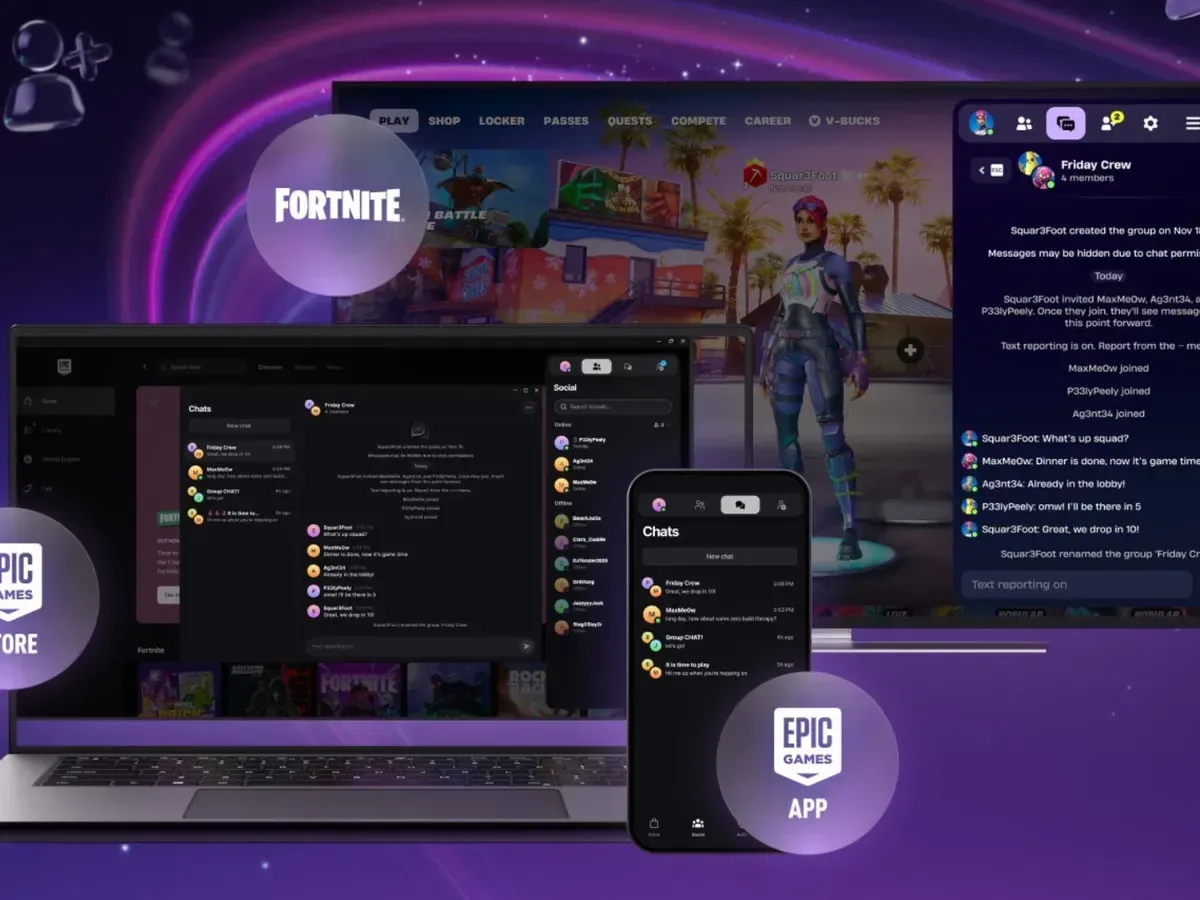
- Social panels for player-facing connections.
- An Unreal developer page for the company’s engine-focused audience.
There are also quality-of-life changes. Players can adjust the top bar so tabs appear in their preferred order, and library filtering supports a variety of categories. These sound like modest additions beside the performance statistics, but they solve a different problem: organization. A fast library is more useful when it is also easier to narrow down.
That distinction is worth making. Performance concerns how quickly the launcher responds. Customization concerns whether its interface matches the way an individual uses it. Filtering is a library-management tool that helps users reduce a larger collection into a more relevant set. The preview aims at all three, but speed is plainly the lead priority for this stage.
Related coverage includes Epic Games Launcher Preview Promises 30x Faster Library Loading.
Linux is the consequential platform addition
The rebuilt launcher supports Windows, macOS and, for the first time, Linux. The Linux support carries an important longer-term implication: Epic says Fortnite is planned for Linux through the Epic Games Launcher, but it is not available there yet.
The remaining obstacle is Easy Anti-Cheat, which Epic says must be rebuilt for the platform and work with a critical mass of Linux distribution maintainers before Fortnite arrives. Anti-cheat software is designed to help identify or prevent cheating in online games; it is particularly significant for a large multiplayer game because the technical and security expectations need to work across the supported ecosystem. A Linux distribution, often shortened to “distro,” is a version of the Linux operating system assembled and maintained by a particular project or organization.
In other words, launcher availability and game availability are related but separate milestones. The client can support Linux before every game tied to that client is ready for Linux play. Fortnite’s path depends on the anti-cheat work rather than simply flipping on a store listing. Players should therefore treat the platform news as progress toward Fortnite support, not confirmation that it is already playable through this preview.
The cross-platform direction also sharpens the value of a restrained footprint. Supporting a wider spread of PCs and operating systems creates more variation in hardware and software environments. Epic’s stated emphasis on a lightweight application appears designed to accommodate that range rather than assume every player has the same setup.
AI-assisted development is part of the story, not the entire story
Epic says the launcher was built using AI and “vibe coding.” The phrase can sound vague, so it helps to separate the label from the visible product claims. In this context, the meaningful, observable points are that Epic has rebuilt major launcher systems and is now measuring the result in startup, reopening and library-loading speed. The methodology is part of the development story; the preview’s responsiveness, platform coverage and eventual feature support are what players will ultimately evaluate.
For more context on the terminology and why it has become a talking point, see this explanation of Epic’s AI-assisted “vibe coding” approach.
The more useful question for users is not whether a particular development tool was involved, but whether the rewrite proves durable: does the app remain quick as libraries grow, can it receive the missing features without becoming bloated, and does it make browsing, downloading and finding games less cumbersome? The preview does not yet settle those questions. It establishes the starting point from which Epic intends to answer them.
Discovery is the next major challenge
Epic’s next stated focus is game discovery: helping players find titles relevant to them, improving how games are surfaced and making recommendations easier to share socially. This is a different task from optimizing load times. A launcher can be fast but still leave users facing an overwhelming catalog or a library full of games they struggle to revisit.
Game discovery is the process by which a store or library helps someone encounter a game they may want to play or buy. Merchandising, in this digital-store context, means how games are organized and presented to make them visible—such as placement, categories and recommendation surfaces. Epic’s plan is to make those systems more relevant to individual players and more social, rather than treating visibility as a one-size-fits-all storefront layout.
That ambition brings an obvious balance to manage. Personalization can make a large catalog easier to navigate, while social recommendations can provide a direct signal from friends. But the current preview is not being framed as the finished discovery solution. Its clearer immediate achievement is infrastructural: a reworked client designed to open, reopen and load libraries much faster than before.
What players should take from the preview
For existing Epic users, the strongest practical promise is fewer delays between launching the client and reaching a game. Players with expansive libraries may be especially interested in the claim of a 30x faster load, while those who frequently minimize the launcher may notice the tray-reopen target more than cold-start timing. The configurable top bar and category filters add useful control without pretending to be a wholesale reinvention of game-library management.
For Linux users, the preview marks a broader platform commitment, coupled with a necessary warning: Fortnite support remains future-facing until Easy Anti-Cheat has been rebuilt and its Linux deployment requirements are met. For everyone else, the early-build label remains important. Core areas are present, but Epic says it is still at an early point and plans further work around discovery and social sharing.
The rebuild therefore has a sensible, if unglamorous, first objective. Before a launcher can persuade people with recommendations or storefront presentation, it has to avoid wasting their time. Epic is betting that speed, a smaller application footprint and broader operating-system support provide the right base for the rest of its roadmap. The preview gives that bet a set of specific performance claims; the next updates will show how much of the broader experience can be added while preserving that responsiveness.