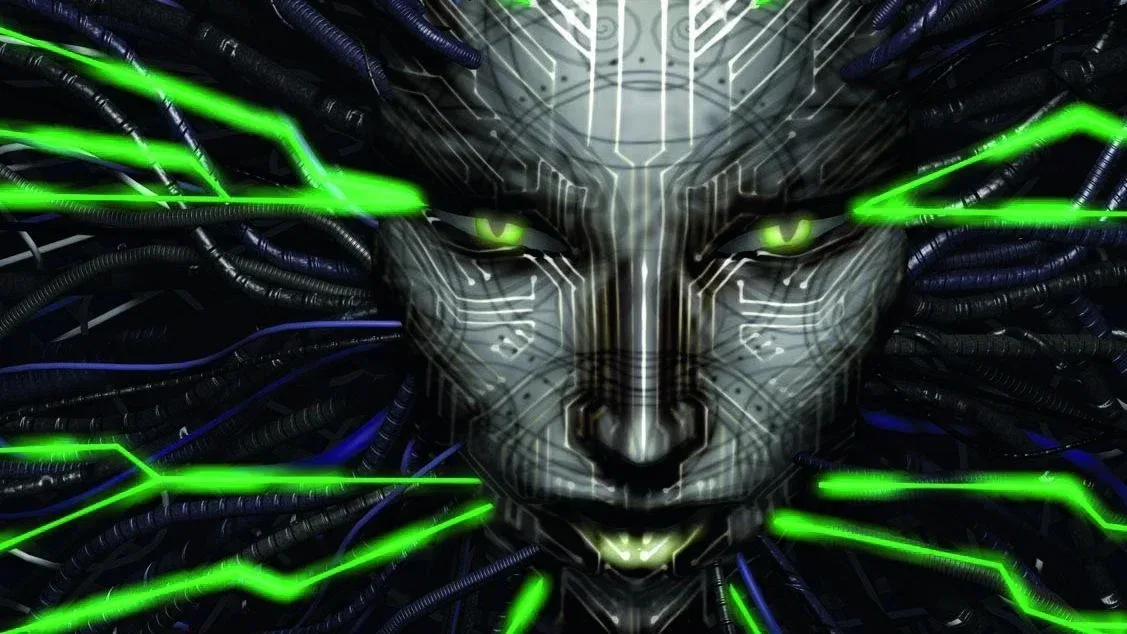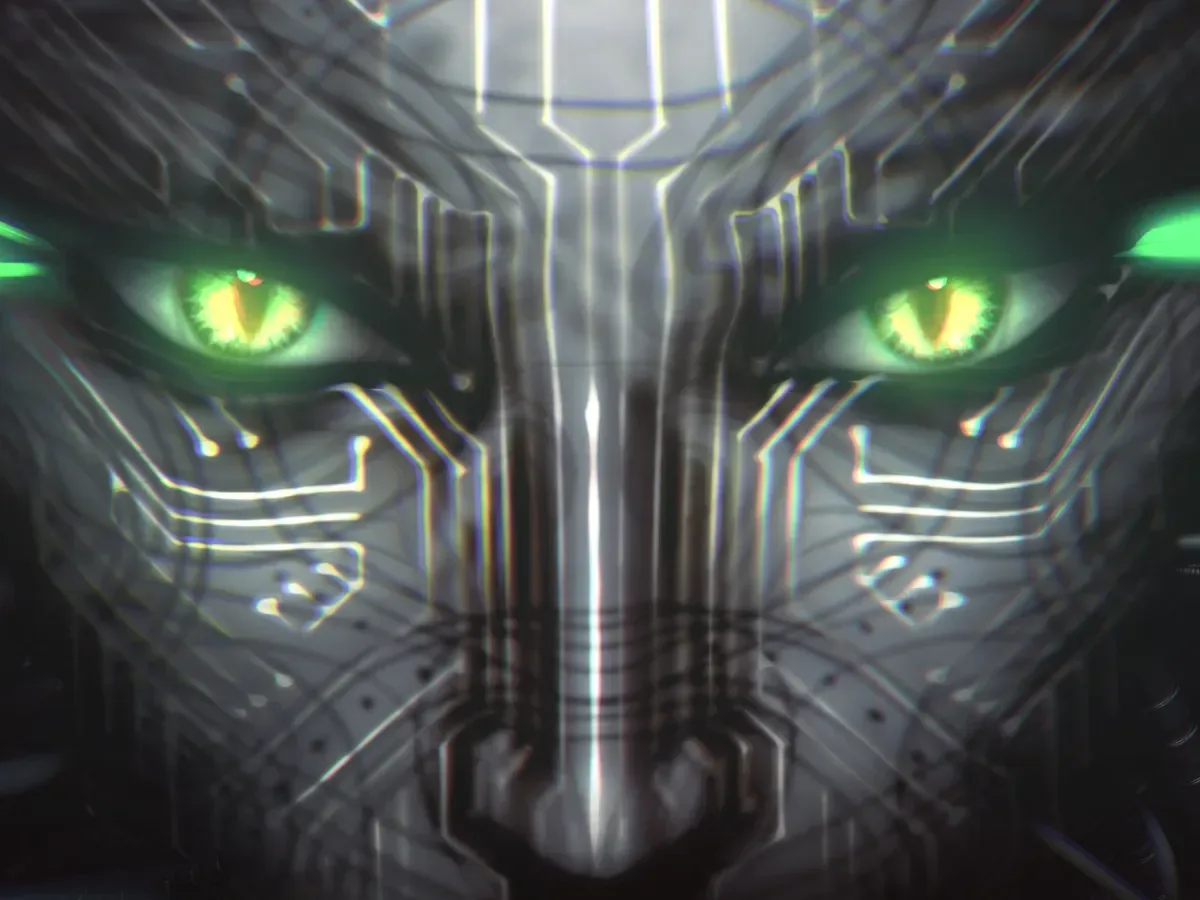
System Shock 2: 25th Anniversary Remaster is currently free to claim through the Epic Games Store, where it is offered alongside the Korean narrative adventure Buried Stars. For anyone curious about a landmark PC role-playing game with a direct legacy behind the later BioShock series, that makes for an unusually low-risk invitation to step aboard its unnerving sci-fi setting.
The remaster’s notable quality-of-life addition is controller support. That may sound like a small bullet point beside visual and technical reworking, but it meaningfully changes how some people can approach a game originally made for PC alone. The original release had no controller support, so keyboard-and-mouse play is not a fallback or compromise; it is the input method the game was designed around.
At the same time, a controller option can be valuable for players who prefer analogue sticks, want to play from the sofa, or simply find a familiar pad more comfortable for longer sessions. The important part is that the remaster supplies an alternative rather than declaring one control scheme the universal winner.
What the free offer includes
The title available through Epic is System Shock 2: 25th Anniversary Remaster, a reworked edition of the classic RPG. The offer is described as currently available, but no end date is supplied here, so anyone interested should check the Epic Games Store listing directly before assuming it will remain claimable.
Its controller compatibility is one of the remaster’s specific upgrades. Reports also indicate that parts of the tutorial were rewritten around that support. That detail matters because controller integration is not merely a matter of recognizing a connected gamepad. A game’s prompts, introductory instructions and expected actions need to communicate clearly with the buttons players actually have in their hands.
In practical terms, that means newcomers choosing a controller should have a more intentional starting point than they would in the original PC-only release. It does not mean every player should abandon mouse and keyboard. Rather, it means the remaster can meet players where they are.
Mouse and keyboard still fit the game naturally
There is no need to buy hardware just to claim or play this release. If a PC already has a mouse and keyboard, it has the core setup that matches the game’s original design. That is particularly relevant to a role-playing game with menus and interface interactions, where a mouse can provide a direct way to select what is on screen.
Keyboard-and-mouse controls also avoid any uncertainty around device compatibility and remapping. Players can install the game, start it and learn its systems without first connecting a pad, changing settings or deciding how buttons should be assigned. For someone returning to the game in the style they remember—or for a newcomer who generally plays PC games at a desk—that simplicity is a genuine benefit.
Related coverage includes System Shock 2: 25th Anniversary Remaster Is Free on Epic, With Controller Support Giving the Classic a New Option.
The remaster’s controller work should therefore be seen as an accessibility and preference feature, not an argument that the original control style is obsolete. Choice is the upgrade.
What controller support changes—and what it does not
Controller support means the game can accept input from a gamepad instead of relying exclusively on a keyboard and mouse. In this case, it opens the door to a more console-like control arrangement: sticks can handle movement and camera control, while face buttons, triggers and shoulder buttons can be assigned to actions.
That does not automatically guarantee that every controller will behave identically. Layouts differ, platform modes differ, and a game can have more commands than a player immediately knows where to place. The relevant consideration is not whether a controller looks suitably retro; it is whether it is recognized reliably and has a layout that feels workable for the player.
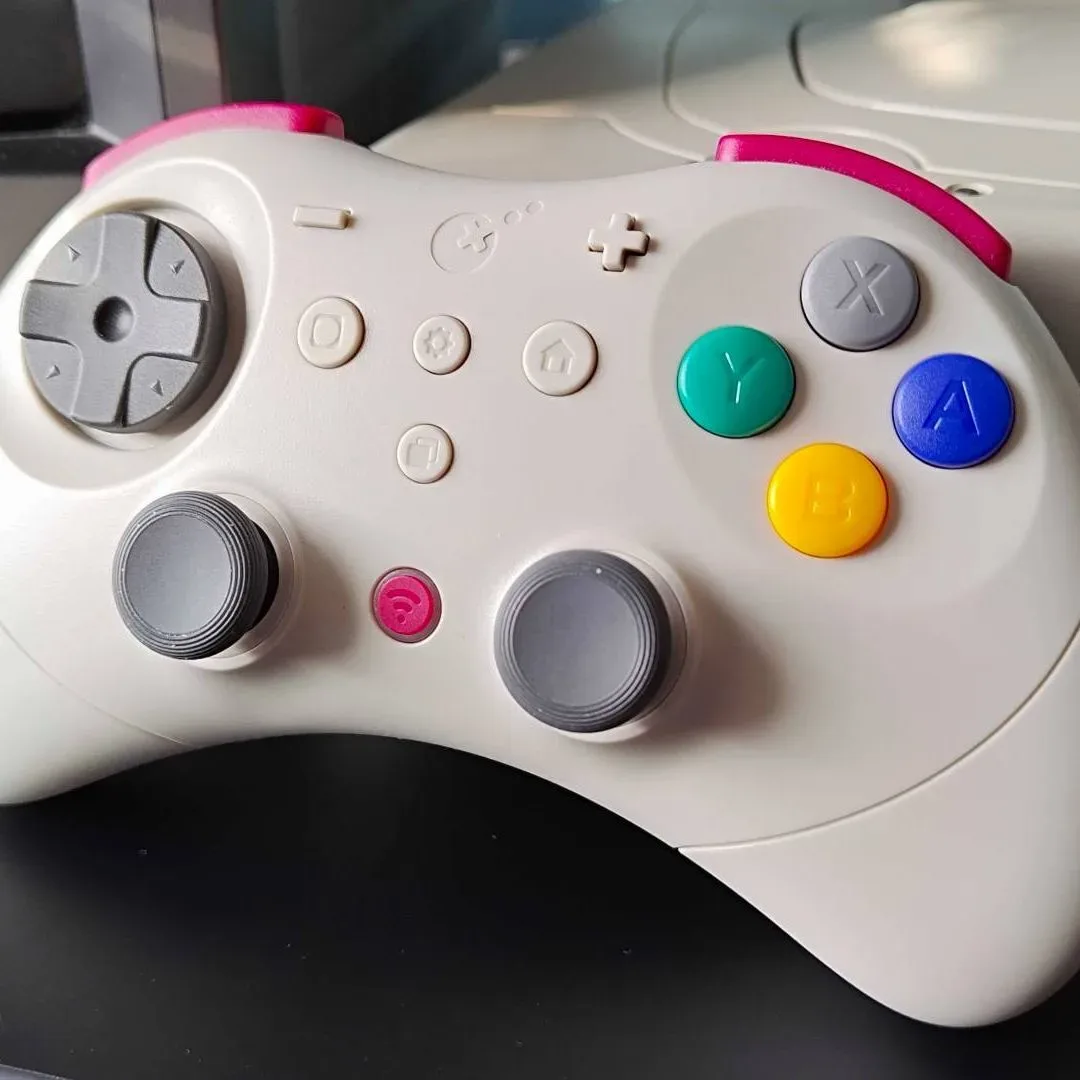
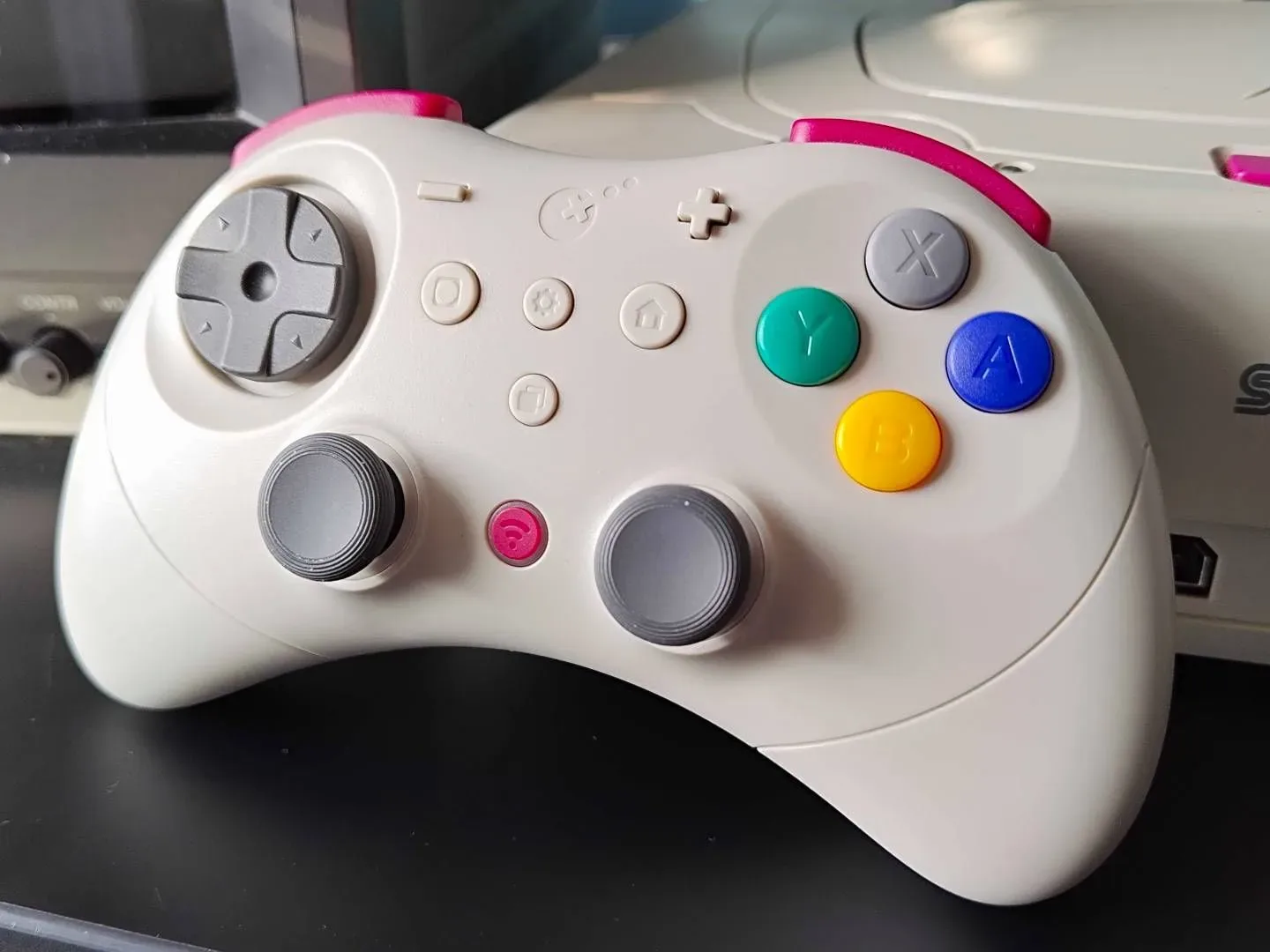
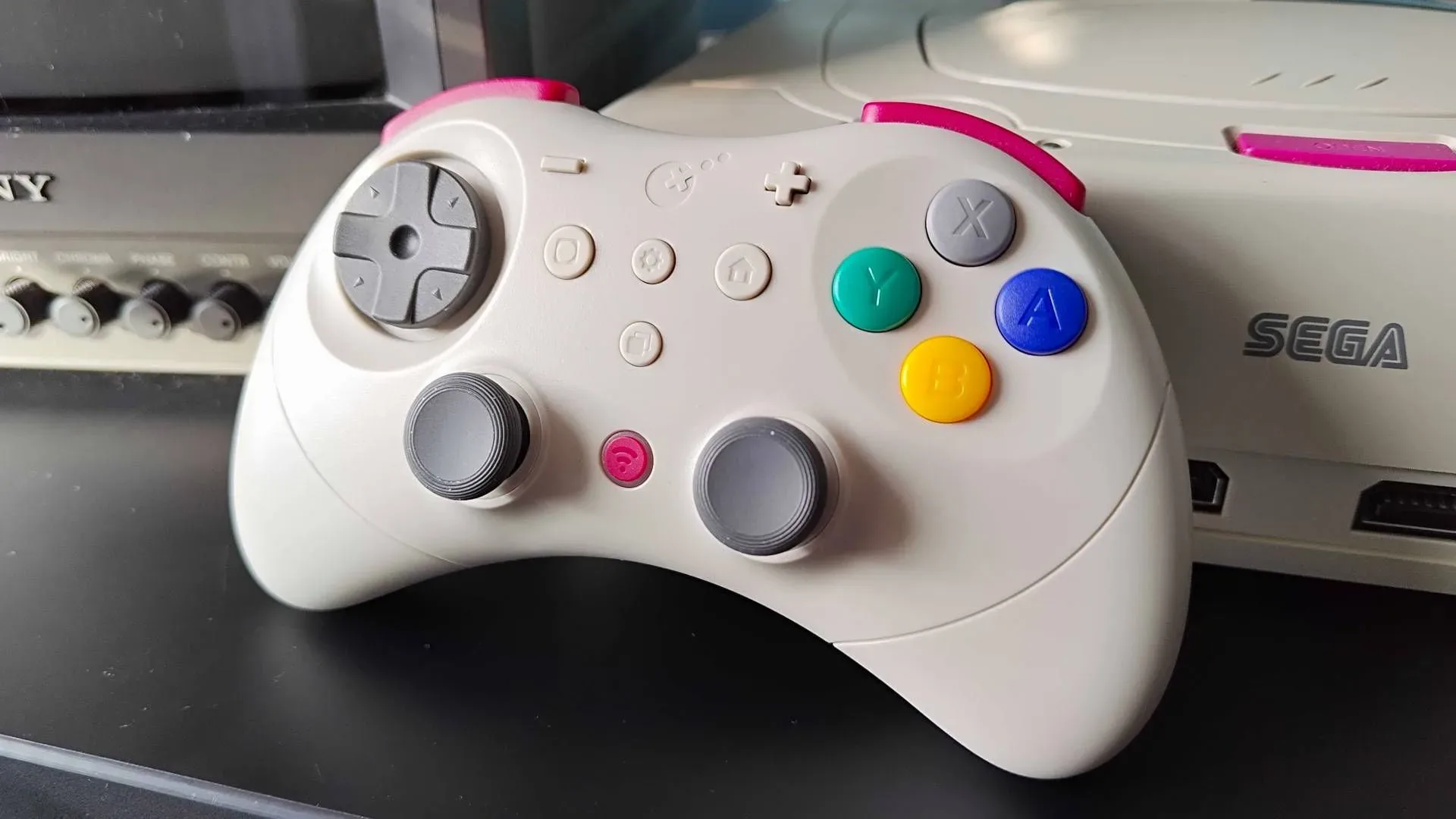
One controller mentioned in connection with the remaster is the GuliKit Elves 2 Pro. It has the expected face buttons and triggers, and it is designed with compatibility across PC, Switch and phones in mind. Its appeal is primarily its retro-inspired design and broader device use, rather than specialist competitive features.
It is not presented as a high-end competitive controller: features such as 8K polling, customization and modularity are not part of its proposition. Polling, in this context, refers to how often a controller reports its input to the connected device. Very high polling specifications can be a concern for players chasing responsiveness in demanding online competition, but that is a separate priority from finding a comfortable pad for a single-player classic RPG.
Similarly, modularity generally means physical parts or layouts can be changed or swapped. That can be useful for enthusiasts with very particular needs, but it is not inherently necessary to play a remaster that now supports a standard controller.
Key mapping may be the deciding detail
Players considering the Elves 2 Pro should be prepared for possible key mapping. Key mapping, also called remapping, is the process of assigning in-game commands to specific controller buttons. It can be as simple as moving an action to a button that feels more natural, or it can be needed when a game and controller do not immediately agree on the preferred layout.
That is not a reason to avoid the controller outright, but it is a sensible expectation to set before purchasing any pad specifically for this game. A buyer who wants plug-and-play convenience should investigate their existing hardware first. A buyer happy to adjust a few bindings has more flexibility, particularly with a controller designed to work across several device types.
It is also worth separating “compatible” from “ideal.” A controller may connect to a PC and work with the game, while the player may still prefer a different shape, button feel or placement of sticks and triggers. The best choice is personal, and a retro look alone will not answer that question.
Should you buy a retro-style controller for one free game?
Probably not for one game alone. The free claim removes the software cost, but it does not turn a controller purchase into a necessity. Anyone comfortable with mouse and keyboard can play in the game’s original PC tradition without spending anything further.
A retro-style controller becomes more reasonable when it has a role beyond System Shock 2. The GuliKit Elves 2 Pro’s PC, Switch and phone compatibility makes that broader-use question more relevant than its appearance. If it would be used across devices and games, its value proposition is stronger. If it would sit in a drawer after one playthrough, existing hardware is likely the better answer.
It is also wise not to confuse a retro controller with the specific older controller someone may have used years ago. Older-console-inspired products often borrow familiar shapes and visual cues, but modern compatibility is a separate concern. The present appeal is not historical accuracy; it is the chance to combine a nostalgic aesthetic with current device support.
Players shopping during the current seasonal promotions can also keep an eye on wider hardware offers. Our guide to Prime Day retro gaming deals across classic-inspired gear offers additional context for anyone weighing a controller against other retro-focused purchases.
A practical way to choose an input method
For a straightforward decision, start with what is already available:
- Use mouse and keyboard if that is your normal PC setup, if you prefer direct menu interaction, or if you do not want to configure controls.
- Use an existing controller if you already enjoy gamepad play and want to see how the remaster’s new support feels before buying anything.
- Consider a new controller only if it will serve several games or devices, not solely this free claim.
- Expect to check mappings when using a controller such as the Elves 2 Pro, especially if the default layout does not immediately suit you.
That approach keeps the focus where it belongs: on getting into System Shock 2: 25th Anniversary Remaster in a way that is comfortable, rather than treating extra hardware as an entry fee. The new controller option is welcome precisely because it expands the choices around a classic that originally had only one way to be played.
Shop the products
Check current price, model and availability at the retailer.