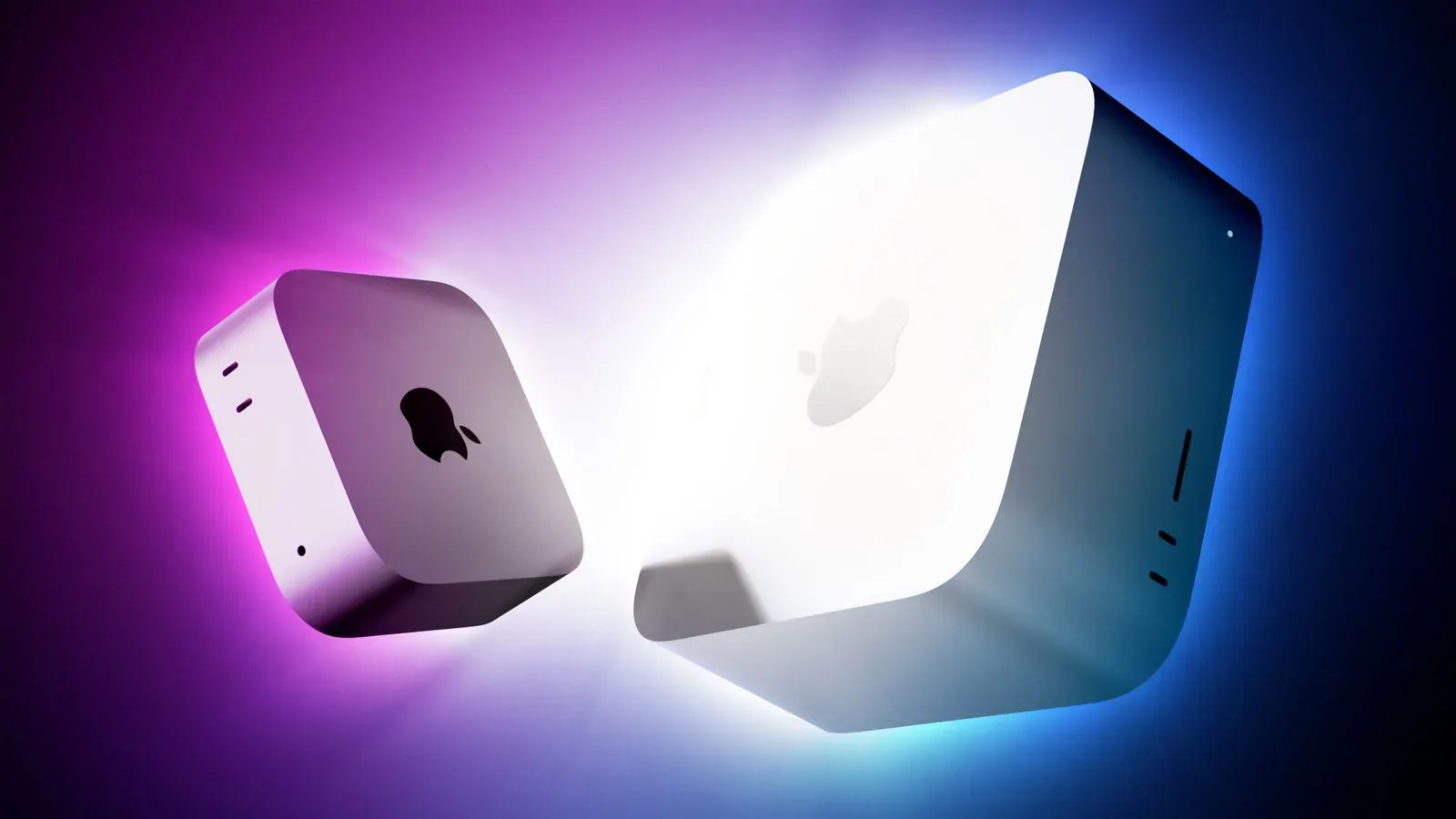
Apple’s incoming Mac hardware has received an early graphics-performance preview through Geekbench 7 results for the M5 Ultra and M6 chips. The numbers are preliminary, but they suggest substantial gains in Apple’s own Metal graphics test ahead of new Mac Studio and Mac mini models scheduled to launch Tuesday.
The standout is the M5 Ultra. A result as high as 366,744 in Geekbench 7’s Metal test has surfaced, versus an average 230,420 for the prior M3 Ultra. That is a gain of up to 59% when those reported figures are compared. The M6’s leading reported Metal score is 93,217, compared with an average M5 result of 69,563—an increase of up to 34%.
There is also an early OpenCL comparison for the M5 Ultra: its score is said to be roughly in line with NVIDIA’s GeForce RTX 4080. That is an attention-grabbing point of reference, but it should be read narrowly. It describes a result in one benchmark API, not a universal declaration that two very different systems will perform identically in every game, creative application, or compute workload.
What these benchmark results actually measure
A GPU benchmark is a repeatable workload designed to measure how quickly a graphics processor completes particular tasks. Geekbench reports a score rather than a directly useful unit such as frames per second. Higher is better within the same test, but the score is best treated as a comparative signal, not as a promise of a fixed real-world result.
Metal is Apple’s graphics and compute API. Put simply, it is the layer software can use to ask Apple hardware to perform graphics-related and parallel-computing work. A strong Metal result is most directly relevant to apps and games built to use Metal well. It is therefore meaningful evidence about potential performance on Apple’s platform, while still leaving crucial questions about individual software unanswered.
OpenCL is another framework for running compute tasks on graphics hardware. It can be useful for comparison, but it does not erase the importance of software optimization, drivers, memory behavior, graphics settings, resolution, and the workload itself. A chip that looks excellent in OpenCL can be more or less impressive in a particular Metal application; the reverse can also be true.
The figures also compare different kinds of reference points. The M5 Ultra result is a top score so far, while the M3 Ultra figure is described as an average. Likewise, the M6’s leading score is being compared with an M5 average. That framing can be helpful for spotting the size of the apparent generational jump, but it is not equivalent to a controlled, like-for-like test of two retail machines configured the same way.
The M5 Ultra’s number is the bigger story
At 366,744 in Metal, the M5 Ultra’s early result is the most consequential of the two because it points to more graphics headroom in the Mac Studio class. The M3 Ultra average of 230,420 establishes the scale of the reported difference: 136,324 points separate the stated numbers.
For people considering a high-end desktop Mac, graphics headroom matters because demanding work rarely arrives in a neat, benchmark-shaped package. A system can be asked to display high-resolution visual material, apply effects, render scenes, process images, or accelerate other tasks that can use many GPU cores at once. The benchmark does not tell buyers how every one of those jobs will behave, but a large Metal uplift is a reason to expect that software with effective GPU acceleration could benefit.
That distinction—could, rather than will—is essential. A workload bottlenecked by the CPU, storage, system memory, or a poorly optimized app may see a much smaller improvement than a GPU-focused test suggests. Conversely, software that has been carefully designed around Metal can be positioned to make better use of the additional graphics capability.
The RTX 4080 comparison needs the same discipline. “Roughly in line” in OpenCL gives readers a familiar performance landmark, particularly for graphics and compute conversations that often use NVIDIA hardware as a reference. It does not establish parity in a given title, and it cannot answer the practical questions gamers tend to ask first: which games run on the platform, what settings are available, whether a title is native, and what frame rates result at a chosen resolution.
M6 points to a notable step in the smaller system
The early M6 Metal score of 93,217 indicates a potential 34% rise over the reported M5 average of 69,563. That gap is smaller than the M5 Ultra’s reported leap over M3 Ultra, but it is still a material change in a generational benchmark comparison.
The M6 is associated here with the incoming Mac mini models, while the M5 Ultra is tied to the new Mac Studio line. That makes the two results useful for understanding Apple’s likely product separation. One number signals the ceiling being pursued in the more powerful desktop family; the other suggests that the smaller desktop is not being left behind on graphics progress.
It would be premature, however, to turn this into a buying verdict. The supplied results do not establish the specific configurations behind each score, sustained performance over long sessions, or behavior in named software. They also do not provide prices, memory configurations, power characteristics, or game-by-game testing. Those omissions are not minor details: they are the details that determine whether a benchmark advantage becomes the right purchase for a particular person.
Why gamers should care, with caveats
For gaming, a stronger GPU can matter for image quality, resolution, effects, and frame rate—provided the game and platform support make use of it. Metal performance is particularly relevant to games and engines targeting Apple devices, and GPU gains may help when a title’s visual settings place more work on the graphics processor.
But benchmark leadership is only one part of the gaming equation. Game availability, native support, translation layers, engine optimization, and update quality all influence the experience as much as raw silicon. A score cannot tell a player whether a particular release will arrive on macOS, whether it will run well, or whether post-launch patches will change performance.
That broader software question remains visible whenever graphical upgrades become a talking point. Recent discussion around new lighting in World of Warcraft: Forever is a reminder that a visual upgrade is ultimately experienced through a specific game and its implementation, not through a synthetic score alone.
For Mac owners who already play supported games, the early M5 Ultra and M6 results provide a reason to watch for independent title-by-title testing after the new machines arrive. The useful follow-up questions will be concrete: how a game performs before and after an update, what visual compromises are needed, and whether higher graphics capacity changes a playably demanding scenario into a consistently smooth one.
How to read the early data without overreading it
- Compare the same test first. Metal-to-Metal comparisons are the cleanest reading of the reported Apple-chip gains.
- Separate peak scores from averages. The reported percentages use a top early result against prior average results, which is informative but not a full retail performance survey.
- Do not convert Geekbench points directly into frame rates. There is no reliable universal formula for doing so.
- Keep API context intact. A Metal score and an OpenCL score each describe performance in their respective tests; they are not interchangeable measurements.
- Wait for application-specific evidence. Real-world performance varies, especially across different games and professional workflows.
The strongest supported takeaway is straightforward: Apple’s first visible M5 Ultra and M6 GPU benchmark results point upward, with the M5 Ultra showing the larger reported Metal jump and an OpenCL result roughly aligned with an RTX 4080 reference point. The new Mac Studio and Mac mini models will provide the next opportunity to see whether those early synthetic gains carry over consistently into the software people actually use.