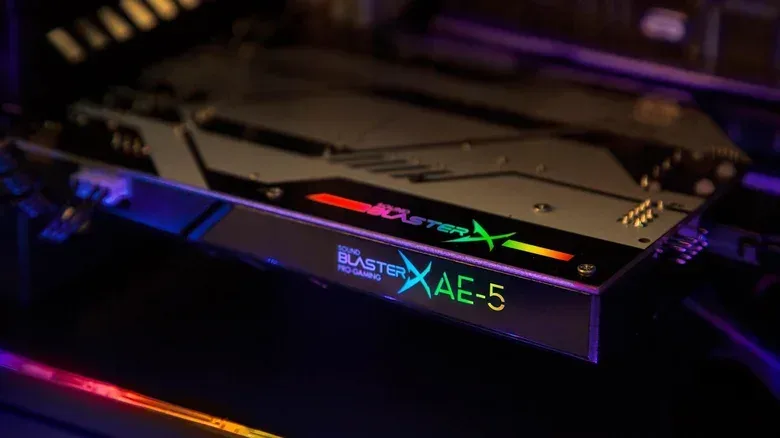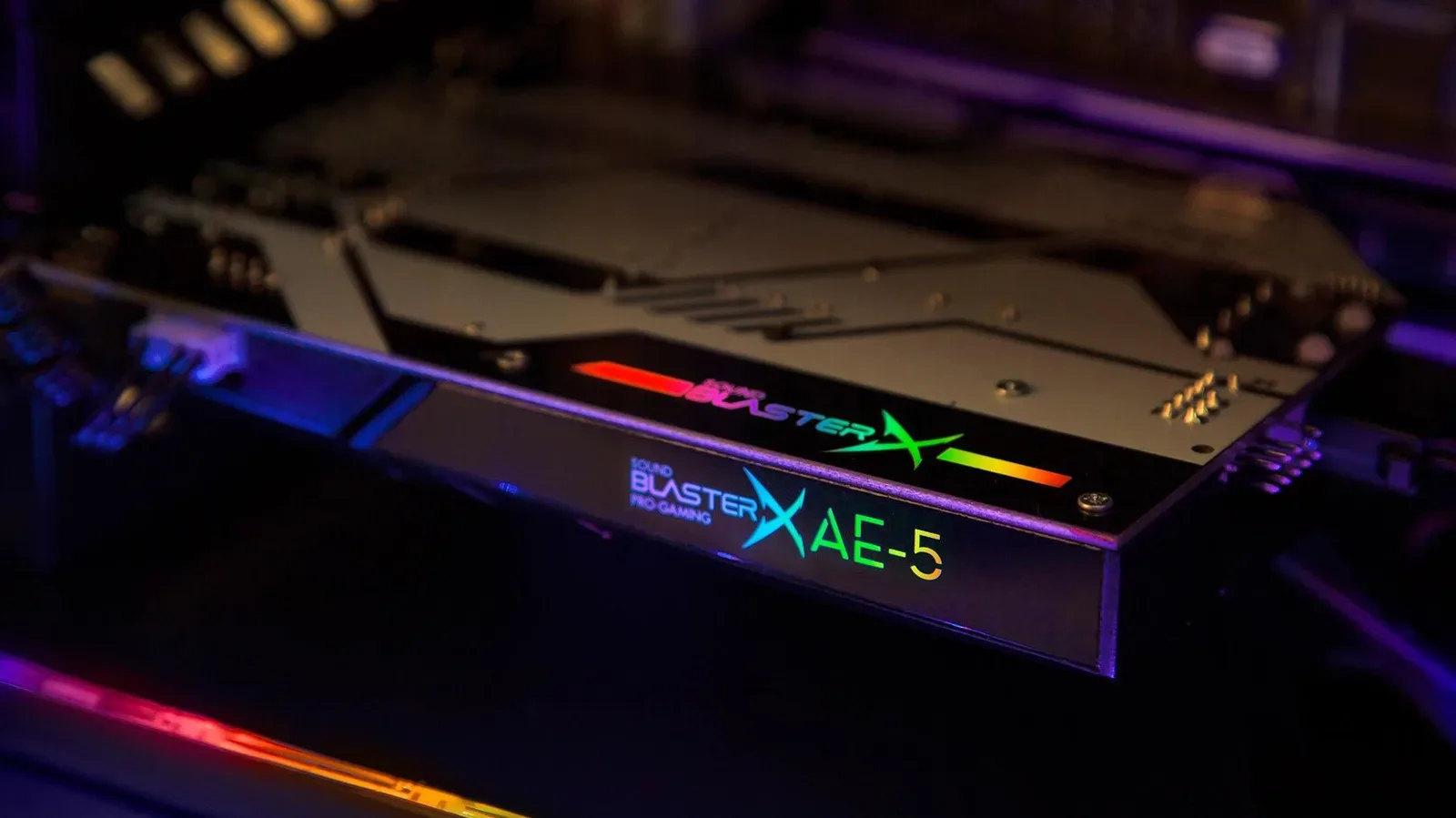
There was a time when adding sound to a PC meant giving it a whole expansion card devoted to the job. In the 1980s and 1990s, that made sense: a gamer or musician who wanted more than electronic chirps had a very practical reason to install dedicated audio hardware.
For a modern gaming PC, the calculation is dramatically different. Motherboards commonly include audio processing, input and output support, and the codecs needed to get sound to headphones, speakers or other devices. A dedicated sound card is still an option, but it is no longer the automatic “my rig needs one more card” purchase. For most people playing games, watching video, listening to music, or joining voice chat, the sensible answer is to use the audio already built into the system.
That does not mean separate audio hardware has become meaningless. It means buyers should start with the actual problem they need to solve. A professional recording setup, high-impedance headphones, a recurring need to connect instruments and microphones, or a desire for physical controls on a desk can justify an upgrade. Simply seeing “Realtek Audio” in Windows Device Manager is not, on its own, an emergency that requires shopping.
The short answer for PC players
If your current headphones or speakers work well and you are happy with the sound, a dedicated sound card is unlikely to be the upgrade that transforms your games. Today’s integrated audio is designed around the basic reality that a Windows, Mac, or Linux computer is expected to play music, games and video immediately.
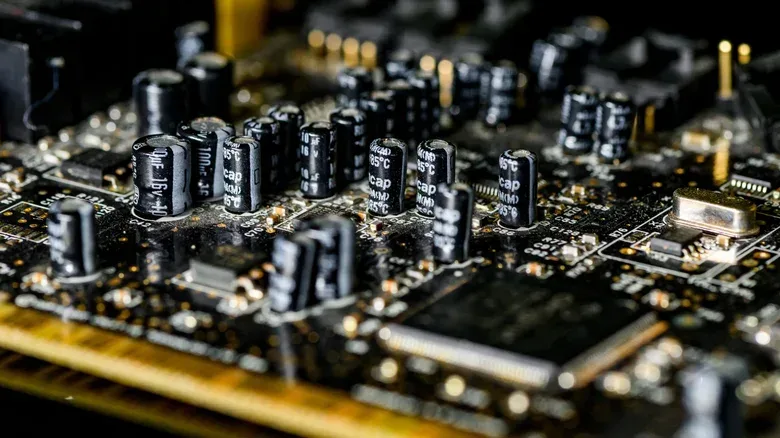
That shift matters because the motherboard has absorbed tasks that formerly required a separate card. Audio inputs, 3.5mm speaker connections and audio processing are now commonly part of the system board. Realtek is a frequent name on Windows PCs, although it is not the only company making the relevant chips.
Gaming’s audio ambitions have certainly grown. Modern media can be mixed for spatial formats such as Dolby Atmos, which place audio objects in a three-dimensional sound field. Lossless music and movie audio are also increasingly part of the conversation. Neither trend automatically means an internal sound card is required, however. With suitable headphones or speakers, a PC’s built-in equipment can usually deliver spatial or lossless playback.
In other words: the game can still make a dragon sound like it is swooping in from above without you opening the case and making room beside the graphics card. Your GPU has enough roommates already.
Why the bandwidth argument is not a reason to buy a card
It is easy to see phrases such as “24-bit,” “192kHz,” “Dolby Atmos,” and “lossless” and conclude that conventional PC connections must be overwhelmed. The supplied figures point the other way. A 24-bit, 192kHz Dolby Atmos stream using Dolby TrueHD lossless is described as taking roughly 18 Mbps. USB 3.0 is capable of 5 Gbps, leaving enormous theoretical headroom compared with that stream.
Related coverage includes Do You Still Need a Sound Card for Your PC?.
That does not mean every device, cable, speaker system and software setting will behave identically. It does show why bandwidth alone is not a compelling case for an internal sound card. High-quality audio can travel over USB 3.x, HDMI, DisplayPort or Wi-Fi. Bluetooth is another route when compression and some latency are acceptable.
A plain-English decoder for the terminology
- Lossless audio: audio delivered without the data reduction associated with lossy compression. The important practical point is that modern PC connections can carry high-quality lossless audio.
- Spatial audio: audio designed to place sounds around a listener in a three-dimensional space. Dolby Atmos is one example of a format used for this approach.
- Codec: the hardware or software component involved in processing audio formats for input or output.
- High impedance: a headphone characteristic that can require more amplifier power. Some high-impedance models can benefit from a separate headphone amplifier.
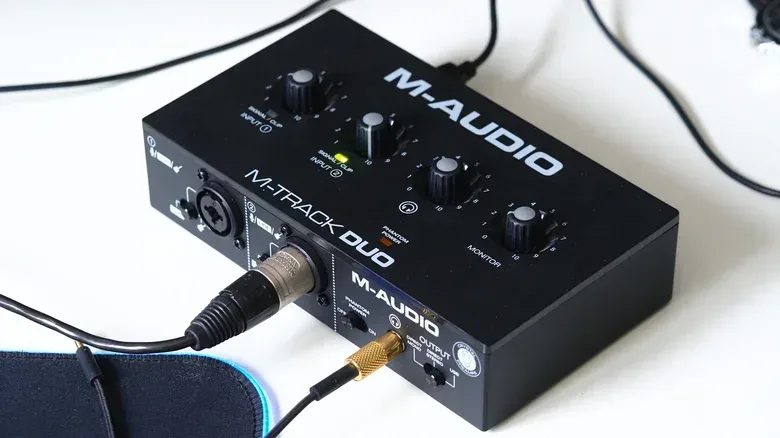
- Audio interface: external hardware built around connecting and controlling audio equipment, often including microphone and instrument inputs, physical knobs and higher-fidelity capabilities for production work.
The distinction is useful because these terms describe different parts of the experience. Spatial and lossless support are not proof that a motherboard’s audio is inadequate. High-impedance headphones, meanwhile, describe a possible power need at the headphone output. An audio interface is primarily about a broader workflow: connections, controls and recording-oriented use.
Why external audio hardware often makes more sense than an internal card
The PC case is a crowded, electrically busy place. A desktop can already contain a large graphics card and its cooling hardware, and every additional card consumes space, may affect airflow and adds to power use. On laptops and handheld PCs, the physical case for extra internal hardware is even weaker because space is already at a premium.
There is also a practical reason professional audio equipment tends to live on the desk instead of inside the tower. Components around a PC can introduce signal interference. Internal sound cards can be shielded, and such cards remain available, but keeping dedicated audio gear outside the case can reduce that concern while putting its controls within easy reach.
An external setup also changes the ergonomics, not merely the signal path. If someone regularly connects microphones, pedals, guitars or keyboards, having those connections and their knobs accessible is a far more direct solution than treating the rear of a PC case as a tiny recording studio. It also avoids building a workflow around reaching behind a tower whenever a level needs adjustment.
That principle applies beyond musicians. A headphone amplifier or external audio add-on can make it easier to move a prized pair of headphones between devices. Rather than tying the listening setup to one internal slot, the user can potentially switch devices in seconds.
The two cases where an upgrade is easier to justify
1. You are doing serious audio production
Regularly recording or working with microphones, instruments, pedals, keyboards and other audio gear is the clearest reason to consider dedicated equipment. Professional audio interfaces can offer higher fidelity than integrated chips, which may matter in production and mastering. They also provide the useful, visible inputs and controls that a recurring creative workflow demands.
This is not a question of whether a game’s soundtrack will play. It is a question of whether the computer needs to function as a hub for multiple live audio sources, with convenient physical access and a lower risk of the interference that can arise inside a PC. For that job, an external interface is a purpose-built tool rather than a luxury accessory.
2. Your headphones need more power
The other notable scenario is headphone amplification. Some high-impedance headphones may need more power than a motherboard can provide. A dedicated amplifier can therefore be relevant to listeners who need that extra capability or who want the precision those headphones can offer.
The word may is important. Owning headphones and wanting better sound are not enough information to declare a sound card mandatory. The supplied hardware, the headphones’ requirements and the listener’s goals all matter. But this is a real use case where an external add-on can address a specific limitation rather than chase a vague promise of “better audio.”
A practical buying checklist before spending anything
- Identify the output you already use. Are you connecting through USB, HDMI, DisplayPort, wireless audio, a 3.5mm jack, or something else? Modern digital connections can already carry high-quality audio.
- Separate playback from production. Games, films and music playback have different needs from recording microphones and instruments. Do not buy recording-focused gear solely because a game supports spatial audio.
- Check whether headphones are the limiting factor. High-impedance models may warrant amplification. If that is not the issue, a dedicated headphone solution may not solve anything noticeable.
- Consider physical workflow. If you need several inputs and knobs frequently, desk-based gear is easier to use than ports inside or behind the computer.
- Do not confuse age with necessity. Sound cards were foundational in earlier PC eras because built-in sound was severely limited. Their historic importance is real, but it is not a specification for a current build.
For players building compact systems, this is especially relevant. Laptops and handheld PCs have little internal room by design, while desktops may have their expansion capacity and airflow dominated by a large graphics card. The broader industry preference for thinner and lighter computers, reflected in discussions around machines such as a reportedly lighter OLED MacBook Pro, underscores why extra internal hardware is not the default direction for general-purpose computing.
The verdict: spend with a purpose, not nostalgia
Dedicated sound cards are not obsolete; they are specialized. They remain relevant beside professional audio interfaces and in headphone setups that demand more amplification than a motherboard offers. They can also appeal to listeners pursuing a very particular high-end setup.
For the majority of PC gamers, though, the better starting point is modest: use the motherboard audio, connect appropriate headphones or speakers, and confirm that the chosen connection supports the features you want. Modern integrated hardware is no longer the bleep-and-bloop bottleneck it once was. The separate card is now for a defined need, not a ceremonial rite of passage for a new PC build.