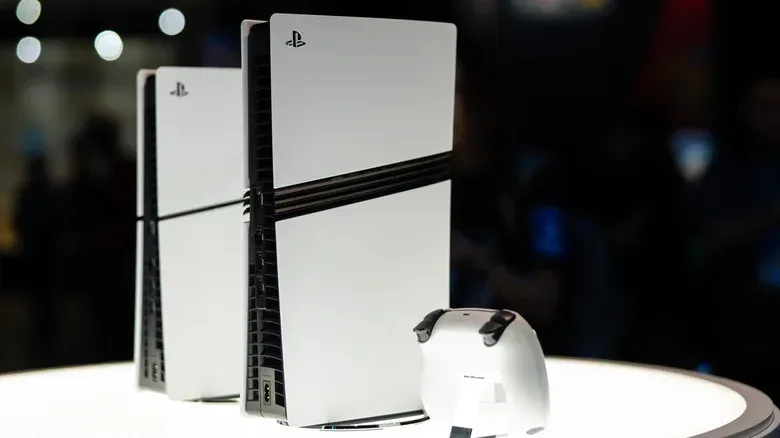
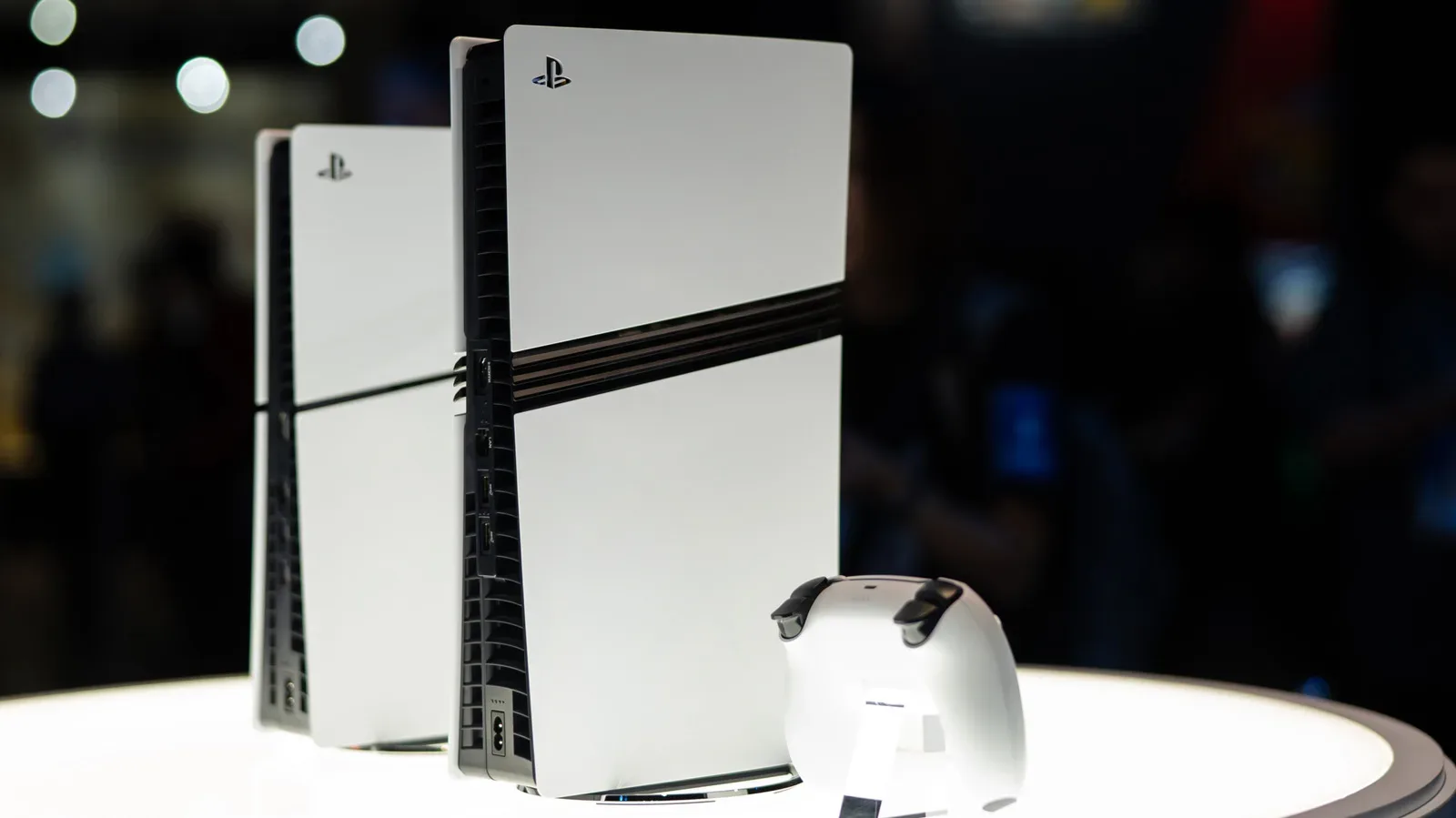
The usual pitch for a console is reassuringly simple: buy one box, connect it to a television, sign in and play. A comparable PC can offer a vastly broader software library and component-by-component upgrade options, but reaching PlayStation 5 Pro-class performance at close to the console’s reported $900 price point is not a matter of tossing a few low-cost parts into an online cart.
It is possible in principle to assemble the core of a gaming PC for under $1,000 that aims at the same general performance territory. Yet that outcome relies on discounts, used or refurbished hardware, and a willingness to make decisions that a prebuilt console buyer never has to make. Memory pricing is particularly volatile, the graphics card is expensive and consequential, and a living-room-friendly small case can push the total higher.
The key distinction is between a machine that resembles a PS5 Pro on a specification checklist and one that duplicates its real-world experience. The first is a parts-selection exercise. The second includes the operating system, controller, display, physical size, noise, setup time and the practical value of the game library. Those factors do not make either option universally better; they explain why a near-$1,000 PC target is more complicated than the headline number suggests.
The budget starts with a definition of “comparable”
A console is a fixed platform: its processor, graphics hardware, memory and storage environment are designed together for one gaming-focused device. Modern consoles also handle services such as chat, video streaming and digital storefronts, so they are not narrow-purpose machines in every sense. Still, their hardware and software are a tightly defined package.
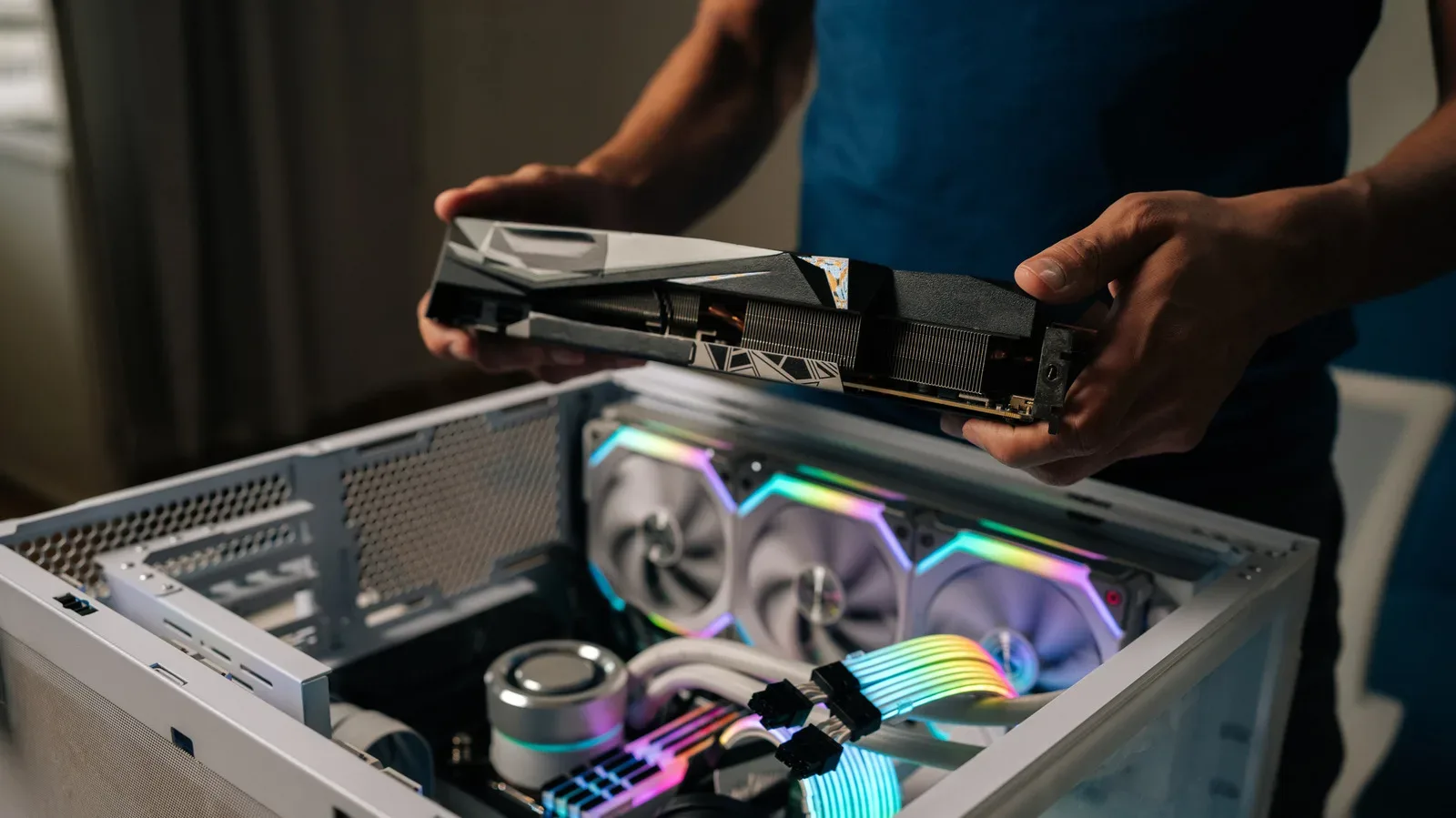
A desktop PC is modular. That flexibility is its strength and its budgeting trap. The buyer must choose a central processing unit (CPU), a motherboard compatible with that CPU, memory that matches the board, a graphics processing unit (GPU), storage, power supply and enclosure. A PC can also call for a Windows license, input devices and a display, depending on what the buyer already owns.
For this comparison, “comparable” should not mean identical silicon or a guaranteed one-for-one result in every game. The useful goal is a balanced system intended to inhabit roughly the same class, with credible high-resolution gaming potential rather than one that simply boots the same games. Graphics settings, game-specific optimization and features such as ray tracing can all move actual results substantially.
CPU and motherboard: the platform choice comes first
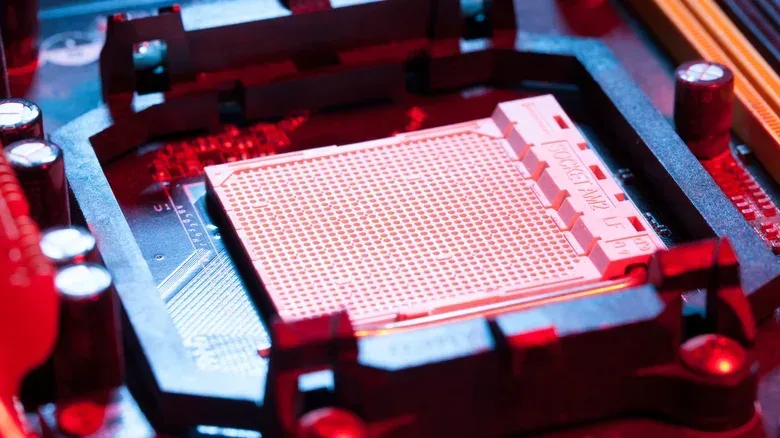
The CPU is where a build’s compatibility chain begins. One proposed route is AMD’s Ryzen 5 9600X, a processor based on Zen 5 architecture. That architecture is newer than the Zen 2 architecture identified in the PS5 Pro comparison. The suggested target is a used or discounted 9600X for less than $170; without that price break, it becomes much harder to protect the wider budget.
That does not mean a newer CPU architecture automatically makes a PC a direct replacement for a console. Architecture describes a family of processor designs, not a universal score. In this case, it establishes that the desktop CPU is not inherently held back by using an older design. The GPU, memory and overall balance will remain central to game performance.
Related coverage includes What it costs to build a PC that rivals the PS5 Pro.
The motherboard must support the selected CPU and RAM. For a Ryzen 5 9600X path, an AM5 motherboard is the relevant platform. Affordable MSI AM5 boards can be found at $100 or less, provided the buyer does not need premium expansion, wireless connectivity or other extras.
A sensible minimum feature checklist is more practical than chasing a costly board: an M.2 slot for an NVMe SSD, support for 16GB of DDR5 memory, USB ports, gigabit Ethernet and HDMI 2.1 output. The PS5 Pro includes Wi-Fi 7 and Bluetooth 5.1, but a cost-controlled PC builder may decide those are not essential on the motherboard. That decision is only painless if the system’s planned location and accessories fit it. Wired Ethernet is a clear alternative for networking, while wireless peripherals may require their own solution.
Technical note: what the motherboard actually does
The motherboard is the main circuit board that connects the CPU, GPU, RAM, storage and ports. Its socket determines which CPU family it accepts, while its memory support determines whether DDR4 or DDR5 can be installed. A cheap board is not automatically a bad choice for a gaming build, but compatibility is non-negotiable. Switching from DDR5 to DDR4, for example, means revisiting both the motherboard and CPU choice rather than merely swapping memory sticks.
The GPU is the budget’s make-or-break component
The GPU performs much of the graphics-heavy work in a game, so it will usually be the most important part of a PS5 Pro-oriented PC build. It is also likely to consume the largest share of the budget. Pricing has pressure from memory costs as well as demand tied to AI processing and cryptocurrency mining, making a straightforward retail purchase difficult to square with an aggressive total.
The closest suggested matches are GPUs built around Nvidia GeForce RTX 3080 or RTX 4070 Super architectures, alongside AMD Radeon RX 6800 or RX 7800 XT options. These are not interchangeable guarantees of the same frame rates, image quality or ray-tracing behavior. They are candidate classes for a builder trying to approach this performance tier.
Used and refurbished shopping is therefore not a side note—it is a major assumption behind the sub-$1,000 outcome. AMD-based options may be easier to fit into the budget because they tend to start lower in price. If the closer matches are out of reach, a Radeon 7700 XT or 9060 XT can serve as a fallback, with accepted performance trade-offs.
Resolution matters when judging those compromises. A player comfortable with 1080p or 1440p has more flexibility than one determined to pursue smooth 4K. The PS5 Pro’s appeal includes 4K gaming, and a PC intended to chase that target should not use a GPU with under 12GB of VRAM.
Technical note: VRAM, ray tracing and resolution
VRAM is the dedicated memory on a graphics card. It holds data the GPU needs for rendering, such as textures and other visual resources. Higher resolutions generally demand more from a GPU, and the supplied comparison cautions against expecting 4K gaming from a card with less than 12GB of VRAM.
Ray tracing is a graphics technique used to model the behavior of light for effects such as reflections and shadows. It can be demanding, which is why it should be treated separately from an ordinary “can this game run?” question. The stated alternative Valve Steam Machine, for example, is described as behind the PS5 Pro in both 4K and ray-tracing performance. A buyer prioritizing either feature should keep the GPU decision at the center of the build rather than spending heavily on cosmetic components.
Memory is an unexpectedly difficult line item
Matching the target calls for 16GB of DDR5 system RAM. Unlike VRAM, system RAM is shared working memory for the wider computer: the operating system, game and background processes all use it. The target price is under $200, though current conditions may make even that difficult; 16GB of DDR5 could cost more than $220. Demand from AI data centers is identified as a major source of pressure on memory supply and pricing.
That is a strange but meaningful inversion of the traditional budget-PC assumption that memory is the easy, cheap part. A build can look affordable when the CPU and motherboard are priced in isolation, then lose its margin once DDR5 is added. Tracking discounts is not optional if the goal is price parity with a PS5 Pro.
DDR4 is presented as a potential fallback. It is not described as a severe bottleneck, but it changes the platform equation: a DDR4 build requires a different CPU-and-motherboard combination. That can be a rational decision for a budget-focused project, provided it is made at the beginning rather than after buying incompatible parts.
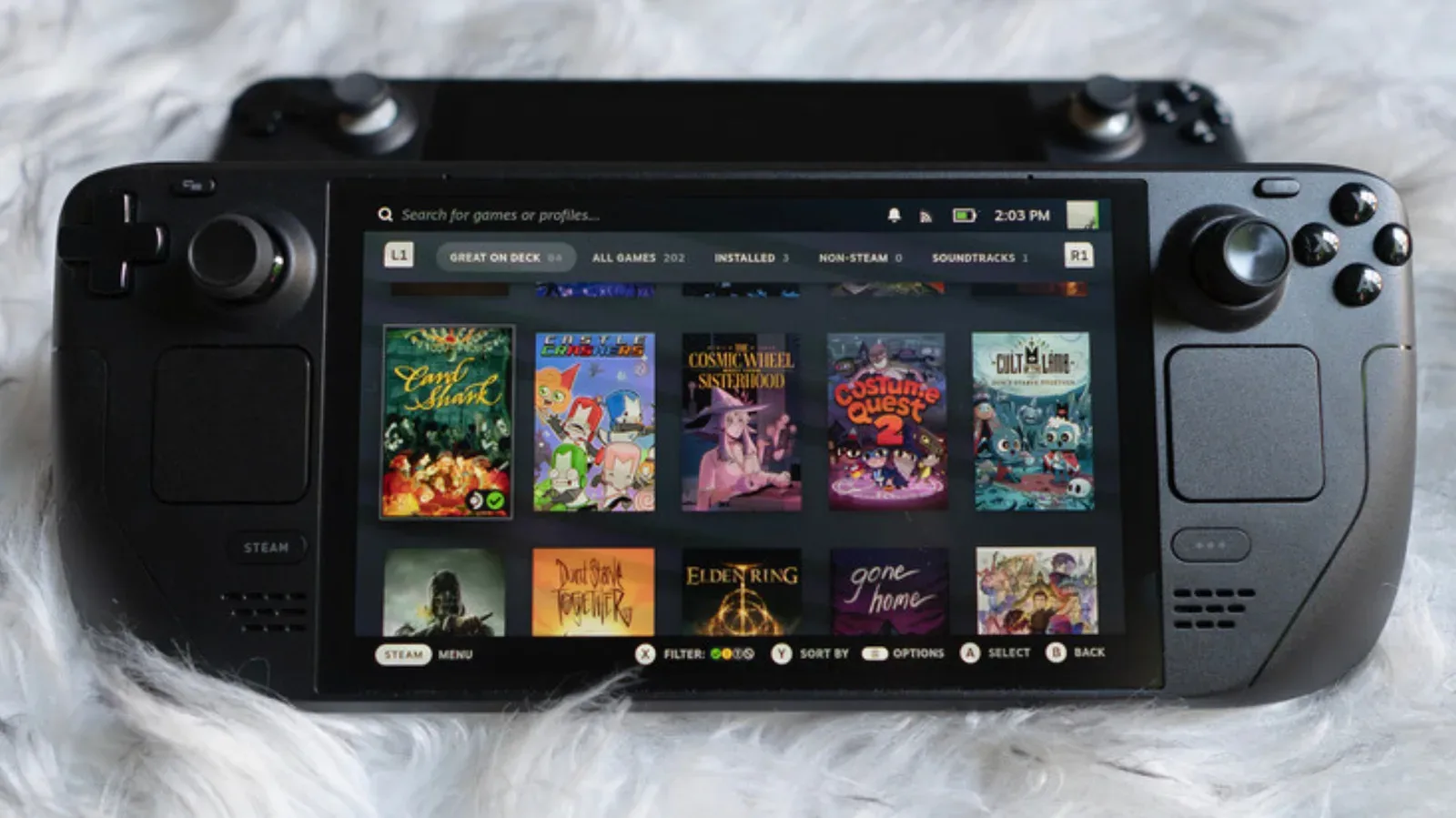
The wider cost picture is also relevant to portable and compact PC gaming. Memory pricing has already been highlighted in the related look at the Steam Deck’s changed starting-price reality, underscoring that RAM costs do not stay neatly confined to conventional desktop builds.
Storage, power and the parts people forget to price
A usable build needs an M.2 NVMe SSD of at least 512GB. NVMe is a high-speed storage interface commonly used by compact SSDs mounted directly on the motherboard. A 256GB drive is not considered sufficient here because Windows 11 and a meaningful game selection quickly consume that space.
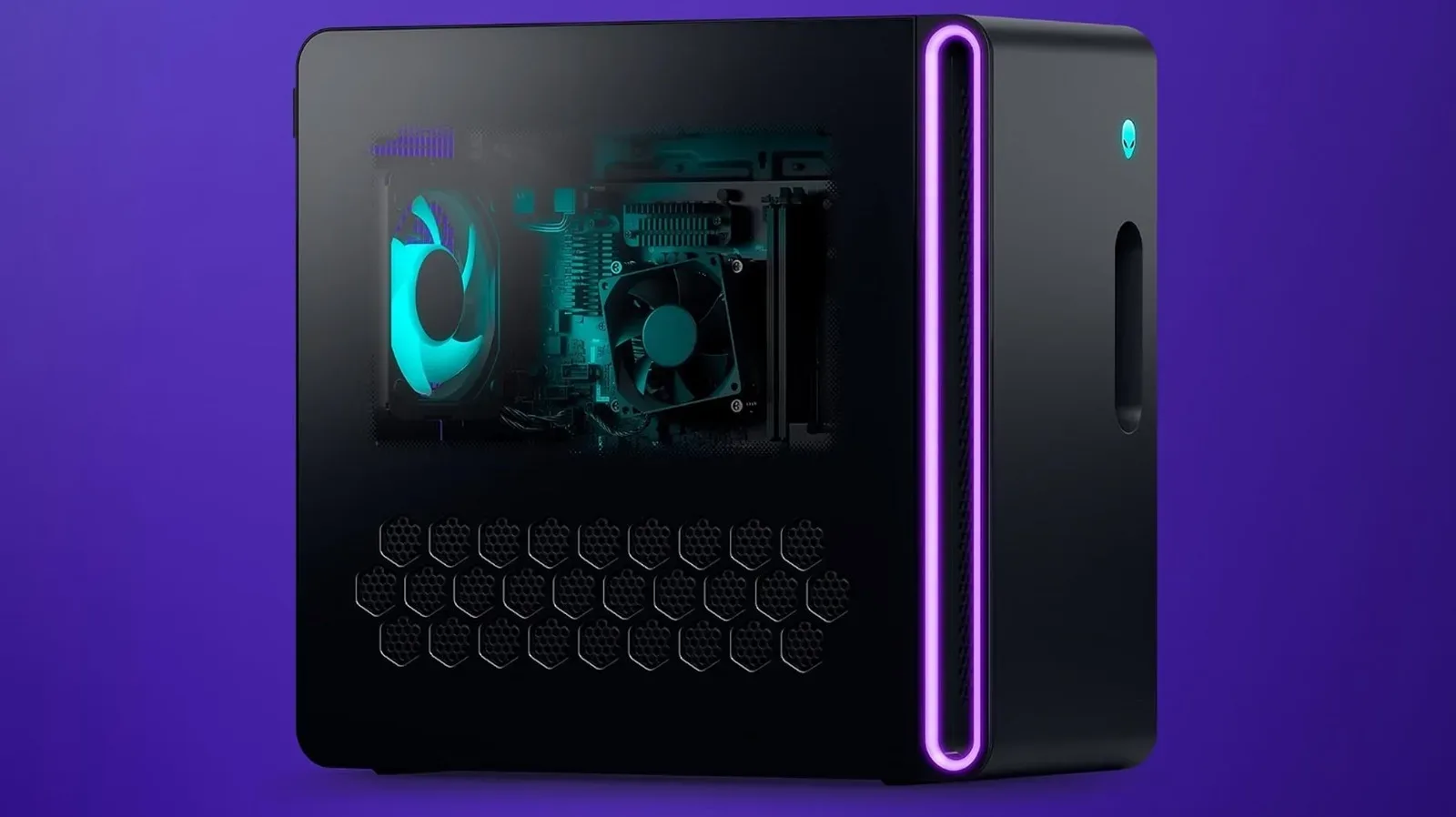
The case can be relatively basic, but its size influences the proposition. A large conventional tower may be affordable and easy to accommodate, yet it is not necessarily the machine someone wants under a television. Compact cases usually impose tougher constraints on part dimensions, cooling and assembly, and can cost more. The supplied comparison warns that fitting a similarly powerful homemade PC into a compact living-room footprint may require spending beyond the headline budget.
Power supply selection has no room for guesswork. A 750W unit is the likely estimate for this configuration, but the correct choice depends on the maximum consumption of the actual parts purchased. Its wattage rating must accommodate the combined demand; if the components draw beyond what the supply can provide, the PC can shut down. The practical lesson is simple: do not finalize the power supply before the GPU and CPU are known.
- CPU: Ryzen 5 9600X is a possible discounted or used route, with an under-$170 target.
- Motherboard: AM5 board for that CPU; prioritize compatibility and necessary ports over extras.
- GPU: RTX 3080/4070 Super- or Radeon RX 6800/7800 XT-class candidates are the central comparison; used or refurbished pricing matters.
- RAM: 16GB DDR5 is the match target, but its price can destabilize the plan.
- Storage: 512GB or larger M.2 NVMe SSD.
- Power: Around 750W is the working estimate, subject to the final component load.
Why a core-PC total is not a final purchase price
The under-$1,000 figure is for the core computer and takes diligent bargain hunting. It excludes a controller, display and Windows license. Those exclusions may be perfectly fair for a player who already has a television, controller and operating-system plan, but they need to be explicit before calling a PC cheaper than a console.
One route around a Windows purchase is experimenting with a Linux variant such as Valve’s SteamOS. That is a different software choice, not a free duplication of the standard console experience. It may be attractive to someone deliberately building a living-room game machine, but it also asks the user to be comfortable with a different operating environment.
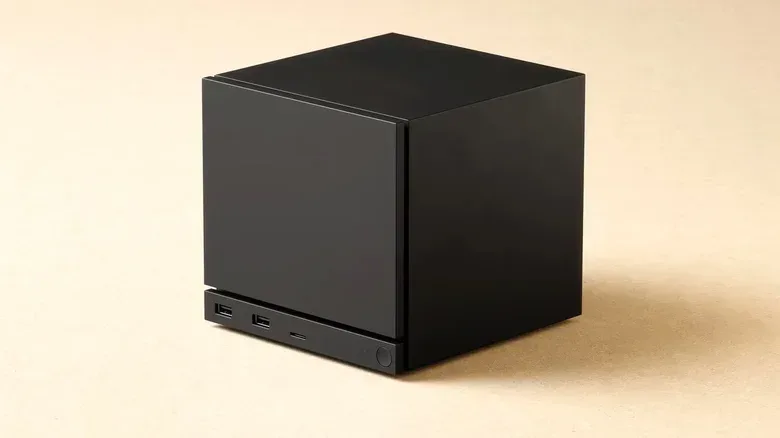
The Valve Steam Machine complicates the do-it-yourself calculation further. At $1,050 without a controller, it exceeds the $1,000 core-PC ambition and is described as trailing the PS5 Pro at 4K and ray tracing. Its advantage is physical: it offers a much more compact form factor than most PCs, a result that is difficult to reproduce with a self-built system below $1,000. For a TV stand where every inch matters, compactness has a real price.
The library calculation may outlast the hardware calculation
Upfront hardware cost is only one part of value. PC gaming brings a catalogue that reaches back decades and includes many PlayStation and Xbox crossovers, even though some Sony titles remain exclusive. The breadth of that library is one reason a buyer might reasonably allow a component build to rise a little over the PS5 Pro’s price.
Software discounts strengthen that argument. Steam titles can eventually see discounts of 70% or 80% from their original MSRP. That does not ensure a specific new game will be cheap when someone wants it, and it does not erase the higher initial hardware bill. It does mean the long-term spending picture can diverge from the price displayed next to either machine today.
So the honest answer is neither “a PC always beats the console” nor “a console is automatically the bargain.” A near-PS5 Pro PC is feasible only under specific conditions: well-timed pricing, careful compatibility checks, likely used or refurbished graphics hardware, and an existing collection of peripherals or a willingness to use SteamOS. The console remains the cleaner fixed-price appliance. The PC makes sense for buyers who place enough value on library breadth, upgradeability and eventual game-sale savings to accept the building work and the possibility that the final bill lands above the target.