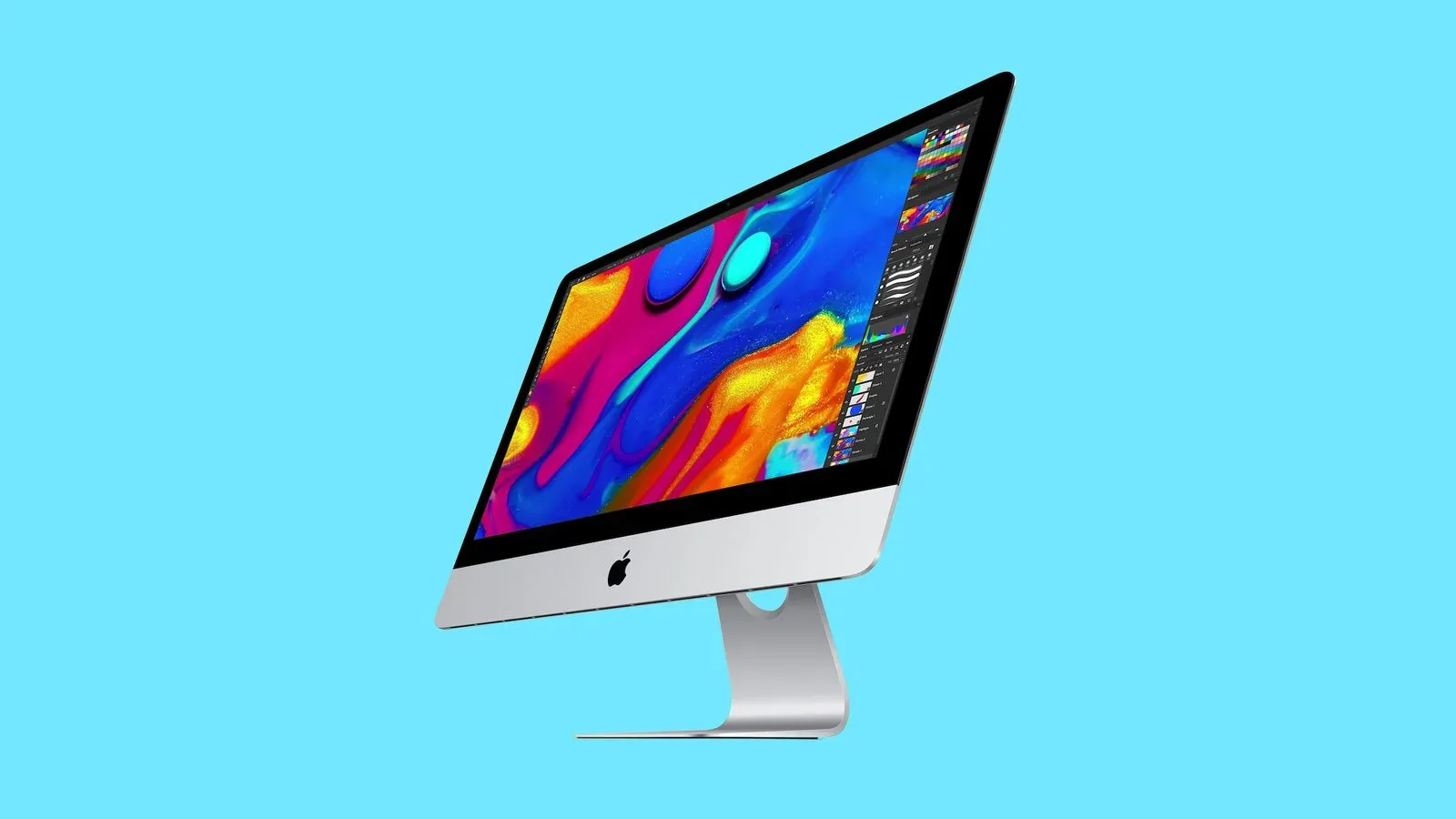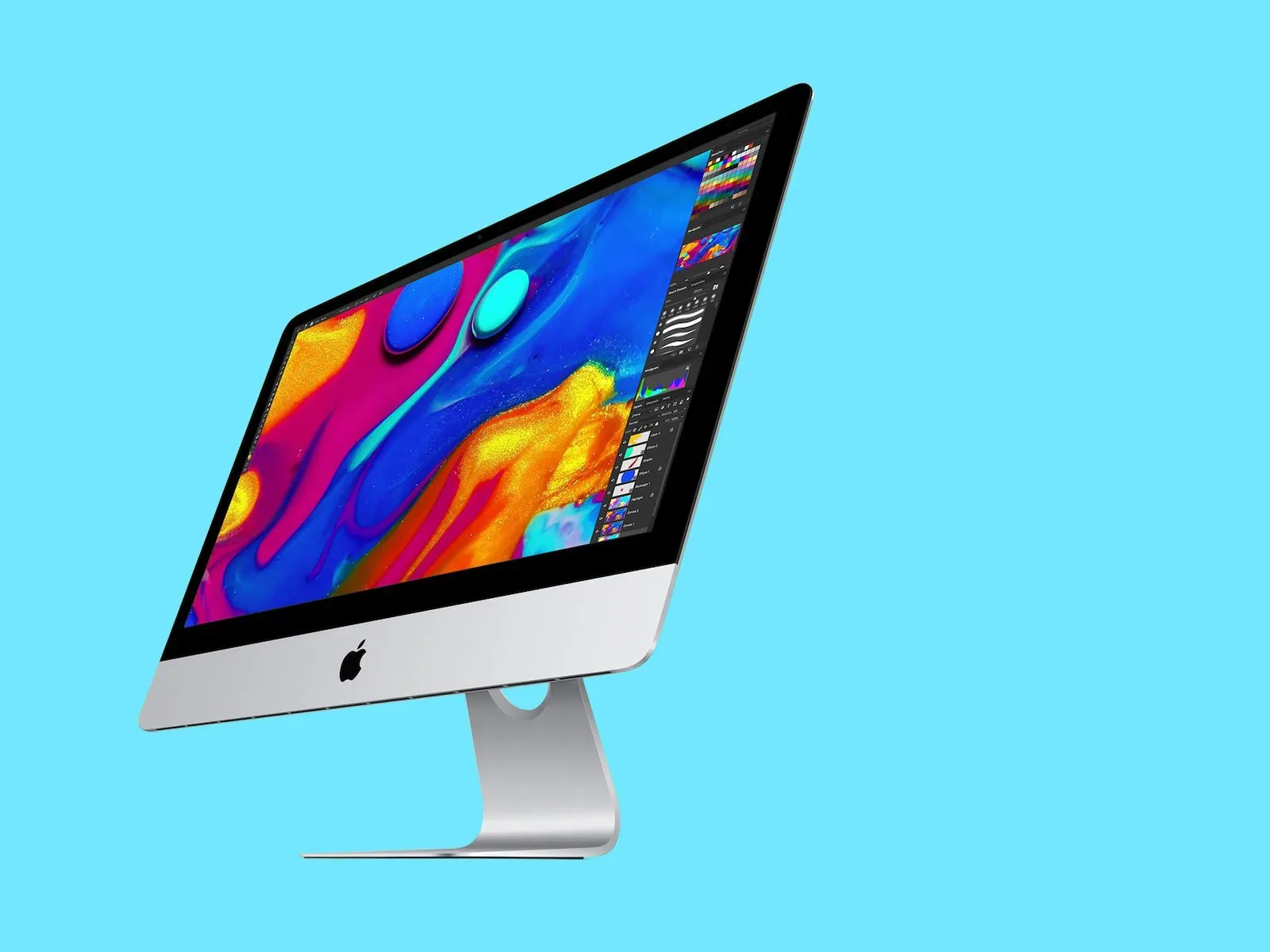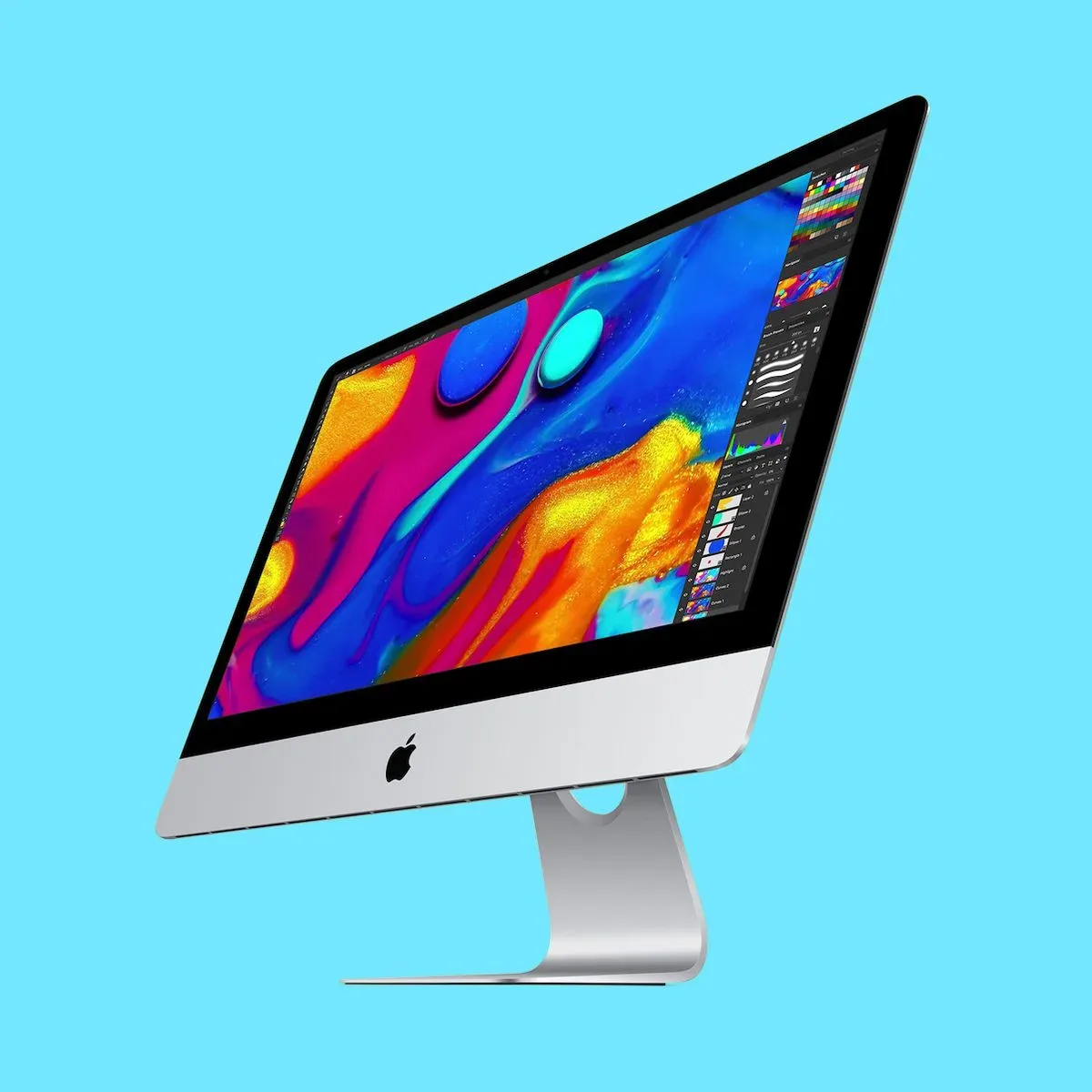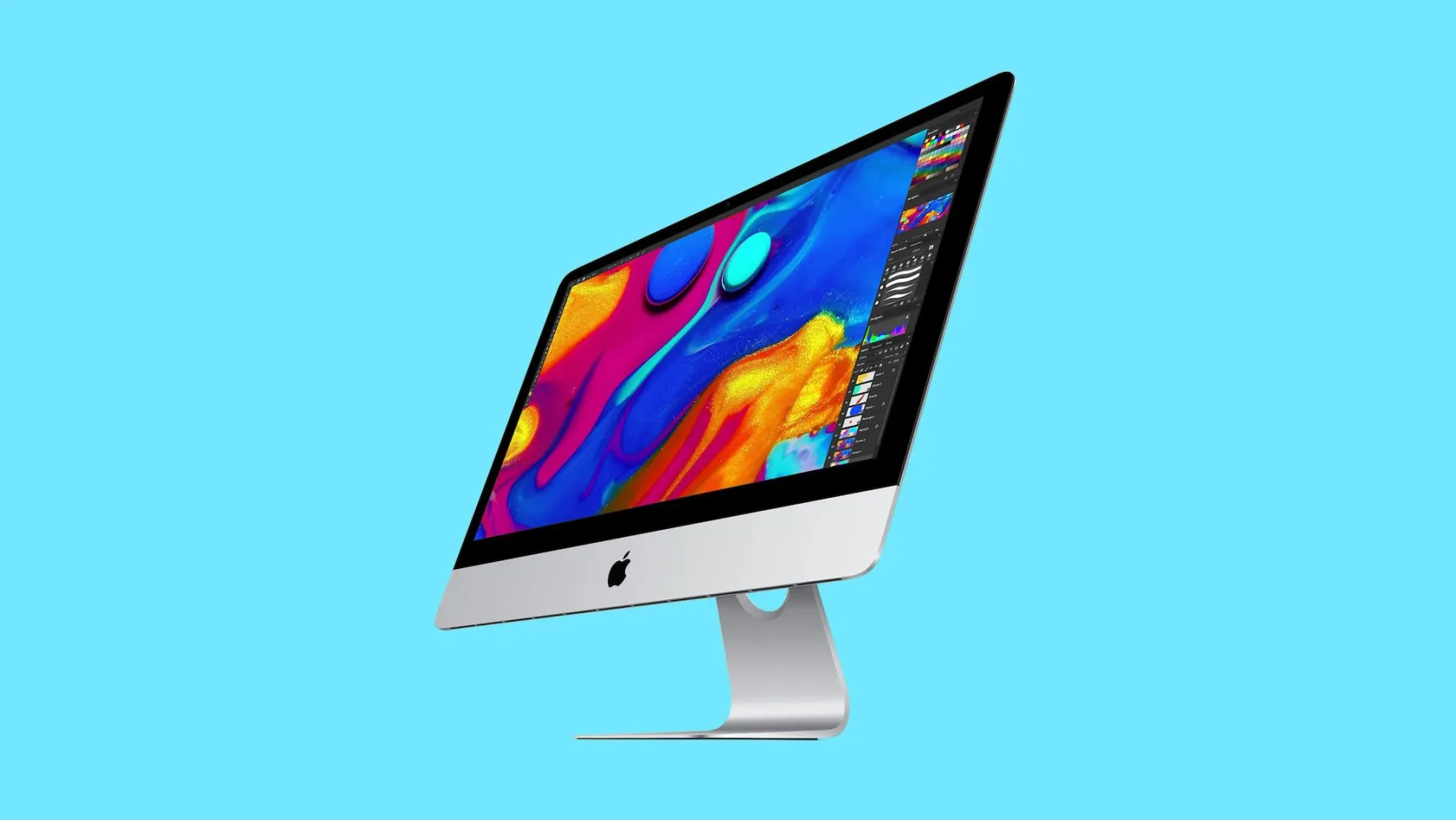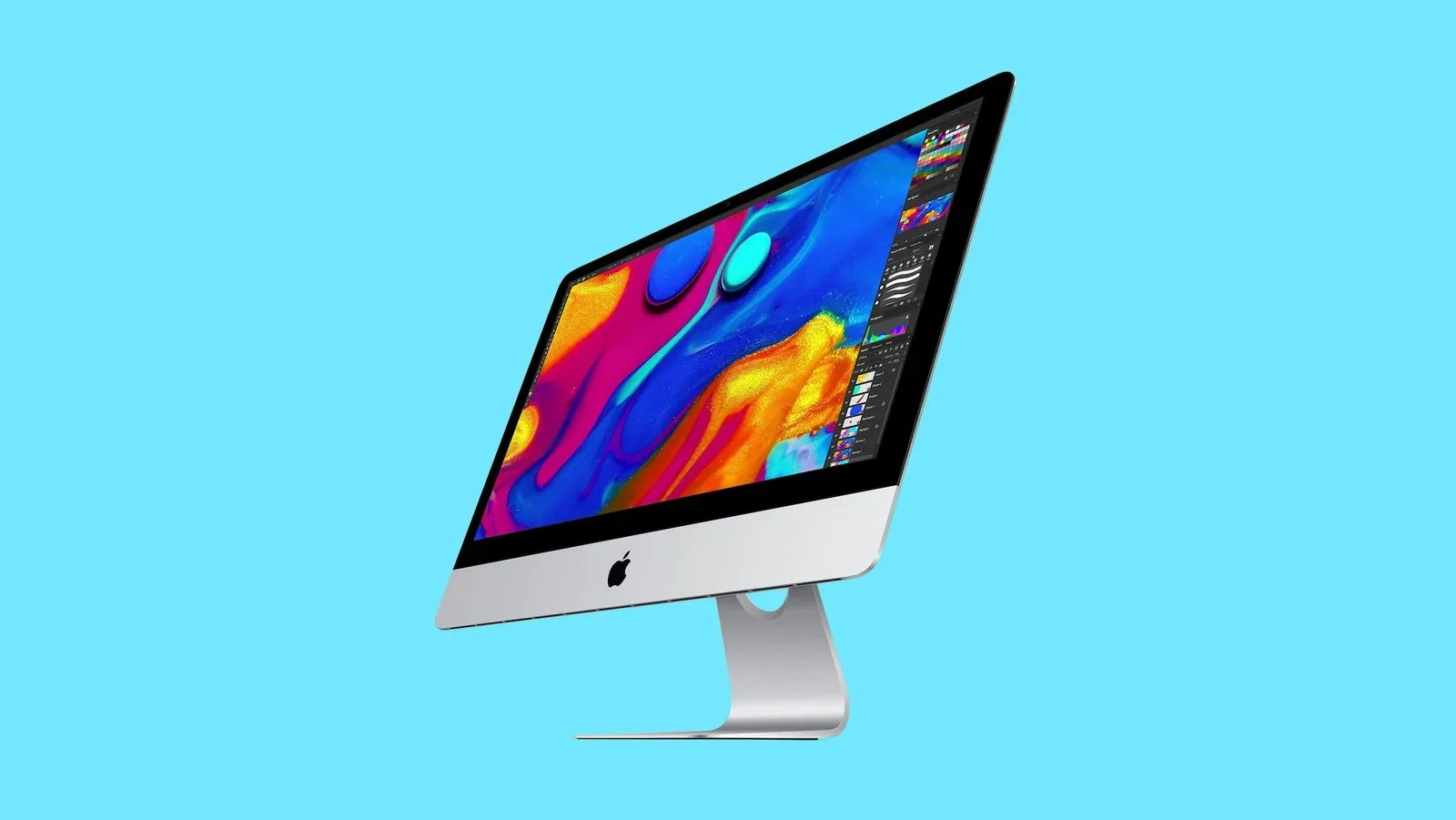
Apple has added the 2019 21.5-inch Retina 4K iMac to its vintage-products list. The label sounds a little more romantic than it is: this is principally a repair-support classification, not a declaration that the compact Intel desktop has become a museum piece.
For owners, the practical change is straightforward. Apple Stores and Apple Authorized Service Providers may still be able to repair the machine, but only when the necessary components are available. A successful repair is no longer assured simply because the computer reaches a service counter.
The designation matters for a model that can still be part of a desk setup, a family computer arrangement, or a secondary machine. Its 21.5-inch Retina 4K display, all-in-one design, and familiar silver iMac enclosure remain the hardware people bought. What has changed is the certainty around the official path to fixing it when a component fails.
Vintage is a support status, not an automatic end of use
Apple places products on its vintage list five years after they were last distributed for sale. At seven years after their last distribution for sale, products move to obsolete status.
Those two categories have importantly different consequences:
- Vintage: Apple Stores and authorized providers can perform repairs if they can obtain the required parts. Availability is not guaranteed.
- Obsolete: Apple no longer makes repair components for the device, and the product is not eligible for repair through those channels.
That distinction is worth taking literally. “Vintage” does not mean every repair is rejected. It also does not mean that every repair remains possible. The answer can depend on the exact failed part and on current parts supply.
For anyone with a 2019 4K iMac that is working normally, this is chiefly a reason to be deliberate rather than alarmed. The machine has not suddenly changed overnight. But an owner now has less predictability if a repair becomes necessary, particularly through Apple’s official service ecosystem.
Which iMac is affected?
The newly vintage system is the 2019 21.5-inch iMac with a Retina 4K display. It used Apple’s longstanding silver iMac design and arrived before the colorful redesign built around Apple silicon. The base configuration included an Intel Core i3 processor, 8GB of memory, and a 1TB hard drive. Its starting price in 2019 was $1,299.
A few terms help clarify what that specification describes. Intel refers to the processor platform used in this iMac. The later 2021 M1 iMac used Apple silicon instead, part of a major shift in the company’s Mac hardware lineup. RAM, or memory, is the working space a computer uses while applications are running; the base model had 8GB. The 1TB hard drive refers to built-in storage capacity for files, applications, and the operating system.
Meanwhile, Retina 4K identifies the screen class supplied with this smaller iMac. “4K” is a display-resolution term, while “Retina” is Apple’s branding for high pixel density. Neither label changes because the computer has entered vintage status; they simply identify why the display was a defining part of the model when it was sold.
A different timetable from the 27-inch 2019 iMac
The 21.5-inch machine was sold alongside a 27-inch iMac from 2019, but the two desktops did not reach the vintage list at the same time. The 27-inch model was added in July 2025. The smaller 21.5-inch iMac remained on sale for longer, so it did not qualify until now.
This is a useful reminder that Apple’s vintage timetable is tied to when a product was last distributed for sale, rather than simply the year in its model name. Two computers introduced in the same year can therefore enter different support stages at different times.
It also explains why the 2019 date on the affected iMac should not be treated as the only meaningful date for repair planning. The current classification follows the end of sales distribution, not merely the model’s original introduction.
What owners should do now
There is no universal repair decision because there is no universal fault. Still, owners who want to keep a 2019 21.5-inch 4K iMac in service can take several sensible, low-drama steps.
- Keep current backups of important files. This is good computer housekeeping at any point, but it becomes especially valuable when repair outcomes may be constrained by parts availability. A backup protects the contents of the machine separately from the machine itself.
- Document the exact model and any issue clearly. The affected computer is specifically the 2019 21.5-inch Retina 4K iMac. Accurate identification matters when discussing service options, especially because iMac sizes and years can be easy to mix up.
- Ask about parts availability before assuming a repair can be completed. Vintage eligibility means a repair may be possible, not that the needed component is on hand. Apple Stores and Apple Authorized Service Providers are the relevant official avenues described by the policy.
- Evaluate the repair as a practical decision. If service is available, owners can weigh the value of restoring their existing setup against the uncertainty inherent in a vintage product’s support position. The right choice will vary by the problem and the owner’s needs.
The key is not to confuse software usability, personal satisfaction with the hardware, and official parts support. Apple’s vintage listing addresses the latter. It says something concrete about the repair pipeline; it does not by itself make a judgment about whether a particular owner should stop using a working computer.
Why the M1 iMac comparison is relevant
The 2019 model came before the redesigned M1 iMac that appeared in 2021. That later iMac introduced a colorful new look and Apple’s M1 processor, whereas the 2019 machine retained the earlier silver chassis and Intel configuration.
In this context, the comparison is not about declaring one iMac categorically better. It shows where the vintage 21.5-inch model sits in the iMac line’s transition. It belongs to the Intel era and to the older physical design, while the 2021 model marked the arrival of Apple silicon in the consumer all-in-one line.
For readers following Apple hardware more broadly, the classification also illustrates how support milestones gradually catch up with product transitions. A desktop can feel modern in a home office while simultaneously moving into a service category where parts are conditional. Those are not contradictory facts; they describe different sides of ownership.
Apple device owners looking at everyday setup quality may also find our guide on making iPhone audio sound better for music, videos and calls useful, though it addresses a different product and does not affect iMac repair eligibility.
The bottom line for the 2019 4K iMac
The 2019 21.5-inch Retina 4K iMac is now vintage in Apple’s support classification. Apple Stores and authorized service providers can still repair it when parts are available, but owners should no longer assume an official repair can be fulfilled.
The next major threshold is obsolete status, which arrives seven years after a product was last distributed for sale. At that point, Apple no longer manufactures repair components and the device is not eligible for repair through Apple’s channels. Until then, the 21.5-inch iMac occupies the middle ground implied by its new label: still potentially serviceable, but subject to the real-world availability of parts.