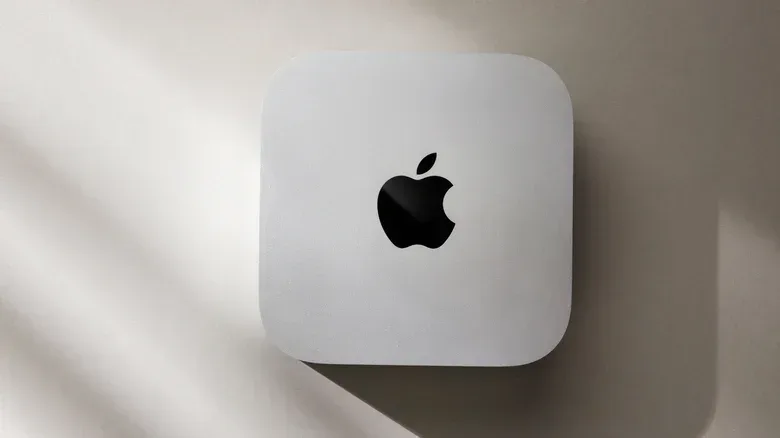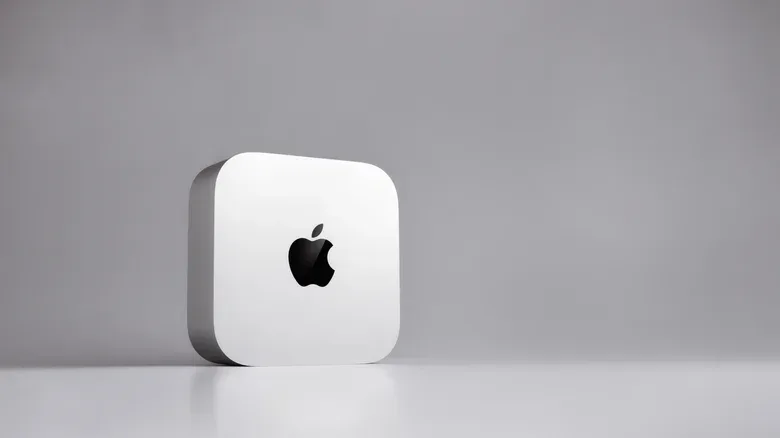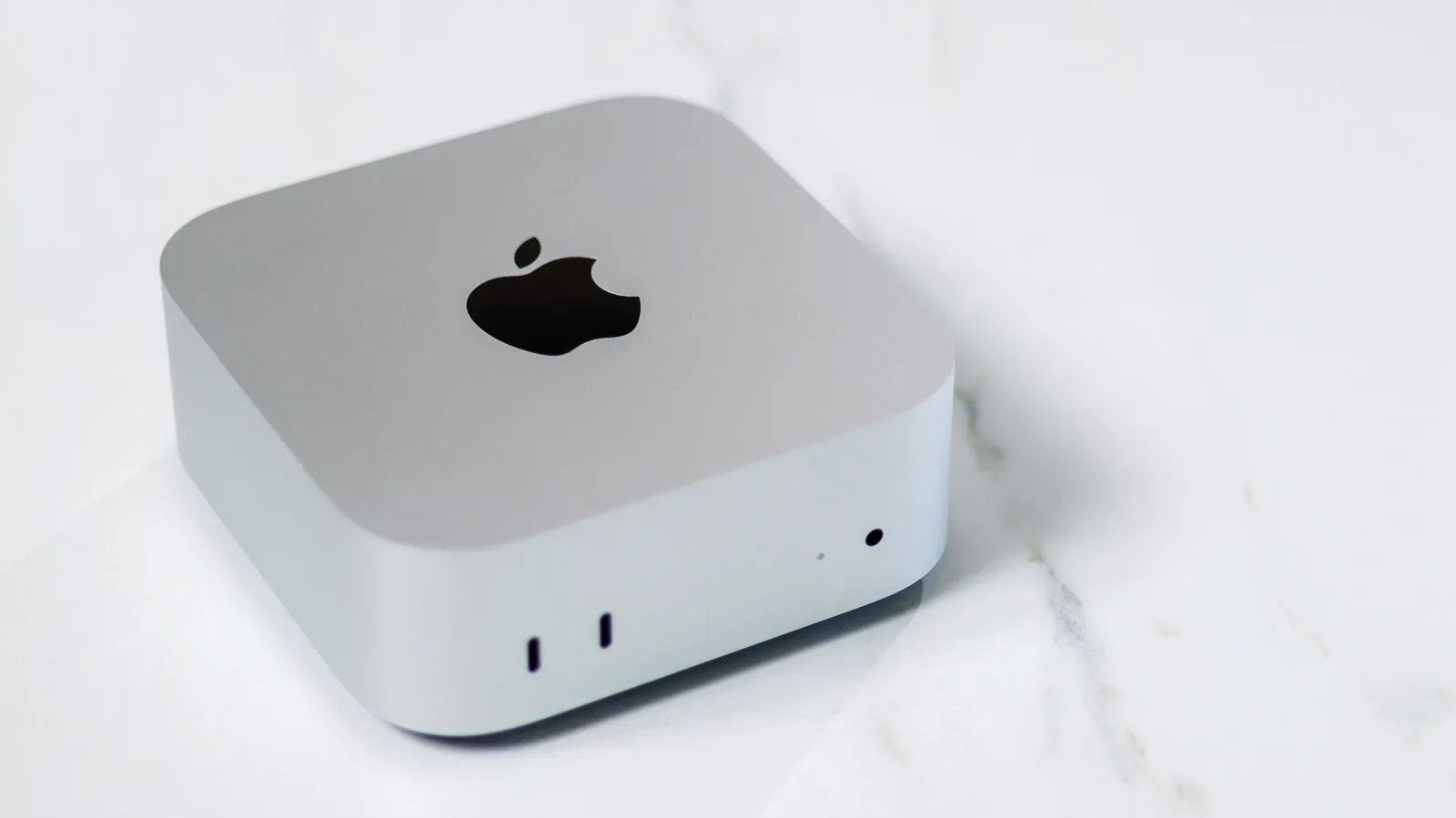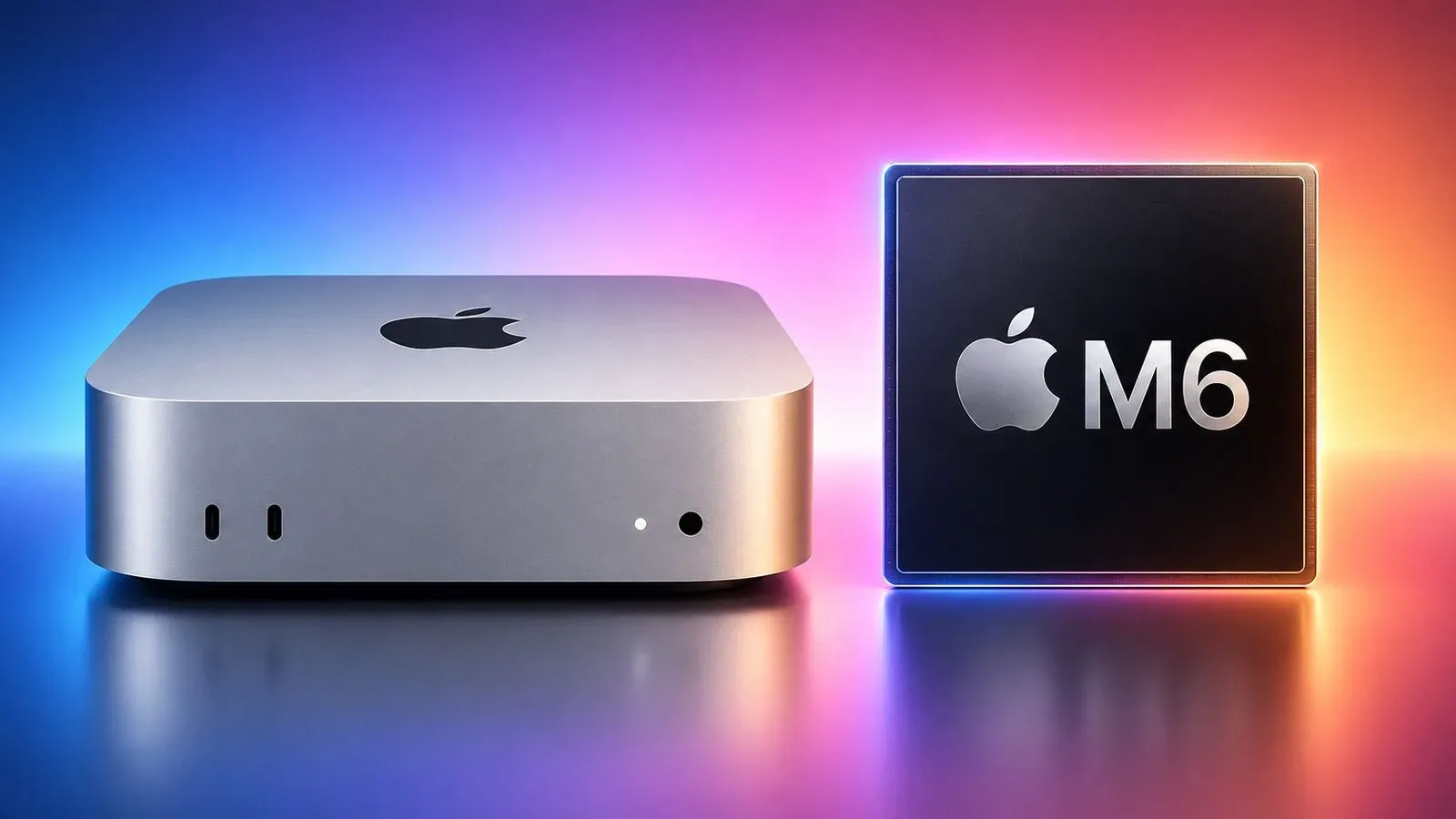
Apple’s M6 chip arrives in the newest Mac mini with a familiar promise: a compact desktop designed to feel quick across everyday work, creative applications and the occasional game. The important caveat for anyone shopping specifically for games or demanding real-time 3D work is that the M6 is not trying to occupy the same performance tier as a PC built around a dedicated NVIDIA graphics card.
That does not make the M6 Mac mini an automatic bad buy. It means buyers should separate two questions that are often rolled into one: Is this computer fast enough for the work and games I actually use? and Is it the fastest graphics hardware available for my budget? The answers can be very different. The supplied benchmark figures suggest the M6 can play at least some demanding games at usable performance under its default Mac settings, while its compact system price remains much lower than a high-end graphics-card-centric PC. But a buyer prioritizing broad game compatibility, high visual settings, or room to chase increasingly demanding releases will find the NVIDIA route far more compelling.
Why this is not a simple chip-versus-card fight
The M6 is an all-in-one processor, commonly called a system-on-a-chip or SoC. Its reported configuration includes 12 CPU cores and 12 GPU cores in the same package. A CPU, or central processing unit, handles general computing work. A GPU, or graphics processing unit, is designed to process the huge number of parallel calculations involved in rendering images, lighting, effects and other visual tasks.
A desktop PC with an NVIDIA GPU divides those roles across separate parts. Its graphics performance depends on the exact GeForce card, but also on the Intel or AMD CPU installed alongside it. That matters because a game is not powered by the graphics card alone: the processor prepares simulation, game logic and other work before frames can be rendered. Storage, memory and settings also influence the overall experience.
It is therefore misleading to treat the M6’s GPU core count as directly comparable to a GeForce card’s specifications. These are different architectures, deployed in different systems and using different software stacks. A compact Mac mini and a configurable PC tower are not interchangeable products even before performance enters the discussion.
The benchmark situation adds another limitation. Apple graphics workloads are closely associated with Metal, Apple’s graphics application programming interface, or API. An API is the software layer games and applications use to communicate with graphics hardware. Windows PC games more commonly target DirectX 12 or Vulkan. Windows machines cannot run Metal, so a Metal score cannot be converted into a guaranteed equivalent frame rate on a GeForce PC.
That does not render benchmarks useless. It simply sets their proper role: they are evidence about a component’s capabilities within a given test, not a universal league table for every game, application and operating system. Frame-rate testing in the games a person plans to play remains the more practical comparison whenever it is available.
The benchmark gap is substantial
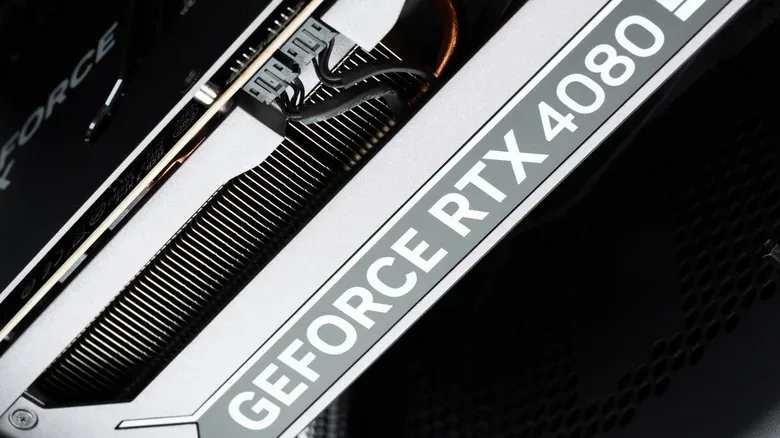
One available point of reference illustrates why the M6 should not be positioned as a dedicated-GPU alternative for serious graphics buyers. The M5 Ultra, another processor option referenced alongside the new Mac mini, reportedly posts a 366,744 Metal score and is roughly comparable in Geekbench OpenCL results to NVIDIA’s GeForce RTX 4080. The M6’s reported Metal score is 93,217.
Related coverage includes Apple M6 Mac Mini vs. NVIDIA GPUs: Graphics Limits and Value.
Those figures put the M6 at nearly one-quarter of the M5 Ultra’s Metal result. That is a large spread, even before comparing it with the newest end of NVIDIA’s lineup. The RTX 4080 itself belongs to NVIDIA’s 2022 generation, so it is not a current-generation ceiling. The takeaway is not that Metal performance equals a particular GeForce experience; it is that the M6’s graphics portion is positioned well below the upper tier of GPU hardware.
For real-time rendering, this distinction is consequential. “Real time” means the system must generate a steady sequence of frames as a player moves, reacts and changes the scene. Unlike a task that can run unattended for several minutes, game rendering has to meet a continuing deadline. If it cannot, frame rate falls, responsiveness can suffer, or settings must be reduced.
Higher resolutions, richer effects and more complex scenes all intensify that job. The same applies to some professional 3D workloads. A fast general-purpose computer can still be the wrong tool for a graphics-heavy task if the GPU does not have enough performance headroom for the desired settings or output.
55 fps in Cyberpunk 2077 is meaningful, with limits
There is a more favorable practical result for the M6: the M6 Mac mini reportedly averages 55 frames per second in Cyberpunk 2077 using default Mac quality settings. Frames per second, or fps, describes how many complete images a system produces each second. Around 55 fps can look and feel smooth, particularly for players who are not targeting the highest possible visual settings or a specific high-refresh-rate display experience.
That result is worth treating as a snapshot, not an all-purpose promise. It identifies a demanding game, a particular Mac configuration and its default Mac quality settings. It does not establish performance at every resolution, in every scene, with every optional effect enabled, or in another title. Nor does it settle the bigger compatibility issue: many games remain PC-first, meaning their Windows versions arrive first or may be the versions with the clearest support path.
Still, the result pushes back against the simplistic idea that the M6 cannot game at all. Someone whose library includes supported, less-demanding titles—or who is content with sensible rather than maximum settings—may find it entirely adequate. The more ambitious the target becomes, however, the less appealing “adequate today” is as a purchasing strategy.
This is where PC graphics hardware earns its value. A dedicated GPU is purpose-built for graphics work and occupies a much higher performance range than an integrated design such as the M6’s GPU. For a player whose primary use is new, visually intensive releases, the extra capability can preserve higher settings and stronger performance as requirements rise. It also aligns with the much broader PC game catalog.
Compatibility should be considered before raw benchmark numbers. Buying a Mac mini because it performs acceptably in one demanding game does not solve the problem if the specific games a buyer wants are unavailable for macOS. Before choosing either route, make a short list of must-play titles, check their supported operating systems, and then review results for those games rather than relying on a single synthetic score.
Creative work is a different question from gaming
Graphics leadership is not the sole measure of a computer. The M6 Mac mini is described as handling photo editing and 4K video transcoding without difficulty. Transcoding is the process of converting video from one format, codec or set of settings into another. It is a performance-sensitive job, but it is not necessarily a real-time graphics test in the way a 3D game is.
That distinction helps explain why an M6 machine can be a reasonable creative desktop despite trailing powerful NVIDIA cards in graphics benchmarks. A video export that completes a few seconds faster may have little practical significance to many users. Stable performance, a workflow built around macOS applications, and the convenience of a small desktop can matter more than a theoretical graphics lead.
Conversely, that reasoning should not be stretched too far. People whose work depends on frequent real-time 3D rendering should evaluate the actual applications and projects they use. The source material supports the general point that NVIDIA hardware has a major advantage in graphics-heavy, real-time tasks; it does not establish a universal result for every creative application.
In short, productivity and gaming are not one benchmark category. The M6’s case is strongest when a buyer values macOS, performs conventional creative or office work, and considers gaming a secondary activity. NVIDIA-based PCs make the stronger case when real-time graphical performance is central to the purchase.
The price comparison needs the whole system attached
Cost is the M6 Mac mini’s clearest counterargument to the graphics deficit. The cited starting price is $900, a $300 increase over the preceding generation. Even so, that is much less than the cited cost of high-end RTX 5080 cards, which can exceed $2,000 on their own. An RTX 5060 is said to cost more than $450 before adding the CPU, motherboard, memory, storage, case and power supply required for a working PC.
That is not a one-to-one comparison; a standalone card and a ready-to-use compact desktop are different purchases. But it is exactly why a component’s benchmark lead does not automatically determine value. The relevant figure is the complete cost of reaching a person’s intended experience, including the display and input devices they may need.
The Mac mini also requires that final check. It does not ship with a display or input devices. A buyer moving to it without compatible peripherals should include those expenses. A PC builder similarly needs to account for all supporting parts, rather than comparing an M6 system price with a GPU price alone.
For PC shoppers, practical connectivity details can be part of that complete-system calculation too. Our guide to why teal USB ports matter to PC gamers explains why port markings may be worth checking when planning accessories and external devices.
A buying framework: choose the constraint that matters most
The M6 Mac mini makes sense for a buyer who wants a small macOS desktop, has a workload rooted in productivity, photo work or video transcoding, and can accept supported games at moderate expectations. The reported 55 fps Cyberpunk 2077 result shows that modest expectations need not mean abandoning demanding games altogether.
A PC with a dedicated NVIDIA GPU makes more sense for a buyer whose main objective is gaming, especially where broad game access, elevated settings and performance margin matter. That does not require buying the most expensive card. It does mean acknowledging that dedicated graphics, not merely a fast CPU, is the key part of the configuration for graphics-intensive play.
- Prioritize macOS and general creative work: the M6’s compact, lower-cost system proposition may outweigh its graphics limits.
- Prioritize a wide, PC-first game library: a Windows PC is the safer platform choice because compatibility is a major part of the experience.
- Prioritize high-end 3D performance: dedicated NVIDIA graphics hold a clear advantage over the M6 based on the available performance context.
- Prioritize the lowest complete cost: compare the full setup, including monitor and peripherals, rather than treating a GPU’s sticker price as a PC price.
- Prioritize longevity for demanding games: more graphics headroom is likely to be the more resilient choice as visual demands increase, though no hardware purchase guarantees future results.
The cleanest reading of the available information is not that Apple’s M6 is weak. It is capable enough for a broad range of normal desktop work and can deliver playable results in at least one famously demanding game. Its limitation is category and purpose: it is integrated graphics inside a compact macOS system, not a replacement for the dedicated NVIDIA hardware that performance-focused PC gaming is built around. Buyers who understand that boundary can decide whether the M6’s lower system cost and macOS experience are features—or whether the GPU ceiling is a deal-breaker.