A laptop is an easy default: one purchase brings a display, keyboard, trackpad, webcam and battery, with the option to work or play away from a desk. That convenience is real, and for anyone regularly moving between rooms, commuting, traveling or working outside the house, it is likely decisive.
But portability has a cost. For a person whose computer rarely leaves a desk, the question is less about whether a laptop is useful and more about whether they are paying for a screen and battery they will barely use. In Apple’s current lineup, the Mac mini offers a notably different equation. The base model starts at $899 with an M6 chip and 16GB of RAM, while Apple’s MacBook Neo starts at $699 with an A18 Pro chip and 8GB of RAM, and the MacBook Air begins at $1,299.
That does not make the Mac mini an automatic winner. It is a desktop computer sold without a display, keyboard or mouse. A buyer starting with nothing must include those necessities in the budget, and the total can climb toward MacBook Air territory. Yet for players, video editors, coding learners and desk-first users who already have the peripherals, the little desktop’s combination of memory, cooling and connectivity deserves a closer look.
The key distinction is not size; it is the kind of work being done
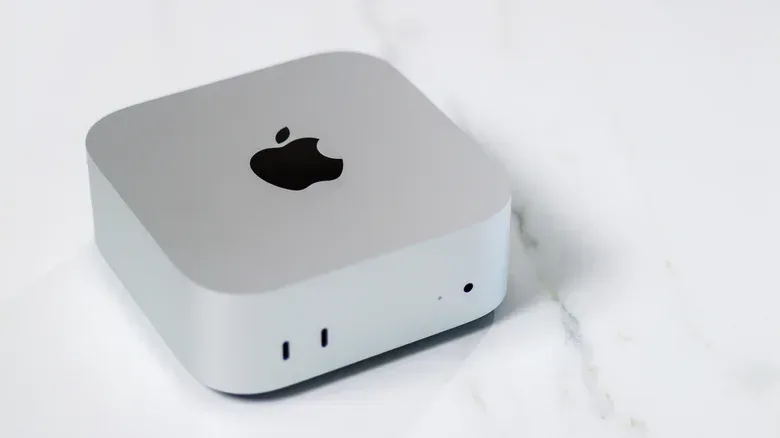
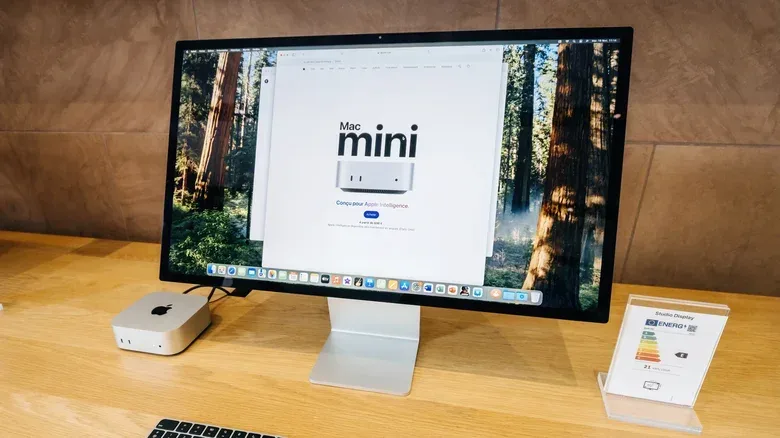
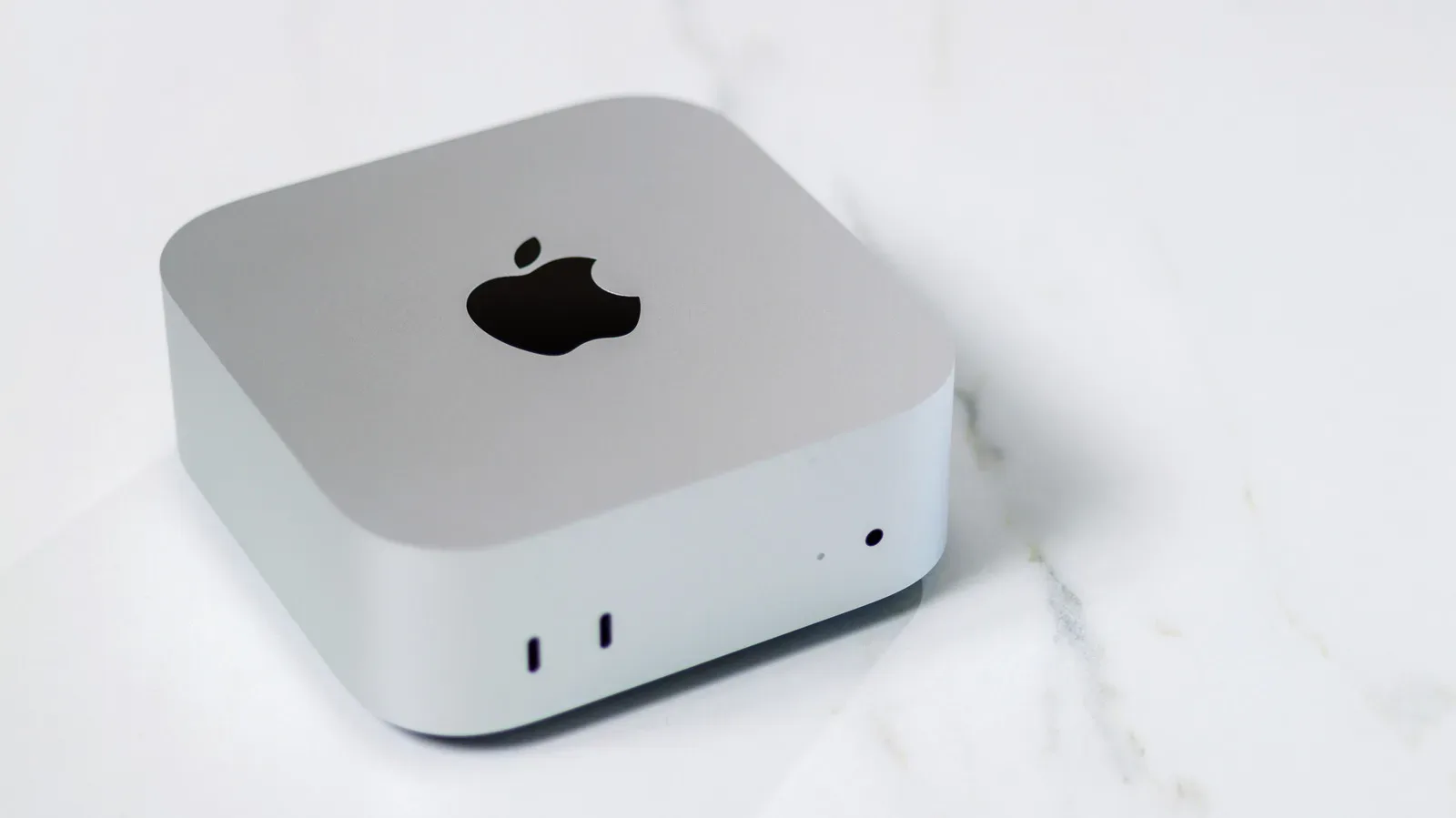
The Mac mini is Apple’s compact desktop rather than an all-in-one machine. It follows the old “bring your own display, keyboard and mouse” approach: the computer itself is supplied, while the rest of the setup is up to the owner. That may sound like a compromise, but it can be an advantage when a household already has a monitor and input devices in place.
For straightforward use—web browsing, documents and similarly light tasks—the practical difference between these Macs may not matter much. A lower-cost machine can be completely appropriate when the workload is modest. The calculation changes when the computer is asked to sustain demanding work for long periods, including 4K video editing, code compilation and some 3D gaming.
Sustained performance is the important term here. It is not simply a measure of how quickly a computer can begin a task. It describes whether the system can keep its processor and graphics hardware working at a high level while heat builds up over time. Rendering video, compiling code and running graphically complex software can all create that sort of long, demanding load.
The base Mac mini has an active cooling system with a fan. That fan helps it keep CPU and GPU performance up for longer. CPU means central processing unit: the hardware responsible for general-purpose computational work. GPU means graphics processing unit: the portion of the system that handles graphical tasks and can also assist in certain other intensive workloads. In a fanless laptop, heat management may require the system to reduce performance in order to avoid overheating. That reduction is often called thermal throttling.
For a quick document edit or a few browser tabs, thermal throttling is not likely to be the deciding concern. For a lengthy video export, a large code build or extended gaming session, it can matter more. The Mac mini’s appeal is therefore not that a fan somehow makes every task faster; it is that active cooling better suits workloads that remain heavy instead of ending quickly.
Why the Mac mini’s M6 and 16GB configuration stands out
At $899, the Mac mini includes Apple’s M6 chip and 16GB of RAM. RAM, short for random-access memory, is the fast working memory used by active applications and tasks. More RAM does not mean every app magically runs twice as fast, but it can be especially valuable when projects, development tools or multiple applications need more room to operate.
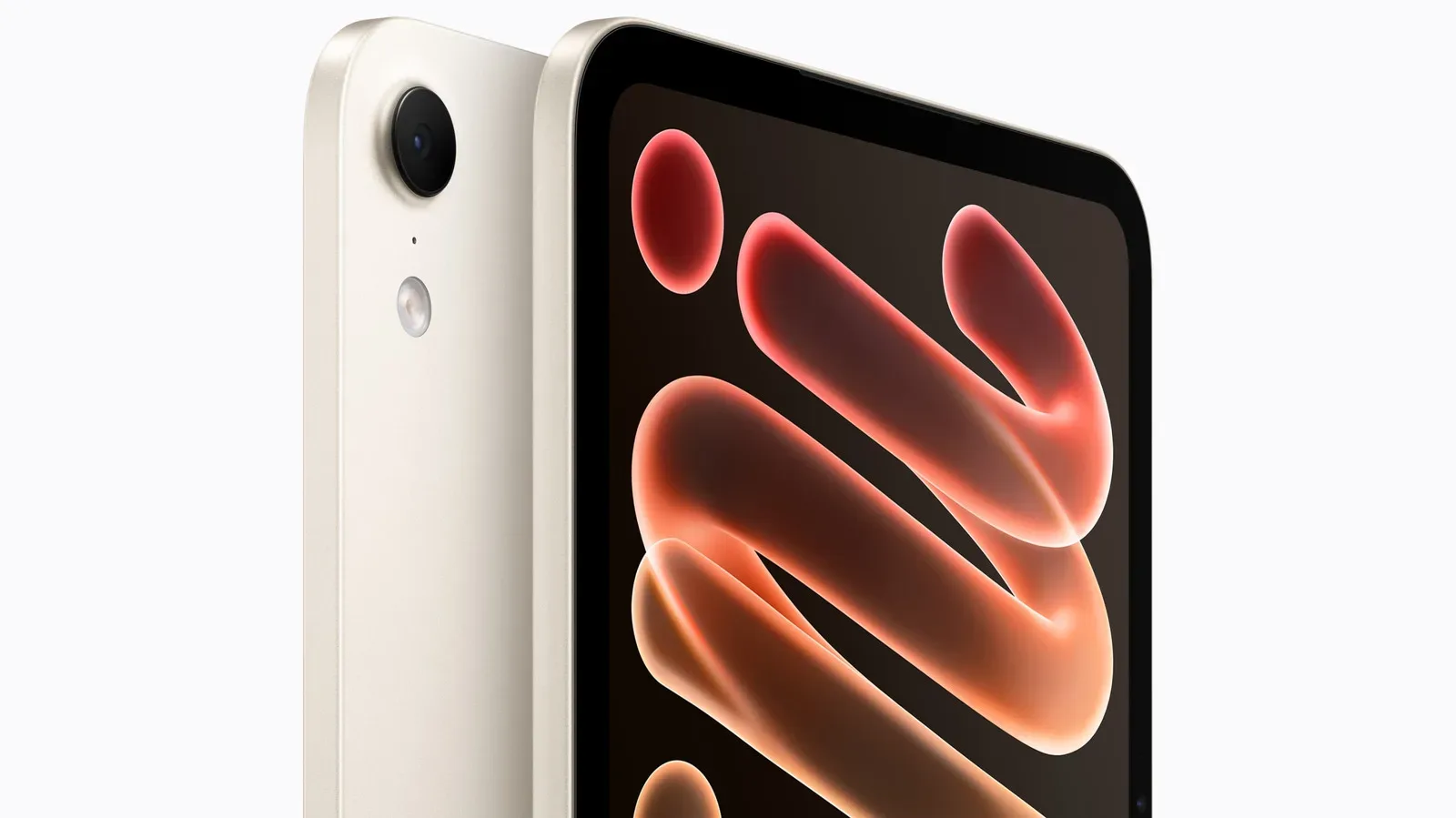
The MacBook Neo’s starting configuration has 8GB of RAM and uses the A18 Pro chip found in Apple’s iPhone hardware. It can suit many people, particularly those with lighter needs, but its entry-level specifications may be less suitable for people aiming to edit video or tackle other demanding work. The Mac mini is positioned as the more capable option than the MacBook Neo or MacBook Air, with its cooling arrangement adding a specific advantage under prolonged CPU and GPU loads.
That can be meaningful for someone learning tools such as Final Cut Pro or Xcode. Final Cut Pro is Apple’s video-editing software, while Xcode is Apple’s development environment for building software. Neither interest automatically requires a desktop, nor does every beginner need the most capable configuration. Still, a machine that can better maintain performance during intensive sessions can make a more sensible foundation for desk-based learning.
Gaming belongs in the same qualified category. The supplied specifications support the Mac mini as a potentially better fit for some 3D games than a fanless MacBook, particularly where sustained performance is involved. They do not, by themselves, establish that every game is available for macOS or that performance will be identical across every title and setting. A buyer should separate the hardware question—how long the computer can maintain its output—from the software question of whether the games they want are supported.
That distinction also matters as game libraries become increasingly digital. The wider discussion around digital sales and ownership has already become a prominent industry issue, including in coverage of Capcom’s back catalog and digital sales. For a desktop buyer, it is practical to think beyond raw chip performance: list the games, creative apps and development tools that will actually be used, then confirm their platform support and requirements before choosing the hardware.
Ports are a real desktop advantage
The Mac mini also makes a strong case through physical connectivity. It has multiple USB-C Thunderbolt ports, Ethernet, HDMI and a headphone jack. A desktop setup often accumulates more wired equipment than a portable one: a monitor, wired internet connection, storage devices, headphones and accessories can all compete for connections.
Thunderbolt is the high-speed connection standard carried through these USB-C ports. The practical takeaway is not that every buyer needs to understand the standard in detail, but that the Mac mini provides several modern connections for a setup with multiple devices. HDMI is commonly used for a display, Ethernet supplies a wired network connection, and the headphone jack provides an uncomplicated audio option.
Those ports can be useful in a gaming-and-creation corner where the computer stays put. An external display can connect through HDMI, a wired network can use Ethernet, and USB-C Thunderbolt ports can accommodate compatible peripherals. The value here is flexibility without treating a desk setup as an improvised laptop dock.
A MacBook can still be used as a desktop-style system with an external monitor, keyboard and mouse. That route preserves the ability to unplug and take the machine elsewhere. It is arguably the right compromise for someone who needs a proper desk environment at home but cannot surrender mobility. The Mac mini is not a universal replacement for that arrangement; it is the more focused choice for someone who does not need the laptop’s self-contained design.
Price comparisons need a complete setup, not a sticker-price shortcut
The Mac mini’s $899 entry price is lower than the $1,299 starting price of the MacBook Air, but comparing the two responsibly means pricing the entire workstation. The desktop does not include the panel that shows the work, the device used to type or the device used to control the pointer. A monitor, keyboard and mouse are essentials, not optional upgrades.
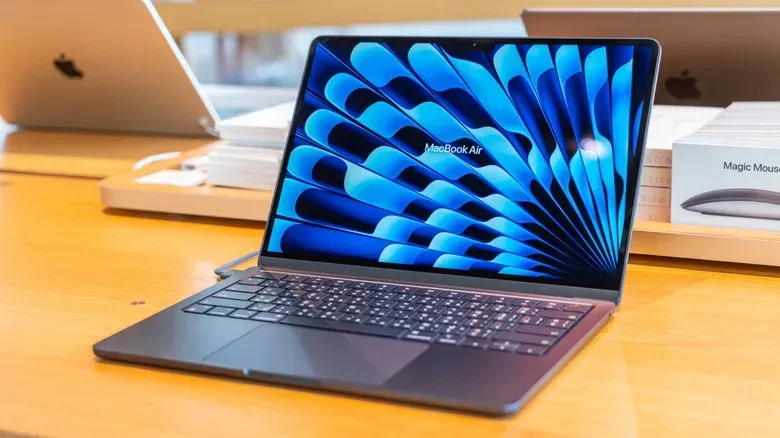
For an owner who already has those items, the Mac mini can be a compelling way to put the budget toward the computer itself: an M6 chip, 16GB of RAM, active cooling and a broad set of ports. For a first-time buyer who needs all the missing pieces, the advantage can narrow quickly. The MacBook Air’s higher price includes a built-in display, keyboard, trackpad, webcam and battery, and that complete package carries obvious value.
There is a second practical consideration: where and how the computer will be used. A laptop can move to a coffee shop, travel with its owner and run away from an outlet for a time because it contains its own battery and display. The Mac mini cannot do those things by itself. It is intended to live in a setup rather than become one on demand.
A straightforward way to choose
The best choice comes down to an honest inventory of habits rather than a blanket claim that desktops are better than laptops. A prospective buyer can frame the decision around three questions:
- Do I truly need portability? Frequent travel, work away from home or a habit of using a computer in multiple places points strongly toward a MacBook.
- Do I already own suitable peripherals? A monitor, keyboard and mouse make the Mac mini’s $899 starting point substantially more attractive. Without them, calculate the full setup before assuming it is cheaper.
- Will I regularly run sustained demanding tasks? 4K editing, code compilation and some 3D games are the scenarios where the Mac mini’s fan-based cooling and stronger desktop-oriented configuration are most relevant.
The MacBook Neo can make sense for lighter workloads and a lower initial spend, while the MacBook Air remains the stronger fit for buyers who need a complete, portable Mac. The Mac mini, however, is an unusually direct answer for desk-bound users who want more headroom than entry-level laptop hardware, do not need to carry their computer around and can reuse the peripherals they already own.
In that scenario, the small desktop is not merely a cheaper alternative. It is a machine designed around a different priority: keeping capable hardware connected, cooled and ready at one permanent workstation.