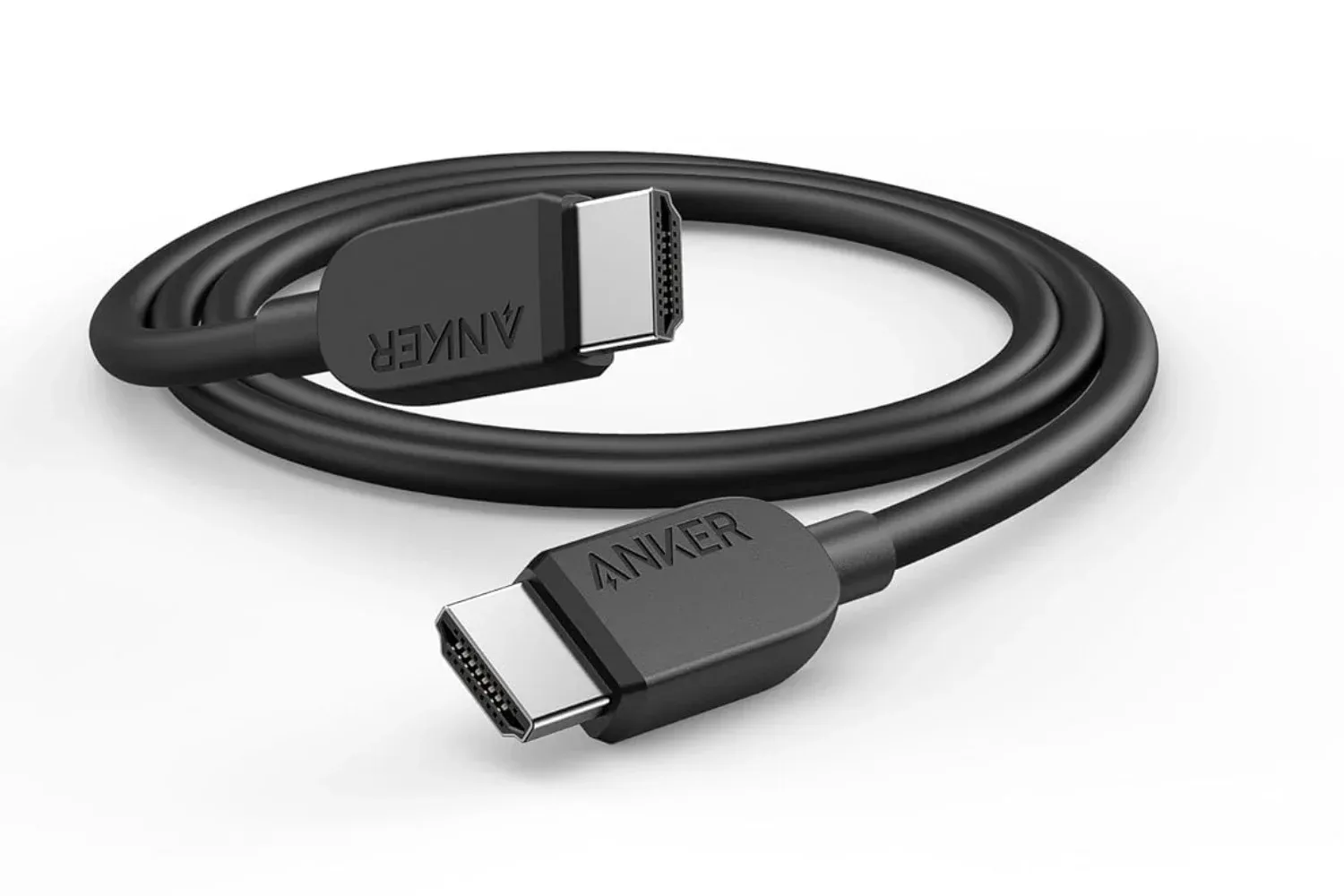
A cable upgrade is not the flashiest change a gaming setup can make, but it can be a sensible one when an older lead is the weak point between a console, PC, display, projector, or other HDMI-equipped device. Anker’s 6-foot HDMI 2.1 cable is currently listed at $9, a $1 reduction from its stated $10 regular price. The 3-foot version is listed at $8 and the 10-foot option at $12.
The important specifications here are a claimed maximum bandwidth of 48Gbps, support for 8K resolution at 60Hz, and 4K at 120Hz. Those numbers make the cable relevant to gaming displays and televisions that can accept a high-refresh 4K signal, as well as to users moving high-resolution video between compatible hardware.
There is one important correction to make before anyone shops purely from a headline: the supplied product details describe 4K at 120Hz, not 4K at 240Hz. A 4K 120Hz rating is still a substantial capability, but it is a distinct specification. Buyers seeking a cable for a particular monitor mode should use the stated product specs and verify the requirements of their own devices rather than assuming a higher refresh-rate mode is covered.
What the advertised specifications mean
HDMI 2.1 refers to a generation of the HDMI connection standard. In practical terms, the listed 48Gbps bandwidth is the maximum data capacity Anker says this cable can handle. Bandwidth matters because a video signal is made up of several demanding ingredients: resolution, refresh rate, color information, and audio data. Raising resolution or refreshing the image more frequently generally requires more data to travel through the connection.
4K describes a high-resolution image format. 120Hz means the display can update the image up to 120 times per second when the source, cable, and display all support that output. By comparison, the 8K at 60Hz claim prioritizes a much larger image resolution while operating at a lower refresh rate than 4K at 120Hz. Neither figure is an automatic promise that every connected device will run at that setting; they are the cable’s stated capabilities within a compatible setup.
For gaming, the practical appeal of 4K 120Hz is straightforward: it gives compatible hardware a path to send a high-resolution image at a high refresh rate. The cable itself does not create extra performance. It cannot make a game run faster, turn a 60Hz screen into a 120Hz display, or add a video mode unsupported by the console, PC, receiver, or television. Instead, it should be viewed as one link in the chain that needs to be capable of carrying the desired signal.
The whole HDMI chain still matters
Compatibility is the detail worth checking before treating any HDMI cable as a guaranteed visual upgrade. The display must support the desired resolution and refresh rate on the HDMI input being used. The source device must be able to output that mode. Any equipment placed between them also matters: an HDMI device, projector, or desktop display can affect what signal is ultimately available.
That distinction is especially useful for a mixed-use desk or living-room setup. A cable may be attached to a laptop one day, then moved to a desktop monitor or projector the next. Anker lists tablets, laptops, HDMI devices, projectors, and desktop screens among the compatible equipment categories. That is broad device compatibility, but it should not be read as a blanket guarantee that every model has the same HDMI version, resolution ceiling, or refresh-rate support.
Related coverage includes Anker HDMI 2.1 Cable Drops to $9, Offering a Low-Cost Upgrade for Modern Gaming Setups.
In other words, the cable’s 48Gbps figure is its stated transport capacity, while the actual result depends on the least capable part of the connection. If a display accepts 4K only at 60Hz, the cable cannot override that limit. If a source does not provide an 8K output mode, connecting an 8K-rated cable will not add one. This is not a flaw unique to Anker’s product; it is how a multi-device display connection works.
Why cable condition can be worth considering
Not every older cable needs immediate replacement. But a setup that uses an old, worn, damaged, or mismatched cable may not be making the most of the connected hardware. When someone is assembling or reworking a gaming station, it is reasonable to check the relatively unglamorous connections alongside more obvious parts such as the screen, controller, storage, or network equipment.
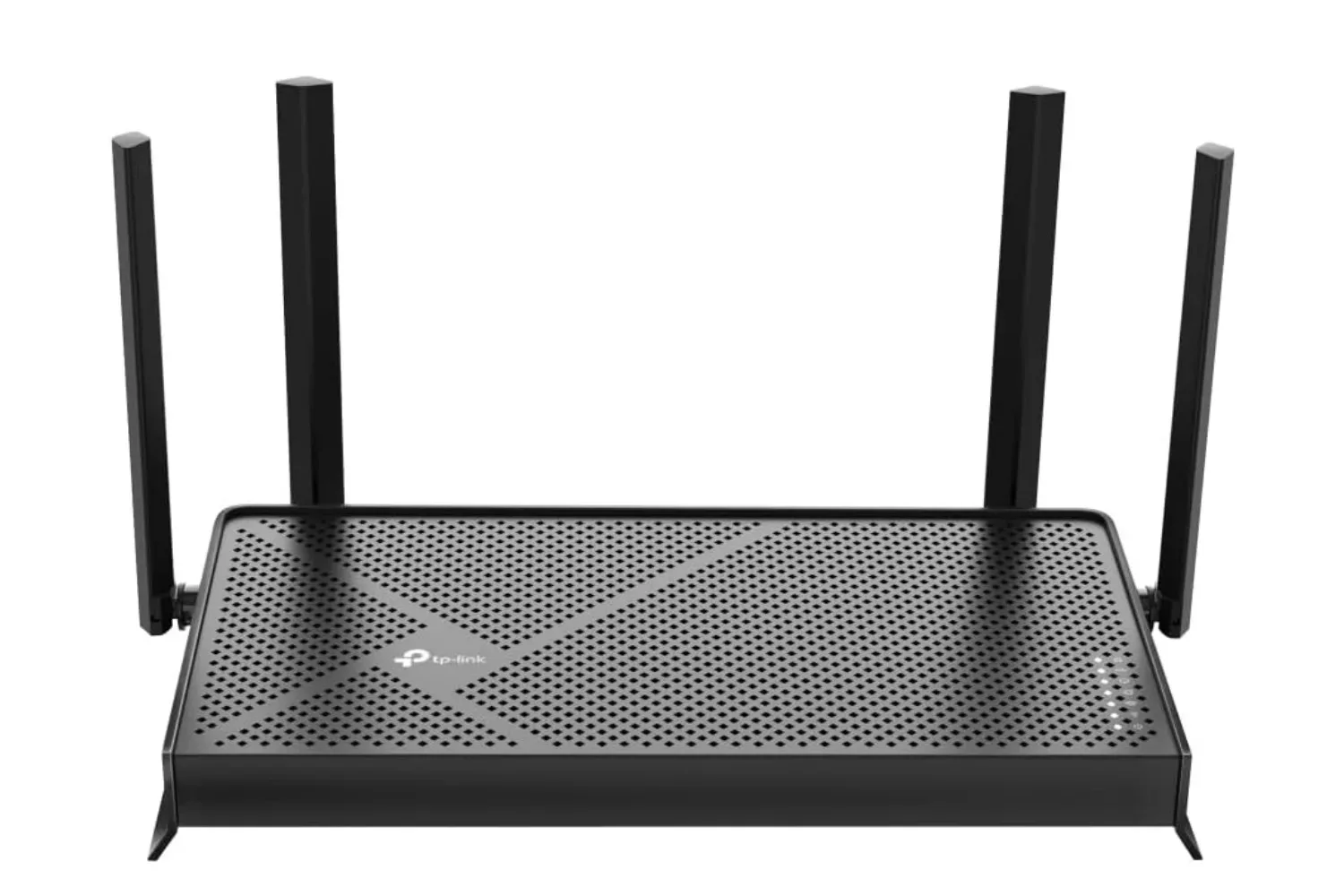
That broader approach is useful because gaming setups are systems rather than single purchases. A display connection handles the picture and associated audio; storage determines how much software a PC or console can hold; networking affects online connectivity. For another component of that kind of upgrade checklist, Joking Joystick has also covered a Wi-Fi 7 router listing aimed at gaming homes.
Anker says this HDMI lead is designed to withstand up to 1,000 bends. That is a durability claim, not a guarantee against every form of wear or accidental damage, but it is relevant to a cable that may be routed around a desk, packed for travel between workstations, or frequently connected and disconnected. Cable length also plays into that everyday practicality. The 6-foot model offers more placement flexibility than a short lead without reaching as far as the 10-foot version, while the 3-foot model may better suit devices placed close together.
Choosing among the listed lengths
The sale makes the length options unusually easy to compare because all three are discounted. The best choice is not necessarily the cheapest one; it is the shortest length that comfortably reaches the intended ports without pulling tight or leaving unnecessary cable to manage.
- 3 feet, listed at $8: potentially suitable when the source device and screen are close together.
- 6 feet, listed at $9: the central option and the model described in the listing, offering additional routing room for only $1 more than the shortest version.
- 10 feet, listed at $12: the option to consider where a longer run is necessary, such as a more spread-out workstation or display arrangement.
Measuring the route rather than the straight-line distance is a practical step. Ports may sit on opposite sides of devices, and a cable often needs to travel behind a stand, around a desk, or through a cable-management path. At the same time, excess length can make a compact setup harder to keep tidy. The listing provides three choices, so buyers do not have to treat the 6-foot version as the only fit.
What is included and what buyers should verify
The package is described as including the cable, a welcome guide, and an 18-month warranty. The stated offer is available to Prime and non-Prime members. As with time-limited retail listings, the price and stock situation can change, so the live product page is the place to confirm the amount before purchase.
Before buying, the most useful checks are specific rather than speculative:
- Identify the resolution and refresh rate the display supports over its HDMI input.
- Check what the source device can output through HDMI.
- Consider whether a projector, desktop display, or another HDMI-equipped device sits in the connection path.
- Measure the intended cable route and choose 3, 6, or 10 feet accordingly.
- Confirm the current retailer price and the warranty details at checkout.
At $9 for the 6-foot model, the reduction is modest in dollar terms, but the underlying price is already low. The more meaningful consideration is whether a 48Gbps HDMI 2.1-rated cable solves a real compatibility or condition issue in a particular setup. For a compatible 4K 120Hz display chain, the listed capabilities align with that use case. For hardware that tops out below those modes, it can still function as a basic HDMI connection, but the higher-end specifications may not be used.
The sale therefore looks less like a reason to replace every cable in a drawer and more like a low-cost option for a new build, a moved workstation, or a connection that needs the stated 4K 120Hz and 48Gbps headroom. Just keep the product description—not the 4K 240Hz wording in the original headline—as the relevant benchmark: Anker lists this cable for up to 8K at 60Hz and 4K at 120Hz.
Shop the products
Check current price, model and availability at the retailer.