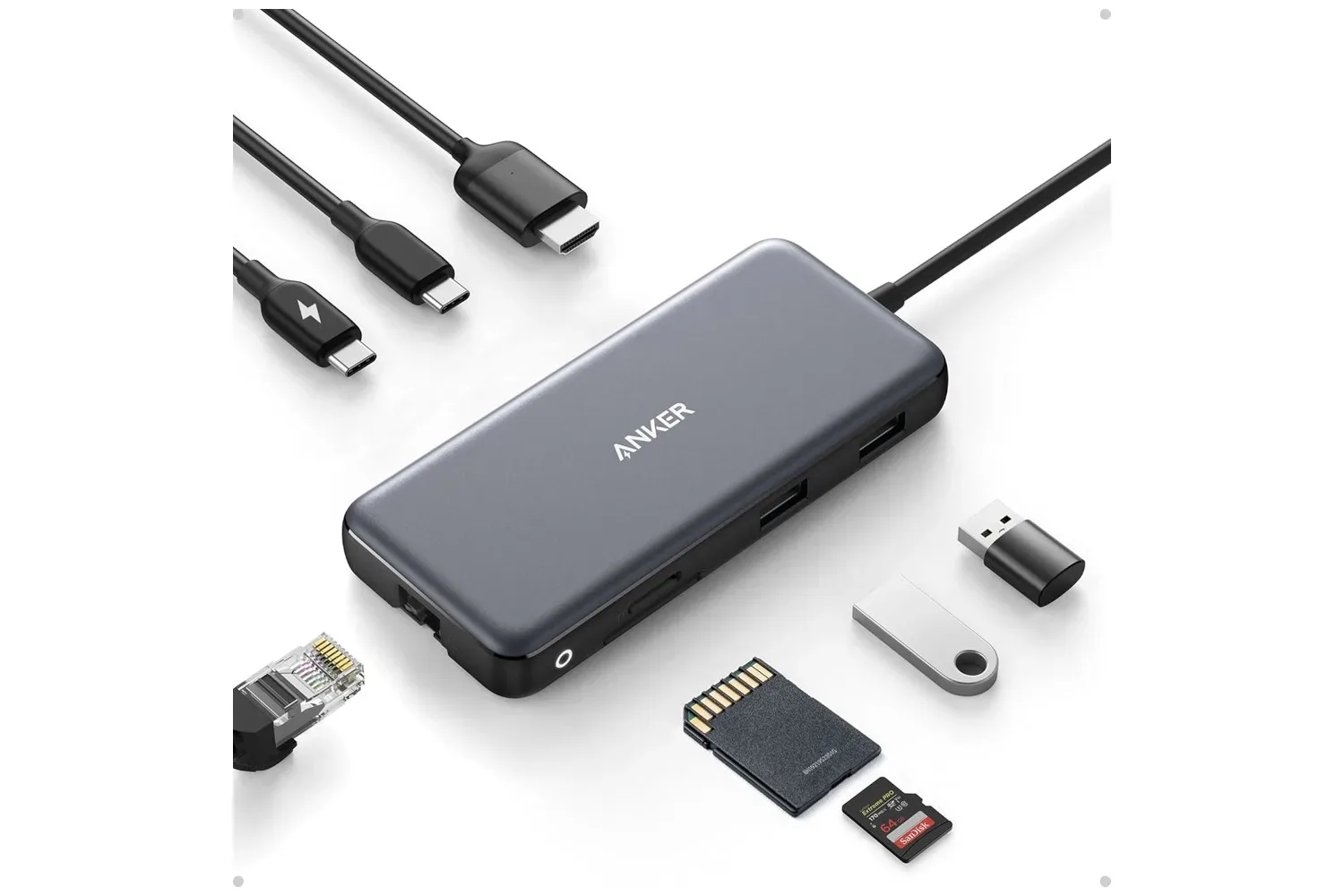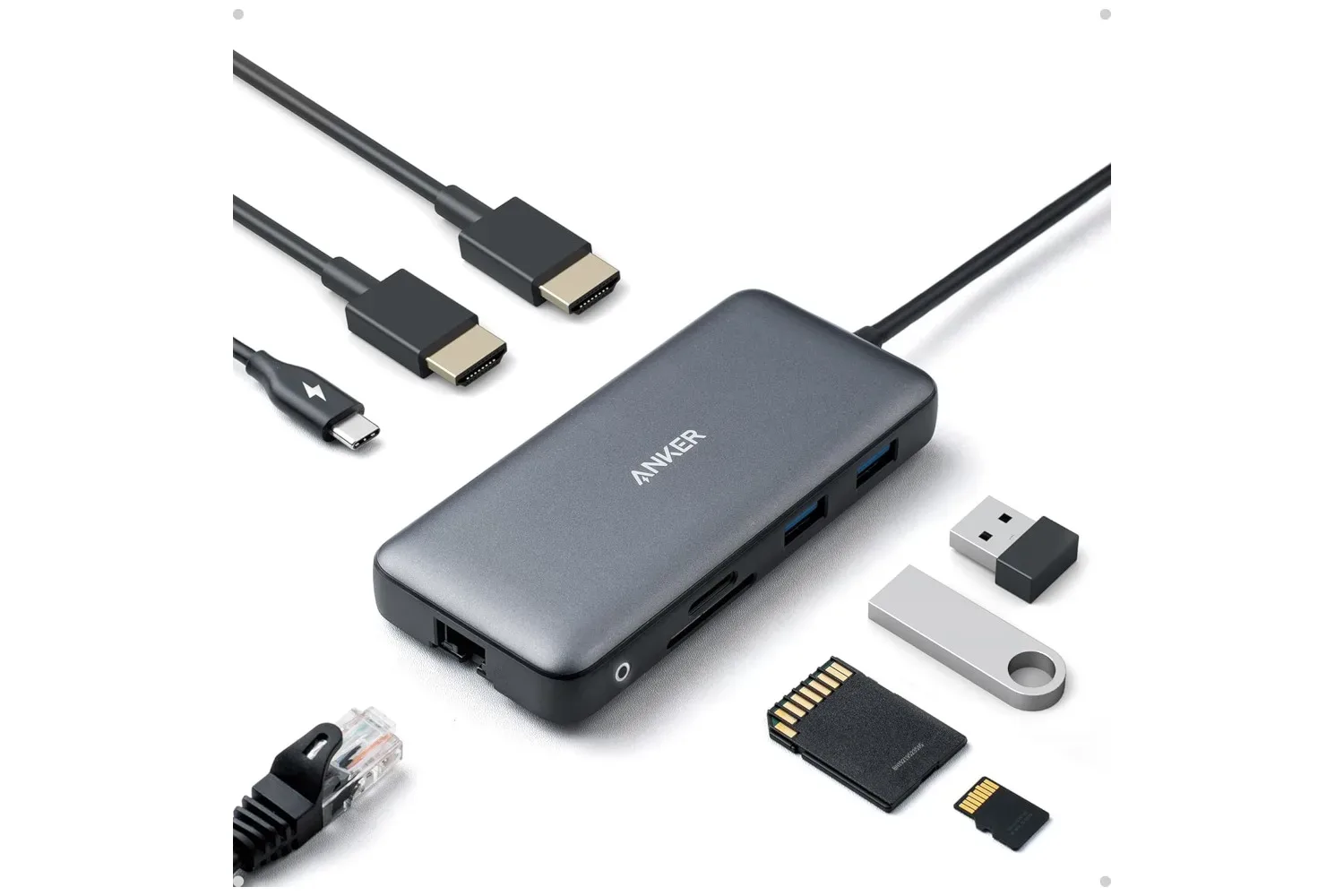
Anker’s 8-in-1 laptop docking accessory is listed at $40, which is described as 26% below its usual price. For laptop owners trying to turn a single USB-C connection into a more permanent desk setup, its appeal is straightforward: one cable can provide access to USB ports, two HDMI outputs, Ethernet, SD and microSD card readers, plus a connection for power.
That makes it less of a gadget for adding a single missing port and more of a compact connection point for a laptop that spends part of its life at a desk. The combination could be useful for PC players who swap between a mobile machine and a monitor setup, as well as anyone moving files from cameras or handheld devices while using wired networking and peripherals.
What the 8-in-1 dock adds
A USB-C hub or dock expands a laptop’s connectivity through one USB-C port. In this case, the listed eight functions include several USB ports, two HDMI ports, Ethernet, an SD card reader, a microSD card reader, and a USB-C power connection. The product listing also identifies 4K HDMI support and an 18-month warranty.
The headline feature for many setups will be the pair of HDMI ports. HDMI is the video connection commonly found on monitors and TVs, and having two outputs may suit a desk built around multiple displays. A larger display can make it easier to keep a game, chat window, browser, guide, stream controls, or work applications visible without constantly cycling through windows.
It is important to separate the practical promise of more physical ports from assumptions about every possible display configuration. The supplied details establish that the dock has two HDMI connections and references 4K HDMI, but do not state the resolution and refresh-rate combinations available when both HDMI outputs are active. They also do not specify how those capabilities vary between host laptops. Buyers with a particular monitor arrangement should verify those details against their own computer and display requirements before treating the dock as a guaranteed dual-screen solution.
A desk setup without living in cable limbo
The core use case is convenience. Instead of individually connecting a display, wired network cable, USB accessories and storage media whenever a laptop returns to a desk, those items can remain connected to the dock. The laptop then uses a single USB-C cable to access that collection of hardware.
For a gaming-oriented PC setup, the USB ports can help accommodate accessories such as a keyboard, mouse, controller receiver, headset adapter, external storage, or other USB equipment. The listing does not identify the number, type, or speed of the USB ports, so it would be unwise to make performance claims for fast external drives or particular peripherals. But the basic advantage remains: the dock gives a laptop more places to connect things.
Ethernet is the wired-network connection in the package. A physical network cable can be attractive at a stationary workspace where the router or network point is nearby. The provided information does not name the Ethernet speed, so prospective buyers should not assume a particular network standard. Still, its inclusion means the dock can serve people whose laptop lacks a built-in Ethernet jack or who prefer to keep the laptop’s own ports free.
The integrated SD and microSD readers are another useful addition. SD and microSD are common removable storage formats, and readers built into a dock can cut down on the number of separate adapters needed at a desk. That is relevant to file transfers, though no transfer-speed rating is given here. Anyone handling especially large files or relying on a specific card standard should check the full technical specifications rather than infer speed from the presence of a reader alone.
Charging pass-through is part of the point
The dock can also pass power through a USB connection so the laptop can charge while the accessory is in use. This is commonly described as power pass-through: power enters the dock from a charger and is delivered onward to the host laptop. It can simplify a desk because the laptop’s charging routine and its expanded I/O can be routed through the same general connection point.
However, the available information does not state the dock’s supported power level, whether a charger is included, or how much power reaches a laptop after the dock’s own needs are accounted for. Those are meaningful buying questions, especially for larger gaming laptops that may require substantial power. The safe reading is that charging through the dock is supported; the exact charging experience should be confirmed for the intended laptop and charger.
Compatibility is described broadly, and the dock is presented as suitable for use across multiple devices. Broad compatibility is helpful for people who change laptops or work between devices, but it is not a substitute for checking a specific machine’s USB-C capabilities. USB-C describes the connector shape; the functions supplied over that connection can differ by device. In practical terms, a laptop’s USB-C port needs to support the features a buyer expects to use, particularly video output.
Who this deal is best for
At the listed $40 price, this dock looks most compelling for someone who already knows they need a concentrated set of connections: displays via HDMI, wired networking, removable-media readers, USB peripherals, and laptop charging. Buying a dock with ports that will sit unused is less persuasive than buying one that replaces a pile of individual adapters or a repetitive cable-connection routine.
- Good fit: a laptop desk that regularly uses a monitor or two, wired internet, USB accessories and SD or microSD media.
- Potentially useful: a flexible work-and-play station where one laptop needs to connect to several existing devices quickly.
- Check first: dual-display limits, 4K behavior, USB data speeds, Ethernet speed, charging power, charger inclusion and host-device compatibility.
Those checks are not reasons to dismiss the deal; they are the difference between purchasing a general-purpose port expander and purchasing one that precisely matches a particular desk. The source material supports the dock’s port variety, its HDMI outputs, charging pass-through and warranty, but leaves the finer performance specifications unspecified.
Why it matters for laptop PC users
Modern laptops often prioritize thin designs and portability, which can leave owners juggling adapters when they sit down at a more elaborate workspace. A docking accessory is a practical answer to that compromise. It does not change the laptop itself, but it can change how readily the machine connects to the equipment around it.
The $40 listing is therefore best understood as a convenience-focused deal rather than an automatic upgrade for every computer. For someone who only needs an occasional USB port, a full 8-in-1 dock may be excessive. For someone repeatedly connecting a display, network cable, cards and peripherals, centralizing those jobs can be much more valuable than the port count alone suggests.
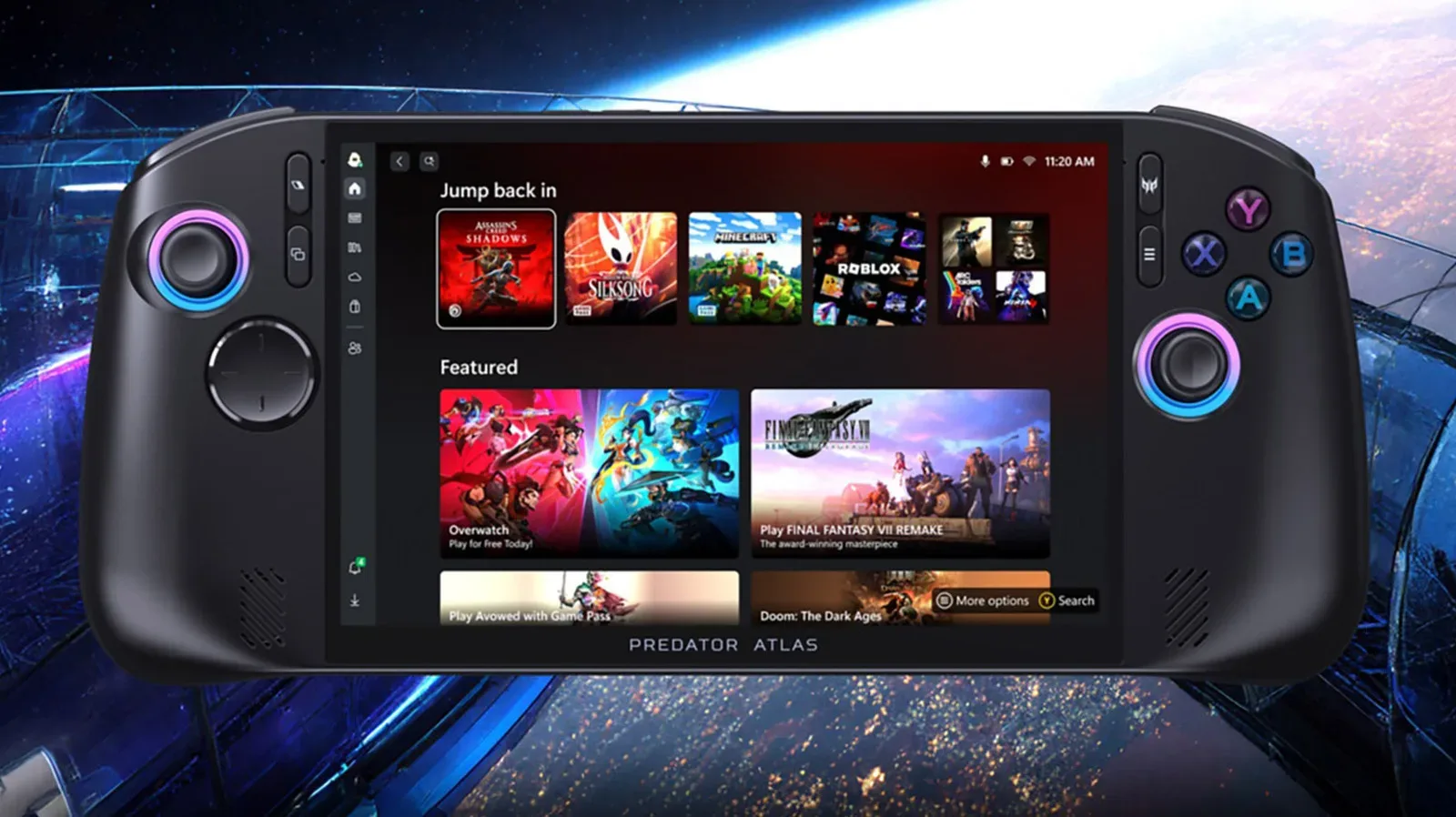
It may also be worth weighing the dock against the rest of a planned laptop station. A larger portable PC can be the center of such a setup; for example, the Acer Predator Atlas 8’s planned US launch highlights the continuing overlap between portable hardware and desktop-style PC use. The Anker dock is a smaller, accessory-level purchase, but it addresses the same broad question: how easily can a portable computer fit into a more fixed setup?
The listed price is presented as a temporary reduction, so availability and pricing may change. The 18-month warranty is included in the reported offering, adding a defined support period to a device designed to sit between a laptop and several valuable peripherals.
Shop the products
Check current price, model and availability at the retailer.