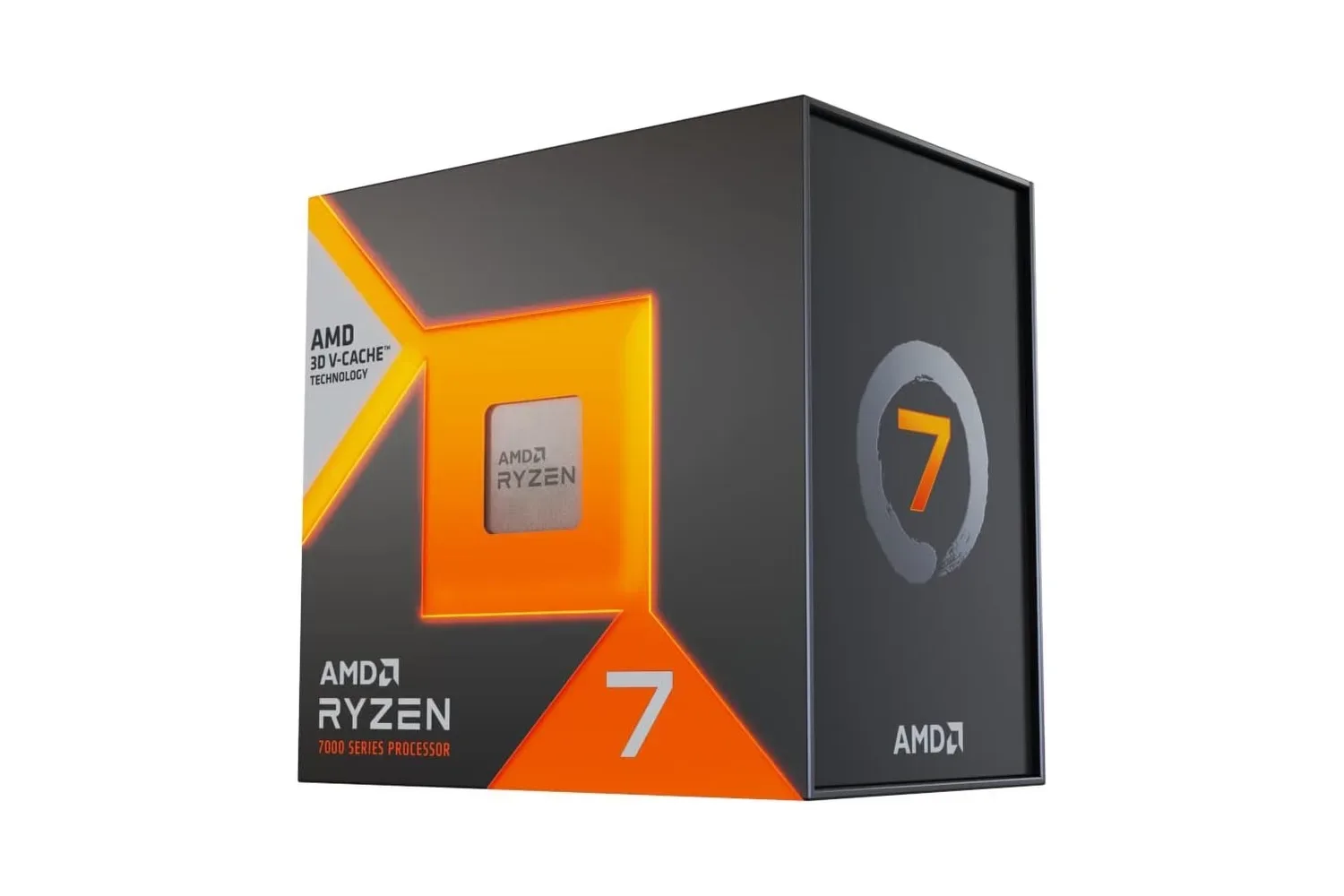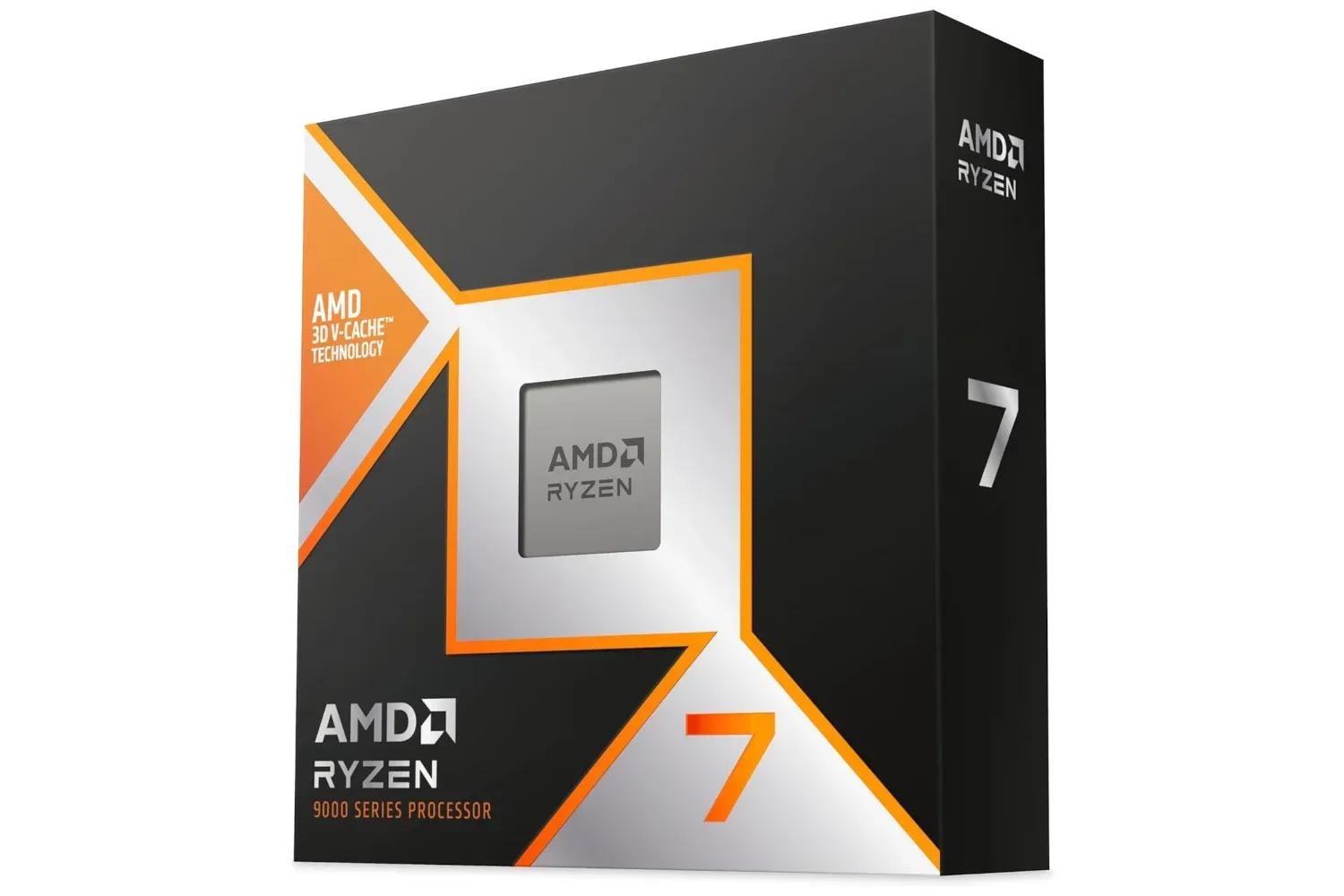
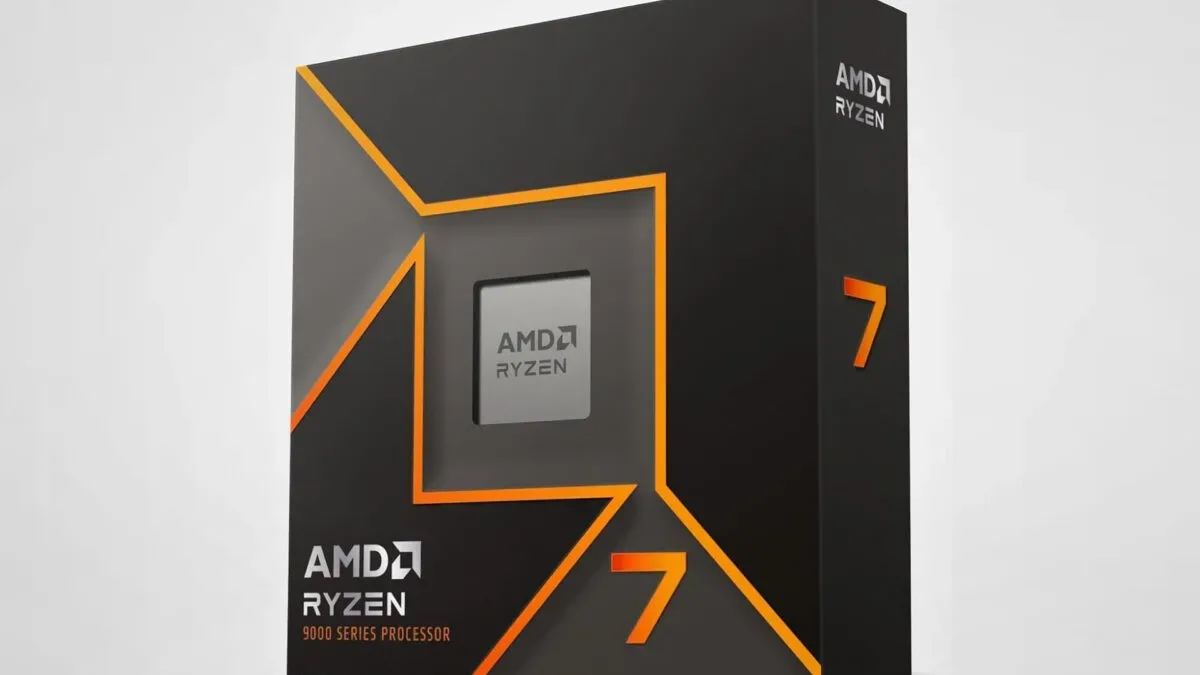
AMD’s Ryzen 7 9800X3D is listed at $399 on Amazon when buyers apply a coupon shown on the product page. The processor is otherwise listed at $411, down from $479. That extra coupon step reduces the price by another $12 and brings a premium gaming-oriented CPU into a notably different bracket for anyone budgeting a major PC refresh.
The deal matters because the Ryzen 7 9800X3D has been positioned as AMD’s flagship gaming processor since its late-2024 launch. Its appeal is not simply an impressive clock-speed number or an unusually large core count. Instead, it is built around a characteristic that can make a substantial difference in games that are limited by the processor rather than the graphics card: 96MB of L3 cache.
That makes this less of a universal upgrade recommendation than a potentially powerful fit for a particular kind of player. Someone chasing very high refresh rates in competitive shooters, dealing with demanding simulation-heavy late games, or playing large online encounters with many players and effects may have more to gain than someone whose system is consistently constrained by their GPU. The $399 listing lowers the CPU portion of that calculation, but it does not erase the platform costs for every existing PC.
What the Ryzen 7 9800X3D brings to a gaming build
The Ryzen 7 9800X3D has eight Zen 5 CPU cores and 16 threads, with boost speeds up to 5.2GHz. Threads are processing lanes made available by the CPU’s cores; having 16 gives the system more room to juggle game work and background tasks than an older four-core processor typically can. That can be useful for people running voice chat, recording tools, or a stream while gaming.
Its defining hardware is AMD’s second-generation 3D V-Cache, which takes total L3 cache to 96MB. Cache is very fast memory located close to the processor cores. It stores data that the CPU is likely to need again soon, avoiding some slower trips to main system memory. In game workloads that repeatedly call on that data, a larger cache can help the processor deliver work more consistently.
The “3D” in 3D V-Cache refers to AMD adding cache through a stacked design. On this generation, the additional cache is placed underneath the cores rather than above them. The stated practical benefit is improved thermal behavior at the cores, allowing the 9800X3D to reach its 5.2GHz boost specification. Earlier X3D processors had to operate at lower clock speeds to remain within thermal limits; this design is intended to remove more of that trade-off.
AMD has also cited an IPC uplift of around 16% over the prior generation. IPC, or instructions per clock, describes how much work a processor can complete during each clock cycle. It is not the same thing as clock speed. A CPU can run at a high frequency, but its overall performance also depends on how much it accomplishes at that frequency, the work being asked of it, and whether another component has become the limiting factor.
Why average frame rate does not tell the whole story
The most relevant gaming benefit described for the 9800X3D is stronger performance in CPU-bound scenarios, especially steadier low-end frame-rate behavior. It helps to separate this from the headline number commonly shown in a game benchmark.
Related coverage includes AMD Ryzen 7 9800X3D Falls to $399 With Coupon in Major Gaming CPU Deal.
Average frame rate gives a broad picture of how many frames a game renders per second over a test period. It is useful, but it can conceal brief slowdowns. 1% lows focus on the slower portion of recorded frames. They are a way of describing the dips that can feel like a hitch or stutter even while the overall average looks healthy.
A large cache is particularly relevant when a game’s CPU work becomes demanding: a competitive shooter being driven toward 240Hz, a massive MMO raid filled with player activity and visual effects, or a city builder deep into a complex late-game simulation. In those cases, the graphics card may have time to render more frames than the CPU can prepare. The processor becomes the bottleneck, and reducing that bottleneck can improve both frame rate and frame-time consistency.
That last phrase is worth unpacking. Frame time is the time taken to produce an individual frame. Smooth play is not solely about pushing a large average number; it also depends on avoiding abrupt fluctuations between frames. This is why a CPU upgrade can be especially noticeable to a player who already owns a high-refresh monitor and sees intermittent drops during crowded or simulation-heavy moments.
There are limits. A game can instead be GPU-bound, meaning the graphics card is the component holding back performance. At higher resolutions or settings that heavily load the GPU, replacing the CPU may not transform results to the same degree. The 9800X3D’s design is most meaningful where the rest of the system, game settings, and desired refresh rate leave room for CPU performance to matter.
AM5 compatibility: straightforward for some, a platform change for others
The processor uses AMD’s AM5 socket. For people already on a compatible AM5 motherboard, it can be a relatively direct upgrade after a BIOS update. The boards identified as compatible are B650, X670, B850, and X870 models.
A BIOS is low-level firmware on a motherboard that initializes hardware and allows the board to recognize and operate with a processor. “Compatible socket” does not automatically mean a system is ready to boot with every CPU generation installed. Buyers should confirm that their exact motherboard has an appropriate BIOS version and follow its manufacturer’s update guidance before treating the upgrade as plug-and-play.
For an AM4 owner, the economics are different. Moving to the 9800X3D requires not only the CPU but also an AM5 motherboard and DDR5 memory. DDR5 is the memory standard used by the AM5 platform; it is not interchangeable with DDR4. The $399 CPU price may offset part of that transition, but the full bill still depends on the board, memory capacity, cooling situation, and any other component that needs attention.
That is why the deal is easiest to understand in two lanes:
- Existing AM5 users: a potential CPU-only upgrade, provided motherboard BIOS support is in place and their cooler is suitable.
- AM4 or older-platform users: a broader rebuild involving a motherboard and DDR5 memory, even though the CPU itself is discounted.
Neither route is automatically wrong. The key is to avoid evaluating a processor sale as if every PC begins from the same place. A lower chip price has the most immediate impact when the surrounding platform is already in place.
Cooling, power and the missing box cooler
The Ryzen 7 9800X3D has a 120W TDP. TDP, or thermal design power, is a power-and-heat-management specification used to guide cooling expectations; it should not be reduced to a simple prediction of what a system will draw in every moment. Still, the supplied specification points toward a manageable cooling target for a high-end desktop part.
A good dual-tower air cooler or a 240mm all-in-one liquid cooler is identified as sufficient for keeping the processor in check. AMD does not include a cooler with the CPU, so that expense needs to be in the budget for anyone who does not already have one.
There is some good news for AMD upgraders: AM4 cooler mounting holes carry over to AM5. That means many existing AM4 coolers can be reused, provided the specific cooler and mounting hardware support the installation. It does not remove the need to check compatibility, but it can prevent a platform move from automatically becoming a cooling purchase as well.
Who should give the $399 listing serious consideration?
The 9800X3D is best aligned with a builder pursuing high-end gaming performance, rather than a buyer choosing a CPU solely on the basis of the sale label. Its eight cores and 16 threads can also accommodate streaming to Twitch or Discord while gaming, reducing the pressure that background workloads can place on older quad-core machines. But the cache-led gaming emphasis remains the principal reason to consider it.
The stated component pairing begins around an RTX 5070 Ti or Radeon RX 9070 XT, with 1440p high-refresh gaming highlighted as a natural target. That should be read as a practical direction rather than a requirement: the processor can be installed in other configurations, but its advantages will be easiest to expose when paired with a capable graphics card and a display that can show high frame rates.
Before buying, prospective upgraders can run a short, unglamorous checklist:
- Confirm whether the current motherboard is AM5 and whether it is one of the supported B650, X670, B850, or X870 families.
- Check the motherboard manufacturer’s CPU-support information and BIOS requirements for the exact board.
- Identify whether the system uses DDR5 already. AM4 owners should factor in a new board and DDR5 memory.
- Make sure a compatible cooler is available, since no cooler is included.
- Consider whether current games are actually CPU-limited, particularly at the resolution and settings normally used.
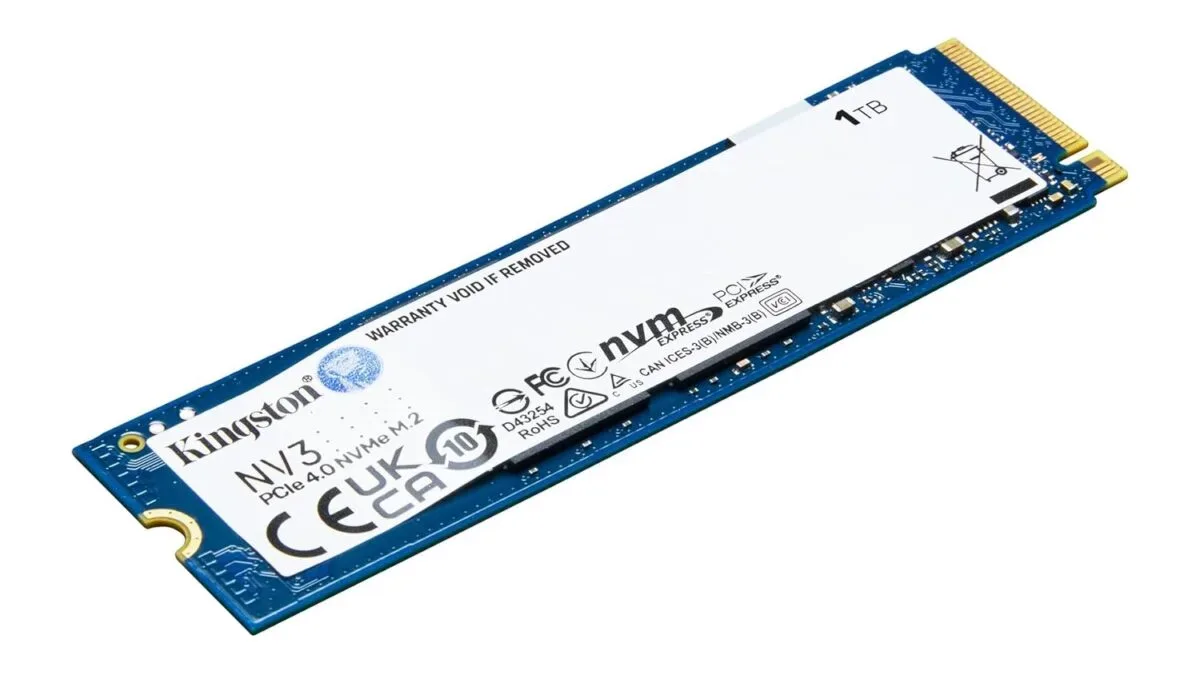
Storage is another separate upgrade decision for anyone rebuilding a PC around a new CPU. Capacity, interface generation, and game-library needs should be evaluated independently; the Kingston NV3 1TB PCIe 4.0 storage deal is an example of the kind of component cost that can enter a broader build plan.
At $399 after the product-page coupon, the Ryzen 7 9800X3D is a lower-cost route into one of AMD’s cache-focused high-end gaming CPUs. For an established AM5 system that needs more CPU headroom, the discount is particularly straightforward. For owners of older platforms, it is still an important price cut, but one that should be weighed against the unavoidable motherboard and DDR5 memory transition. The chip’s strongest case remains clear: high-refresh, CPU-sensitive gaming where smooth lows can matter just as much as a splashy average frame-rate figure.
Shop the products
Check current price, model and availability at the retailer.