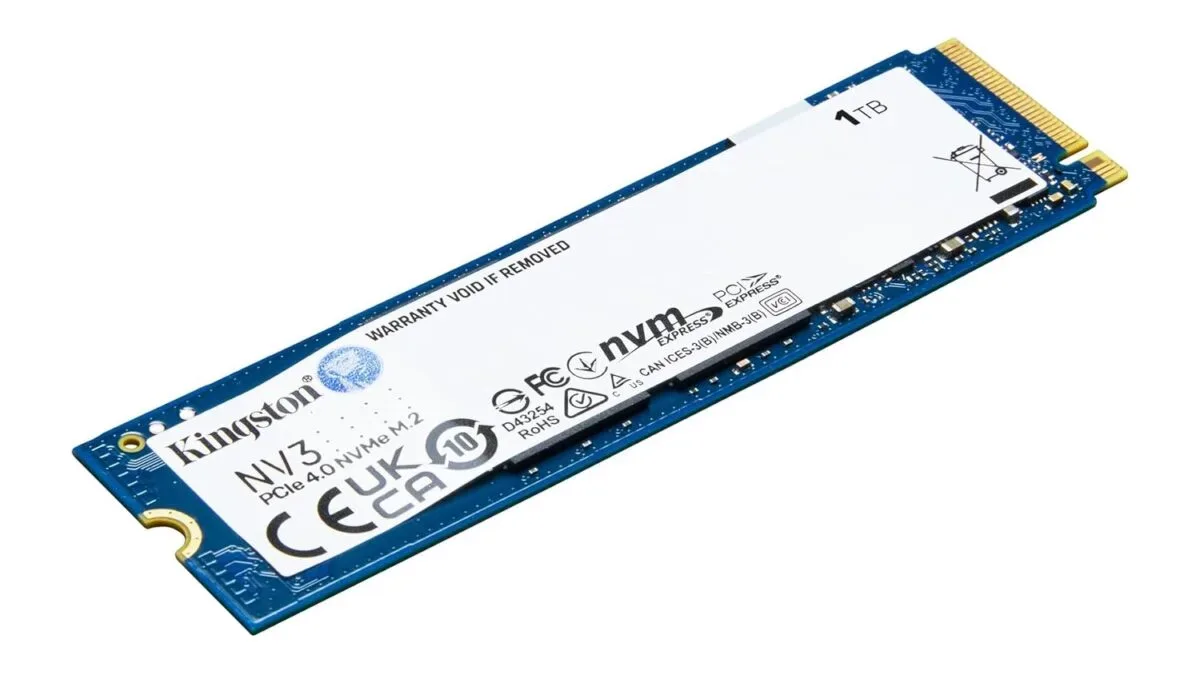
PC storage has become an unexpectedly expensive part of a gaming upgrade. With memory pricing rising, NVMe SSDs have been pulled into the same unpleasant orbit, making a straightforward 1TB drive feel less straightforward than it should. Kingston’s NV3 1TB is listed at $139 during Black Friday week, down from a $215 list price. That is a 35% reduction, and it puts the drive in a notably more approachable position than comparable 1TB PCIe 4.0 models that are still hovering around $200 to $250.
That does not make the NV3 a no-compromise performance champion. It is Kingston’s mainstream PCIe 4.0 option rather than a flagship aimed at winning every benchmark. But a gaming storage purchase is usually about a less glamorous question: can it provide enough capacity and enough speed to stop the recurring ritual of deleting a game to install another? At its current listed price, the 1TB NV3 has a compelling answer.
What the Kingston NV3 offers
The 1TB NV3 is rated for sequential read speeds of up to 6,000MB/s and sequential writes of up to 4,000MB/s through a PCIe 4.0 x4 connection. “Sequential” refers to moving large, contiguous blocks of data, which is a useful way to characterize an SSD’s maximum throughput. It is not a promise that every game, every Windows task, or every file transfer will run at that exact figure. Still, the rating provides useful context for where this drive sits: it is firmly in modern PCIe 4.0 NVMe territory.
For a gaming PC, that matters most in everyday moments rather than in a benchmark graph. Modern SSD storage can reduce the time spent waiting for games and levels to load compared with older storage standards. The NV3’s rated read speed is roughly ten times that of an older SATA SSD, while conventional hard drives sit much further behind. A faster drive cannot erase every loading pause—game design, CPU work, memory and other factors all play a role—but storage is no longer the obvious bottleneck it was on a hard-drive-based system.
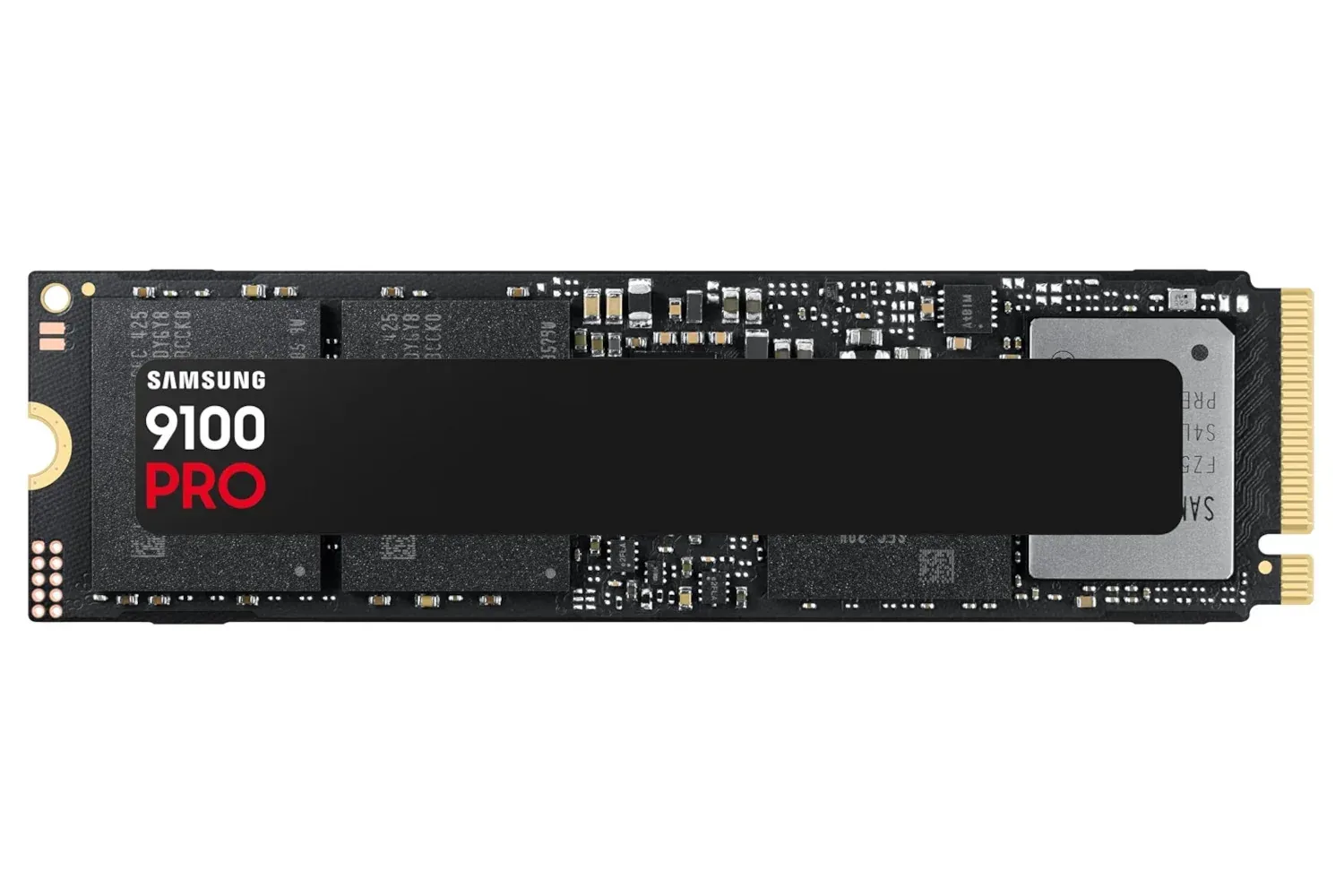
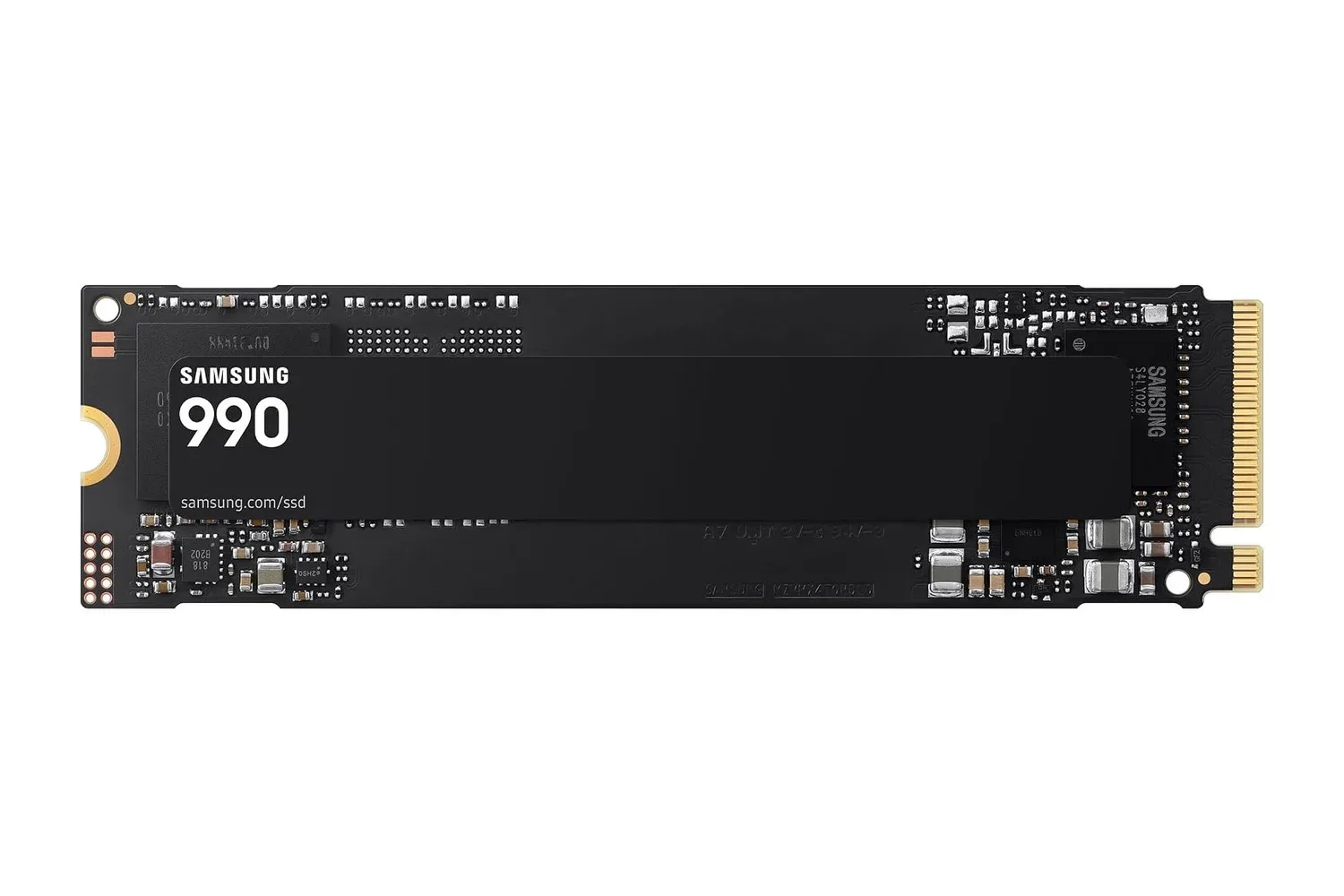
It is also important not to confuse the drive’s position in Kingston’s line with inadequacy. A premium SSD such as a Samsung 990 PRO may produce stronger benchmark results, but the gap that matters to a person launching and playing games can be smaller than the gulf in price. Buyers considering higher-end storage can also compare this deal with the separate Samsung 9100 PRO 2TB Black Friday listing, which is a different capacity and tier of purchase altogether.
DRAM-less design: the compromise behind the price
Kingston keeps costs down with a DRAM-less design. In simple terms, some SSDs include dedicated DRAM cache memory on the drive to help manage data-location information. The NV3 omits that dedicated cache, a choice commonly used to target a more affordable segment.
This does not mean the NV3 cannot serve as a game drive. For a library largely made up of installed games, the primary job is storing files and reading them quickly when a game starts or requests data. That is a sensible workload for a value-focused PCIe 4.0 SSD. The trade-off simply gives shoppers a reason to set the right expectations: this is not positioned as the drive to chase at any price for benchmark leadership. It is positioned as a fast, modern capacity upgrade without paying flagship money.
That distinction is especially useful in a period of elevated storage pricing. A deal is not automatically good because the discount percentage is large, and a product does not become a poor choice because it lacks a premium feature. The relevant comparison is between the drive’s capability, its intended role, and the money left in a PC budget for games, memory, cooling or other parts. At $139, the NV3’s mainstream compromises look more purposeful than alarming.
Related coverage includes Kingston NV3 1TB SSD Deal Targets PC and PS5 Storage Upgrades.
Why 1TB remains a practical gaming target
A 1TB SSD does not sound extravagant until it is measured against current installation sizes. One Call of Duty installation can consume well over 100GB. Add a couple of large open-world games, updates and the assorted smaller titles that somehow never get uninstalled, and a 500GB boot drive can run out of breathing room quickly.
The most uncomplicated use for the NV3 is as a second drive. Put the operating system and core applications on the existing boot SSD, then give large games their own 1TB home. This can make library management considerably less irritating: games do not need to compete as directly with Windows, applications and personal files for the same finite space. It also lets an owner retain a functioning boot installation rather than making a storage upgrade into a full system migration project.
There is a practical maintenance advantage, too. Keeping some free space available rather than filling a drive to the edge makes day-to-day storage management easier. The NV3 cannot magically make games smaller, but another terabyte can reduce the frequency of difficult uninstall decisions and leave room for patches.
M.2 2280 compatibility explained
The NV3 uses the standard M.2 2280 physical format. M.2 is the compact connector and card format common in current desktops and laptops; 2280 indicates the familiar 22mm-by-80mm size. For many recent motherboards and gaming laptops with an empty M.2 slot, that makes the physical fit relatively conventional.
“Relatively” is the key word. A shopper should still check the exact device before buying. A free M.2 bay is required for an additional internal drive, and the system must support the intended interface. The supplied information describes the NV3 as a PCIe 4.0 x4 SSD, so buyers should verify their system documentation rather than assuming every M.2-shaped slot has identical capabilities. The standard size makes this less of an exotic upgrade, not an exemption from checking compatibility.
The drive is also described as thin and low power, characteristics that are particularly relevant to laptops, where physical clearance, heat and battery life receive more attention than in a roomy desktop. That does not eliminate the need to inspect a laptop’s internal layout, but it supports the NV3’s role as a practical upgrade rather than a bulky specialist component.
A boot-drive replacement is possible, not mandatory
For users whose existing boot drive is simply too small, the NV3 can also be used as the replacement system drive. Kingston includes Acronis cloning software, intended to copy a Windows installation, settings and installed games from an existing drive to the new SSD. Cloning is the process of transferring an existing storage setup rather than reinstalling the operating system and applications one by one.
That can be useful, but it is worth separating the option from the requirement. Someone adding the NV3 as a game-library drive generally does not need to clone anything. Someone replacing a cramped primary drive may find the included software valuable because it can preserve an established setup. Which route makes sense depends on whether the shortage is confined to game storage or affects the entire system disk.
PS5 expansion potential comes with one extra purchase
The NV3’s up-to-6,000MB/s read specification clears Sony’s stated 5,500MB/s recommendation for PS5 expansion storage. On that headline measure, it has the speed needed to be considered for console storage expansion as well as a PC upgrade.
There is one caveat that should not be skipped: the NV3 ships without a heatsink. Anyone intending to install it in a PS5 will need to add one before fitting it into the console. A heatsink is a piece of metal designed to draw and dissipate heat. This is not a decorative accessory in the context of console SSD expansion; it is a necessary part of the plan for this particular drive.
That detail changes the value calculation slightly. The $139 listing is the price of the drive, not necessarily the entire PS5 expansion setup. PC buyers may already have a motherboard-provided M.2 cover or another cooling arrangement, while PS5 buyers should specifically account for the separate heatsink. It is a small but material distinction, and it is better to make it before the drive arrives than while preparing an installation.
Who this deal suits
- PC players needing a second game drive: The 1TB capacity, PCIe 4.0 performance and standard M.2 2280 form factor make this the clearest use case.
- Owners of cramped 500GB boot drives: A separate 1TB library drive can ease space pressure without requiring a Windows migration.
- Users replacing a primary SSD: Included Acronis cloning software provides a route to transfer an existing Windows setup, settings and games.
- PS5 owners planning ahead: The rated read speed exceeds Sony’s recommendation, but the buyer must obtain a heatsink separately.
- Value-minded buyers: The NV3 is best understood as a mainstream drive with a DRAM-less cost-saving design, not a direct substitute for a no-expense-spared flagship.
The strongest reason to consider this listing is not that the NV3 has suddenly become a luxury component. It is that a modern 1TB PCIe 4.0 SSD at $139 can be a sensible answer to a very common gaming problem: libraries are growing faster than available storage, while the wider SSD market has made upgrading harder to justify. For buyers with a compatible PC—or a PS5 plan that includes a heatsink—the Kingston NV3 offers capacity, speed and a price that are aligned with the practical job at hand.
Shop the products
Check current price, model and availability at the retailer.