
A home network rarely gets the spotlight until a game update crawls along, a multiplayer match starts rubber-banding, or the bedroom signal decides it has entered its villain era. Amazon’s eero 7 dual-band Wi‑Fi 7 mesh system is currently listed as a three-unit bundle for $320, reduced from $400. That is an $80, or 20%, cut on the entry-level Wi‑Fi 7 range from eero.
The bundle is built around a simple proposition: place three compact routers around a home instead of relying on one device to force a signal through every wall, floor and inconveniently situated television. Eero rates the three-pack for up to 6,000 square feet of coverage and more than 120 connected devices. Each individual unit is rated for up to 2,000 square feet.
For households balancing online games, 4K streaming, video calls, smart-home accessories and the small army of phones, tablets and consoles that appear whenever guests arrive, those are the claims that matter more than a shiny Wi‑Fi version number. The eero 7’s feature list also supplies a useful set of questions to ask before treating any mesh kit as an automatic lag-reduction button.
The $320 eero 7 bundle at a glance
- Price: $320 for three eero 7 routers, down from $400.
- Coverage claim: Up to 6,000 square feet for the three-pack, or up to 2,000 square feet per unit.
- Wi‑Fi standard: Dual-band Wi‑Fi 7 using 2.4GHz and 5GHz bands.
- Advertised speeds: Up to 1.8Gbps wirelessly and up to 2.3Gbps over a wired connection.
- Internet-plan support: Plans up to 2.5Gbps.
- Ports: Two auto-sensing 2.5GbE Ethernet ports on each unit.
- Compatibility: Works with older Wi‑Fi devices and earlier-generation eero hardware.
- Support: A three-year limited warranty from eero.
Physically, each router measures roughly 5.12 inches wide and 2.52 inches tall. More important than the footprint is placement: three units allow a household to put network hardware closer to where the connection is actually needed. That can be useful for a game room, an upstairs office, a basement setup or a living-room console that is too far from the main internet entry point.
What a mesh system changes—and what it does not
A mesh Wi‑Fi system uses multiple access points, here the three eero units, to serve one home network. Rather than asking every device to talk directly to a single router, nearby units can help carry the connection across the home. This is intended to reduce weak-signal areas, commonly called dead zones.
That distinction is especially relevant to online gaming. A faster internet plan cannot fully rescue a console or PC that has a poor wireless connection to the router. Likewise, a new router cannot make a game server respond more quickly than it does. What a well-positioned mesh can address is the local, in-home part of the journey: getting data between a device and the household’s internet gateway more consistently.
The eero 7 uses three named systems to manage that work. TrueMesh selects a route for data among the eero units. TrueRoam shifts a moving device to the unit with the strongest connection. TrueChannel chooses a less congested available wireless channel when nearby homes or businesses are transmitting their own Wi‑Fi signals.
In practical terms, these features are about reducing the nuisance of manual network management. A phone moving from one end of the home to another should be able to remain on the same network while the system determines the best nearby unit. For stationary gaming hardware, the more meaningful advantage may be simply having a closer eero available—or bypassing Wi‑Fi entirely with Ethernet.
Related coverage includes Amazon cuts the eero 7 mesh Wi-Fi 7 three-pack to $320.
Wi‑Fi 7, explained without the spec-sheet smoke bomb
The eero 7 is a dual-band model, operating on the 2.4GHz and 5GHz bands. Its headline Wi‑Fi 7 feature is Multi-Link Operation, also called MLO. On compatible client devices, MLO permits simultaneous connections across multiple bands. The stated aim is lower latency and improved reliability.
Latency is the time taken for data to travel between points. It is often discussed in milliseconds for online games. A low-latency connection is desirable because actions and updates have less delay. But it is important to separate network layers: MLO can improve reliability and responsiveness on the local wireless connection when both the router and client support it; it does not erase distance to a game’s servers, server load or issues outside the home network.
The compatibility wording is just as important as the newer standard. Older Wi‑Fi devices can continue to connect to the eero 7 as before. That makes the system an upgrade that does not require replacing every console, handheld, laptop, smart television or smart-home gadget at once. The Wi‑Fi 7-specific gains, however, depend on compatible devices.
The unit’s quoted wireless speed is up to 1.8Gbps, while its wired speed is up to 2.3Gbps. These figures should be read as capability figures, not as a promise that every room or device will reach those numbers. Home layout, device support, placement, congestion and the speed of the underlying internet plan still shape day-to-day results.
Why the Ethernet ports may be the gamer-friendly headline
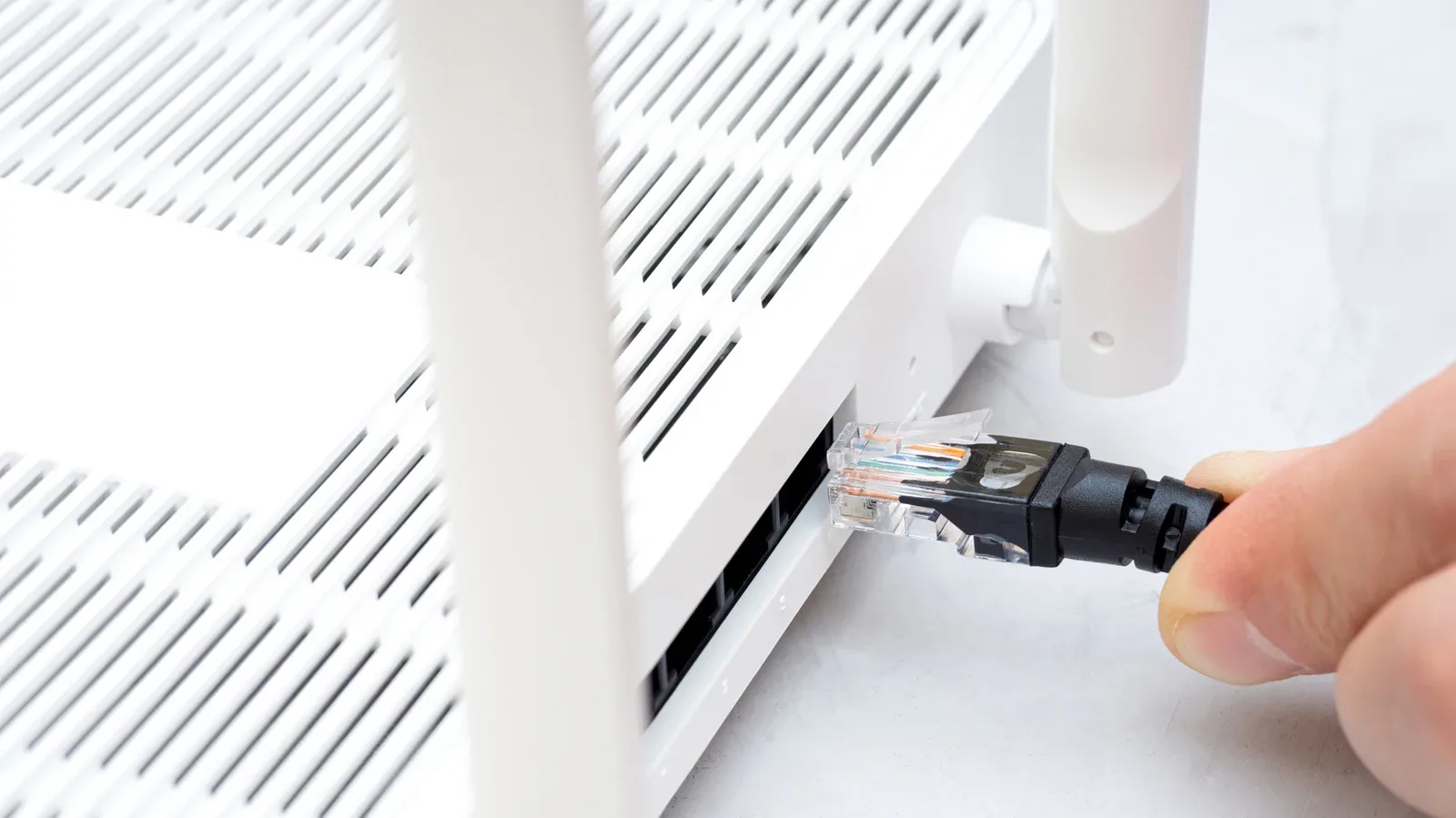
Each eero 7 includes two 2.5GbE auto-sensing Ethernet ports. Ethernet is a wired network connection, and 2.5GbE refers to ports capable of a 2.5-gigabit-per-second link. “Auto-sensing” means the ports can identify their role without a user having to designate one manually.
A wired connection remains a straightforward option for devices that do not move: a desktop PC, a console dock, a TV or a streaming box. The eero 7’s wired speed claim is up to 2.3Gbps, and the system supports internet plans up to 2.5Gbps. Anyone considering the kit for high-speed service should still keep the entire chain in view. The available speed at a device can be limited by the plan, the service entering the house, cables, the connected hardware and the network link used by that hardware.
The useful flexibility here is that any eero 7 unit can serve as the main router. A household can start with the three-pack as a new network or add units alongside previous-generation eero products. That latter point could matter for an existing eero owner who needs to extend coverage instead of replacing every unit.
For players who split time between a docked console, a desktop and a portable device, the sensible interpretation is not “wireless is obsolete.” It is that the system offers both approaches: Wi‑Fi coverage for the devices that need it, and local Ethernet ports where a cable is practical. The same principle applies when comparing this networking purchase against new gaming hardware, including the handhelds covered in this look at the Mangmi Air X Pro: a capable device still benefits from a dependable connection when its games or services need one.
Coverage claims need a floor plan, not blind faith
“Up to 6,000 square feet” is a useful maximum rating, but it is not a map of every home. The eero 7 package has three units, and their value is tied to how well those units can be placed through the space. A large single-level home, a multi-floor home, a home with a distant room used for gaming, and a home with a detached work or leisure space may all demand different positioning decisions.
The supplied specifications identify the kinds of places a mesh is meant to help: basements, backyards and bedrooms are all examples of coverage trouble spots. But an advertised coverage figure does not guarantee identical performance at every edge of that area. It is best understood as the intended scale of deployment rather than a promise of maximum throughput in every corner.
That is also why the three-pack has a clearer audience than someone living in a small space already well covered by one router. Its main advantage is distributing the network across a larger area and directing devices to the strongest available eero as people move through it. A buyer should consider where their present connection drops, where their most latency-sensitive activities happen and whether those locations can reasonably sit near an eero unit.
Smart-home hub features broaden the job description
Networking is only part of what these units can do. Every eero 7 can work as a smart-home hub for Thread, Zigbee and Matter devices through Alexa. These are smart-home connectivity standards or technologies used by products such as lights, locks and plugs. The practical pitch is avoiding a separate hub for those accessories.
The units are also compatible with eero Built-in on certain Amazon Echo products, allowing those speakers to expand the mesh network. That may be relevant to households already using compatible Echo hardware, but it is not necessary to establish the base three-unit mesh.
This feature set makes the eero 7 more than a console-adjacent router. It can become part of a central household setup that supports smart lights in a gaming area, a lock on an exterior door or plugs in multiple rooms. Whether that consolidation is a benefit depends on the devices already in use, but the stated support is broad enough to be worth checking before buying another standalone hub.
App controls, automatic updates and the optional subscription
Setup and day-to-day administration are handled through the eero app. It guides setup, shows active devices and allows internet access to be disabled for selected devices. The app also includes a speed test that can be run from a phone.
Those tools are practical for households sharing a connection. Seeing which devices are active can help make sense of a suddenly crowded network. Turning off access for a particular device is a direct control rather than a cure for every performance issue, but it is a useful option to have in the same place as setup controls.
The system receives automatic internet-delivered updates intended to provide new features and security improvements. Eero also offers an optional eero Plus subscription with Advanced Security, ad blocking and parental controls, alongside a free trial. The subscription is optional, so buyers should distinguish the included mesh hardware and app functions from the extra services attached to eero Plus.
Who the bundle appears to suit
At $320, the eero 7 three-pack is most clearly aimed at a household that needs coverage beyond a single router’s comfortable reach, wants Wi‑Fi 7 capability without excluding older devices, or needs multiple wired connection points around the home. The combination of three units, two 2.5GbE ports per unit, compatibility with earlier eero hardware and a stated capacity of more than 120 connected devices gives it a broad role.
For gaming specifically, the most grounded case is a home where weak Wi‑Fi is the immediate problem: a distant setup, shifting performance in a particular room, or a packed network handling streams, calls and connected gadgets at the same time. Wi‑Fi 7’s MLO can assist compatible devices, while the mesh routing, roaming and channel selection tools aim to keep the local connection reliable. Wired ports offer another path where a cable can be run.
It is not a magic fix for every online-game frustration. Internet-plan limits, remote game servers and device support still matter. Yet for a home that needs a larger, more flexible network footprint, the $80 discount makes the three-node eero 7 package a notable option—especially when the real upgrade is not a bigger speed number, but fewer parts of the house where the connection decides to go AFK.
Shop the products
Check current price, model and availability at the retailer.