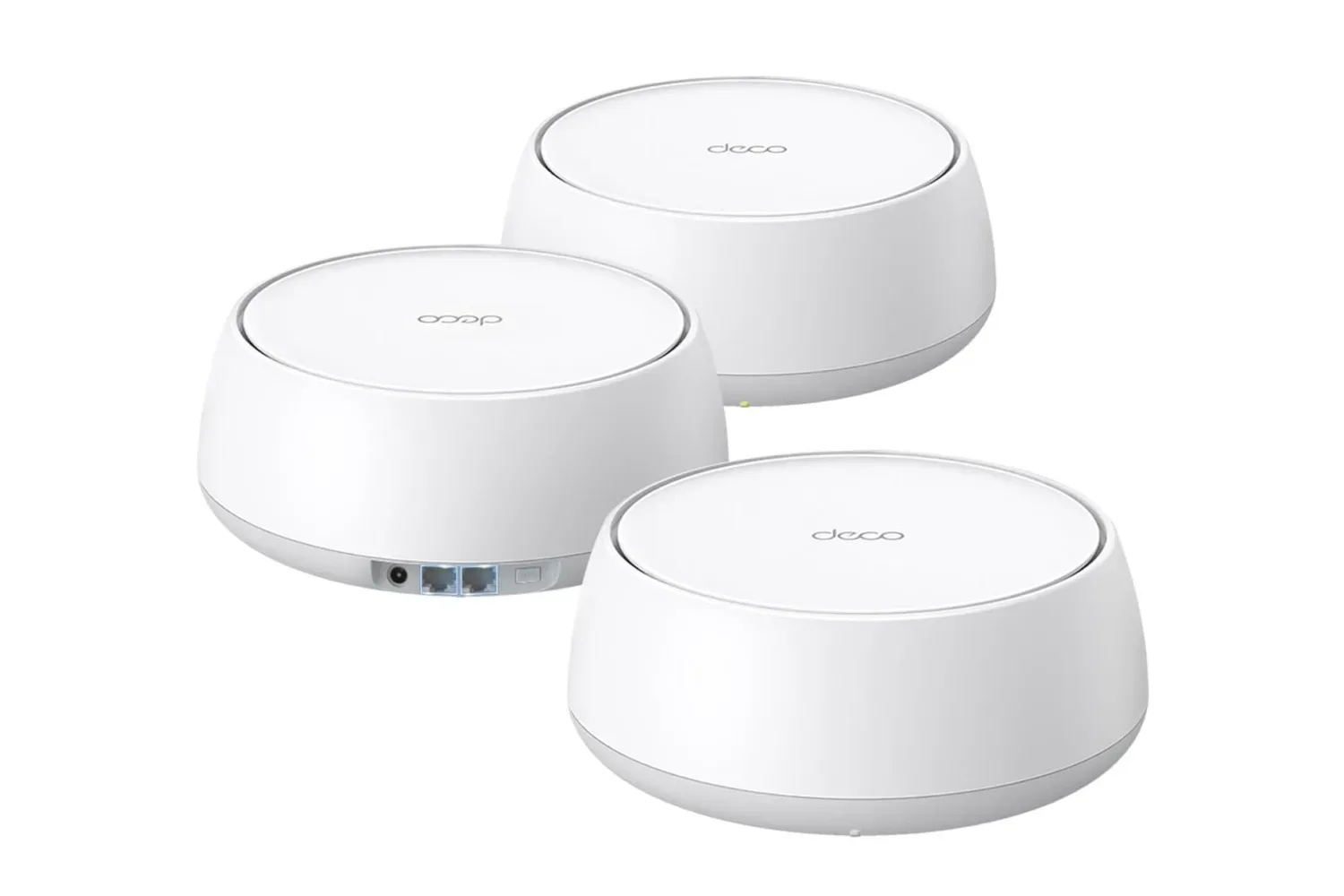
A mesh Wi‑Fi kit is often the answer when one router cannot reach every room that matters. It can bring a usable connection to a basement setup, an upstairs bedroom or the far end of a long home where a console, PC, phone or smart-home device otherwise falls into a coverage dead zone. But adding mesh nodes does not automatically mean every node performs at its advertised best.
The overlooked part of the setup is how those nodes communicate with one another. That inter-node connection is called the backhaul. Most mesh systems create it wirelessly by default, which is convenient and often perfectly adequate. Yet a wireless backhaul also means Wi‑Fi is doing two jobs at once: serving devices and moving their data through the mesh. If the route between nodes is weak, performance at the remote node can suffer before a PC or console has even joined the network.
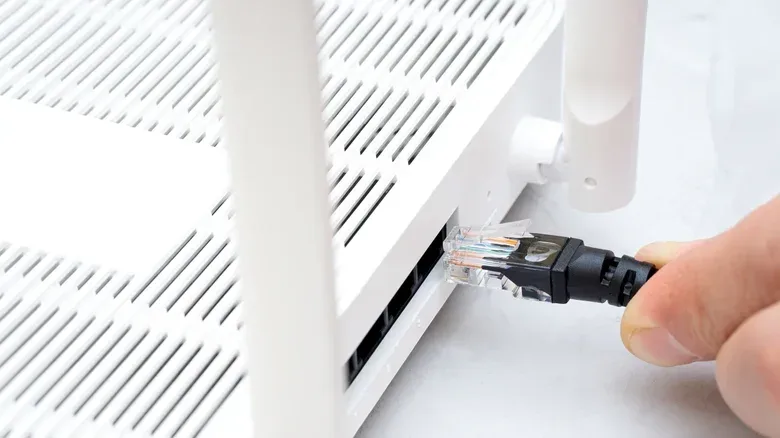
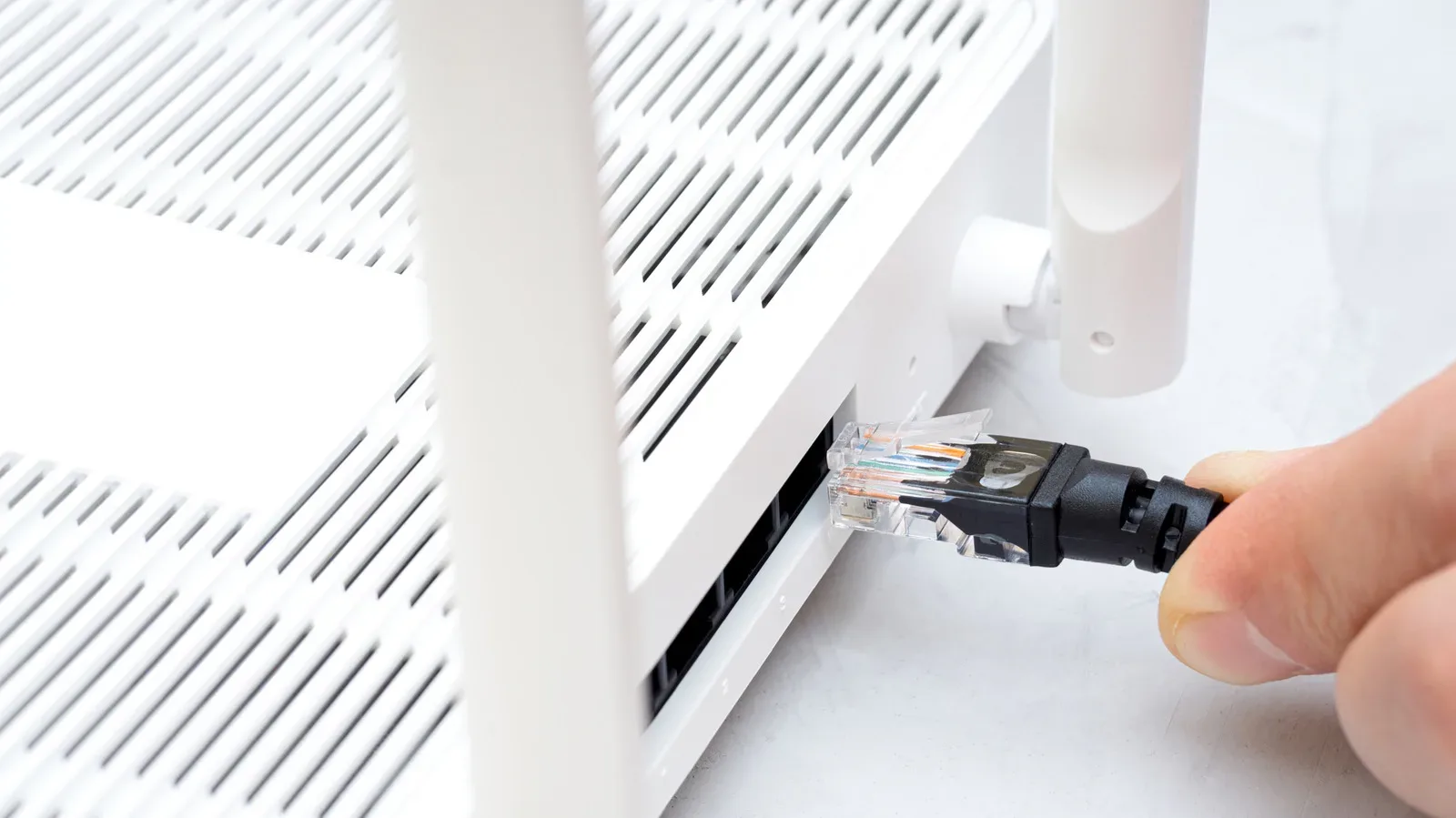
The straightforward upgrade is an Ethernet backhaul: connect mesh nodes with Ethernet cable rather than depending on their wireless link. It is not a glamorous purchase, and it may be impractical in many homes, but it directly addresses one of the most common limits on mesh performance.
What a backhaul actually does
In a mesh network, one node is normally connected to the internet service entering the home. Other nodes extend coverage elsewhere. When a device connects to one of those remote nodes, its traffic still needs to travel back through the mesh to reach the primary node and the internet connection. The backhaul is the pathway used for that internal trip.
With a wireless backhaul, nodes reserve or share radio capacity to communicate across the home. Distance and obstructions matter. Walls, floors, closets and other barriers can reduce signal quality, and lower signal quality means lower bitrates. A mesh system can still be much more useful than a standalone router in this scenario, because it gives nearby devices a closer access point. However, the remote node is limited by the quality and capacity of its own link back to the rest of the network.
That distinction matters for a gaming space. A strong Wi‑Fi indicator on a device only describes the connection between that device and its nearest node. It does not guarantee that the node itself has a fast, clean route back to the primary router. A console or gaming PC may therefore have excellent local signal yet still encounter a constrained path through the mesh.
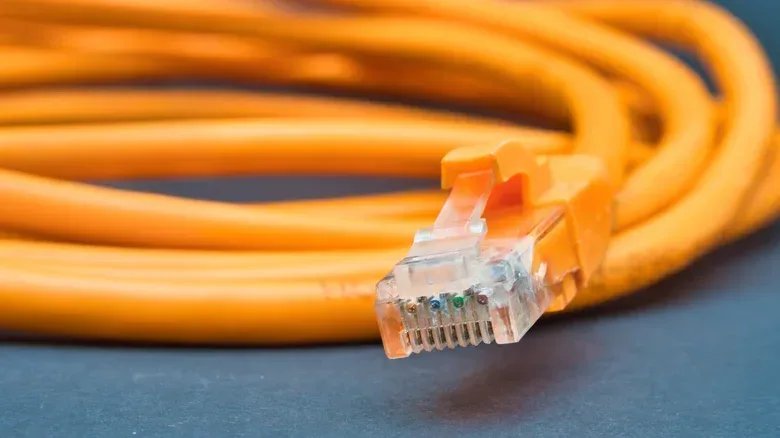
An Ethernet backhaul replaces that radio hop with a physical cable. In the distances typical of a home, a Cat 6 Ethernet run should deliver at least 1 Gbps and can support more where the hardware does. The resulting Wi‑Fi connection remains wireless for phones, handhelds, consoles and laptops, but the mesh node is no longer spending radio capacity on reaching another node.
Why the difference can be substantial
A wireless signal loses performance over distance. That is not unique to mesh hardware; it is a basic constraint of Wi‑Fi. In a mesh, though, the gap between nodes becomes an additional link in the chain. A weak or distant inter-node connection can cost hundreds of megabits of throughput. Devices connected to that node inherit the bottleneck.
Related coverage includes A Wired Backhaul Can Make a Mesh Wi-Fi System Faster.
The effect can be more pronounced on less expensive mesh hardware that uses the same wireless bands for both client devices and the backhaul. In this arrangement, the network must divide that wireless capacity between serving a console, PC, phone or other device and relaying traffic onward through the mesh.
A dual-band mesh system has two Wi‑Fi bands available. A tri-band system adds a third, which can be dedicated to the backhaul rather than shared with client devices. Some higher-end systems are quad-band. A dedicated wireless backhaul can reduce contention and is a meaningful design advantage over a dual-band system that must share its bands.
Wiring nodes with Ethernet changes the calculation. The physical cable handles the backhaul, so a dual-band system no longer has to reserve or share Wi‑Fi capacity for that task. A tri-band or quad-band kit may still have other benefits, but Ethernet gives even a more modest mesh system a more direct internal connection.
For gaming, this is less about promising a magical reduction in latency than it is about removing a potential bandwidth constraint inside the home. Online play, game downloads, cloud-connected features, voice chat and other household traffic all rely on the local network before they ever reach an internet provider. If a distant mesh node has a better path to the main router, devices attached to it have a better starting point.
Placement still matters, even with a cable
Ethernet does not make node placement irrelevant. The wired link solves the connection between mesh units, but phones, controllers, laptops and consoles still need a good Wi‑Fi signal from the node in their room. Putting a unit in a closet, behind a major obstruction or in another signal-unfriendly location can still undermine the wireless connection that users actually experience.
The practical goal is to separate two decisions that are often tangled together. First, place a node where it can cover the room or area that needs it. Second, decide whether there is a sensible Ethernet route back to the primary node. A wireless-only mesh sometimes forces a compromise: nodes must be near enough to each other for a strong backhaul even if that is not the ideal spot for client coverage. A wired backhaul gives more flexibility because the node does not need a strong wireless line to the rest of the mesh.
Before buying cable, it is worth mapping the route in plain terms: where the primary router sits, where the remote node should go, and whether the cable can be run without becoming a permanent trip hazard. For a quick distance estimate, an iPhone utility may be useful; see this guide to the tape measure feature available in Utilities. The result does not need to be architect-grade precision, but it can prevent ordering cable that is too short.
Check ports before committing to the project
A wired mesh plan only works if each relevant unit has an available Ethernet port. That sounds obvious, but ports can disappear quickly. A nearby PC, laptop, smart-home hub or other wired device may already occupy the connection a mesh node needs.
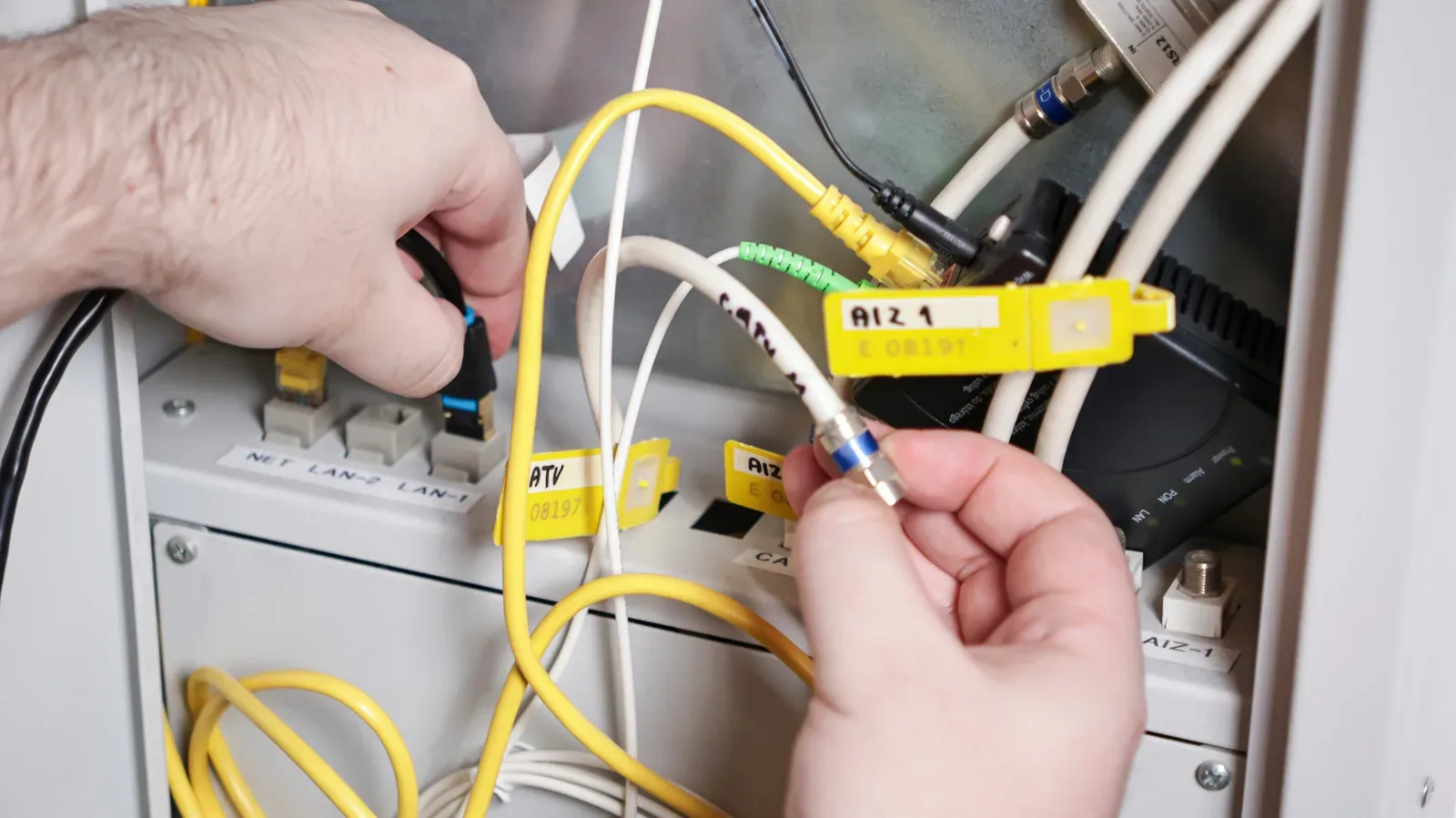
An Ethernet switch can expand the number of usable wired connections. In simple terms, a switch is a small device that lets multiple Ethernet devices share one uplink to the router or mesh node. It can be the clean workaround when a room needs both a wired mesh node and another wired device, but it also adds equipment, cost and another item to place.
Speed ratings need scrutiny too. A 100 Mbps Ethernet port is a poor match for a modern mesh setup, since it creates a hard ceiling far below the gigabit-class capacity discussed here. A 1 Gbps port is generally the baseline worth seeking for a wired backhaul. It may still feel limiting for a Wi‑Fi 7 system with a dedicated wireless backhaul and connected devices capable of multi-gigabit speeds.
Where supported across the relevant equipment, 2.5 Gbps or 10 Gbps Ethernet offers more headroom. The important word is across: the cable connection is only as fast as the ports and hardware on both ends allow. Buying a cable does not turn a 1 Gbps port into a 2.5 Gbps port, and an older 100 Mbps port remains a bottleneck regardless of the Wi‑Fi specification printed on the box.
The case against wiring everything
The biggest drawback is not technical. It is physical. Even in an apartment, a useful run may require dozens of feet of cable. In a two- or three-story house, the route can become much longer and much harder to conceal. While a pair of 50-foot Cat 6 cables can cost about $30, hiding them neatly can turn a small upgrade into a real home project.
Cable across a floor can be unattractive and inconvenient. Routing it along walls, around doors or between floors raises the time and effort involved. For some households, wireless backhaul performance is already good enough that this trade-off simply does not make sense.
That is the key practical point: a wired backhaul is a performance option, not an obligation. If game downloads are quick, remote rooms have stable coverage and the mesh does not appear to be slowing devices down, there may be little reason to rework the home around Ethernet. Conversely, when a remote node has weak performance despite a seemingly capable internet plan, wiring that node is one of the clearest ways to determine whether the mesh link was the limiting factor.
A sensible upgrade checklist
- Identify the weak area: Focus on the room where coverage or speed is consistently less useful, rather than wiring nodes purely because the option exists.
- Review node placement: Keep the node positioned for the devices it must serve, not hidden in a closet or behind a substantial barrier.
- Inspect every Ethernet port: Confirm that the primary router and remote node each have a free port, and determine whether other wired hardware will need a switch.
- Avoid 100 Mbps links: Use gigabit-capable hardware at minimum. Consider 2.5 Gbps or 10 Gbps where the mesh hardware supports it and higher capacity is relevant.
- Measure the route before ordering: Account for turns, walls and the path needed to keep cable out of the way.
- Use Cat 6 cable: It can provide at least 1 Gbps in typical home-distance runs and may support more depending on the rest of the setup.
- Keep expectations realistic: Ethernet improves the mesh’s internal path; it cannot exceed the limits of the internet service or the wired ports in use.
Mesh Wi‑Fi remains valuable precisely because it makes coverage more consistent where a single router falls short. But the convenience of a wireless mesh can obscure that its nodes have their own connection to maintain. When that connection is the weak point, a Cat 6 cable is a notably direct fix: it gives the mesh a stable backhaul and leaves more of its Wi‑Fi capacity available for the devices people are actually using.