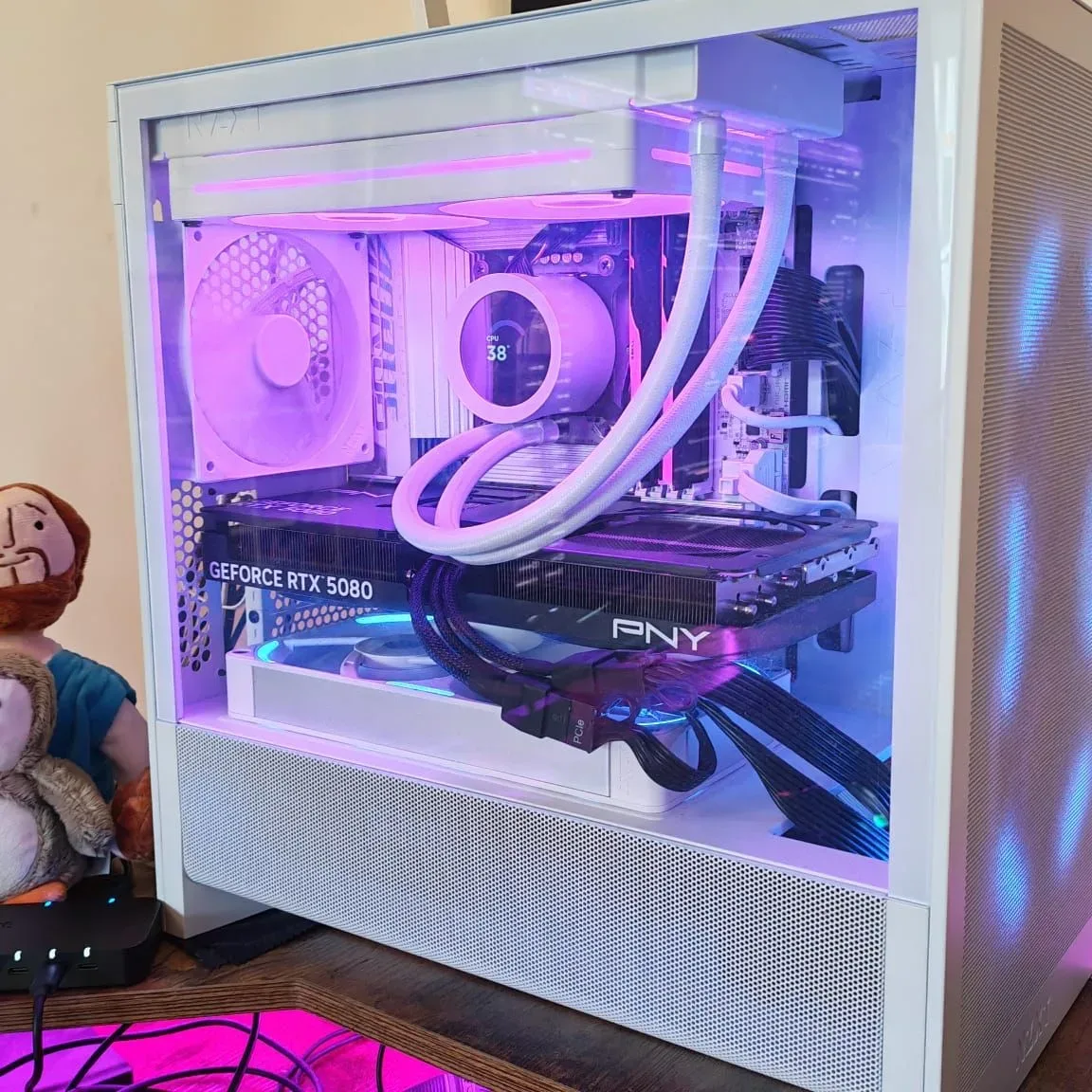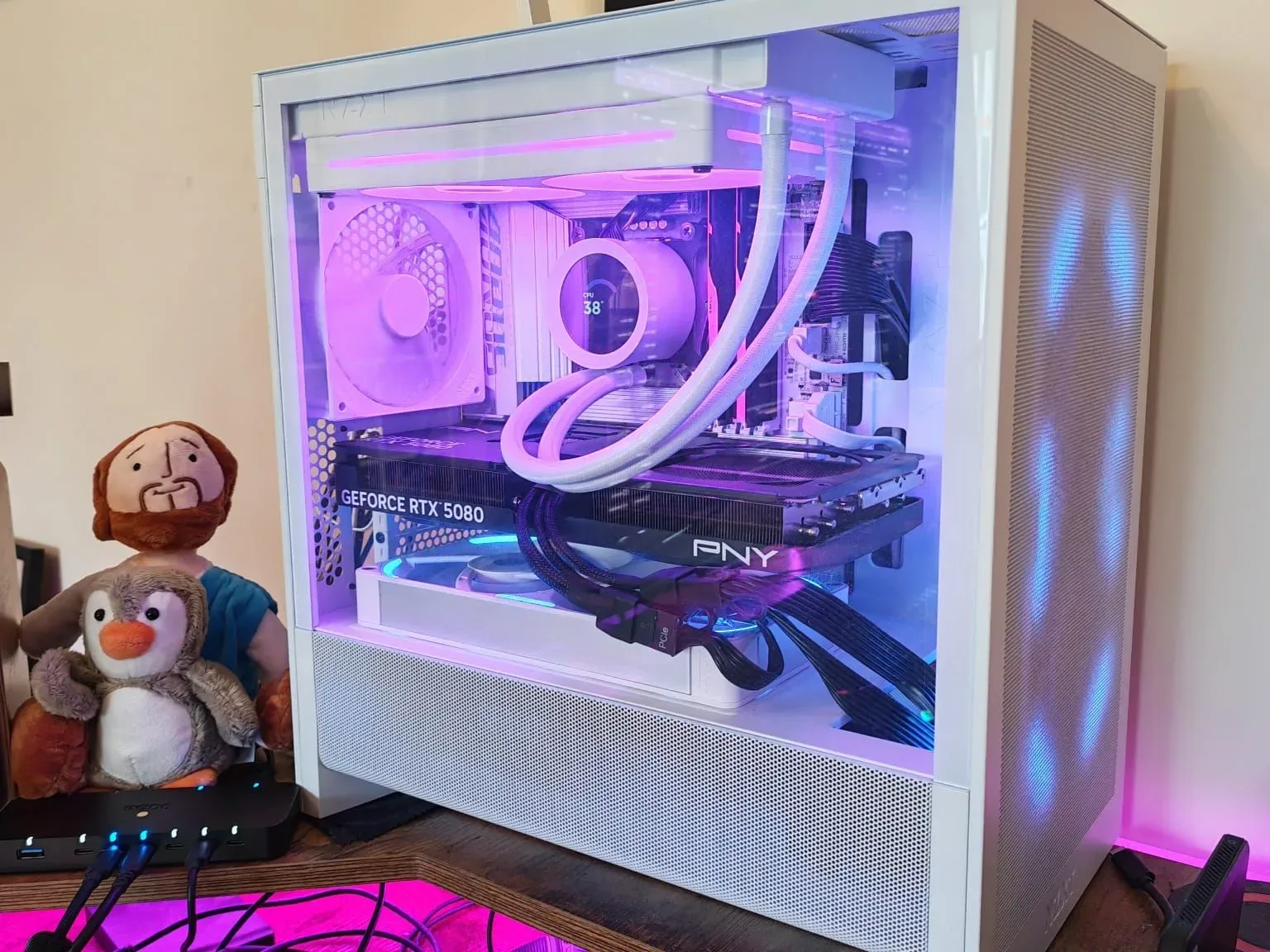
A PC rebuild that appeared to be headed for the dreaded “take everything apart and check every standoff” stage turned out to have a far stranger culprit: an audio interface’s USB behavior.
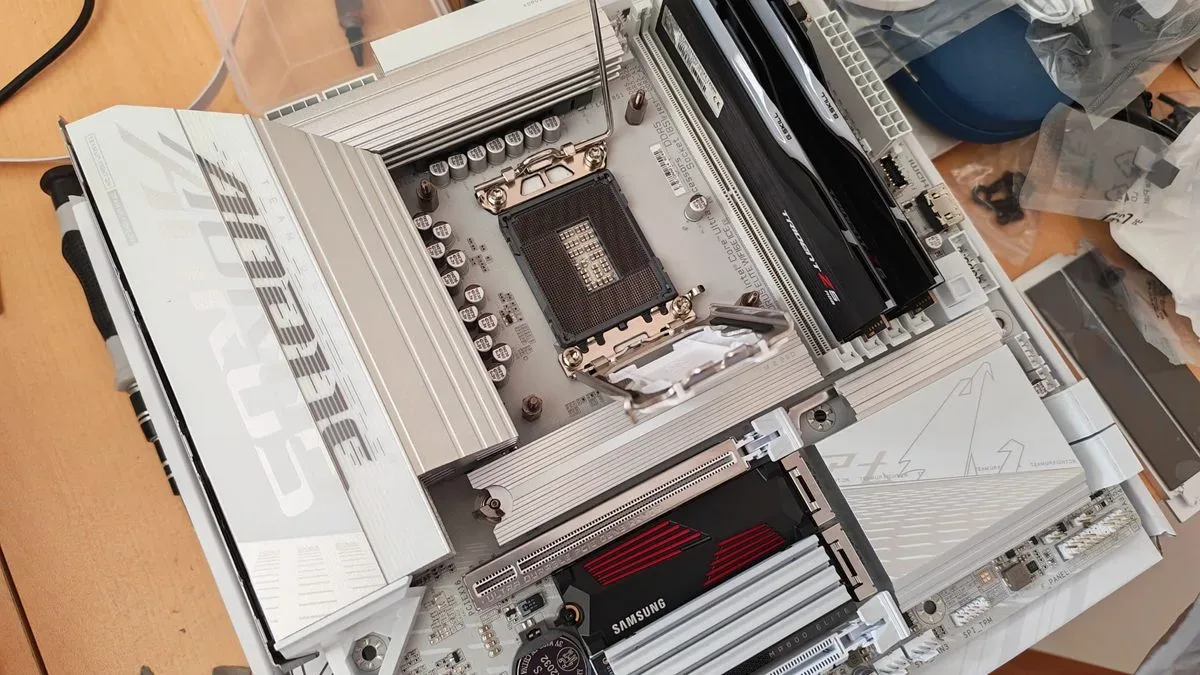
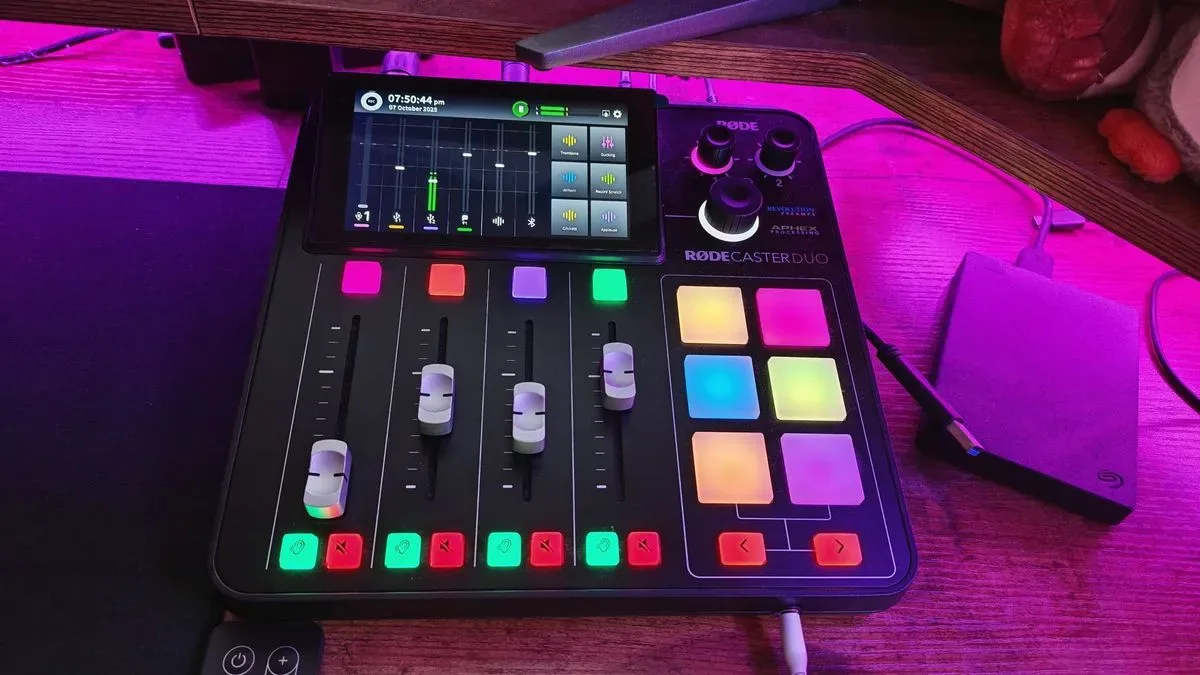
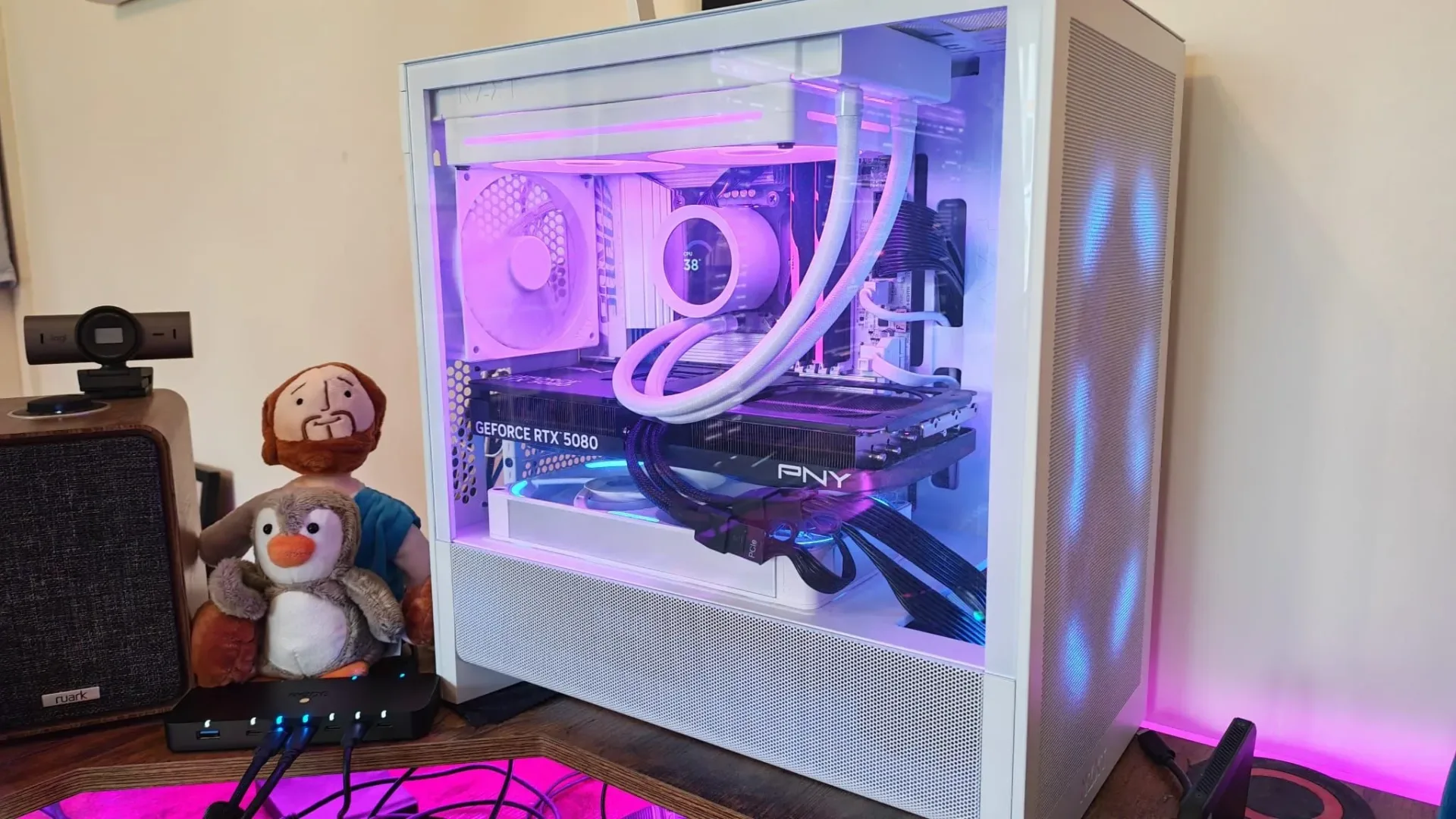
The setup involved a Gigabyte B860M AORUS Elite WIFI6E ICE motherboard and a Rodecaster Duo, an audio-production interface with two USB connections that can be used to separate audio sources. With the usual collection of peripherals connected—including a mouse, keyboard, controllers and a Stream Deck+—the system would crash, fall into boot loops and, at times, clear CMOS settings. Yet the eventual fix was not a replacement motherboard or another full rebuild. It was putting both Rodecaster Duo USB-C connections through a sufficiently fast external USB hub.
That outcome matters less as a warning that every USB hub is secretly a wizard, and more as a useful diagnostic lesson for builders and creators: a problem that resembles a serious board-level fault can instead be an unusually specific compatibility problem between one device and one motherboard’s USB power handling.
The symptoms were alarming, but unusually conditional
The failure pattern began after moving from an ITX board to the micro-ATX Gigabyte board. The prior platform did not exhibit the same behavior with the Rodecaster Duo, making ordinary rebuild worries entirely understandable. A misplaced screw, a bad motherboard mount, a defective board, or a wiring error are all the sort of possibilities that can haunt a system that suddenly refuses to boot cleanly.
But the key clue was that USB connectivity was involved. The PC’s instability emerged when the set of USB accessories was connected, with the Rodecaster Duo standing out because it was attached twice. The interface’s dual USB arrangement is designed to let users split audio sources across different faders, a helpful capability for recording and streaming workflows. It also makes the device more complex than a conventional keyboard, mouse or basic USB microphone.
Power-state behavior supplied another clue. Completely draining residual power from the system after shutdown reduced the trouble, while powering the Rodecaster Duo before the computer made a bad boot less likely. Those observations did not prove the cause on their own, but they suggested that the order in which devices and the PC established power and USB connections mattered.
The Rodecaster Duo later developed a separate boot-loop problem of its own, stopping near the end of its startup sequence. After troubleshooting and reset attempts, leaving the interface entirely unplugged for 24 hours restored it. That prompted support discussions which clarified why this particular audio interface could create such an unusual situation.
What USB power negotiation means here
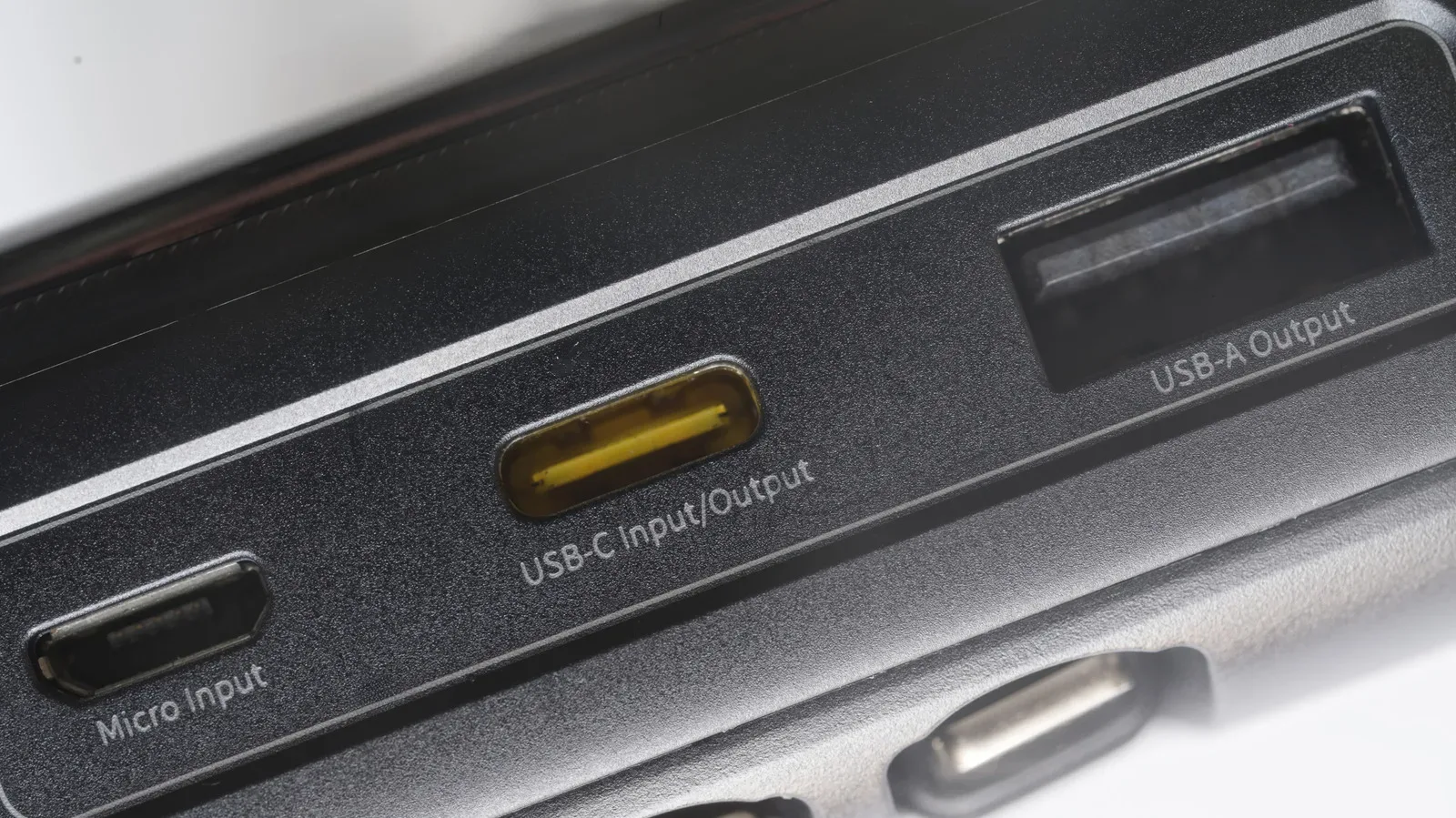
USB power negotiation is the process through which connected hardware identifies what it is attached to and determines how power and data should be handled. In this case, the Rodecaster Duo has a rare capability on one of its USB connections: it can provide power to an attached item, such as a USB microphone or storage drive, while it can also operate as a data device connected to a computer.
Related coverage includes A USB Audio Interface Can Mimic a Serious PC Fault -- and a Fast Hub May Be the Fix.
During its detection process, the interface sends a 5V power output with the intention of powering an external device if one is present. Support indicated that some motherboards can struggle with this negotiation, potentially leading to a computer that does not boot correctly, shuts down unexpectedly or sees other components draw power via USB.
It is important not to flatten that explanation into “USB devices should never provide power.” USB setups can be designed for different roles, and the Rodecaster Duo’s flexibility is part of what makes it useful for audio work. The trouble was the interaction of that capability with this motherboard and this connection arrangement. The available evidence points to a narrow mismatch—not a general verdict on the board, the audio interface, or USB-C as a whole.
It also helps explain why the word shorting should be treated carefully. The observed crashes, boot cycles and CMOS resets looked like the practical consequences many users associate with a short or board fault. But the diagnosis supplied here concerns USB power negotiation. Without electrical measurements or a manufacturer finding of a physical short circuit, the safer description is a power- and connection-related incompatibility that mimicked a much more catastrophic PC failure.
Why an external hub changed the result
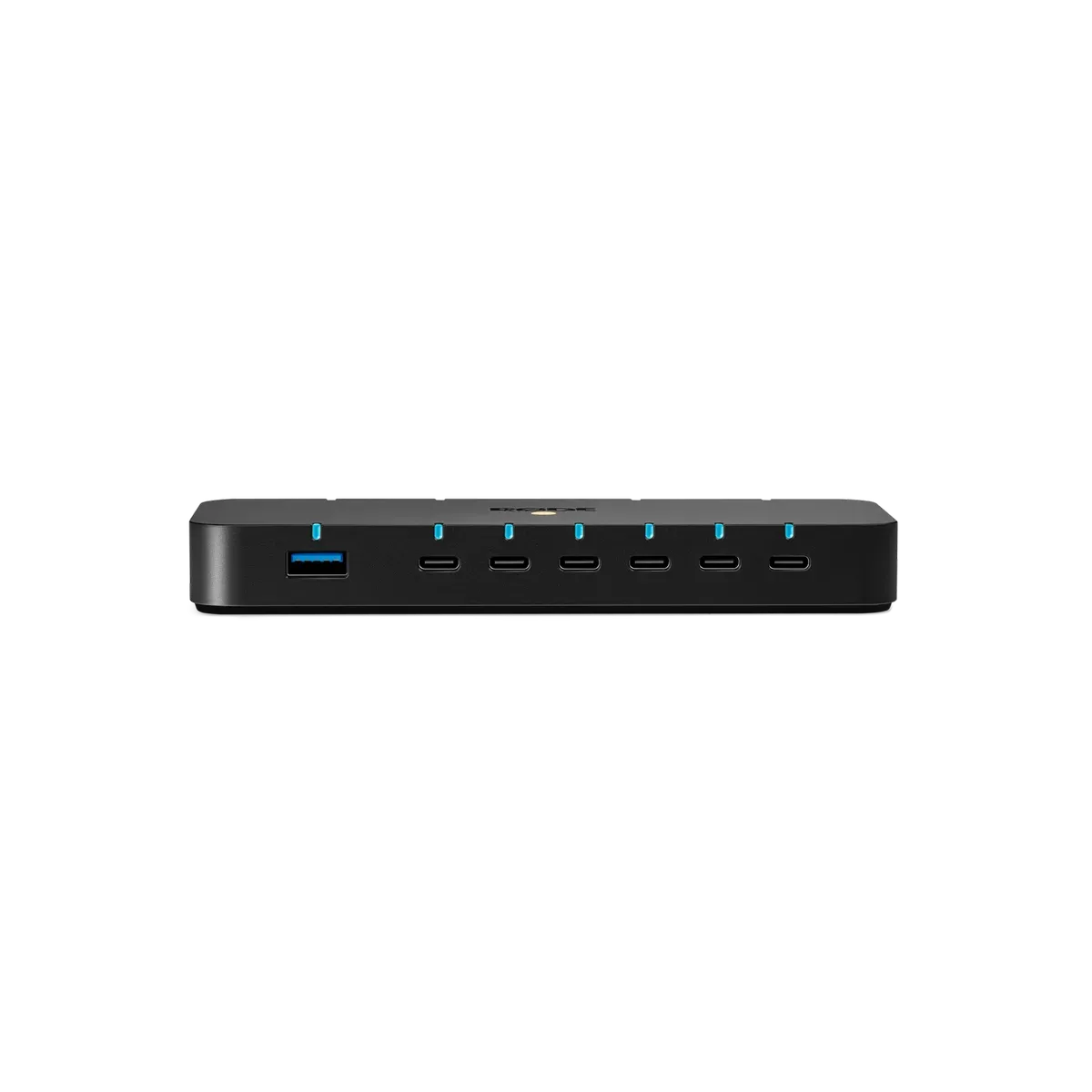
The proposed workaround was to place an external USB hub between the computer and the Rodecaster Duo. Once both USB-C connections ran through a high-speed hub, the boot and crashing problem was resolved.
The useful technical explanation is that the hub acted as an intermediary, isolating the interface’s 5V output from the computer’s detection process. Rather than letting the motherboard directly negotiate with the interface in the problematic configuration, the hub changed the path and handling of that connection.
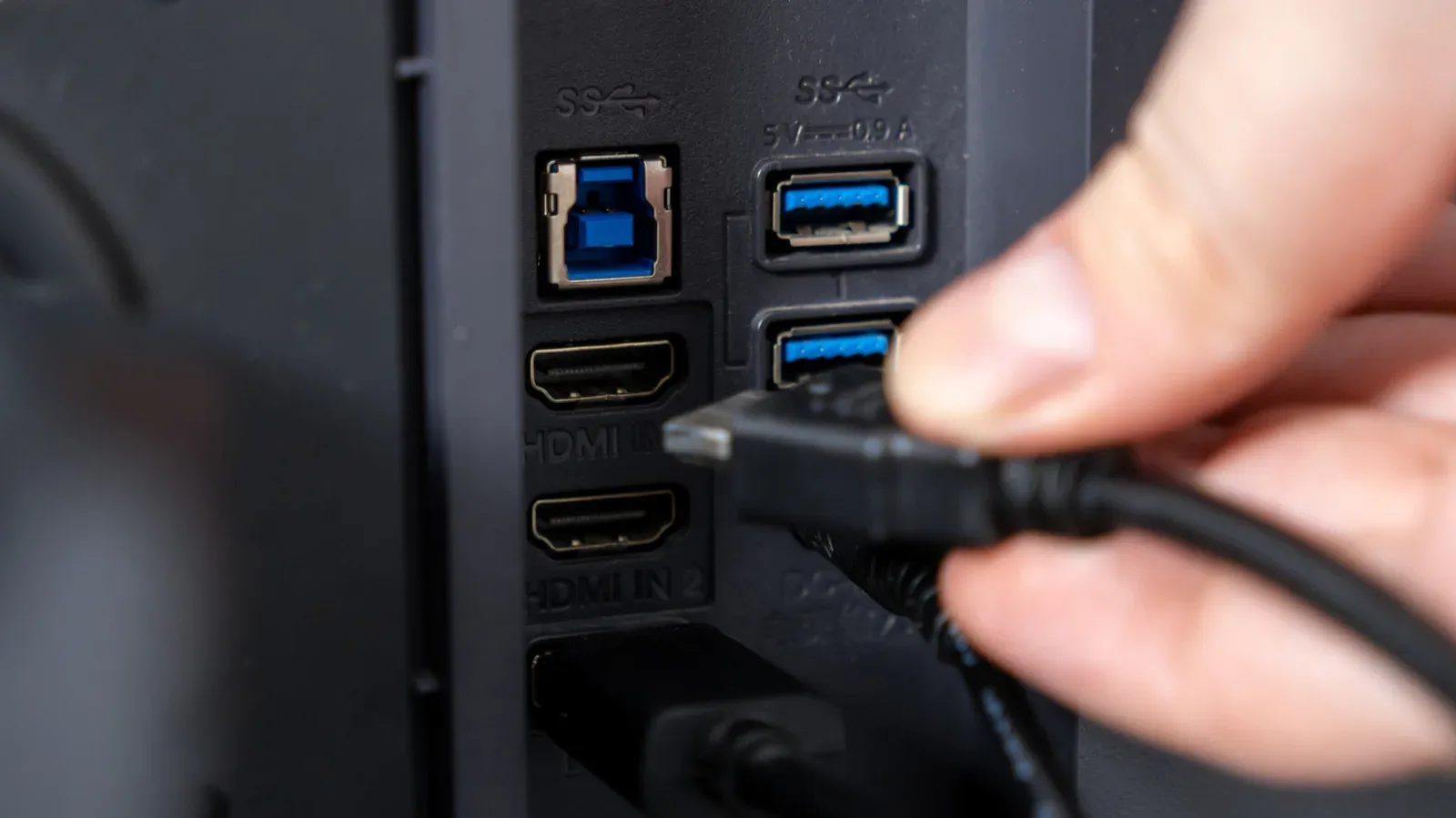
Speed still matters. The Rodecaster Duo had previously behaved badly when its USB-C cables were connected to unsuitable ports because of speed differences. So the lesson is not simply to buy the cheapest spare hub on the shelf and assume the matter is settled. A hub must support the required connection speed for the audio device and be appropriate for the user’s specific cable and port arrangement.
Rode’s own hub was the device used in the successful workaround. It is described as sturdy enough that heavier cables do not readily pull it out of position, and it has mounting options that may appeal to desk-bound creators. Its listed price was $149/£149, though there is no basis here to claim it is the only hub capable of solving the issue or the best value option. The point is the intermediary role and adequate speed, not an automatic mandate to buy one branded accessory.
A sensible troubleshooting path for similar USB-linked failures
This exact interaction will likely be rare. Still, its symptoms provide a practical way to narrow down frightening PC behavior before assuming a motherboard is dead or a fresh build is fundamentally wrong.
- Record the trigger. Note whether trouble occurs only with particular USB devices attached, only when all peripherals are connected, or only after a shutdown. A repeatable pattern is more useful than a vague sense that the PC is unstable.
- Reduce the configuration methodically. Disconnect nonessential USB accessories and add them back in a deliberate order. If one device or a particular pair of connections consistently changes the outcome, that is a strong lead.
- Pay attention to dual-connection devices. Audio interfaces and other creator hardware can expose more than one USB data or power path. Treat each connection as meaningful rather than assuming they behave like identical duplicate plugs.
- Check port and speed requirements. If an audio device has known speed sensitivity, moving cables between ports at random can introduce a second issue while attempting to solve the first.
- Consider a suitable external hub as an isolation test. A high-speed hub can be a reasonable diagnostic and practical workaround where support documentation identifies USB negotiation as a possible factor. It should not substitute for investigating obvious hardware-installation problems, especially if instability continues with all peripherals disconnected.
- Use manufacturer support when the peripheral itself malfunctions. The explanation in this case emerged after the interface began boot-looping and support was contacted. That channel can reveal device-specific behavior no motherboard manual is likely to spell out.
The larger takeaway for creator desks
Gaming PCs increasingly double as recording, streaming and editing stations. That turns a “peripheral” into something much more substantial: interfaces may route multiple audio channels, drive microphones or storage devices, and maintain their own startup states. A desk that includes controllers, a Stream Deck, two USB lines from an audio interface and other accessories has several more points of interaction than a simple keyboard-and-mouse build.
That does not mean creators should fear ambitious setups. It means intermittent boot behavior deserves a layered diagnosis. The build itself may be sound. The motherboard may offer useful conveniences such as quick-release M.2 SSD catches, fault indicators, support for Intel Core Ultra processors, Gen 5 SSDs and DDR5 memory—as this Gigabyte configuration does—while still encountering an edge case with a highly unusual USB device.
For the independent streaming setups increasingly central to online viewing, as explored in this look at independent streamers chasing audiences beyond traditional TV, dependable peripheral management is not a minor concern. A failure that resets BIOS settings or traps a system in a loop can halt a production day even when no individual component is broadly defective.
The reassuring part of this case is that the final remedy was contained and reversible. Before committing to a motherboard return, a case teardown, or an expensive chain of replacement parts, isolate the USB side of the setup. The odd accessory at the end of the cable may be telling a much more useful story than the motherboard’s dramatic symptoms suggest.
Shop the products
Check current price, model and availability at the retailer.