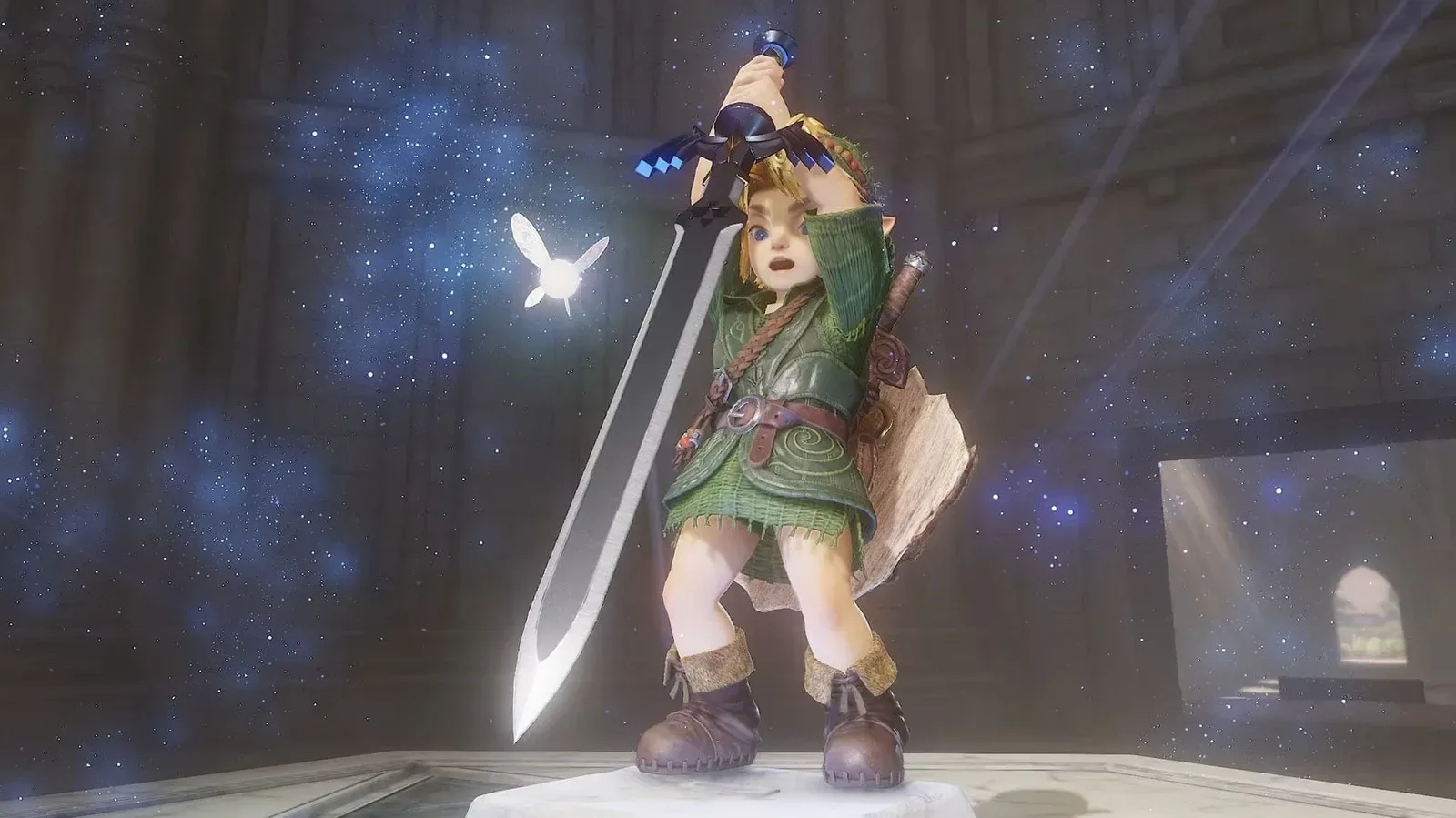
Google Search has added a Zelda-themed Easter egg that briefly turns qualifying results pages into something resembling the web of 1998, the year The Legend of Zelda: Ocarina of Time first arrived on Nintendo 64. The timing is tied to Nintendo’s reported remake of the game, which is said to be releasing this week.
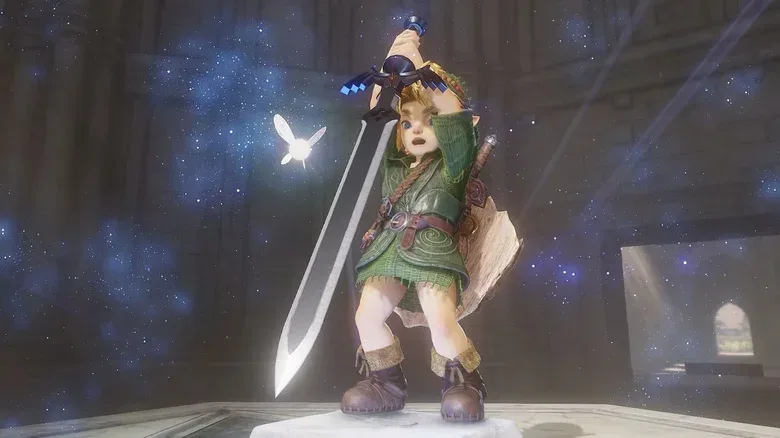
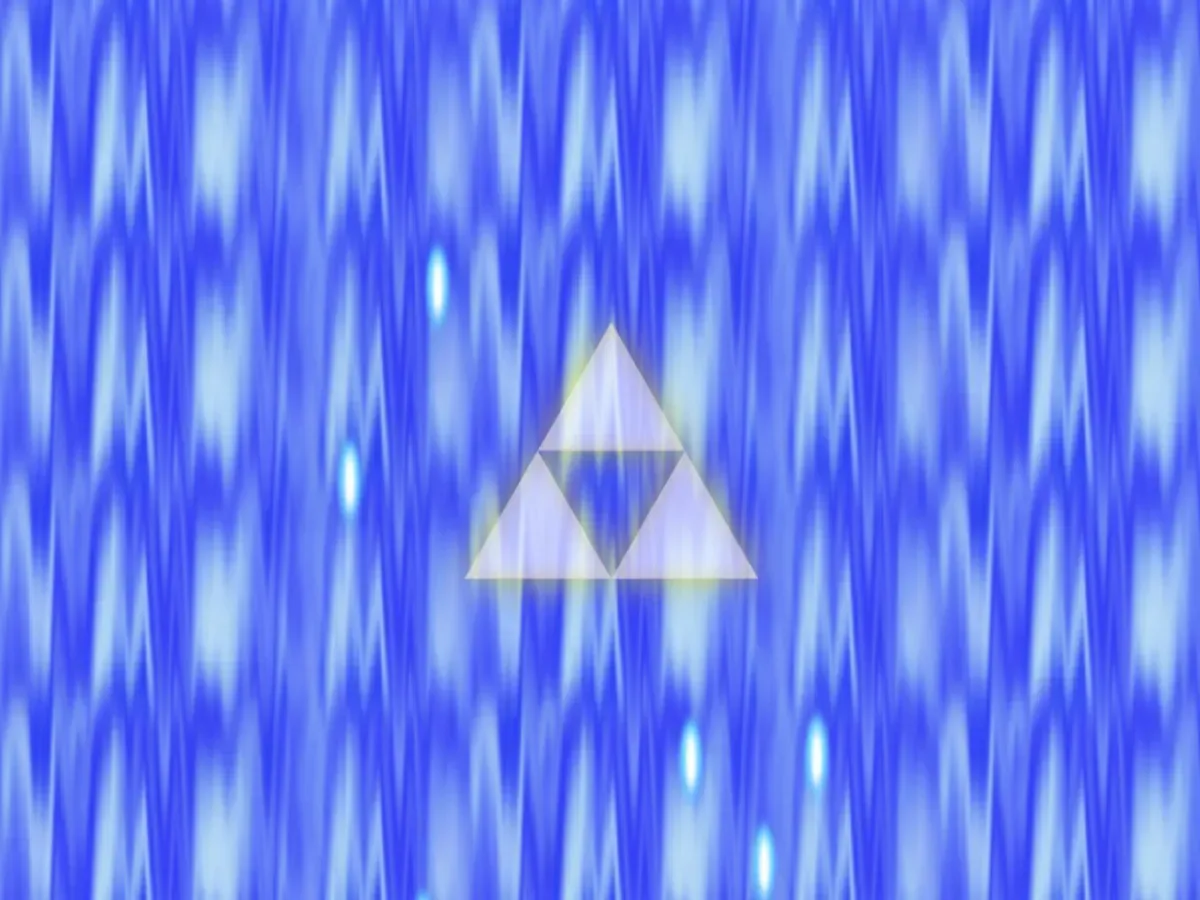
The feature appears when users search for “Zelda” or “Ocarina of Time.” A Master Sword animation shows up in a corner of the page. Selecting it triggers a short transition with a Triforce image before the tab changes to a deliberately old-fashioned search presentation.
It is a small bit of browser spectacle, but the joke lands because it uses one of gaming’s most recognizable symbols to invoke an equally recognizable version of the internet: a page dominated by simple blue links, short descriptive snippets and a ranking that appears centered on relevance rather than a crowded assortment of additional modules.
How the Zelda search Easter egg works
The available interaction is straightforward. Search for a supported Zelda phrase, look for the Master Sword prompt, then click or tap it. The Triforce transition is temporary; when it clears, the results page adopts its 1998-inspired design.
For more context, explore Daddy Yankee’s ‘La Postal: Written in the Dance’ Turns a New Album Into a Puerto Rico Microseries.
The altered layout includes blue hyperlinks leading to relevant webpages, accompanied by brief excerpts. It also brings back the familiar “I’m Feeling Lucky” control. In this presentation, that button is framed as part of the period styling: a reminder of an era when a search page could make a conspicuous offer to send someone directly to a result rather than encouraging more navigation inside the search interface.
That is important context for understanding the Easter egg. It is not described as a new universal Google Search mode, nor as an option that changes every query. The effect seems limited to searches associated with the game. Search for something unrelated and the ordinary current results layout returns.
Why 1998 is the right year for the gag
The date is not arbitrary. The original Ocarina of Time debuted for Nintendo 64 in 1998. The game’s new Search treatment therefore treats its launch year as a visual destination rather than merely a line of trivia.
For a Nintendo 64 landmark, a low-friction, text-forward result page is a fitting piece of nostalgia. The visual language of old search engines is intentionally plain: links are immediately legible, excerpts explain what sits behind them, and the page makes the act of choosing a destination feel central. Google’s Master Sword animation turns the act of entering that layout into a miniature portal sequence.
There is also a neat thematic overlap between the symbols used and the function performed. The Master Sword acts as the trigger, while the Triforce serves as a loading-screen-like transition. Both are Zelda signifiers first, but they also make the change in page state easy to understand. The user has not merely opened an information panel; they have activated a themed alternate view.
A nostalgia feature with a sharper subtext
The most interesting part of the Easter egg is that it may inspire nostalgia for more than Nintendo 64. The simplified results page recalls a time when web search was commonly understood as a direct route to other webpages.
That contrast is especially noticeable because modern Search pages can include advertising, AI-generated features and other material beyond conventional result links. The 1998-style presentation does not have to make a formal argument about those additions for users to recognize the difference. Put a short list of blue links next to today’s more layered expectations, and the design itself becomes the comparison.
AI Overviews and AI Mode are distinct types of AI-led Search experiences referenced in discussion around the present-day product. In broad terms, an AI overview is a generated summary positioned within a results experience, while an AI mode is an AI-oriented way of searching and interacting with answers. Their presence changes the role a results page can play: instead of primarily directing visitors outward, it can also attempt to summarize, synthesize or retain part of the interaction within Search.
Google has said AI Mode is affecting advertising revenue from traditional Search, while also pursuing more advertising in AI Mode. Against that backdrop, a limited Zelda visual gag can read as accidental product commentary. The old-style result list is intended to be playful retro decoration, yet it foregrounds a design that some users may prefer for practical reasons, not just sentimental ones.
The useful part: Google’s Web tab
Users who want a more conventional results list do not need to wait for a Zelda query and a Master Sword icon. Google’s Web tab offers a route to webpages relevant to a search without the AI Overview material described above.
In practical terms, the Web tab is a filtering option within Google Search. Rather than changing the query itself, it changes the type of results presentation being viewed. Selecting it is useful when the goal is to browse pages from publishers, communities, reference sites or other destinations directly, instead of beginning with a generated answer layer.
That does not mean every Web-tab result will suit every search. A search engine’s ranking still determines which links appear prominently, and relevance can vary by query. But the tab gives users a clear way to prioritize actual webpages and return to the underlying link-and-snippet pattern highlighted by the Ocarina of Time Easter egg.
A simple workflow for link-first searching
- Enter a query in Google Search as normal.
- Locate and select the Web tab on the results page.
- Review the listed webpages and their snippets.
- Open the pages that best match the information needed.
It is also possible to configure a browser so that this Web-focused view becomes the default Google experience. That matters for people who routinely research across multiple sites, want to compare primary pages themselves, or simply find a link-first layout easier to scan.
What the Easter egg does—and does not—offer
For Zelda fans, the feature is an entertaining nod to the original game’s era. It offers a recognizable animation, a brief Triforce transition and a period-styled search page without requiring any special knowledge beyond the right search terms.
For users interested in Search design, it is also a useful reminder that presentation changes how search feels. A page filled with blue links and short excerpts makes its priorities obvious: find a relevant destination and leave the search engine to visit it. A page with more tools and generated content may serve a wider range of needs, but it can make that original purpose less visually dominant.
The Zelda effect should not be mistaken for a permanent rollback or an all-purpose interface setting. It appears to be restricted to game-related searches, so it is best treated as a themed Easter egg rather than a replacement for ordinary Search. The Web tab is the more practical option for people who want a consistently simpler, webpage-focused experience.
Still, there is a pleasing irony in the execution. A campaign celebrating a new take on Ocarina of Time looks backward to 1998, and the retro search page may leave visitors appreciating not only an old Nintendo classic but also an older, clearer idea of what a search results page can be.