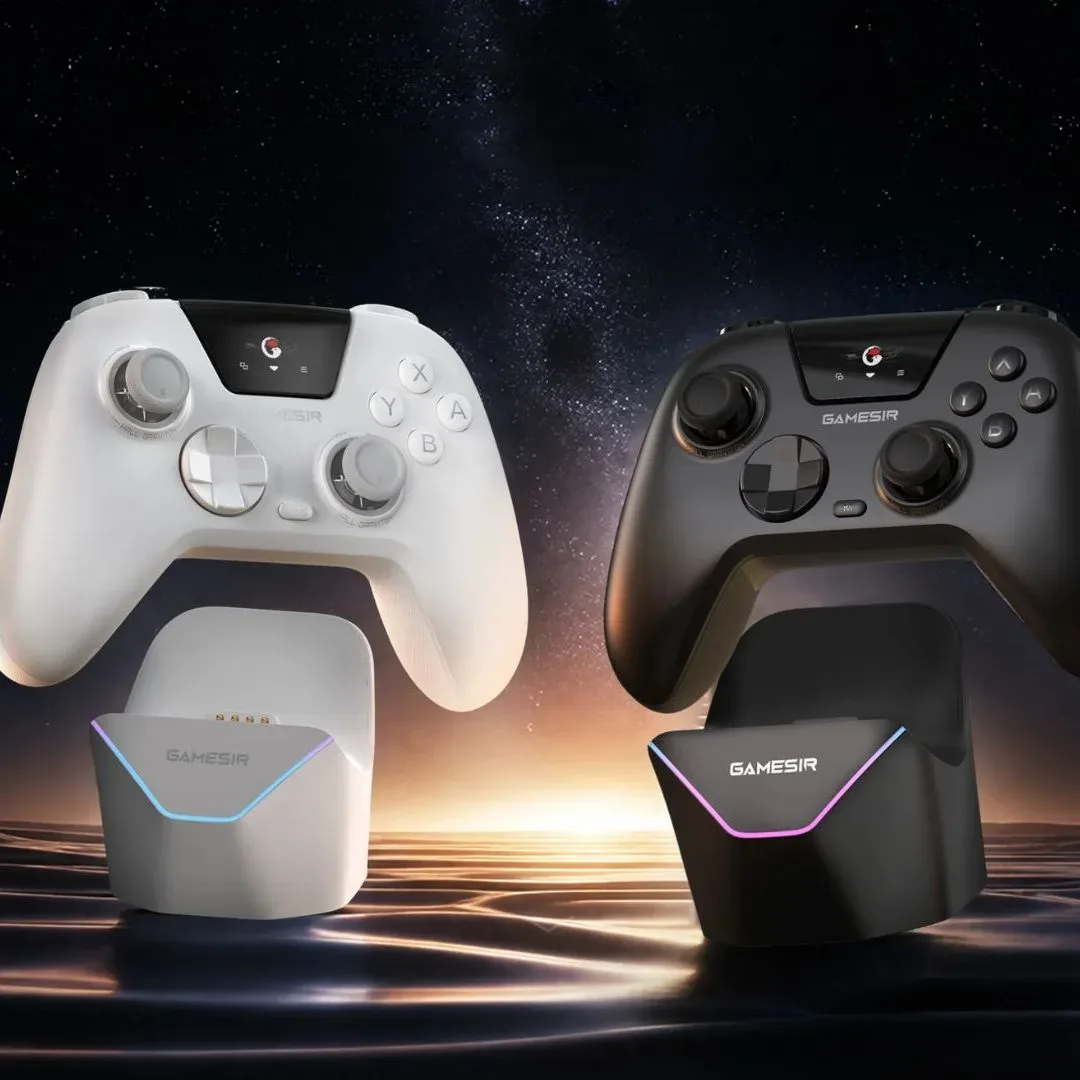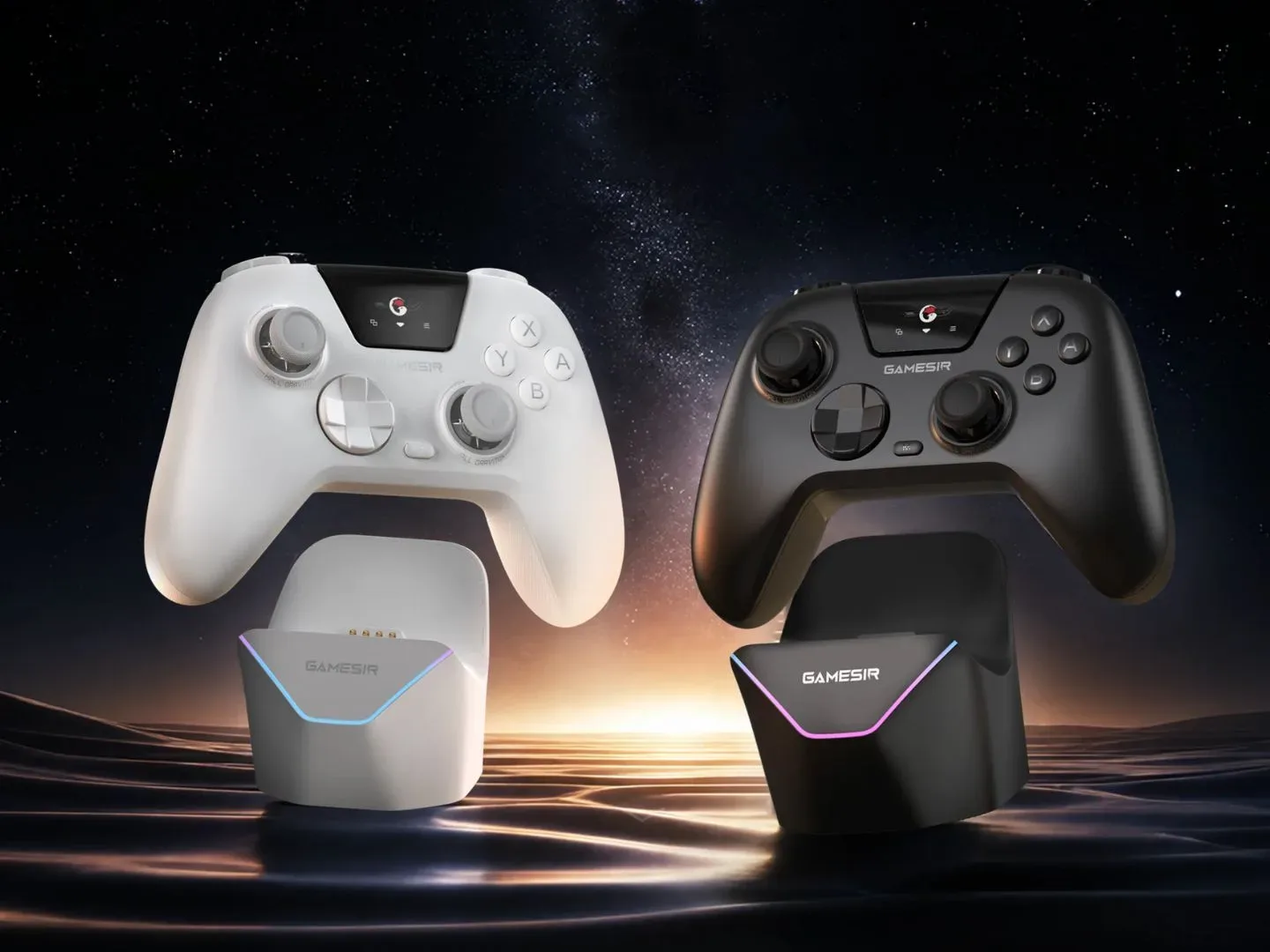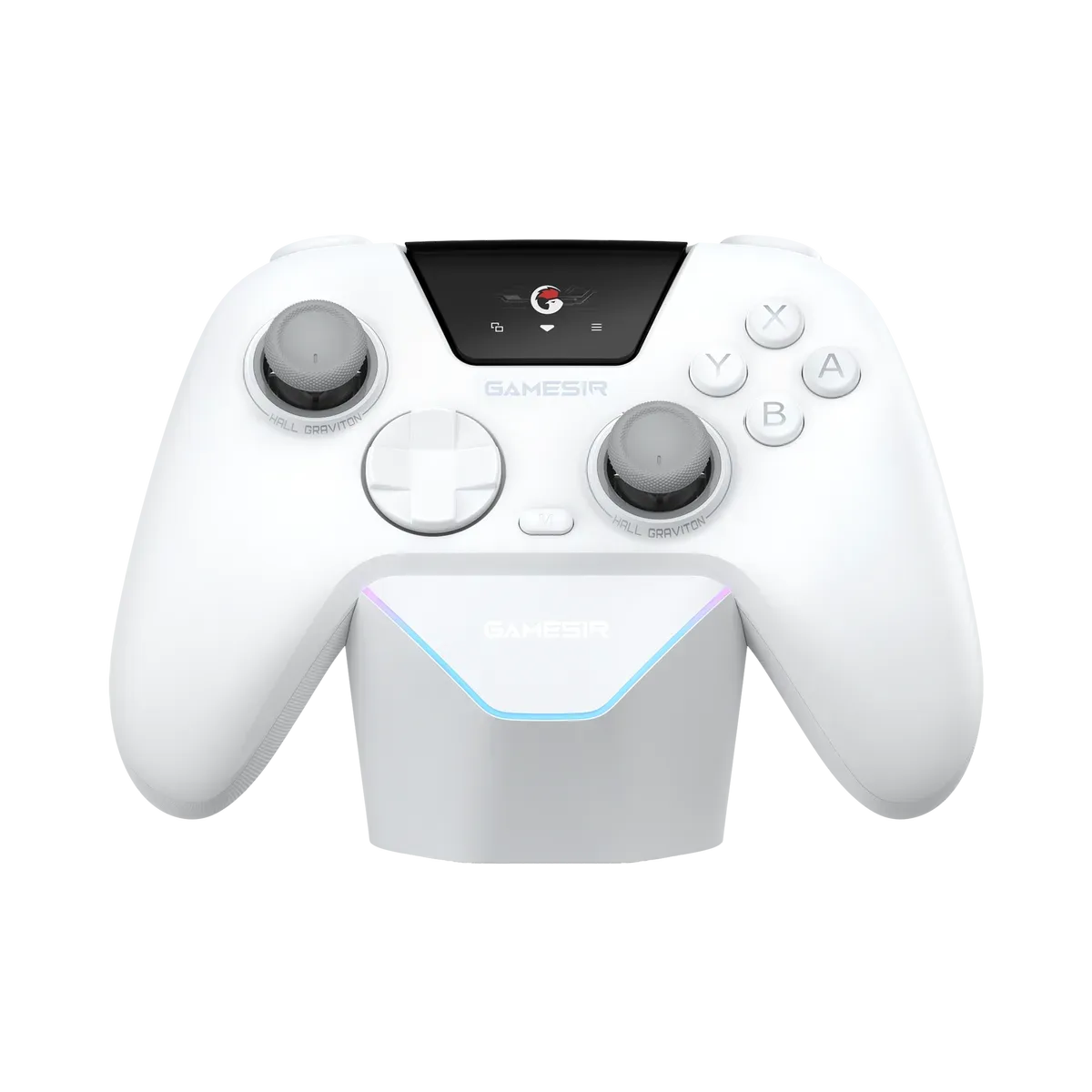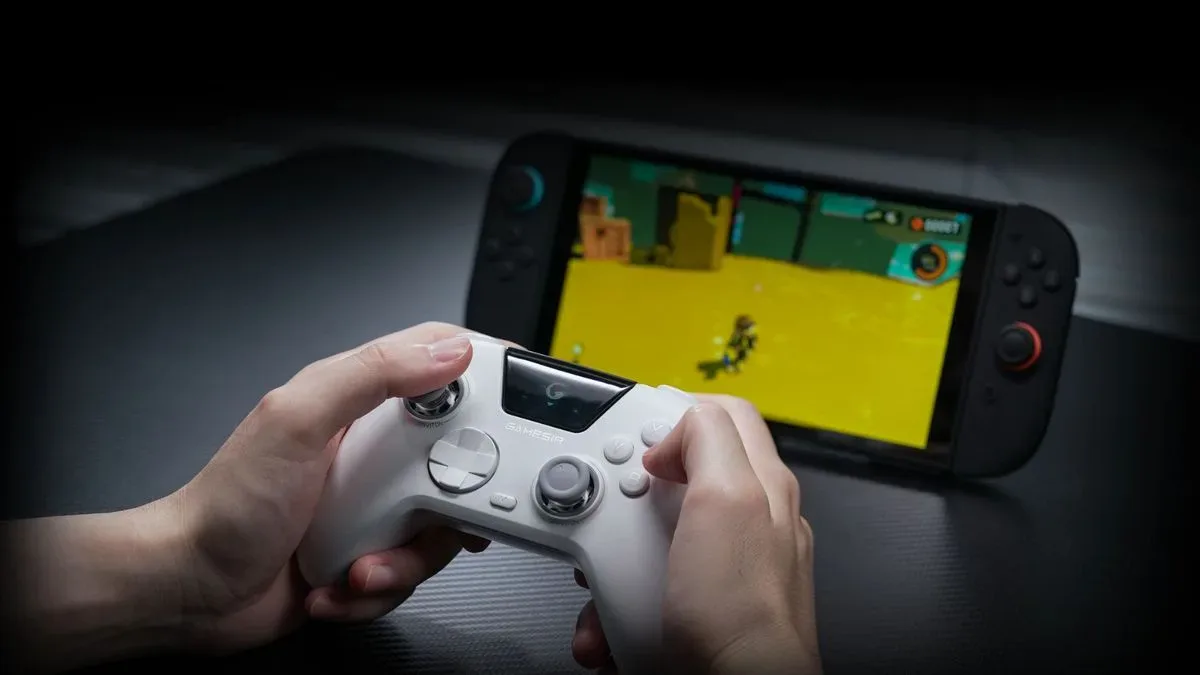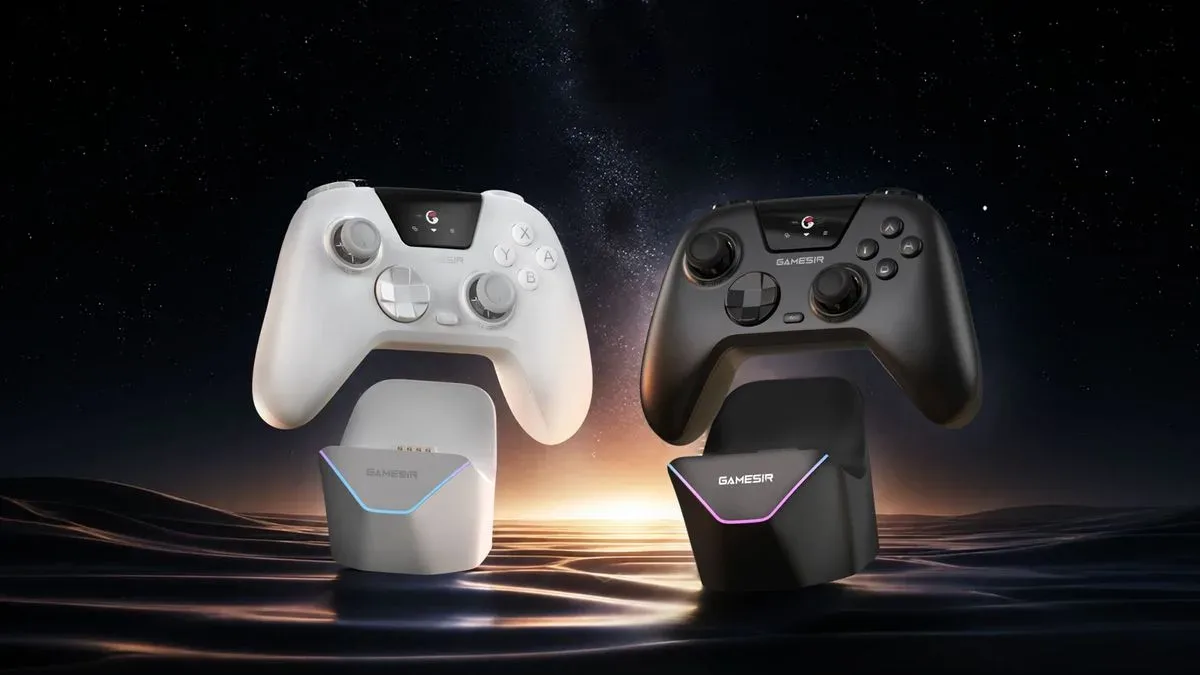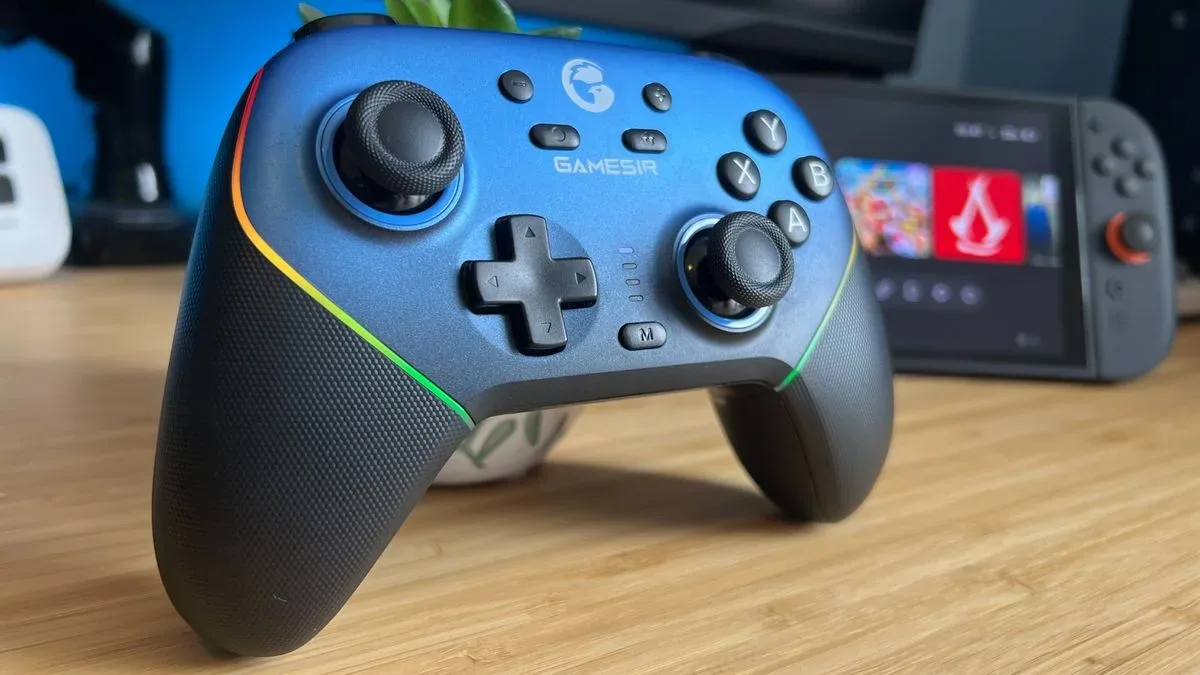
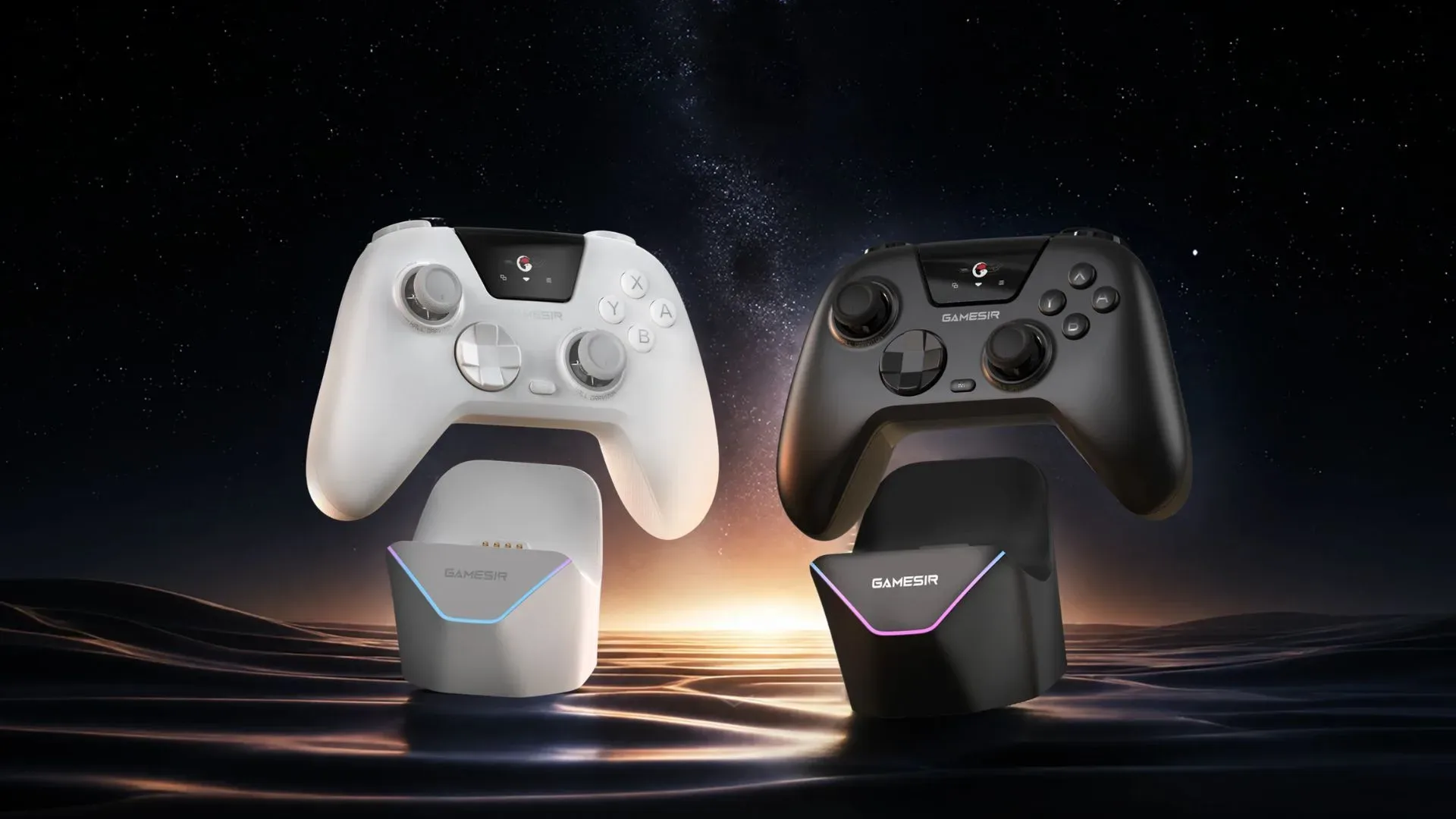
GameSir has revealed the Nova Vision, a controller built for Nintendo Switch 2 and PC that combines two increasingly visible gamepad ideas: a small integrated display for controller-side settings and adjustable thumbstick tension. It is also notable within the company’s own lineup as its first controller with a built-in screen and its first with tunable stick resistance.
The Nova Vision is listed at $54.99 and is offered in Black or White. Its feature list includes wireless play, a bundled charging stand, a 1,000mAh battery, trigger-stop switches, two rear controls, Hall effect thumbsticks and Switch 2 wake functionality. The controller is positioned in the Nova family, a line that supports Nintendo’s Switch systems while also functioning as a PC controller.
That is a substantial collection of customization-oriented hardware for a controller at this stated price. Still, the details matter more than the headline list: the screen is meant to make settings accessible without leaving the controller in the dark, whereas the new stick-tension mechanism changes the physical force needed to move each stick. Those are useful ideas for players who regularly remap controls or prefer a particular stick feel, but they are not identical upgrades—and their value will depend heavily on how each person plays.
An onboard menu for controller settings
The Nova Vision’s display is tied to an integrated menu system called VisionOS. The name is also used by Apple for the operating system on its Vision Pro headset, although GameSir’s use here refers to the controller’s own settings interface.
GameSir says the menu system can be used to manage back-button assignments, stick settings, saved profiles and connections. In practical terms, that makes the controller itself the place for changing its setup. A profile is a stored group of control choices, allowing a player to preserve different configurations rather than rebuilding every setting from scratch. A back-button assignment, meanwhile, is a mapping that gives a rear control the function of another input.
For a player moving between games with very different control demands, that could be the most meaningful part of the screen. One profile could prioritize rear controls and a particular stick setup, while another could use a different arrangement. The supplied information does not establish how many profiles the Nova Vision supports, how settings are presented on the display, or whether every option works identically on Switch 2 and PC. Those are sensible details to confirm before treating the screen as a replacement for all other configuration methods.
The display is therefore best understood as an interface feature, not as a gaming screen. Its disclosed purpose is controller management: adjustments to sticks, button mappings, connectivity and profiles. For anyone who rarely changes those settings, it may be more a matter of convenience than necessity. For players who make frequent alterations, avoiding an external app or a trip through multiple device menus could be the appeal.
Adjustable tension changes the stick feel, not the input layout
The other major addition is adjustable thumbstick tension. Stick tension is the resistance a thumb encounters when pushing a stick away from its neutral center position. Higher tension generally means the stick takes more deliberate force to move; lower tension makes movement feel lighter. It is a hardware adjustment to the control’s physical feel rather than a software setting such as sensitivity.
Related coverage includes GameSir Nova Vision Announced With Built-In Display and Adjustable Stick Tension.
Many controllers with adjustable tension use a rotating stick gate—the surrounding component—to raise or lower resistance. GameSir’s described approach is different: players twist the thumbsticks themselves. The practical result is still individual adjustment of the stick tension, but the method is distinct from the gate-based approach used elsewhere.
That distinction may matter to buyers who are particular about ergonomics. Players commonly have different preferences for the left and right sticks because the two typically handle different tasks: movement on one side and camera control or aiming on the other, depending on the game and chosen control scheme. The Nova Vision’s feature set suggests an owner can tune each stick rather than settling for one fixed factory feel.
Adjustable tension has emerged more broadly in 2026 controller designs, with the FlyDigi Vader 5S, 8BitDo Ultimate 3 and Nacon Revolution Pro X identified as other examples. Its growing presence does not automatically make it essential for every buyer. It is most relevant for someone who notices and dislikes the default resistance on ordinary controllers, or who actively wants a more deliberate or lighter stick action. For everyone else, a fixed-tension controller may remain perfectly adequate.
Hall effect sticks instead of TMR
GameSir has used TMR sticks in many recent controllers, but the Nova Vision instead uses Hall effect sticks. These terms describe the sensing technology involved in reading stick movement. Hall effect designs are presented here as a measure intended to prevent stick drift.
Stick drift is the unwanted registration of movement when a player is not deliberately moving the thumbstick. It can make a camera pan, a character walk or a menu selection shift on its own. Because it affects a controller’s everyday usability, the choice of stick technology is more consequential than a cosmetic specification.
The Nova Vision’s Hall effect implementation should not be interpreted as a claim that every other aspect of the stick will feel the same as GameSir’s TMR-equipped products. Sensor type and tension adjustment are separate pieces of the design. The former concerns how movement is detected; the latter changes the resistance under a player’s thumb. Buyers interested in the controller’s sticks have two clear questions to weigh: whether drift resistance is a priority and whether adjustable physical tension is worth seeking out.
Rear levers and trigger stops broaden the control options
GameSir is also including two rear controls, though they are described as longer plastic levers built into the back of the controller rather than the more individually separated rear buttons found on many of the company’s other products. They still add inputs that can be assigned through the onboard system, but their shape and placement are a meaningful design choice.
Rear inputs can let players perform an assigned command without moving a thumb from a stick. That is the straightforward benefit. The trade-off is comfort and precision: some players prefer discrete buttons that are easier to distinguish by touch, while others may be content with lever-style paddles. Since the Nova Vision uses the latter form, prospective buyers should consider the layout as carefully as the existence of the extra inputs.
The controller also has trigger-stop switches. A trigger stop is a physical mechanism that restricts the travel distance of a trigger. The disclosed information does not specify the available stop positions or whether the triggers offer any other specialized modes, so it would be premature to assume more than the stated travel-limiting function. Even so, their inclusion fits the broader theme of a controller designed around personal input preferences.
Charging stand, wireless use and the Switch 2 wake claim
A charging stand is included with the Nova Vision, alongside wireless functionality and its 1,000mAh battery. A stand can serve as a storage spot as well as a charging solution, which may be especially convenient for a controller intended for a living-room Switch 2 setup. Battery-life figures, charging times and connection-specific endurance were not provided, so the 1,000mAh capacity alone cannot determine how long the controller will run between charges.
GameSir also lists lift-to-wake support for Switch 2. The feature is described as waking the console when the controller is lifted from its stand. This follows a similar wake-related idea used on the Nova Lite.
There is an important caution around that promise. The comparable functionality was previously tried on the Super Nova and did not work as advertised in that evaluation. That does not establish that the Nova Vision will behave the same way, since it is a separate product, but it is a practical reason to treat lift-to-wake as a feature to verify rather than a reason on its own to buy the controller.
Where the Nova Vision fits
The Nova Vision is a hardware-focused addition to the Switch 2 controller field: it does not merely add wireless operation or a charging dock, but brings together a settings display, profile management, physical stick tuning, Hall effect sensing, rear inputs and trigger stops. At the stated $54.99 price, it is listed below GameSir’s G7 Pro for Xbox and PC.
For Switch 2 owners, the clearest appeal is the possibility of a more tailored controller without stepping outside the Nova line’s Nintendo focus. PC support broadens the use case for players who want one pad across both devices. Readers tracking the Switch 2 accessory landscape can also follow reports around the console’s software releases, including reported Ocarina of Time remake pre-order delays.
The strongest reasons to watch the Nova Vision are its combination of configuration tools and the unusual twist-the-stick tension adjustment. The biggest open questions are the ones that cannot be answered from a feature list: how intuitive VisionOS is in use, how the rear levers feel, how reliable the wake behavior proves to be and whether the tension range suits a broad set of hands and play styles. For now, it is a notable Switch 2 and PC option whose differentiators are easy to identify, even if their day-to-day execution still needs to be assessed.