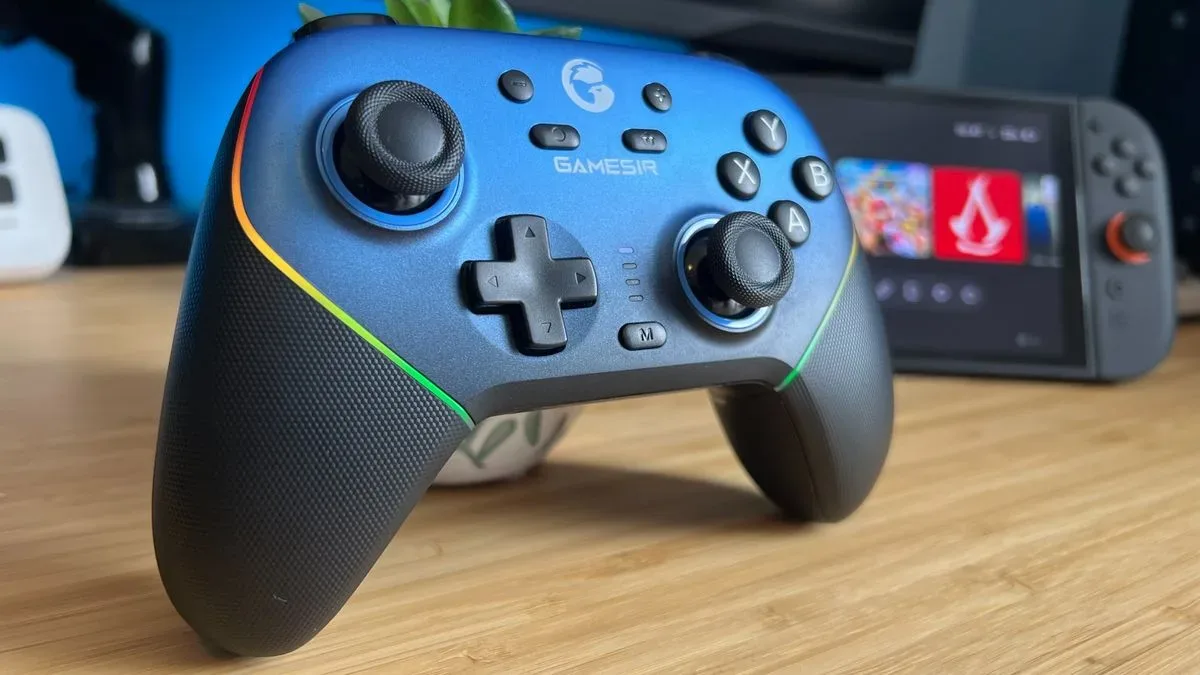
The GameSir Super Nova makes a persuasive argument that a budget controller need not feel like a plastic apology letter. Released in spring 2025 with a $44.99 / £49.99 recommended price, the controller supports PC, Nintendo Switch, Switch 2 and mobile devices, and it brings a surprisingly expansive set of adjustments to that price tier.
Its appeal is not merely that it has a lot of checkboxes. The Super Nova combines Hall effect sticks, wired, Bluetooth and 2.4GHz connections, motion controls, trigger locks, remappable rear buttons, RGB lighting and a magnetic faceplate. That is a serious list for a controller regularly seen at around $30 in sales.
There is one large asterisk shaped suspiciously like a Home button: Switch 2 wake functionality. The controller is advertised as able to wake Nintendo’s system, but a detailed evaluation found the pairing routine difficult and could not make that feature work reliably despite repeated attempts and firmware verification. That does not erase the Super Nova’s value as a general-purpose controller. It does mean buyers should treat wake-up support as a potential bonus rather than the reason to buy one.
A familiar shape with unusually upscale details
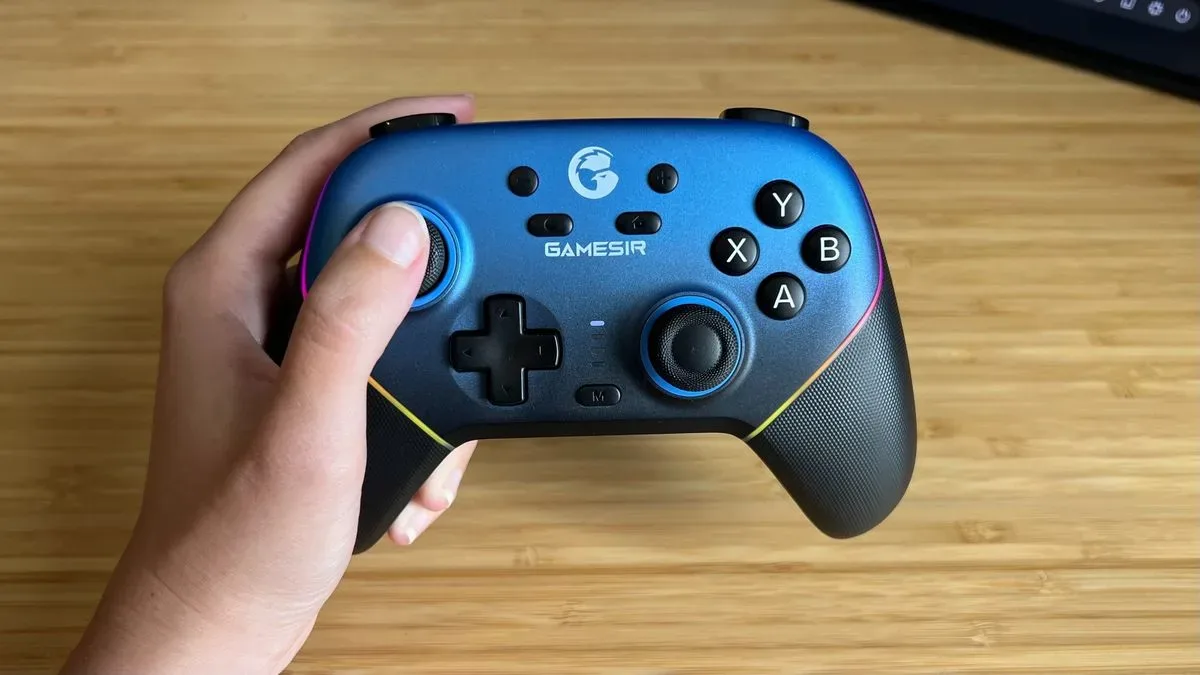
The Super Nova uses a conventional asymmetrical-stick layout, visually and ergonomically closer to an Xbox controller than Nintendo’s official Pro-style pads. At 263g, it is a relatively compact gamepad with angled grips, ABXY face buttons, a D-pad, bumpers and triggers. Nintendo-oriented controls are present as well: plus and minus buttons replace the usual menu labels, while Home and screenshot buttons sit below.
Button legends can be swapped to better suit Nintendo’s face-button arrangement. That may sound cosmetic, but it is helpful for players who regularly move between PC software that expects one conventional ABXY orientation and a Nintendo console where the labels occupy different physical positions.
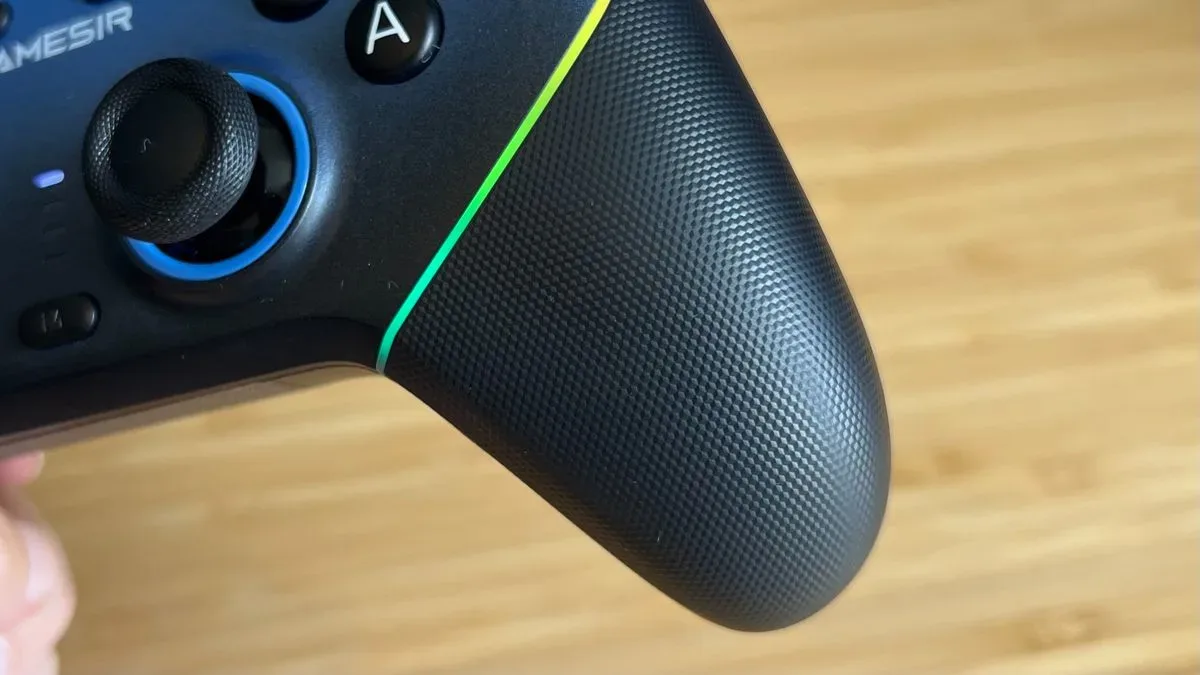
The build is a major part of the pitch. The plastic body is described as dense and sturdy rather than hollow, with no reported creaking or rattling during motion-control use. Its rubberized grips use a shallow diamond texture that wraps around the handles and reaches toward the back controls. Texture is a balancing act: too aggressive and it can feel abrasive or trap warmth; too smooth and a controller can shift in the hand. The Super Nova’s pattern is said to provide grip without becoming tacky or restrictive.
The front faceplate is magnetically detachable, with a dark-blue fade across the top of the supplied panel. The aesthetic will be subjective. Large ABXY legends and RGB lighting may not appeal to everyone, but the important practical point is that the faceplate system is not presented as a flimsy afterthought. For a controller aimed below the premium segment, that attention to fit and finish makes the Super Nova stand out.
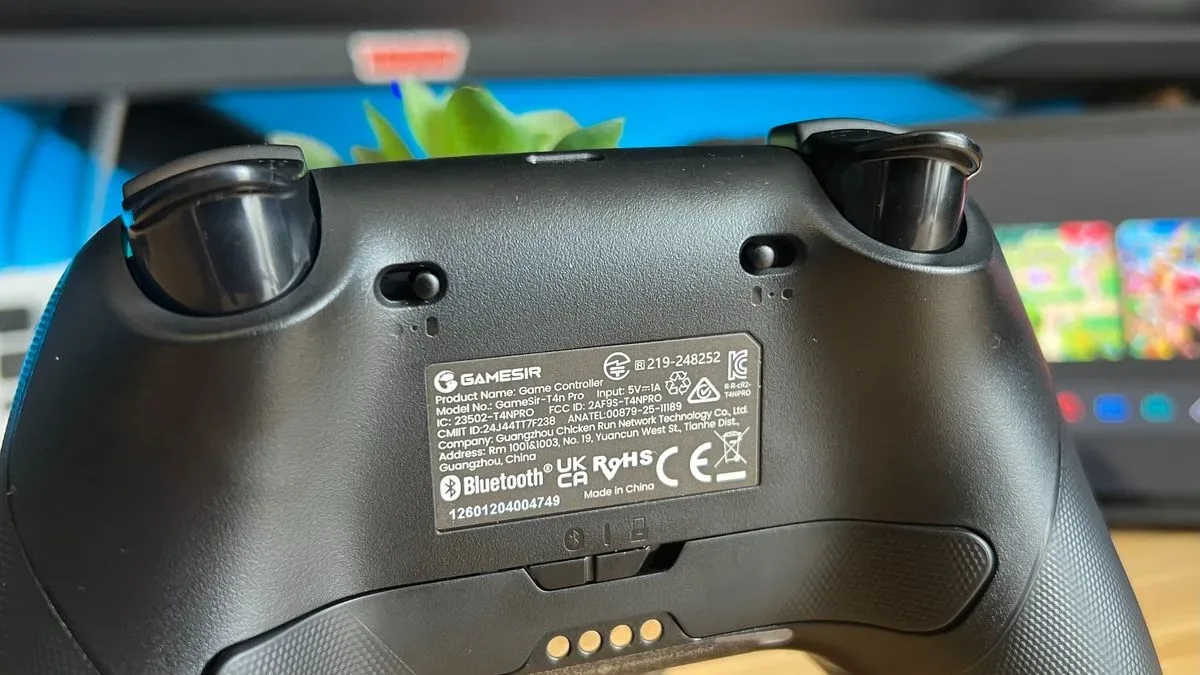
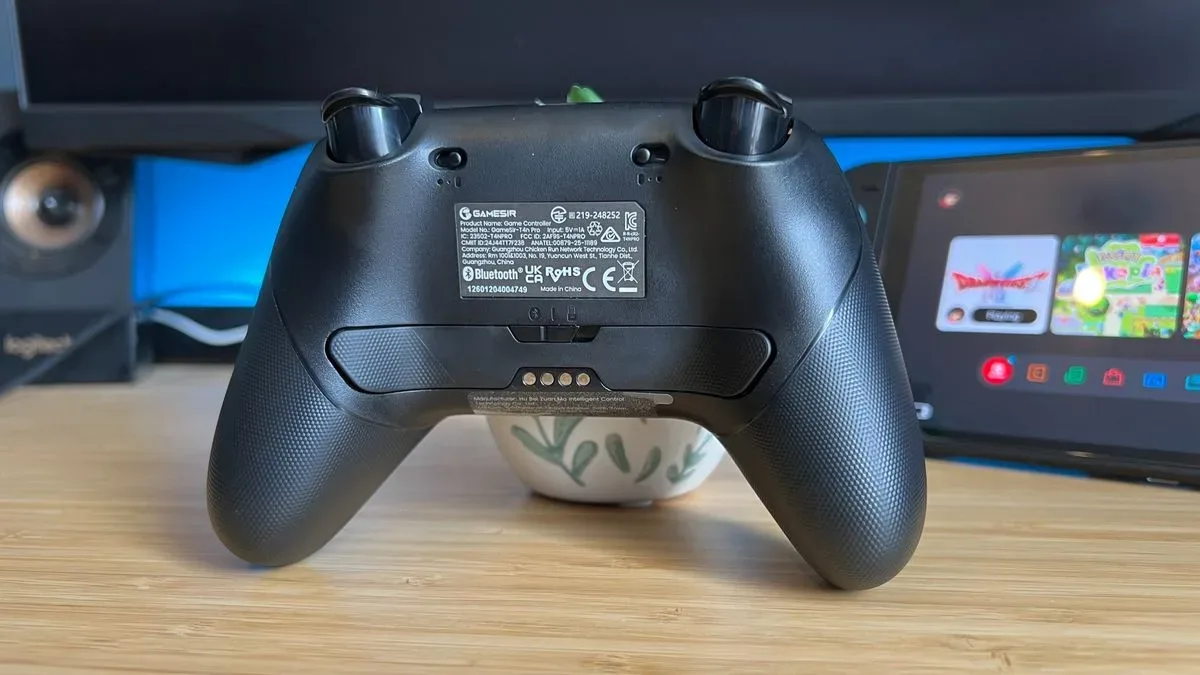
There are two rear controls, shaped more like long paddles than short buttons, plus a small M button for on-controller customization. A physical slider on the rear changes between Bluetooth, wired and 2.4GHz operation. One reported weakness is that the switch sits too flush with the shell, making it harder to grip when changing modes.
Related coverage includes GameSir Super Nova Review: A Feature-Rich Budget Controller With One Major Switch 2 Caveat.
What the controller’s technical terms actually mean
The Super Nova’s headline hardware is its Hall effect thumbsticks. Unlike traditional potentiometer sticks, which use physical contact to register position, Hall effect designs use magnetic sensing. The practical promise is reduced risk of the wear-related drift associated with older stick mechanisms. Hall effect is not the newest sensing technology in this category—TMR controllers are positioned as more sensitive and precise—but it remains a meaningful upgrade over the potentiometer sticks commonly found in lower-cost pads.
Connection matters too. Bluetooth is reported at a 125Hz polling rate, while PC play through the included 2.4GHz dongle reaches 1,000Hz. Polling rate refers to how frequently a device reports its state to a system. A higher figure can reduce the interval between input reports, though the actual difference a player notices depends on the game, the platform and the rest of the input chain. The key practical takeaway is simple: the 2.4GHz connection is the performance-minded PC option, while Bluetooth offers broader wireless convenience.
Trigger locks are another welcome inclusion. They shorten the physical travel of the triggers, allowing a press to register more quickly. That can be valuable in shooters where triggers are used repeatedly for firing, while full-depth travel can remain preferable for games that benefit from gradual analogue input. The Super Nova’s locks are not described as matching the immediate feel of higher-end mechanical alternatives, but they still offer a faster setting that many casual Switch 2 controllers omit.
Motion controls round out the cross-platform design. On Nintendo hardware, they serve the familiar purpose of tilt and motion input. On PC, the controller can map motion to mouse input. That will not automatically make a controller substitute for a mouse in games requiring precision, but it can provide a useful extra layer for cursor movement or simpler navigation.
Customization is expansive, but not always convenient
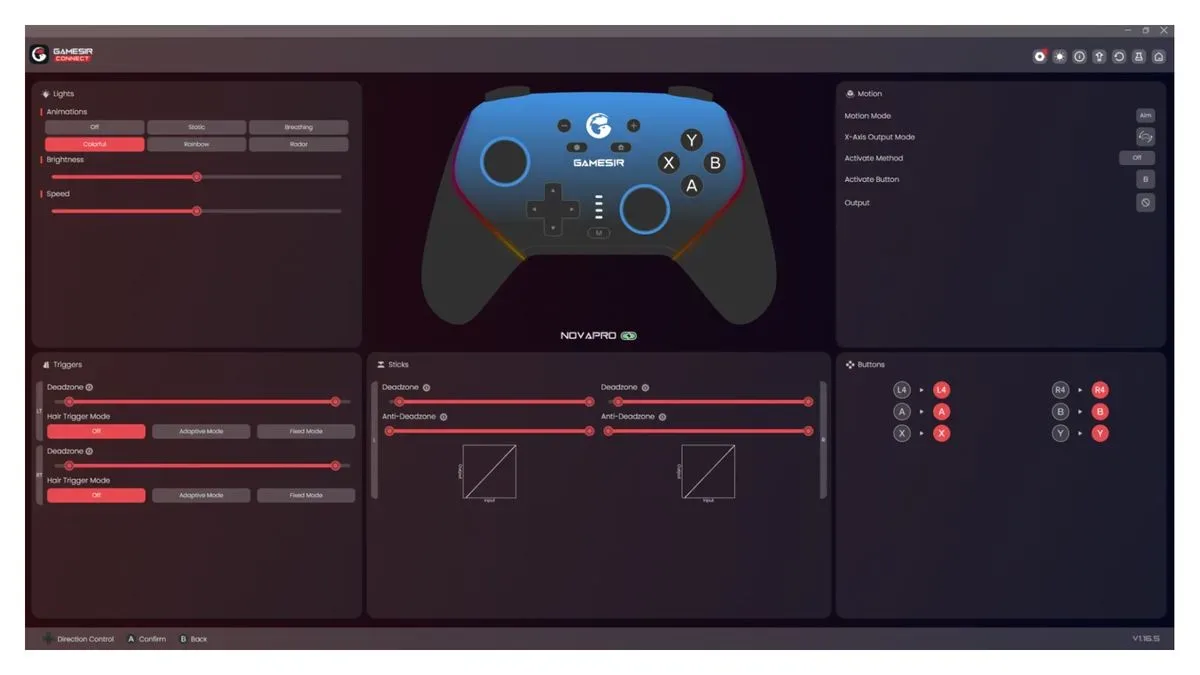
GameSir Connect software on PC is where the Super Nova becomes much more than a basic multiplaform pad. The two back paddles can be remapped on the controller using the M button, but the software allows assignments beyond ordinary controller buttons. Mouse clicks and keyboard combinations can also be assigned, opening up options for PC games that accept mixed controller and keyboard inputs.
There are adjustments for trigger dead zones, Hair Trigger settings and response curves. A dead zone is a portion of a control’s travel that produces no input, often used to prevent an ageing stick or trigger from sending unintended commands. An anti-dead zone does the opposite at the beginning of a movement, making a small physical input register more assertively. Response or trajectory settings alter how steadily input ramps from light movement to maximum movement. These tools are useful, but they are also settings best changed with a purpose: excessive anti-dead-zone adjustment, for example, can make fine aiming feel twitchier rather than better.
Thumbstick settings, vibration levels, lighting and key bindings are also adjustable. The Super Nova supports macros of up to three assigned inputs per key. That is a broad software suite for the price, and it is especially relevant to players who want their rear controls to handle a keyboard command or mouse click instead of duplicating an existing gamepad button.
The notable limitation is the absence of saved presets for separate games. A player who likes one trigger curve and rear-button map for a shooter but another for a driving game may have to revisit the configuration menus each time. This does not reduce the range of available customization, but it reduces the convenience of having it. The Super Nova offers the toolbox; it just does not make it easy to keep several projects neatly labeled inside.
The Switch 2 wake-up caveat is the decision point
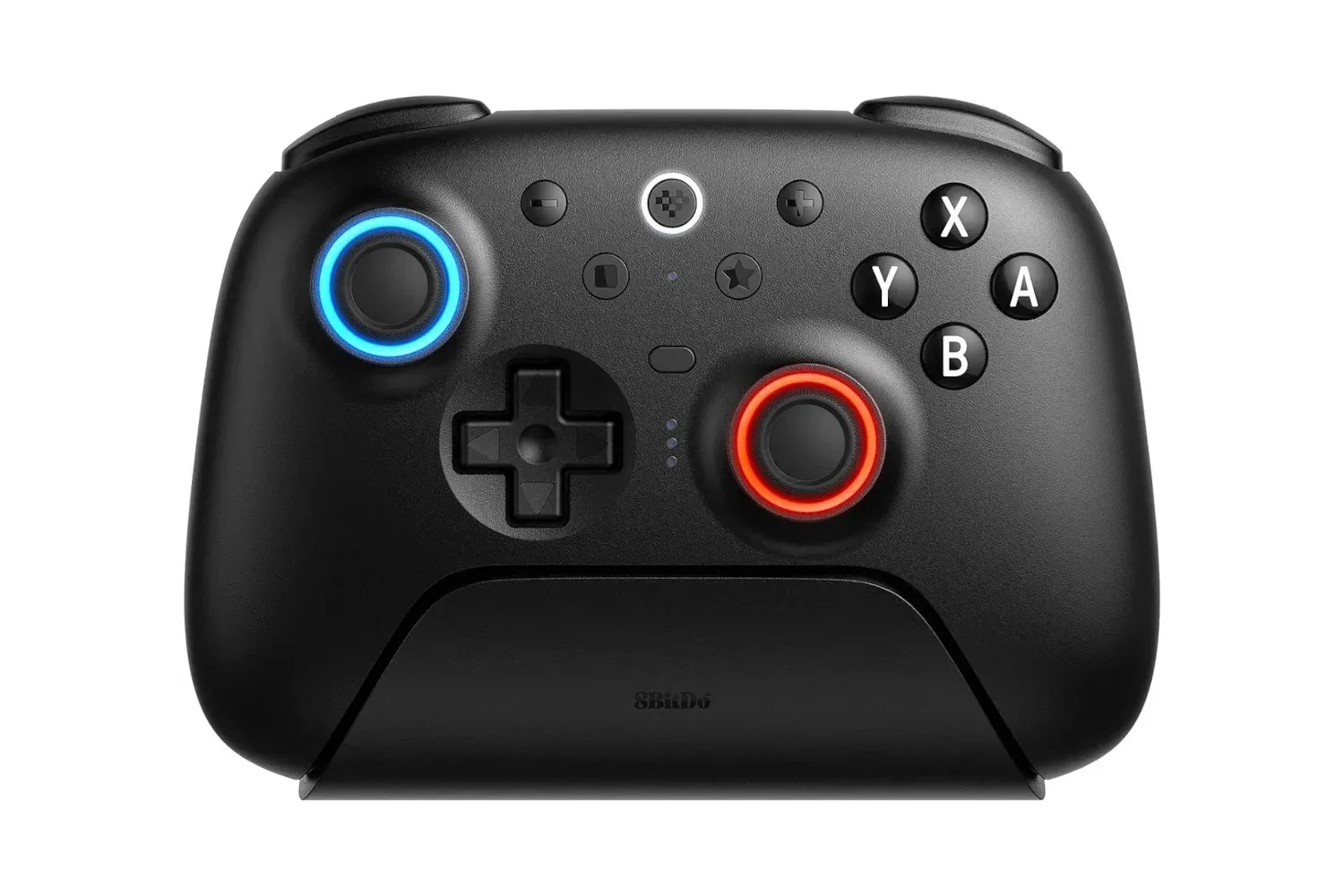
Switch 2 wake support is an attractive feature because it is more commonly associated with premium controllers, including the official Nintendo Switch 2 Pro Controller and 8BitDo Ultimate 2. In theory, pressing the Super Nova’s Home button should wake the console after a specific setup process.
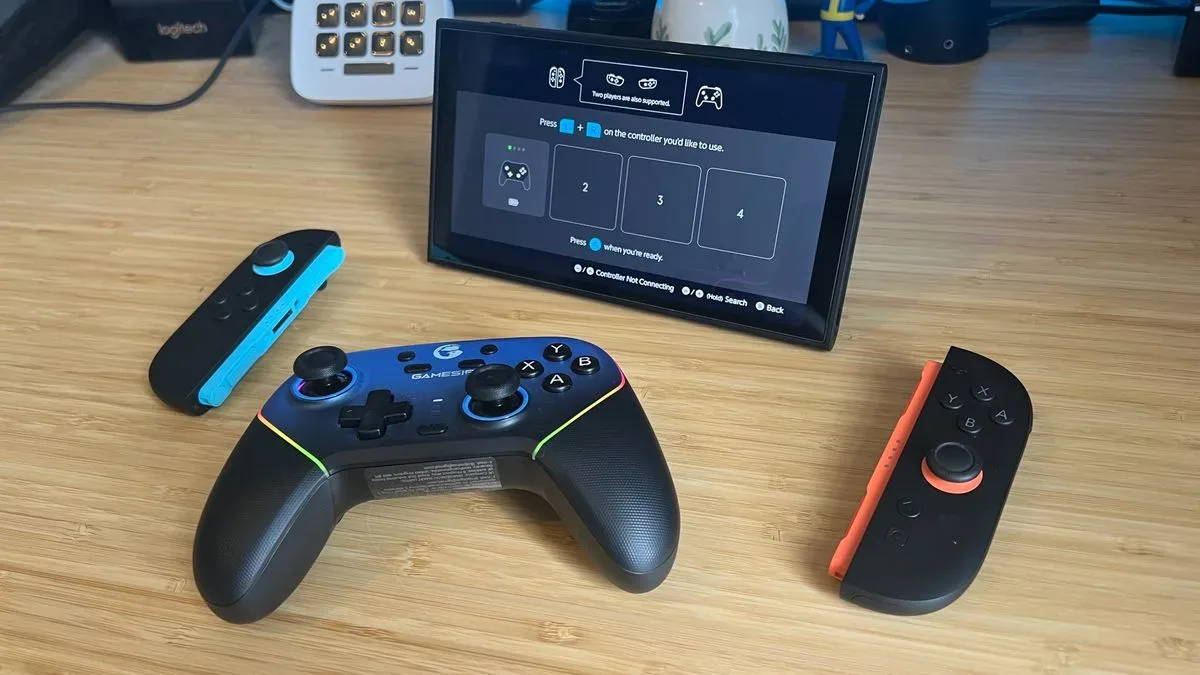
In reported testing, that process involved pairing and re-pairing the controller, removing Joy-Con controllers, changing the grip configuration and searching for the Joy-Con controllers again. The process was attempted across multiple sessions, with the Super Nova’s lights indicating an attempted connection but without waking the system. Guidance supplied after a firmware check did not resolve the issue in that evaluation.
For a prospective buyer, the sensible interpretation is not that every Super Nova will fail to wake a Switch 2. It is that the feature cannot be assumed to work simply because it is listed on the box or product page.
That distinction matters. A player who primarily wants a lower-cost wireless controller with Hall effect sticks, motion controls and PC configuration options may still find a lot to like. A player specifically shopping for an inexpensive, dependable alternative to an official controller for waking the console should be cautious, especially if they do not want a complicated setup routine.
This is also a useful reminder that compatibility is not a single yes-or-no label. A controller can connect, play games and provide motion input successfully, while one system-level convenience function remains inconsistent. Buyers should separate those jobs rather than assuming support in one area guarantees support everywhere.
How the controls reportedly hold up
Outside wake-up support, Bluetooth and 2.4GHz connections were reported to operate without day-to-day communication problems. The sticks were described as maintaining accuracy in both quick turns and slower camera movements, with smooth travel to the edge of their range and a responsive return to center.
The face buttons use membrane switches rather than the microswitches found in GameSir’s somewhat pricier Cyclone 2. Membrane buttons typically use a flexible layer that compresses to register the press, whereas microswitches generally have a more distinct mechanical click. The Super Nova’s face buttons are reported to feel cushioned and comfortable, but the D-pad is a weaker point: its four-direction membrane implementation was considered rigid and less nimble.
The triggers occupy a middle ground in tension, with a longer pull than the official Switch 2 Pro Controller but more resistance than the Razer Wolverine V3 Pro. That makes them potentially suitable for players who want analogue feel without an overly loose response. The rear paddles will be more personal. Their length and placement reportedly work well when the index fingers remain around the bumpers and triggers and middle fingers handle the rear inputs. Players who place middle fingers on the triggers instead may encounter accidental pressure from their ring finger, particularly on the left side.
That is not a universal flaw so much as an ergonomics warning. Rear buttons are useful precisely because people hold controllers differently, and a layout that feels perfect for one grip can produce accidental presses for another.
Who should consider the Super Nova?
At its $44.99 list price, the Super Nova faces pressure from GameSir’s Cyclone 2, a TMR-equipped option that has reportedly appeared between $50 and $70. But when discounted to about $30, the equation changes. Hall effect sticks, Switch 2 compatibility, motion controls, trigger locks, rear buttons and flexible PC mapping are an unusually full package at that level.
Against PowerA’s Advantage Wired Controller for Switch 2, the Super Nova’s advantages are clear on paper: wireless options, motion controls, rumble, trigger locks and deeper customization. The PowerA alternative begins at $39.99 and can fall to roughly $17 to $25, so it still serves a role for shoppers who simply need a cheaper wired controller. But a modest jump in price can buy substantially more capability with the Super Nova.
PC and Switch players who value customization—and can live without per-game profile saving—are the strongest audience. The controller also makes sense for anyone who prefers the asymmetrical-stick arrangement and wants robust connections across several platforms. For related Nintendo hardware news, see this look at NitroDeck’s planned Android update for dual-screen handhelds.
However, the Super Nova should not be purchased solely for Switch 2 wake functionality. There is evidence that some users have succeeded, but the reported inability to make it work after extensive setup means the feature remains uncertain. Ignore that promise and the Super Nova is a feature-rich budget controller with a few ergonomic and software compromises. Buy it for that one promise, and it may become a tiny blue-and-black lesson in managing expectations.