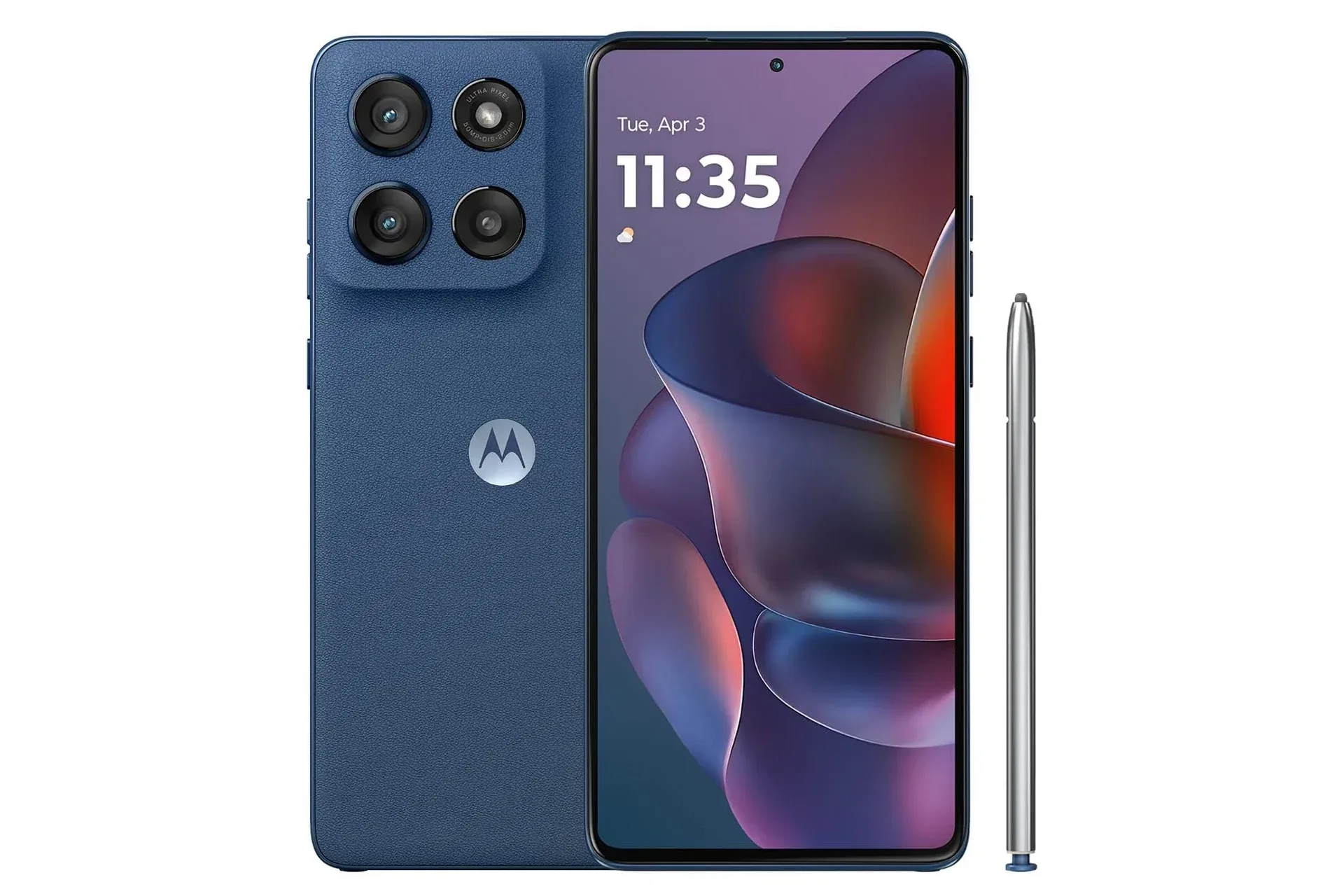
A Motorola Moto G Stylus configuration is listed at $300, a $100 reduction from its stated $400 regular price. That is a 25% discount, although the listing describes the price as temporary and gives no end date. As with any time-limited retailer promotion, shoppers should confirm the price, exact model and included configuration before placing an order.
The supplied specifications position this Moto G as a practical mid-priced handset built around a large screen, generous storage and a pen that lives inside the phone rather than in a separate accessory case. Its listed hardware includes a 6.7-inch pOLED Super HD display with a 120Hz refresh rate, a MediaTek Dimensity 6300 chipset, 12GB of RAM, 256GB of storage, 5G connectivity, and a rear camera system described as using Sony LYTIA components with optical image stabilization.
For people who use a phone for games, streaming, messaging, photos and everyday organization, that combination matters more than a flashy form factor. The central question is not whether a $300 phone can compete with a premium device at every task. It is whether its trade-offs suit the way someone actually uses a phone—and whether the advertised configuration is the one they expect to receive.
What the $300 listing says is included
- 6.7-inch pOLED Super HD display
- 120Hz display refresh rate
- MediaTek Dimensity 6300 processor
- 12GB RAM and 256GB internal storage
- 5G connectivity
- 50MP camera and optical image stabilization (OIS) among the stated camera features
- Built-in stylus that stores in the bottom of the handset
- Unlocked compatibility claimed for major US carriers, including Verizon, AT&T, T-Mobile, Boost Mobile, Cricket and Mint
The important wording here is unlocked. An unlocked phone is not restricted to one carrier at sale, allowing the owner to activate it with a compatible provider. That does not eliminate every compatibility consideration: prospective buyers should still check their intended carrier’s support for the precise model and its network bands before purchasing. An unlocked status is useful flexibility, not a blanket guarantee that every plan, feature or local network experience will be identical.
A 120Hz display is about motion, not sharper pictures
Refresh rate measures how often a display updates the image each second. At 120Hz, the screen can refresh up to 120 times per second, versus 60 times on a conventional 60Hz panel. In ordinary use, that can make scrolling through feeds, moving around menus and swiping between screens appear more fluid. It can also be relevant for games that support higher frame rates.
It is worth separating refresh rate from resolution and performance. A 120Hz screen does not automatically mean every app runs at 120 frames per second, and it does not establish a phone’s overall gaming ability by itself. A game’s frame rate can be limited by the app, its graphics settings, the processor, thermal conditions, battery-saving behavior, or the display mode selected by the device. Still, the panel gives the handset the capacity to show smoother motion where software and performance allow it.
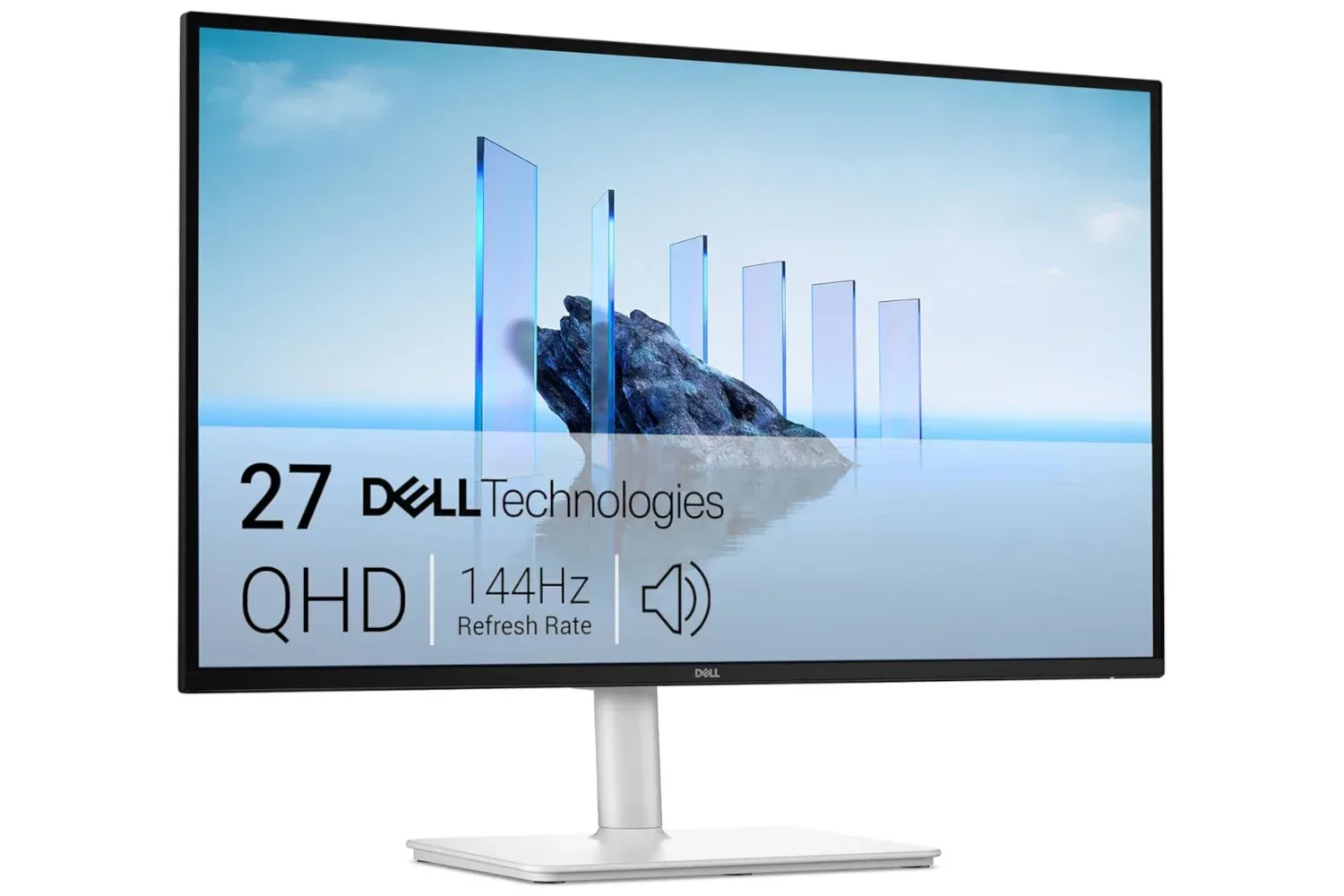
For a broader look at why refresh rate and resolution should be read as separate parts of a spec sheet, see our guide to the meaning of 144Hz and 1440p specifications for PC gaming. The underlying terms are the same even when the screen is a phone rather than a desktop monitor.
The Moto G listing also calls the panel pOLED. OLED displays use self-emissive pixels rather than relying on a conventional LCD backlight. “pOLED” refers to an OLED display built on a plastic substrate, which can enable a thin screen design. Those terms explain display construction, but they should not be read as a universal verdict on brightness, color tuning or outdoor readability. The listing makes an outdoor-visibility claim, but it does not provide a measured brightness figure.
Memory and storage address different problems
The stated 12GB of RAM and 256GB of storage are easy to conflate, but they serve different jobs. RAM is the fast working memory that helps the operating system keep apps and active tasks available. More RAM can be helpful when a person frequently switches among a game, browser tabs, chat apps, music and a camera app without wanting background tasks to reload as often.
Storage is the long-term space for apps, photos, downloaded media and files. A 256GB capacity gives considerably more room for large games, offline video and camera captures than smaller storage tiers. But the usable amount will be lower after the operating system, preinstalled software and system-reserved space are taken into account. The listing does not state whether the phone supports storage expansion, so buyers whose libraries grow quickly should not assume a microSD option exists without checking the product details.
The Dimensity 6300 is the phone’s system-on-chip, the component that combines processing duties needed for the operating system, apps and connectivity. It should not be judged from a model name alone. Real-world behavior can vary by task and software optimization, while lengthy gaming sessions can be influenced by heat and power management. The listing says that navigation is smooth and loading over 5G is quick, but network speed in daily use will remain dependent on carrier coverage, plan terms, congestion and location.
The stylus is the distinctive feature
The built-in stylus is the detail that most clearly separates this device from many conventional budget and mid-range phones. Because it docks inside the handset, it is easier to keep on hand for a quick note, an annotation, photo editing or a sketch. It also avoids the small but familiar problem of buying a separate pen, losing it, then discovering that the phone’s most interesting feature has become a desk-drawer resident.
That said, “stylus support” is not a complete technical description. The supplied material says the pen can be used for notes, artwork, photo edits and navigation, but it does not specify pressure sensitivity, latency, palm rejection, app-specific features or whether the stylus is intended to replace a dedicated drawing tablet. It is sensible to view it as an integrated input option with clear everyday utility, rather than infer capabilities not listed for this particular model.
Camera stabilization can help, with limits
The camera section of the listing highlights a 50MP camera, Sony LYTIA branding and OIS. Optical image stabilization is a mechanism that physically compensates for small hand movements while shooting. In practical terms, it can help reduce blur caused by shake, especially when light is limited and the camera needs a longer exposure. It can also assist steadier video capture.
OIS is not a promise that every night photo will be bright or sharp. Final image quality also depends on sensor behavior, lens characteristics, camera software, subject movement and available light. A moving person or pet can still blur even if the camera compensates for the photographer’s hand. The listing mentions a four-lens system, but does not detail the other lenses, their resolutions or their functions, so the 50MP/OIS information is the clearest camera claim to weigh.
Battery claims deserve the same care as any deal claim
The listing says 15 minutes of charging can provide enough power for a full day. That is a convenient claim, but “a day” is not a fixed measurement. Battery use changes sharply with screen brightness, mobile signal strength, video streaming, games, camera use, refresh-rate behavior and background apps. Charging outcomes also depend on the compatible charger and cable being used, neither of which is detailed here.
Rather than treating the statement as a guaranteed endurance figure, prospective buyers can use it as a prompt to verify charging specifications and what comes in the box. That check is especially worthwhile for anyone replacing an older phone that included a power adapter, as package contents can differ across products.
Who this configuration may suit
At the listed $300 price, the strongest case is for someone prioritizing a large, fast-refresh display, ample advertised memory and storage, carrier flexibility, and the convenience of an integrated pen. Those features can be useful for casual gaming, reading, video, note-taking and media storage without moving into premium-phone pricing.
There are also several straightforward checks to make before purchase:
- Confirm the exact Moto G Stylus variant, storage capacity and color attached to the $300 price.
- Verify compatibility with the carrier and plan that will be used.
- Check the retailer’s current price, return terms and package contents, particularly charging accessories.
- Review the official specifications for details not provided in the listing, such as software support, charging standard, camera-lens breakdown and expandable-storage support.
- Decide whether the stylus will be regularly used. It is a meaningful convenience feature, but its value is personal.
The discount makes the device notable because its listed package is unusually broad for the price: a 6.7-inch 120Hz OLED-based display, 256GB of storage, 12GB of RAM and a housed stylus all sit in the same proposition. The fine print still matters. A sale price can change, performance expectations should remain tied to the actual tasks a buyer plans to run, and unsupported assumptions about camera, battery or pen features are best avoided.
Shop the products
Check current price, model and availability at the retailer.