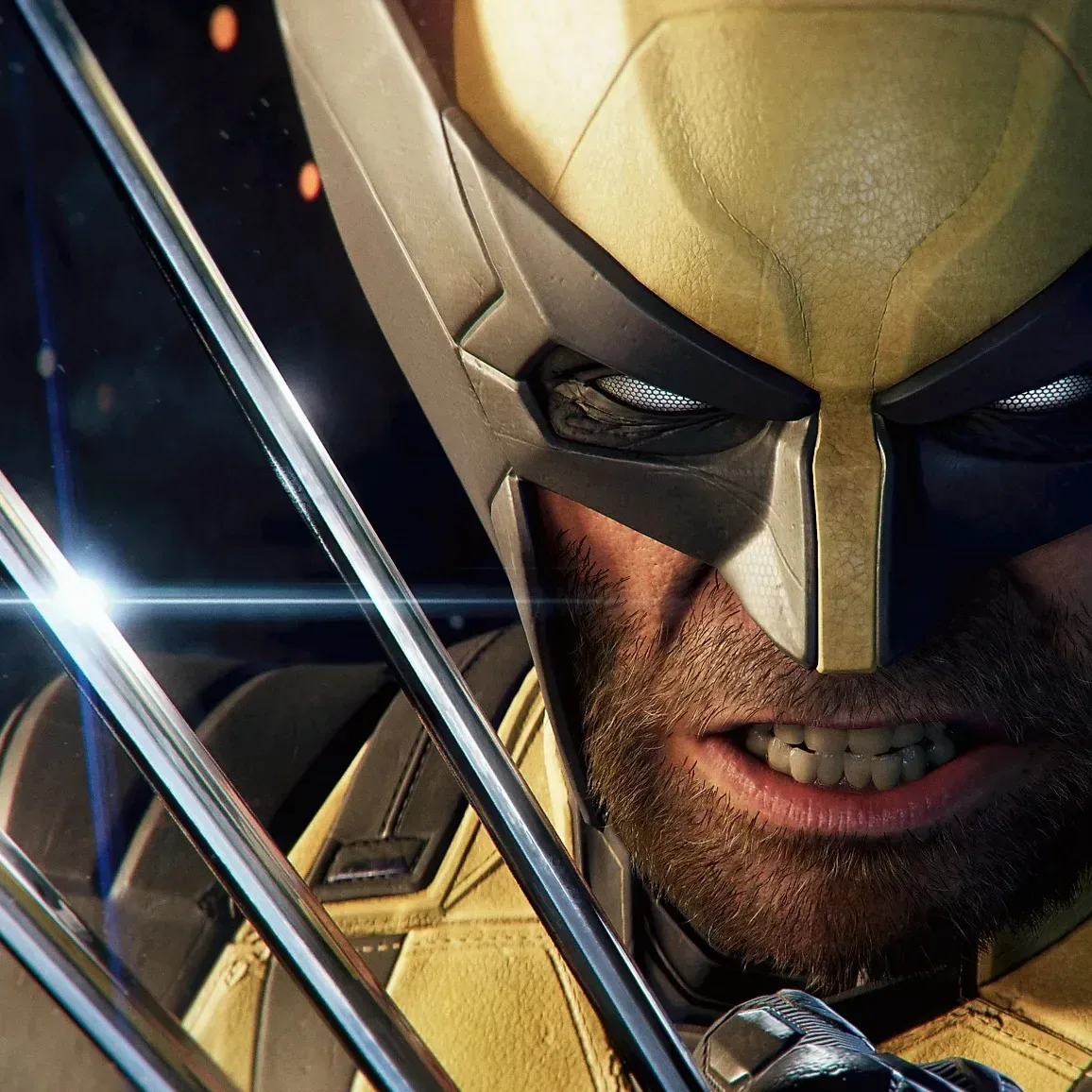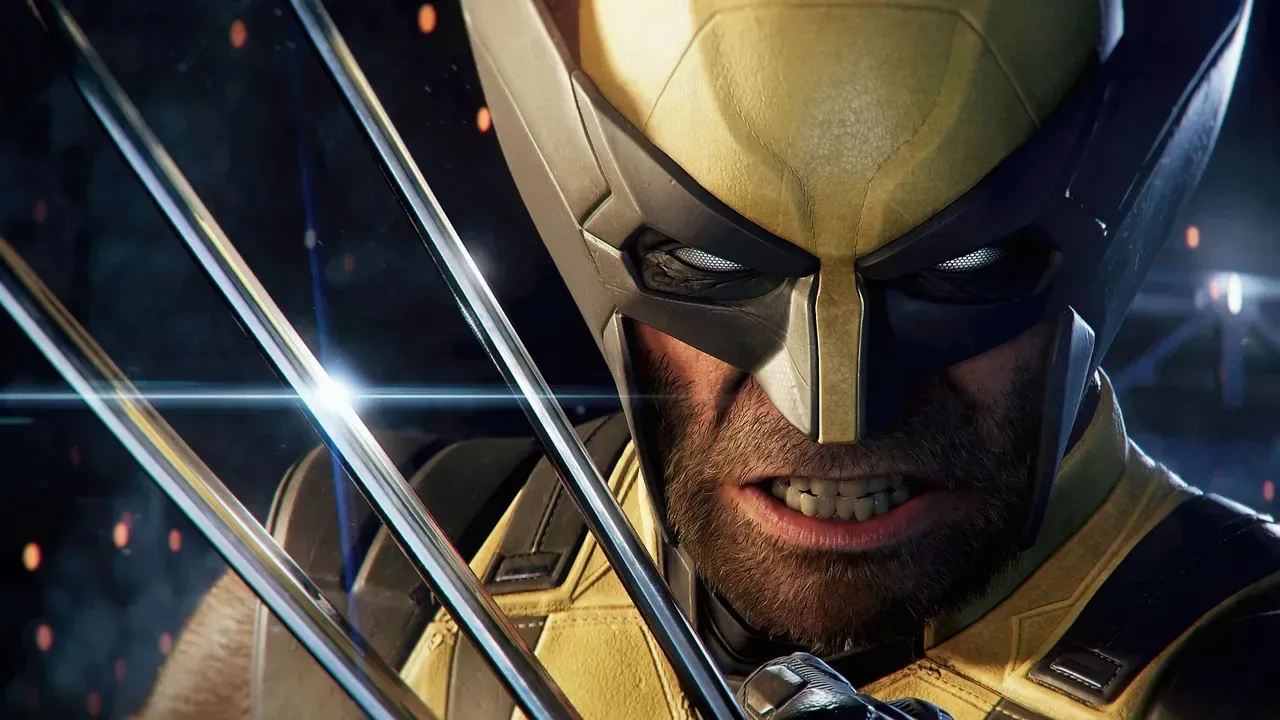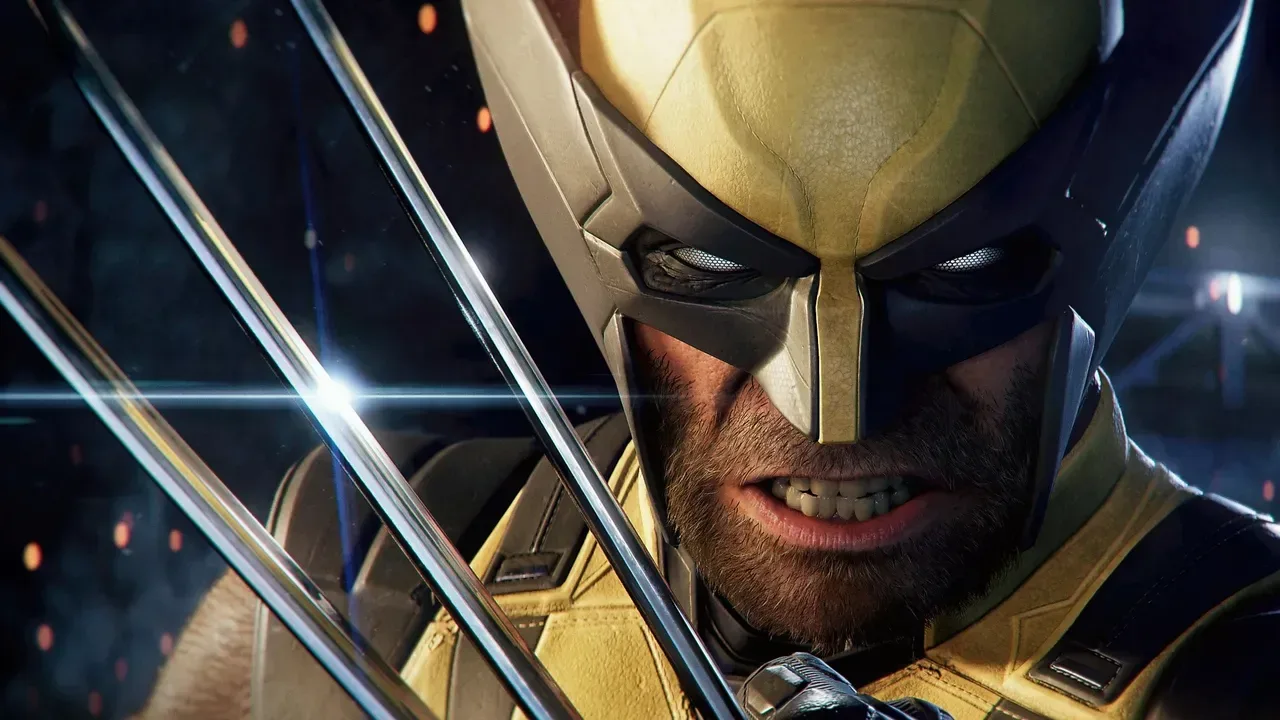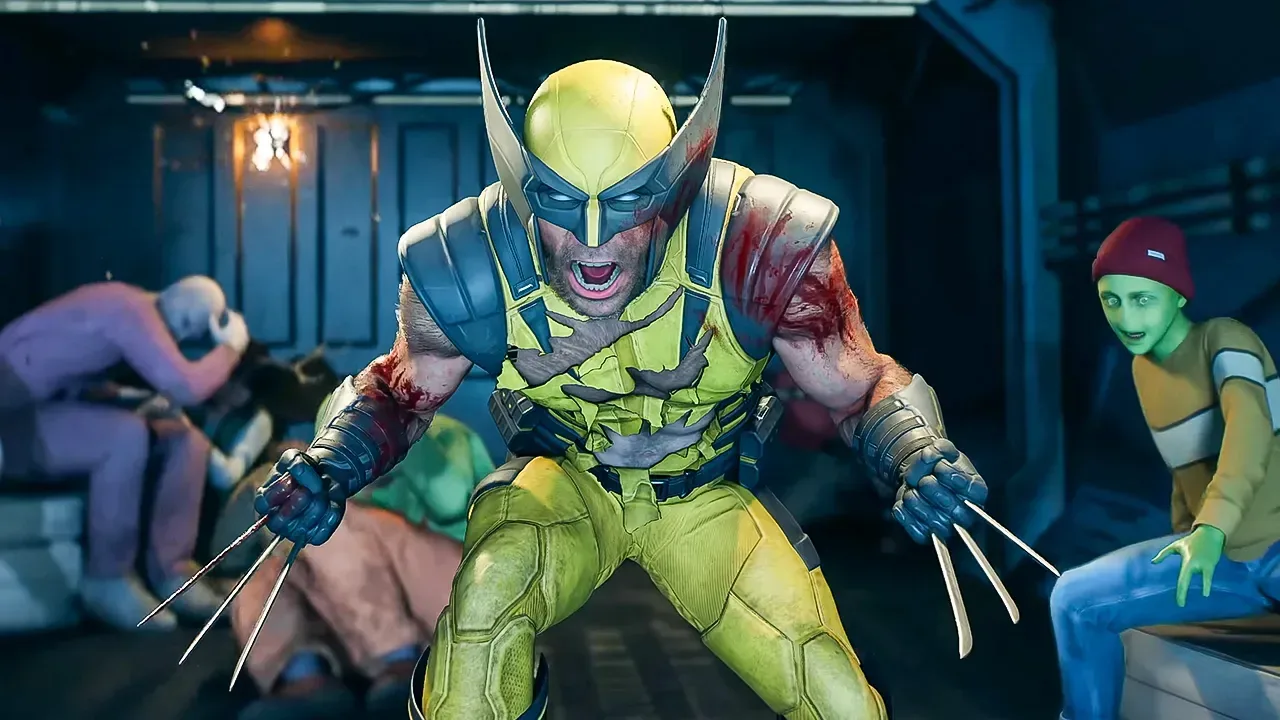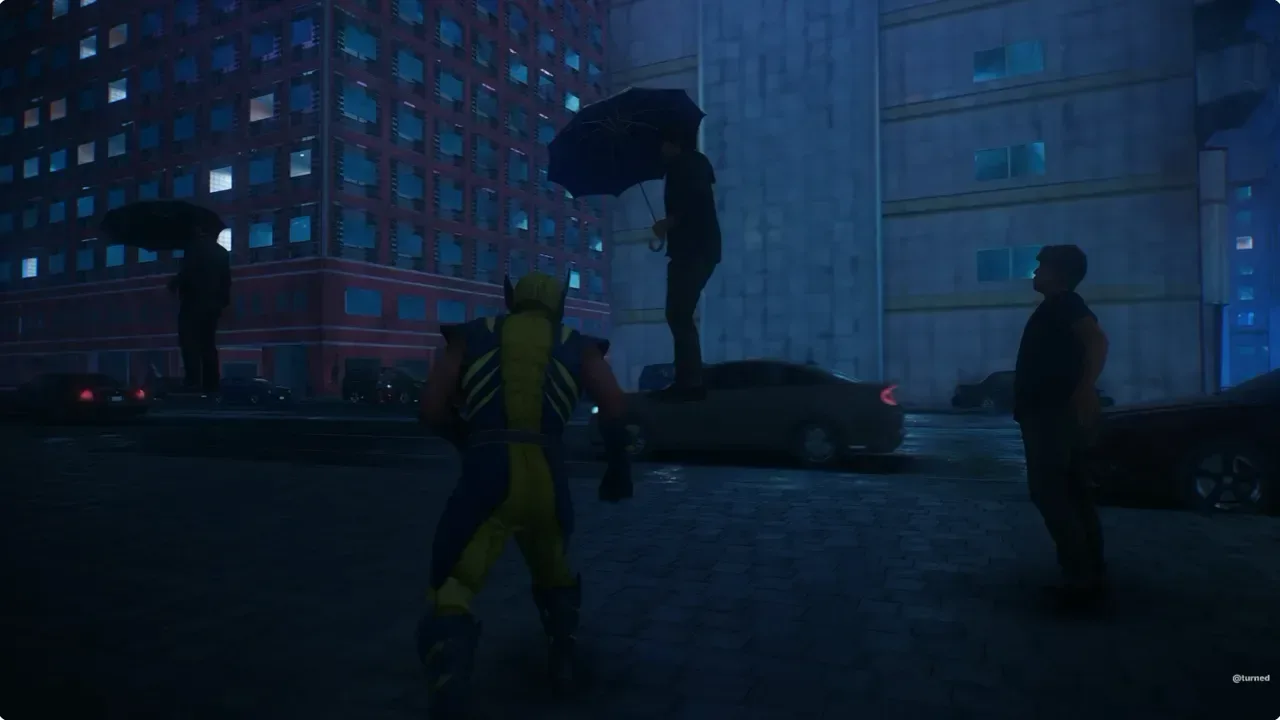
Marvel’s Wolverine includes a game-speed control that can turn its already aggressive claw combat into deliberately paced slow-motion spectacle. Located in the game’s accessibility options, the setting lets players assign a toggle to a controller button and swap between the normal speed of play and a separately selected secondary speed.
The practical result is unusually direct control over the rhythm of gameplay. One shared example mapped the toggle to the D-pad and set the slower state to 30% speed. At that level, a fast exchange can become a lingering visual beat: Logan’s claws connect, an enemy reacts, and blood effects travel across the frame before the player returns the game to full pace.
It is a feature with obvious appeal for clip makers, screenshot hunters, and players who simply enjoy staging action their own way. More importantly, its place in the accessibility menu means it is not only a capture-oriented novelty. Game-speed reduction can give players more time to read a chaotic encounter, choose an input, or follow an animation that would otherwise be over in an instant.
How the game-speed setting works
The reported setup is straightforward. Players can map the game-speed command to a button of their choosing, then toggle between two rates: the standard speed and a selected alternative. The 30% example demonstrates a pronounced slow-motion effect, but the important point is that the lower rate is player-defined rather than locked to a single cinematic preset.
Game speed refers to the overall pace at which the game simulation runs. It is broader than a slow-motion replay effect because it can affect the motion and timing of the active encounter while the player remains in control. That distinction matters. A replay is usually something viewed after an event; a game-speed toggle can be part of the moment-to-moment play itself.
The available evidence does not establish every detail of how the setting interacts with menus, cutscenes, timing-sensitive systems, or every individual difficulty option. It also does not indicate which values are available beyond the demonstrated 30% setting. Still, the basic design is clear: assign the command, establish the slower secondary rate, and use the button to move between that rate and normal play.
A compact way to create more deliberate action
Wolverine’s combat fantasy is built around sudden, forceful movement. At normal speed, that supports momentum and impact. Slow-motion changes the emphasis. It can make a single claw strike, a lunge, or an enemy takedown feel less like a transition between inputs and more like a composed action shot.
That gives players a degree of authorship over scenes that would ordinarily pass too quickly to appreciate. Instead of waiting for the game to trigger a scripted slow-motion beat, they can decide when a particular animation deserves extra attention. A user can slow an exchange down at the instant Wolverine closes in, then restore normal pace once the desired visual moment has landed.
Related coverage includes Marvel's Wolverine Game-Speed Setting Lets Players Build Their Own Slow-Motion Action Scenes.
The comparison to the violence-forward, heavily slowed action often associated with Zack Snyder is an understandable one. The setting can exaggerate impact and let effects linger onscreen, turning a short hit into a more stylized image. But the key difference is interactivity: this is not simply a director’s chosen camera rhythm. It is a rhythm the player can invoke.
Accessibility and creative tools can be the same feature
Accessibility settings are sometimes discussed as though they exist separately from the ways many people enjoy games. A remappable speed toggle is a good example of why that divide is artificial. The same tool can serve different players for different reasons without one purpose making the other less valid.
- For players needing more processing time: slowing the game may make crowded action easier to parse and reduce the pressure of rapid reactions.
- For players learning combat: a lower pace can make it easier to observe enemy movement and understand what an animation communicates.
- For creators: the setting offers a way to produce distinct gameplay clips without relying solely on fortuitous timing.
- For visual-minded players: it provides a chance to appreciate choreography, character animation, and effects that normal-speed combat may rush past.
Remapping is central to that flexibility. A setting can be useful in theory but awkward in practice if it is fixed to an inconvenient button. Letting players choose the input makes the speed command easier to incorporate into their own controller habits. The D-pad mapping shown in the shared example is one approach, not a required one.
There is a small but meaningful creative implication here, too. When a player can trigger slowdown at will, the boundary between playing and recording becomes thinner. They do not need an elaborate external workflow to make a fight feel more cinematic. The game itself provides an in-the-moment timing control.
Not the first time Insomniac has used the idea
Insomniac Games previously included a comparable game-speed option in Marvel’s Spider-Man 2. In that context, the effect could be used to linger on a web-swinging pose or frame a scenic shot while moving through the city. Wolverine applies the same broad idea to a very different kind of superhero action.
Spider-Man’s movement is associated with flow, height, and graceful traversal. Wolverine’s is more intimate and brutal, with the focus often on claw strikes and close-range confrontations. The same control therefore changes character depending on the game around it: one can make traversal look balletic, while the other can make an attack feel weightier and more severe.
That continuity also suggests that game-speed controls are a deliberate part of the studio’s broader accessibility and player-expression approach rather than an incidental flourish created solely for Wolverine. It gives players an option to change how they experience an action sequence without changing the core identity of the character.
What it means for Marvel’s Wolverine after launch
Marvel’s Wolverine is now available following a five-year wait. The game’s reception has not been uniformly enthusiastic: one published review scored it 6/10, praising the foundation of its combat while arguing that its limited variety eventually diminishes that strength. The review’s assessment was that satisfying combat and strong character work do not fully overcome that issue.
The game-speed setting does not answer every larger question about combat variety or the overall campaign. It is not a substitute for encounter design, progression, or a broader range of activities. But it can meaningfully change the feel of individual moments, particularly for players who want either more room to react or more command over the presentation of a fight.
Insomniac has said it is listening to player feedback and intends to continue refining the experience after launch. Logan actor Liam McIntyre has also addressed harsh reactions around the game, saying he is proud of the work made by the team and that he has dealt with backlash before.
For players digging into the game’s presentation and story details, the suit technology has its own lore angle: Marvel’s Wolverine uses Phalanx nanotech to explain Logan’s self-repairing suit. The speed toggle sits on the other side of that equation—less about why Wolverine looks the way he does, and more about letting players decide how long they want a violent, high-impact image to last.
In a genre where cinematic action is often tightly authored, a button-mapped slowdown feature is a notably player-led choice. Players can keep combat moving at full force, slow it down when they need clarity, or punctuate a favorite hit with a little extra drama. Wolverine has always been a character of sudden violence; this option gives players the means to control the pause before the next slash.