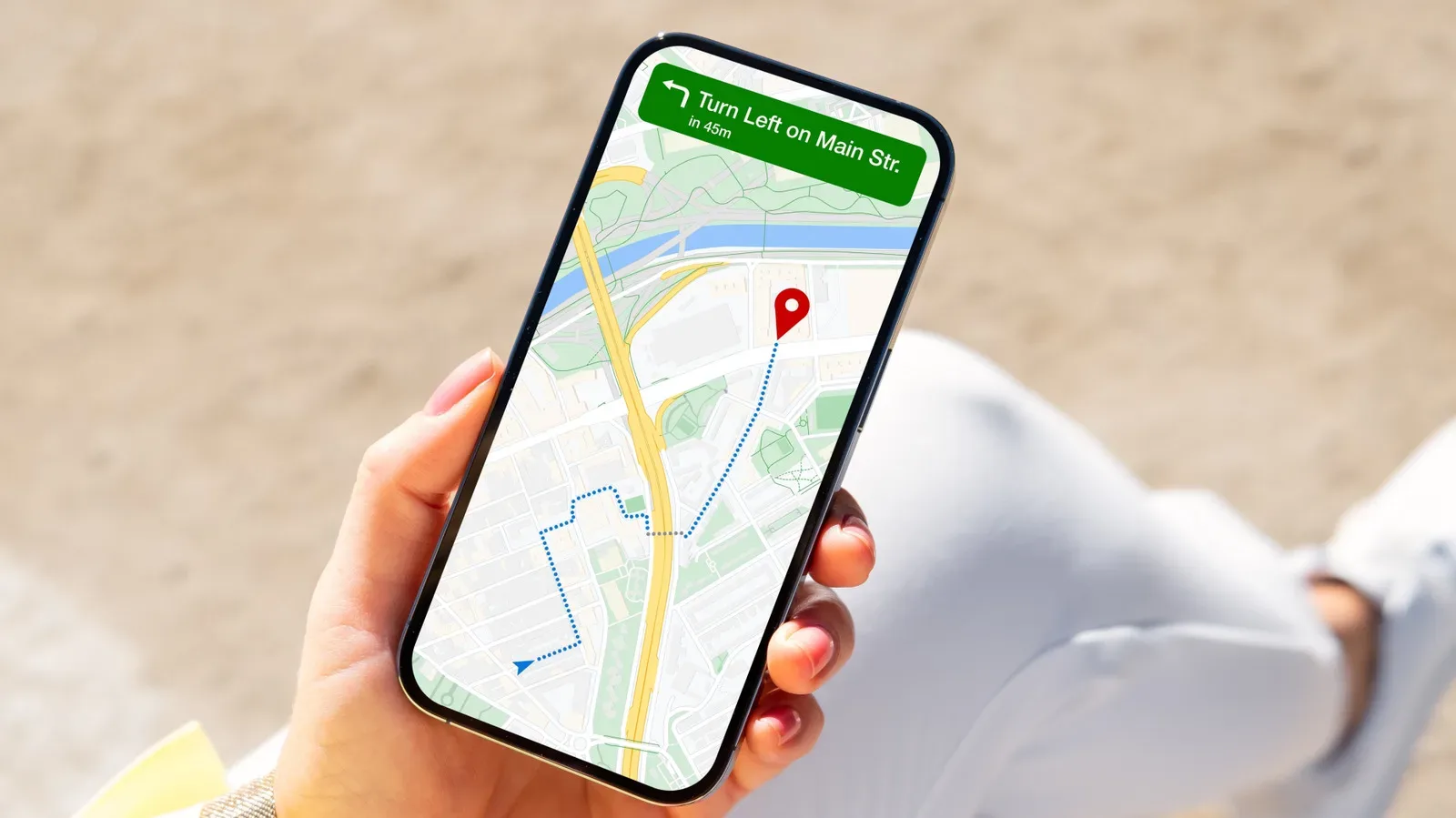
Location sharing is one of the most useful powers tucked inside a phone, and one of the easiest to approve without thinking. It can guide a player to a meetup, show a friend an arrival time, help locate a misplaced device or tracker, and provide reassurance during a late trip home. It can also expose routines, real-time whereabouts and a surprisingly detailed record of where a person has been.
The sensible question is not whether location access is always good or always bad. It is whether a particular app needs it right now, how precise that access needs to be, how long it should last, and who may receive the resulting data. Those distinctions matter far more than a reflexive tap on “Allow.”
What a location permission actually changes
When an app or website asks for location, it is asking a device to provide information about where it is. That request may be limited to use while the app is open, or it may seek background access that continues when the app is not actively on screen. The latter is the more consequential choice: it can turn a one-time convenience into ongoing visibility.
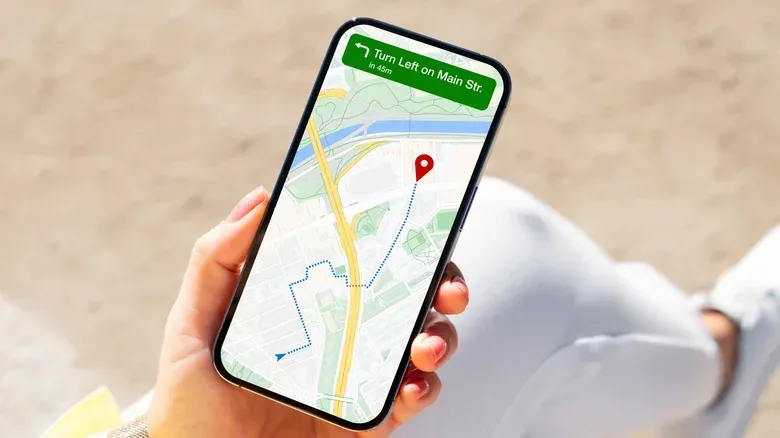
For some services, the link is obvious. Navigation in Google Maps or Apple Maps requires a current position to generate directions. A device-finding service needs location information to show a missing phone on a map. A ride-sharing trip-sharing function needs a live position to let selected contacts follow a journey.
Other requests deserve a slower look. A delivery service can generally work with an address typed in manually. Using a browser-based version can also reduce the information handed to an app. The practical principle is simple: provide the input a service needs to complete the task, not a broader stream of information simply because the permission prompt makes it convenient.
That is especially worth remembering when a permission request appears during a busy moment: installing a new game companion app, checking an event page, placing an order before a session, or trying to coordinate a group. Convenience is real, but it does not automatically establish necessity.
The situations where sharing earns its keep
Location tools can deliver concrete benefits when they are tied to a narrow job. Apple’s Find My is presented as an anti-theft option for smartphones. Bluetooth trackers such as Apple AirTags and Tile trackers can show belongings on a map and play an audio alert, which is useful for something misplaced nearby, like keys inside an apartment.
Temporary person-to-person sharing can be similarly practical. Someone meeting friends can share a live location and estimated arrival time through Google Maps. Uber’s Share My Trip feature can send trip status and live location to as many as five contacts. These are purpose-led uses: a defined journey, a known set of recipients and an end point.
Related coverage includes When Sharing Your Location Helps—and When to Keep It Private.
Phone safety features add another reason people may choose to enable location. On a Pixel phone, the Personal Safety app can automatically call 911 and share location after it detects a severe car crash, if the feature has been set up. That is a very different use case from giving every social or retail app continuous access; the value is tied to a specific emergency scenario.
For families, services such as Google Family Link may be used by parents to view a child’s location. The technical capability is straightforward, but the human context remains important. Location sharing is not merely a switch in settings; it affects trust, expectations and personal boundaries. A reported Life360 survey of 1,000 U.S. adults in relationships found that 95% used some form of location-sharing technology, illustrating how common the practice has become. Common does not mean every arrangement is right for every relationship.
Temporary access is a better default than permanent visibility
Time limits are one of the strongest practical controls available because they make location sharing match the reason it was requested. A friend needs to find the right entrance to a venue; a group wants to synchronize arrival; a ride needs to be followed until it ends. None of those examples necessarily calls for indefinite access.
On iPhone, iOS 26 offers sharing for an hour, a day or indefinitely. iOS 27 adds a custom duration from 15 minutes to 30 days and also provides a way to temporarily hide location from people who normally have access. On Android, Google’s Find My Device app lets contacts share their location for a set duration.
Those options make a useful privacy habit possible: choose the shortest period that fits the plan. A short window limits the harm if someone forgets to revisit settings later. It also prevents a one-evening arrangement from quietly becoming a permanent one.
For people using iPhones, broader platform changes and feature reporting can make permission choices feel like moving targets; our coverage of the reported iPhone Duo “Complication Column” is a reminder that mobile interfaces and the information surfaced on them continue to evolve. Regardless of the interface, the core privacy question stays the same: who can see what, and for how long?
Public posts can reveal a pattern, not just a place
The biggest risk is not always an individual location pin. Repeated sharing can build a pattern. Fitness services such as Strava can store jogging routines; when that information is public, it may reveal places and times that a stalker could exploit. Geotagged social posts create a comparable problem. A live location on a public Instagram Story could help friends find someone, but it may also attract the attention of strangers.
This is a useful distinction for gaming communities and any group that organizes in public spaces. Sharing an approximate plan in a private group may be enough to coordinate. Broadcasting a live location publicly is a different decision, because the audience is no longer limited to the people expected to attend. The information also becomes more useful when paired with other posts that establish regular habits.
“Geotagged” simply means a post has location information attached to it. A “routine” is the pattern created by repeated locations and times. Neither term is inherently alarming, but together they explain why a series of ordinary posts can produce more exposure than one person intended.
Background access deserves the highest level of scrutiny
An app open on screen using location for a clear task is one thing. Background access is another. It can allow location collection beyond the moment when a person is actively using the app, so it should be reserved for features that genuinely depend on it.
Android has safeguards in this area: Google reviews Android apps that request background location access. That review is meaningful, but it does not remove the need for a user to decide whether an app’s request fits its function. Review of an access request is not the same as a promise that every user should approve it.
There is a broader reason for caution. Location data can be resold to third parties. The 2022 finding by Canadian privacy regulators concerning the Tim Hortons mobile app is an important example: regulators concluded that the app collected substantially more personal information than it had requested consent for, including detailed location data. The lesson is not that every app behaves that way. It is that a permission screen should be treated as a meaningful privacy choice, particularly when the service does not clearly need precise or ongoing whereabouts.
A practical permission check before tapping allow
A few focused questions can turn a vague choice into a clearer one:
- What is the feature? Identify the specific benefit. Directions, lost-device recovery and a temporary meetup are easier to justify than a general request with no explanation.
- Does it need live access? An entered address may be sufficient for delivery. If a service can work without tracking a current position, declining location is a reasonable option.
- Does it need background access? Treat access outside active use as a higher bar than access while the app is open.
- Who gets to see it? Check whether the audience is a selected contact, a limited group or the public. Public live updates carry the greatest exposure.
- When does it stop? Prefer a defined duration for trips and meetups, then review or end access once the reason has passed.
- Do you trust the service? The possibility that location data can be resold makes trust and necessity inseparable.
Location sharing does not have to be all-or-nothing. It works best as a deliberate, limited tool: useful for navigation, safety features, finding devices and time-bound coordination; unnecessary when an app can function with less. The winning move is not disappearing from every map. It is keeping control of the map in the first place.
Shop the products
Check current price, model and availability at the retailer.