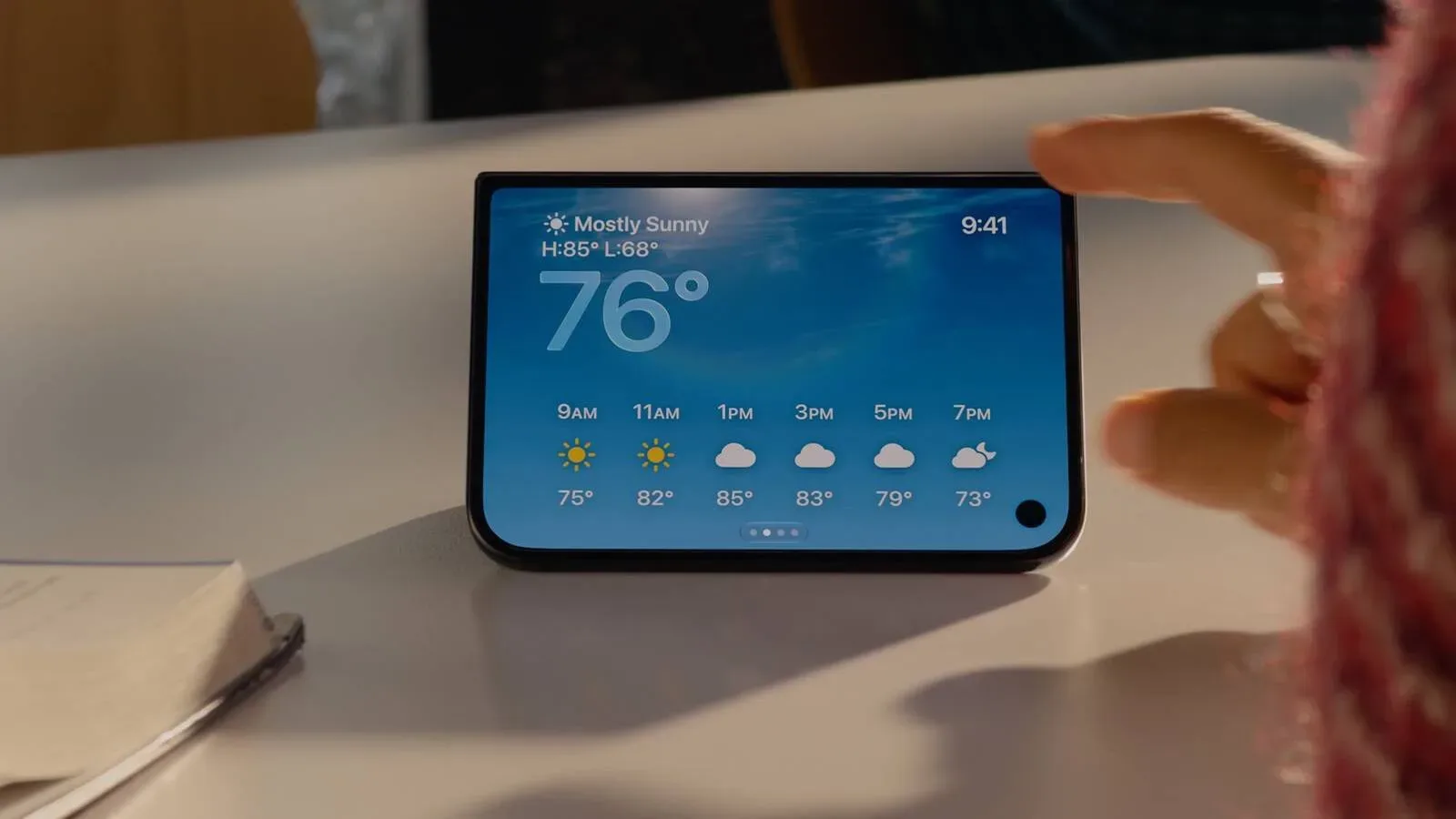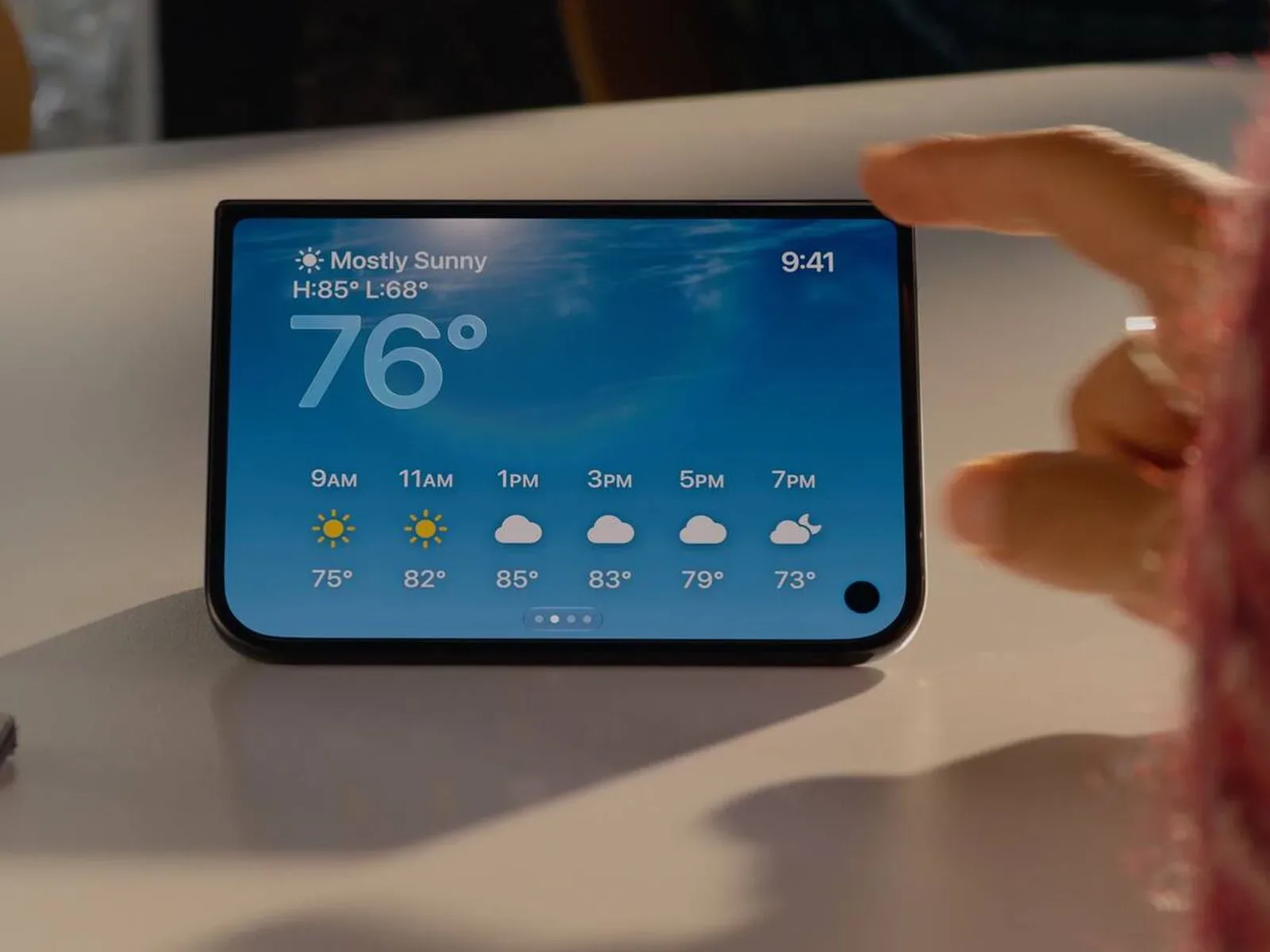
A newly shared look at iPhone Duo software suggests Apple’s revised StandBy experience could be much more than a bedside clock. The apparent iOS 27 interface includes a Home Camera view, a Home Modular option, a Snoopy-themed face, editable colors and styles, plus five widget placements for compatible clock faces.
The most important caveat is that this is not a complete feature list. The material reportedly exposes five StandBy faces that had not previously been detailed, but only several names or purposes are presently clear. That means the Home Camera, Home Modular and Snoopy entries are useful clues to the direction of the interface, not confirmation of every screen, control or limitation that may ship.
StandBy reportedly works without charging on iPhone Duo
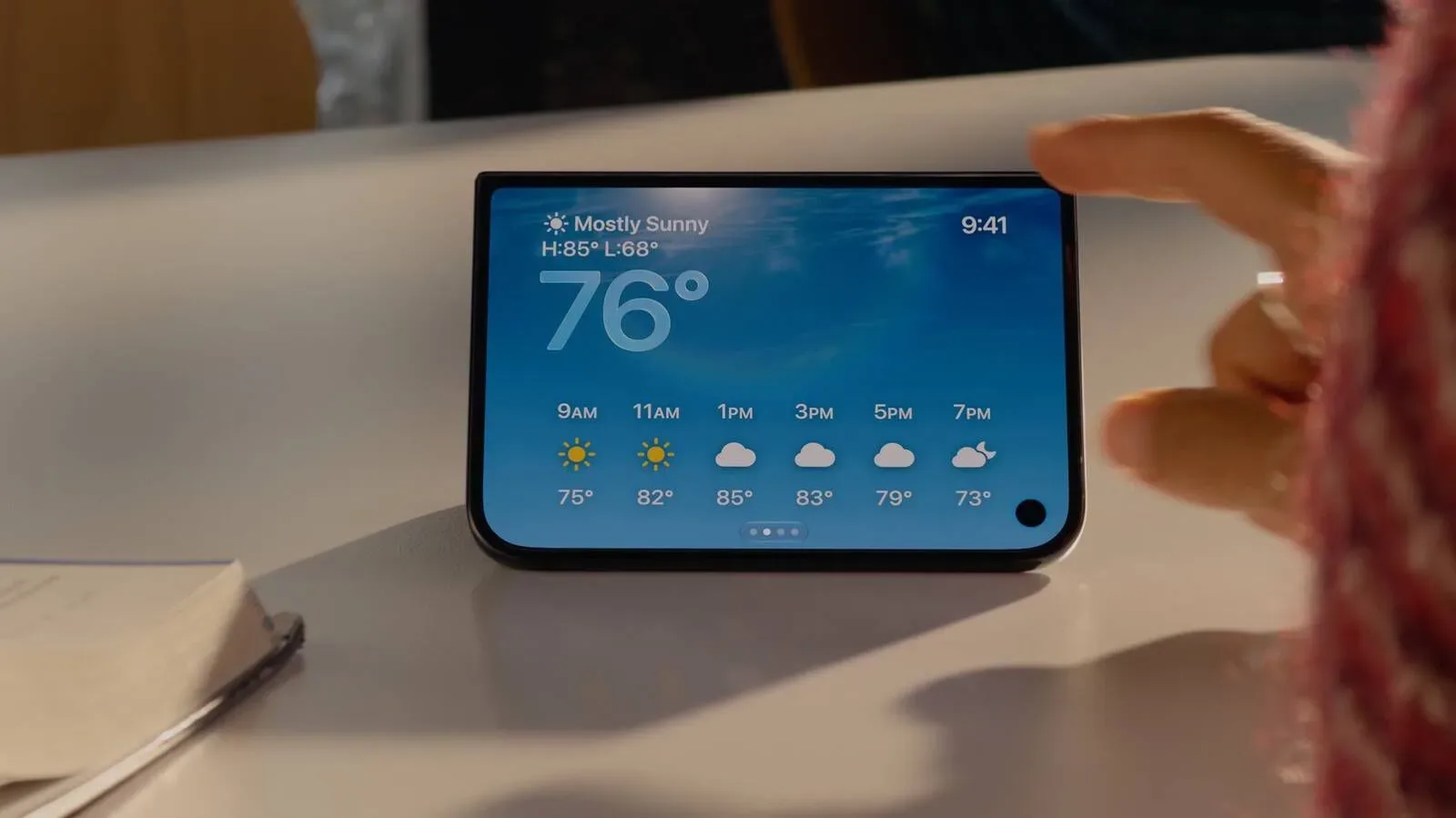
StandBy is the at-a-glance interface that turns an iPhone into a more ambient display, emphasizing information a person can read from nearby rather than an app they must actively operate. The noteworthy change for iPhone Duo is that the mode is said to activate even when the device is not charging.
That distinction matters. A charging-only screen is naturally tied to a desk dock, bedside stand or kitchen counter. Removing that condition potentially makes StandBy useful in more places: propped on a table during a call, positioned nearby while playing on another device, or set beside a television while a user wants a clock and quick information in view.
There is still much that is unknown. The reported material does not establish precisely how StandBy is triggered when unplugged, whether it has extra battery-management requirements, which positions are supported, or how long it remains visible. Those practical details will shape whether the new behavior feels like a genuinely flexible ambient mode or a feature primarily intended for short sessions.
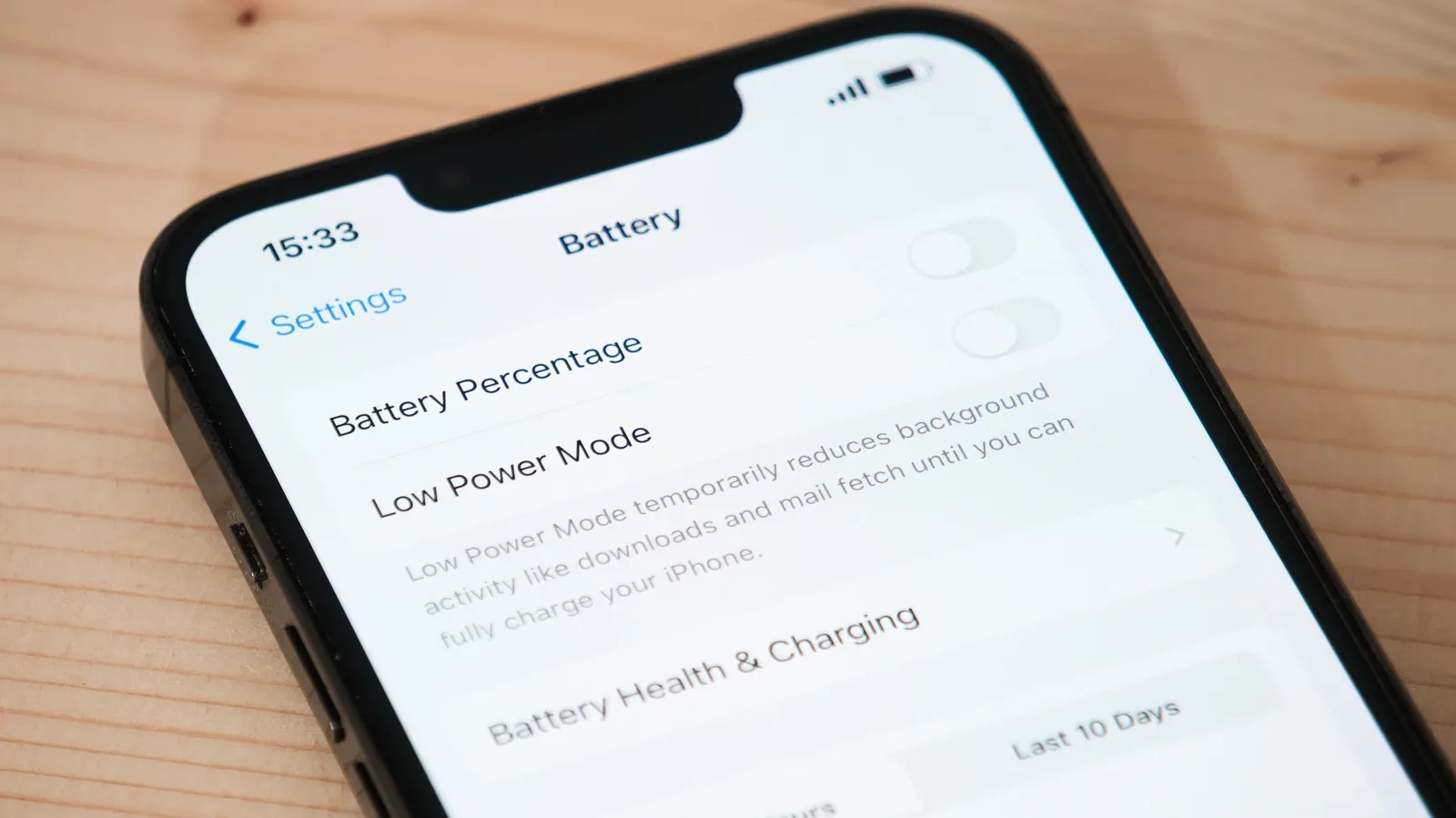
Battery use is the obvious consideration whenever a phone display is intended to remain useful at a glance. Anyone weighing long, screen-on activities should also consider battery condition and power behavior more broadly; battery health can matter during gaming sessions too. Nothing in the reported StandBy material, however, specifies battery-life expectations for the iPhone Duo.
Home Camera could put up to nine feeds on one screen
The clearest newly described utility option is Home Camera. It can reportedly present one camera feed or a grid containing as many as nine feeds. In simple terms, a single-feed view prioritizes a closer look at one location, while a grid trades image size for broader visibility across several cameras.
For households already using connected cameras, that could make an idle iPhone Duo function as a quick monitoring screen rather than merely a clock. A nine-camera grid would be particularly relevant where there are multiple indoor and outdoor views to check at once. Conversely, a single feed could be the cleaner choice when one entrance, room or yard is the main point of attention.
The appearance of a camera-focused face also signals that StandBy may be conceived as a surface for glanceable home information, not solely personal notifications. Still, it would be premature to assume a specific camera service, alert workflow, access permission model, video quality, or always-on monitoring behavior. Those details are not included in the material.
Home Modular suggests controls, but its role is not fully defined
Another option is called Home Modular. Its name strongly indicates a configurable smart-home-control screen, but its exact contents have not been described. “Modular” generally means an interface is assembled from smaller sections or components rather than locked into one fixed layout. In this context, that could mean the screen presents selectable home-related information or controls in distinct areas.
It is a promising idea because home controls are often most convenient when they are visible without opening an app. Yet the reported information does not identify the controls, accessories, room views, or layout rules involved. It also does not say whether Home Modular is one of the customizable widget-capable clock faces or a separate kind of StandBy screen.
That ambiguity is worth preserving. A name can reveal product intent without revealing the finished interaction. For now, Home Modular is best understood as an apparent smart-home-oriented StandBy option, not a fully specified dashboard.
Snoopy adds a more playful face option
Not every StandBy display appears to be utilitarian. A Snoopy-themed face is also reportedly included, adding a character-led alternative alongside home-focused options and clock layouts. The available information does not describe its animation, colors, complications, widgets, or whether it changes over time.
Even without those particulars, its presence makes sense within a broader customization strategy. Ambient screens sit in a room for extended periods, so personality can be as relevant as raw information density. Some users may want a minimal clock; others may prefer home-camera access; still others may choose a visual face that makes the device feel less like a small control panel.
The combination of a Snoopy entry and home-oriented entries suggests that the iPhone Duo version of StandBy is not pursuing one narrow use case. It appears positioned to move between utility, customization and decoration depending on the selected face.
Face editing and swipes could make quick changes less rigid
A face editor is said to let users alter StandBy styles and colors, broadly resembling customization already used for existing iPhone StandBy screens. This is significant because a mode meant to stay visible needs to work in varied rooms and lighting: dark colors may suit a bedside environment, while brighter or more contrast-heavy choices can be easier to read at a distance during the day.
Swipe gestures are also reportedly available for quick visual changes. That implies at least some adjustments can happen directly from the StandBy interface instead of forcing a deeper trip into settings. The report does not detail the gesture directions, what each swipe changes, or whether gestures affect faces, styles, colors, widgets or all of the above.
In interface terms, the difference is between configuration and adjustment. Configuration is the deliberate setup process—choosing a preferred face and arranging its elements. Adjustment is a quick, contextual change after setup, such as moving to another appearance. The described editor and gesture support suggest both may be part of the experience, but the exact division is not yet known.
Five widget layouts are named, though compatibility matters
Clock faces that support widgets will reportedly offer five arrangements: StandBy, Stacked, Top, Middle and Bottom. Widgets are compact app-provided panels designed to surface a small amount of timely information or a quick action. Their placement can substantially change a clock face’s purpose, because a large time display favors fast reading while a widget-heavy layout favors a denser information view.
- StandBy appears to be a dedicated arrangement associated with the mode itself, though its exact structure has not been described.
- Stacked suggests widgets placed one above another, likely emphasizing multiple items in a vertical grouping.
- Top places widget content above the clock area.
- Middle places widget content around the central portion of the display.
- Bottom places widgets beneath the primary clock area.
The placement names tell us more about layout flexibility than about individual widgets. There is no reported list of supported apps, no indication of how many widgets each arrangement allows, and no confirmation that every face accepts every configuration. The key qualifier is that these choices apply to clock faces that support widgets.
That limitation is reasonable in design terms. A highly stylized face, such as a character theme, may prioritize artwork over information density. A conventional digital or analog-style clock may have clearer space for widgets. Until the full interface is shown, it is safest to treat the five names as layout options rather than a promise of universal compatibility.
What remains to be answered before launch
The iPhone Duo is reported to open for pre-orders on October 16, followed by a launch on October 23. As that window approaches, several unresolved points stand out: the full roster of the five newly seen faces, how unplugged StandBy activation works, the extent of Home Modular controls, which cameras can appear in Home Camera, and the precise widget rules.
Those are not minor implementation details. They determine whether StandBy is mainly a nicer-looking clock or an adaptable screen for a home and desk setup. The information currently available supports the latter ambition, especially through camera grids, smart-home implications and multiple widget positions. But it does not yet provide enough detail to judge the feature’s convenience, breadth or power impact in daily use.
For now, the most grounded reading is straightforward: iPhone Duo’s StandBy mode appears set to expand beyond a static charging display, with several new visual faces and a stronger emphasis on customization and home visibility. The remaining unknowns are the parts that will decide how useful that expansion actually becomes.