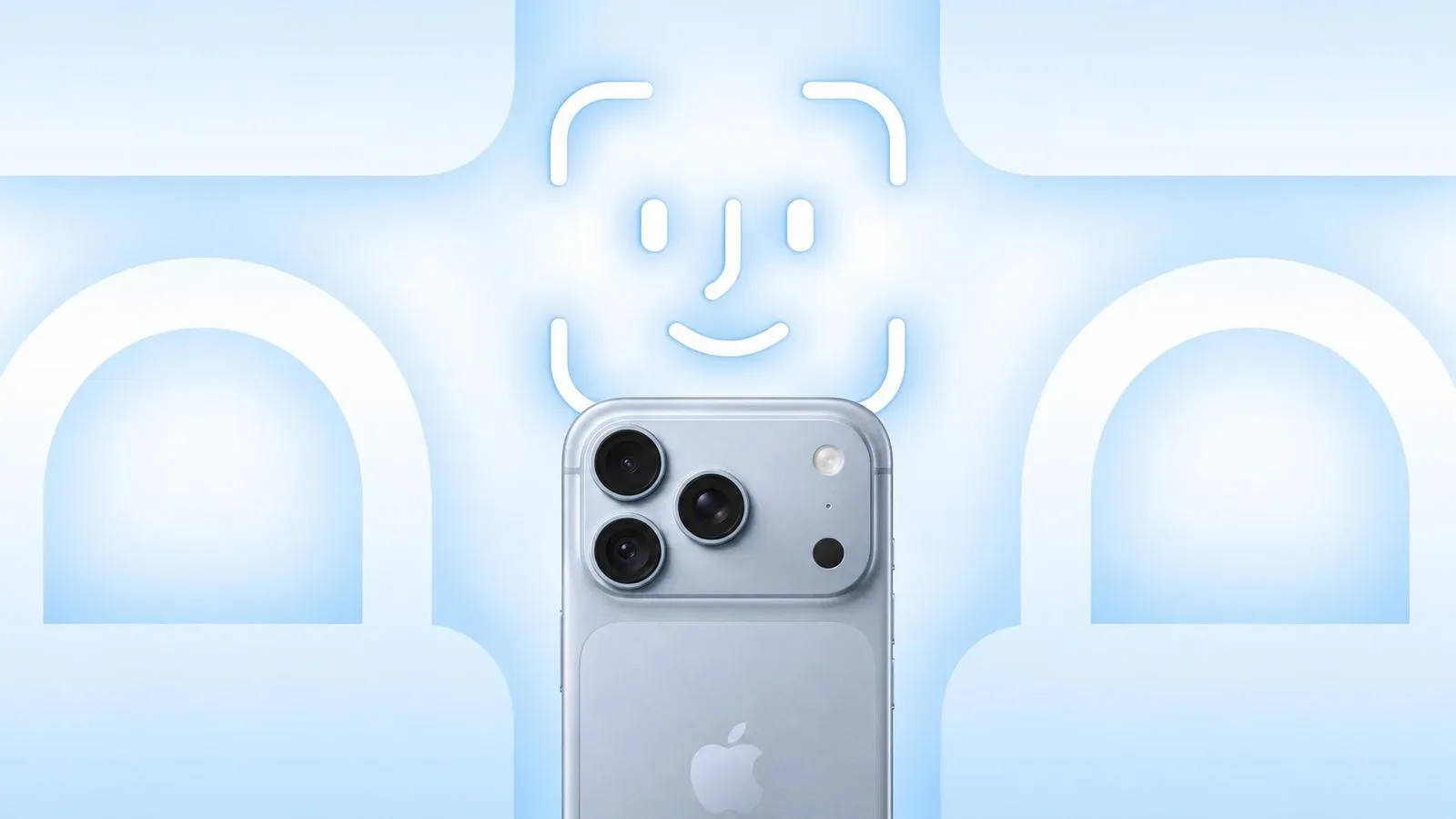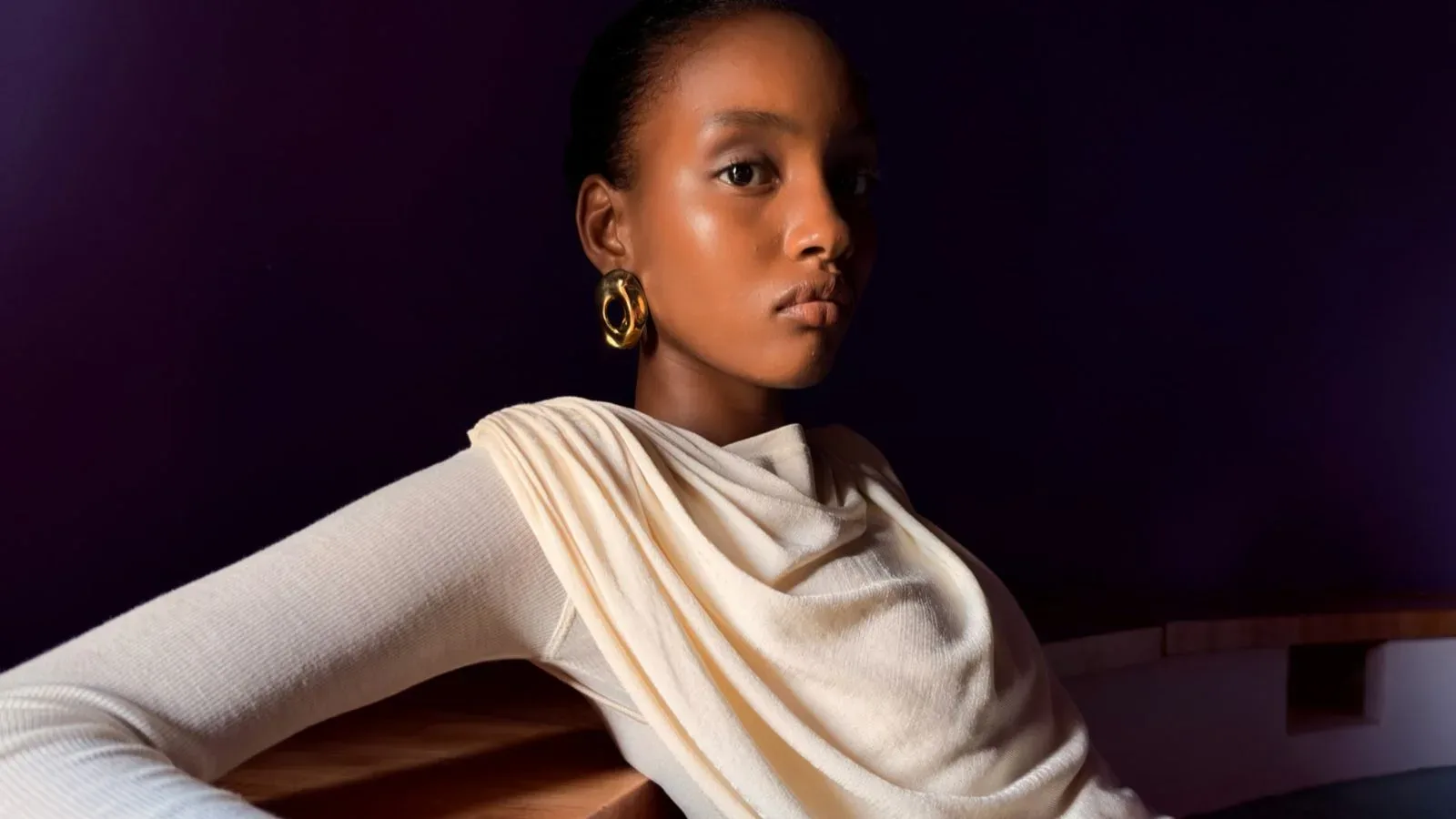
Apple has clarified a significant limitation around the new Texture and Grain controls in Photographic Styles: the adjustments are not broadly available to every iPhone that supports the latest generation of Photographic Styles.
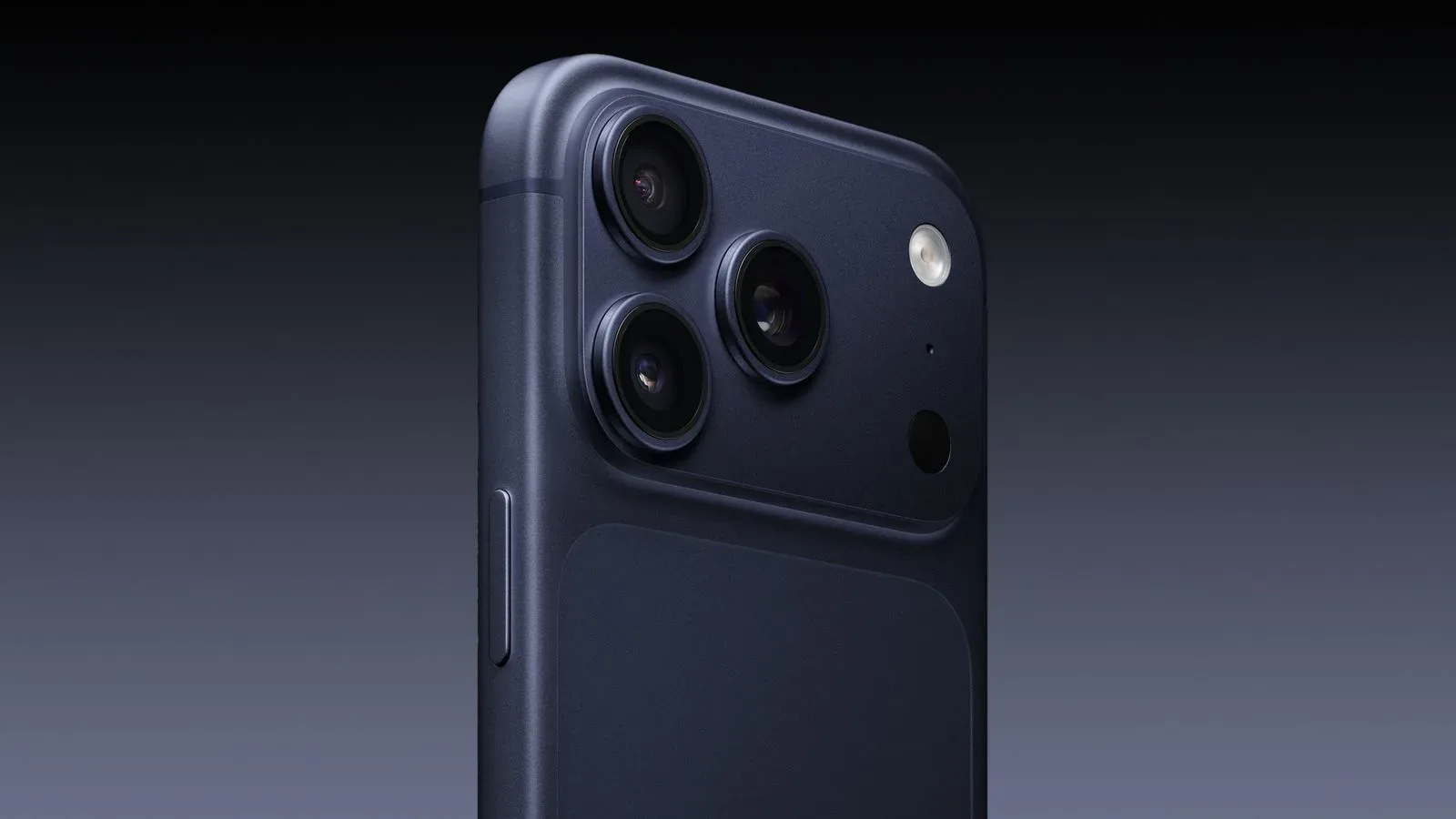
Updated wording now limits Texture and Grain to photos captured on iPhone 18 Pro models. The upcoming iPhone Duo gets a more specific allowance, with support tied to its Ultra Wide, Main, and Center Stage cameras. That is a narrower rollout than an earlier description, which connected the feature to iOS 27 and iPhone models supporting the latest generation of Photographic Styles.
That distinction matters because Apple’s iOS 27 documentation identifies a much larger group of phones as supporting the latest-generation version of Photographic Styles: the iPhone 16 series, iPhone 17 series, iPhone Air, and iPhone 18 Pro models. In other words, support for the overall Photographic Styles system does not automatically mean support for every new control added under that banner.
What changed in Apple’s wording
The initial launch description for the iPhone 18 Pro and iPhone 18 Pro Max said the Texture and Grain controls would arrive in iOS 27 on iPhones capable of using the latest generation of Photographic Styles. Read alongside the device list in the iOS 27 User Guide, that phrasing could reasonably lead owners of iPhone 16-series, iPhone 17-series, and iPhone Air devices to expect access.
The footnote attached to Apple’s iPhone 18 Pro announcement has since been changed. It now states that Texture and Grain are available only for photos taken on iPhone 18 Pro models, while iPhone Duo compatibility applies specifically to the Ultra Wide, Main, and Center Stage cameras.
The iOS 27 User Guide is even more direct on the texture portion of the feature. Its instructions say that changing a photo’s texture can be done on iPhone 18 Pro models.
The practical reading is straightforward: owners of older phones that offer the latest-generation Photographic Styles should not assume that iOS 27 will add the new Texture and Grain sliders to their camera workflow. The platform feature and these particular adjustments have separate hardware eligibility rules.
Photographic Styles versus Texture and Grain
Photographic Styles are Apple’s camera look controls. They are described as tone presets that alter a photo’s color and warmth while preserving skin tones. Rather than treating the setting as a simple colored filter layered over an already-made picture, the idea is to establish a preferred rendering style for photos taken with the iPhone camera.
Texture and grain are different creative levers within that wider photographic language.
- Texture generally refers to the perceived surface detail and definition in an image. Adjusting it can affect how pronounced fine detail feels, such as fabric, foliage, walls, hair, or other visibly detailed areas.
- Grain refers to an intentionally film-like speckled character. It can be used to make a digital image feel less clinically smooth or to complement a particular stylized look.
- Tone concerns the balance of light and dark values.
- Warmth describes the overall balance between warmer hues and cooler hues in an image.
Those explanations should not be confused with a promise about exact results or an endorsement of one look over another. The important point is that the newly clarified controls add creative choices beyond the basic color-and-warmth adjustments associated with Photographic Styles. Apple has now tied those choices to a much smaller device list.
Why the overlap was easy to misunderstand
The confusion comes from two phrases that sound closely related but describe different things: “latest generation of Photographic Styles” and the new “Texture and Grain controls.” When a company says a control will be available on devices that support a named generation of a system, readers naturally tend to treat the system’s compatibility list as the control’s compatibility list.
Here, however, Apple’s revised footnote creates a clear split. Several iPhone families can support the latest generation of Photographic Styles, but Texture and Grain are not enabled across that whole set. The feature is restricted to iPhone 18 Pro photos, with the stated iPhone Duo camera exceptions.
For prospective buyers, it is a useful reminder to separate three questions that marketing language can sometimes compress into one:
- Does a phone support the broader camera system?
- Does it support a particular new adjustment within that system?
- If it does, which cameras can actually use it?
The iPhone Duo is particularly important on that final point. Apple’s revised language does not simply say that the device supports the controls in every shooting situation. It names the Ultra Wide, Main, and Center Stage cameras. Anyone comparing models should treat that as a camera-specific compatibility note, not as a blanket assumption about every lens or capture mode.
What iPhone owners should do with this information
If Texture and Grain are a meaningful part of someone’s photo-editing or capture preferences, the safest approach is to check both the model and the camera being used. iPhone 18 Pro owners are the clearest audience for the controls based on the current documentation. iPhone Duo users should look to the named Ultra Wide, Main, and Center Stage cameras. Owners of iPhone 16-series, iPhone 17-series, and iPhone Air devices can still have latest-generation Photographic Styles without receiving these particular additions.
That does not make Photographic Styles on those older supported devices irrelevant. It simply means the common feature name should not be used as a shortcut for a complete capability list. A person may still be able to choose a style affecting color and warmth while being unable to alter texture or grain through the new controls.
It is also worth distinguishing camera capture options from edits that may be possible elsewhere. Apple’s documentation discussed here is specifically about Texture and Grain within Photographic Styles and its listed iPhone support. It does not establish what third-party camera apps or separate photo-editing tools can or cannot do on other devices. Buyers and photographers should avoid turning a limitation in this one Apple camera feature into a broader claim about all image editing on an iPhone.
A documentation lesson, not just a camera footnote
The updated wording is consequential because camera software features have become a major part of how phones are differentiated. Hardware names alone do not communicate every boundary. A device may run the newest operating system, support an umbrella camera feature, and still miss one high-profile control introduced alongside a newer model.
Precise compatibility notes therefore carry as much weight as the headline feature description. “Available in iOS 27” describes the software release, but it does not identify the supported hardware. “For models that support the latest generation of Photographic Styles” sounds like a hardware qualifier, but Apple’s subsequent revision shows that it was not a complete one for Texture and Grain.
For shoppers deciding whether an iPhone camera upgrade is worthwhile, the more useful question is not whether iOS 27 is available for their phone. It is whether the exact imaging tool they care about is available on their model and, where relevant, on their preferred camera. That same careful reading applies to other iPhone features whose access can depend on a particular model, sensor, lens, or mode.
Apple has previously been the subject of reporting around other device-specific iPhone functionality, including a reported AutoLock security system. The broader takeaway is not that every capability will be restricted in the same way, but that feature labels need to be read alongside the qualifying language attached to them.
The bottom line for iOS 27 camera users
Apple’s present documentation gives Texture and Grain a limited home. The controls are available for photos captured on iPhone 18 Pro models. On the upcoming iPhone Duo, they are available with the Ultra Wide, Main, and Center Stage cameras. The iPhone 16 series, iPhone 17 series, and iPhone Air remain listed as devices supporting the latest generation of Photographic Styles, but that support does not extend to these newly clarified adjustments.
It is a small wording change with a real effect on expectations. Photographic Styles remains the umbrella, but Texture and Grain sit behind a narrower gate.